
MindBackOut - App Distraction
Block apps for a while
iPhone, iPad için tasarlandı
Ücretsiz · Uygulama içi satın alma
- Yaş sınırı4+
- KategoriSağlık ve Fitness
- GeliştiriciKentaro Yamauchi
- Dillerİngilizce+ 6 dil daha
- Boyut2,5 MB
Resmi App Store sayfasına bağlanır
Download.org, MindBackOut - App Distraction için hiçbir dosya barındırmaz. Düğme, uygulamanın App Store üzerindeki sayfasını açar; uygulamayı orada Kentaro Yamauchi yayınlar. Sayfanın son kontrolü: 15.11.2026.
Ekran görüntüleri


Hakkında
Geliştirici bu metni dilinizde sunmamış.
MindBackOut is a Mental Step tool for blocking apps when you need some distance. It is part of Mental Background OS.
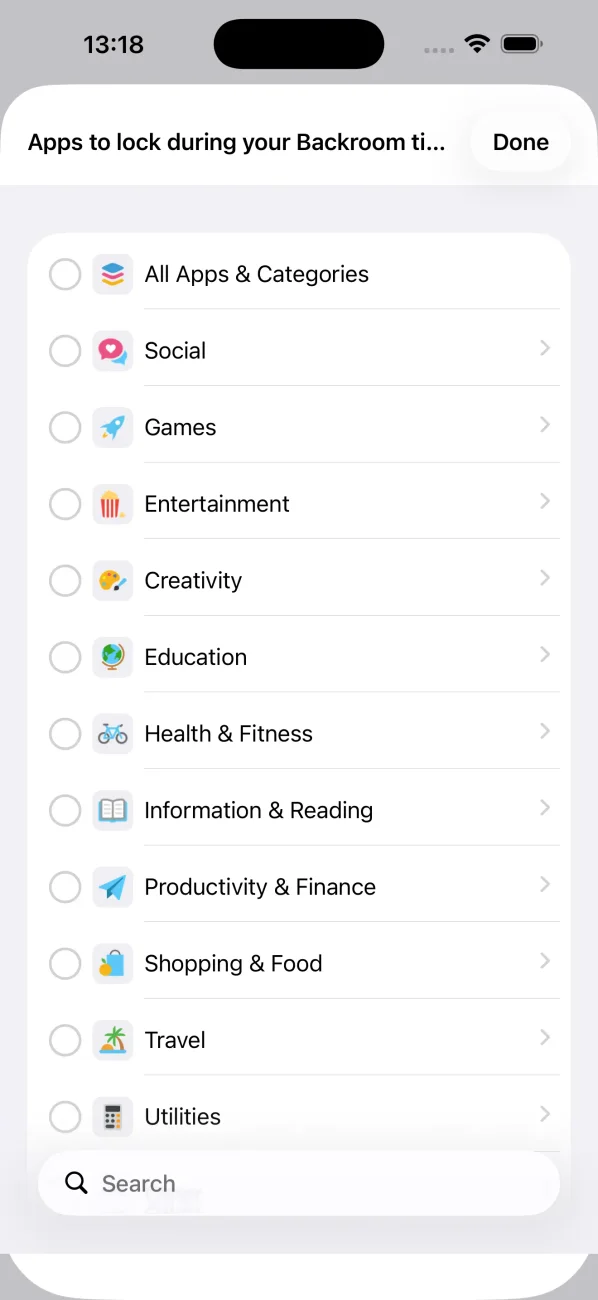
Choose the apps.
Block access for a while.
Decide what happens before they become available again.
Enter Backroom.
Continue with Mental Steps.
Or simply create some distance from selected apps.
CREATE SOME DISTANCE FROM APPS
Work apps.
Social apps.
Games.
Messages.
Anything you choose.
MindBackOut doesn't decide which apps are distractions.
You choose the apps you want some distance from and temporarily block access to them.
You are not deleting them.
You are not deciding they are bad.
You are simply creating a boundary for a while.
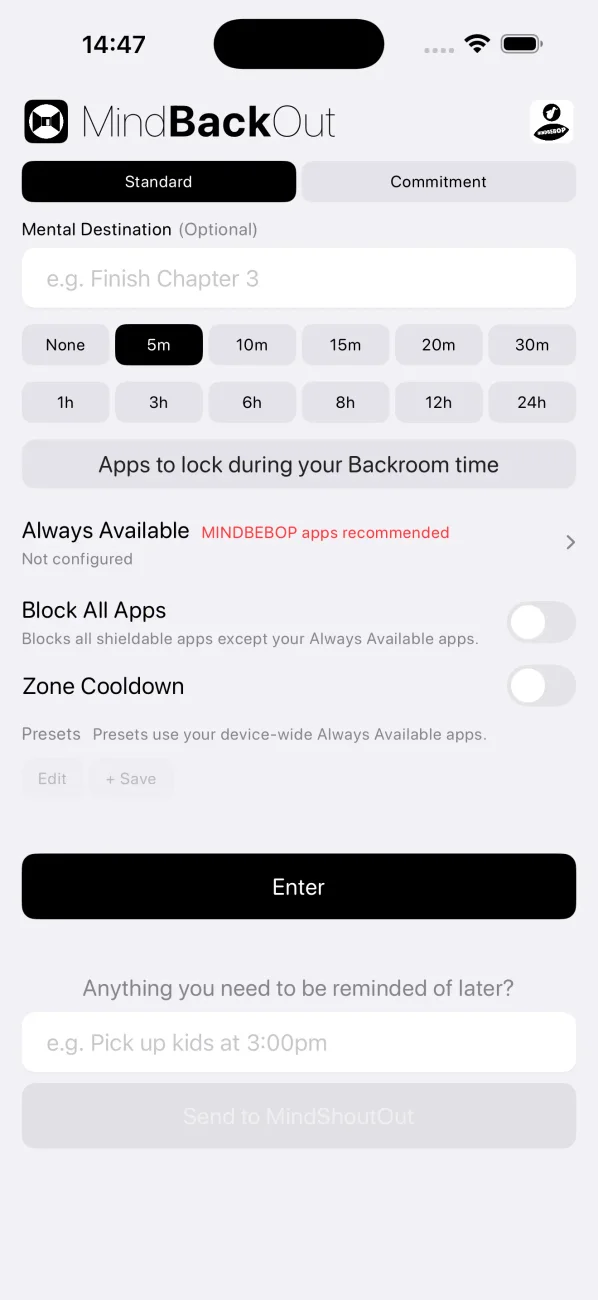
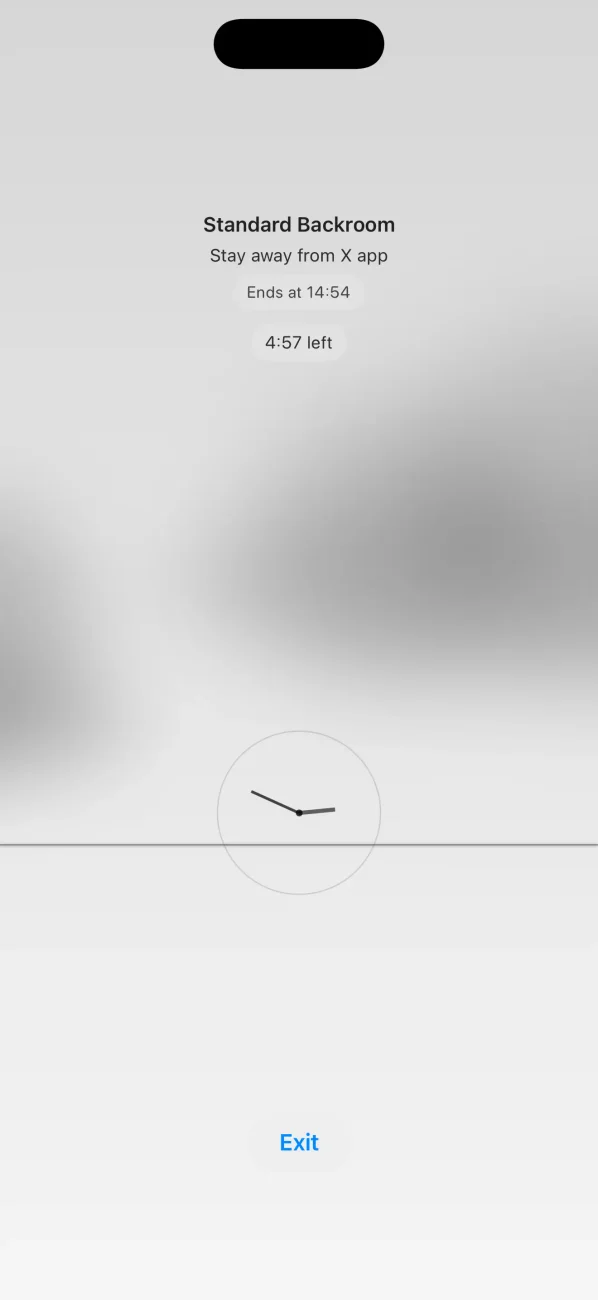
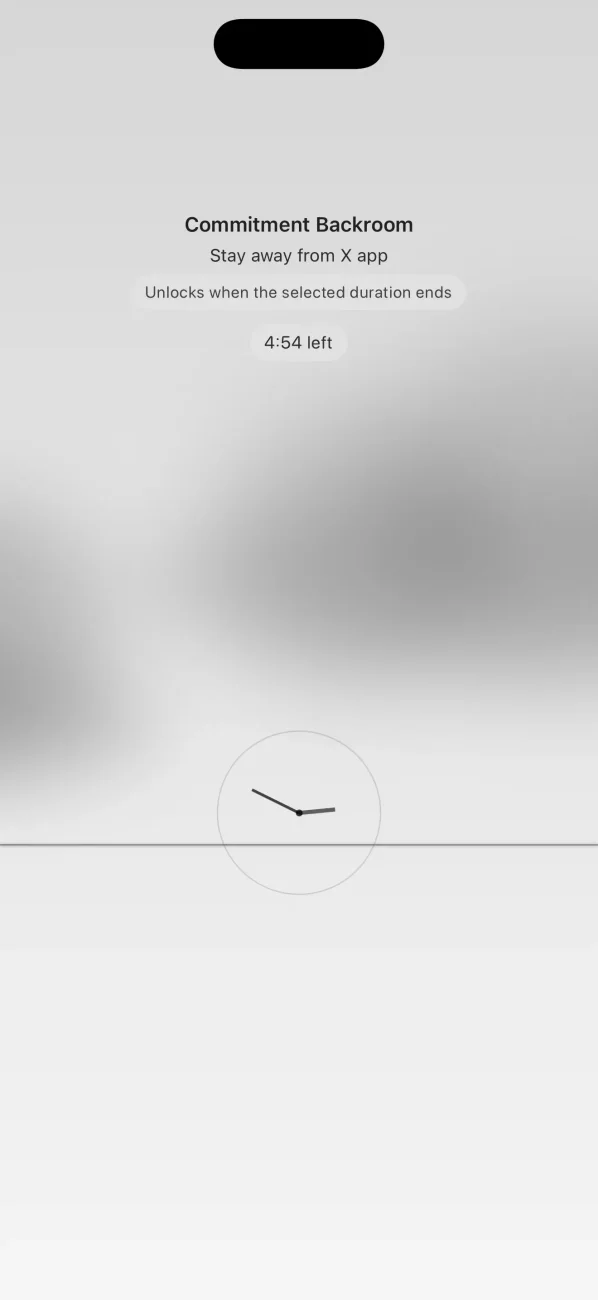
BACKROOM
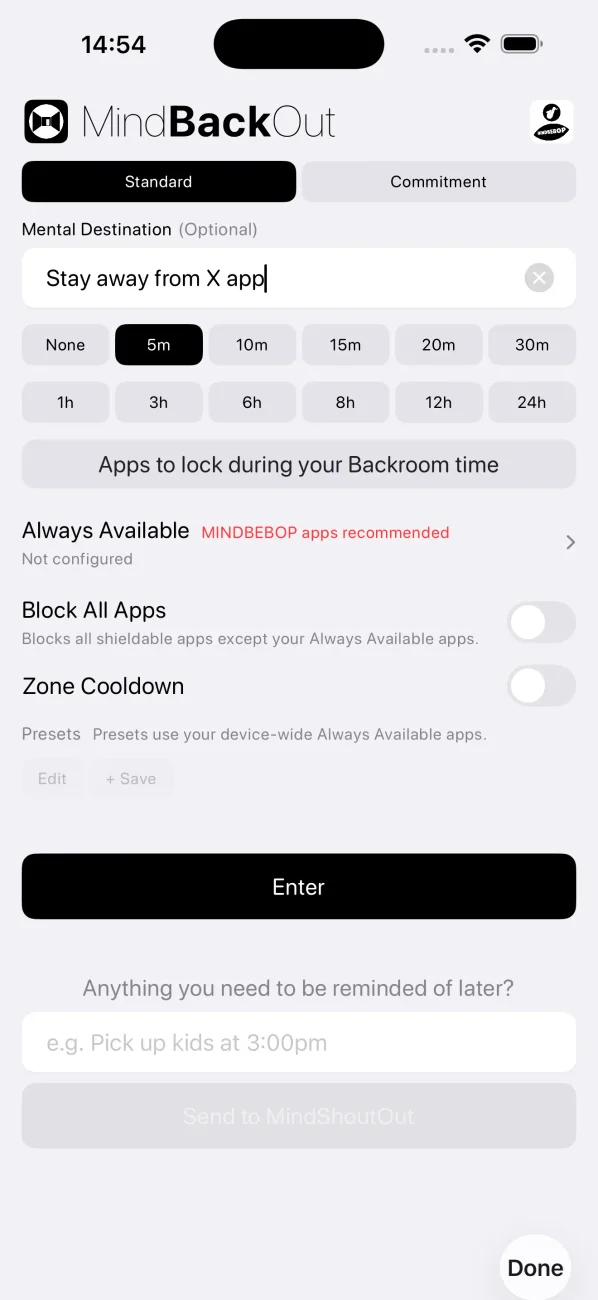
Choose selected apps to block and enter Backroom.
While you are there, those apps remain unavailable.
You can give Backroom a Mental Destination — what you want this time away from the selected apps to be for.
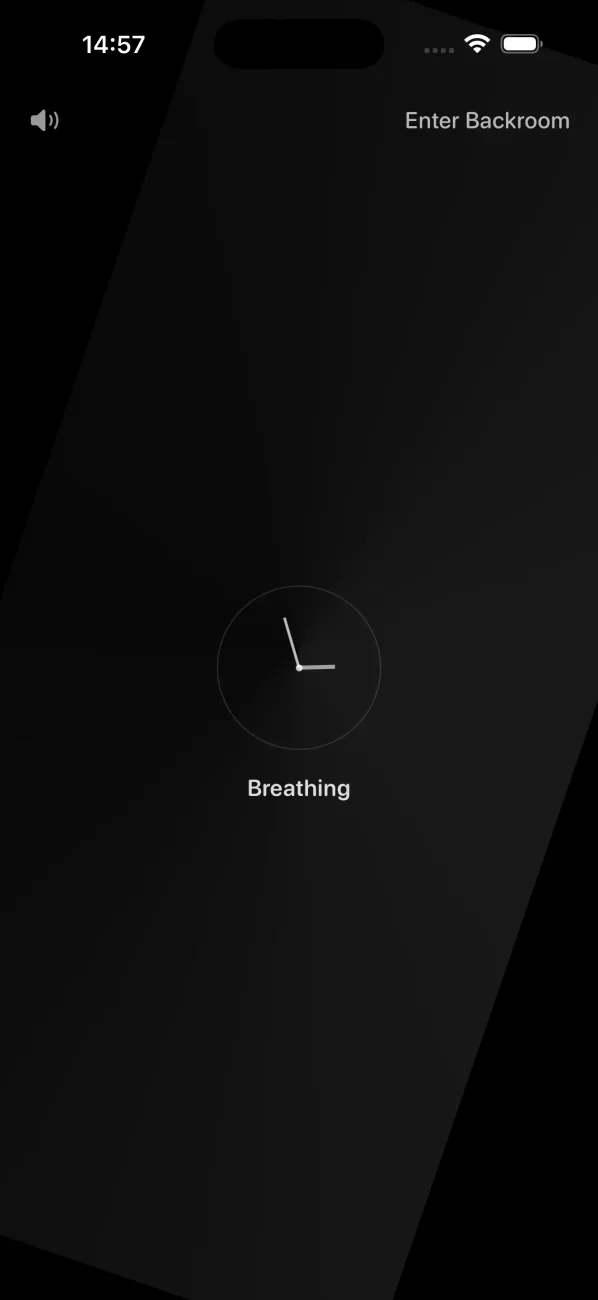
There is no feed and nothing to perform inside Backroom.
In Standard mode, you can unlock the apps when you choose.
In Commitment mode, the apps remain blocked until the time you chose is complete.
APP BLOCKING WITH MENTAL STEPS
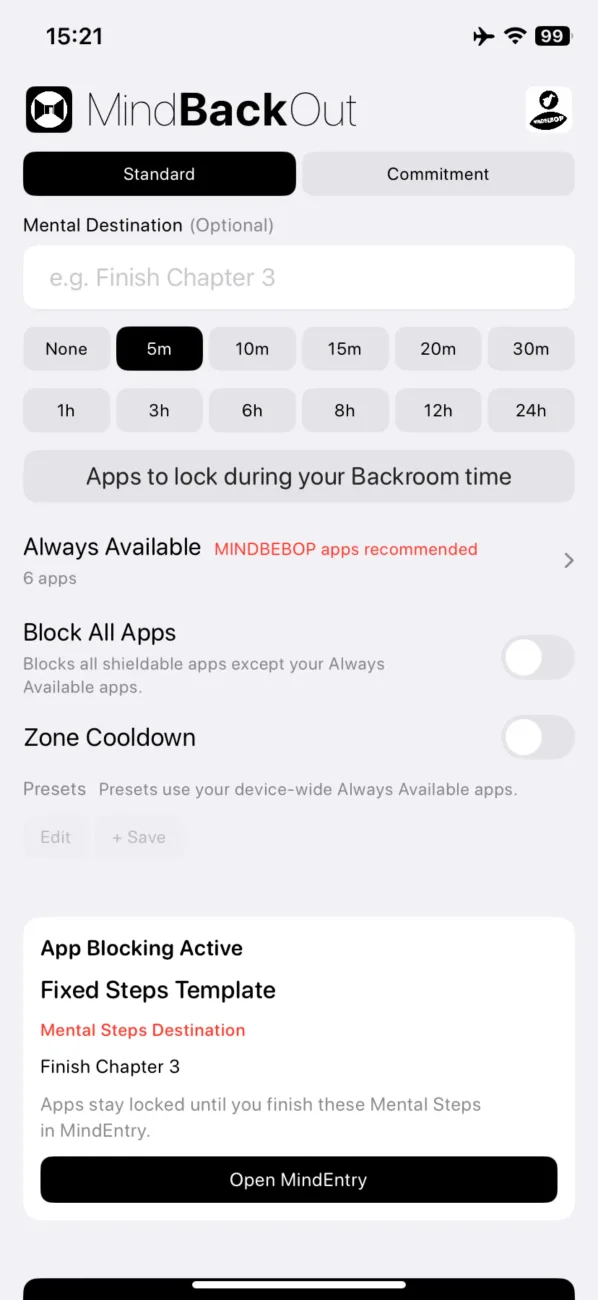
MindBackOut can keep selected apps blocked while Mental Steps are running in MindEntry.
When App Blocking starts, MindBackOut applies the boundary and returns you to MindEntry so you can continue navigating.
Your current Mental Steps Destination stays reflected in MindBackOut while protection is active.
The selected apps remain blocked until the Mental Steps protection ends. MindBackOut then removes the boundary and returns you to MindEntry.
The purpose isn't to force productivity.
You choose what you want to protect and when you want the boundary.
MINDBACKOUT INSIDE MENTAL STEPS
MindBackOut can also be used as a Mental Step within Mental Steps in MindEntry.
Mental Steps can send you into MindBackOut and then return you to the same active Mental Step when you're ready to continue.
OPTIONAL ZONE COOLDOWN
After a MindBackOut session, you can move into a quiet Zone in MindZoneOut before returning to whatever comes next.
CROSS-DIMENSIONAL HANDSHAKE
Advanced users can optionally connect supported App Blocking state transitions to HTTPS webhooks.
MINDBEBOP sends the signal.
You decide where it goes.
PART OF MINDBEBOP
MINDBEBOP is a modular system designed to reduce Thought Noise, support Mental Navigation, and anchor successful mental states.
MindBackOut is one Mental Step tool within that system. It creates temporary boundaries around app access while leaving the reason for that boundary up to you.
DESIGNED TO STAY LIGHTWEIGHT
• 100% free
• No subscriptions
• No account required
• No tracking
• No analytics
• No algorithms
• Everything stays on your device
• Optional tips are available if you'd like to support a solo developer
MindBackOut doesn't require you to become more productive or use your time in a particular way.
Sometimes you simply want some distance from an app.
Sometimes you want that boundary to last for a time you chose.
Sometimes you want a boundary around Mental Steps you're already taking.
You choose the boundary.
You choose what it's for.
Terms of Use (EULA):
https://www.apple.com/legal/internet-services/itunes/dev/stdeula/
Yenilikler
Sürüm 2.5.2 · 06.10.2026
• Removed the First Move mode. The First Move remains available in MindEntry as Mental Steps.
• Improved MindEaseOut so your thought appears briefly, then gradually fades away.
• Improved Cross-Dimensional Handshake support for Mental Steps.
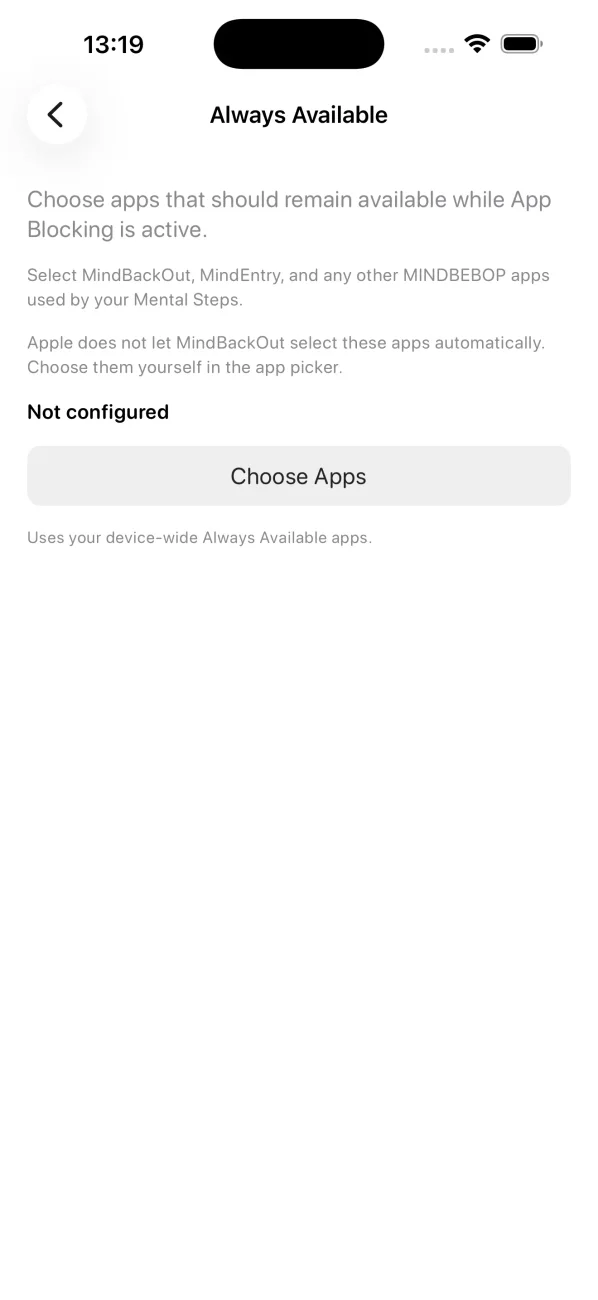
• Improved the Home screen layout and guidance for Always Available apps and Presets.
• Minor fixes and improvements.
Uygulama gizliliği
Bu uygulamanın verileri nasıl işlediği hakkında Kentaro Yamauchi tarafından App Store üzerinde yapılan beyan.
-
Veri toplanmıyor
Geliştirici bu uygulamadan hiçbir veri toplamıyor.
Gizlilik uygulamaları, örneğin kullandığınız özelliklere veya yaşınıza göre değişiklik gösterebilir.
Bilgiler
- Satıcı
- Kentaro Yamauchi
- Kategori
- Sağlık ve Fitness
- Sürüm
- 2.5.2
- Güncellendi
- 06.10.2026
- Yayın tarihi
- 30.03.2026
- Boyut
- 2,5 MB
- Gereksinim
- iOS 17.0 veya sonrası
- Yaş sınırı
- 4+
- Fiyat
- Ücretsiz
- Uygulama içi satın alma
- Evet
- Diller
- İngilizce, Fransızca, Almanca, Japonca, Korece, Portekizce, İspanyolca
- Telif hakkı
- © 2026 MINDBEBOP
Bunları da beğenebilirsiniz
-
 RecupeTıp
-
 Liftin' - Gym Workout TrackerSağlık ve Fitness
-
 Yoga Time: For Beginners & AllSağlık ve Fitness
-
 Rosebud: AI Journal & DiarySağlık ve Fitness
-
 (Not Boring) HabitsSağlık ve Fitness
-
 Scout - Sağlık AnaliziSağlıklı alternatifler
-
 Motra AI Workout Fitness CoachSağlık ve Fitness
-
 Glo | Yoga and Meditation AppSağlık ve Fitness
-
 Xeela: Weight Loss & FitnessSağlık ve Fitness
-
 Herbalife ShopSağlık ve Fitness