Mindscope 2
Organize your mind
iPhone, iPad, Mac için tasarlandı
Ücretsiz · Uygulama içi satın alma
- Yaş sınırı4+
- KategoriÜretkenlik
- GeliştiriciJohn Goering
- Dillerİngilizce+ 9 dil daha
- Boyut18,1 MB
Resmi App Store sayfasına bağlanır
Download.org, Mindscope 2 için hiçbir dosya barındırmaz. Düğme, uygulamanın App Store üzerindeki sayfasını açar; uygulamayı orada John Goering yayınlar. Sayfanın son kontrolü: 14.11.2026.
Ekran görüntüleri
Hakkında
Geliştirici bu metni dilinizde sunmamış.
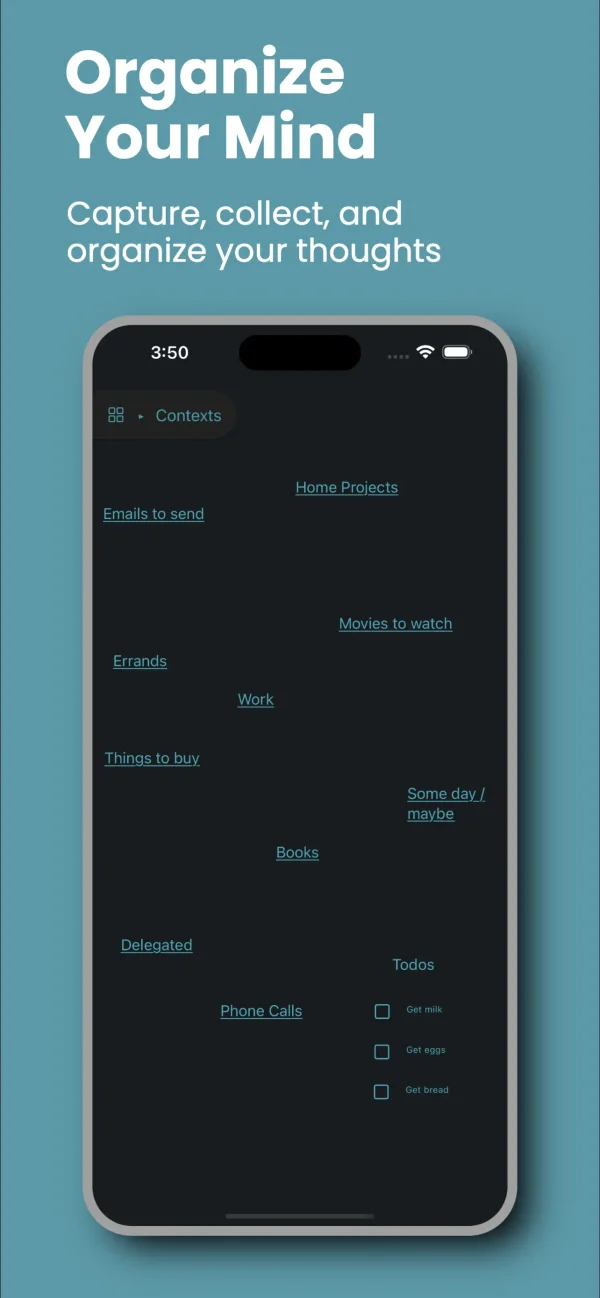
Mindscope 2 is the fastest way to capture your thoughts and keep them organized. A fluid, visual mind-mapper and outliner in one, built entirely with SwiftUI and running on iPhone, iPad, Mac, and even Apple Watch.
Create entries to capture your thoughts anywhere on a simple and elegant free-form text canvas, drag them around, and tap to zoom into an entry to enter its own space to add sub-entries, for as many levels as you want. Use the "breadcrumb bar", or a quick pinch gesture to jump up a level.
Some highlights:
• Free-form visual boards with smooth, speefy navigation.
• Instant outlining. Drag your entries to reorder, nest, and shape ideas.
• Multiple boards for different projects. Entries saved where you want them.
• Entry types: text, links (including deep links to other apps!), todos, and long-form notes.
• Drag open a selection rectangle for moving and styling multiple entries at once. Long-press for context menus.
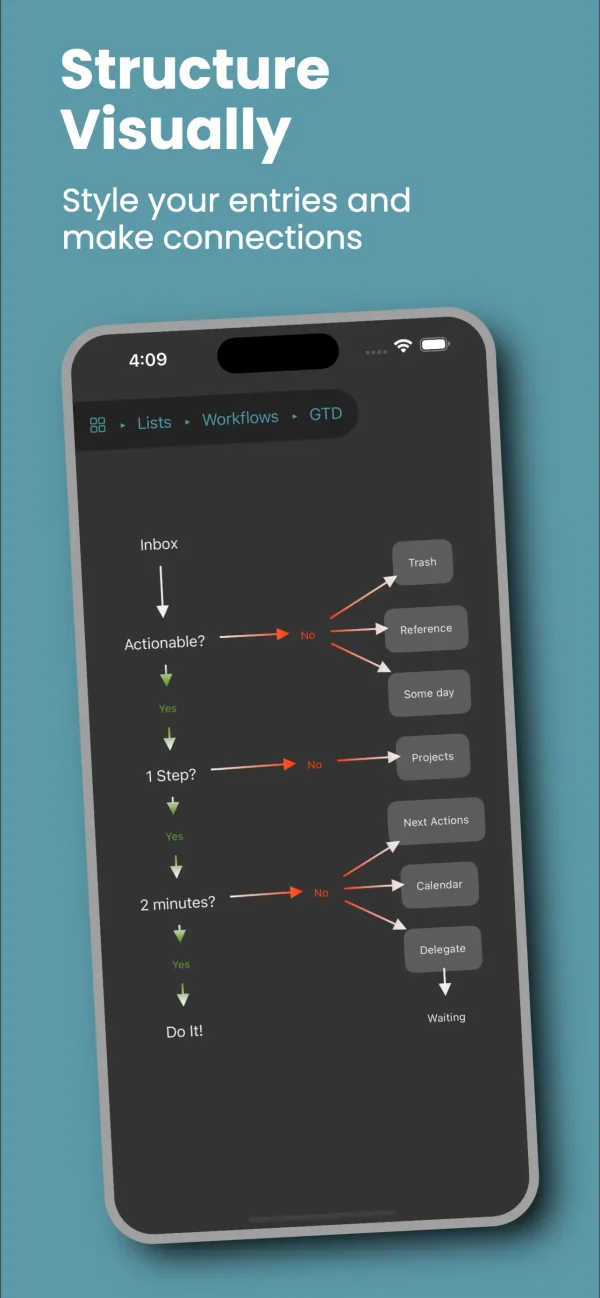
• Draw lines and arrows between entries. Customize arrowheads.
• Smart Undo/Redo of your changes.
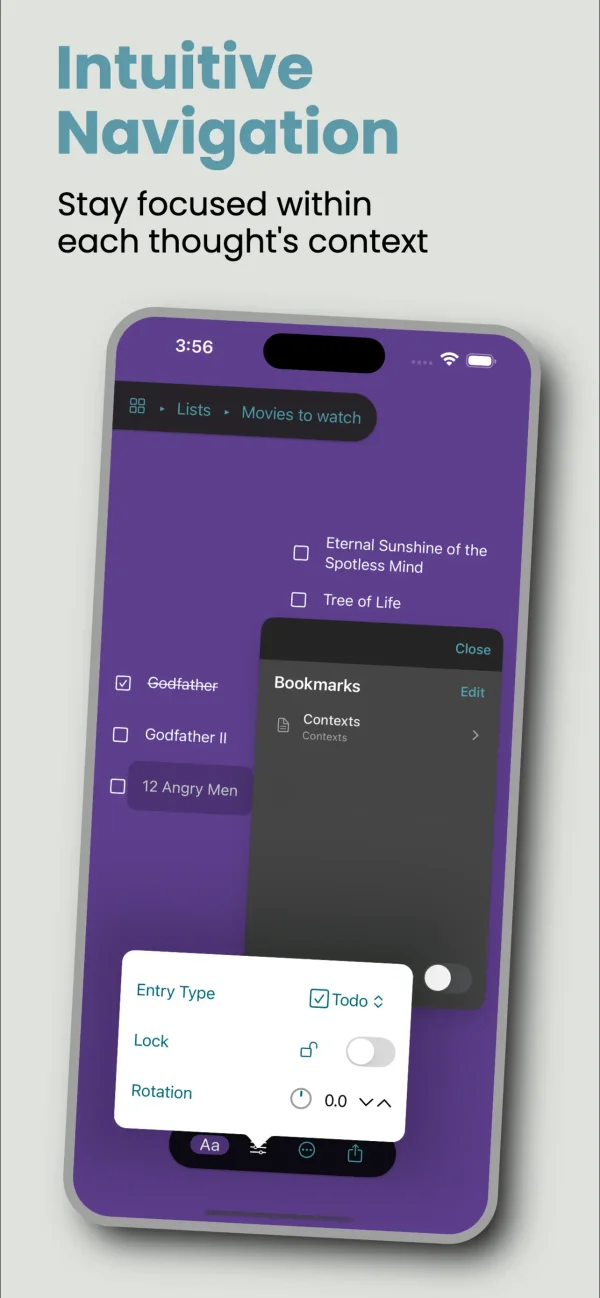
• Set bookmarks for quick access to key entries.
• Lock entries you don’t want to move or enter into.
• Rich styling: fonts, colors, backgrounds, rotations. Preserved in exports.
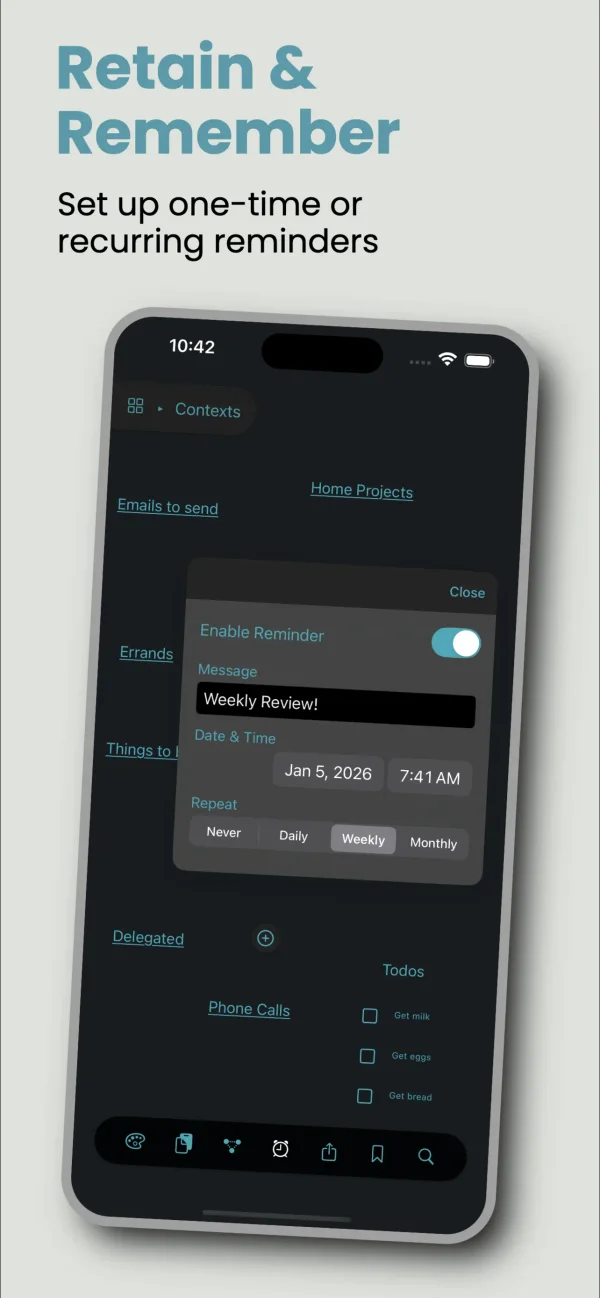
• Reminders on any entry: one-time or repeating. Notifications will then pop up which take you straight to the item.
• Multi-window support on iPad and Mac. Full keyboard shortcuts and native menus.
• iCloud (CloudKit) sync. Work offline and catch up later.
• Intelligent paste with local Apple Intelligence: automatically summarize pasted text into tidy, titled bullet hierarchies.
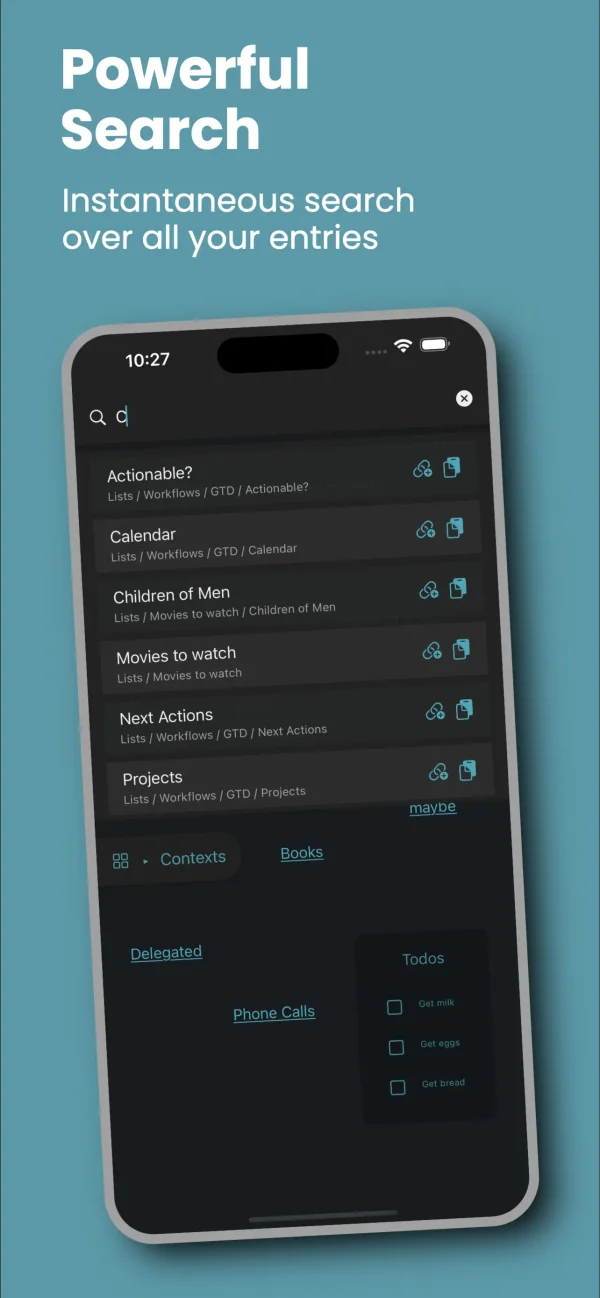
• Instant global search across all your entries.
• Gorgeous liquid glass UI.
Exporting makes sure you retain complete control of your data:
• Mindscope archive (.mindscope2)
• OPML (supported by most mind-mapping apps)
• Bullet-list text
• PDF (multi-page optional)
• PNG (per board)
• Interactive single-file HTML export that mirrors the real app, complete with navigation, styling, lines, and todos, and works offline in any browser.
Importing works too. Open .mindscope2 files into new top-level boards, or bring in OPML with formatting, positions, metadata, and line connections preserved.
Mindscope 2 is completely free to use with all the way up to 200 entries and 2 boards. All features, all export options, all syncing included. When you get close to the limits, you’ll see gentle upgrade prompts to get the Pro version either as a subscription or a one-time purchase. Mindscope Pro unlocks unlimited boards and entries and there is a 14-day trial as well for the monthly/yearly plans. Early adopters get the low prices locked in.
Apple Watch app included for a synced, streamlined list view on the wrist.
I made Mindscope 2 for my own usage, with my primary focus being speed and focus, for getting thoughts out of my head, organized, and easily accessible later. Try it for free and see if your brain doesn't feel just a bit lighter after using it a bit.
(EULA: http://www.apple.com/legal/itunes/appstore/dev/stdeula)
Yenilikler
Sürüm 1.0.3 · 09.10.2026
Images are full Mindscope entries! Adding images is easy - paste an image, or drag and drop one from anywhere.
- Pick from Photos or Files using the board toolbar, or right-click on the Mac.
- Drop several images at once to get one entry for each.
- Resize with a drag, with the aspect ratio locked or unlocked.
- Adjust Image: zoom in up to 400%, pan, and choose a rectangle, rounded or circle frame.
- Open any image full screen to see the details.
- They sync across iPhone, iPad and Mac with iCloud.
- They’re included when you export to Mindscope files, PNG, PDF and interactive HTML.
- Mindscope optimizes each image automatically, so your boards stay fast
Also new:
- Mac: connect your AI assistant. Turn on the MCP server in Settings (off by default), and local AI clients like ChatGPT or Claude can read and organize your boards for you.
- iPhone Duo: unfold your iPhone when a single entry is selected to zoom right into the selected entry, and fold it again to step back out.
Improvements and fixes
- New devices no longer create a second Welcome board after syncing with iCloud.
- Text stays readable when you switch between light and dark mode.
- Changing colors with several entries selected no longer changes the wrong entries.
- Bold italic text now keeps its bold when you change the font or export.
- Exporting several selected entries now includes all of them.
- Clearer messages about your Pro status, with fixes for subscription edge cases.
- Lines line up more precisely with their entries.
- Better translations across all 10 languages.
- Many more stability fixes.
Uygulama gizliliği
Bu uygulamanın verileri nasıl işlediği hakkında John Goering tarafından App Store üzerinde yapılan beyan.
-
Veri toplanmıyor
Geliştirici bu uygulamadan hiçbir veri toplamıyor.
Gizlilik uygulamaları, örneğin kullandığınız özelliklere veya yaşınıza göre değişiklik gösterebilir.
Bilgiler
- Satıcı
- John Goering
- Kategori
- Üretkenlik
- Sürüm
- 1.0.3
- Güncellendi
- 09.10.2026
- Yayın tarihi
- 19.12.2025
- Boyut
- 18,1 MB
- Gereksinim
- iOS 18.0 veya sonrası
- Yaş sınırı
- 4+
- Fiyat
- Ücretsiz
- Uygulama içi satın alma
- Evet
- Diller
- İngilizce, Fransızca, Almanca, İtalyanca, Japonca, Korece, Portekizce, Rusça, Basitleştirilmiş Çince, İspanyolca
- Telif hakkı
- © 2025