Next Slide Please
Control slides together, live
iPhone, iPad, Mac için tasarlandı
Ücretsiz · Uygulama içi satın alma
- Yaş sınırı4+
- Kategoriİş
- GeliştiriciAsociația unPi pentru Școlari
- Dillerİngilizce
- Boyut20,2 MB
Resmi App Store sayfasına bağlanır
Download.org, Next Slide Please için hiçbir dosya barındırmaz. Düğme, uygulamanın App Store üzerindeki sayfasını açar; uygulamayı orada Asociația unPi pentru Școlari yayınlar. Sayfanın son kontrolü: 12.11.2026.
Ekran görüntüleri


Hakkında
Geliştirici bu metni dilinizde sunmamış.
It's time to retire "Next slide please", "Let's move on" and all those awkward verbal cues during presentations.
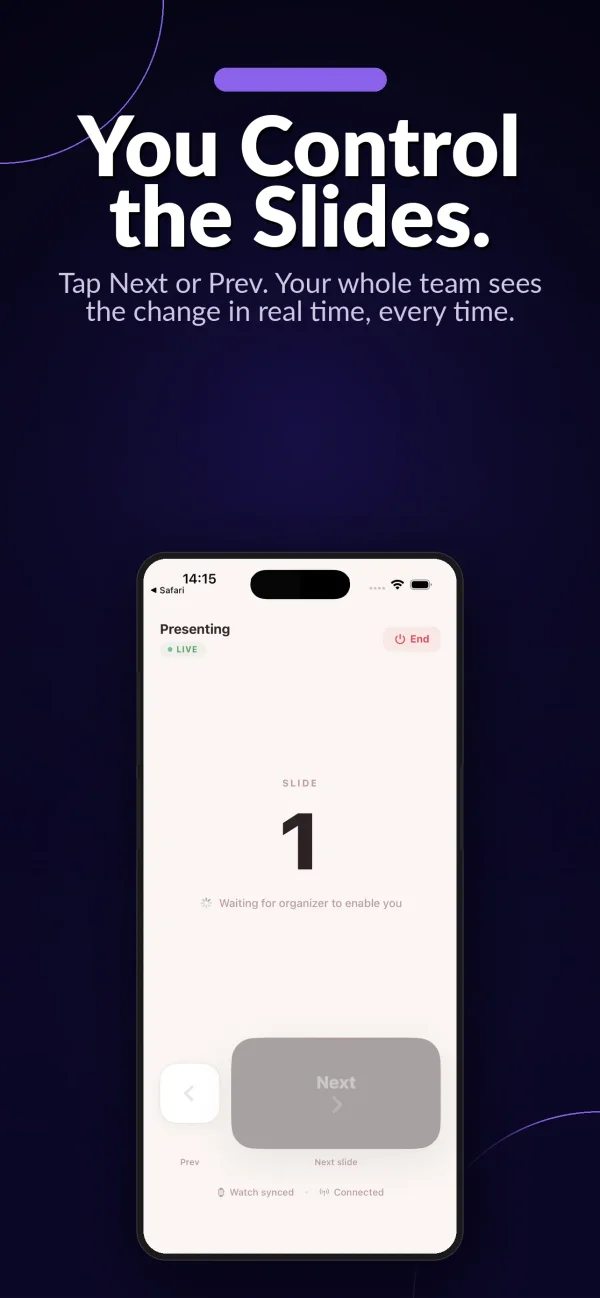
Next Slide Please helps you silently cycle through your presentation slides during live and online meetings — no vocal prompting, just seamless control.
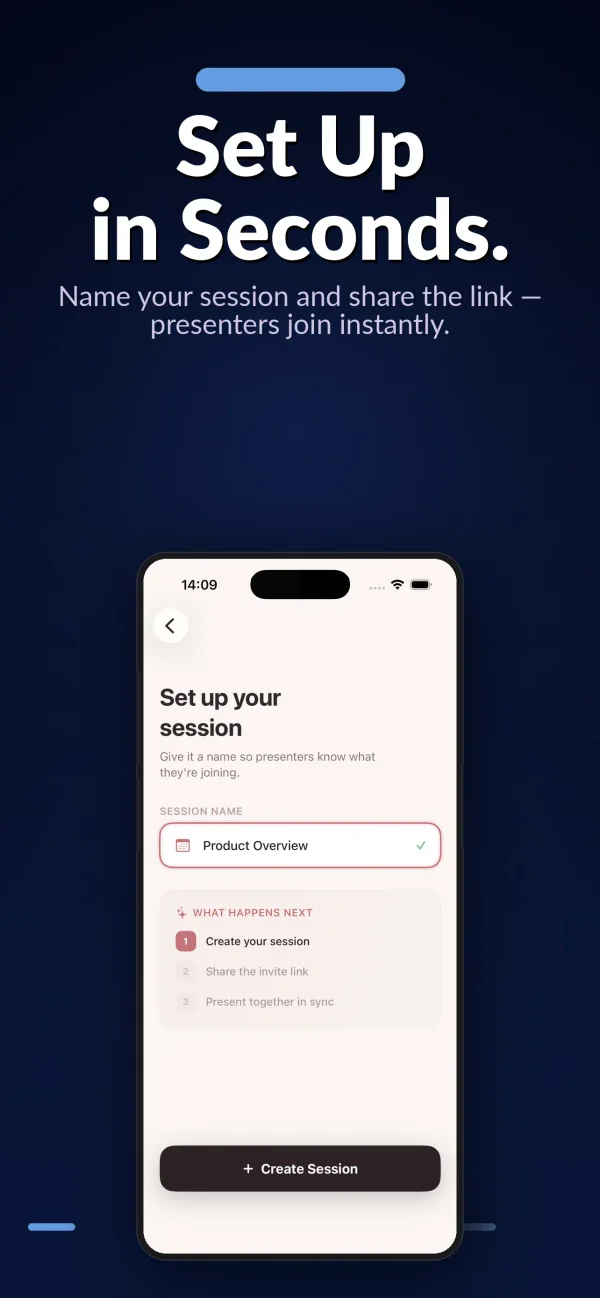
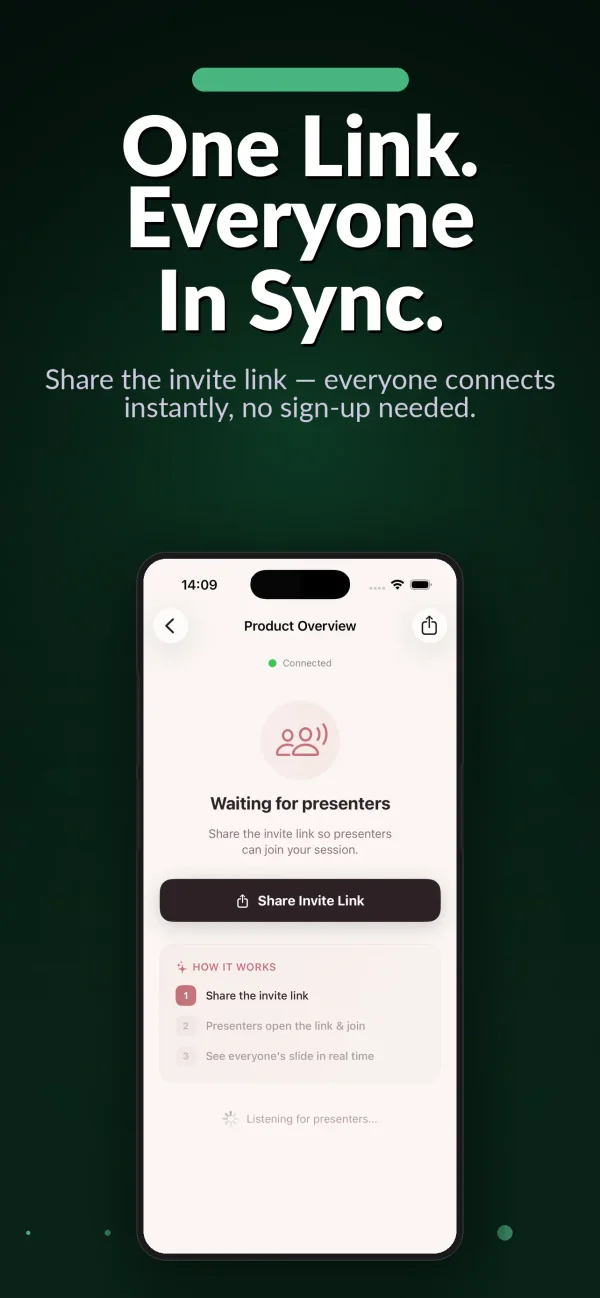
The organiser creates a session and invites co-presenters via a simple link. Everyone joins instantly and stays in sync — advance or go back a slide and the whole team follows in real time.
Features:
- Real-time slide sync across all connected presenters
- Apple Watch support — control slides from your wrist
- Instant session setup with shareable invite links
- Up to 6 co-presenters in a session
- Screen stays active while the app is in the foreground
- Works over Wi-Fi or mobile data, no account required
Solo Mode — Control your Mac without a server
New in this release: pair your iPhone (and Apple Watch) directly to your Mac to control a PDF presentation peer-to-peer — no internet, no account, no setup.
Zero-server, fully offline. Uses Bluetooth and local Wi-Fi. Nothing leaves your devices.
Drop a PDF on your Mac. The Mac shows your slides full-screen; your iPhone becomes the remote.
4-digit pairing code. Visible on the Mac when you connect — confirm it on iPhone, you're paired.
Apple Watch support. Tap or wrist-flick to advance slides (Series 9+ Double Tap supported).
Built-in laser pointer. Drag on iPhone to point on the Mac screen.
End-to-end encrypted local connection.
Solo Mode is included with NSP Pro alongside the existing multi-presenter (Redis) and organizer modes.
Subscription required:
Next Slide Please requires an NSP Pro subscription to access all features. Plans include Monthly, 6-Month, and Yearly options — each with a free trial. Payment is charged to your Apple ID account at confirmation of purchase. Subscriptions automatically renew unless cancelled at least 24 hours before the end of the current period. You can manage or cancel your subscription in your Apple ID account settings.
Perfect for conference speakers, remote teams, classroom teachers, and anyone who presents as a team.
Terms: https://start.unpi.ro/english/tos/
Privacy: https://start.unpi.ro/english/privacy/
Enjoy!
Yenilikler
Sürüm 4.0 · 03.05.2026
Solo Mode is here. Pair iPhone and Apple Watch directly to your Mac and control your Next Slide Please Mac App offline — no server, no account, no internet required.
Includes:
• Direct peer-to-peer iPhone → Mac control over local Wi-Fi / Bluetooth
• Apple Watch control
• Built-in virtual laser pointer
• 4-digit pairing code for secure connection
• Encrypted local transport
Uygulama gizliliği
Bu uygulamanın verileri nasıl işlediği hakkında Asociația unPi pentru Școlari tarafından App Store üzerinde yapılan beyan.
-
Veri toplanmıyor
Geliştirici bu uygulamadan hiçbir veri toplamıyor.
Gizlilik uygulamaları, örneğin kullandığınız özelliklere veya yaşınıza göre değişiklik gösterebilir.
Bilgiler
- Satıcı
- Asociatia unPi pentru Scolari
- Kategori
- İş
- Sürüm
- 4.0
- Güncellendi
- 03.05.2026
- Yayın tarihi
- 05.01.2022
- Boyut
- 20,2 MB
- Gereksinim
- iOS 18.0 veya sonrası
- Yaş sınırı
- 4+
- Fiyat
- Ücretsiz
- Uygulama içi satın alma
- Evet
- Diller
- İngilizce
- Telif hakkı
- © Asociația unPi pentru Școlari