Notator | Annotate Documents
Taking notes, annotating PDFs
iPhone, iPad için tasarlandı
Ücretsiz · Uygulama içi satın alma
- Yaş sınırı4+
- KategoriÜretkenlik
- GeliştiriciCIMTOPS SG LAB Pte. Ltd.
- Dillerİngilizce+ 3 dil daha
- Boyut29,9 MB
Resmi App Store sayfasına bağlanır
Download.org, Notator | Annotate Documents için hiçbir dosya barındırmaz. Düğme, uygulamanın App Store üzerindeki sayfasını açar; uygulamayı orada CIMTOPS SG LAB Pte. Ltd. yayınlar. Sayfanın son kontrolü: 12.11.2026.
Ekran görüntüleri
Hakkında
Geliştirici bu metni dilinizde sunmamış.
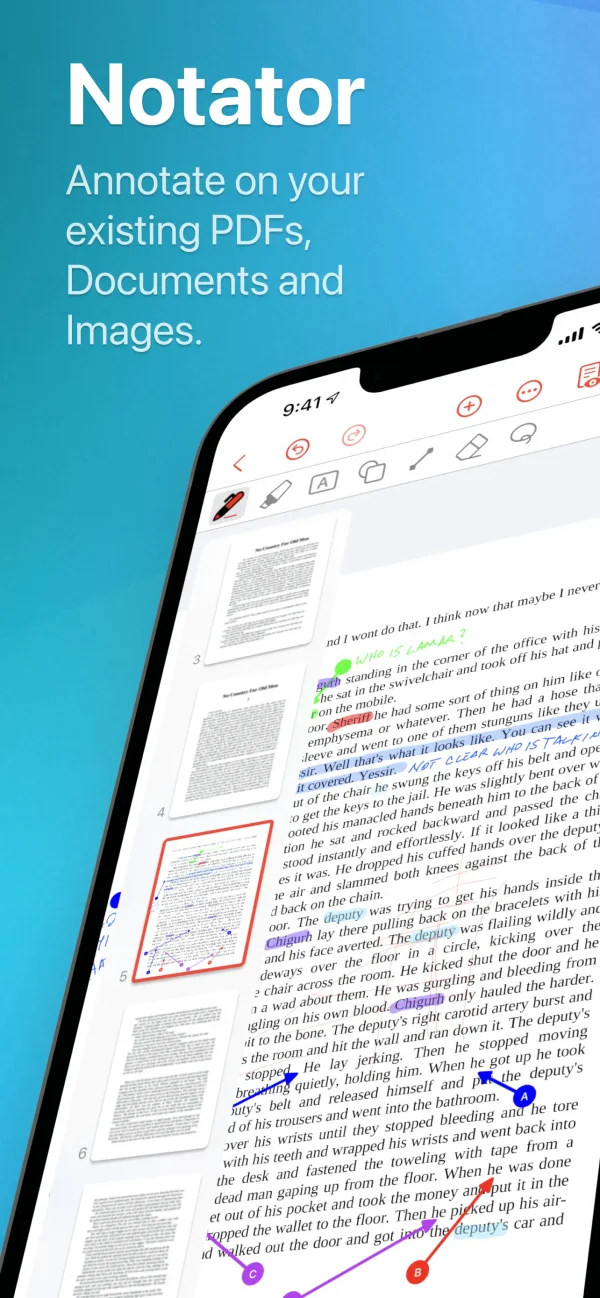
Notator is the ultimate app for all your PDF and image annotation needs, along with seamless note-taking capabilities. It adapts effortlessly to any situation, whether you're studying, working, or simply organizing your personal life. Experience the versatility of Notator today!
What does Notator have in store for you?
1. Easy Annotation on PDFs and Images
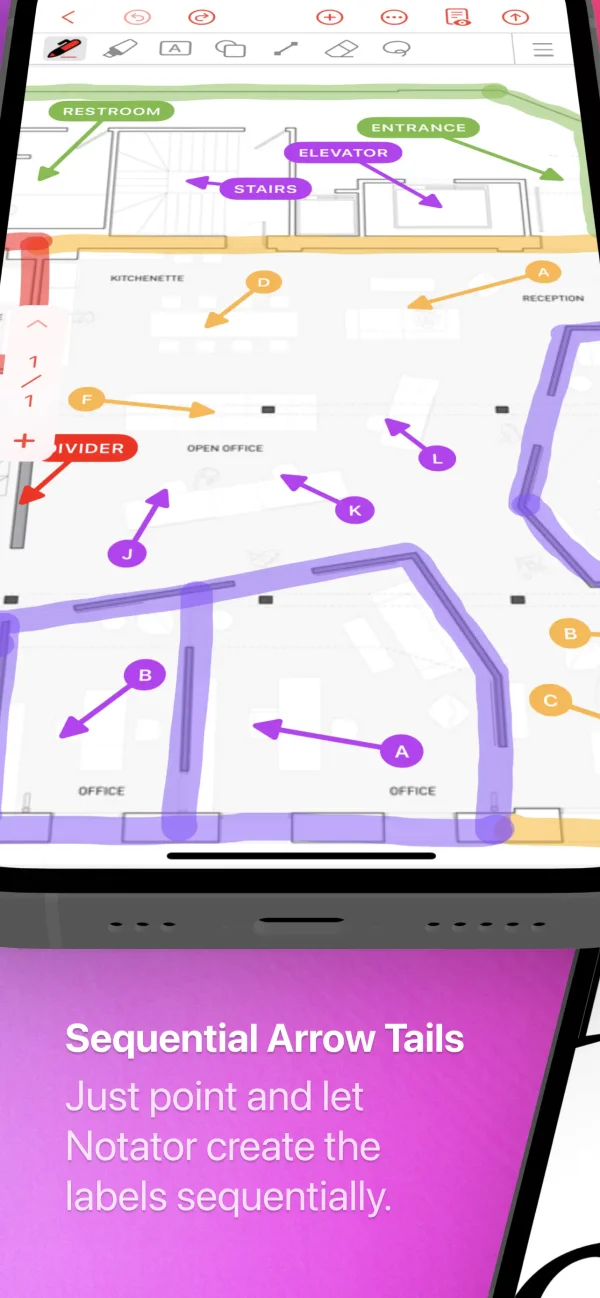
Effortlessly elevate your PDFs and images using a range of editing tools like pens, text boxes, and shapes. Infuse your own style by adding annotations, whether it's making notes on drawings, creating study guides, or refining your materials to perfection.
2. Supports Apple Pencil
Our platform is fully compatible with the Apple Pencil, guaranteeing a seamless and precise writing experience when working on your documents. Additionally, you have the flexibility to utilize your fingers as an alternative input method.
3. Flexible PDF Import
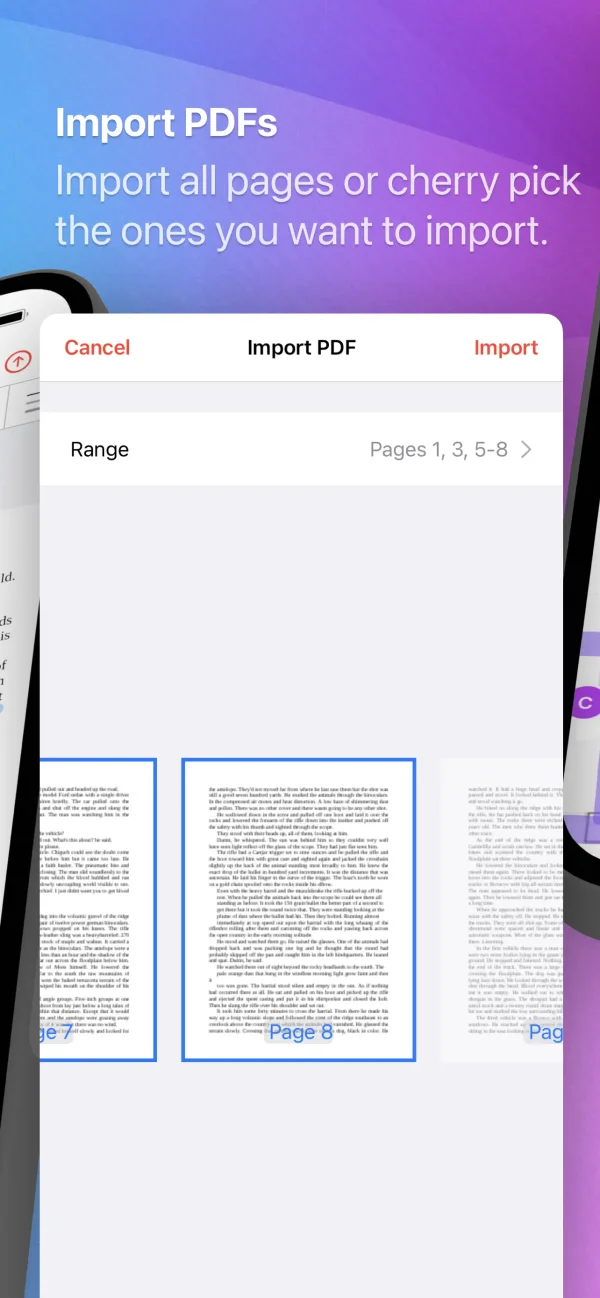
Extract specific portions from images saved on your device, recently captured photos, or PDF materials, and seamlessly insert them into your document while editing.
4. High-Quality PDF Support
No need to worry about image degradation when importing large PDFs, even ones as big as A0 size. Edit detailed drawings and extensive project materials with ease, so you can stay stress-free while working on your documents.
5. Clipping and Pasting of PDFs & Photos
Extract specific portions from images saved on your device, recently captured photos, or PDF materials, and seamlessly insert them into your document while editing.
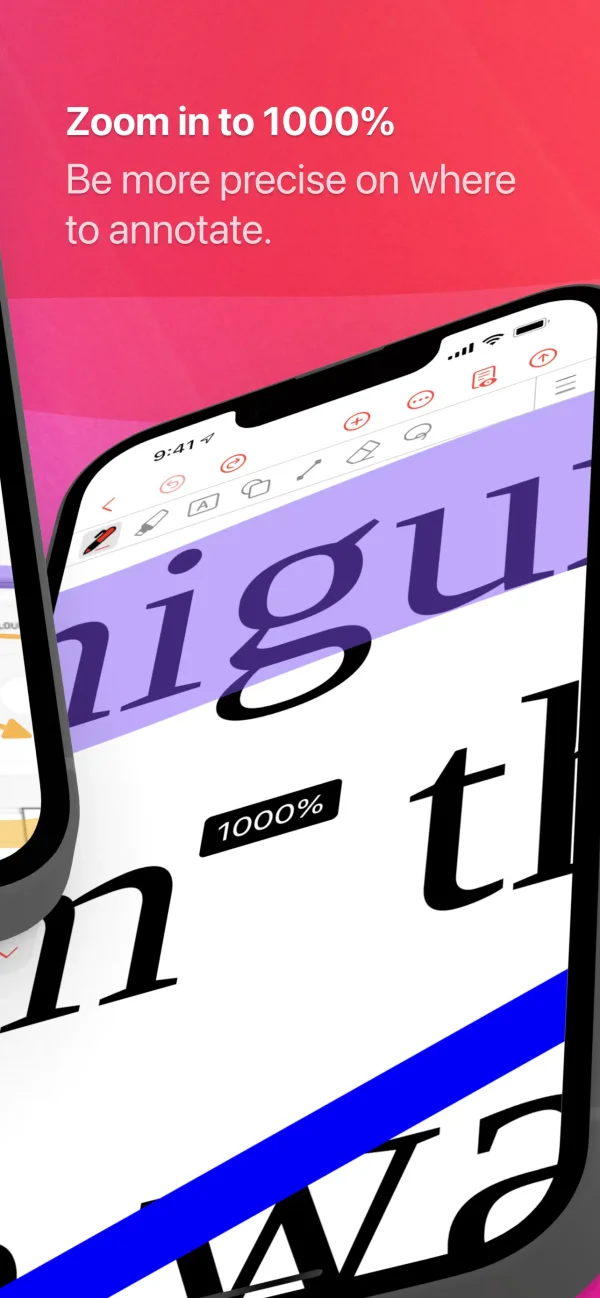
6. Zoom Function
Enables zooming up to 1000%, ensuring a hassle-free experience for annotating and reviewing intricate details in drawings.
7. Intuitive Page Management
Effortlessly manage pages in imported PDFs or created documents with an intuitive interface. Rearrange, duplicate, delete, or add pages with ease, putting you in complete control.
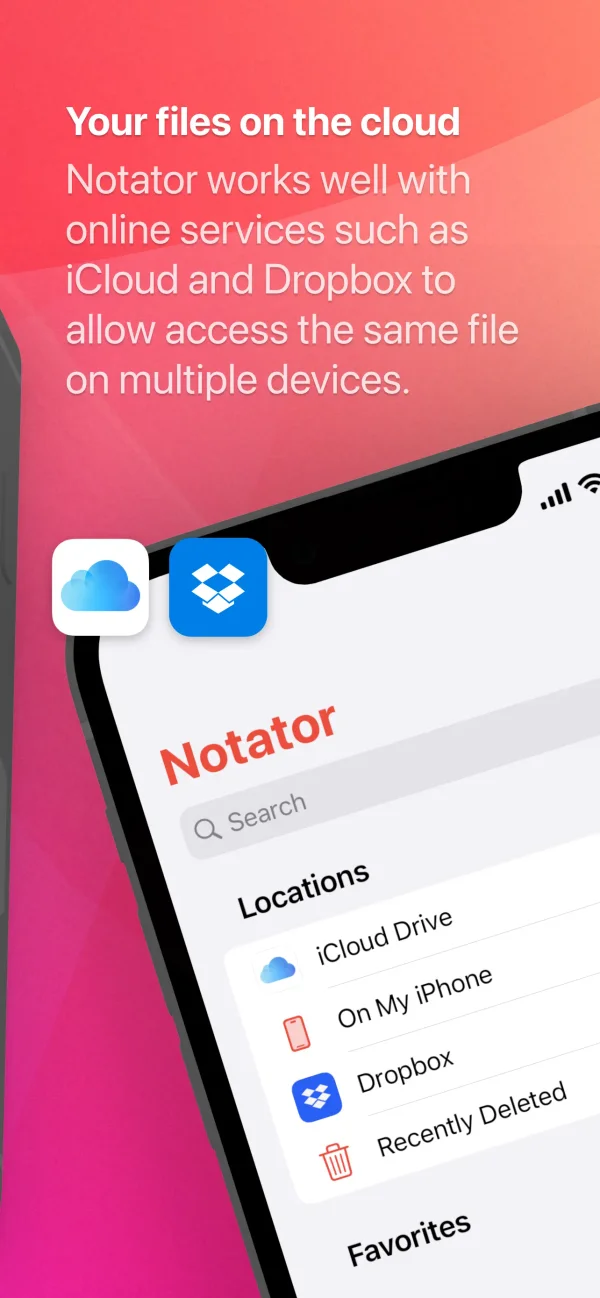
8. Cloud Storage Compatible
Easily import PDFs and images from cloud storage services like iCloud, Dropbox, Box. You can also upload your own documents hassle-free.
9. Notator Pro
By upgrading to Notator Pro, you unlock the following features:
- Export your created documents as PDFs or JPGs to easily share them with other apps.
- Edit documents created by colleagues, friends, or family on different devices (note: real-time co-editing is not available).
Stay tuned for more exciting updates as we add more useful features.
To register, simply head to the "Settings" menu and select "Notator Pro." And guess what? You can enjoy a free trial for the first week!
◆ Ideal for a wide range of situations including:
- Annotating intricate drawings or documents with precision.
- Extracting specific sections from multi-page PDFs and adding your notes.
- Annotating PDFs and images stored in cloud storage effortlessly.
- Cutting out sections from various PDFs and images and compiling them into a single document.
◆ Contact Us
If you have any questions, problems, or requests about using the app, feel free to contact us via our contact form.
https://cimtops-sglab.com/about#contact-us
◆ Terms of Service
https://cimtops-sglab.com/terms
◆ Privacy Policy
https://cimtops-sglab.com/privacy-policy
Yenilikler
Sürüm 1.1.3 · 30.09.2026
Support for iOS/iPadOS 27 has been added.
If your device is running iOS/iPadOS 27, please update the Notator app to this version (1.1.3).
*Note: The supported OS versions for the Notator app compatible with iOS/iPadOS 27 are "27" and "26".
Uygulama gizliliği
Bu uygulamanın verileri nasıl işlediği hakkında CIMTOPS SG LAB Pte. Ltd. tarafından App Store üzerinde yapılan beyan.
-
Sizinle ilişkilendirilmeyen veriler
Toplanabilir ancak kimliğinizle ilişkilendirilmez.
- Kullanım verileri
- Tanılama
Gizlilik uygulamaları, örneğin kullandığınız özelliklere veya yaşınıza göre değişiklik gösterebilir.
Bilgiler
- Satıcı
- CIMTOPS SG LAB PTE. LTD.
- Kategori
- Üretkenlik
- Sürüm
- 1.1.3
- Güncellendi
- 30.09.2026
- Yayın tarihi
- 23.05.2023
- Boyut
- 29,9 MB
- Gereksinim
- iOS 26.0 veya sonrası
- Yaş sınırı
- 4+
- Fiyat
- Ücretsiz
- Uygulama içi satın alma
- Evet
- Diller
- İngilizce, Japonca, Basitleştirilmiş Çince, Geleneksel Çince
- Telif hakkı
- © CIMTOPS SG LAB PTE. LTD.