NuRack Auv3 FX Processor
Customizable Effect Racks
iPhone, iPad, iPod touch için tasarlandı
₺699,99
- Yaş sınırı4+
- KategoriMüzik
- Geliştirici4Pockets.com
- Dillerİngilizce
- Boyut26,4 MB
Resmi App Store sayfasına bağlanır
Download.org, NuRack Auv3 FX Processor için hiçbir dosya barındırmaz. Düğme, uygulamanın App Store üzerindeki sayfasını açar; uygulamayı orada 4Pockets.com yayınlar. Sayfanın son kontrolü: 17.11.2026.
Ekran görüntüleri

Hakkında
Geliştirici bu metni dilinizde sunmamış.
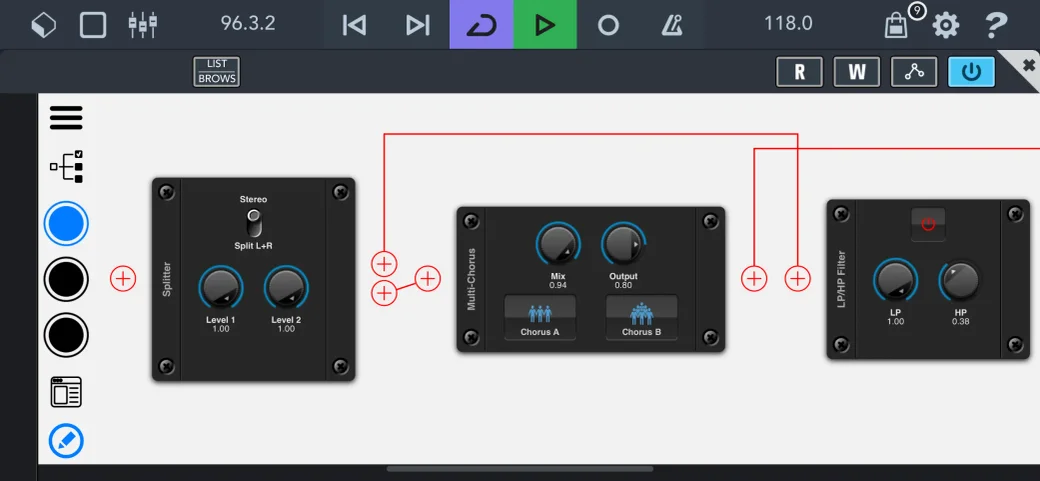
NuRack is an AUv3 based multi-channel audio and MIDI effects processor with a difference, it actually allows you to design your own custom effects using the 80+ building blocks provided. You have full control over routing which allows you to create complex audio paths in series or parallel. You can choose whether to use the stock interface or create your own custom interface using the built in Interface Builder which allows you to concentrate your audio components into a single customized effect.
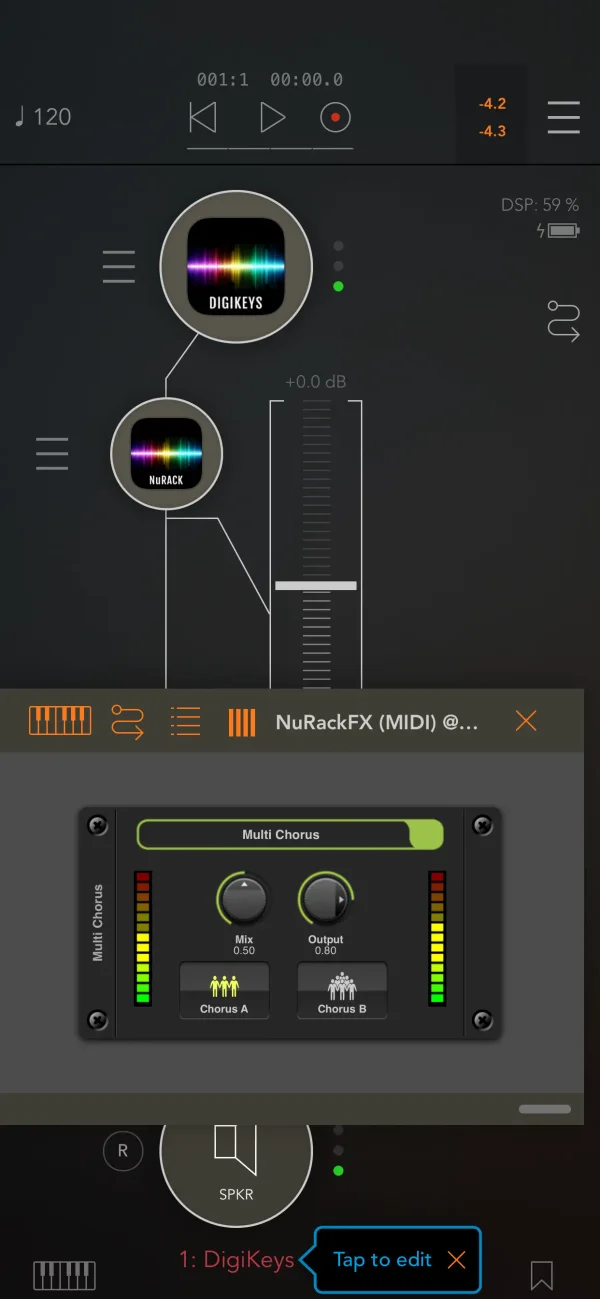
NuRack can run in one of two modes. The first providing 3 customizable effects racks which can be switched (manually or via MIDI), providing seemless switching (i.e. delay trails linger whilst another set of effects are faded in). The second mode allows you to route audio through 3 independent audio racks.
A generaous number of over 80 audio and midi building blocks are provided covering 12 different categories of effects. Here are just some of those included in NuRack:
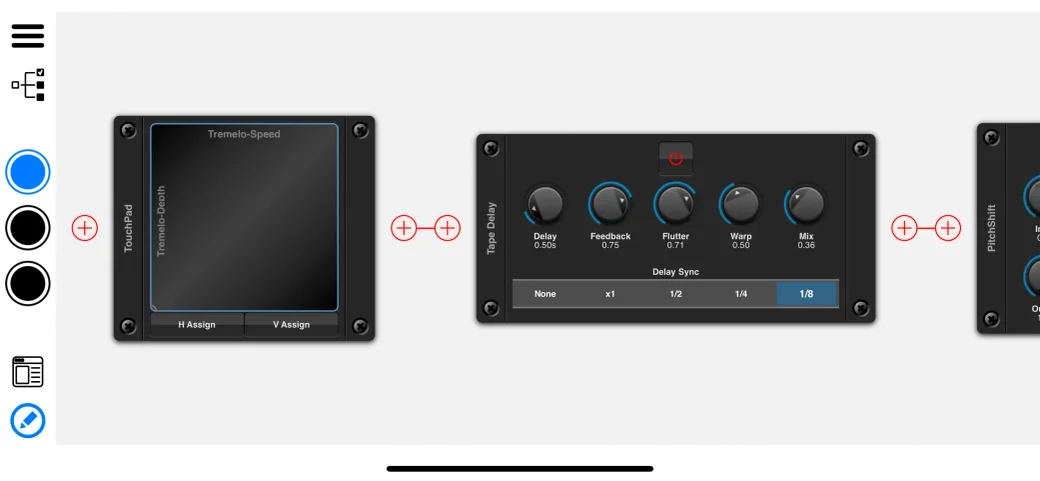
Modulation Effects: Chorus, Flanger, Phaser, Tremolo, Vocal Doubler, TalkBox, UniVibe, Leslie & Vocoder.
Time Based Effects: Stereo Delay, Tape Delay, Reverb and Reverse Delay.
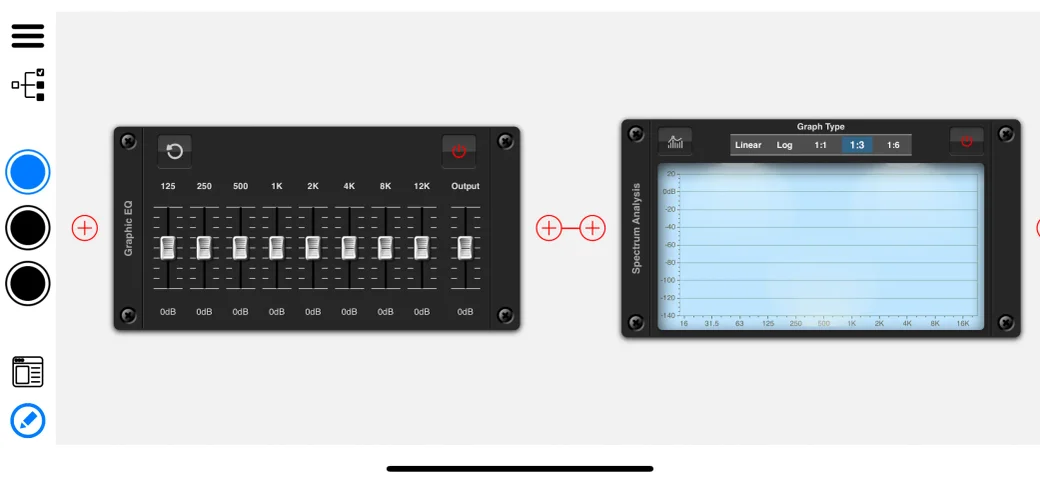
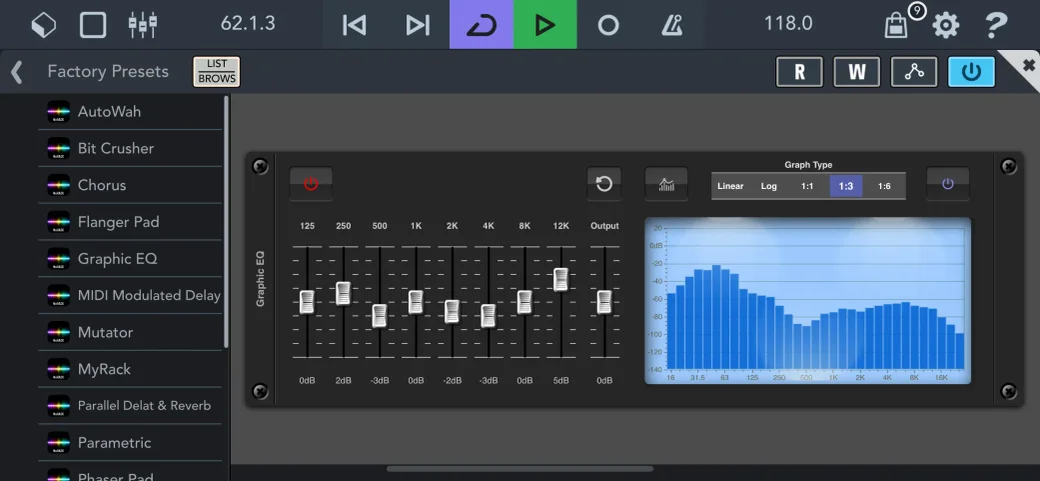
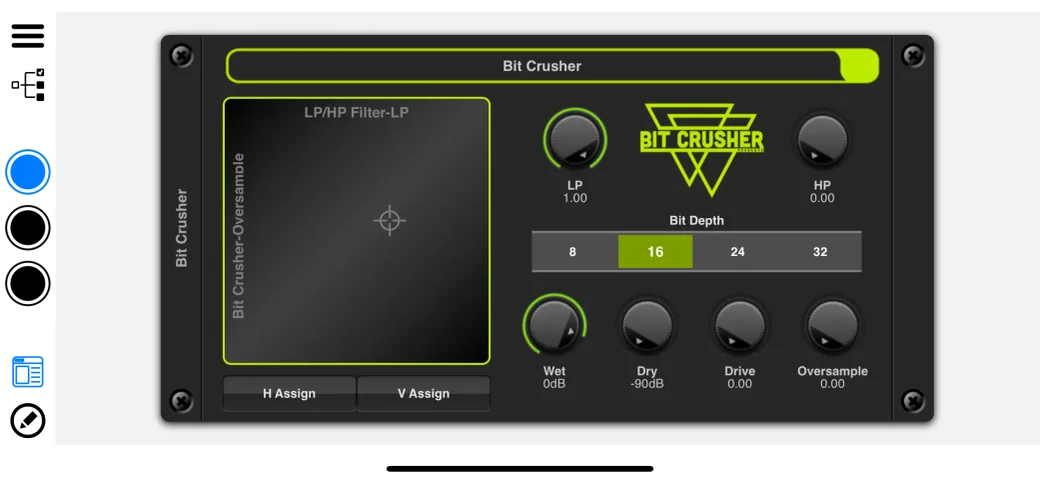
Spectral Effects: Parametric EQ, Graphic EQ, PitchShift, Auto-Pan, Bit-Crusher, Tube Overdrive, Distortion, Harmony, Harmonic Exciter and SlowMo.
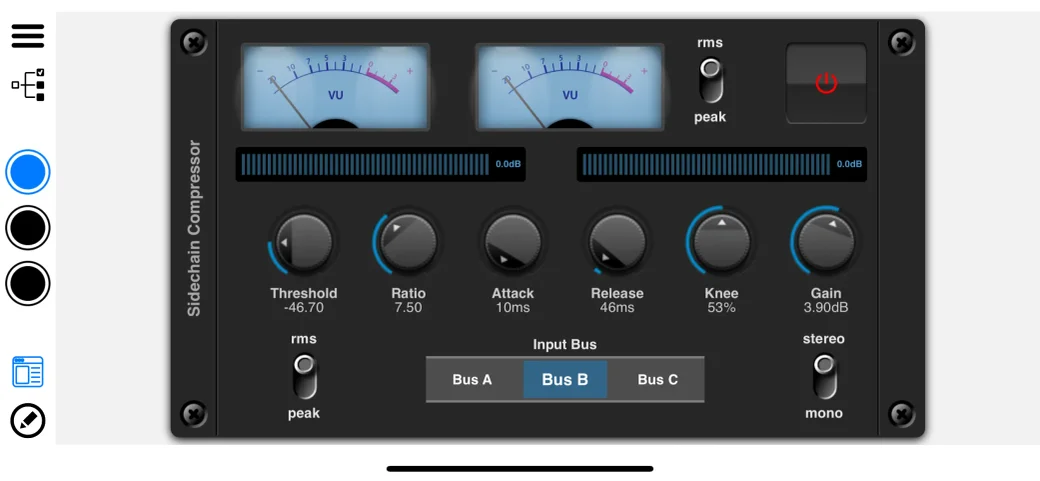
Dynamic Effects: VelocityControl, Compressor, Multi-Band Compressor, Noise Gate, Gate, and Limiter.
Filter Effects: MultiFilter, LP/HP Filter, Frequency Splitter, MultiBand Splitter, Classic Filters, Formant Filter, Ring Modulation and Shelf Filter.
MIDI Effects: MIDI Harmony, MIDI Velocity, MIDI Randomizer, MIDI Monitor, MIDI Mixer, MIDI Pads, MIDI Control, Strummer, MIDI Recorder, MIDI Modulation, MIDI Remap, CC Monitor, CC Generator, PitchBend, MIDI Time Clock, and ChordToMidi.
Generator Modules: Noise, Audio Clip Launcher, SoundFont Player, Virtual Flute, Virtual Clarinet, Virtual Brass, FM Organ, FM Rhodes and Analog Sawtooth Synth.
Automation: TouchPad, AutoMate, Pattern Automation, and Visual LFO.
You also provide the ability to split and combine audio signal using splitters and mixer modules as well as a number of visual elements such as VU Meters, LED Meters, Scopes, Graphs etc.
Some effects such as phaser and flanger are usually controlled by an LFO, but this can be detached and automated remotely. There are a number of modules that allow auomation based on direct touch (X/Y Pads), Visual LFO, Pattern Automation, MIDI input (CC data), or peak/rms level detection. These automation modules can remotely control knobs and sliders throughout your rack.
Simply create a new rack and start adding modules to it. These modules are generally wired up automatically but these connections can be manually routed. Once you have your sound as you wish you can use it 'as is', or switch to Interface Builder mode where you can combine all your modules into a single interface. Elements can be dragged, dropped, resized and coloured as required. Add your own labels, image logos and custom backgrounds before saving your custom component.
Use the X/Y Pad to control your modulation effects by detaching their LFO's. Use MIDI CC data to automate knobs. Use the velocity of an incoming signal to control the cutoff/resonance of a filter (wah) or volume level of a gain control (swell), as NuRack expands, so do the possibilities.
Features:
○ Over 80 categorised modules.
○ 3 Input / Output busses supported.
○ Audio & MIDI effect.
○ Lots of audio & MIDI automation options.
○ Seemless transition between racks.
○ Manual audio path routing.
○ Open in presentation mode (auto hides controls).
○ Interface Builder to customize your rack.
○ AUv3 plugin runs in MIDI and none MIDI mode.
○ Add your own Text/Heading and Image/Logos and backgrounds to your design.
○ Compatibility options for DAW's not supporting multi-channels.
○ Dark/Light Modes
Checkout the YouTube channel 'Paul the MusicMan' for demos and tutorials of NuRack.
Yenilikler
Sürüm 1.52 · 29.04.2026
1.52 B74
Added a fix to prevent a crash when switching to Interfave Builder mode (with certain modules like strummer). The issue was caused by a function that silently failed in previous versions of iOS.
Uygulama gizliliği
Bu uygulamanın verileri nasıl işlediği hakkında 4Pockets.com tarafından App Store üzerinde yapılan beyan.
-
Veri toplanmıyor
Geliştirici bu uygulamadan hiçbir veri toplamıyor.
Gizlilik uygulamaları, örneğin kullandığınız özelliklere veya yaşınıza göre değişiklik gösterebilir.
Bilgiler
- Satıcı
- Limelight Software
- Kategori
- Müzik
- Sürüm
- 1.52
- Güncellendi
- 29.04.2026
- Yayın tarihi
- 26.06.2020
- Boyut
- 26,4 MB
- Gereksinim
- iOS 13 veya sonrası
- Yaş sınırı
- 4+
- Fiyat
- ₺699,99
- Diller
- İngilizce
- Telif hakkı
- Copyright © 2019 - 4Pockets.com