Otso: Visual Timer
A floating dial for your desk
iPhone, iPad, Mac için tasarlandı
₺49,99
- Yaş sınırı4+
- KategoriEğitim
- GeliştiriciSIMON HEUSCHKEL
- Dillerİngilizce+ 6 dil daha
- Boyut5,1 MB
Resmi App Store sayfasına bağlanır
Download.org, Otso: Visual Timer için hiçbir dosya barındırmaz. Düğme, uygulamanın App Store üzerindeki sayfasını açar; uygulamayı orada SIMON HEUSCHKEL yayınlar. Sayfanın son kontrolü: 20.11.2026.
Ekran görüntüleri



Hakkında
Geliştirici bu metni dilinizde sunmamış.
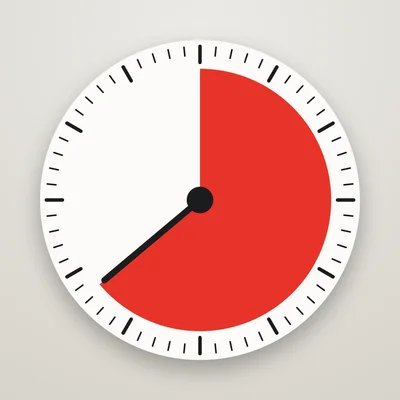
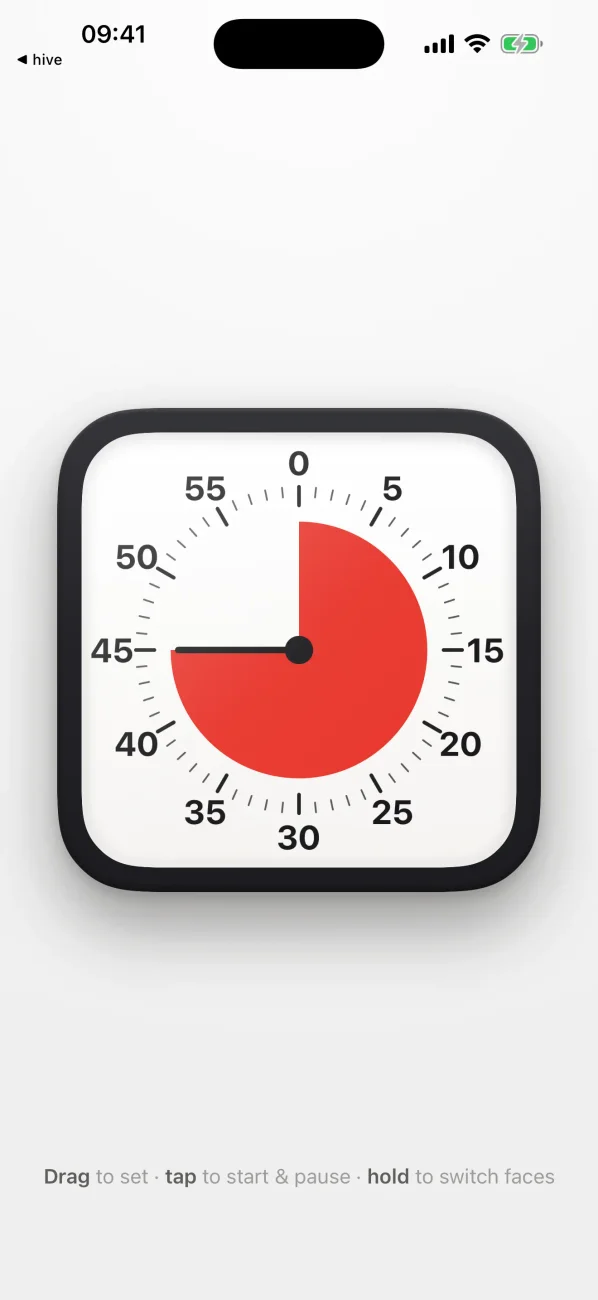
A colored wedge shrinks as time runs down. See how much is left at a glance, without having to read the numbers or do the math.
Buy once and use it on iPhone, iPad, Apple Watch, and Mac. No ads, no subscriptions, no account. No tracking or data collection.
MAKE IT YOURS
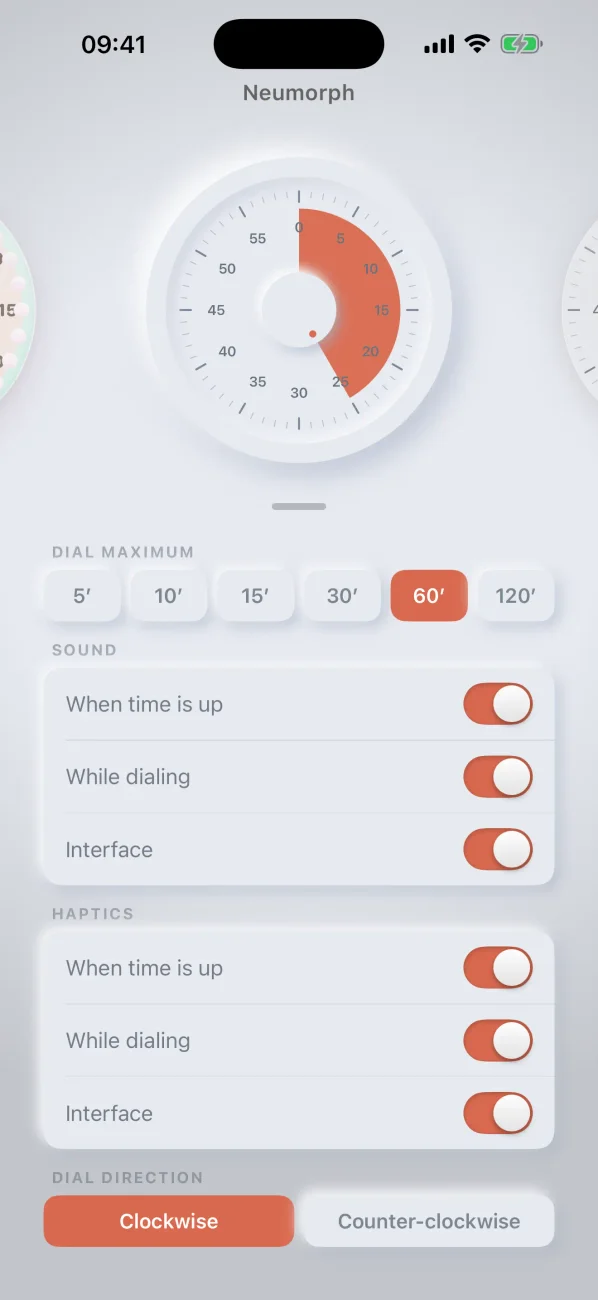
• Choose a dial maximum of 5, 10, 15, 30, 60, or 120 minutes
• Count clockwise or counterclockwise
• Adjust sound and haptic feedback on supported devices
ON iPHONE AND iPAD
• Drag the dial to set a timer; tap to start, pause, or resume
• Turn the dial with two fingers, like a real knob
• Smooth dialing at up to 120 Hz on ProMotion displays
• Swipe beside the dial to change faces, or swipe up for settings
• Check the countdown on the Lock Screen and, on supported iPhones, in the Dynamic Island
• Keep the screen awake while the timer is running in the foreground
• Receive a finish notification in the background when notifications are enabled
• Made for iPhone Duo: Otso fills the whole display, closed or open, and keeps the dial clear of the fold and the status items
• Half folded, the countdown gets one side of the screen and the dial stays on the other
• Works in Split View: put Otso next to another app, and the dial adapts as you resize it
ON APPLE WATCH
All fifteen faces, right on your wrist. Turn the Digital Crown to set the time, tap to start or pause, swipe left or right to change faces, and swipe up for settings. The Watch timer works independently of the iPhone timer.
ACCESSIBILITY
VoiceOver labels and timer actions, keyboard controls on Mac and iPad, and animations that adapt to Reduce Motion.
DETAILS YOU CAN FEEL
Each face has its own sounds: Wood knocks, Glass chimes, and LCD clicks like a watch button. Flick the dial and it spins on, clicking past each mark as it slows to a stop. The faces catch the light like real objects: tilt your iPhone or iPad, or move the pointer on Mac, and the glass glints, shadows deepen under the rim and the knobs, and Neon’s glow floats behind its tube. Party celebrates with confetti, while Aurora adds a soft shimmer. Motion effects are reduced when Reduce Motion is on.
FIFTEEN FACES
Each has its own character.
• Classic — charcoal body, glass lens, red disc
• Pastel — soft candy colors and a textured knob
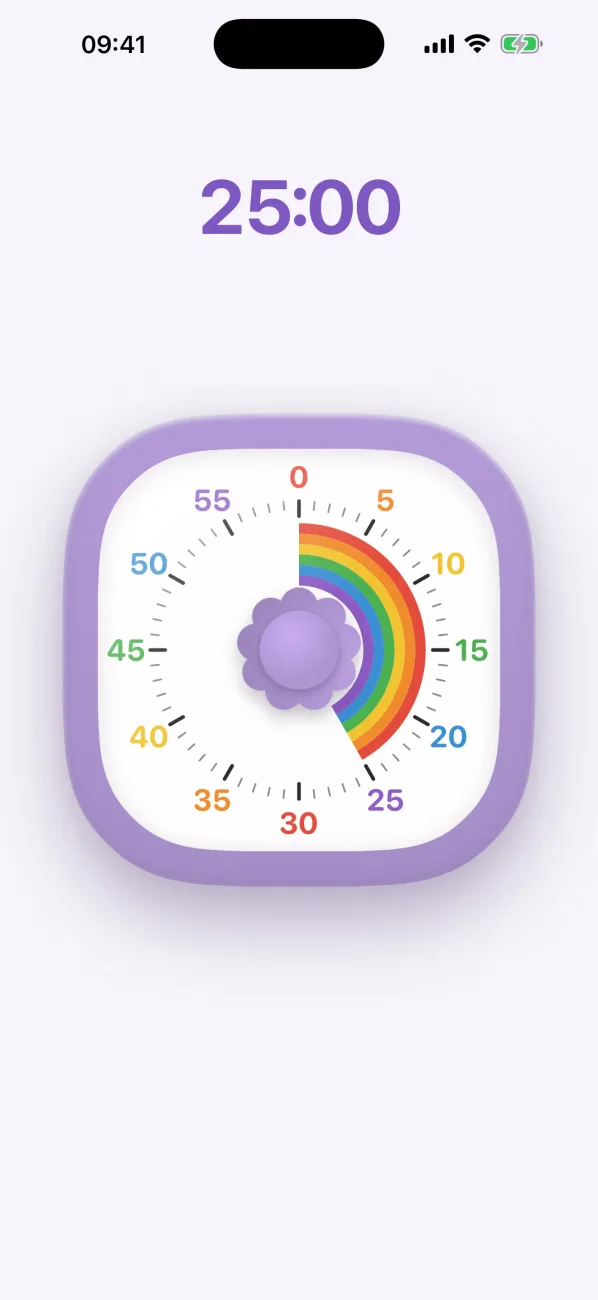
• Rainbow — lilac, with an arc that shrinks color by color
• Neumorph — soft, sculpted, quiet
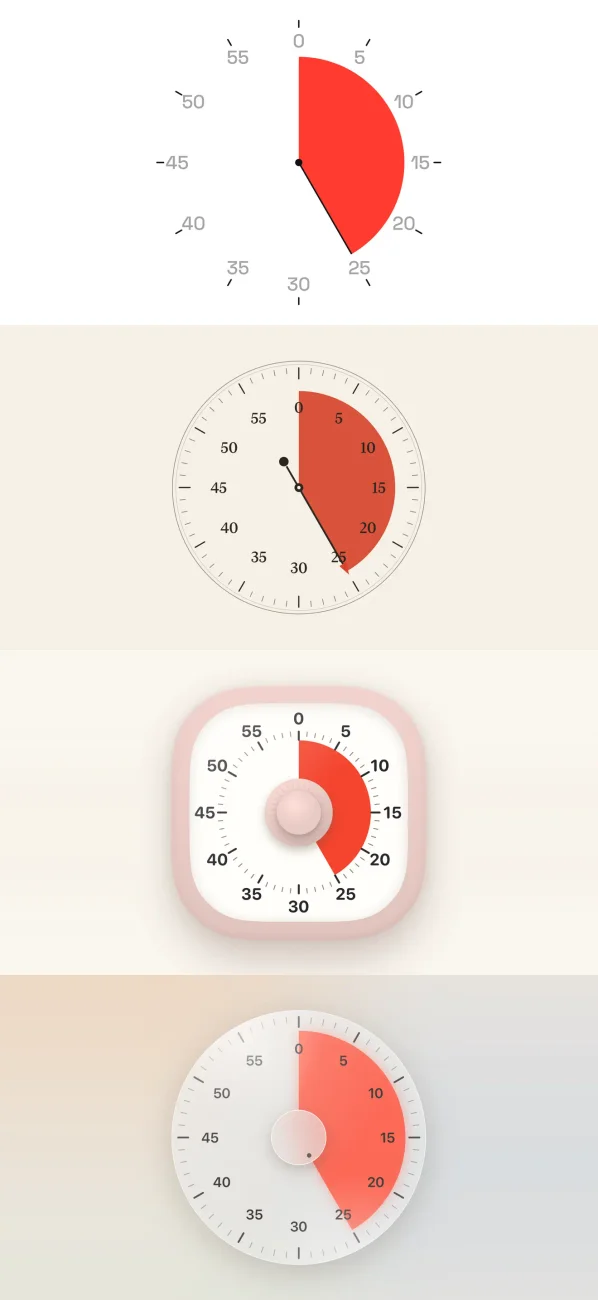
• Glass — translucent, on a light wall
• Flat — pure, bold, no chrome
• Paper — warm stationery, an ink needle
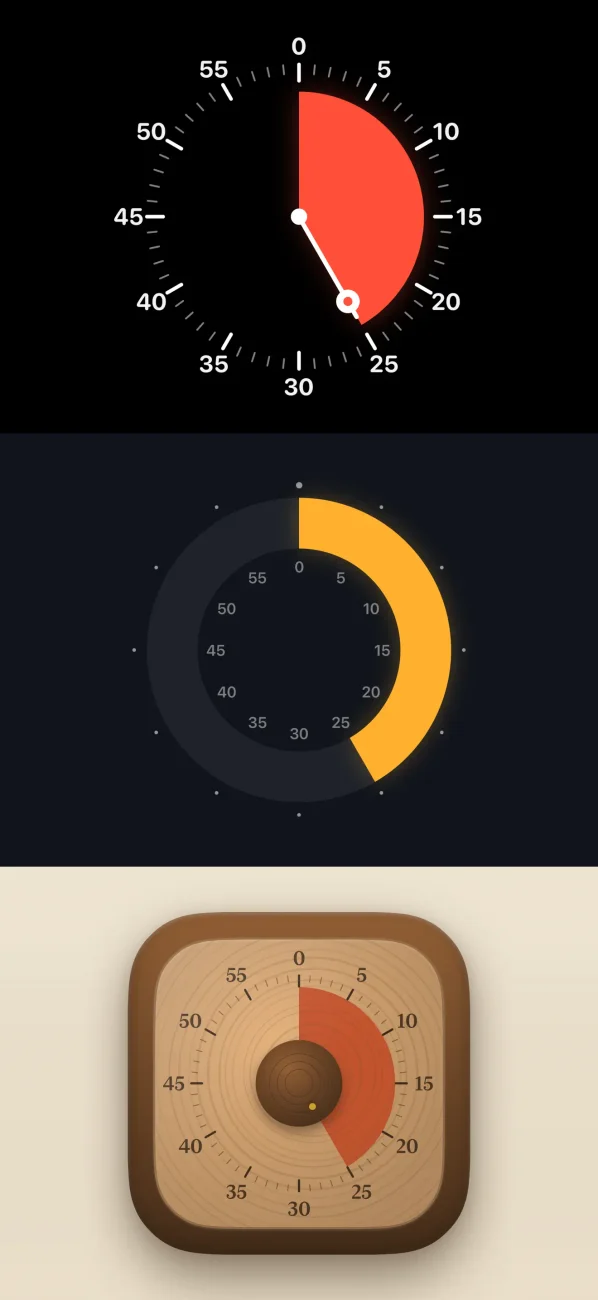
• Wood — turned walnut, terracotta wedge
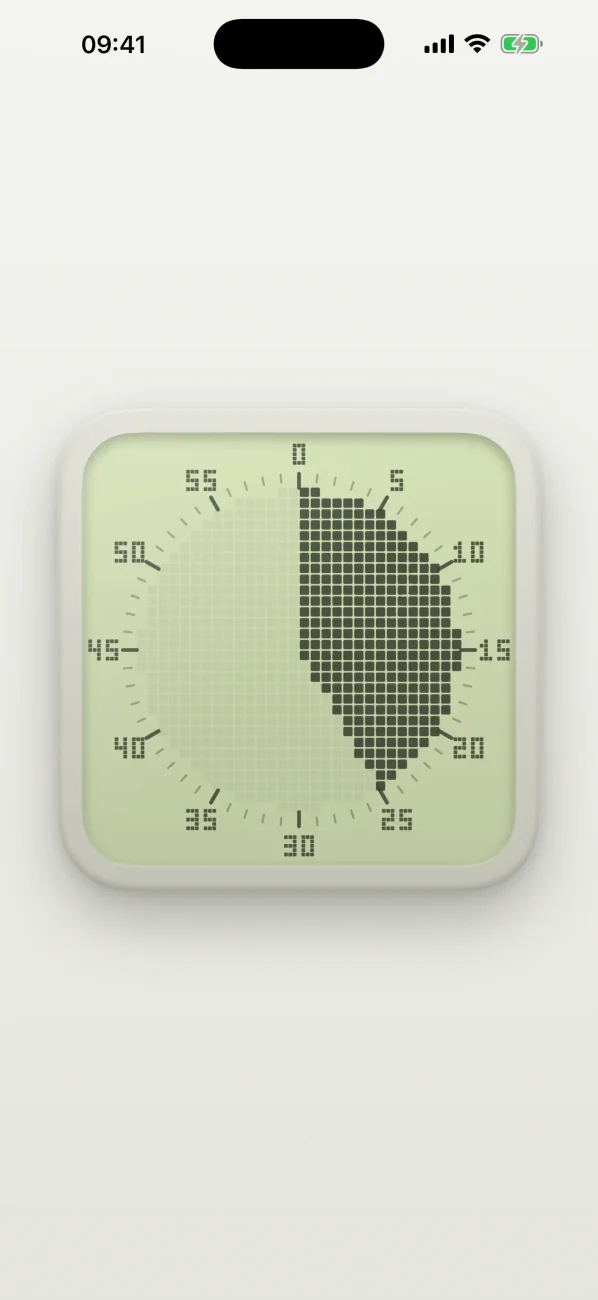
• LCD — dot matrix on a backlit sage screen
• Rugged — machined blades behind thick rubber
• Midnight — black with a hot coral glow
• Halo — a glowing amber ring
• Neon — a magenta glow against the dark
• Aurora — a curtain of light over a starfield
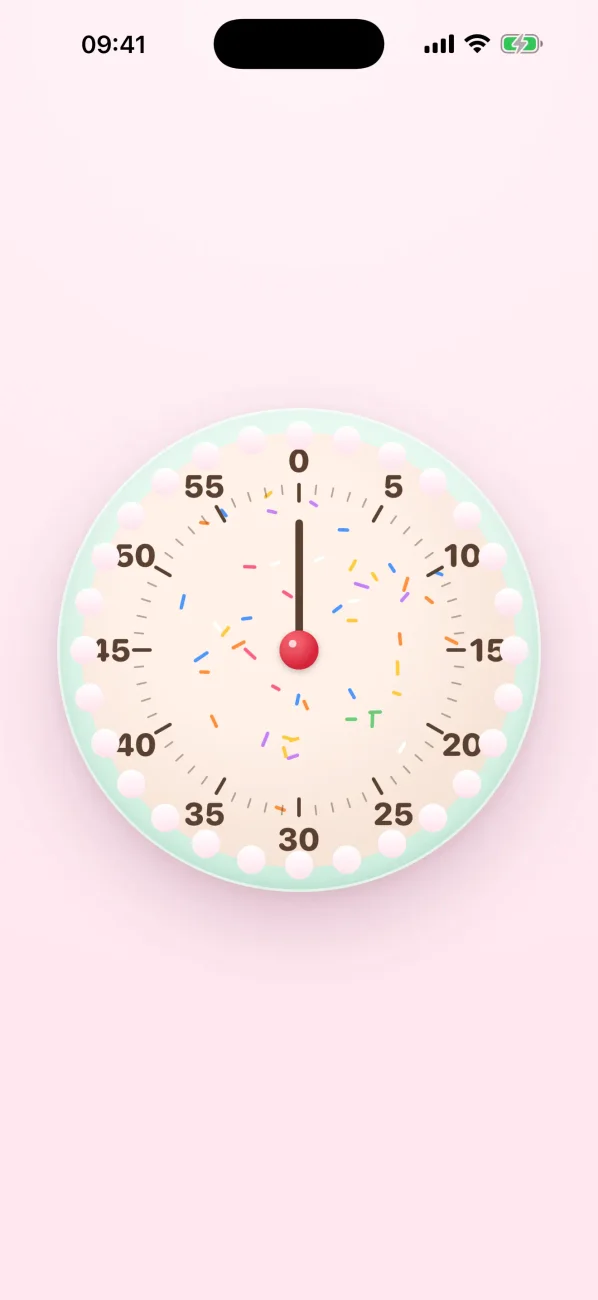
• Party — a frosted cake that bursts into confetti
Otso takes its name from the bear of Finnish folklore. A timer should sit quietly in the room and be understood at a glance.
For lessons, workshops, exams, focused work, homework, and cooking — whenever it helps to see time passing.
Yenilikler
Sürüm 1.4.1 · 10.11.2026
• Fixed: Otso now remembers your face and settings, and no longer shows the introduction every time you open it
• Made for iPhone Duo: Otso fills the whole display, closed or open, and keeps the dial clear of the fold and the status items
• Half folded, the countdown gets one side of the screen and the dial stays on the other
• Works in Split View: put Otso next to another app, and the dial adapts as you resize it
• The faces now catch the light: tilt your iPhone or iPad, or move the pointer on Mac, and the glass glints, shadows deepen under the rim and the knobs, and Neon’s glow floats behind its tube
• Turn the dial with two fingers on iPhone and iPad, just like a real knob
• In case you missed it: Otso is now on Apple Watch, with all fifteen faces
Uygulama gizliliği
Bu uygulamanın verileri nasıl işlediği hakkında SIMON HEUSCHKEL tarafından App Store üzerinde yapılan beyan.
-
Veri toplanmıyor
Geliştirici bu uygulamadan hiçbir veri toplamıyor.
Gizlilik uygulamaları, örneğin kullandığınız özelliklere veya yaşınıza göre değişiklik gösterebilir.
Bilgiler
- Satıcı
- SIMON HEUSCHKEL
- Kategori
- Eğitim
- Sürüm
- 1.4.1
- Güncellendi
- 10.11.2026
- Yayın tarihi
- 25.06.2026
- Boyut
- 5,1 MB
- Gereksinim
- iOS 18.0 veya sonrası
- Yaş sınırı
- 4+
- Fiyat
- ₺49,99
- Diller
- İngilizce, Fransızca, Almanca, İtalyanca, Japonca, Korece, İspanyolca
- Telif hakkı
- © 2026 Simon Heuschkel