PDF Maker Pro - Offline
iPhone için tasarlandı
Ücretsiz · Uygulama içi satın alma
- Yaş sınırı4+
- KategoriÜretkenlik
- GeliştiriciOmar M Abu sharifa
- Dillerİngilizce
- Boyut6,8 MB
Resmi App Store sayfasına bağlanır
Download.org, PDF Maker Pro - Offline için hiçbir dosya barındırmaz. Düğme, uygulamanın App Store üzerindeki sayfasını açar; uygulamayı orada Omar M Abu sharifa yayınlar. Sayfanın son kontrolü: 18.11.2026.
Ekran görüntüleri
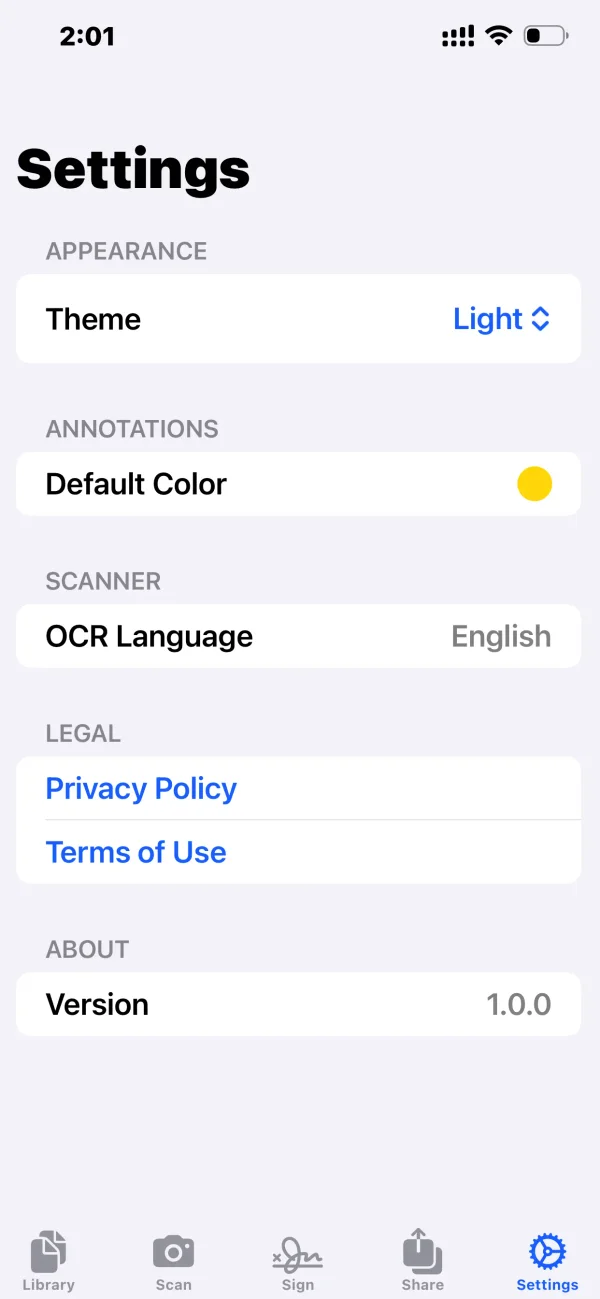
Hakkında
Geliştirici bu metni dilinizde sunmamış.
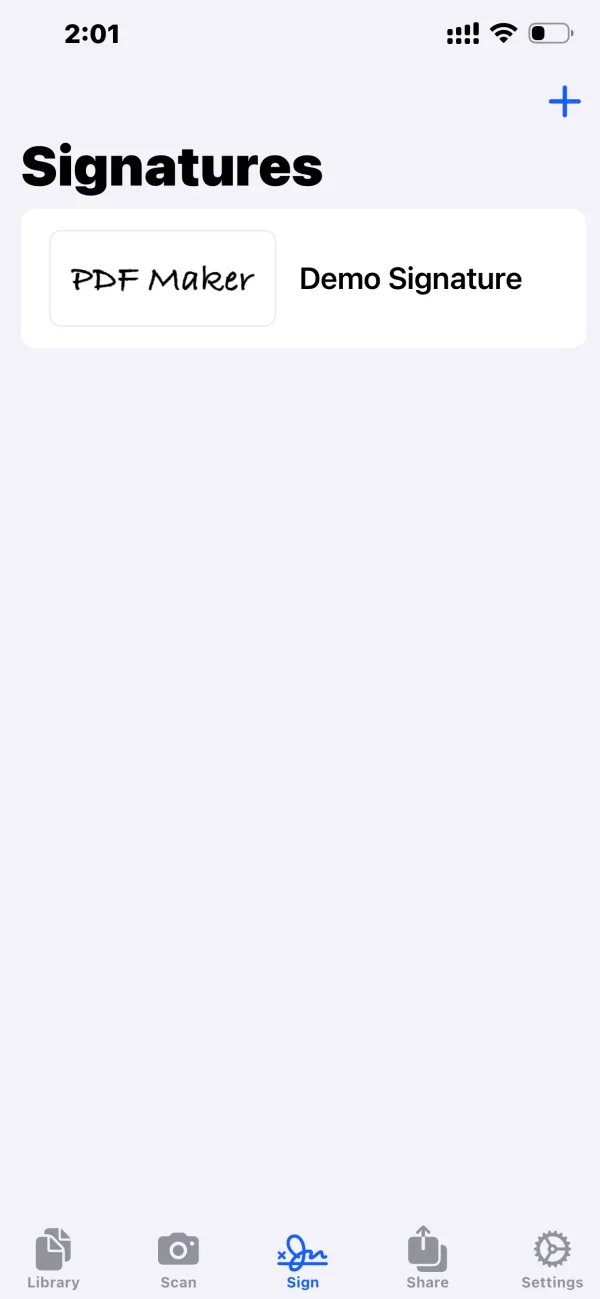
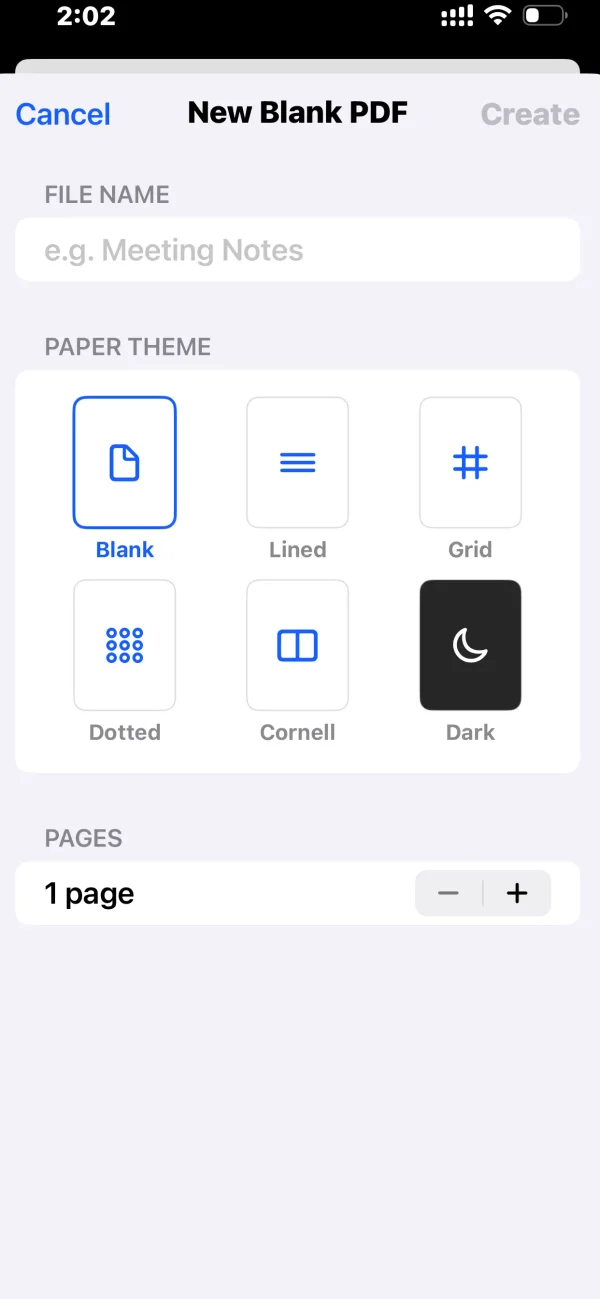
PDF Maker Pro is a powerful, fully offline PDF toolkit for iPhone and iPad. Scan paper documents, annotate PDFs, sign files, and share them over Wi-Fi — all without an internet connection. Your documents never leave your device.
**SCAN DOCUMENTS**
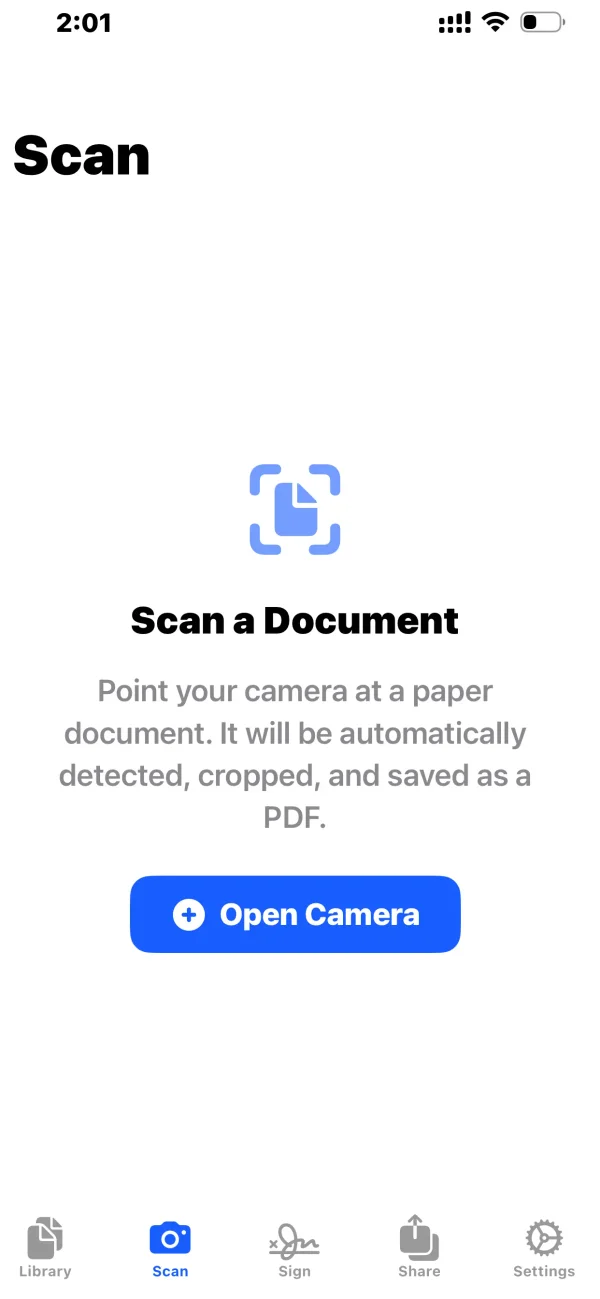
Turn any paper document into a clean, high-quality PDF in seconds. The built-in scanner uses your camera to automatically detect page edges, correct perspective, and enhance readability. Scan single pages or multi-page documents with ease.
**MANAGE YOUR PDF LIBRARY**
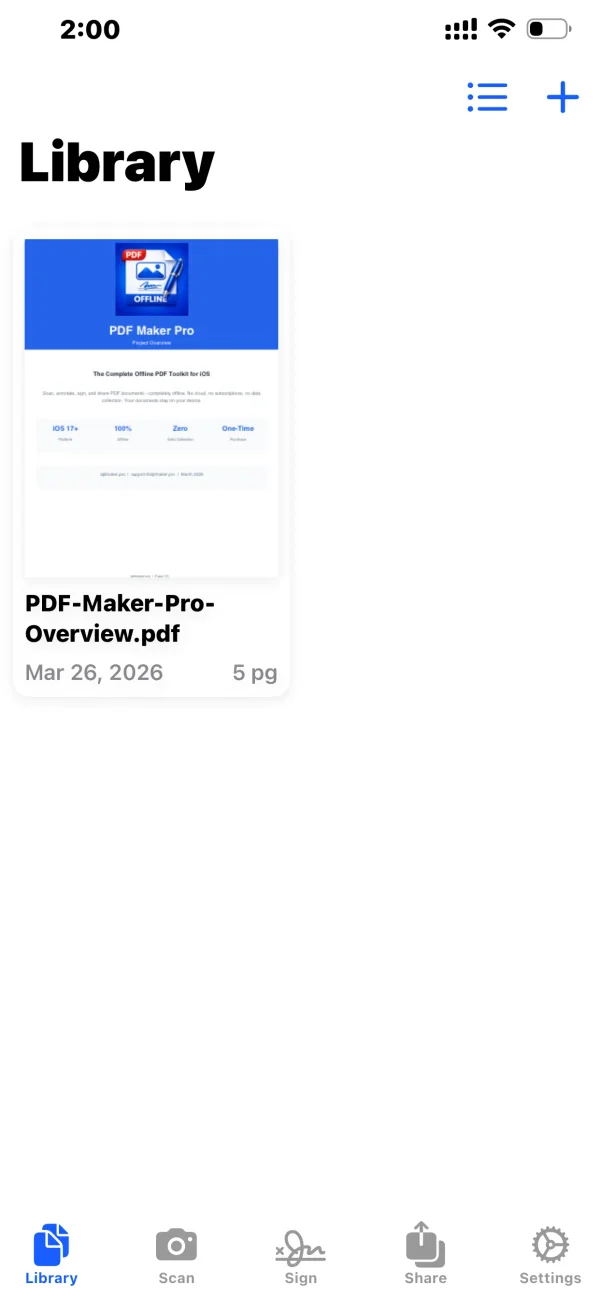
Browse all your PDFs in a clean grid or list view. Sort by name, date, or size. Open, rename, delete, and organize your documents from one central library.
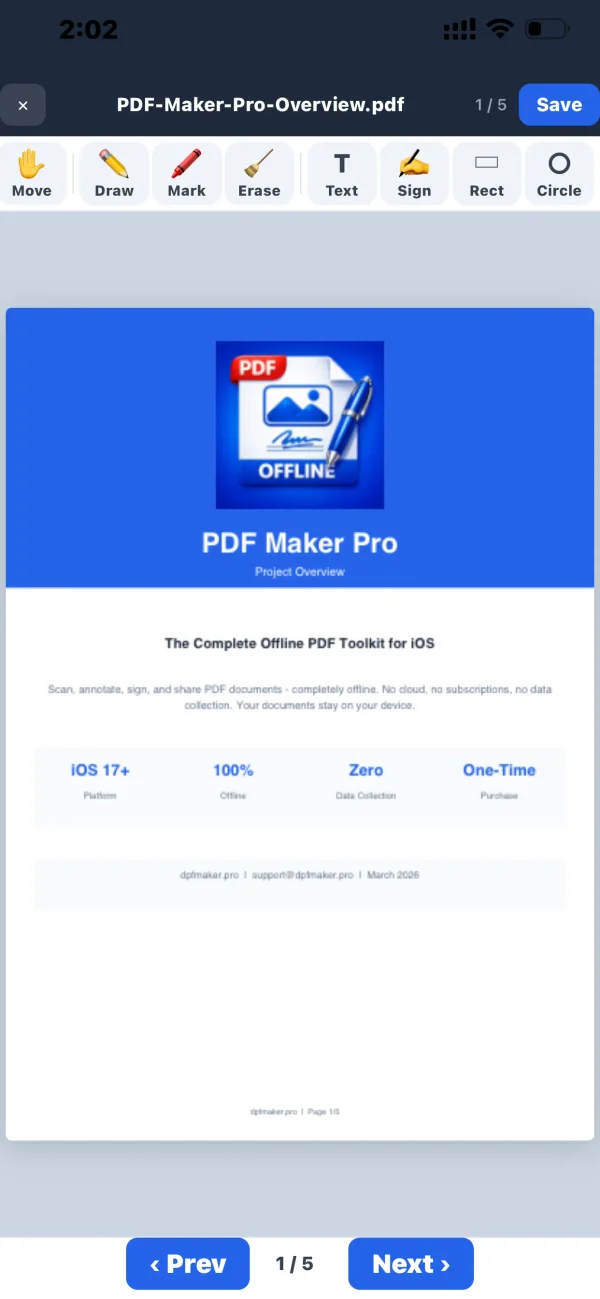
**ANNOTATE & MARK UP**
A full suite of annotation tools at your fingertips:
- Highlight, underline, and strikethrough text
- Add sticky notes and free text annotations
- Draw with pen, marker, or pencil using multiple colors and stroke widths
- Insert shapes: rectangles, circles, lines, and arrows
- Place image stamps on any page
- Undo and redo every change
**ADVANCED PDF EDITOR**
Open the built-in visual editor to move, resize, and arrange annotations with precision. Powered by a full canvas editor for fine-grained control over every element on the page.
**WI-FI FILE SHARING**
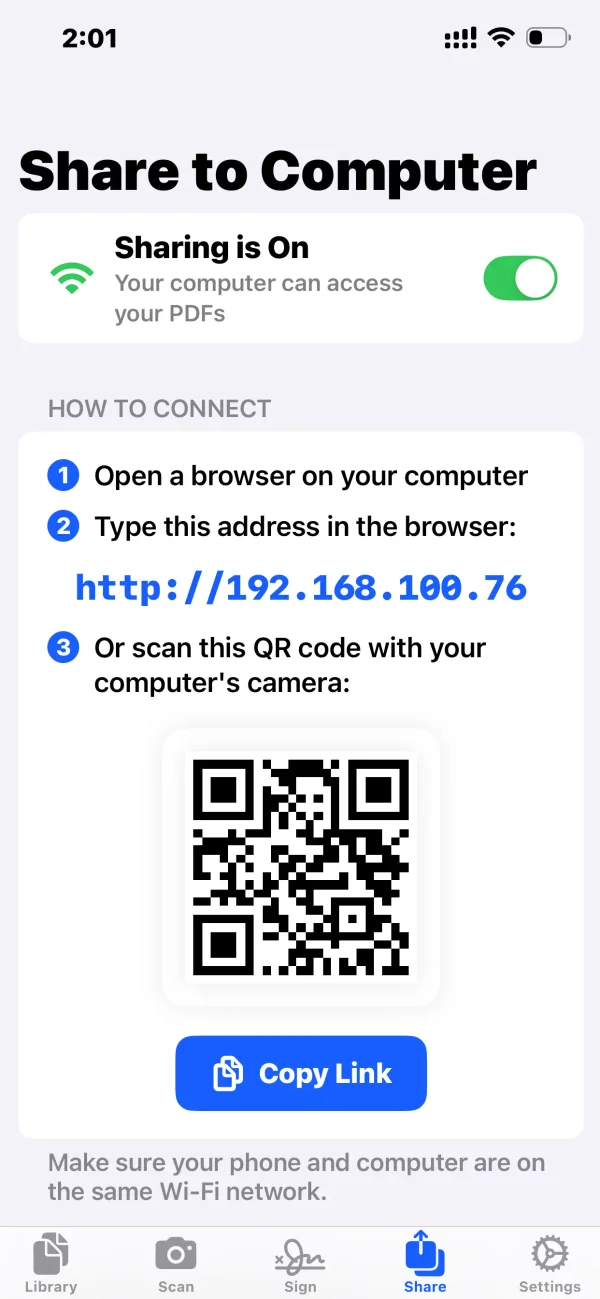
Share PDFs between your device and any computer on the same network — no cables, no cloud, no apps needed on the other end. Just scan the QR code or type the address in any browser to:
- Upload PDFs from your computer to your device
- Download PDFs from your device to your computer
- Rename and delete files remotely
- Optional PIN protection for secure access
**PRINT FROM YOUR DEVICE**
Print any PDF directly from the app to any AirPrint-compatible printer.
**THEMES**
Choose between System, Light, Dark, and Sepia themes to match your preference and reduce eye strain.
**COMPLETELY OFFLINE**
PDF Maker Pro works 100% without an internet connection. No accounts, no cloud storage, no tracking. Your files stay private on your device.
**FREE TRIAL**
Try every feature free for 2 days. After the trial, unlock full access permanently with a single one-time purchase — no subscriptions, no recurring charges, no hidden fees.
**KEY FEATURES AT A GLANCE**
- Document scanner with auto edge detection
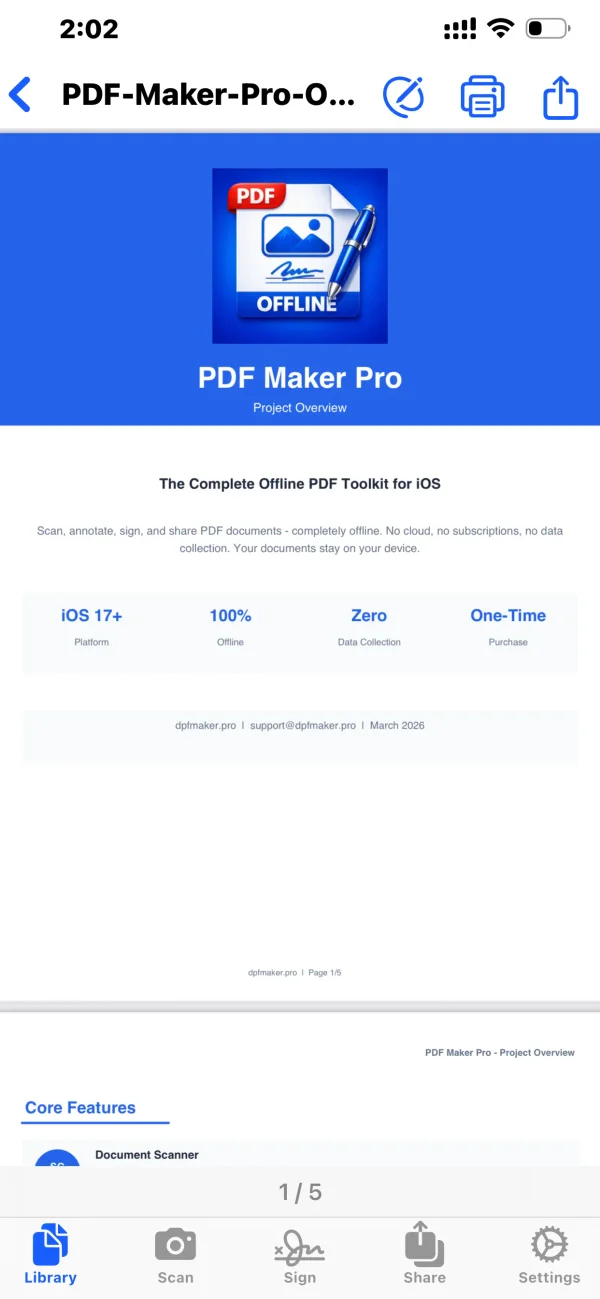
- Full PDF viewer with page navigation
- Rich annotation tools (highlight, draw, text, shapes, images)
- Visual canvas editor for precise edits
- Wi-Fi file transfer with browser-based UI
- QR code for instant connection
- PIN-protected sharing
- AirPrint support
- Grid and list library views
- 4 visual themes
- Fully offline — no internet required
- No subscription — pay once, use forever
- Privacy first — no data collection
Download PDF Maker Pro today and take full control of your documents.
Uygulama gizliliği
Bu uygulamanın verileri nasıl işlediği hakkında Omar M Abu sharifa tarafından App Store üzerinde yapılan beyan.
-
Veri toplanmıyor
Geliştirici bu uygulamadan hiçbir veri toplamıyor.
Gizlilik uygulamaları, örneğin kullandığınız özelliklere veya yaşınıza göre değişiklik gösterebilir.
Bilgiler
- Satıcı
- Omar M Abu sharifa
- Kategori
- Üretkenlik
- Sürüm
- 1.0
- Güncellendi
- 26.03.2026
- Yayın tarihi
- 26.03.2026
- Boyut
- 6,8 MB
- Gereksinim
- iOS 17 veya sonrası
- Yaş sınırı
- 4+
- Fiyat
- Ücretsiz
- Uygulama içi satın alma
- Evet
- Diller
- İngilizce
- Telif hakkı
- © 2026
Bunları da beğenebilirsiniz
-
 Scan Flow: Document ScannerÜretkenlik
-
 PDF Splitter by OpenSquareÜretkenlik
-
 QR Code Generator - QR EngineÜretkenlik
-
 Winek ProÜretkenlik
-
 Ai EbookÜretkenlik
-
 PDF Easy Combiner & SplitterÜretkenlik
-
 EasyScan: PDF ScannerÜretkenlik
-
 Parent 360Üretkenlik
-
 Pics2PDF - Pics into PdfÜretkenlik
-
 Paper MakerÜretkenlik