PDF Reader Pro Edition®
Annotate,edit & sign PDFs
iPhone, iPad için tasarlandı
Ücretsiz · Uygulama içi satın alma
- Yaş sınırı17+
- Kategoriİş
- GeliştiriciiTECH DEVELOPMENT SYSTEMS INC.
- Dillerİngilizce+ 10 dil daha
- Boyut137,2 MB
Resmi App Store sayfasına bağlanır
Download.org, PDF Reader Pro Edition® için hiçbir dosya barındırmaz. Düğme, uygulamanın App Store üzerindeki sayfasını açar; uygulamayı orada iTECH DEVELOPMENT SYSTEMS INC. yayınlar. Sayfanın son kontrolü: 17.11.2026.
Ekran görüntüleri
Hakkında
Geliştirici bu metni dilinizde sunmamış.
PDF Reader Pro Edition — AI-Powered PDF Reader. Built with Privacy in Mind.
Read, edit, annotate and understand PDFs faster with powerful AI tools and professional PDF features built for iPhone, iPad and iPhone Duo.
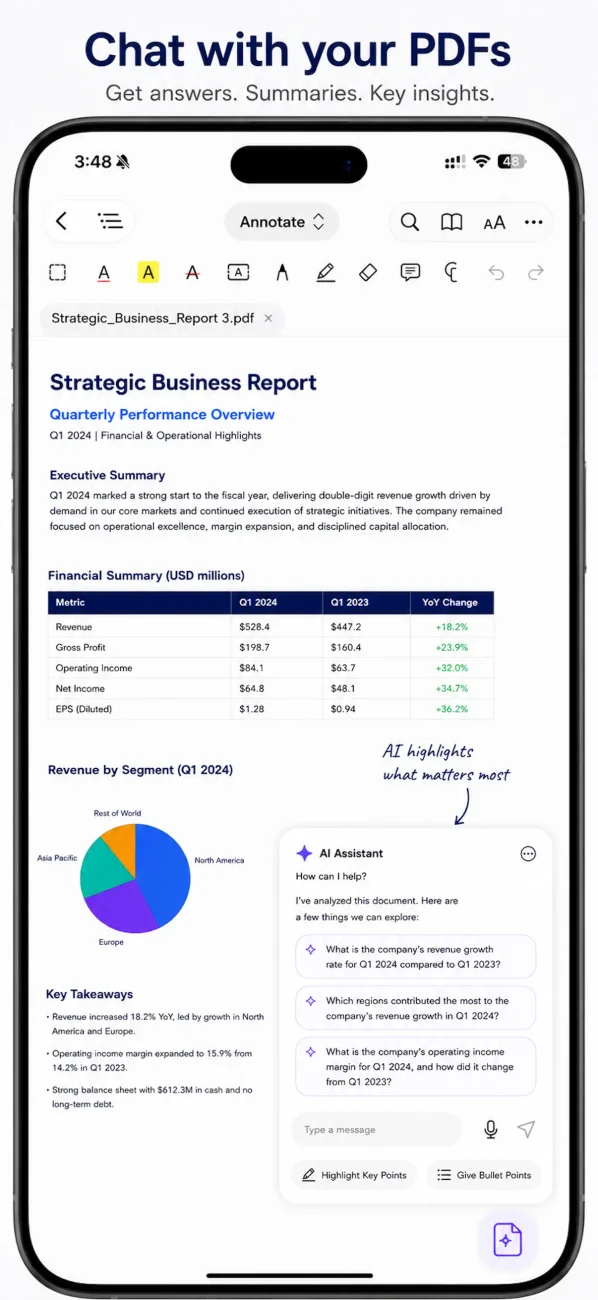
Chat with PDFs, summarize documents, translate files, highlight key insights, fill & sign forms, edit & convert PDFs and more — all in one modern PDF experience.
Your documents are yours. We believe they should stay that way. That’s why we build every feature with privacy in mind. With on-device AI powered by Apple Intelligence and on-device PDF conversions, your documents can stay on your device while you stay in control of your data.
Built for Apple Devices
• Powered by Apple Intelligence*
• On-device AI for speed and privacy
• On-device PDF conversions
• Built with privacy in mind
• Fast, modern & easy to use
• iCloud support
• Updated for iOS 27, with the new Liquid Glass design
• Optimized for iPhone, iPad and iPhone Duo.
AI-Powered PDF Tools
• Chat with your PDFs
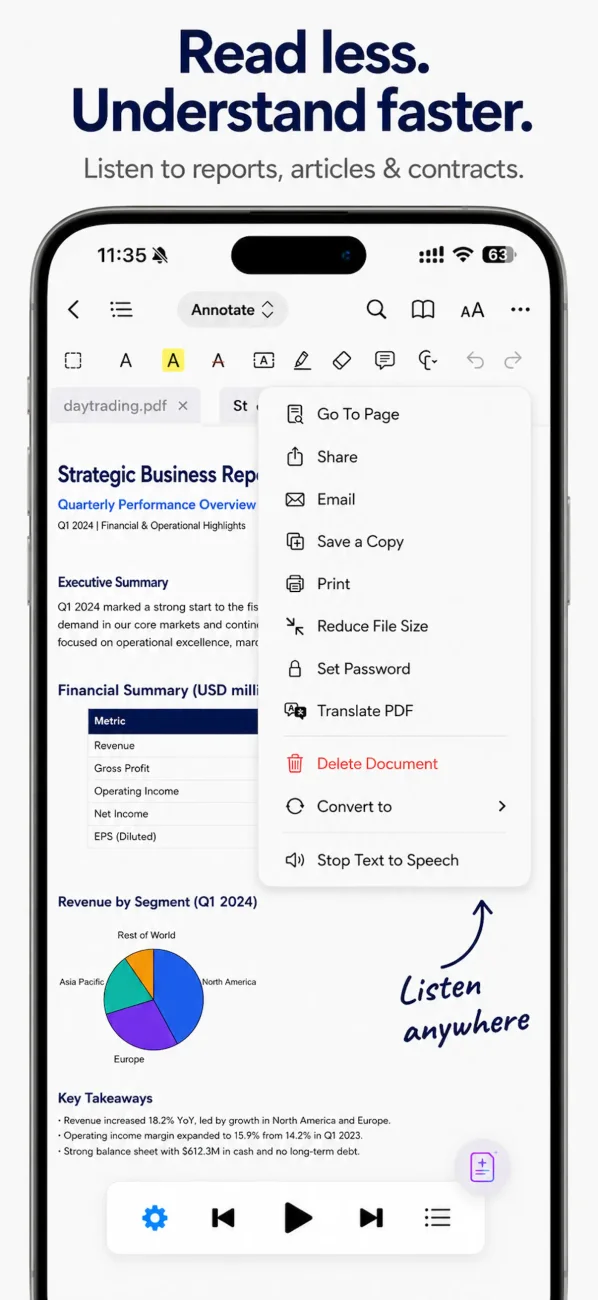
• AI summaries & key insights
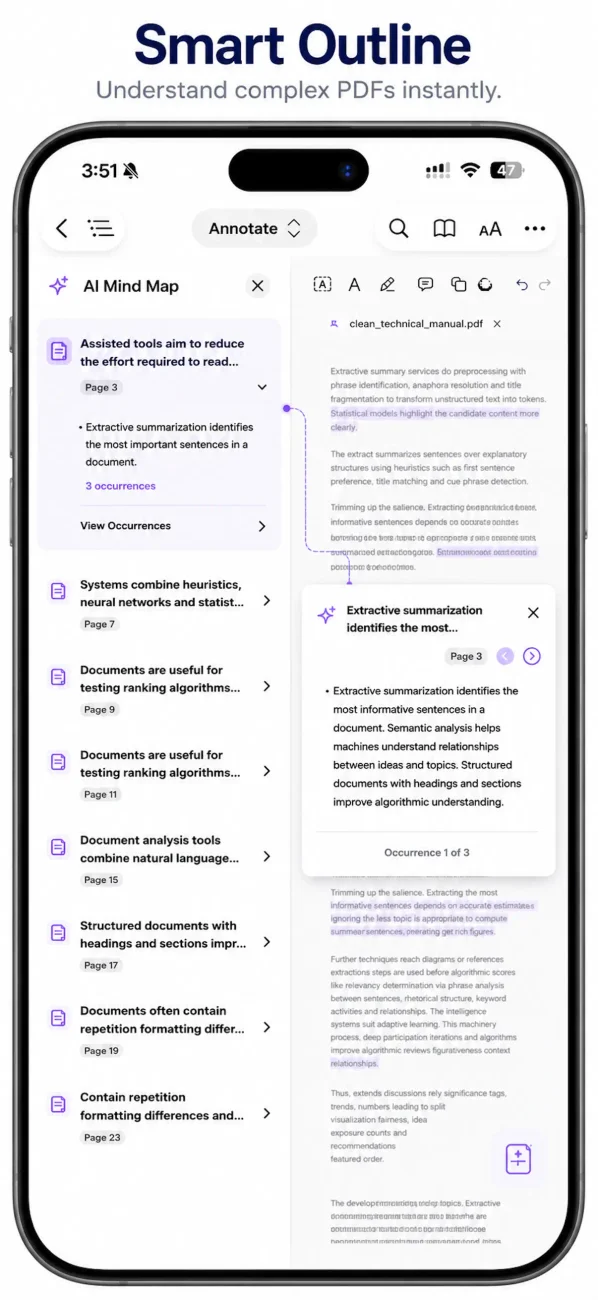
• AI Mind Maps for complex documents
• AI-powered highlights
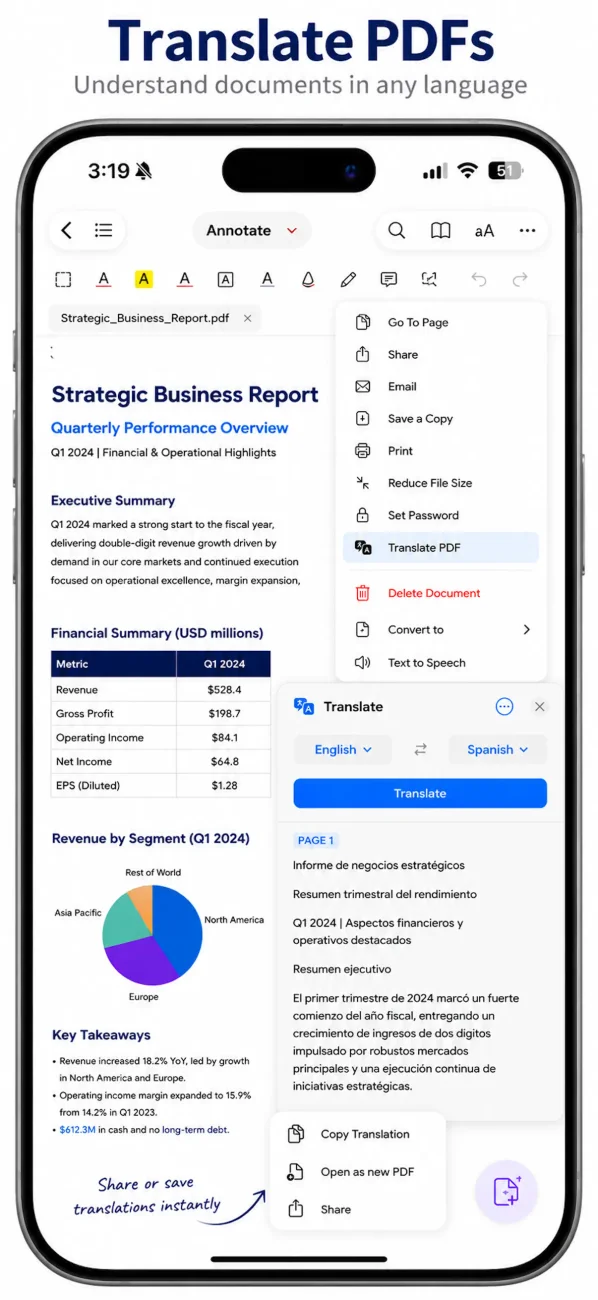
• Translate PDFs instantly
• Ask questions about documents
• Simplify long PDFs in seconds
Powerful PDF Editing
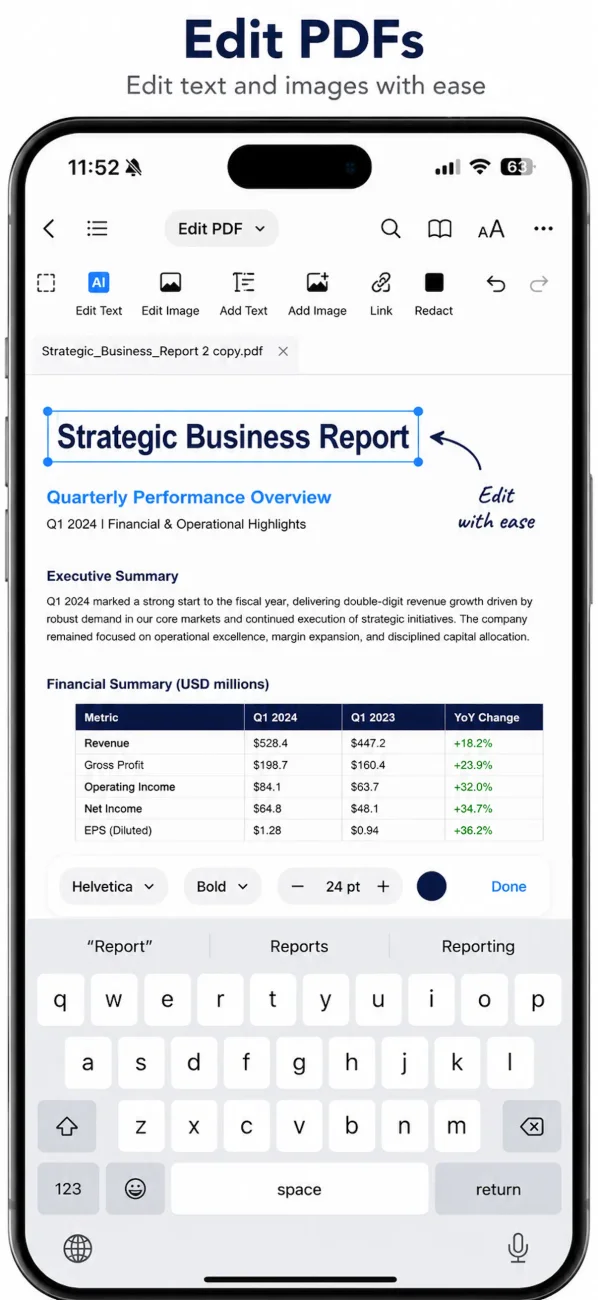
• Edit text and images in PDFs
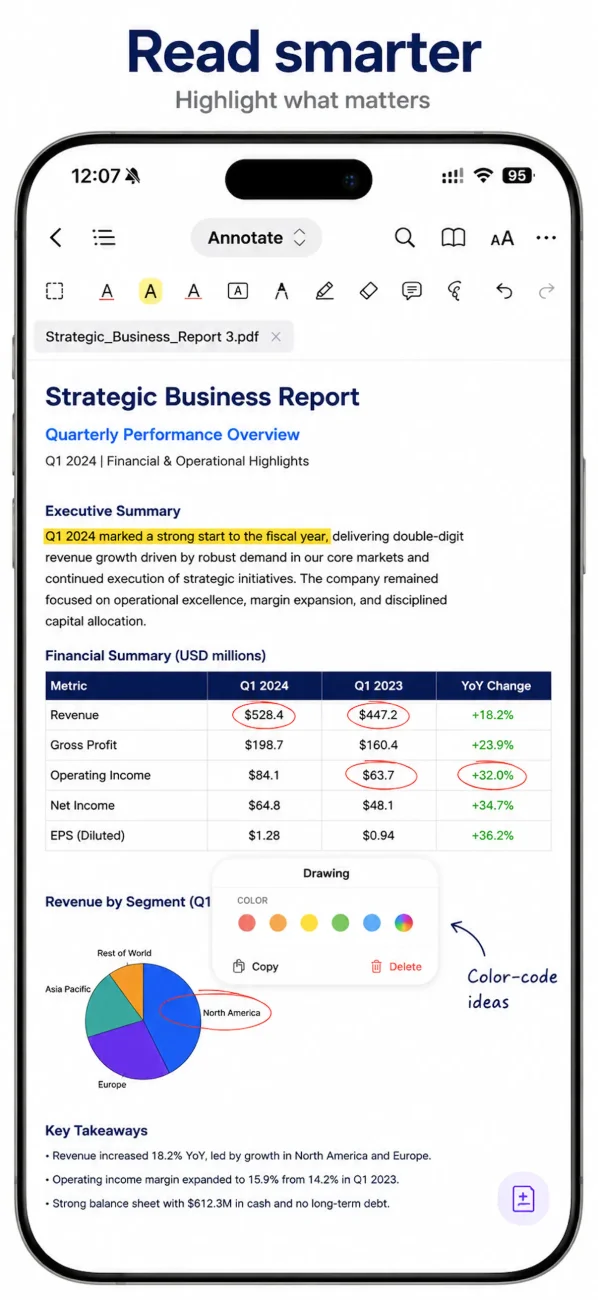
• Annotate & markup documents
• Highlight, underline & draw
• Add notes, shapes & signatures
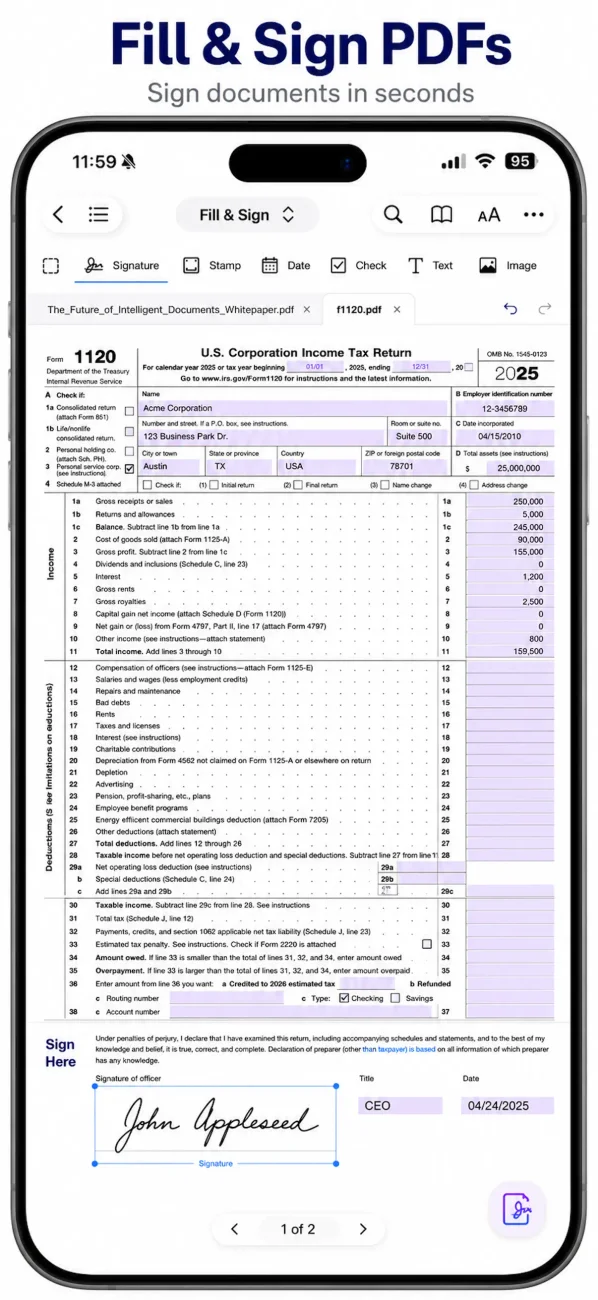
• Fill & sign PDF forms
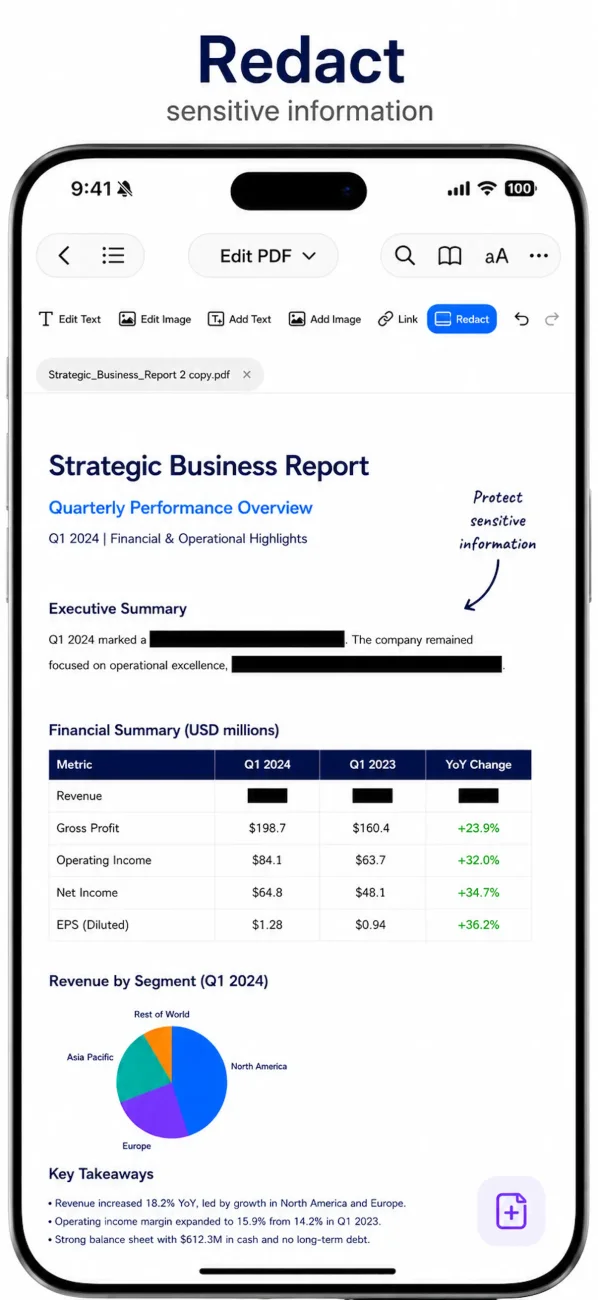
• Redact sensitive information
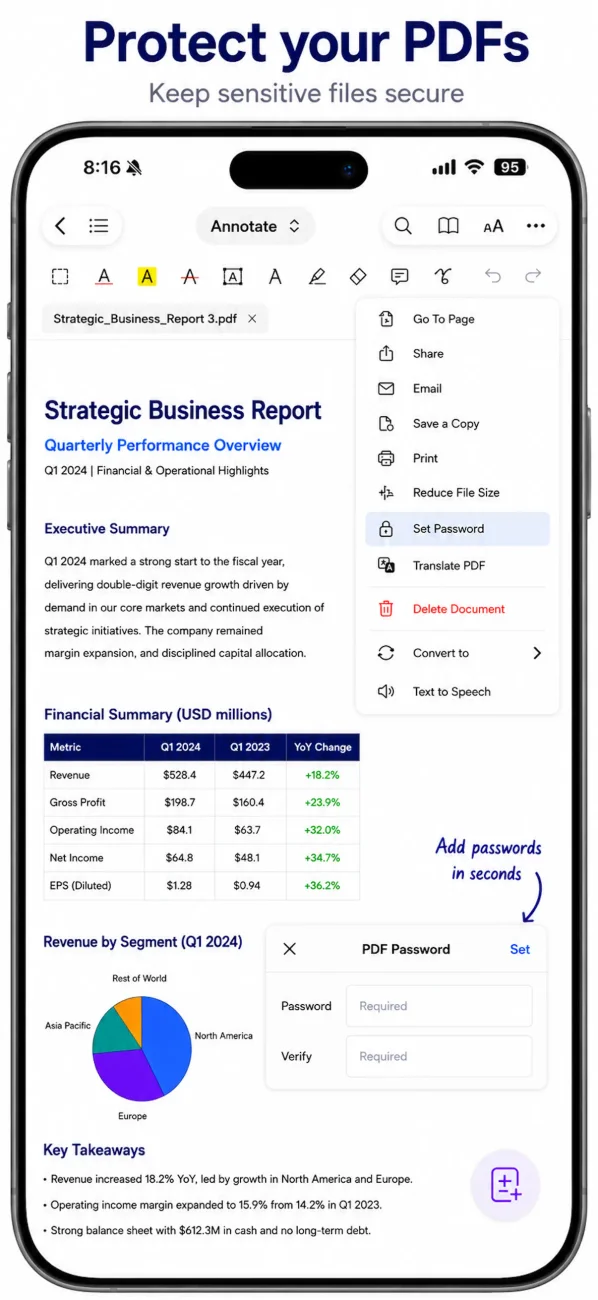
• Protect PDFs with passwords
Organize & Convert PDFs
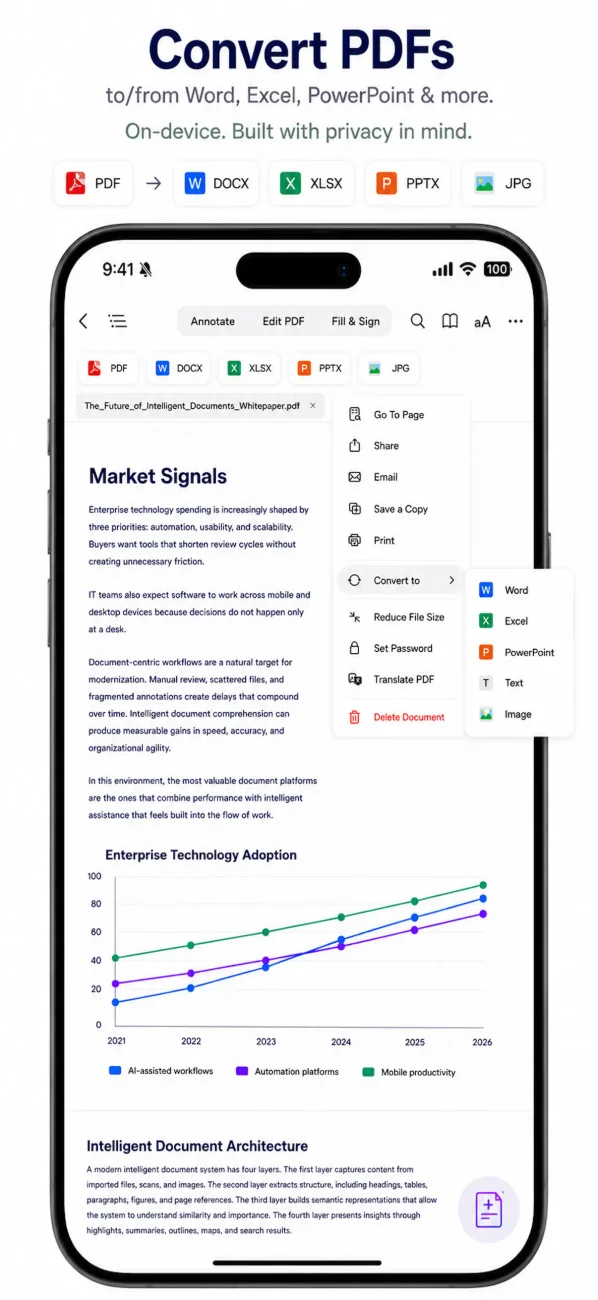
• Convert PDFs to Word, Excel, PowerPoint, images & text
• Merge, rotate, reorder and delete pages
• Convert Word, Excel, PowerPoint and images to PDF
• Scan documents and recognize text (OCR)
• Compare two PDFs
• Reduce file size
• Vault: keep sensitive files in an encrypted, password-protected folder
Designed for iPhone Duo
Read, sign and edit in every pose, with layouts that adapt as you fold, unfold or turn your device. A dedicated laptop-style workspace keeps your page on top and your tools and panels below, so your document stays in view. Move between poses without losing your place or interrupting your work.
Made for every angle.
Whether you’re reviewing contracts, studying, editing reports or working on the go, PDF Reader Pro Edition helps you work smarter with PDFs—without compromising your privacy.
Download PDF Reader Pro Edition today.
*Apple Intelligence requires a supported device and compatible software.
Terms of Use (EULA): https://www.apple.com/legal/internet-services/itunes/dev/stdeula/
Terms of Service: https://www.pdf-app.com/terms
Privacy Policy: https://www.pdf-app.com/privacy-policy
Yenilikler
Sürüm 10.1 · 23.10.2026
PDF Reader Pro Edition is now ready for iPhone Duo, with layouts that adapt to every pose and a dedicated laptop-style workspace.
• Made for every pose Read, sign and edit with your iPhone Duo closed, fully open in portrait or landscape, partially folded like a book, seated like a laptop, or standing on its edges. Your tools stay within reach and clear of the fold. Fold or unfold without losing your place or interrupting your work.
• A laptop-style workspace Your page stays on the upper screen while the lower screen becomes a control deck, with every tool in a consistent position and large, easy-to-use options. Signatures, Settings, Contents, AI Mind Map and other panels open below, keeping your document in view. A keyboard tool strip keeps controls within reach while you type.
• Standard and dynamic stamps All 28 Adobe Acrobat standard stamps are now available. Dynamic stamps automatically add your name, date and time.
• Page by Page reading A new vertical reading mode lets you swipe through your document, stopping at each page. Page by Page and Horizontal reading now use the full screen when you hide the toolbars.
• Easier sticky-note management Delete sticky notes directly from each note’s menu.
• Fewer interruptions and more fixes This update also includes many smaller fixes and improvements.
Uygulama gizliliği
Bu uygulamanın verileri nasıl işlediği hakkında iTECH DEVELOPMENT SYSTEMS INC. tarafından App Store üzerinde yapılan beyan.
-
Sizinle ilişkilendirilen veriler
Toplanabilir ve kimliğinizle ilişkilendirilebilir.
- İletişim bilgileri
-
Sizinle ilişkilendirilmeyen veriler
Toplanabilir ancak kimliğinizle ilişkilendirilmez.
- Tanımlayıcılar
Gizlilik uygulamaları, örneğin kullandığınız özelliklere veya yaşınıza göre değişiklik gösterebilir.
Bilgiler
- Satıcı
- iTECH DEVELOPMENT SYSTEMS INC.
- Kategori
- İş
- Sürüm
- 10.1
- Güncellendi
- 23.10.2026
- Yayın tarihi
- 01.04.2010
- Boyut
- 137,2 MB
- Gereksinim
- iOS 17.6 veya sonrası
- Yaş sınırı
- 17+
- Fiyat
- Ücretsiz
- Uygulama içi satın alma
- Evet
- Diller
- İngilizce, Fransızca, Almanca, İtalyanca, Japonca, Korece, Portekizce, Rusça, Basitleştirilmiş Çince, İspanyolca, Geleneksel Çince
- Telif hakkı
- © 2026 iTech Development Systems
Bunları da beğenebilirsiniz
-
 OneOpen: Dosya GörüntüleyiciHTML, Markdown, CAD ve 3B
-
 EverPass: Expiry ReminderÜretkenlik
-
 OneScan: PDF TarayıcıBelge Tarayın, Saklayın, Bulun
-
 Email Generator - Temp MailÜretkenlik
-
 ClipKeep – Video SaverÜretkenlik
-
 Sticky NoteaKolayca yaz, kolayca düzenle
-
 MediFamily: Health OrganizerÜretkenlik
-
 BriefFeedÜretkenlik
-
 ReadAloud: Text to Speech PDFÜretkenlik
-
 Lekh AI - Local AI StudioÜretkenlik