PDF to Excel
The Best PDF to XLSX Converter
iPhone, iPad, iPod touch için tasarlandı
Ücretsiz · Uygulama içi satın alma
- Yaş sınırı4+
- Kategoriİş
- GeliştiriciFlyingbee Software Co., Ltd.
- Dillerİngilizce+ 11 dil daha
- Boyut148,4 MB
Resmi App Store sayfasına bağlanır
Download.org, PDF to Excel için hiçbir dosya barındırmaz. Düğme, uygulamanın App Store üzerindeki sayfasını açar; uygulamayı orada Flyingbee Software Co., Ltd. yayınlar. Sayfanın son kontrolü: 12.11.2026.
Ekran görüntüleri

Hakkında
Geliştirici bu metni dilinizde sunmamış.
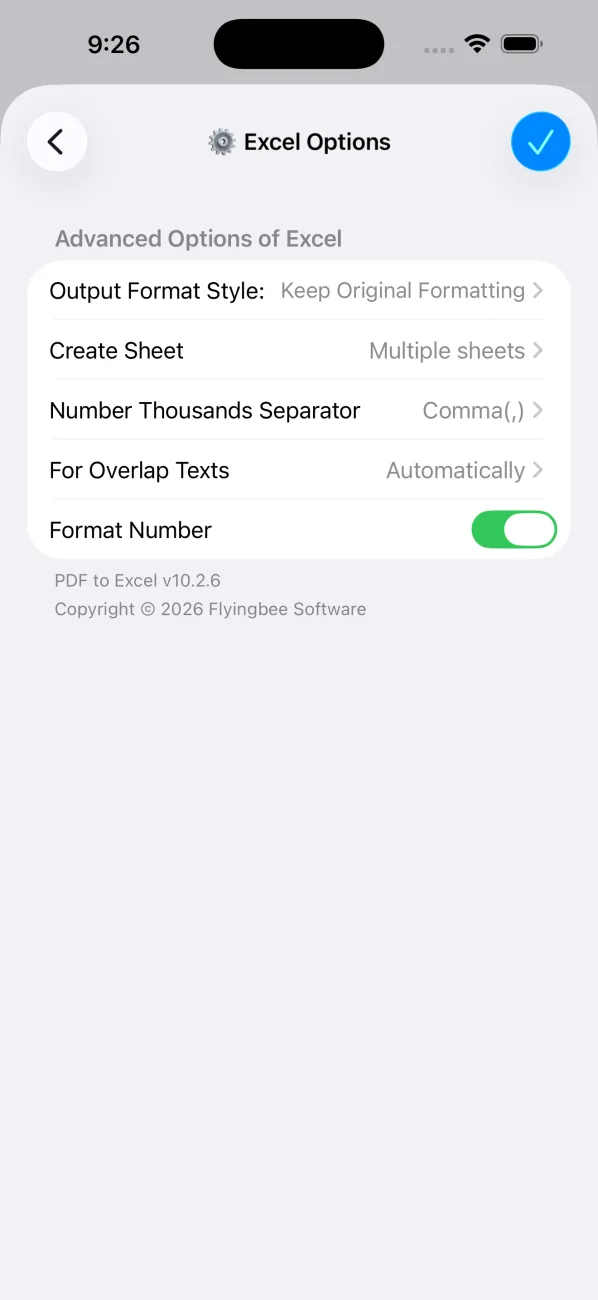
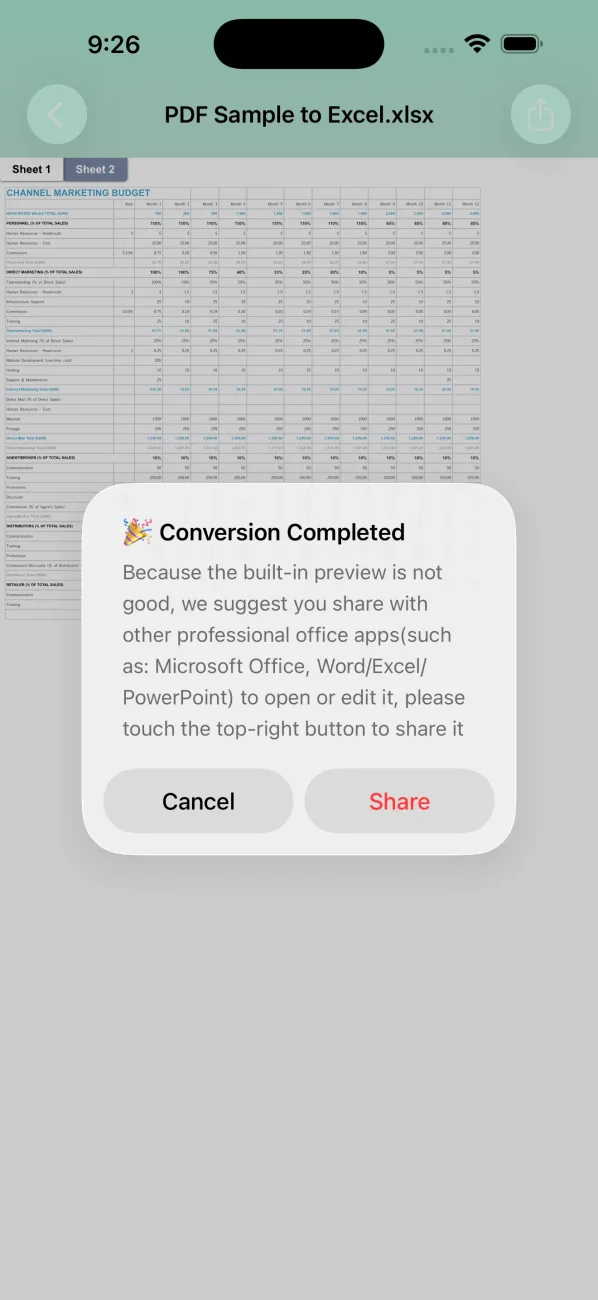
Flyingbee PDF to Excel Converter can quickly and efficiently convert PDFs into Excel data documents. It converts PDF files back into editable and modifiable Microsoft Office Excel spreadsheets, preserving original text, layout, font styles, and tables. You can easily edit, reuse, and calculate data in the output Excel (.xlsx) documents. It supports opening in popular mobile office editor apps such as: Microsoft Excel, Polaris Office, WPS, or QuickOffice.
The conversion quality is excellent, requires no internet upload, performs 100% local conversion, and is secure, fast, and protects your privacy!
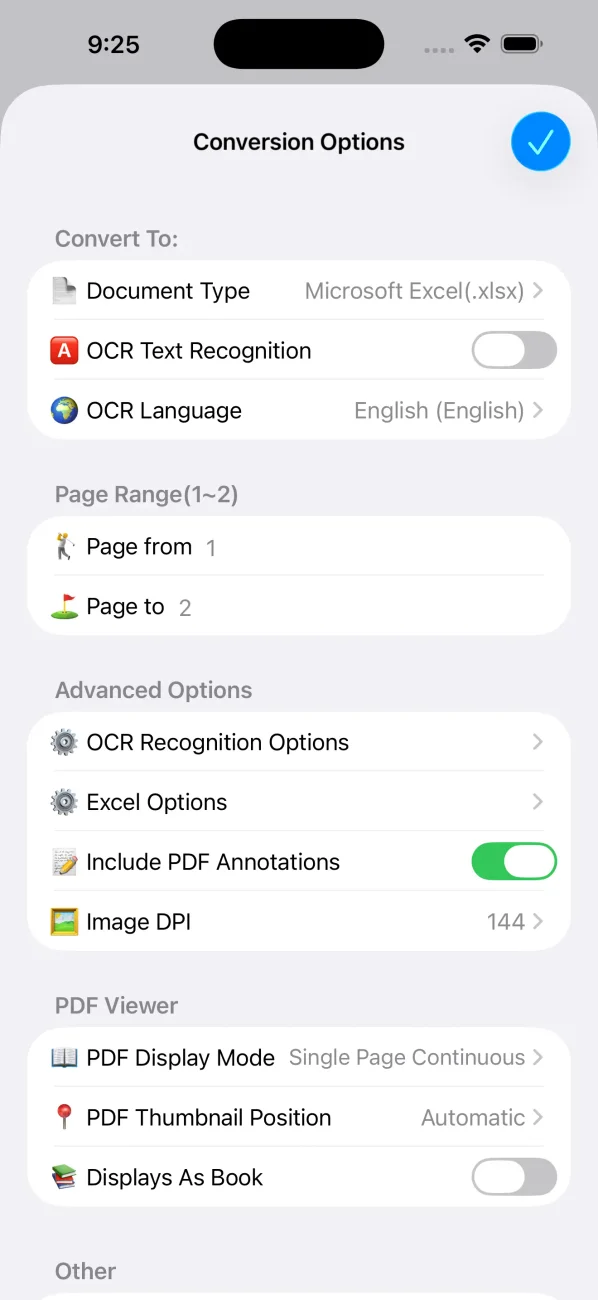
Added OCR text recognition. For scanned documents, please select the OCR language that matches the document, as this can significantly improve recognition accuracy.
> Upgrade to Pro?
You can convert the first few pages of any PDF document for free immediately. If you are satisfied, you can upgrade to the Pro version to convert full documents directly without ad.
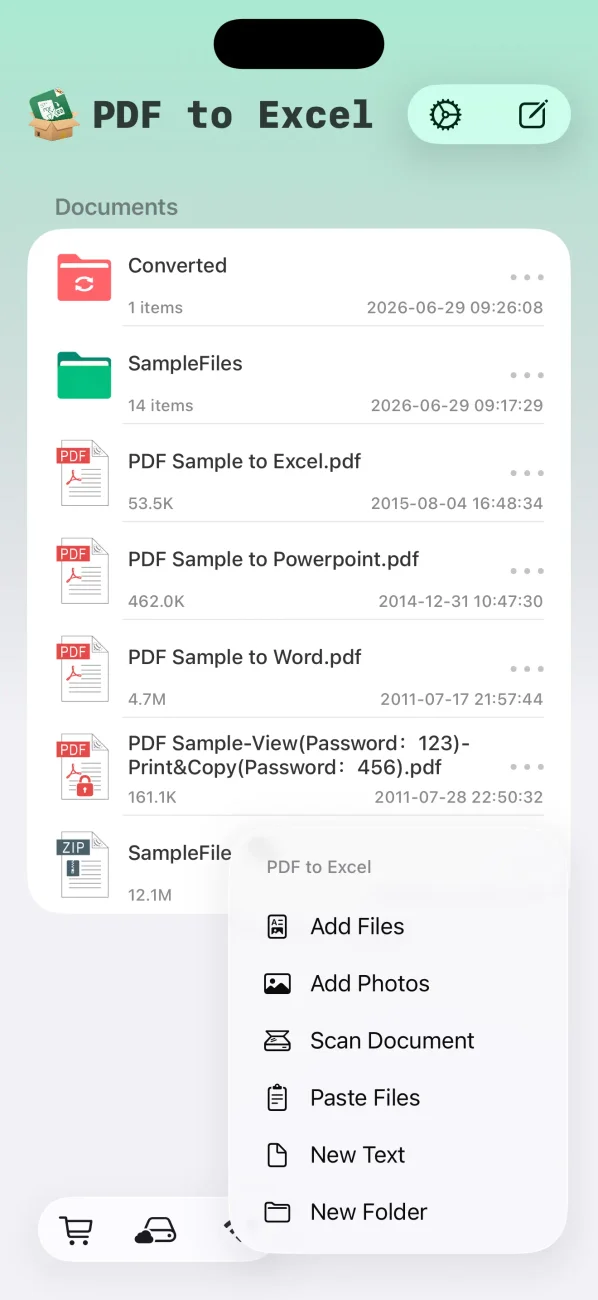
The app already includes several sample PDF files, so you can test the conversion results immediately!
PDF to Excel Converter Main Features:
> Easily import PDFs, convert a 100-page PDF to Excel within 10 seconds, very fast!
> Supports converting PDF to Excel (.xlsx), CSV (.csv), and extracting element resources (images, graphics), etc.
> The entire process is 100% converted locally on iOS devices, no internet connection required, no uploading, ensuring privacy and security.
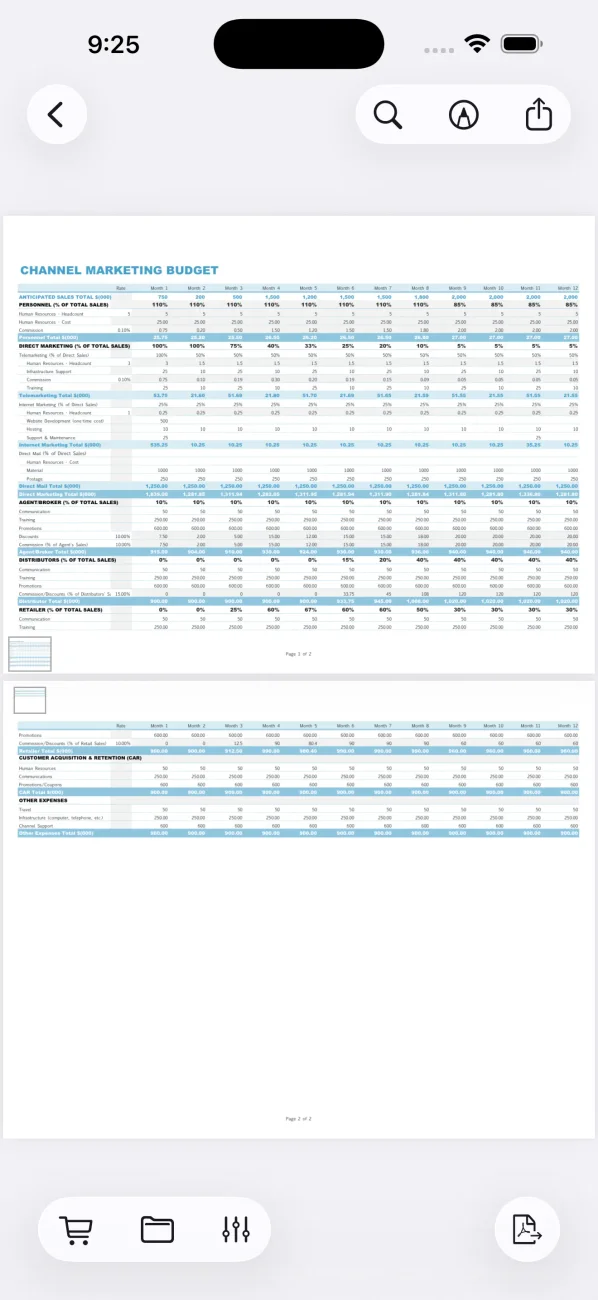
> Outputs well-formatted Excel content, preserving text, numbers, colors, font styles, and images identical to the original PDF document, making it very convenient for editing and reuse.
> Convert any selected pages (e.g., 1, 3-8, 26, or all pages) to save time.
> Save time learning complex Excel editing knowledge.
> Skip the annoying ads and pop-ups of online PDF converters.
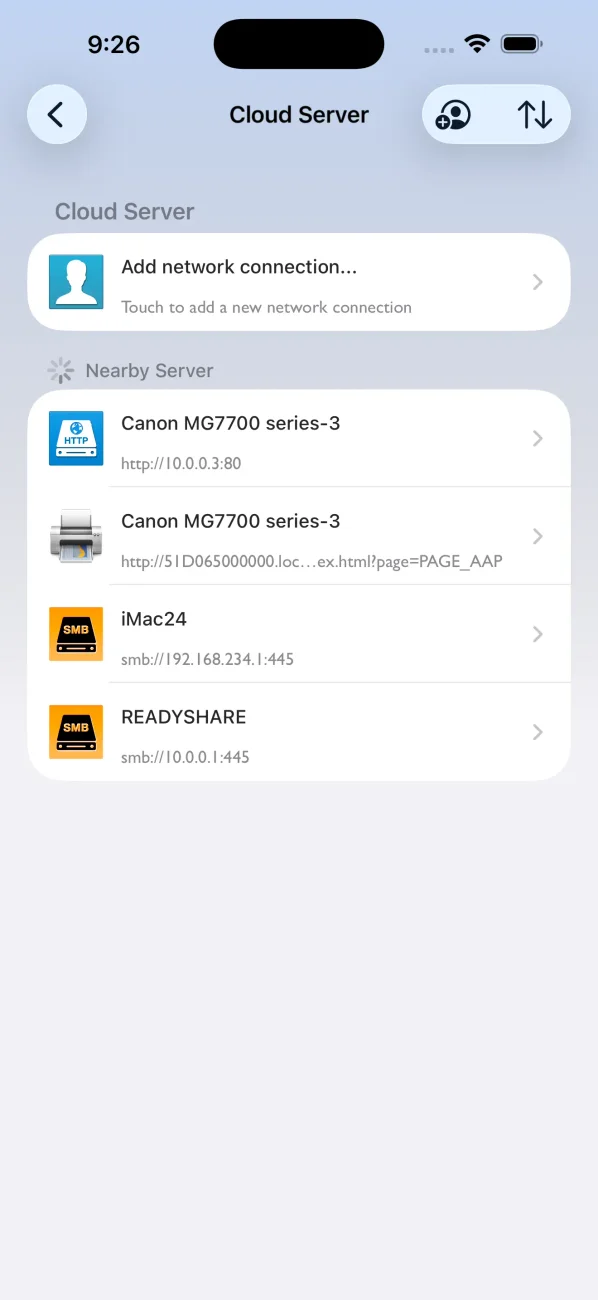
> Supports connecting to online cloud storage, including Cloud Me and any FTP or WebDAV servers.
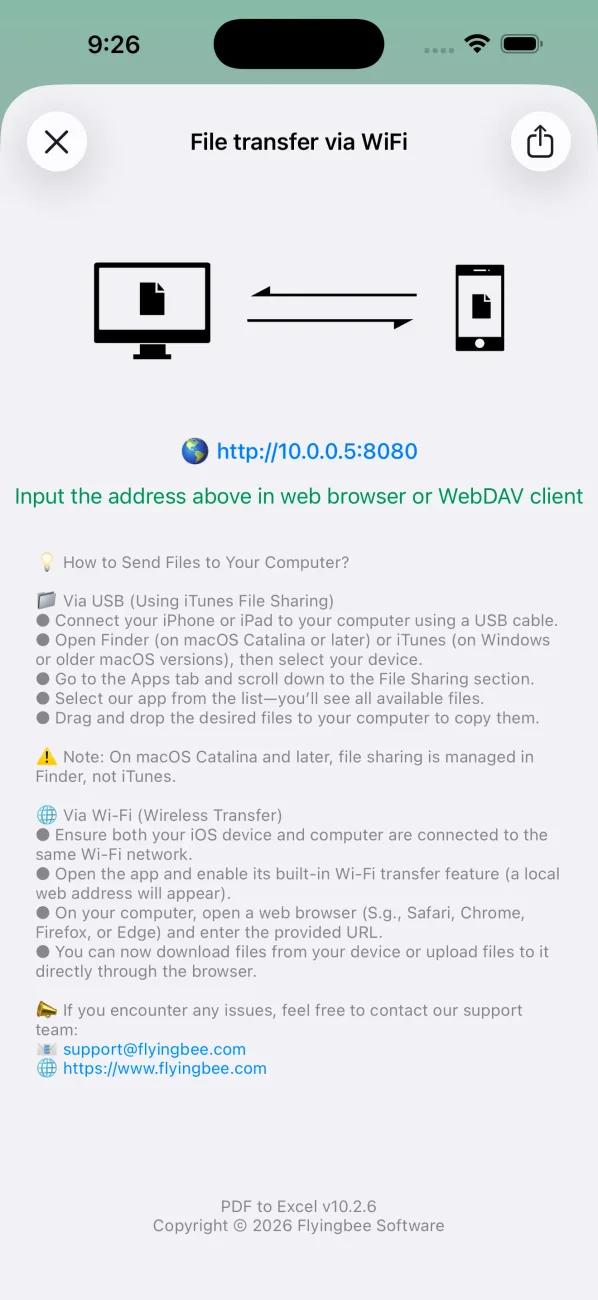
> Provides 4 ways to transfer files (Open in..., iTunes USB file sharing, Wi-Fi sharing, cloud disk, and built-in file import function).
== Quick Start ==
Converting a PDF stored as an email attachment to an Excel file takes just three steps:
1. Open the Mail app, use "Open in..." to send the source PDF file to the PDF to Excel app.
2. Go to the PDF to Excel app, tap to open the PDF file.
3. Click the "Convert" button to convert the PDF to an Excel document.
FAQ: Why does a "Conversion Failed" error message appear when extracting from a PDF file?
Answer: Is the PDF restricted from printing or copying text? If your PDF file has added password security and other restrictions, you need to enter the master password to remove the text copying restriction, or enable the OCR feature.
== Subscription Information ==
The duration and price of each subscription are displayed in the app store and updated upon purchase. Upon confirmation of purchase, payment will be charged to the iTunes account. Subscriptions will automatically renew unless auto-renew is turned off at least 24 hours before the end of the current period. Subscriptions and auto-renewal can be managed/turned off in iTunes Account Settings. Once a subscription is purchased, any unused portion of a free trial period will be forfeited.
Terms of Service and Privacy Policy:
https://www.flyingbee.com/term-of-service/
https://www.flyingbee.com/privacy-policy/
Yenilikler
Sürüm 10.2.6 · 29.06.2026
> Added OCR text recognition.
> Improve speed and fix bugs.
> Supports iOS 27 system.
------------
Require iOS 15.0 or higher, feel free to contact us: support@flyingbee.com
Uygulama gizliliği
Bu uygulamanın verileri nasıl işlediği hakkında Flyingbee Software Co., Ltd. tarafından App Store üzerinde yapılan beyan.
-
Sizi izlemek için kullanılan veriler
Başka şirketlere ait uygulamalarda ve web sitelerinde sizi izlemek için kullanılabilir.
- Tanımlayıcılar
- Kullanım verileri
-
Sizinle ilişkilendirilmeyen veriler
Toplanabilir ancak kimliğinizle ilişkilendirilmez.
- Tanımlayıcılar
- Kullanım verileri
Gizlilik uygulamaları, örneğin kullandığınız özelliklere veya yaşınıza göre değişiklik gösterebilir.
Bilgiler
- Satıcı
- Flyingbee Software Co., Ltd.
- Kategori
- İş
- Sürüm
- 10.2.6
- Güncellendi
- 29.06.2026
- Yayın tarihi
- 12.08.2015
- Boyut
- 148,4 MB
- Gereksinim
- iOS 15.0 veya sonrası
- Yaş sınırı
- 4+
- Fiyat
- Ücretsiz
- Uygulama içi satın alma
- Evet
- Diller
- İngilizce, Arapça, Fransızca, Almanca, İtalyanca, Japonca, Korece, Portekizce, Rusça, Basitleştirilmiş Çince, İspanyolca, Geleneksel Çince
- Telif hakkı
- © Flyingbee Software
Bunları da beğenebilirsiniz
-
 PDF Excel Dönüştürücü - XLSXPDF'yi Excel Sayfalarına Çevir
-
 Excel'i pdf'ye dönüştürpdf xls ve xlsx dönüştürmek
-
 PDF To SpreadSheet AppÜretkenlik
-
 Excel PDF Dönüştürücü - XLSXXLS ve sayfaları PDF'ye çevir
-
 Görüntüyü Excel'e DönüştürResimden Tablo Excel'e Çevir
-
 Doc : Image to Excel ConverterÜretkenlik
-
 Word'den Excel'e DönüştürücüDOC ve DOCX'i XLSX'e dönüştür
-
 XLS Sheet: XLS Viewer & Editorİş
-
 PDF to Excel DönüştürücüTablo Çıkar ve Veriyi Al
-
 Etablo Düzenleyici: XLS Okuxlsx düzenle, resimden tablo