PearOffice
Share files, no account
iPhone, iPad, iPod touch için tasarlandı
Ücretsiz
- Yaş sınırı4+
- KategoriÜretkenlik
- GeliştiriciTimothy Hudgins
- Dillerİngilizce
- Boyut80,1 MB
Resmi App Store sayfasına bağlanır
Download.org, PearOffice için hiçbir dosya barındırmaz. Düğme, uygulamanın App Store üzerindeki sayfasını açar; uygulamayı orada Timothy Hudgins yayınlar. Sayfanın son kontrolü: 23.11.2026.
Ekran görüntüleri


Hakkında
Geliştirici bu metni dilinizde sunmamış.
PearOffice is spreadsheets, documents and slides you share with a link and edit together, straight between your devices. No account, no subscription and no company holding a copy of your files.
SPREADSHEETS, DOCUMENTS AND SLIDES
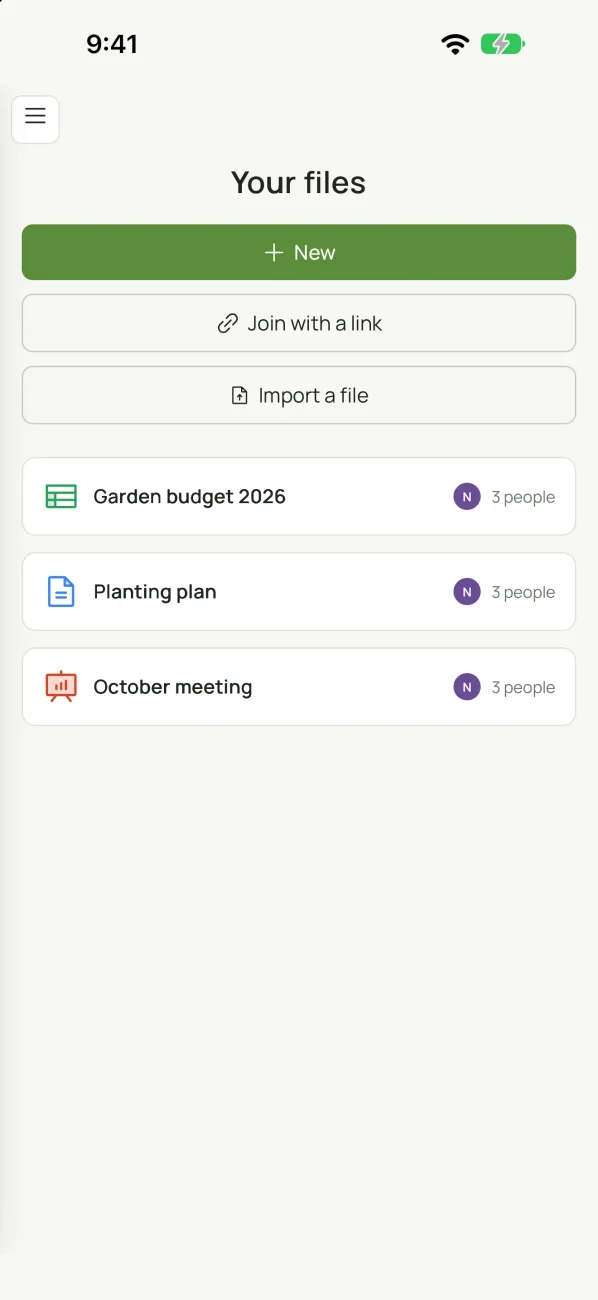
- Spreadsheets with around 400 formulas, charts, filters, comments, cell formats and colour rules
- Documents with headings, lists, tables, pictures and links
- Slides with layouts, shapes, pictures, charts and themes, and a presenter view
- Open and save Excel, Word and PowerPoint files, plus CSV, Markdown and PDF
EDIT TOGETHER, LIVE
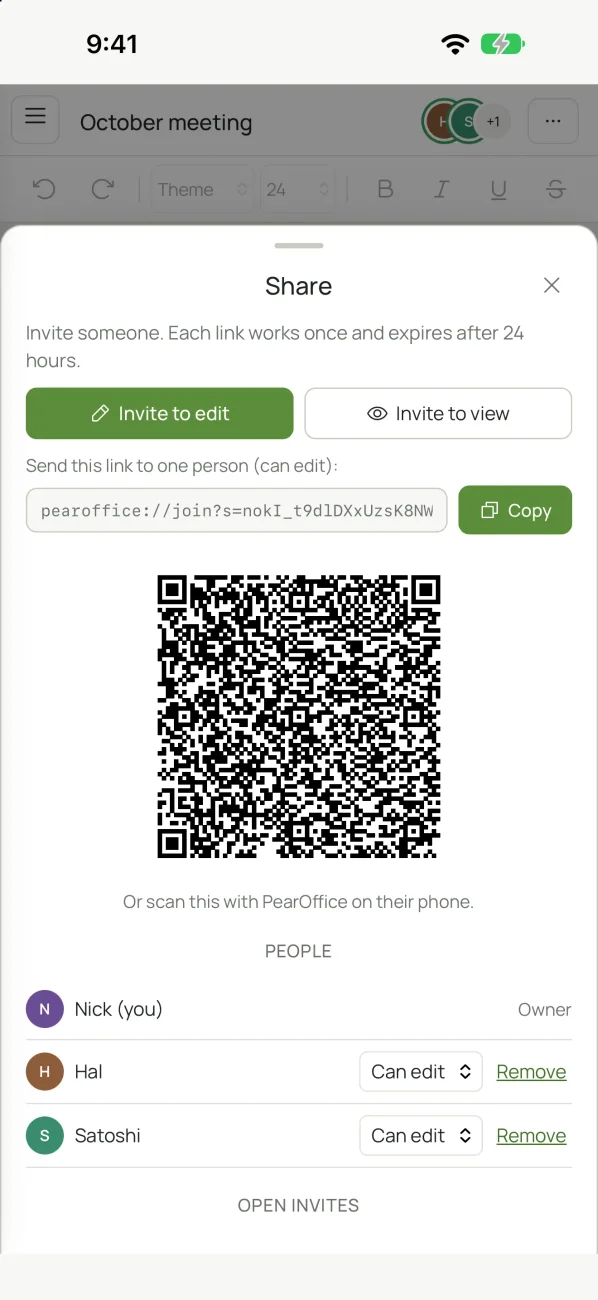
Send someone an invite link. Each link works once and lasts 24 hours, and you choose whether they can edit or only view. Everyone in a file sees each other's changes as they happen, and who is working where. The owner can remove someone at any time, and they see nothing new after that.
NO ACCOUNT, NO SERVER
Your files live on your devices and the devices of the people you share them with, and sync directly between them, encrypted. There is nothing to sign up for. Your identity is a key made on your phone, and a 12-word recovery phrase brings it back on a new device.
USE ALL YOUR DEVICES
Link your iPhone, iPad and Mac once and they keep the same files.
AN OPTIONAL SEEDER
Files sync while the people in them are online. A seeder is a device you leave running, such as a home server or your own computer, that keeps an encrypted copy so everyone catches up even when nobody else is online. It cannot read your files.
WHEN A DIRECT CONNECTION IS NOT POSSIBLE
Some networks block direct connections between devices. PearOffice can then fall back to a relay run by PeerLoom, which passes on encrypted data it cannot read and keeps nothing. You can turn this off in Settings.
PearOffice has no ads, no tracking and no analytics, and is MIT licensed.
Yenilikler
Sürüm 1.1.7 · 16.11.2026
PearOffice v1.1.7
New Features
- Open files from other apps on Android. Tap a spreadsheet, document, presentation or PDF in Files, your downloads or an email, and PearOffice is offered to open it
- Share files to PearOffice on Android. Use Share in any app and pick PearOffice to bring the file in
- Open in PearOffice on iPhone and iPad. Spreadsheets, documents, presentations and PDFs from Files or Mail can now be opened in PearOffice
Improvements
- On desktop, the update bar now shows as soon as a new version is found
Bug Fixes
- On desktop, PearOffice could open with "Cannot read properties of null" and no files, devices or name after an earlier copy had closed unexpectedly. It now shuts down fully when it closes, and if your files are ever still in use it tells you plainly what to do
Privacy
- Scanning a QR code no longer uses Google's scanning library. Codes are read inside the app, and nothing about your scans goes to Google
Uygulama gizliliği
Bu uygulamanın verileri nasıl işlediği hakkında Timothy Hudgins tarafından App Store üzerinde yapılan beyan.
-
Veri toplanmıyor
Geliştirici bu uygulamadan hiçbir veri toplamıyor.
Gizlilik uygulamaları, örneğin kullandığınız özelliklere veya yaşınıza göre değişiklik gösterebilir.
Bilgiler
- Satıcı
- Timothy Hudgins
- Kategori
- Üretkenlik
- Sürüm
- 1.1.7
- Güncellendi
- 16.11.2026
- Yayın tarihi
- 01.11.2026
- Boyut
- 80,1 MB
- Gereksinim
- iOS 15.1 veya sonrası
- Yaş sınırı
- 4+
- Fiyat
- Ücretsiz
- Diller
- İngilizce
- Telif hakkı
- © 2026 PeerLoom LLC