Plain Paste: Text Clipboard
Remove Formatting. Save Clips
iPhone, iPad için tasarlandı
Ücretsiz
- Yaş sınırı4+
- KategoriYardımcılar
- GeliştiriciAndreas Ekegren
- Dillerİngilizce
- Boyut4,0 MB
Resmi App Store sayfasına bağlanır
Download.org, Plain Paste: Text Clipboard için hiçbir dosya barındırmaz. Düğme, uygulamanın App Store üzerindeki sayfasını açar; uygulamayı orada Andreas Ekegren yayınlar. Sayfanın son kontrolü: 12.11.2026.
Ekran görüntüleri
Hakkında
Geliştirici bu metni dilinizde sunmamış.
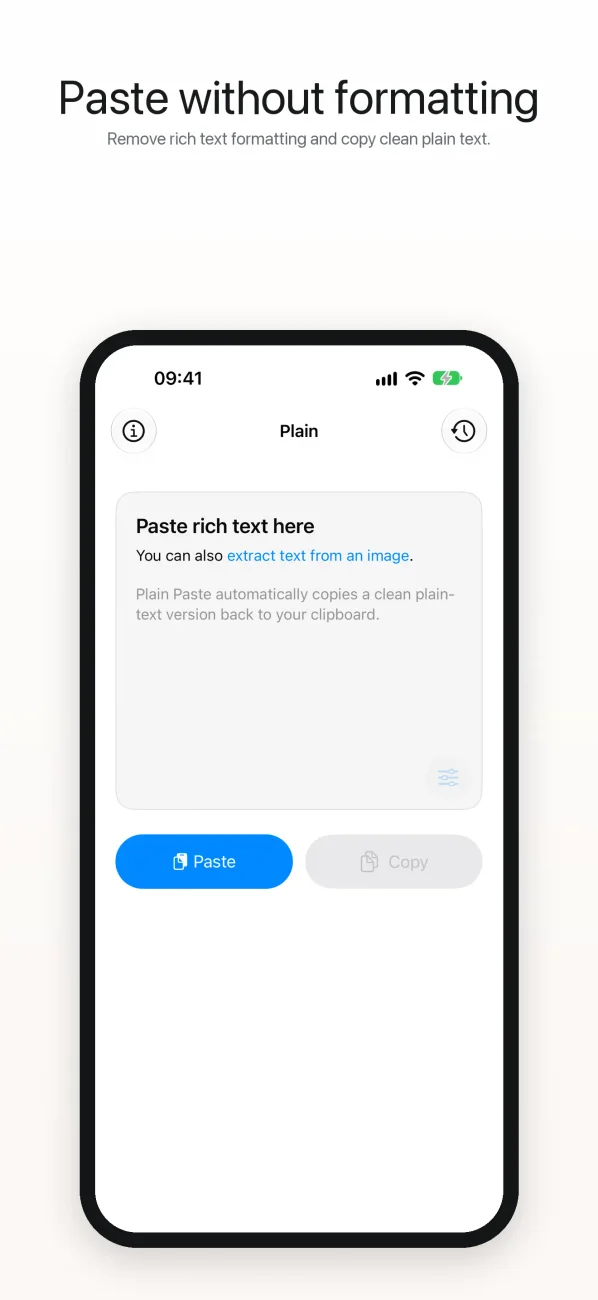
Plain Paste makes copied text easier to use.
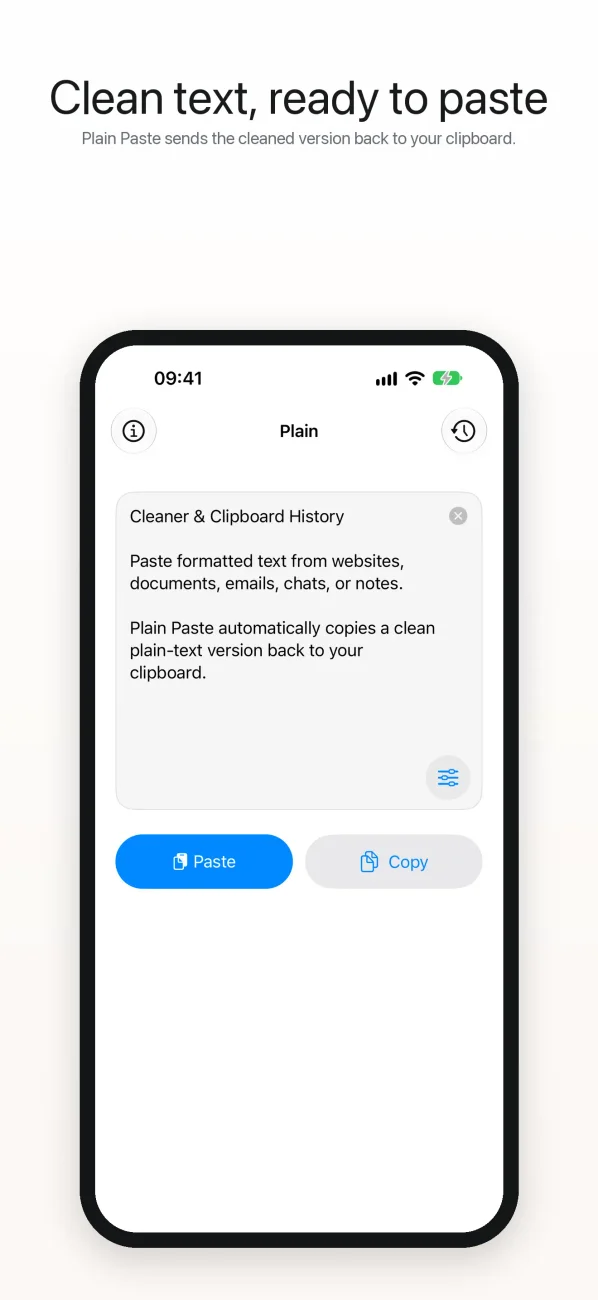
Paste formatted text from websites, documents, emails, chats or notes, and Plain Paste automatically copies a clean plain-text version back to your clipboard. Choose Markdown or cleanup options when you need a different result, without pasting again.
More ways to capture text:
• Clean selected text from another app with Clean with Plain in the share sheet
• Extract editable text from photos, screenshots and shared images
• Convert supported rich text formatting to Markdown
Make the output yours:
• Copy as Plain Text or Markdown
• Remove Markdown formatting, remove line breaks within paragraphs, or make text one line
• Review and edit the result before copying again
Keep useful text close:
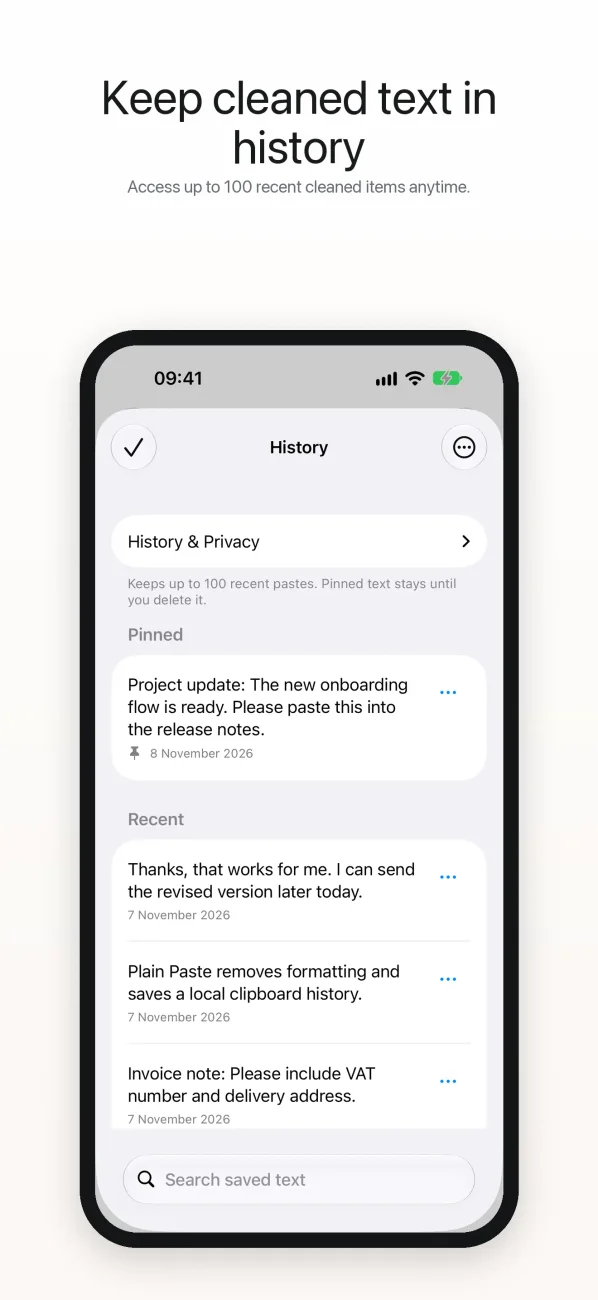
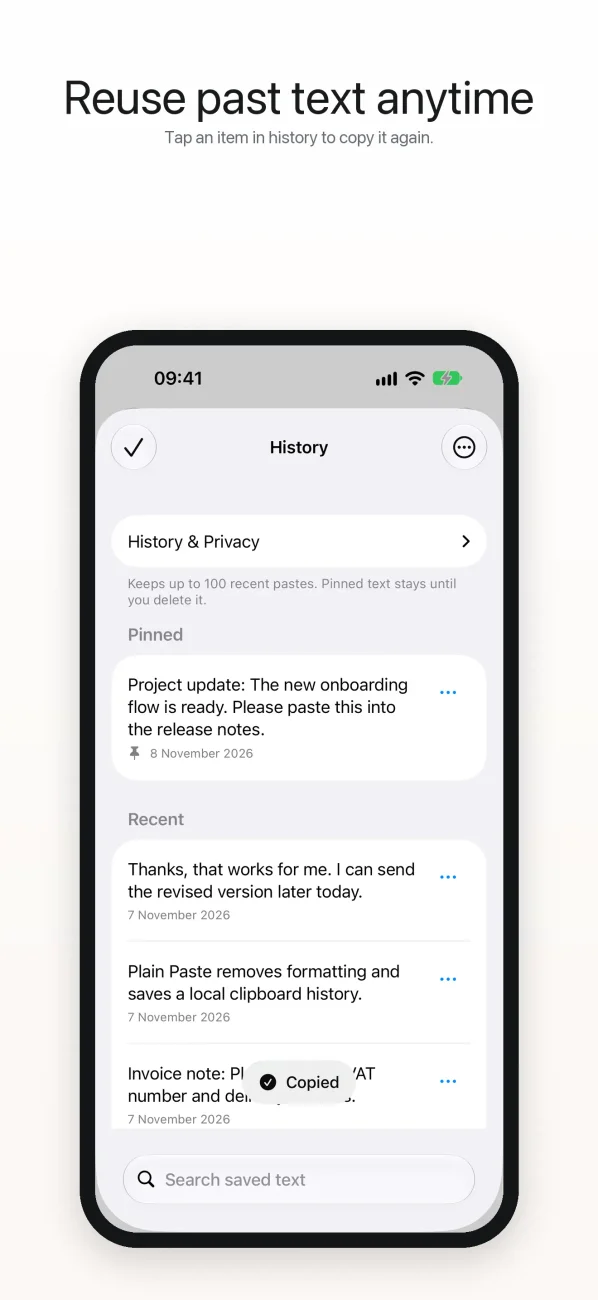
• Search, pin, preview, share and reuse up to 100 recent items in History
• Automatically remove unpinned items after 1, 7 or 30 days, or keep them until you delete them
• Copy saved text from the Recents widget; Plain opens automatically to finish copying
• Show or hide the History sidebar on iPad
Built for your workflow:
• Use Clean Text in Shortcuts without opening the app
• Follow built-in guides for widgets, the share sheet, Shortcuts, the Action button and Control Center
• Work with keyboard shortcuts, larger text, VoiceOver and Reduce Motion
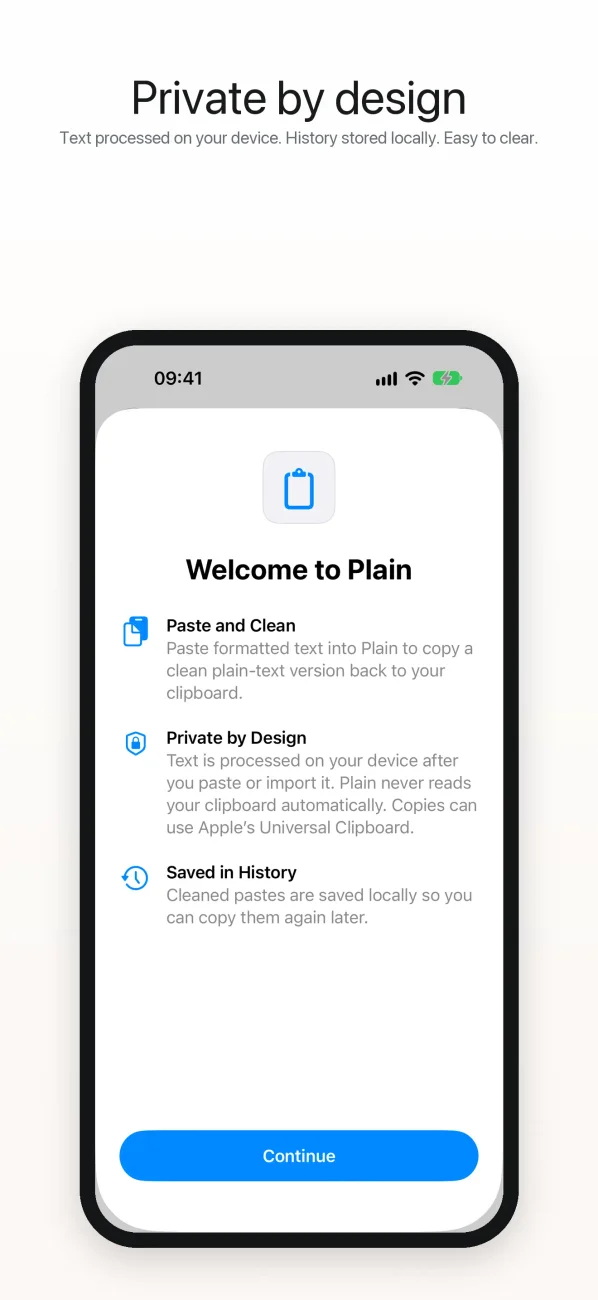
Private by design. Text processing happens entirely on your device, and History is stored locally. Plain Paste works with text and images you choose to provide.
Yenilikler
Sürüm 2.0 · 08.11.2026
Plain Paste 2.0 is a major update, packed with new ways to capture, clean, convert and reuse text.
* Clean text in other apps. Choose Clean with Plain from the share sheet to review, edit and copy selected text—or extract text from a shared image.
* Image to text. Select photos and screenshots in the app to get editable text.
* Rich text to Markdown. Preserve supported headings, bold, italics, strikethrough, links, lists, quotes and code.
* One paste, multiple outputs. Switch between Plain Text, Markdown and cleanup options without pasting again.
* Flexible cleanup. Remove line breaks within paragraphs, make text one line, or remove formatting.
* Smarter History. Search, pin, preview and share saved text.
* Automatic history cleanup. Keep recent pastes for 1, 7 or 30 days—or until you delete them. Pinned items stay until you remove them.
* Widgets. Copy recent text with one tap in the Recents widget. Plain opens automatically to finish copying. In larger widgets, tap a preview to open the text in Plain.
* Clean Text for Shortcuts. Pass in text, choose a cleanup mode and use the result without opening Plain. Build workflows for the share sheet or Action button.
* A better iPad workspace. Show or hide History beside the editor in wide layouts and use keyboard shortcuts for quick actions.
* A refreshed interface. A cleaner interface with streamlined controls, and improved support for larger text, VoiceOver and Reduce Motion.
* Built-in setup help. Guides for widgets, Shortcuts, the Action button and Control Center, plus illustrated instructions for cleaning text from another app.
Just as before, Plain Paste is private by design. Text processing happens entirely on your device, and your history is stored locally.
Uygulama gizliliği
Bu uygulamanın verileri nasıl işlediği hakkında Andreas Ekegren tarafından App Store üzerinde yapılan beyan.
-
Veri toplanmıyor
Geliştirici bu uygulamadan hiçbir veri toplamıyor.
Gizlilik uygulamaları, örneğin kullandığınız özelliklere veya yaşınıza göre değişiklik gösterebilir.
Bilgiler
- Satıcı
- Andreas Ekegren
- Kategori
- Yardımcılar
- Sürüm
- 2.0
- Güncellendi
- 08.11.2026
- Yayın tarihi
- 04.05.2026
- Boyut
- 4,0 MB
- Gereksinim
- iOS 17.0 veya sonrası
- Yaş sınırı
- 4+
- Fiyat
- Ücretsiz
- Diller
- İngilizce
- Telif hakkı
- © 2026 Andreas Ekegren