
Planmark Room Scanner
LiDAR Floor Plans, PDF & DXF
iPhone için tasarlandı
Ücretsiz · Uygulama içi satın alma
- Yaş sınırı4+
- KategoriÜretkenlik
- GeliştiriciNOH HIYEONG
- Dillerİngilizce+ 11 dil daha
- Boyut12,8 MB
Resmi App Store sayfasına bağlanır
Download.org, Planmark Room Scanner için hiçbir dosya barındırmaz. Düğme, uygulamanın App Store üzerindeki sayfasını açar; uygulamayı orada NOH HIYEONG yayınlar. Sayfanın son kontrolü: 24.11.2026.
Ekran görüntüleri


Hakkında
Geliştirici bu metni dilinizde sunmamış.
PLEASE CHECK BEFORE PURCHASING
New room scanning requires LiDAR. On iPhone Duo and other devices without LiDAR, buying Home or Pro or restoring a purchase will NOT enable new room scanning. Do not purchase to scan new rooms on these devices.
You can edit existing rooms or import .planmark files captured on a LiDAR device. Export features depend on your Home or Pro access.
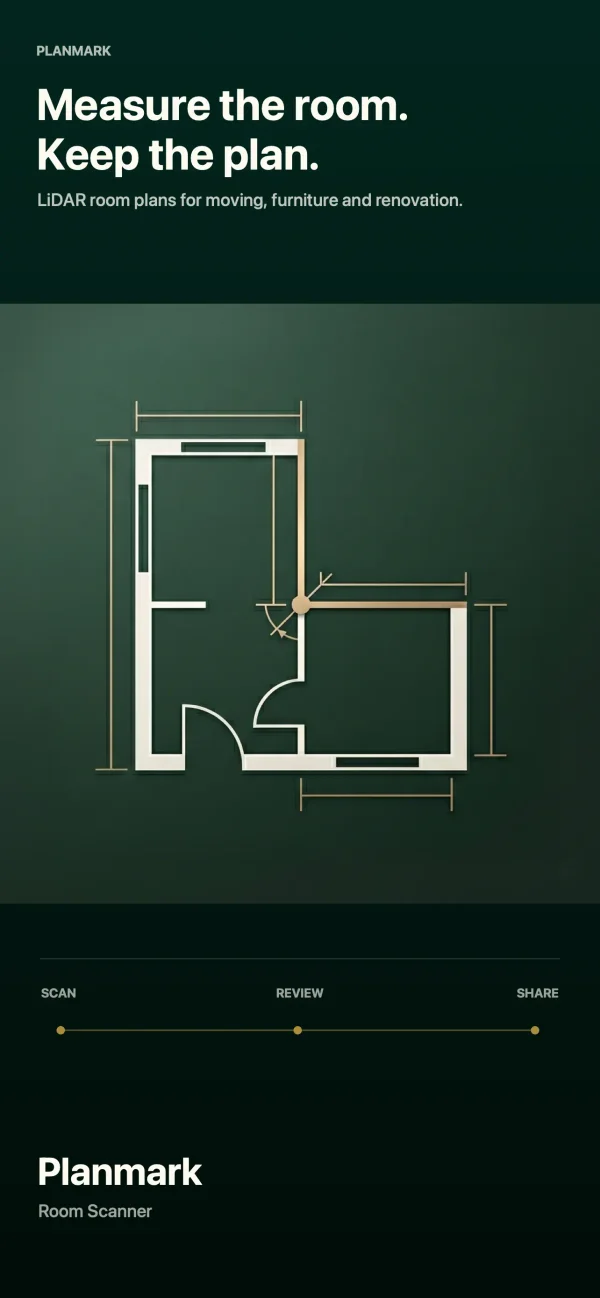
Measure a room once. Keep a plan you can actually use.
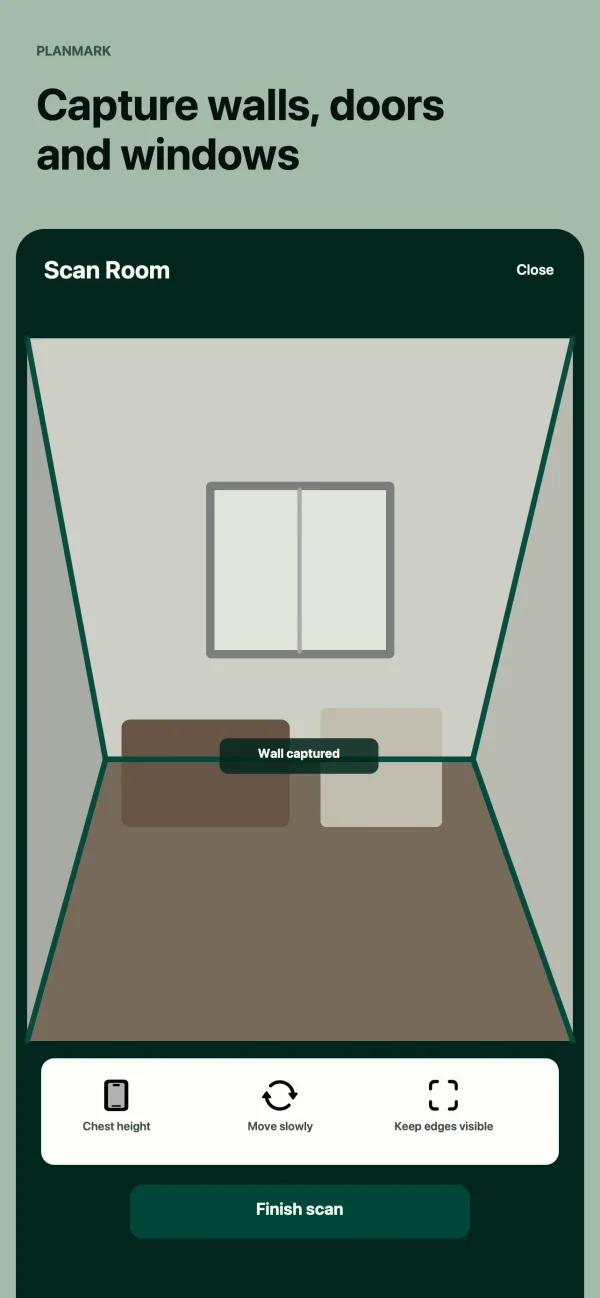
Planmark turns a LiDAR-equipped iPhone Pro into a guided room-measurement workflow for moving, furniture planning, renovation and field documentation. Capture walls, doors and windows, review the dimensions, and keep both a clean 2D floor plan and the original 3D room scan.
SEE THE RESULT BEFORE YOU BUY
Open the included sample project to inspect the 2D plan, 3D preview, wall measurements and PDF workflow. On a compatible LiDAR-equipped device, a one-time Home or Pro purchase unlocks new room scanning. Purchasing does not enable scanning on devices without LiDAR.
SCAN AND UNDERSTAND YOUR SPACE
• Guided LiDAR room capture
• Automatic room outline with walls, doors and windows
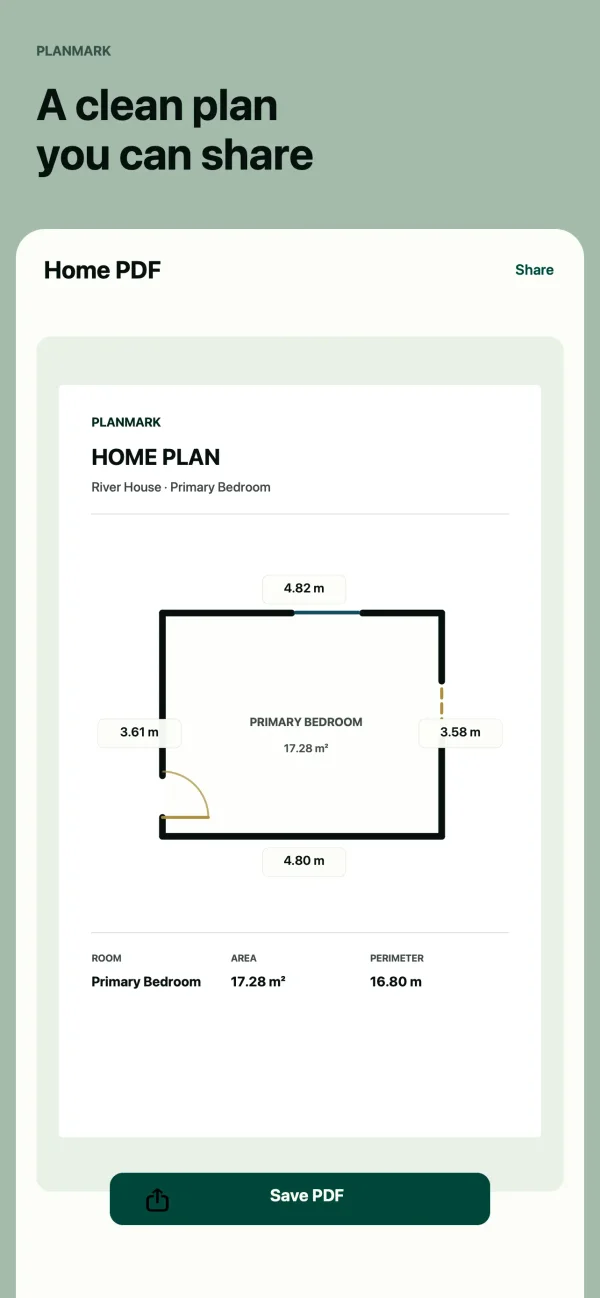
• 2D floor plan with measurements for every captured wall
• Original 3D room scan you can rotate and inspect
• Room area, perimeter and door/window count
• Metric and imperial units
• Saved projects for later review
HOME: A CLEAN PLAN FOR YOUR OWN SPACE
Home is designed for moving, checking furniture fit and preparing a renovation.
• Room scanning and saved projects
• Clean personal PDF without a watermark
• Wall lengths, area and perimeter in one shareable document
PRO: CLIENT-READY FIELD HANDOFF
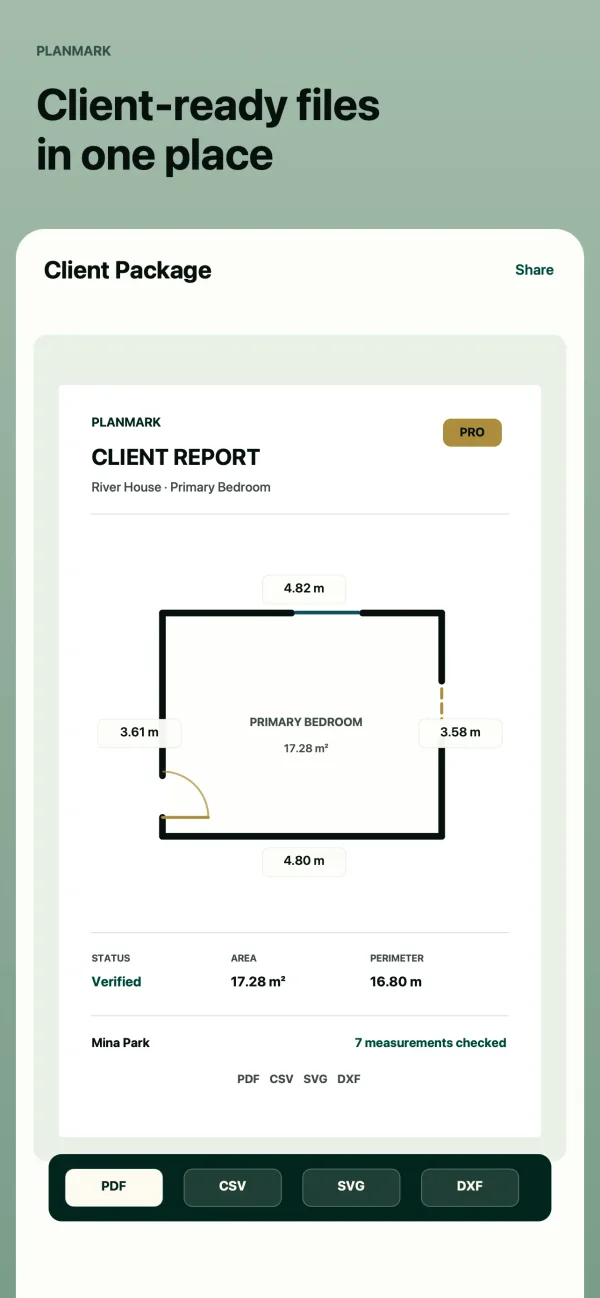
Pro turns a measured room into a structured package for designers, remodelers, contractors and property professionals.
• Client-ready PDF report package
• Client, site, prepared-by and revision details
• Measurement review table and door/window schedule
• Takeoff summary CSV
• SVG vector export and DXF beta export
• Multi-room site package for a single handoff
• Saved estimates with your own unit rates, material waste allowance and extra costs
• Estimate PDF and CSV exports
Prices are entered by you, not supplied automatically. Home and Pro have the same scanning accuracy; Pro adds professional documents and estimates.
Now available in 12 languages, including Traditional Chinese, Brazilian Portuguese, Italian, Vietnamese and Polish.
SIMPLE WORKFLOW
1. Scan the room slowly with walls, corners and floor boundaries visible.
2. Review the 2D plan and original 3D scan.
3. Check important wall measurements.
4. Save a personal PDF or prepare a client package.
DEVICE REQUIREMENT
New room scanning requires a LiDAR-equipped iPhone Pro that supports Apple RoomPlan. iPhone Duo and other devices without LiDAR cannot scan new rooms, whether or not you have purchased Home or Pro.
Without LiDAR, you can explore the sample, open and edit existing rooms transferred through a device-data restore, or import .planmark files. Export features depend on your Home or Pro access. If you have no existing rooms or files to import, purchasing will not let you capture a new room and create its plan on this device.
Measurements depend on the environment and sensor capture. Verify critical dimensions before construction, fabrication or ordering materials.
Terms of Service: https://prizmchain.github.io/planmark-terms-of-service.html
Privacy Policy: https://prizmchain.github.io/planmark-privacy-policy.html
Yenilikler
Sürüm 1.3.0 · 23.11.2026
1.3.0 — Reuse your rates. Keep your estimate history.
New tools for Pro customers:
• Rate presets: save floor and baseboard rates and the floor material waste allowance, then reuse them in estimates with the same currency and units.
• Issued estimate history: keep the quantities, rates and totals as they were when issued. Later room or price edits leave earlier issued copies unchanged.
• Revised estimates: see the amount change from the previous issued estimate in the same currency, and export issued copies as PDF or CSV.
• Refreshed estimate screens: clearer inputs, saved rates and issued totals, styled to match the rest of Planmark.
DEVICE REQUIREMENT
New room scanning requires a compatible iPhone Pro with LiDAR and Apple RoomPlan support. On iPhone Duo and other devices without LiDAR, purchasing Home or Pro does not enable new scans. Existing or imported rooms can still be opened and edited; exports depend on your access.
Uygulama gizliliği
Bu uygulamanın verileri nasıl işlediği hakkında NOH HIYEONG tarafından App Store üzerinde yapılan beyan.
-
Sizinle ilişkilendirilmeyen veriler
Toplanabilir ancak kimliğinizle ilişkilendirilmez.
- Satın alımlar
Gizlilik uygulamaları, örneğin kullandığınız özelliklere veya yaşınıza göre değişiklik gösterebilir.
Bilgiler
- Satıcı
- NOH HIYEONG
- Kategori
- Üretkenlik
- Sürüm
- 1.3.0
- Güncellendi
- 23.11.2026
- Yayın tarihi
- 24.08.2026
- Boyut
- 12,8 MB
- Gereksinim
- iOS 17.0 veya sonrası
- Yaş sınırı
- 4+
- Fiyat
- Ücretsiz
- Uygulama içi satın alma
- Evet
- Diller
- İngilizce, Fransızca, Almanca, İtalyanca, Japonca, Korece, Lehçe, Portekizce, Basitleştirilmiş Çince, İspanyolca, Geleneksel Çince, Vietnamese
- Telif hakkı
- © 2026 Prizm. All rights reserved.
Bunları da beğenebilirsiniz
-
 Llego BusinessÜretkenlik
-
 Flooring ItLiDAR oda ve kat planı tarama
-
 PlanShot: LiDAR Floor PlansÜretkenlik
-
 Outline -Draw lines & notesÜretkenlik
-
 LiDAR Room Scanner Floor PlanÜretkenlik
-
 DokuAI: Şantiye Defteriİnşaat Raporu, Fotoğraf ve AI
-
 Floor Planner ProAR Mezura ve Oda Tarama
-
 Floor Plan Scanner・LiDAR RulerÜretkenlik
-
 RoomTraceÜretkenlik
-
 PaperCut -mobile bill scanningÜretkenlik