ProPlans - Construction App
Digital Plans & Messaging
iPhone, iPad, Mac, iPod touch için tasarlandı
Ücretsiz
- Yaş sınırı4+
- Kategoriİş
- GeliştiriciProgressive Plans
- Dillerİngilizce+ 2 dil daha
- Boyut72,8 MB
Resmi App Store sayfasına bağlanır
Download.org, ProPlans - Construction App için hiçbir dosya barındırmaz. Düğme, uygulamanın App Store üzerindeki sayfasını açar; uygulamayı orada Progressive Plans yayınlar. Sayfanın son kontrolü: 23.11.2026.
Ekran görüntüleri
Hakkında
Geliştirici bu metni dilinizde sunmamış.
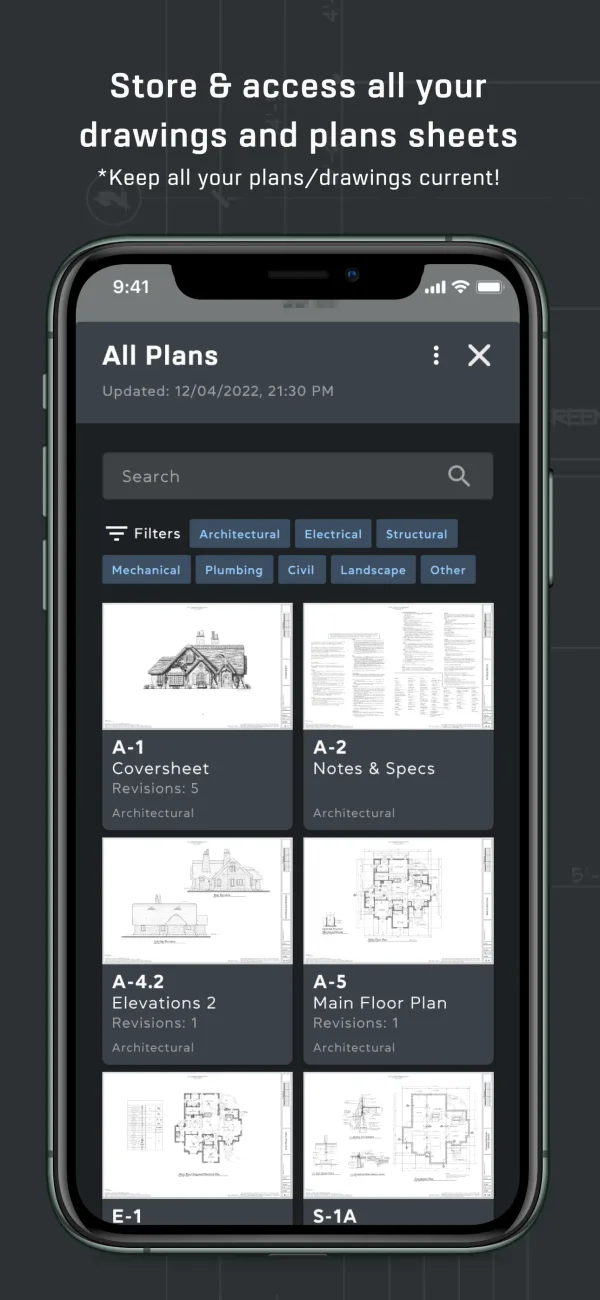
Construction moves fast. Plans change. Questions come up. And important information can end up scattered across texts, emails, paper plans, and conversations.
ProPlans brings it all together.
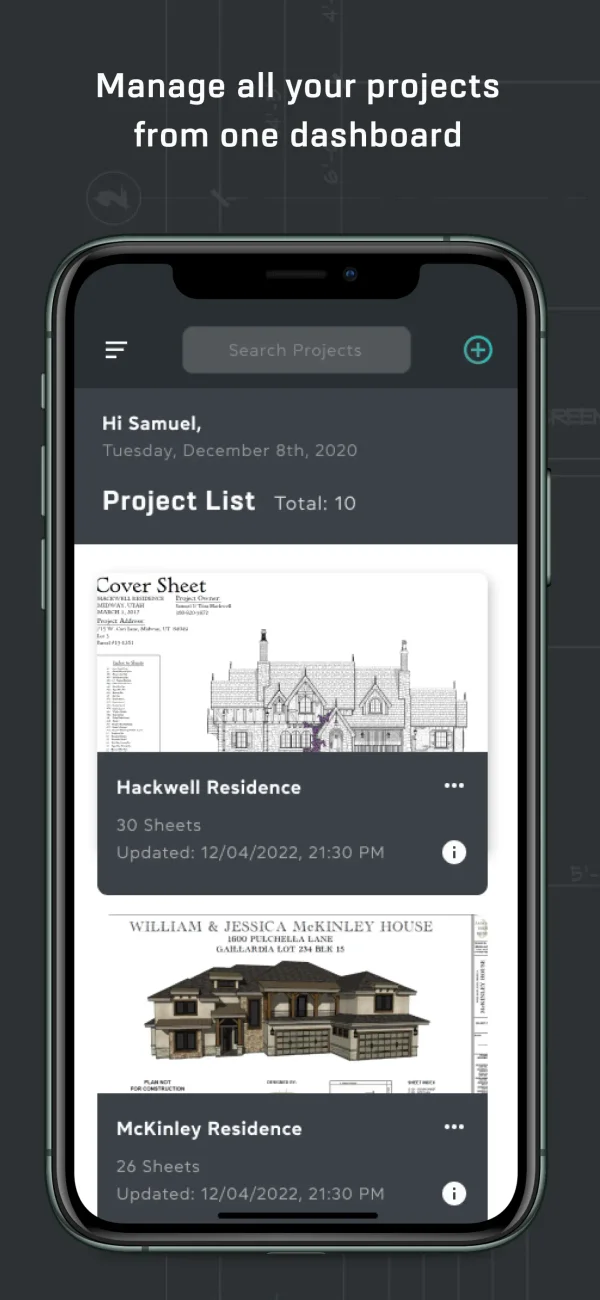
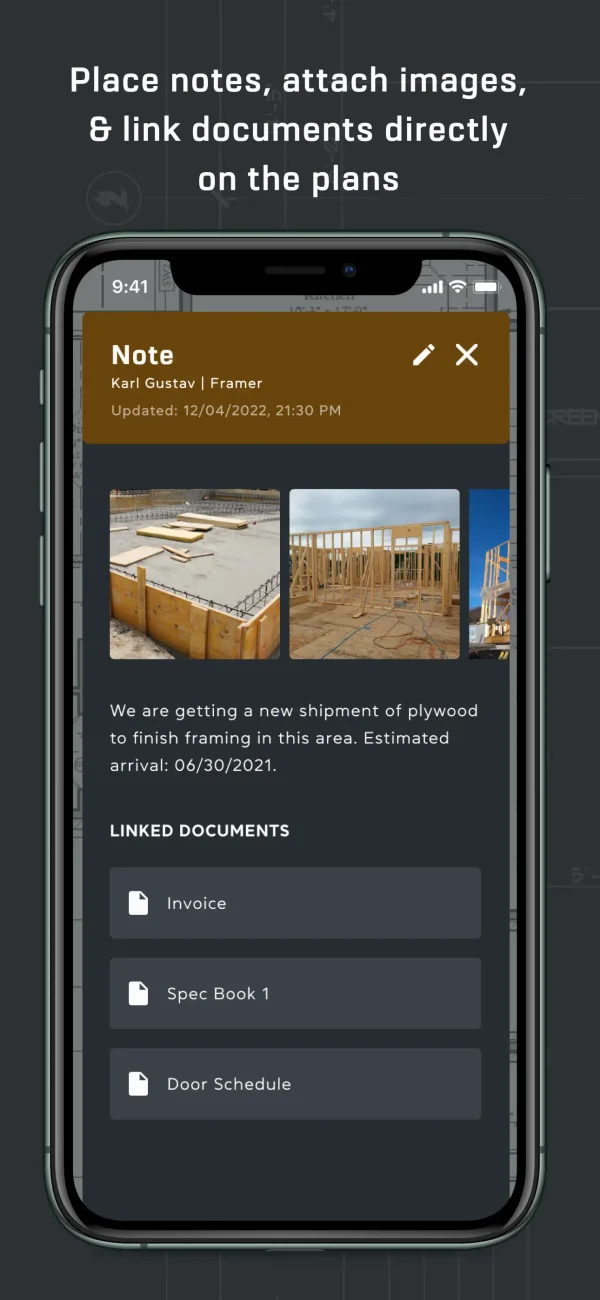
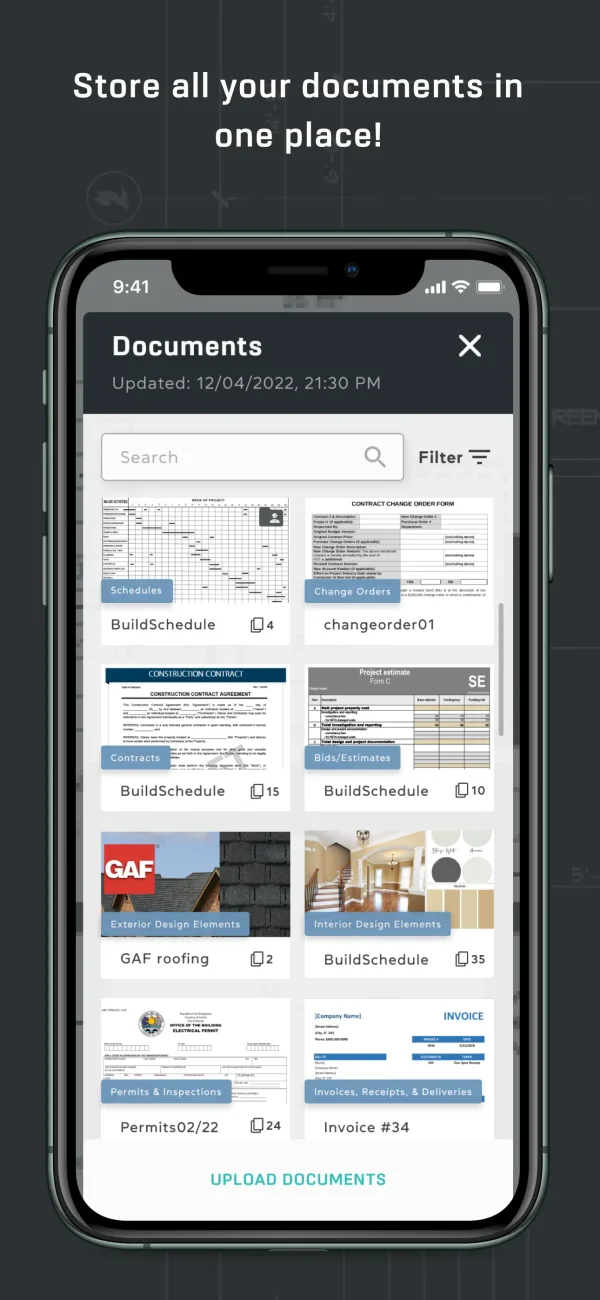
Keep your digital plans, messages, updates, documents, notes, photos, videos, and tasks in one place, so everyone on the project can find the information they need, when they need it.
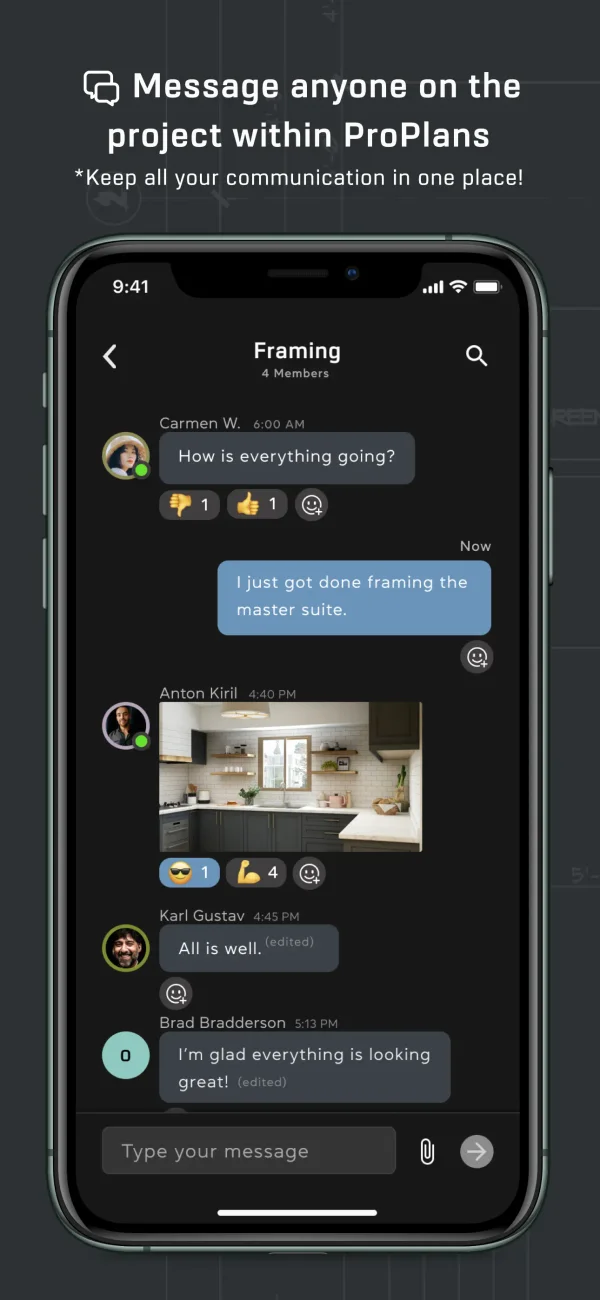
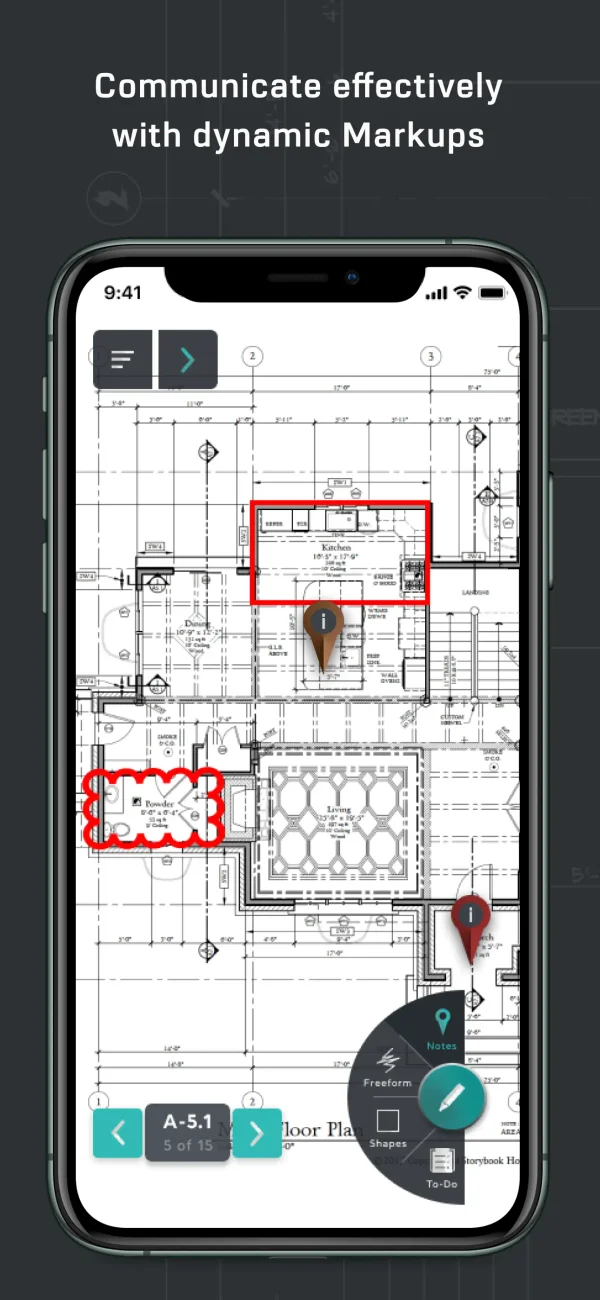
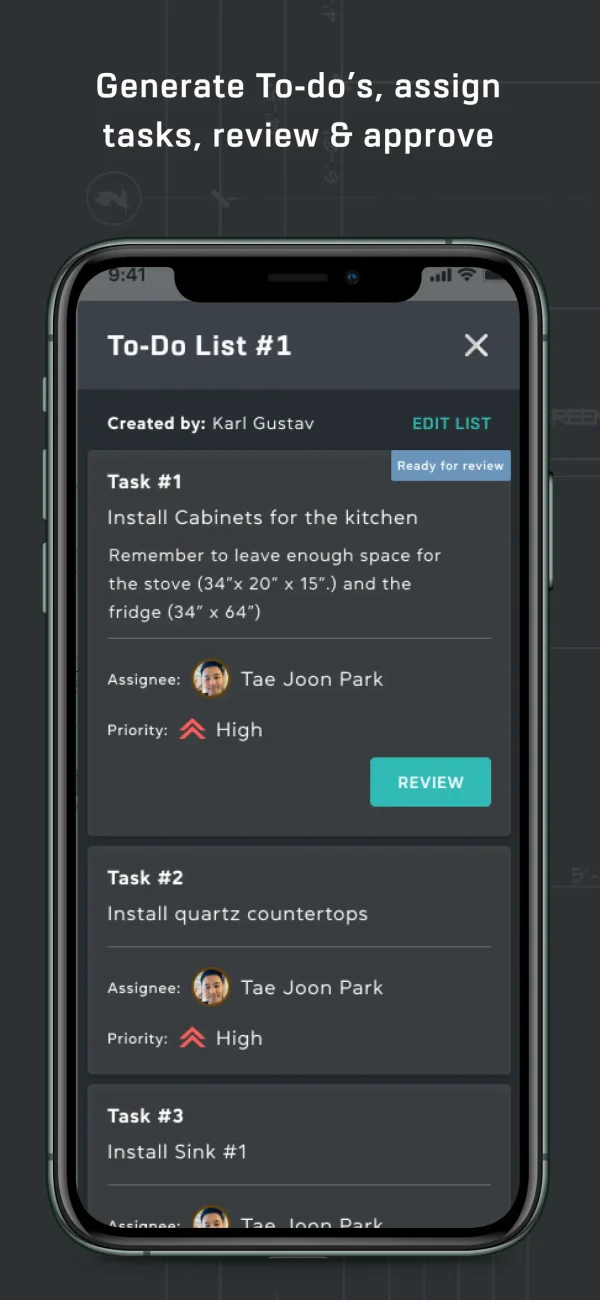
Access and mark up plans. Message your team. Share updates. Assign tasks. Keep the field and office connected and working from the same information.
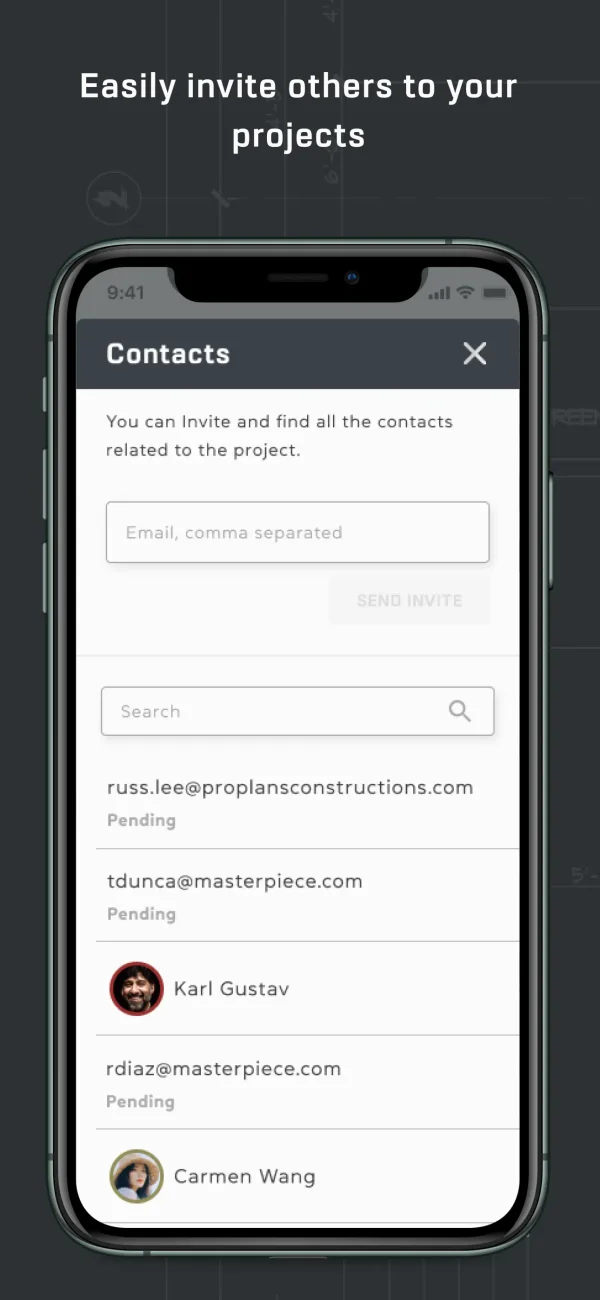
And with unlimited users, you can bring the whole team in. No picking and choosing who gets access because of another user fee.
Built specifically for construction. Simple enough for everyone on the project to use.
Everyone connected. Everything in one place.
Start your first project free. Download ProPlans today.
Yenilikler
Sürüm 2026.11.19 · 20.11.2026
Added
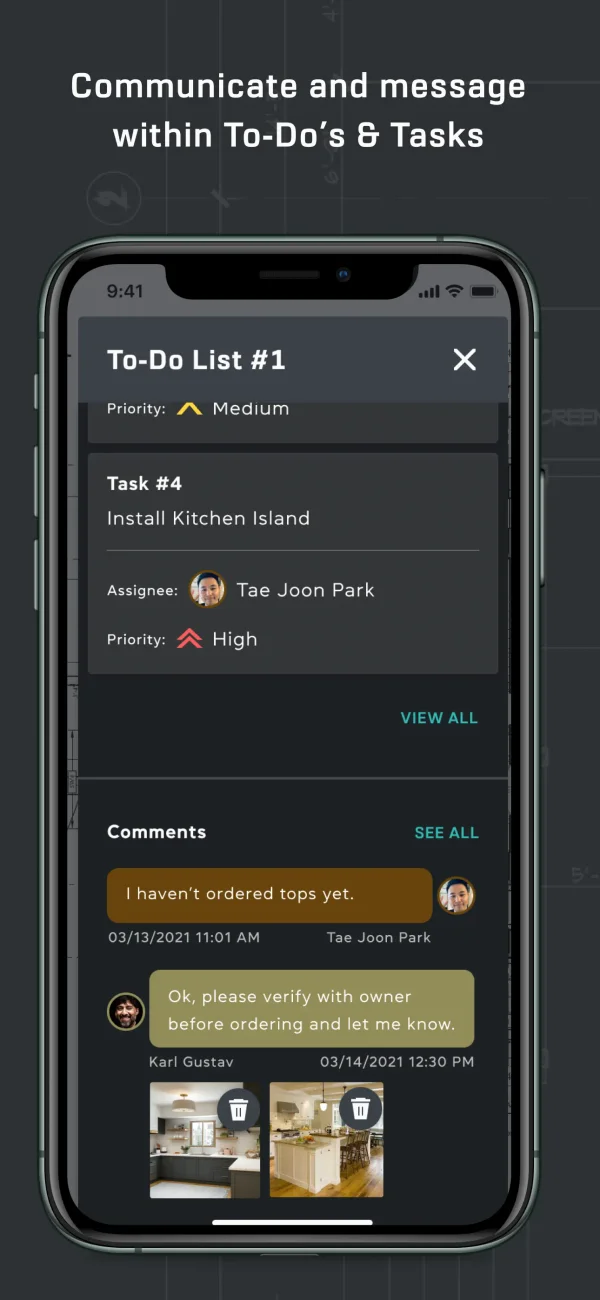
• A message or a task's comment can be answered in a thread: tap the reply arrow beside the smiley under it, or press and hold it and tap Reply, or right-click beside its words on a computer. Under a message with replies, one line shows who replied, how many replies there are and when the last came, and tapping it opens the thread with a box of its own to reply in, beside the conversation on a wide screen and over it on a narrow one. The notification for a reply quotes the start of the message it answers and opens the thread at the reply.
• The words of a message or a task's comment can be copied: press and hold it and tap Copy Text, or right-click beside its words on a computer and click Copy Text.
• A new plan viewer can be turned on in Settings, with its own toolbar to draw, erase, undo and redo, notes and task lists that keep their size as you zoom, and a smaller toolbar on a phone. It is still being tested, so it starts off, and turning it off goes back to the viewer you had.
• A project's Admins and Managers can add trades of its own, such as Elevators or Scaffolding, with a colour from a short palette, and rename, recolour or delete them, from My role on this project in Contacts. Everyone on the project can then work as one there, and each gets its own conversation, as the built-in trades do. Its name is translated into the app's other languages, and deleting one in use puts its people back on the trade on their profile, after saying how many.
• To send a message later, touch and hold the send arrow in a conversation, or right-click it on a computer, and pick later today, tomorrow or Monday morning, or a date and time of your own. Until then only you see it, under the newest message, where you can update it, change its time, send it now or delete it. It goes at its time as if you had sent it then, and if it can't, ProPlans tells you. Voice messages go as they are recorded and can't be scheduled.
• While nothing is typed in a conversation or a task's comments, a microphone takes the place of the send arrow and records a voice message: hold it and let go to send, slide left to cancel, or slide up to lock a long one and play it back before you send it. On a computer, a click starts it and a click on send sends it. A voice message plays where it is, with its waveform and length, and the conversation list says Voice message and how long it is.
• On a computer, photos and videos can be dragged from your files onto a message box, a task's comments, the work you send on a task or a note to attach them, and documents onto Upload Documents, with the same limits as picking them. What will take them is outlined while you hold them over it.
• A photo or video open full screen has Download beside Share, which saves it to your Downloads folder without asking and says the name it was saved under. On a device with no Downloads folder, you choose where to keep it.
• The Tasks, Documents and Messages buttons on a project's toolbar show an amber dot while the project has something new in them that you haven't read about: a message, a task or a comment on a task list, or a document. In Tasks, the task lists and tasks with something new are marked as well. The dot goes when you read the notification or clear it, and another project's notifications never light it.
• Each section of Messages folds away when you tap its heading, and a folded section that holds something you haven't read shows a dot on its heading. The trades have a section of their own, folded to start with, so General stays in view, and the device remembers which sections you opened. While you search, every section with a match is open.
• With a keyboard, the list of people to mention works without the screen: the arrow keys move through it, Return picks the highlighted person, and Esc closes it and leaves what you typed.
Uygulama gizliliği
Bu uygulamanın verileri nasıl işlediği hakkında Progressive Plans tarafından App Store üzerinde yapılan beyan.
-
Sizinle ilişkilendirilen veriler
Toplanabilir ve kimliğinizle ilişkilendirilebilir.
- İletişim bilgileri
- Tanımlayıcılar
-
Sizinle ilişkilendirilmeyen veriler
Toplanabilir ancak kimliğinizle ilişkilendirilmez.
- Kullanıcı içeriği
- Kullanım verileri
- Tanılama
Gizlilik uygulamaları, örneğin kullandığınız özelliklere veya yaşınıza göre değişiklik gösterebilir.
Bilgiler
- Satıcı
- Progressive Plans LLC
- Kategori
- İş
- Sürüm
- 2026.11.19
- Güncellendi
- 20.11.2026
- Yayın tarihi
- 25.04.2021
- Boyut
- 72,8 MB
- Gereksinim
- iOS 15.1 veya sonrası
- Yaş sınırı
- 4+
- Fiyat
- Ücretsiz
- Diller
- İngilizce, Portekizce, İspanyolca
- Telif hakkı
- © 2022 Progressive Plans