
Quick Graph
Scientific Graphing Calculator
iPhone, iPad için tasarlandı
Ücretsiz · Uygulama içi satın alma
- Yaş sınırı4+
- KategoriEğitim
- GeliştiriciKZ Labs
- Dillerİngilizce+ 2 dil daha
- Boyut6,1 MB
Resmi App Store sayfasına bağlanır
Download.org, Quick Graph için hiçbir dosya barındırmaz. Düğme, uygulamanın App Store üzerindeki sayfasını açar; uygulamayı orada KZ Labs yayınlar. Sayfanın son kontrolü: 16.11.2026.
Ekran görüntüleri


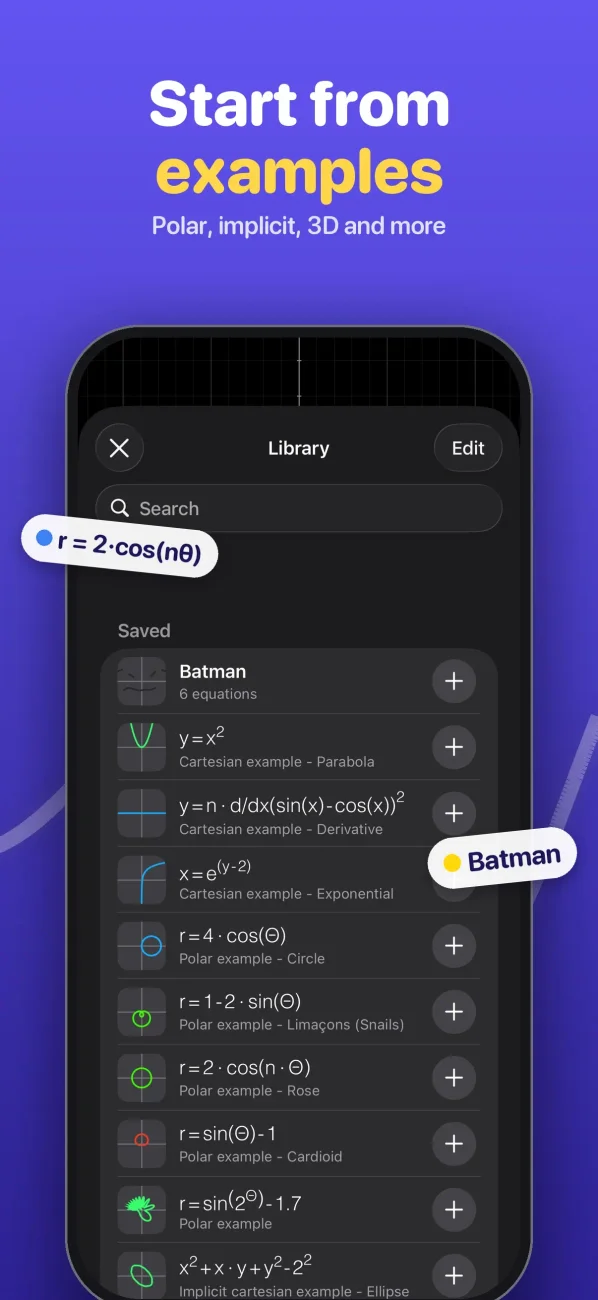
Hakkında
Geliştirici bu metni dilinizde sunmamış.
Quick Graph is a powerful, high-quality graphing calculator for iPhone and iPad, in 2D and 3D.
"The app you need to survive the next semester."
-- Gizmodo
Type an equation and see it right away, written in math notation and drawn in a graph you can move, zoom and rotate with your fingers. Explicit and implicit equations and inequalities, in cartesian, polar, cylindrical and spherical coordinates, all fast and beautiful.
What's inside:
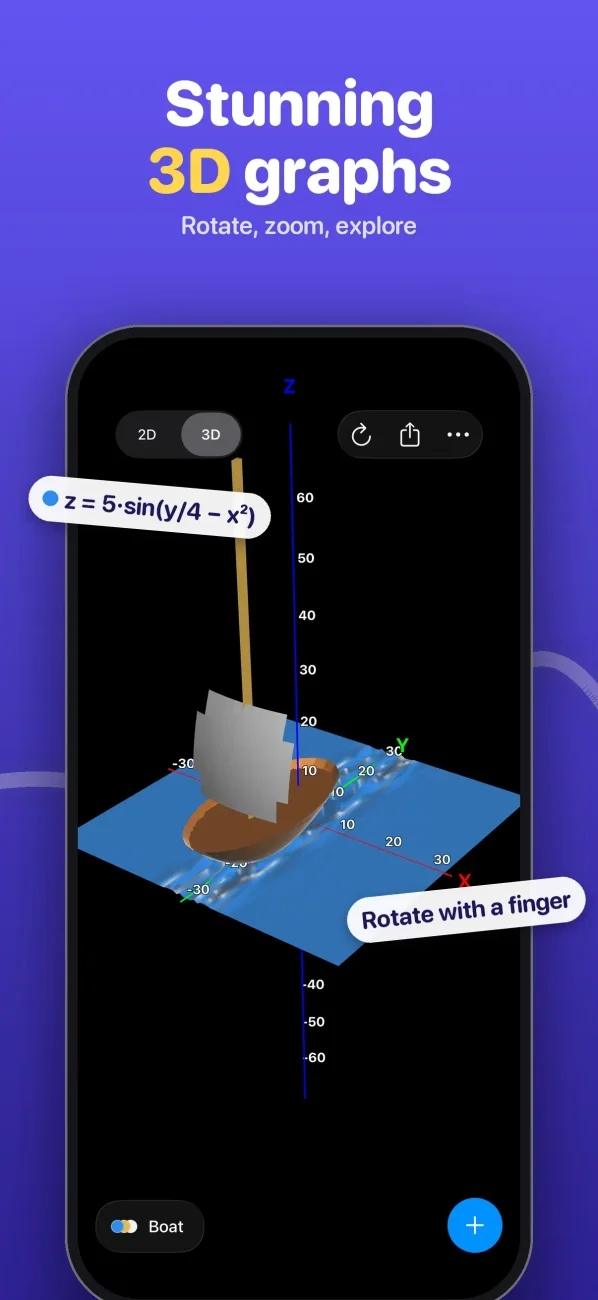
- 2D and 3D graphs with a clean, full-screen design.
- 3D surfaces drawn with Metal: smooth shading, transparency, wireframe, and zoom that fills the screen.
- Adaptive 2D drawing with exact roots and extrema and clean asymptotes.
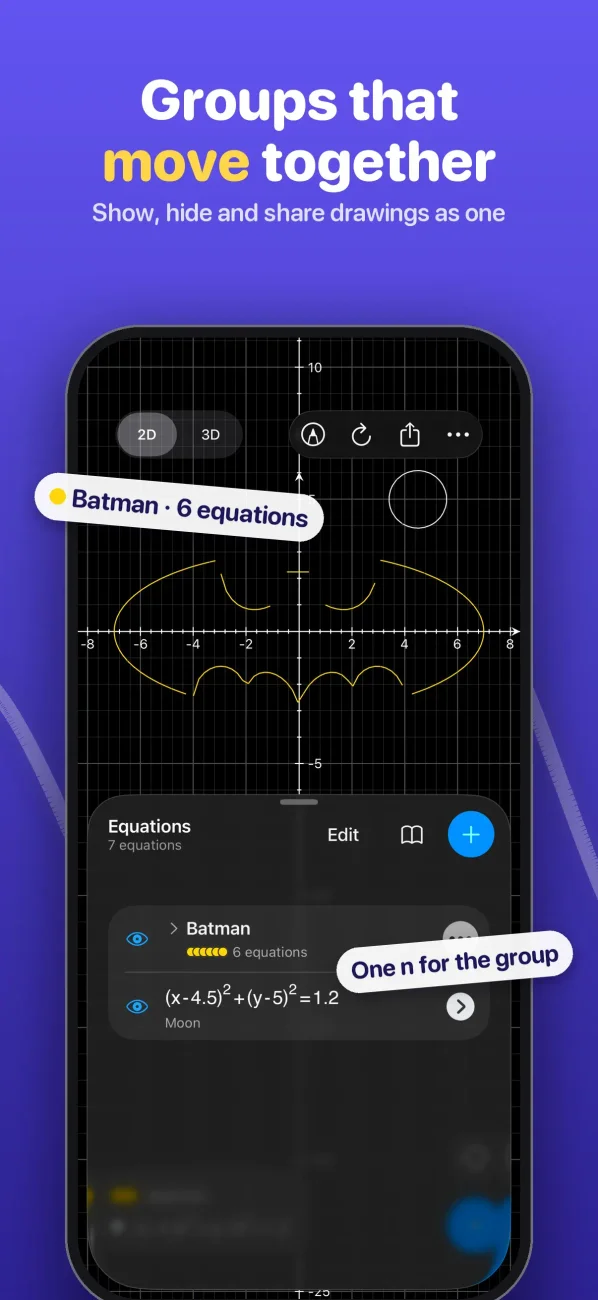
- Equation groups: show, hide and move several equations together, with a shared n.
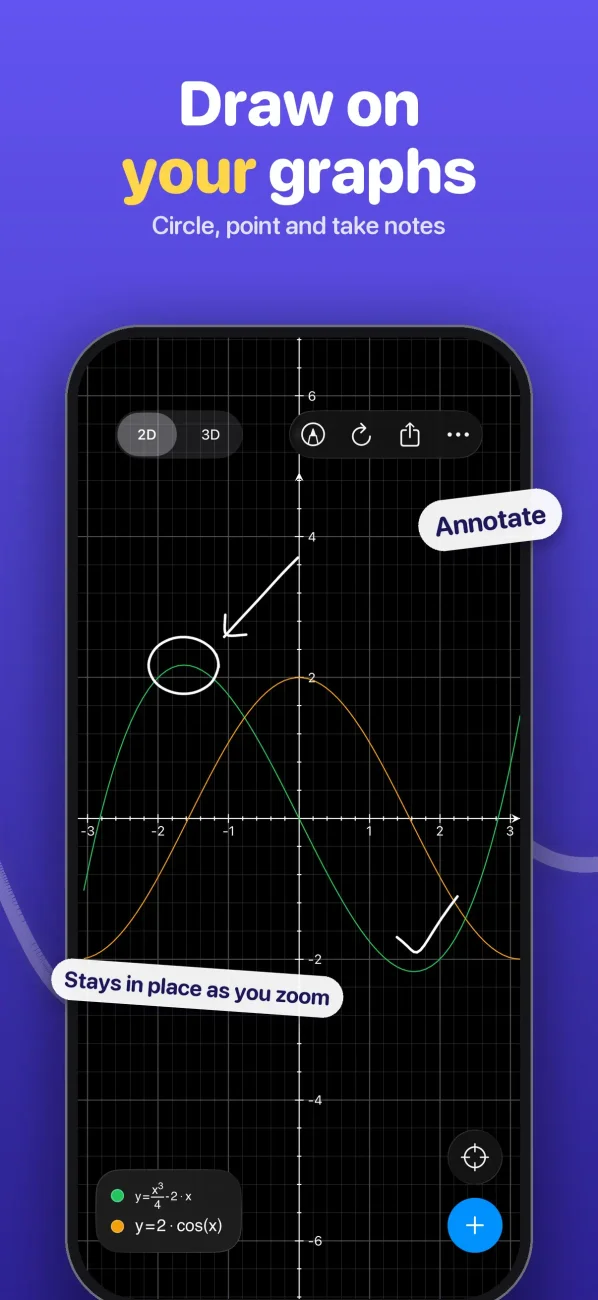
- Annotations with Apple Pencil or your finger on 2D graphs.
- A math keyboard with functions, derivatives and more on each key.
- Hyperbolic and inverse functions, min, max, if, derivatives.
- Axes in decimals or multiples of π, and independent zoom on each 2D axis.
- A library of example and saved equations, including groups.
- Share as a link, image or text; copy and paste equations; drag them between windows.
- Light or dark appearance, multiple windows on iPad, and support for iPhone Duo.
Up to 6 equations can be shown at once in the free version. The Advanced Features, a single one-time purchase with no subscription, add:
- More than 6 equations.
- 2D and 3D implicit equations and inequalities.
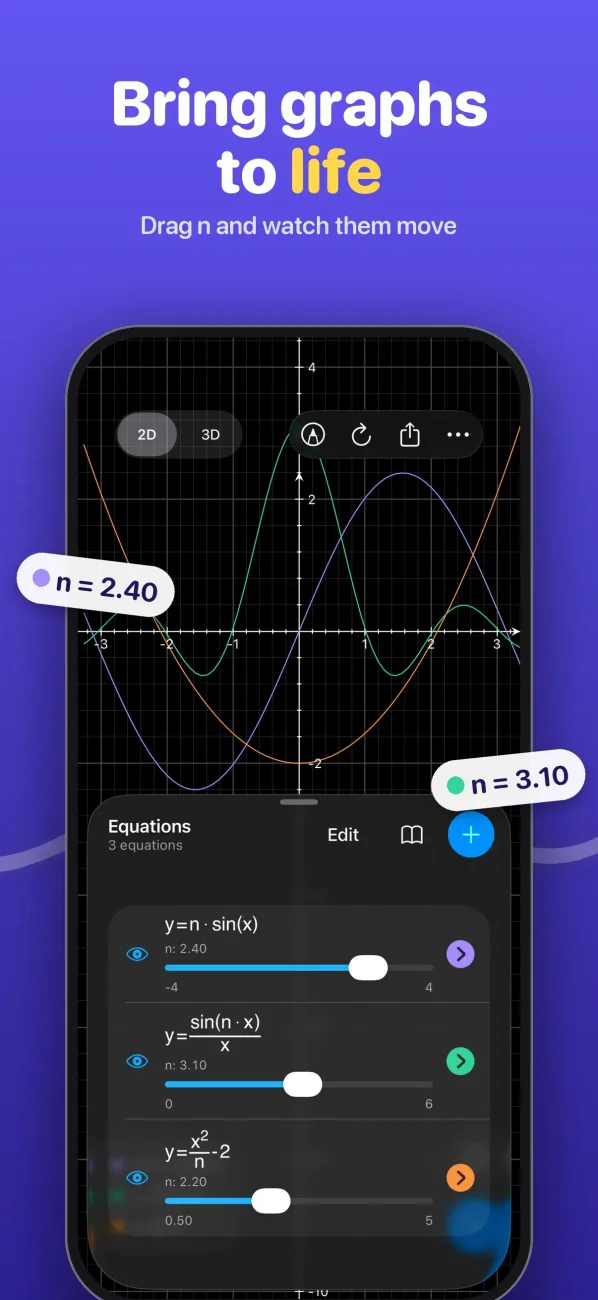
- The variable n with a slider, to animate your graphs.
- 2D tracing with roots, extrema and intersections.
- Value table.
- External display support.
- Decimal / π axes and polar range settings.
No ads, no subscription. Please visit the website for more details.
Yenilikler
Sürüm 4.0.0 · 21.10.2026
Quick Graph 4 is the biggest update yet.
• A new look: floating controls leave the whole screen to the graph, on iPhone and iPad. Light or dark, your choice.
• Smoother 3D: surfaces drawn with Metal, with smooth shading, transparent colors, and zoom that fills the screen.
• More precise 2D: exact roots and extrema, and no more lines across asymptotes.
• Equation groups: show, hide and move several equations as one, with one n for the whole group or one for each.
• Annotations: draw on your 2D graphs with Apple Pencil or a finger. They stay in place as you pan and zoom.
• Share a graph as a link that opens right in Quick Graph.
• A redesigned keyboard: same keys, a cleaner look. Hold a key with a corner tick for more.
• New examples in the library, and a quick way to restore the originals.
• Ready for iPhone Duo, Split View and Stage Manager.
Uygulama gizliliği
Bu uygulamanın verileri nasıl işlediği hakkında KZ Labs tarafından App Store üzerinde yapılan beyan.
-
Veri toplanmıyor
Geliştirici bu uygulamadan hiçbir veri toplamıyor.
Gizlilik uygulamaları, örneğin kullandığınız özelliklere veya yaşınıza göre değişiklik gösterebilir.
Bilgiler
- Satıcı
- KZ Labs SAS
- Kategori
- Eğitim
- Sürüm
- 4.0.0
- Güncellendi
- 21.10.2026
- Yayın tarihi
- 06.10.2008
- Boyut
- 6,1 MB
- Gereksinim
- iOS 17.0 veya sonrası
- Yaş sınırı
- 4+
- Fiyat
- Ücretsiz
- Uygulama içi satın alma
- Evet
- Diller
- İngilizce, Fransızca, İspanyolca
- Telif hakkı
- © 2026 KZ Labs
Bunları da beğenebilirsiniz
-
 PocketCAS: Graphing CalculatorEğitim
-
 GraphMathEğitim
-
 Geometry PadDüzlem geometri çalışma aracı
-
 Educreations Beyaz TahtaHarika video dersler oluştur
-
 Puppet PalsEğitim
-
 GeoGebra 3D Hesap Makinesi3D, Grafik, Yüzey, İnşa
-
 Number Line, by MLCEğitim
-
 Graph84 for TI 84 CalculatorEğitim
-
 GeoGebra ClassicEğitim
-
 Graphing Calculator AREğitim