Radio DIY
Radio Do It Yourself (DIY)
iPhone için tasarlandı
Ücretsiz · Uygulama içi satın alma
- Yaş sınırı4+
- KategoriMüzik
- GeliştiriciKonrad Falkowski
- Dillerİngilizce+ 5 dil daha
- Boyut17,9 MB
Resmi App Store sayfasına bağlanır
Download.org, Radio DIY için hiçbir dosya barındırmaz. Düğme, uygulamanın App Store üzerindeki sayfasını açar; uygulamayı orada Konrad Falkowski yayınlar. Sayfanın son kontrolü: 17.11.2026.
Ekran görüntüleri





Hakkında
Geliştirici bu metni dilinizde sunmamış.
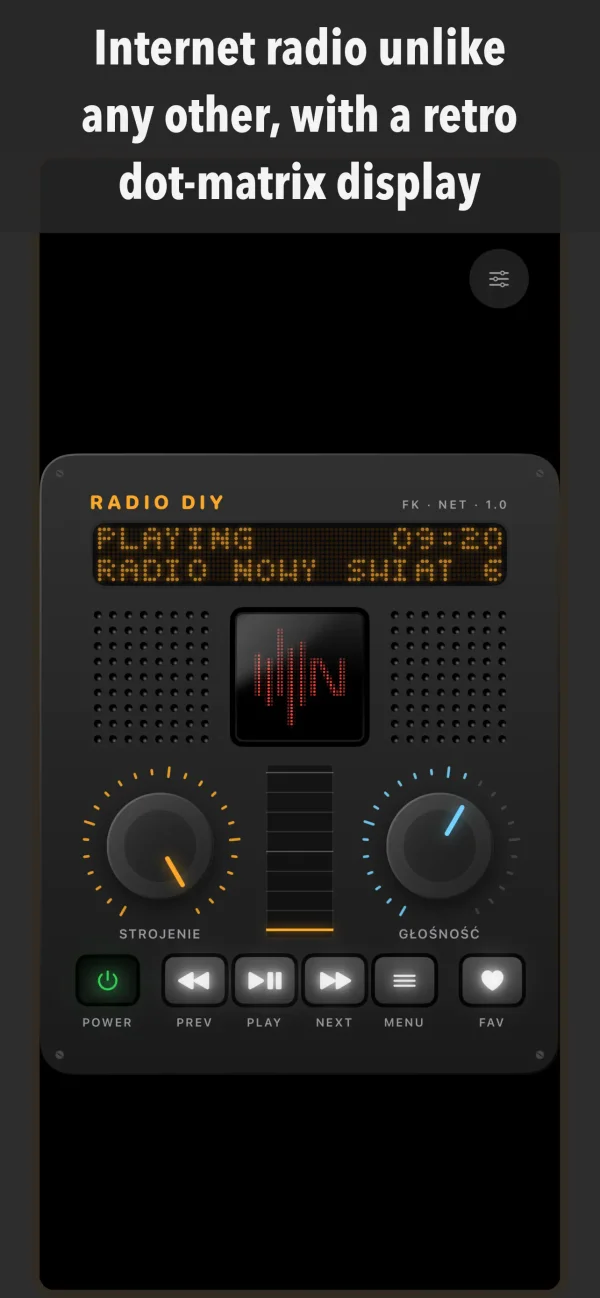
Forget the boring station lists of traditional radio apps. RADIO DIY is internet radio with real character - a retro enclosure, knobs, buttons, and a dot-matrix LED display with an interactive MENU, just like real hardware.
Key features:
- Completely free internet radio with tens of thousands of radio stations from around the world*
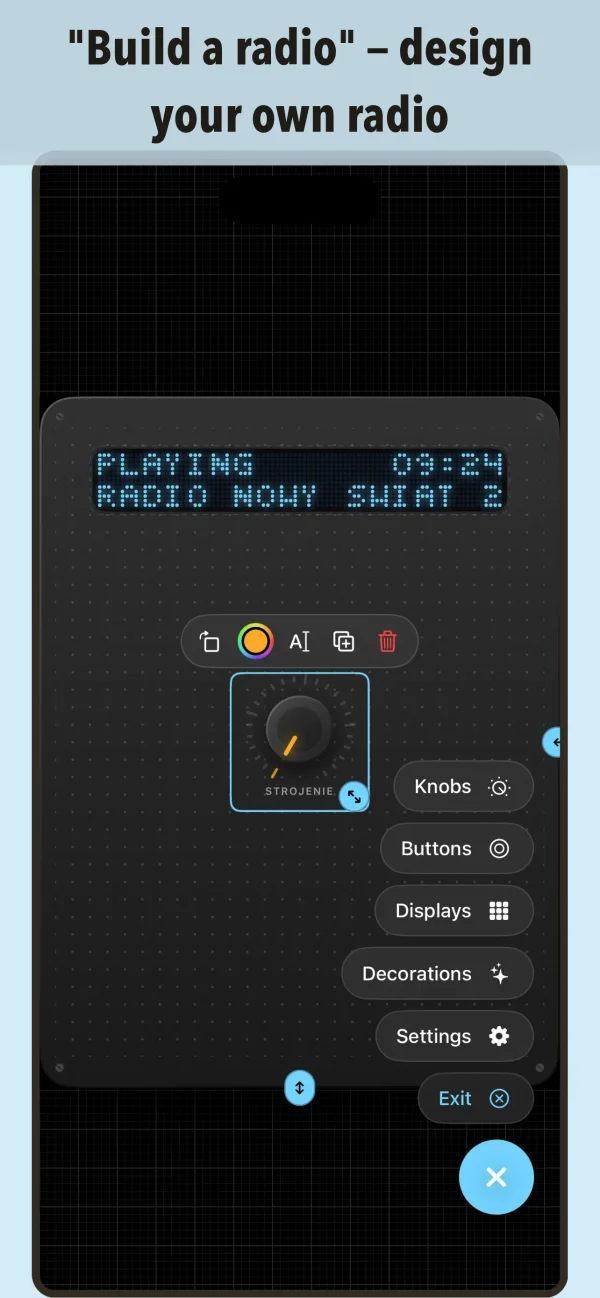
- Build your own radio (DIY) - use the editor to arrange knobs, buttons, memory buttons, the display, and decorations on a grid and create your own radio from scratch, your way (Premium feature)
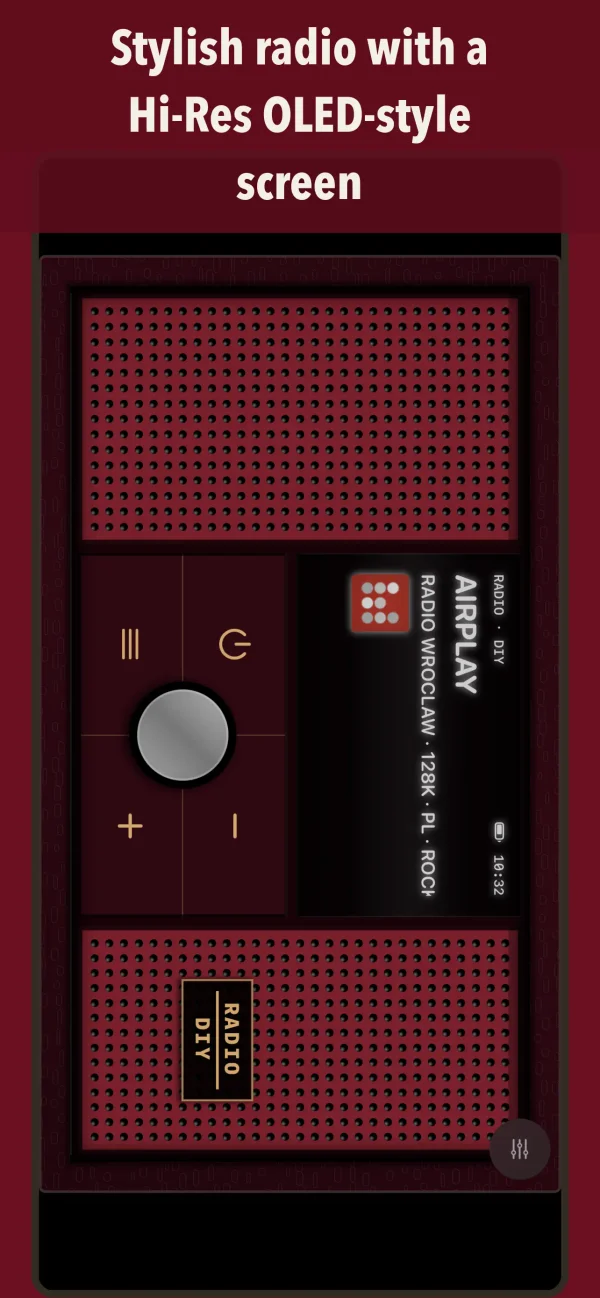
- Ready-made radios in the Radio Gallery - 3 free, 4 Premium (including Radio Memory with preset buttons), with more on the way
- Sonos® - play the radio directly on Sonos® speakers on your home network and control them like a remote, including volume from the knob and your iPhone's volume buttons
- Lock Screen and Dynamic Island remote for Sonos - previous/next station, volume, and play/stop, with the station logo
- Lucky Dip - shake your iPhone to discover a random station from anywhere in the world (unlimited with Premium)
- Memory buttons 1-9 - hold a number to save a station, tap to switch instantly (Premium feature)
- Quick Actions - touch and hold the app icon to start one of your favorite stations
- Alarm - wake up to your radio with a daily alarm set right from the radio menu
- Sleep timer - let the radio turn itself off after a chosen time
- Fast station search - by name, country, or keywords, plus stations near you
- Favorite stations - save them and come back with a single tap
- Autostart - automatically resume the last station you were listening to when you launch the app
- Custom audio stream - play any radio station from its URL (Premium feature)
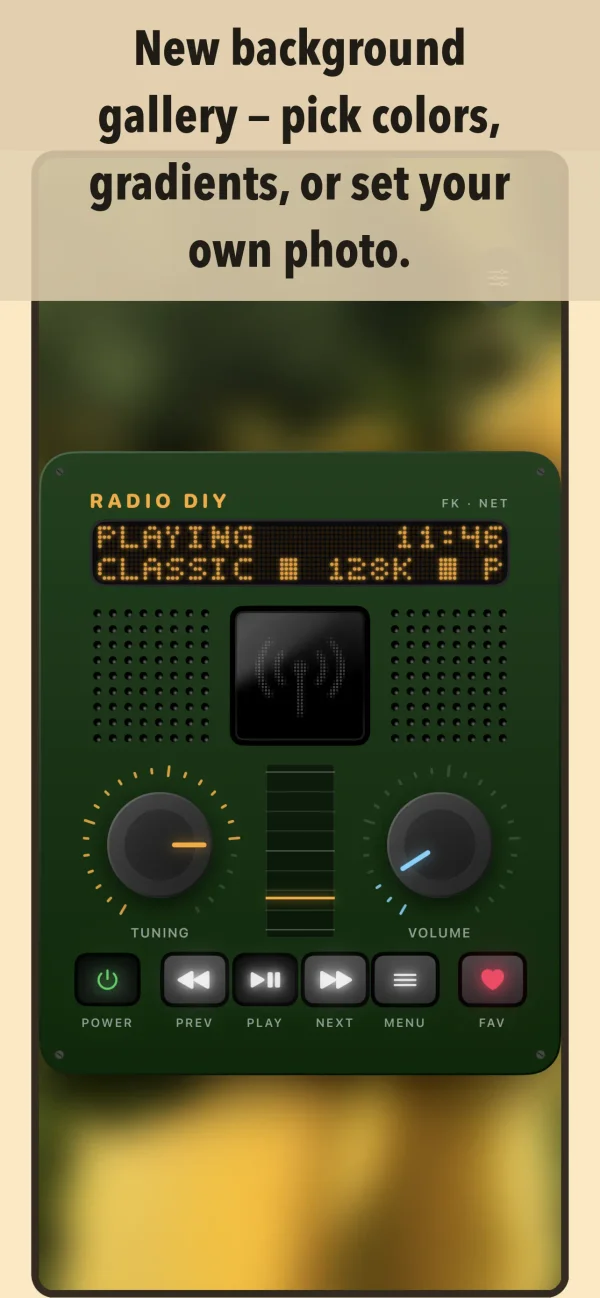
- Choose a background for each radio in the Background Gallery - colors, gradients, your own photo, or the logo of the station that's playing
- Old-school dot-matrix LED display - customize its color, brightness, scroll speed, and glow effect
- Tap the station logo to open the station's website
- AirPlay - stream audio to speakers and audio equipment around your home
- CarPlay - enjoy your favorite stations safely on the road
- Apple Watch - play radio straight from your wrist or control playback on your iPhone
- Apple TV - browse stations and play your favorites on the big screen
- Lock Screen and Control Center controls - play/pause/next station without unlocking your phone, complete with station artwork
- Cellular data control - decide whether the radio may play over cellular, set a data limit, and see how many MB you've used and your network type (LTE/5G) right on the display
- Extensive settings menu - LED, favorites, autostart, clock, alarm, sleep timer, playback output, and more
- Available in English, Polish, German, French, Spanish, and Dutch
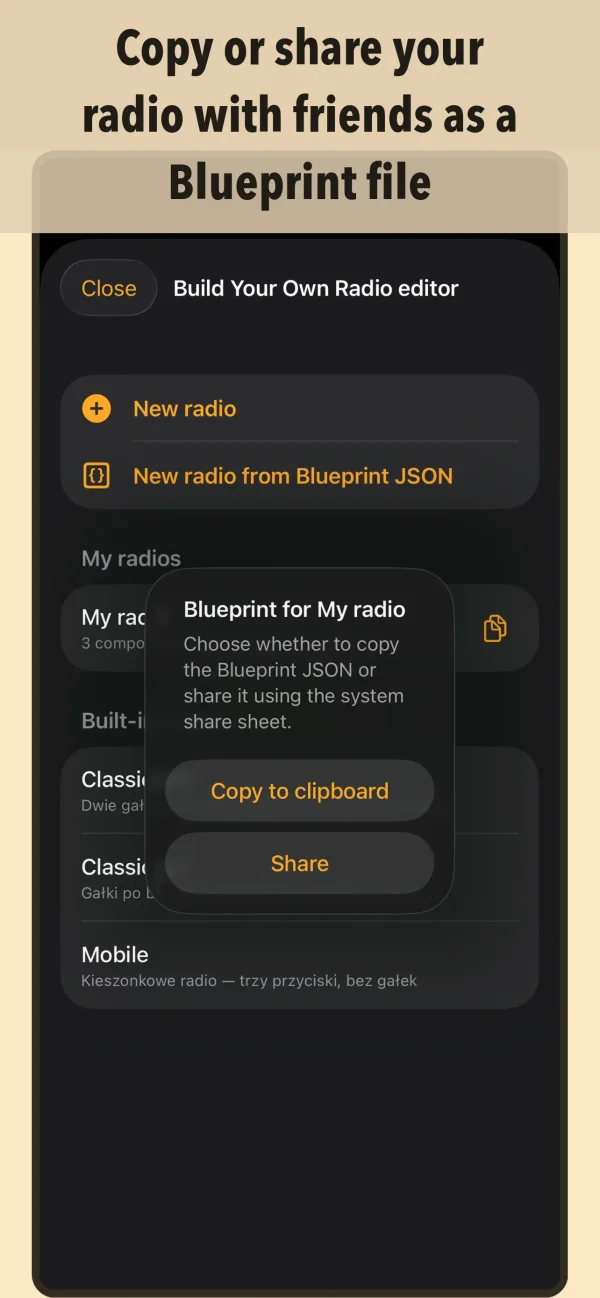
- Share your custom-built radios with friends
- Cross-device sync and backup of your favorite stations and custom radio designs (Premium feature)
- "Legal & Privacy" section - Privacy Policy, Terms of Use, sources and licenses, content reporting, and data deletion, all in one place
---
*) The radio station list is provided by the free, community-driven radio station database (radio-browser.info)
Terms of Use (EULA): https://www.apple.com/legal/internet-services/itunes/dev/stdeula/
Privacy Policy: https://falkowski.pm/radio-diy/en/privacy.html
Yenilikler
Sürüm 1.10 · 07.11.2026
• Wordjack, my new word game, is here! Find it under My other projects in About Me.
• When you open Radio DIY in CarPlay, the radio resumes playback or starts one of your favorite stations.
Uygulama gizliliği
Bu uygulamanın verileri nasıl işlediği hakkında Konrad Falkowski tarafından App Store üzerinde yapılan beyan.
-
Veri toplanmıyor
Geliştirici bu uygulamadan hiçbir veri toplamıyor.
Gizlilik uygulamaları, örneğin kullandığınız özelliklere veya yaşınıza göre değişiklik gösterebilir.
Bilgiler
- Satıcı
- Konrad Falkowski
- Kategori
- Müzik
- Sürüm
- 1.10
- Güncellendi
- 07.11.2026
- Yayın tarihi
- 02.09.2026
- Boyut
- 17,9 MB
- Gereksinim
- iOS 17.0 veya sonrası
- Yaş sınırı
- 4+
- Fiyat
- Ücretsiz
- Uygulama içi satın alma
- Evet
- Diller
- İngilizce, Hollandaca, Fransızca, Almanca, Lehçe, İspanyolca
- Telif hakkı
- © 2026 Konrad Falkowski