RS-MS3I
DV Gateway Communication app.
iPhone, iPad, iPod touch için tasarlandı
Ücretsiz
- Yaş sınırı4+
- KategoriYardımcılar
- GeliştiriciICOM INCORPORATED
- Dillerİngilizce+ 1 dil daha
- Boyut1,9 MB
Resmi App Store sayfasına bağlanır
Download.org, RS-MS3I için hiçbir dosya barındırmaz. Düğme, uygulamanın App Store üzerindeki sayfasını açar; uygulamayı orada ICOM INCORPORATED yayınlar. Sayfanın son kontrolü: 15.11.2026.
Ekran görüntüleri

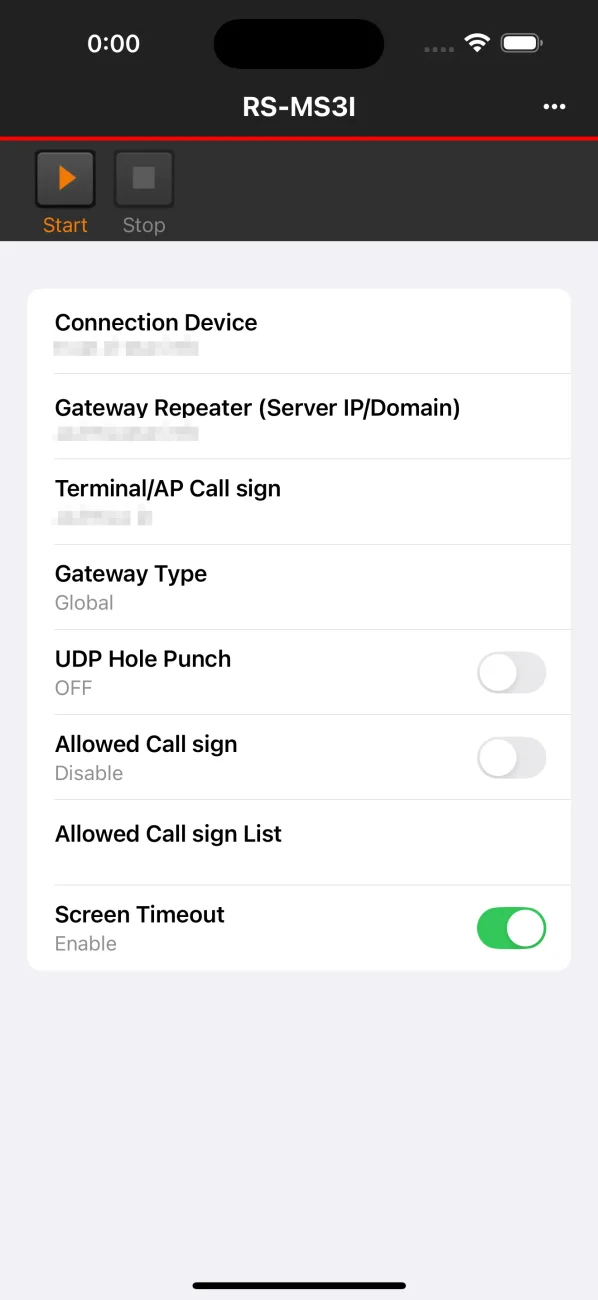
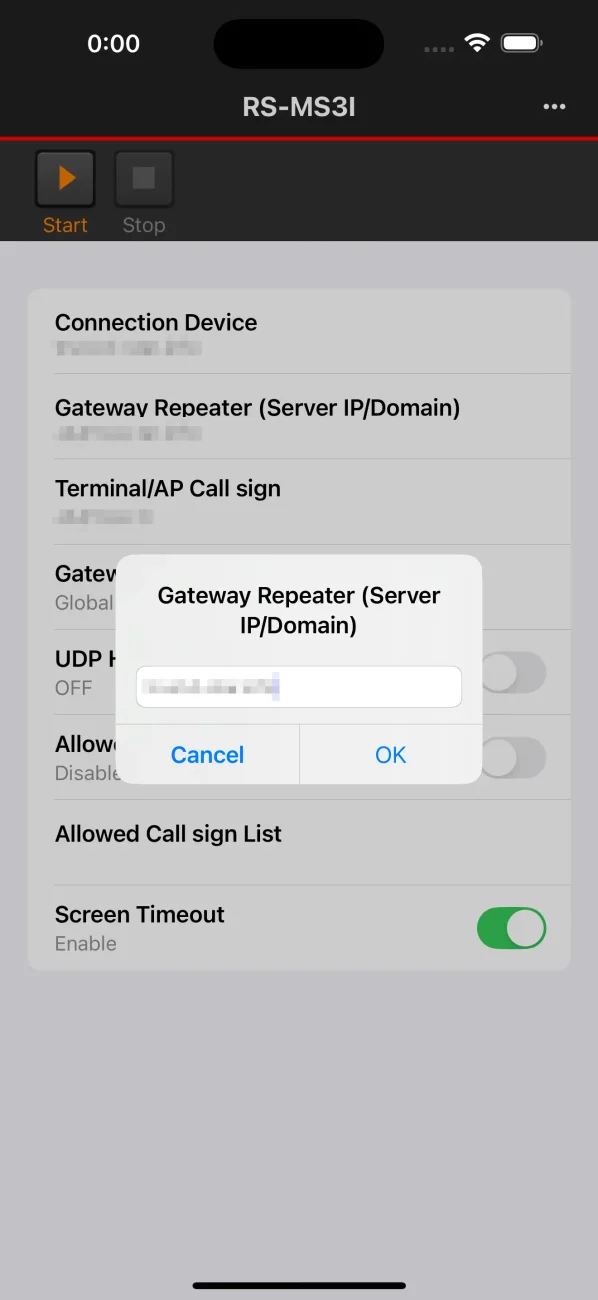
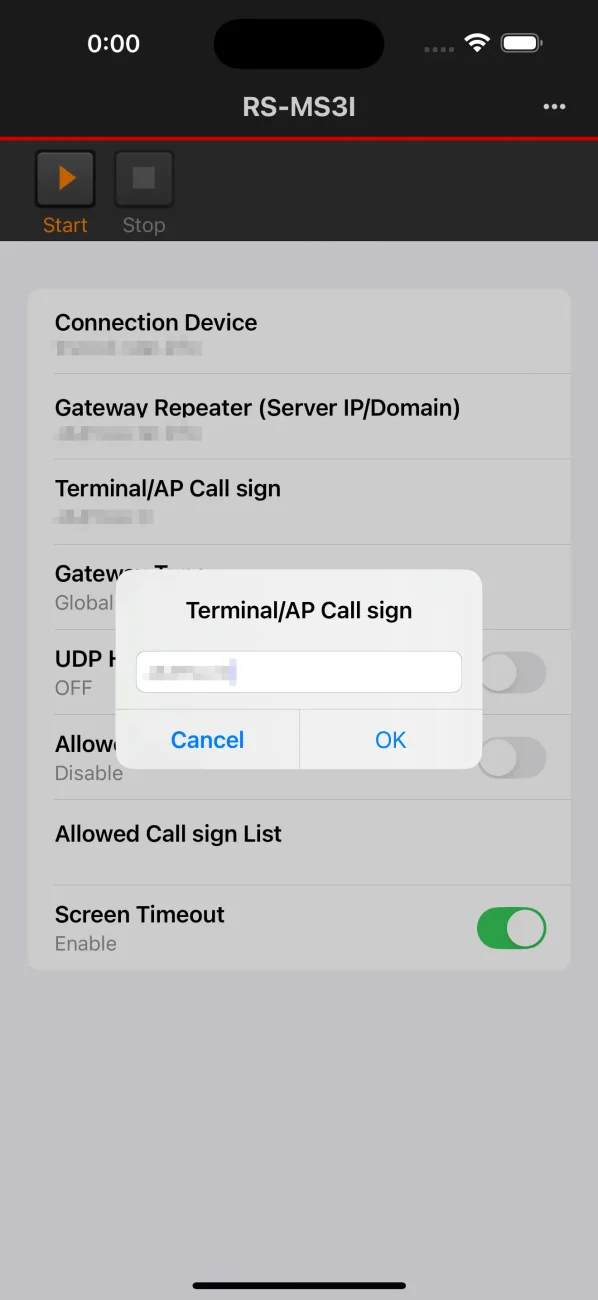
Hakkında
Geliştirici bu metni dilinizde sunmamış.
[Features]
The RS-MS3I is an iPhone or iPad application designed to expand the DV mode capability of a D-STAR transceiver using a Terminal or an Access Point mode.
These modes enable D-STAR operations by sending signals from the D-STAR transceiver over the Internet, even when that transceiver is out of the range of a D-STAR repeater. The transceiver sends your voice signals using an Internet, LTE, or 5G network, through an iPhone or iPad.
1. Terminal mode
By operating the D-STAR transceiver through the iPhone or iPad, you can contact other D-STAR transceivers.
In the Terminal mode, the transceiver will not transmit an RF signal, even if [PTT] is held down, because the microphone audio signal is transmitted through an Internet, LTE, or 5G network.
2. Access Point mode
In this mode, the D-STAR transceiver functions as a Wireless LAN access point.
The D-STAR transceiver repeats the received signal from the iPhone or iPad, to other D-STAR transceivers.
Refer to the instruction manual (PDF) for setting details. The instruction manual can be downloaded from the ICOM website.
(URL: https://www.icomjapan.com/support/manual/)
[Device requirements]
iOS15 or later
[Usable transceivers] (As of March 2026)
- ID-52A PLUS or ID-52E PLUS
Note:
- This application operates on iPhone or iPad as a gateway server on the D-STAR system. Therefore, a public IP address must be set on either the iPhone, iPad, or the Wireless LAN router.
- Ask your mobile carrier or ISP for a public IP address. According to the contract, communication charges and/or communication packet limits may occur.
- Ask your mobile carrier, ISP, or manufacturer of your iPhone, iPad, or router about public IP setting details.
- Icom does not guarantee that the RS-MS3I works on all iPhone and iPad. It may not work properly, depending on the OS version, installed applications, or other reasons.
- When a Bluetooth headset is connected to the transceiver, depending on the combination of your iPhone or iPad and the Bluetooth headset, sound may be interrupted, and communication may not be possible. In such cases, please disconnect the Bluetooth headset before use.
- Turn OFF the Wireless LAN function when communicating through an LTE or 5G network.
- Operate your transceiver with the RS-MS3I in compliance with appropriate regulations.
- Icom recommends that you operate them with a club station license.
Yenilikler
Sürüm 1.1.2 · 02.04.2026
- Change the default value for the UDP Hole Punch setting to ON (when the Region setting is set to Japan)
Uygulama gizliliği
Bu uygulamanın verileri nasıl işlediği hakkında ICOM INCORPORATED tarafından App Store üzerinde yapılan beyan.
-
Veri toplanmıyor
Geliştirici bu uygulamadan hiçbir veri toplamıyor.
Gizlilik uygulamaları, örneğin kullandığınız özelliklere veya yaşınıza göre değişiklik gösterebilir.
Bilgiler
- Satıcı
- ICOM INCORPORATED
- Kategori
- Yardımcılar
- Sürüm
- 1.1.2
- Güncellendi
- 02.04.2026
- Yayın tarihi
- 21.11.2024
- Boyut
- 1,9 MB
- Gereksinim
- iOS 15.0 veya sonrası
- Yaş sınırı
- 4+
- Fiyat
- Ücretsiz
- Diller
- İngilizce, Japonca
- Telif hakkı
- © 2024-2026 Icom Inc.