
Shrinkit: Video Compressor
Shrink & Resize Video Quality
iPhone, iPad, iPod touch için tasarlandı
Ücretsiz · Uygulama içi satın alma
- Yaş sınırı4+
- KategoriFotoğraf ve Video
- GeliştiriciSerhat Ak
- Dillerİngilizce+ 1 dil daha
- Boyut69,0 MB
Resmi App Store sayfasına bağlanır
Download.org, Shrinkit: Video Compressor için hiçbir dosya barındırmaz. Düğme, uygulamanın App Store üzerindeki sayfasını açar; uygulamayı orada Serhat Ak yayınlar. Sayfanın son kontrolü: 12.11.2026.
Ekran görüntüleri

Hakkında
Geliştirici bu metni dilinizde sunmamış.
Are you constantly running out of storage space on your iPhone? Getting that annoying "Storage Full" notification right when you want to capture a precious moment? Or perhaps you are struggling to send a high-quality video via WhatsApp, Gmail, Outlook, or social media because the file size is simply too large?
Meet Shrinkit – the ultimate, lightning-fast video compressor and smart video resizer designed to solve all your storage and sharing problems in seconds.
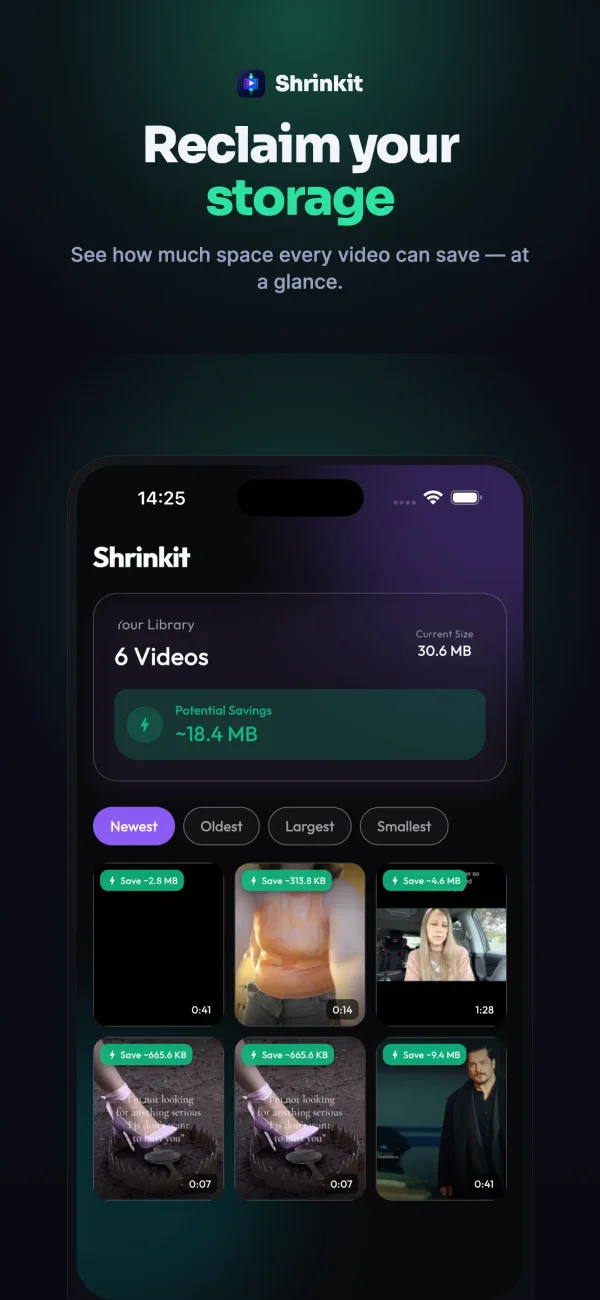
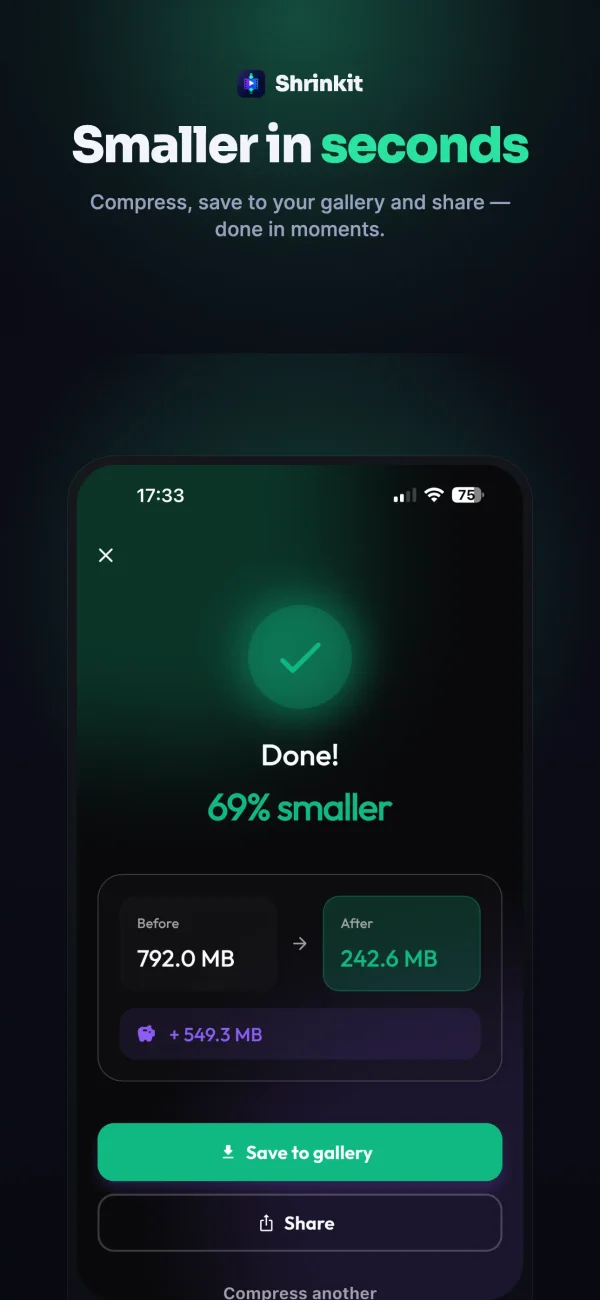
Shrinkit uses state-of-the-art compression algorithms to shrink your heavy video files, reducing file size by up to 80-90% without any noticeable loss in visual quality. Reclaim gigabytes of disk space, optimize your media library, and share your favorite videos instantly without restrictions!
### WHY SHRINKIT IS THE BEST VIDEO COMPRESSOR:
• ADVANCED VIDEO COMPRESSION
Whether it is a 4K UHD video, a 1080p clip, or an MP4 file, our smart engine analyzes the video and optimizes it for maximum size reduction while preserving stunning HD clarity. Say goodbye to pixelated, blurry results.
• TIME-SAVING BATCH COMPRESSION
Don't waste time compressing videos one by one. Select multiple large videos from your camera roll and let Shrinkit compress them all simultaneously in the background. Bulk resizing has never been this easy!
• QUICK SHARE & SOCIAL MEDIA READY
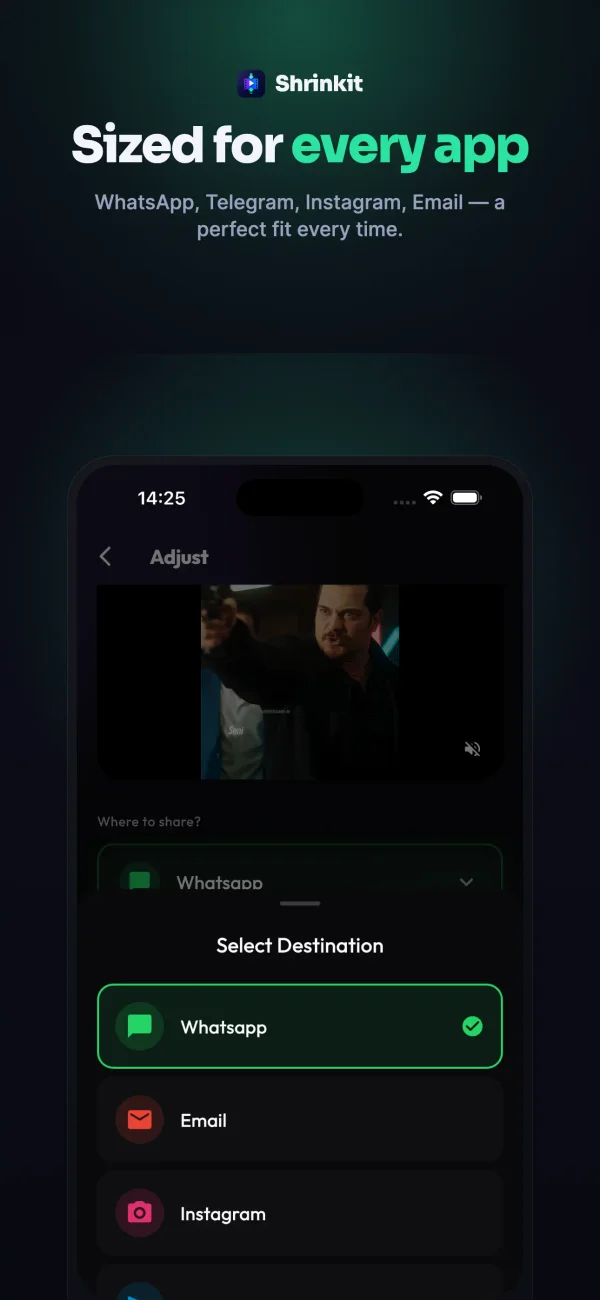
Perfectly resize and crop your videos to fit the strict file size limits of WhatsApp, Telegram, Signal, Gmail, Yahoo, Discord, and Mail Drop. Optimize your clips for seamless uploading to Instagram Reels, TikTok, YouTube Shorts, and Snapchat.
• FULL CUSTOM CONTROL (ADVANCED MODE)
Are you a pro user? Take absolute control over your media. Manually adjust the video resolution, bitrate (CBR/VBR), frame rate (24, 30, 60 FPS), and video codec (H.264 / HEVC H.255) to get the exact target file size you need.
• BEFORE & AFTER PREVIEW
Check your results before saving! Our built-in video player lets you compare the original and the compressed video side-by-side, showing you exactly how much space you are saving.
• PRIVACY FIRST (NO UPLOADS)
Your privacy is our top priority. Unlike online video converters, all compression processes happen entirely offline, directly on your iOS device. Your private videos never leave your phone and are 100% secure.
### RECLAIM YOUR PHONE STORAGE IN 3 EASY STEPS:
1. Open Shrinkit and select one or multiple videos from your gallery.
2. Choose your compression preference (Smart Compress, Target File Size, or Custom Advanced Settings).
3. Tap "Shrink" and save your newly optimized video or share it directly! You can then safely delete the original giant file to free up massive space.
### VERSATILE FORMAT SUPPORT:
Shrinkit supports a wide range of video formats and extensions, including MP4, MOV, M4V, MKV, AVI, and 3GP, making it the most reliable video converter and size reducer tool in your pocket.
Stop deleting your favorite memories just to make room for new ones. Download Shrinkit: Video Compressor today, upgrade your storage management, and experience seamless video sharing!
---
### PREMIUM SUBSCRIPTION INFO:
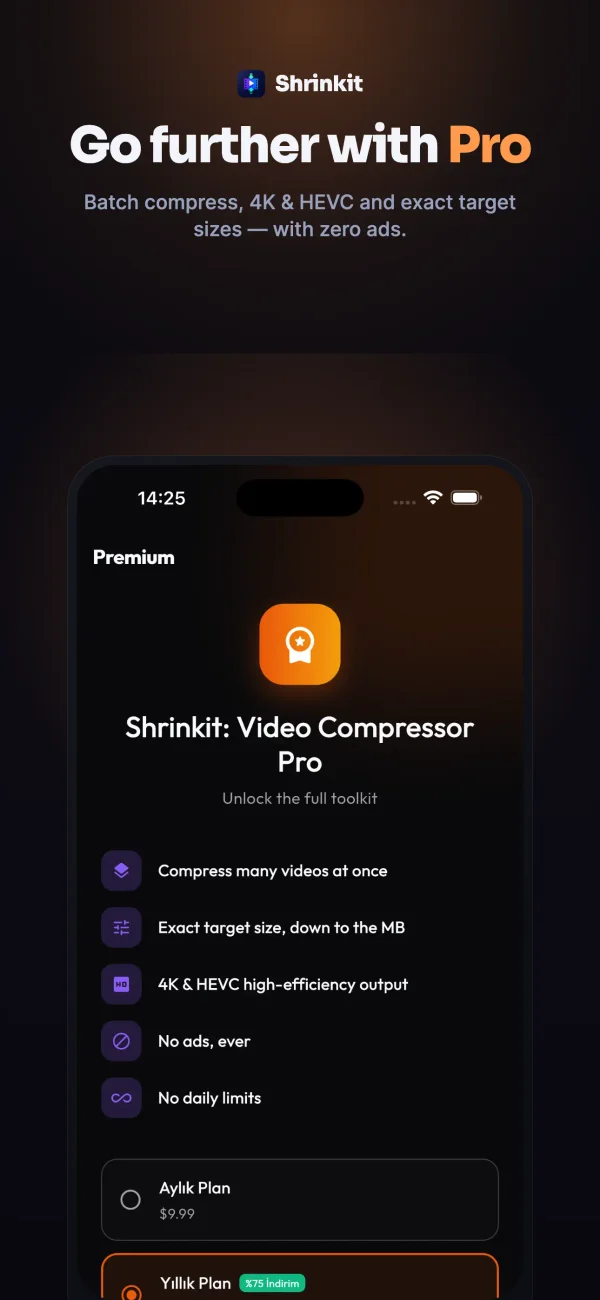
Shrinkit offers an optional Premium subscription via In-App Purchases to unlock unlimited batch compression, premium advanced codecs, and an 100% ad-free experience.
- Payment will be charged to your iTunes Account at confirmation of purchase.
- Subscriptions automatically renew unless auto-renew is turned off at least 24 hours before the end of the current billing period.
- Account will be charged for renewal within 24-hours prior to the end of the current period.
- You can manage your subscription and turn off auto-renewal by going to your App Store Account Settings after purchase.
## Yasal Bilgiler
### Privacy Policy
https://askmobileapp.com/privacy-videocompressor.html
### Terms of Use (EULA)
https://askmobileapp.com/terms-videocompressor.html
Yenilikler
Sürüm 1.0.5 · 23.10.2026
Fixed the purchase screen getting stuck on loading after a cancelled purchase. Performance and stability improvements.
Uygulama gizliliği
Bu uygulamanın verileri nasıl işlediği hakkında Serhat Ak tarafından App Store üzerinde yapılan beyan.
-
Sizi izlemek için kullanılan veriler
Başka şirketlere ait uygulamalarda ve web sitelerinde sizi izlemek için kullanılabilir.
- Kullanım verileri
-
Sizinle ilişkilendirilen veriler
Toplanabilir ve kimliğinizle ilişkilendirilebilir.
- Kullanım verileri
Gizlilik uygulamaları, örneğin kullandığınız özelliklere veya yaşınıza göre değişiklik gösterebilir.
Bilgiler
- Satıcı
- Serhat Ak
- Kategori
- Fotoğraf ve Video
- Sürüm
- 1.0.5
- Güncellendi
- 23.10.2026
- Yayın tarihi
- 26.06.2026
- Boyut
- 69,0 MB
- Gereksinim
- iOS 13.0 veya sonrası
- Yaş sınırı
- 4+
- Fiyat
- Ücretsiz
- Uygulama içi satın alma
- Evet
- Diller
- İngilizce, Türkçe
- Telif hakkı
- © Ask Mobile
Bunları da beğenebilirsiniz
-
 ShrinkitAppFotoğraf ve Video
-
 Shrinkly: Compress VideoFotoğraf ve Video
-
 ExactPic: Fotoğraf SıkıştırGörsel boyutunu KB ile küçült
-
 Shrinkora: Video CompressorFotoğraf ve Video
-
 Video Compressor: Video EditorFotoğraf ve Video
-
 VidMint: Video SıkıştırKüçült · Depolama kazan
-
 CompressFox: Video CompressorFotoğraf ve Video
-
 VideoLite - Video CompressorFotoğraf ve Video
-
 Video SqueezePaylaşım için videoları küçült
-
 VideoPress: Video CompressorFotoğraf ve Video