Sign In Authenticator
Two-Factor Authentication
iPhone, iPad, Mac için tasarlandı
Ücretsiz · Uygulama içi satın alma
- Yaş sınırı4+
- KategoriYardımcılar
- GeliştiriciGetProAct Inc.
- Dillerİngilizce+ 10 dil daha
- Boyut44,0 MB
Resmi App Store sayfasına bağlanır
Download.org, Sign In Authenticator için hiçbir dosya barındırmaz. Düğme, uygulamanın App Store üzerindeki sayfasını açar; uygulamayı orada GetProAct Inc. yayınlar. Sayfanın son kontrolü: 28.11.2026.
Ekran görüntüleri

Hakkında
Geliştirici bu metni dilinizde sunmamış.
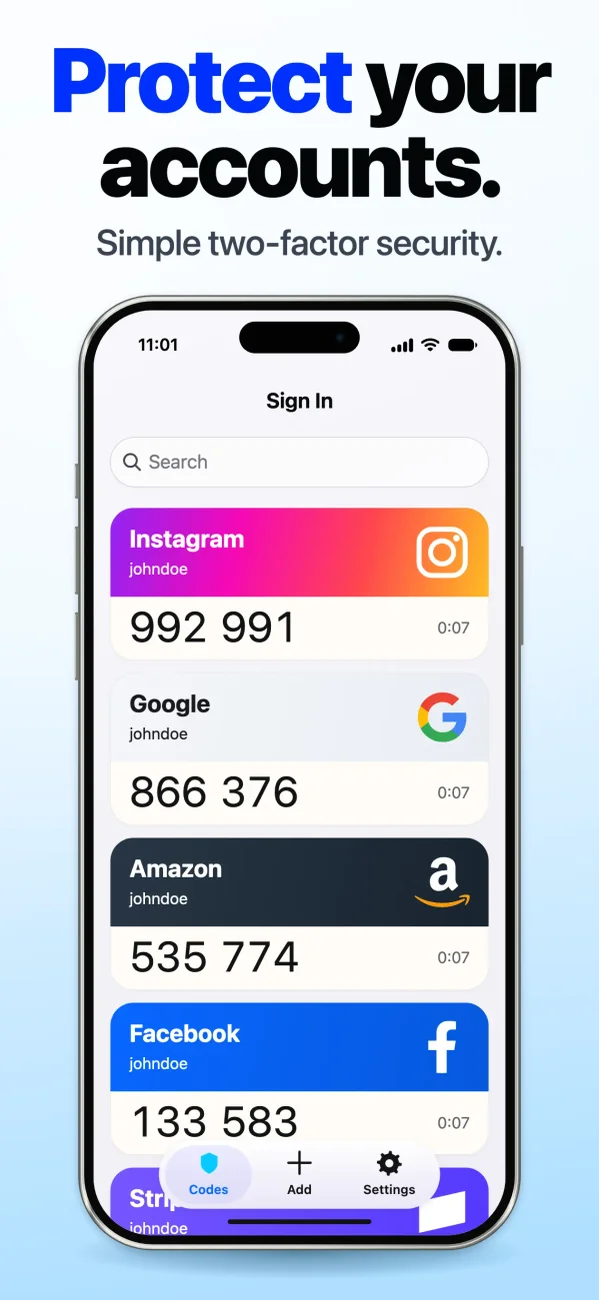
Protect your accounts with a second step at sign-in.
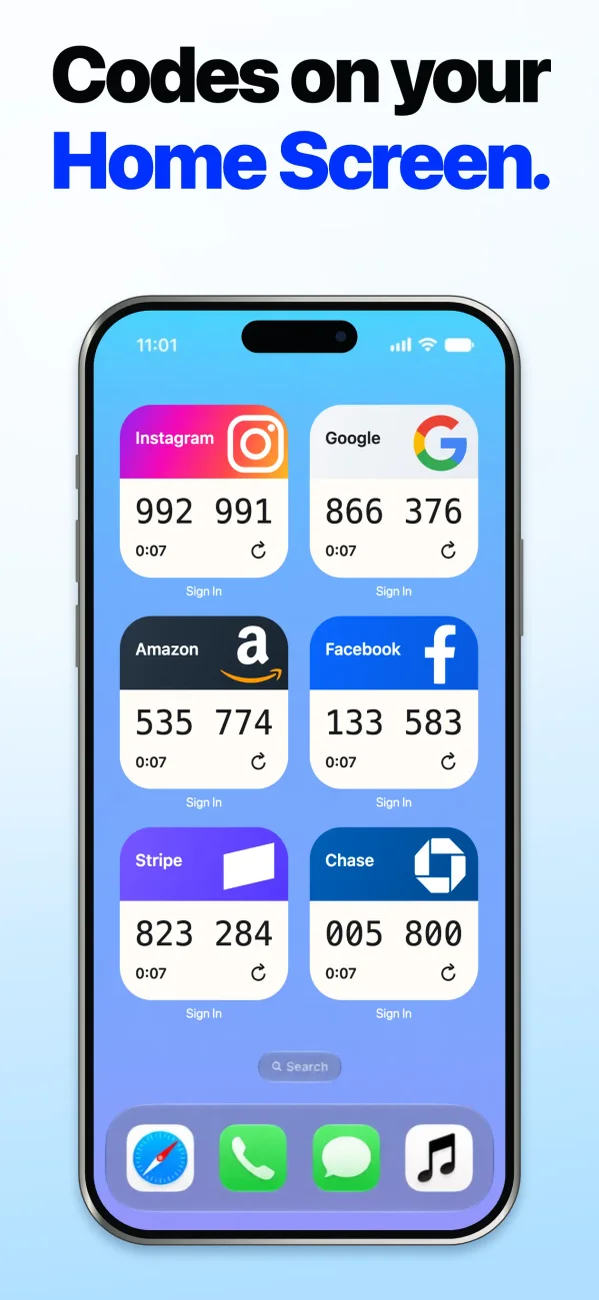
When a website asks for an authenticator code, Sign In keeps it ready. Add your account once, then open the app for a fresh code whenever you sign in. No Sign In account or registration required.
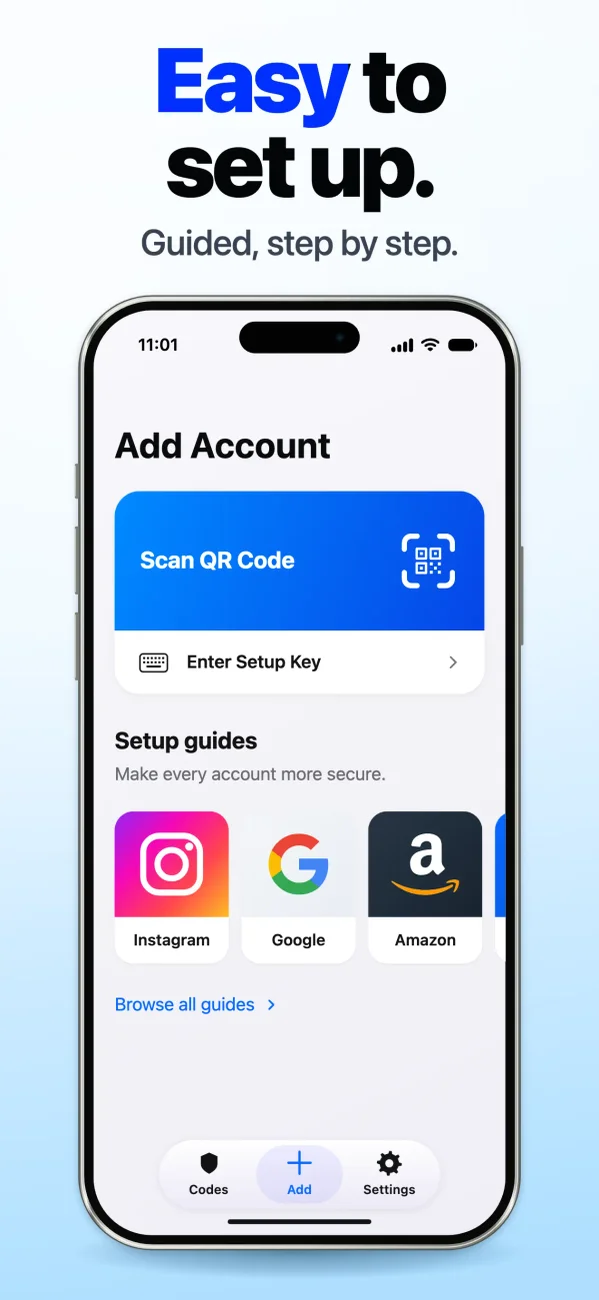
EASY TO SET UP
Turn on two-factor authentication in a service's security settings, choose its authenticator-app option, and scan the QR code with Sign In. You can also enter a setup key manually.
YOUR CODES, READY WHEN YOU NEED THEM
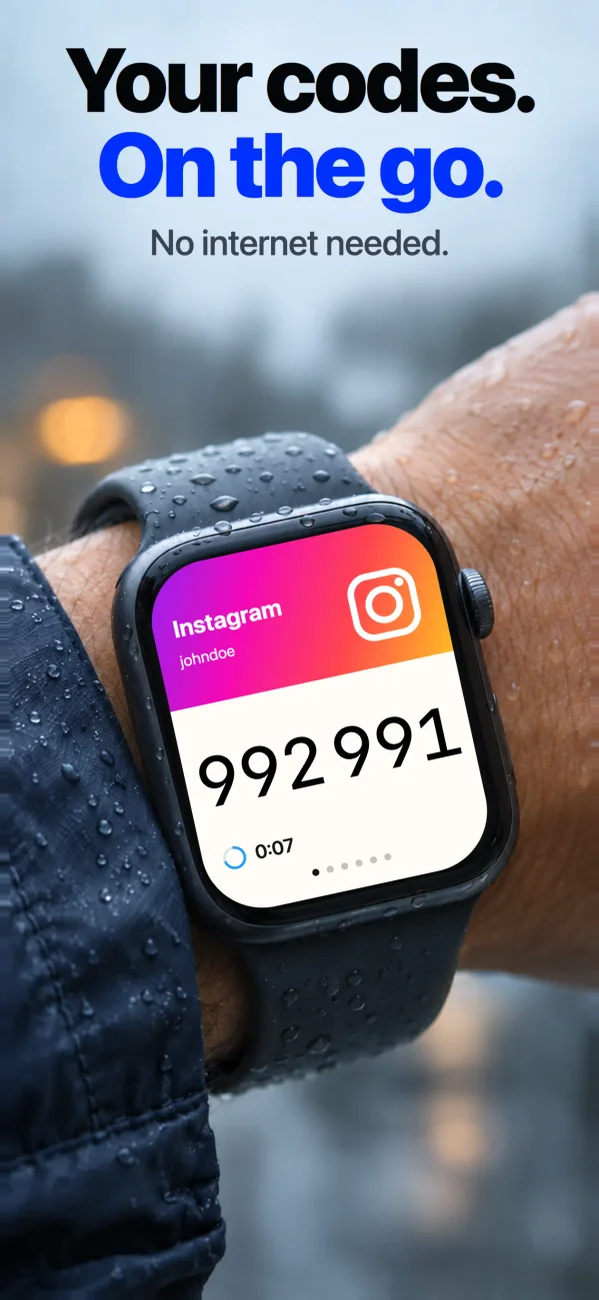
Find your accounts in one clear list and tap to copy a code. Codes are generated on your device and work without an internet connection after setup. Compatible with services that support standard time-based one-time passwords (TOTP).
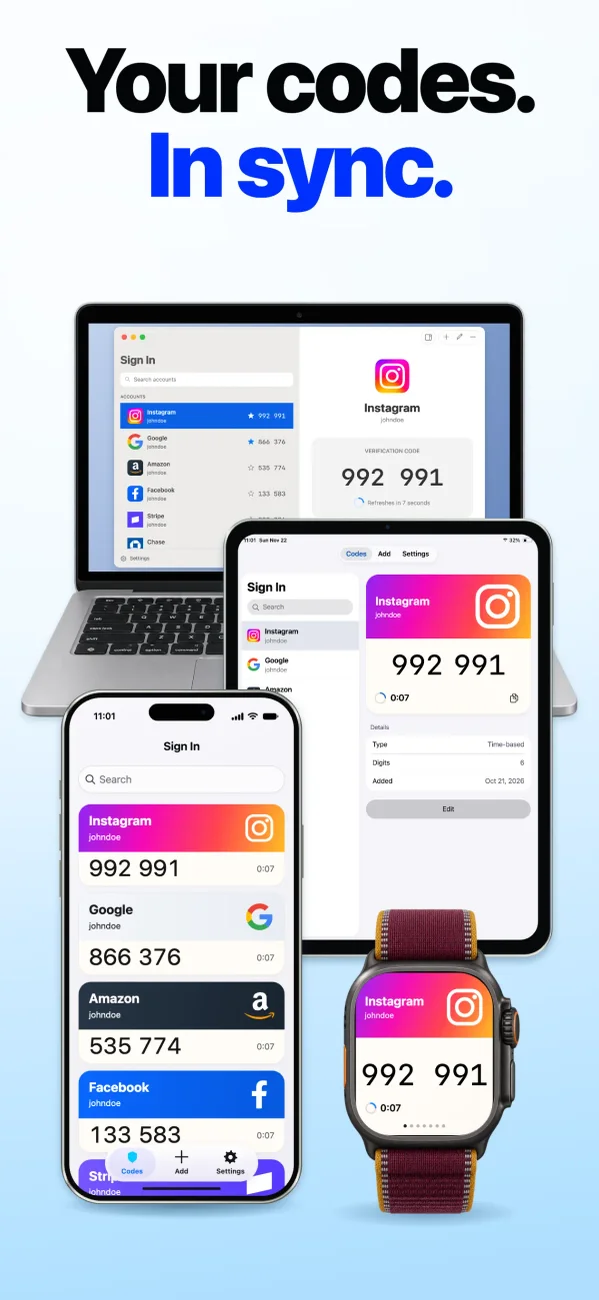
IN SYNC ON IPHONE AND IPAD
With Sign In Pro, use iCloud Keychain backup and sync to keep your accounts available across your iPhone and iPad. Both devices must use the same Apple Account with iCloud Keychain enabled.
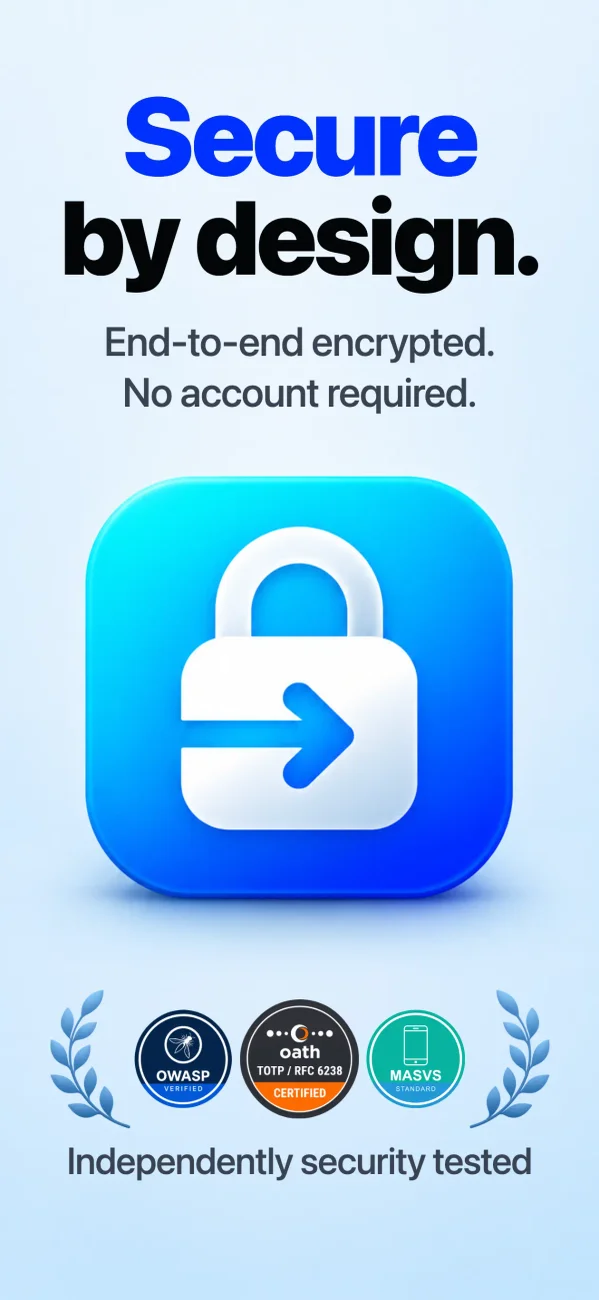
PROTECTION YOU CONTROL
Store your setup keys in Apple Keychain. With Sign In Pro, lock the app with Face ID, Touch ID, or your device passcode, depending on your device. Import supported authenticator backups or export a recovery copy. Manual text and QR exports are not encrypted, so store them securely.
START WITH TWO ACCOUNTS FREE
The free plan includes up to two accounts and import/export. Sign In Pro adds unlimited accounts, app lock, and iCloud backup and sync. If your subscription ends, existing accounts and codes remain accessible, and app lock or backup you already turned on stays on; adding accounts beyond the free allowance, or turning those features on again, requires Pro.
Sign In Pro is available as a weekly or yearly auto-renewable subscription. Prices and any available introductory offers are shown before purchase. Payment is charged to your Apple Account. Subscriptions renew automatically unless canceled at least 24 hours before the current period ends. Manage or cancel in your Apple Account subscription settings. Restore Purchases is available in the app.
Privacy Policy: https://www.usesignin.com/privacy.html
Terms of Use: https://www.usesignin.com/terms.html
Support: support@usesignin.com
Yenilikler
Sürüm 1.3 · 27.11.2026
Design and app improvements.
Uygulama gizliliği
Bu uygulamanın verileri nasıl işlediği hakkında GetProAct Inc. tarafından App Store üzerinde yapılan beyan.
-
Sizinle ilişkilendirilmeyen veriler
Toplanabilir ancak kimliğinizle ilişkilendirilmez.
- Satın alımlar
- Konum
- Kullanım verileri
Gizlilik uygulamaları, örneğin kullandığınız özelliklere veya yaşınıza göre değişiklik gösterebilir.
Bilgiler
- Satıcı
- GetProAct Inc.
- Kategori
- Yardımcılar
- Sürüm
- 1.3
- Güncellendi
- 27.11.2026
- Yayın tarihi
- 16.10.2026
- Boyut
- 44,0 MB
- Gereksinim
- iOS 18.0 veya sonrası
- Yaş sınırı
- 4+
- Fiyat
- Ücretsiz
- Uygulama içi satın alma
- Evet
- Diller
- İngilizce, Arapça, Fransızca, Almanca, Hindi, Japonca, Korece, Portekizce, Basitleştirilmiş Çince, İspanyolca, Geleneksel Çince
- Telif hakkı
- © 2026 GetProAct Inc.
Bunları da beğenebilirsiniz
-
 Authenticator App - Auth Code2FA Güvenlik ve OTP Kodları
-
 Authenticator App "Yardımcılar
-
 Authenticator App • 2FA, MFAYardımcılar
-
 Authenticator App - 2FA, OTPYardımcılar
-
 2FA Authenticator: OTP CodesYardımcılar
-
 Authenticator 2FA, MFA, OTPGüvenli Giriş ve TOTP Kodları
-
 Authenticator App | 2FA AuthGüvenli iki adımlı giriş
-
 Authenticator ·2FA, Two Factor Authentication
-
 SmartFolderYardımcılar