SmartScan Pro: PDF scanner
Scan documents & receipts
iPhone, iPad, iPod touch için tasarlandı
Ücretsiz · Uygulama içi satın alma
- Yaş sınırı4+
- Kategoriİş
- GeliştiriciAMAXIM APPS, INC
- Dillerİngilizce+ 8 dil daha
- Boyut18,1 MB
Resmi App Store sayfasına bağlanır
Download.org, SmartScan Pro: PDF scanner için hiçbir dosya barındırmaz. Düğme, uygulamanın App Store üzerindeki sayfasını açar; uygulamayı orada AMAXIM APPS, INC yayınlar. Sayfanın son kontrolü: 27.11.2026.
Ekran görüntüleri
Hakkında
Geliştirici bu metni dilinizde sunmamış.
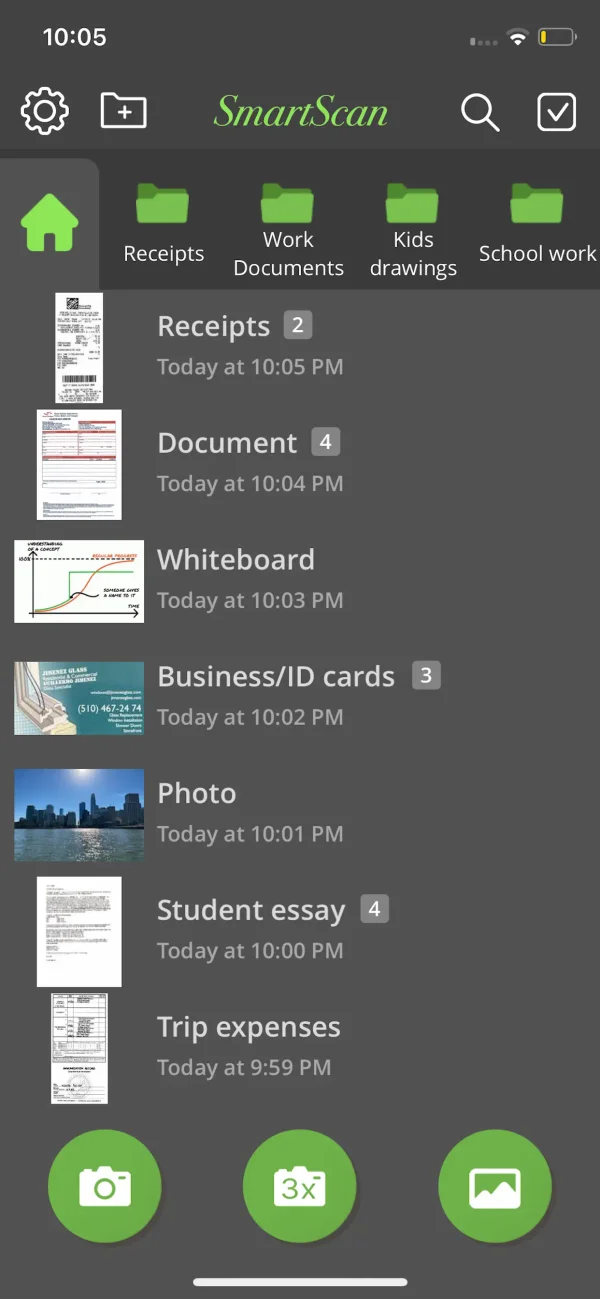
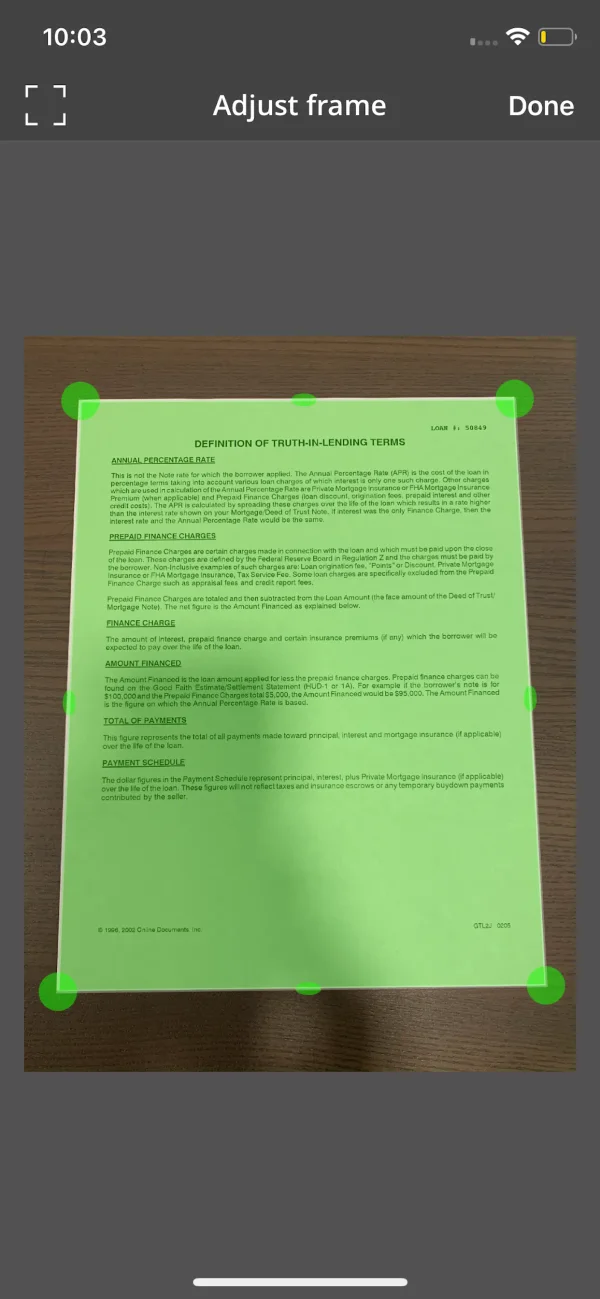
Your iPhone becomes a fully-featured, powerful document scanner with SmartScan. You can quickly and easily scan your multipage documents in high quality PDF or JPEG files on your iPhone or iPad. You can then rename and organize them, and send them anywhere.
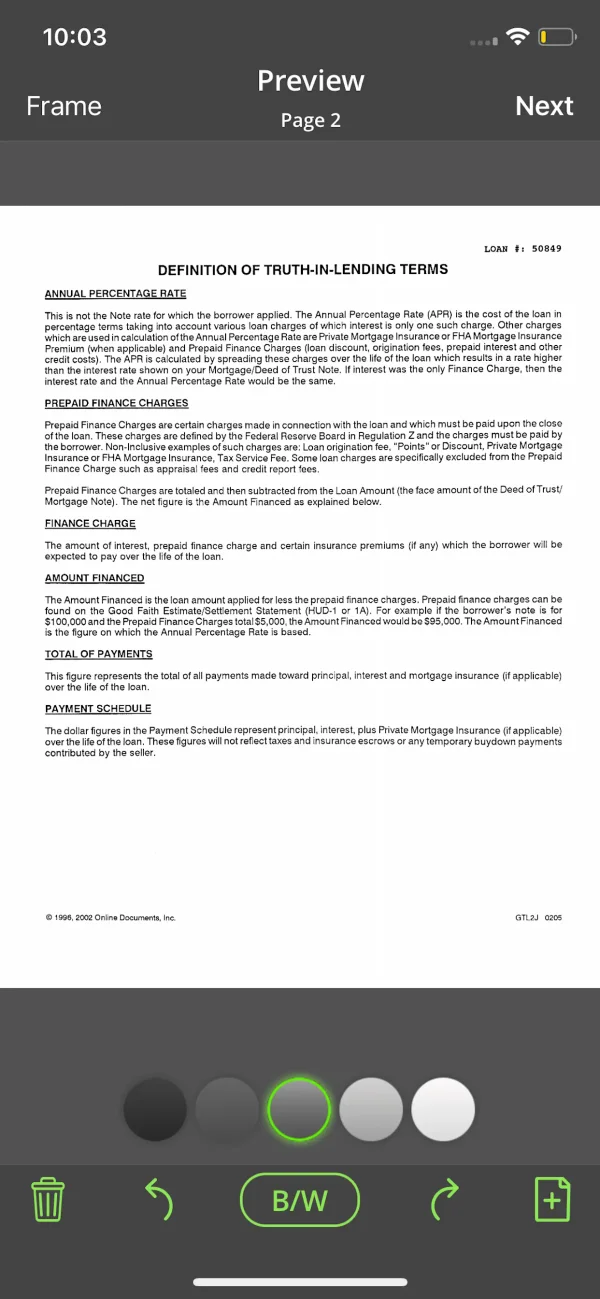
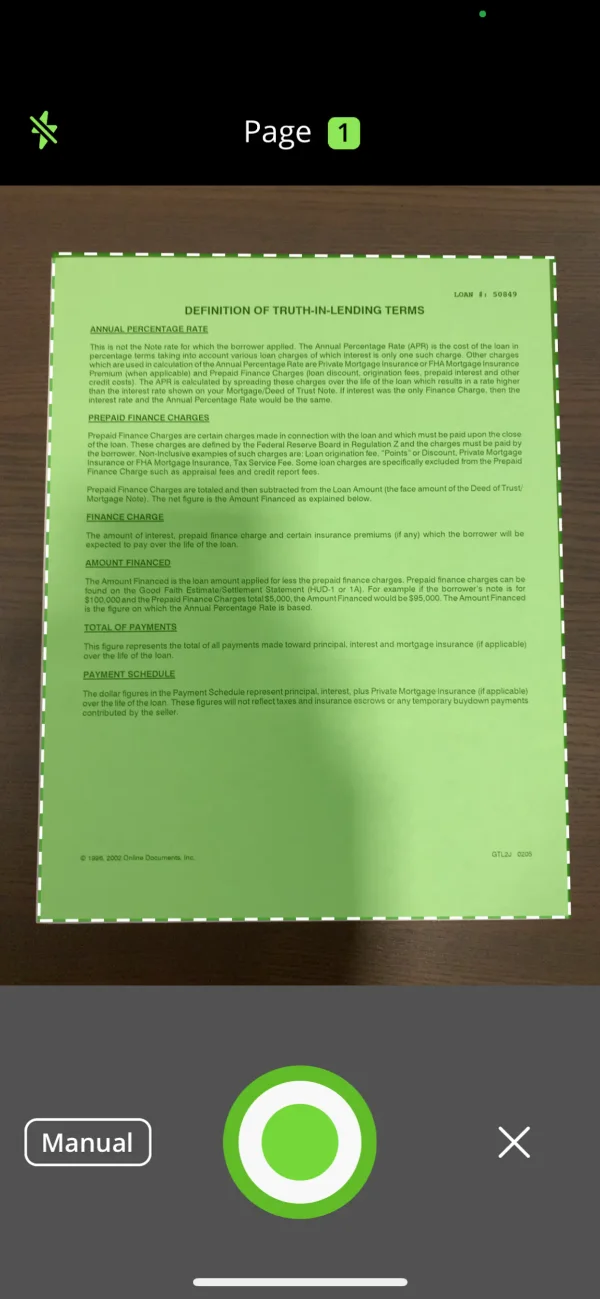
SmartScan uses complex and efficient algorithms to accurately detect document edges, correct their perspective, eliminate shadows, and perfectly contrast text, black on white. You can also choose between color and black-and-white photo modes. Our user interface is powerful and easy to use. With this app you can easily adjust the brightness, color, and rotation of your device.
SmartScan offers SuperScan, a scanning mode that captures sharper images, especially in low-light conditions. Acquiring multiple takes of the same scan, SuperScan guarantees the best result.
SmartScan also has an "Email to myself" feature that works with a single tap.
SMARTSCAN FEATURES:
• Automatic document edge detection and shooting. Perspective correction
• SuperScan mode for sharpest scans
• Document naming, storage in folders and smart search
• “Email to myself” feature for quick routine emails
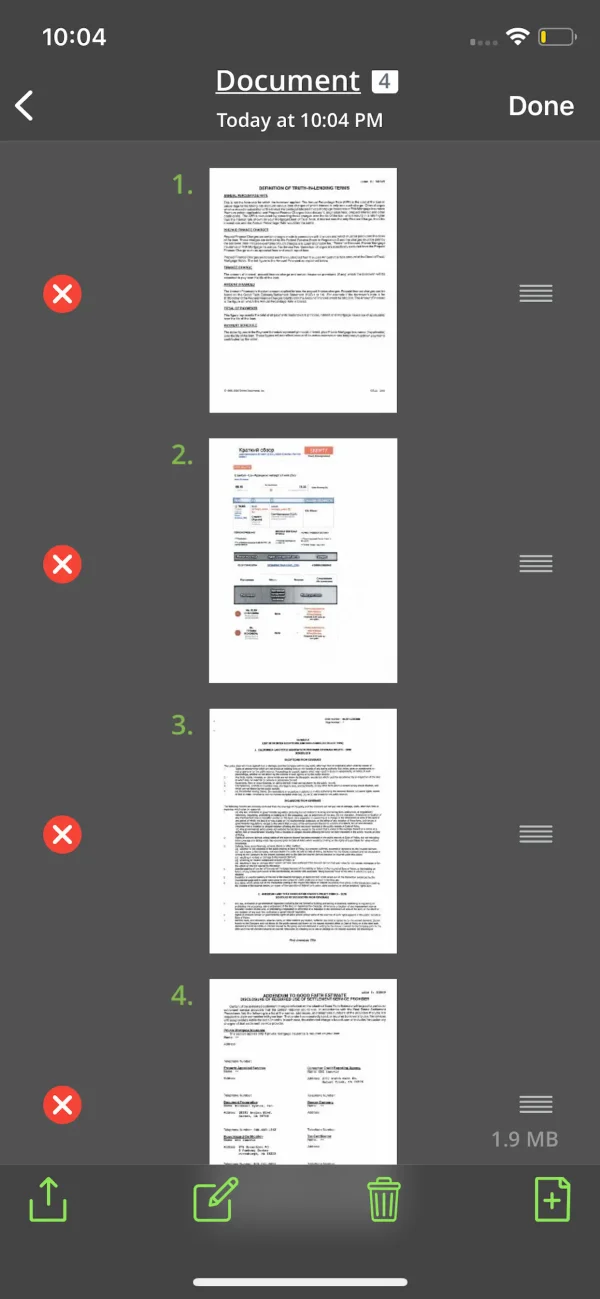
• Add and reorder pages at any time
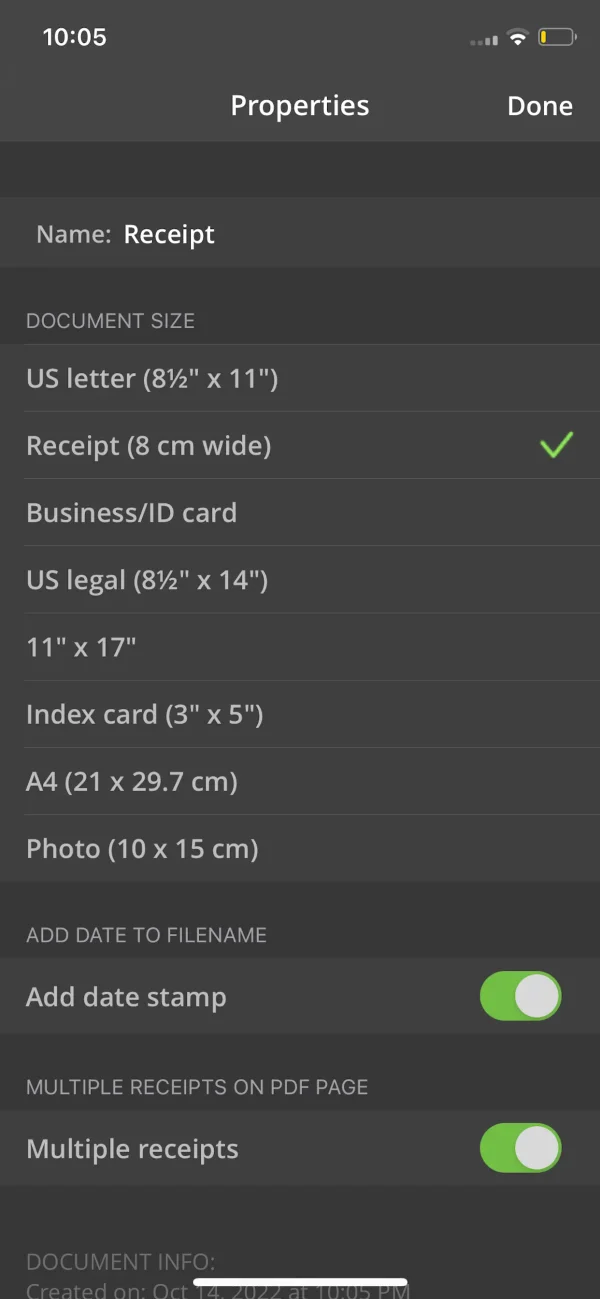
• Arrange multiple receipts or business cards on a PDF page for printing, etc.
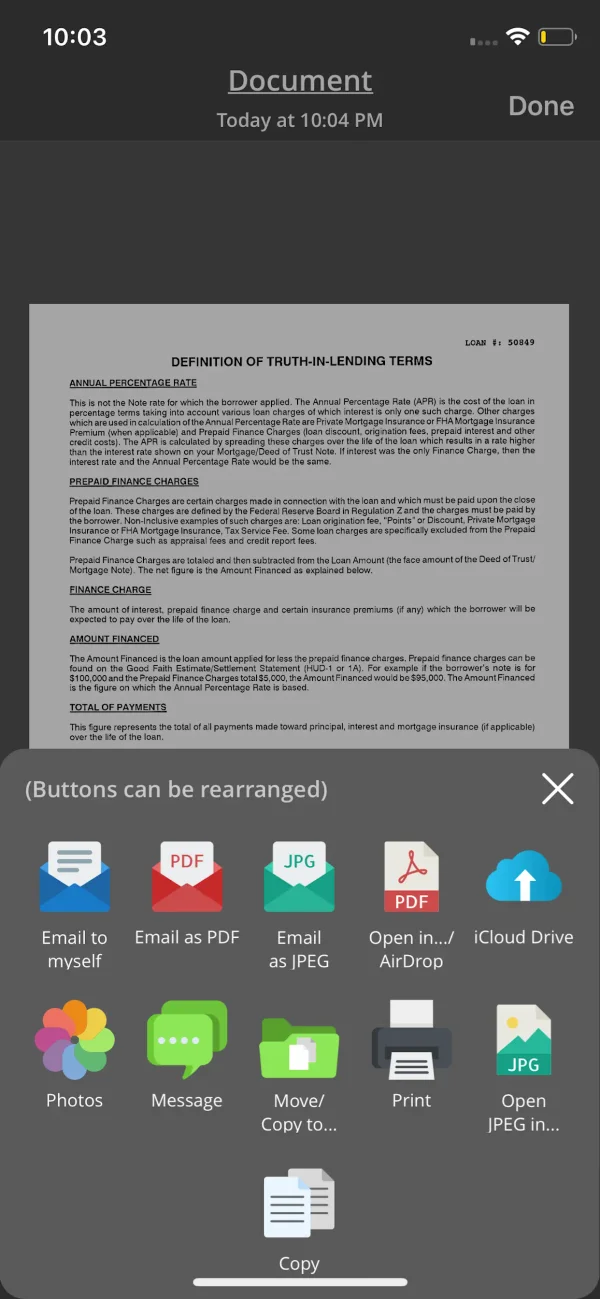
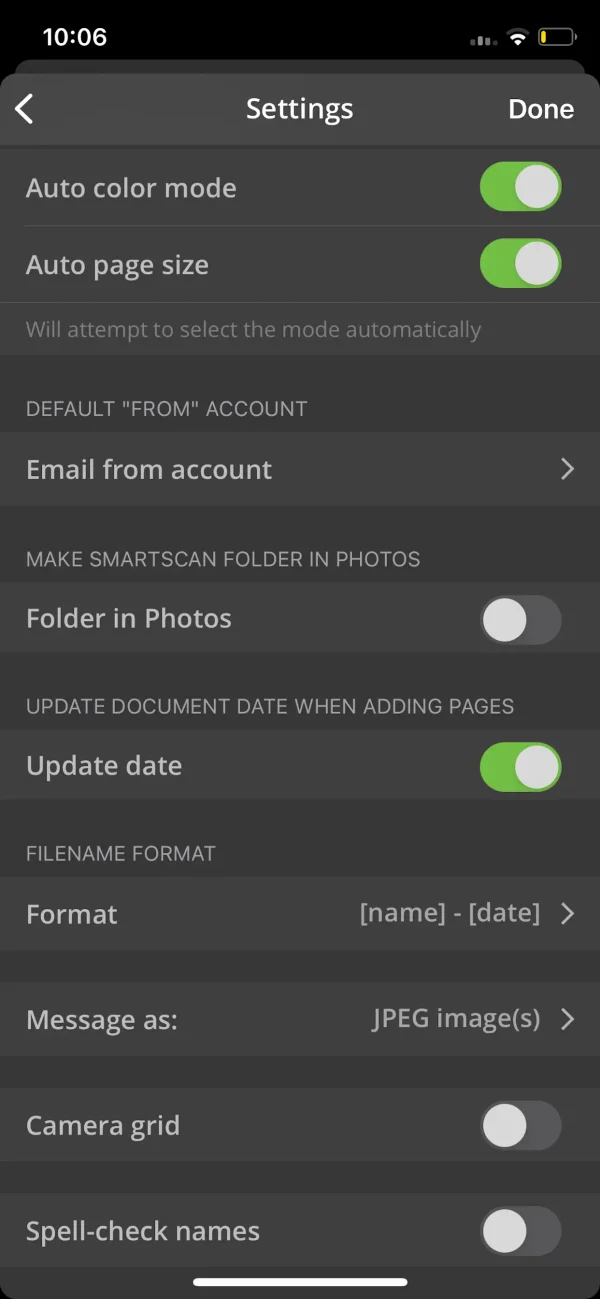
• Email or message documents as PDF, JPEG, or PNG, or save to Photos
• Touch ID & passcode lock
• Upload, auto-upload and backup to iCloud Drive
• Open PDFs or JPEGs in other apps like Dropbox or Google Drive to send to clouds
• Copy & paste scans to other scans or Clipboard, and merge
• AirDrop function
• Printing via AirPrint or printing apps
• Compact attachments with adjustable size
• Ultra-fast processing
Scanning tips
• Make sure the document is laying flat in a bright location
• For optimal edge detection results, make sure to have a contrasting outline or margin around your document while snapping the photo
• When shooting in low light conditions, use flash to illuminate the scene. However, be careful not to produce too much glare from shiny documents or surfaces.
SmartScan is on a road of constant improvement, and we value your input and feedback.
If you have any questions or problems with the SmartScan app, please email us at support@amaximapps.com. We would be happy to help you out.
Our Privacy policy: https://www.amaximapps.com/ssepp.htm
License agreement: https://www.apple.com/legal/internet-services/itunes/dev/stdeula/
Yenilikler
Sürüm 6.2.0 · 17.03.2025
Subscription model
Minor bug fixes
Uygulama gizliliği
Bu uygulamanın verileri nasıl işlediği hakkında AMAXIM APPS, INC tarafından App Store üzerinde yapılan beyan.
-
Veri toplanmıyor
Geliştirici bu uygulamadan hiçbir veri toplamıyor.
Gizlilik uygulamaları, örneğin kullandığınız özelliklere veya yaşınıza göre değişiklik gösterebilir.
Bilgiler
- Satıcı
- AMAXIM APPS, INC
- Kategori
- İş
- Sürüm
- 6.2.0
- Güncellendi
- 17.03.2025
- Yayın tarihi
- 13.06.2012
- Boyut
- 18,1 MB
- Gereksinim
- iOS 12.0 veya sonrası
- Yaş sınırı
- 4+
- Fiyat
- Ücretsiz
- Uygulama içi satın alma
- Evet
- Diller
- İngilizce, Fransızca, Almanca, İtalyanca, Japonca, Portekizce, Rusça, Basitleştirilmiş Çince, İspanyolca
- Telif hakkı
- © Amaxim Apps 2025
Bunları da beğenebilirsiniz
-
 Scanner: Document Scan AppÜretkenlik
-
 Nova Scanner-Scan PDF Documentİş
-
 PDF Editor - Reader & Scannerİş
-
 Metin Karşılaştırma: PDF, WordBelge ve Excel Farklarını Bul
-
 Faster Scan - Fast PDF Scannerİş
-
 Scanner App - Scan & Edit PDFİş
-
 全能扫描仪-拍文件相片照片扫描仪Üretkenlik
-
 One Scan: PDF Belge TarayıcıYapay Zeka, İmza, Fiş, Fatura
-
 Scanner App: Docs Scan & Signİş
-
 PDF Scanner: AI OCR & Doc Scanİş