MySufler: Teleprompter Camera
Video Script Reader for iPhone
iPhone için tasarlandı
Ücretsiz · Uygulama içi satın alma
- Yaş sınırı4+
- KategoriFotoğraf ve Video
- GeliştiriciViktor Skrynnikov
- Dillerİngilizce+ 10 dil daha
- Boyut3,2 MB
Resmi App Store sayfasına bağlanır
Download.org, MySufler: Teleprompter Camera için hiçbir dosya barındırmaz. Düğme, uygulamanın App Store üzerindeki sayfasını açar; uygulamayı orada Viktor Skrynnikov yayınlar. Sayfanın son kontrolü: 29.11.2026.
Ekran görüntüleri

Hakkında
Geliştirici bu metni dilinizde sunmamış.
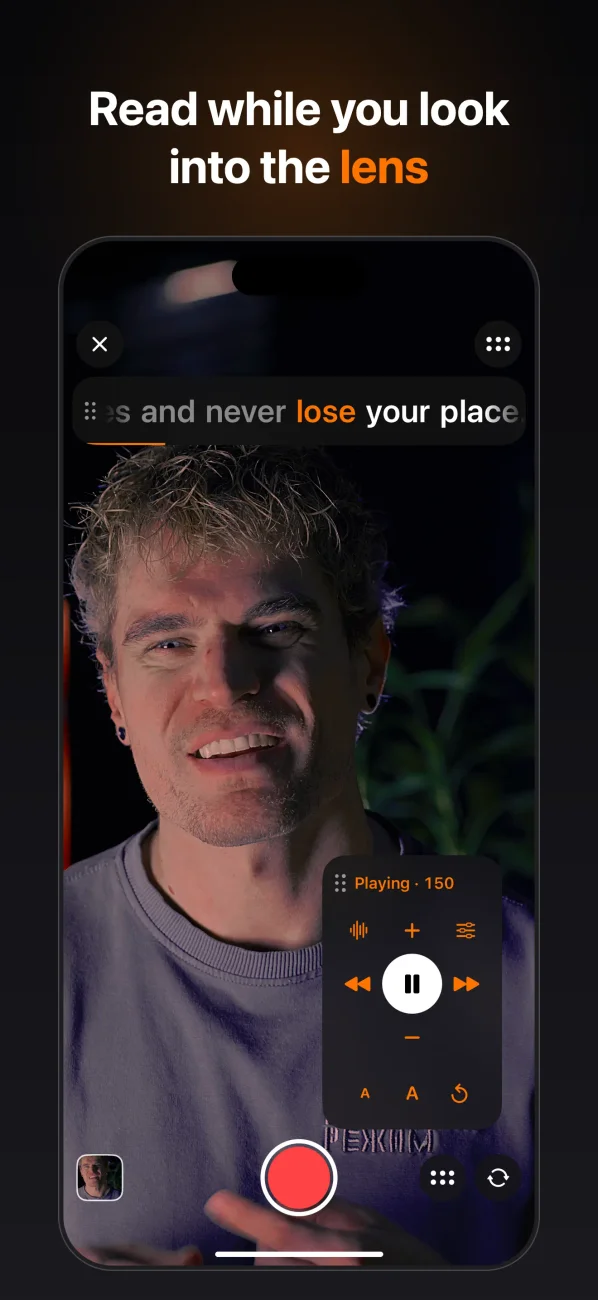
MySufler is a teleprompter app and script reader for iPhone: one line over the camera, so your eyes stay on the lens.
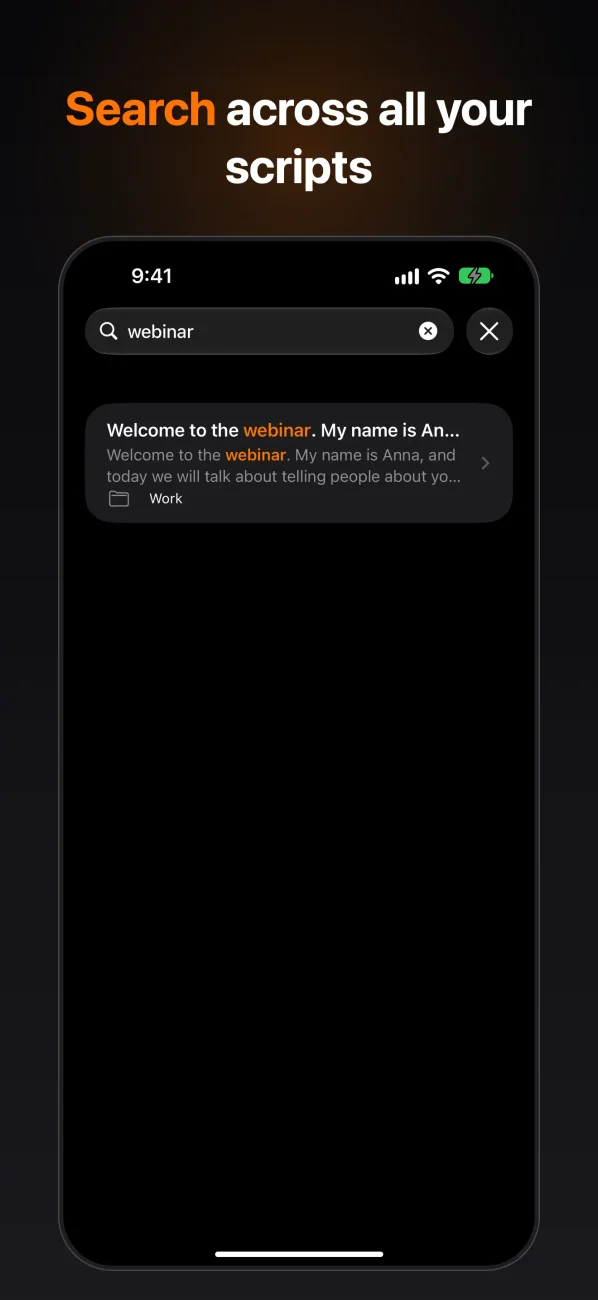
The current word is highlighted and the line moves at your pace. Drag the line and the control pad anywhere on the screen, wherever it is easiest to look.
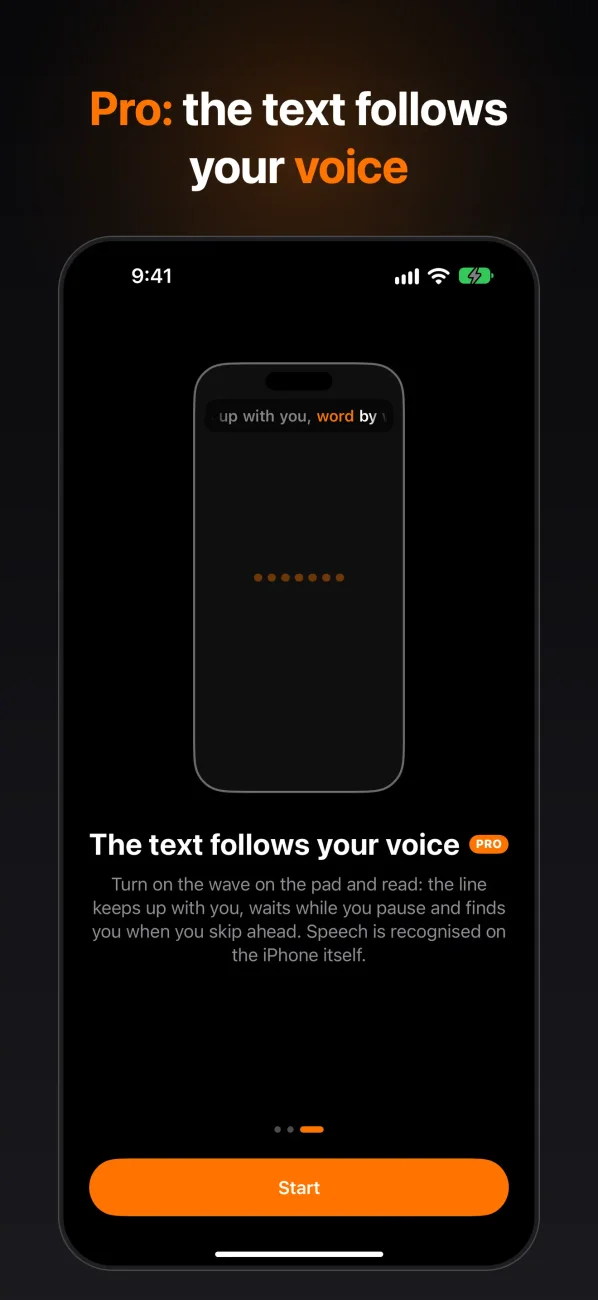
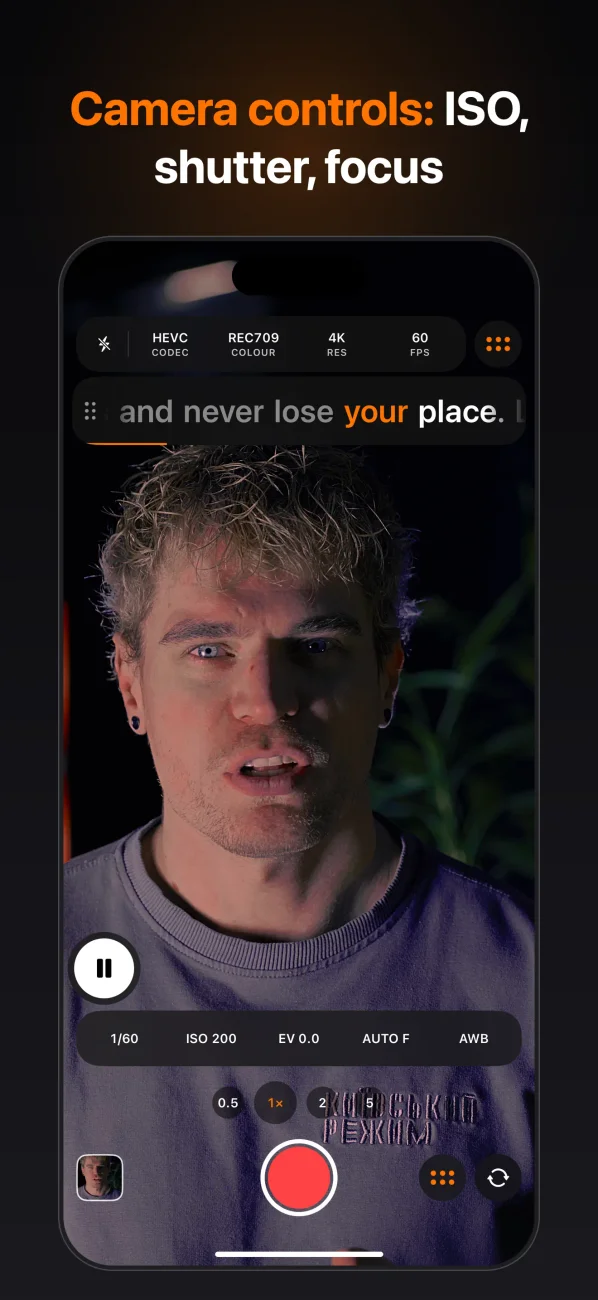
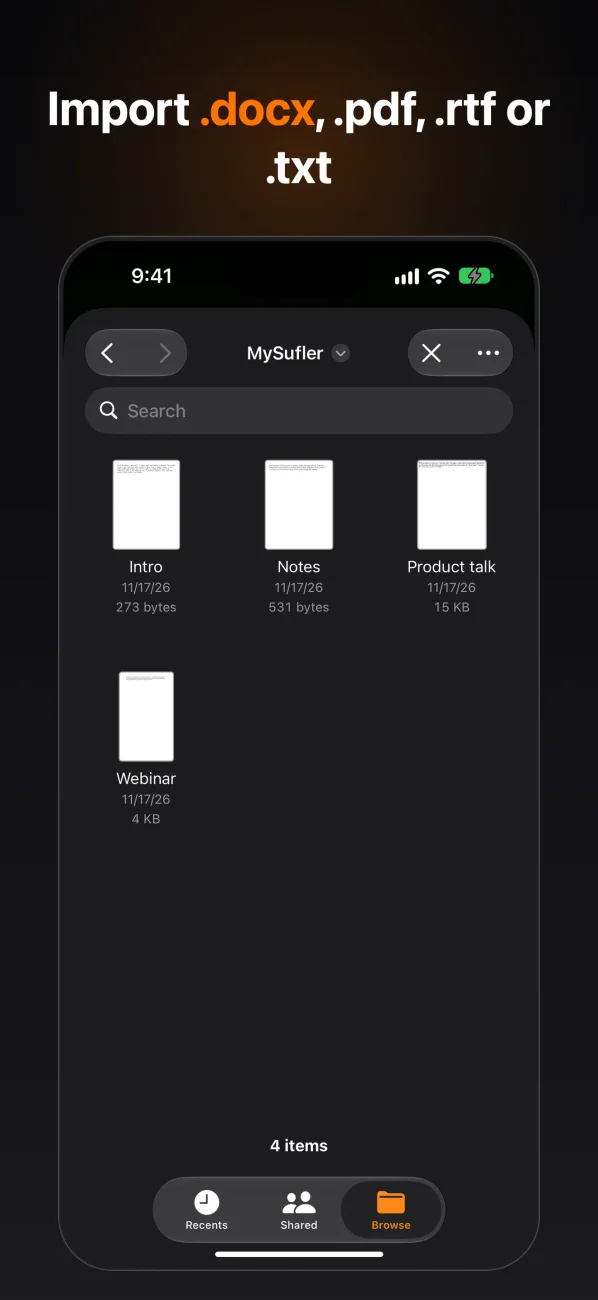
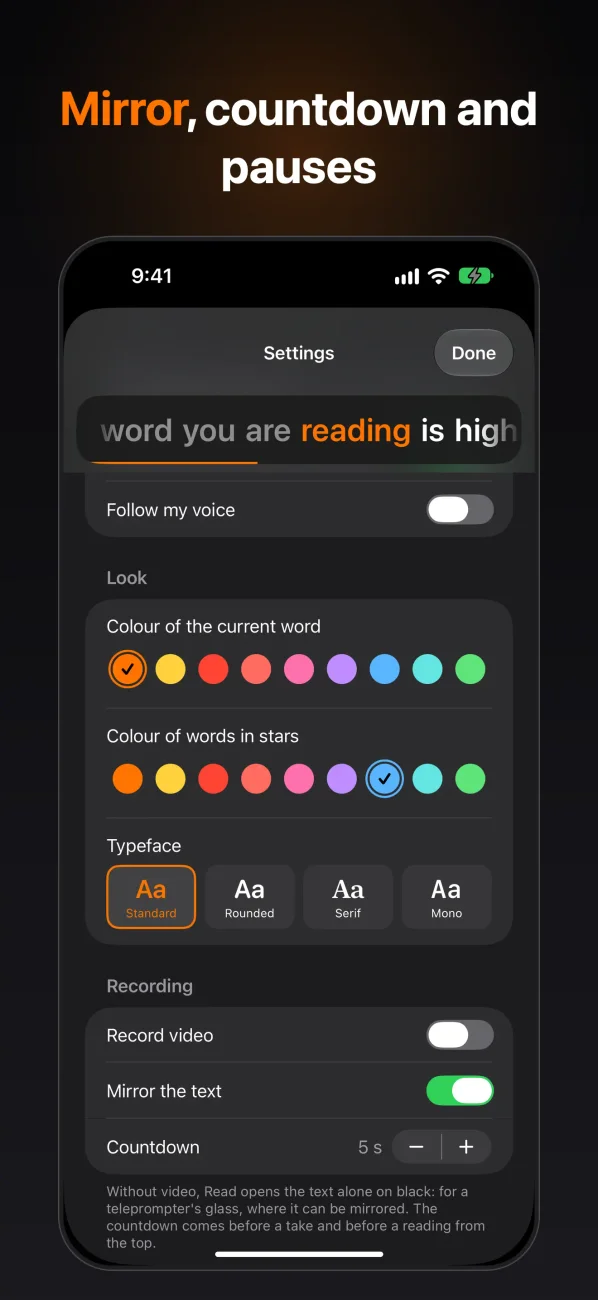
The text follows your voice (Pro; English, Ukrainian and Russian scripts). Search, import of .docx, .pdf and .rtf, a mirror, a countdown and pauses. Set the camera up your way: zoom, shutter, ISO, exposure, focus, white balance, AE/AF lock, and with Pro 4K, 60 fps, ProRes and Apple Log.
• One line with the current word highlighted. Your eyes follow a single line, with no jumping around a paragraph.
• Pace in words per minute. Faster, slower, pause: one tap.
• For landscape video: with the camera on the left, the current word sits next to it, so your eyes stay near the lens. The line can go right up to the edge of the screen.
• Sentence-level rewind. A tap goes to the start of the current or the next sentence; holding scrolls quickly, word by word.
• Text size to match how far you are from the screen.
• Built-in camera: video with sound, front and back cameras. The finished video is saved to Photos, and the button next to Record plays the last take back and shares it. The line and the pad are not part of the recording.
• Zoom stops over the record button, only the ones your iPhone's lenses have (0.5× on models with an ultra wide camera, 3× or 5× with a telephoto), and pinch to zoom.
• Tap the picture to set focus and exposure there; the sun beside the square makes it brighter or darker, and a long press locks both (AE/AF LOCK). Focus where the camera supports it.
• A bar over the picture, opened with the six-dot button: flash, codec (HEVC or H.264), colour (Rec. 709 or HDR), resolution and frame rate. It offers only what your iPhone's camera records: the flash is on the main camera, HDR on supported models.
• Manual controls under the picture, behind their own button: shutter speed, ISO, exposure compensation, focus and white balance. Each has Auto, and one button sets them all back to Auto. With both folded, the picture is clear.
• The pad folds into one button with a double tap on Play, so it does not cover the picture, and unfolds the same way.
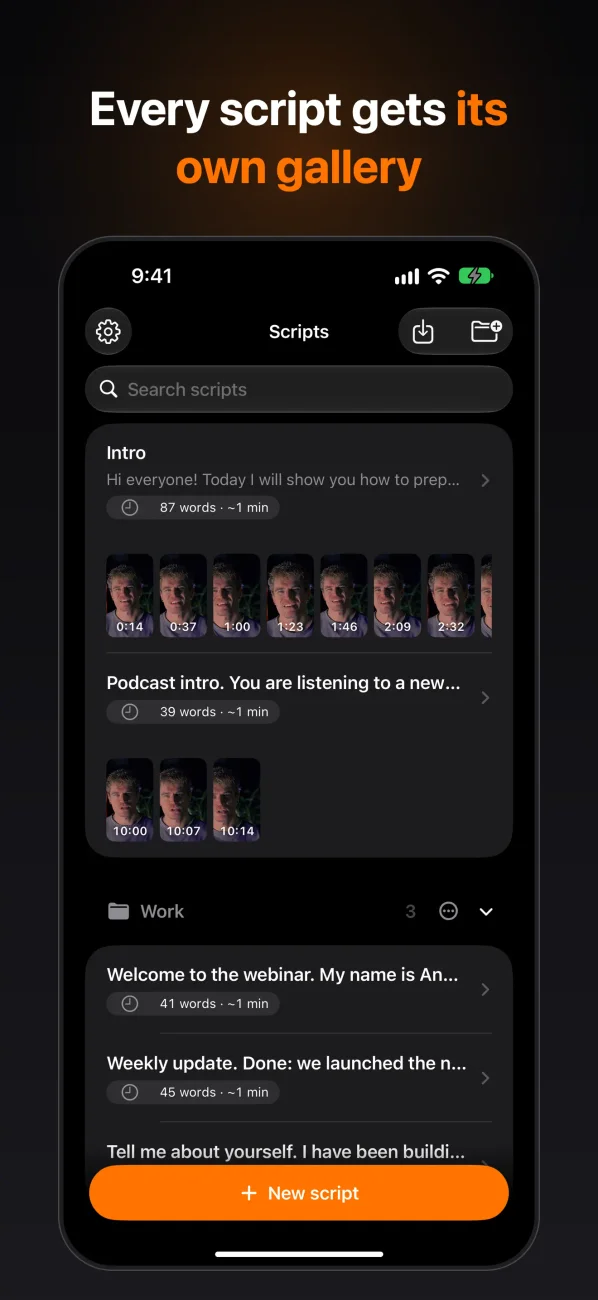
• Scripts on your phone: paste or type text, import a .txt file (UTF-8, UTF-16, Windows-1251). Keep as many scripts as you like and sort them into folders.
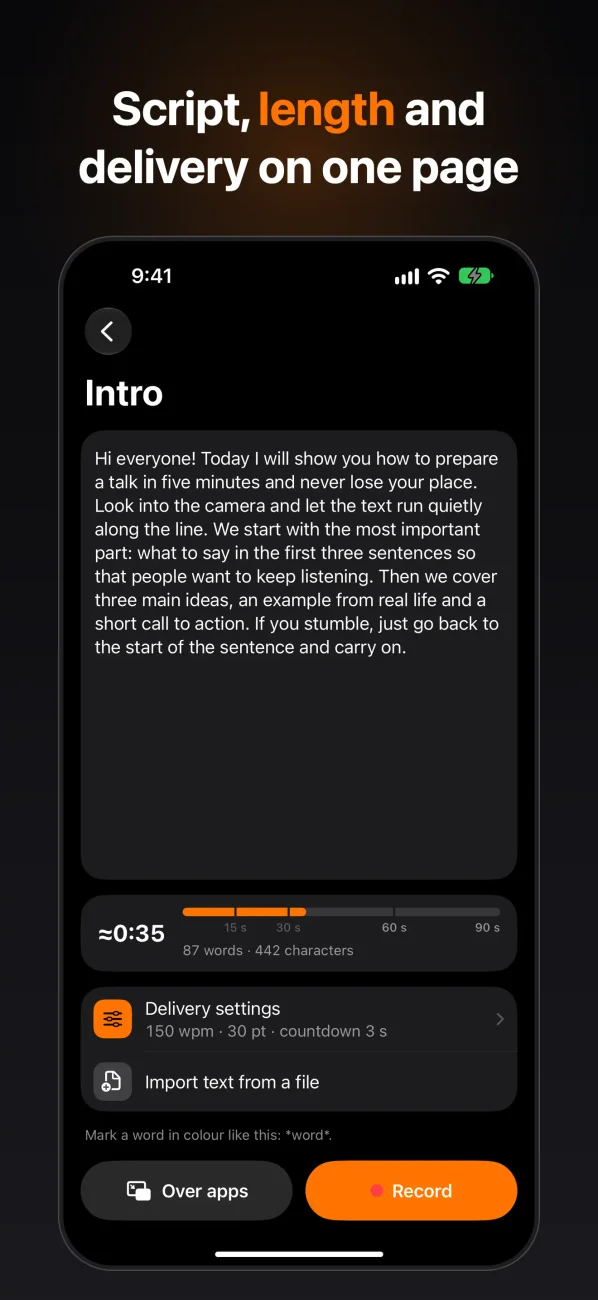
• All settings on one tab, with a live sample of the line: you see each change as you make it.
SUFLER PRO
Without Pro you can try the app: the line moves for 10 minutes in total, over any number of readings, and video goes up to 1080p at 30 frames per second. MySufler Pro lifts these limits and opens:
• Two lines. You see what comes next: the line you have read moves up.
• Two kinds of motion: even speed, or word accent, where long words and punctuation get more time.
• The colour of the current word and the typeface: eight colours and four typefaces, so the line reads well on your background.
• 4K video and 60 frames per second.
• ProRes and Apple Log, on supported iPhone models.
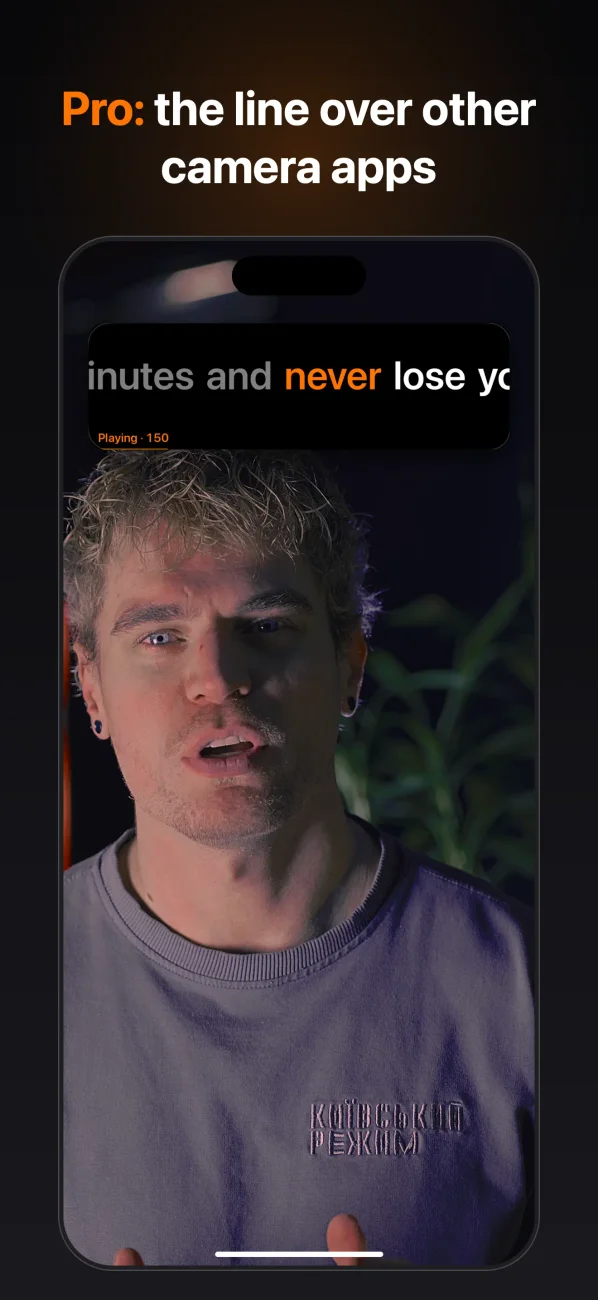
• "Over other apps": the line moves into a Picture in Picture window and stays on screen while you use other apps. The window's buttons pause the text, change its speed as it runs and move by sentences. Some camera apps do not show such a window; in that case, record right inside MySufler.
Pro comes as a yearly subscription (the first week is a trial, for new subscribers), a monthly subscription, or a one-time purchase that stays for good. A subscription renews by itself until you cancel it, which you do in your App Store account settings at least a day before the paid period ends.
For video blogs, lectures, presentations, speeches and video messages.
No account and no ads. Your scripts and videos stay on your phone: the app sends them nowhere.
Terms of Use: https://www.apple.com/legal/internet-services/itunes/dev/stdeula/
Privacy Policy: https://mysufler.app/privacy/
Yenilikler
Sürüm 1.0.8 · 28.11.2026
Pick the app's language in Settings, apart from the iPhone's: it changes at once. Fixed: on iOS 27 a long press on a take under a script opens its menu again. Small fixes in translations and on the Pro screen.
Uygulama gizliliği
Bu uygulamanın verileri nasıl işlediği hakkında Viktor Skrynnikov tarafından App Store üzerinde yapılan beyan.
-
Veri toplanmıyor
Geliştirici bu uygulamadan hiçbir veri toplamıyor.
Gizlilik uygulamaları, örneğin kullandığınız özelliklere veya yaşınıza göre değişiklik gösterebilir.
Bilgiler
- Satıcı
- Viktor Skrynnikov
- Kategori
- Fotoğraf ve Video
- Sürüm
- 1.0.8
- Güncellendi
- 28.11.2026
- Yayın tarihi
- 12.11.2026
- Boyut
- 3,2 MB
- Gereksinim
- iOS 17.0 veya sonrası
- Yaş sınırı
- 4+
- Fiyat
- Ücretsiz
- Uygulama içi satın alma
- Evet
- Diller
- İngilizce, Arapça, Fransızca, Korece, Portekizce, Rusça, Basitleştirilmiş Çince, İspanyolca, Geleneksel Çince, Ukraynaca, Vietnamese
- Telif hakkı
- © 2026 Viktor Skrynnikov
Bunları da beğenebilirsiniz
-
 Еще один суфлерFotoğraf ve Video
-
 Float Script: TeleprompterFotoğraf ve Video
-
 Teleprompter & Metin OkuyucuVideo İçin Prompter & Senaryo
-
 Teleprompter for Video CameraFotoğraf ve Video
-
 Суфлёр — строка у камерыFotoğraf ve Video
-
 Teleprompter: Video ScriptFotoğraf ve Video
-
 Projeksiyon Mapping – GlowCastDuvara Yansıtma ve Işık Şovu
-
 Teleprompter PiP - SuflörKayan Metin, Sesli, prova
-
 Teleprompter: Record and ShareFotoğraf ve Video
-
 Tablet için HDMI MonitörUVC HDMI yakalama izleyici