
Superimpose
The Classic Superimpose
iPhone, iPad, iPod touch için tasarlandı
Ücretsiz · Uygulama içi satın alma
- Yaş sınırı4+
- KategoriFotoğraf ve Video
- GeliştiriciPankaj Goswami
- Dillerİngilizce+ 8 dil daha
- Boyut386,5 MB
Resmi App Store sayfasına bağlanır
Download.org, Superimpose için hiçbir dosya barındırmaz. Düğme, uygulamanın App Store üzerindeki sayfasını açar; uygulamayı orada Pankaj Goswami yayınlar. Sayfanın son kontrolü: 18.11.2026.
Ekran görüntüleri

Hakkında
Geliştirici bu metni dilinizde sunmamış.
Superimpose is a complete creative studio for photo editing, image compositing, video editing, and AI-powered visual creation.
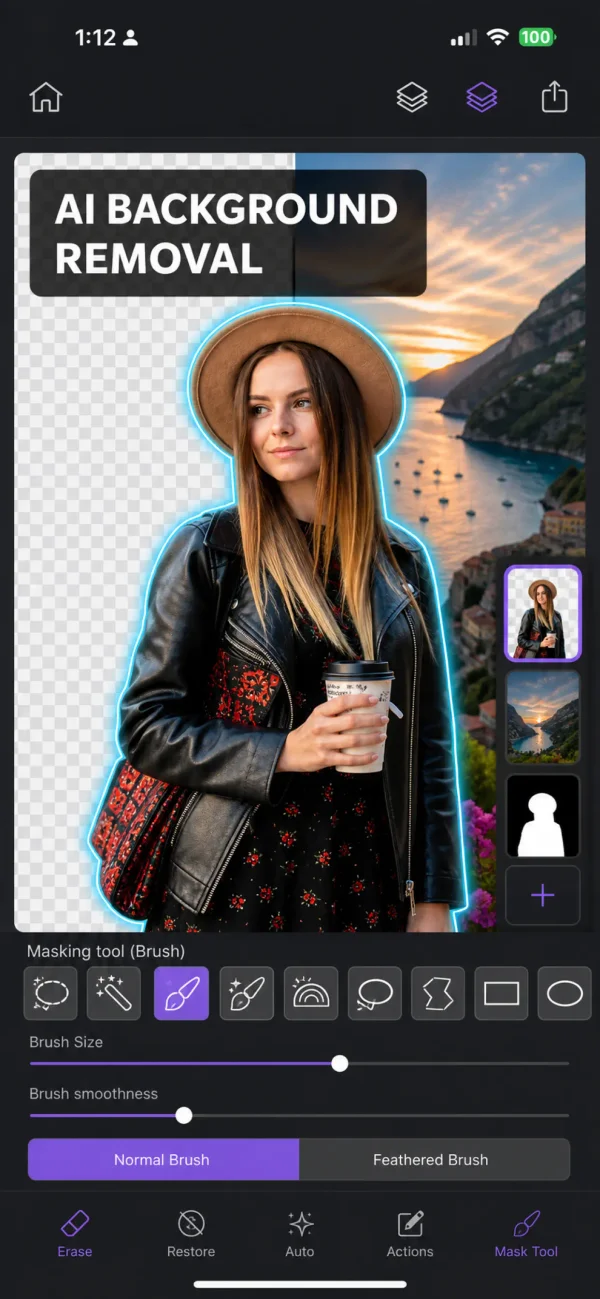
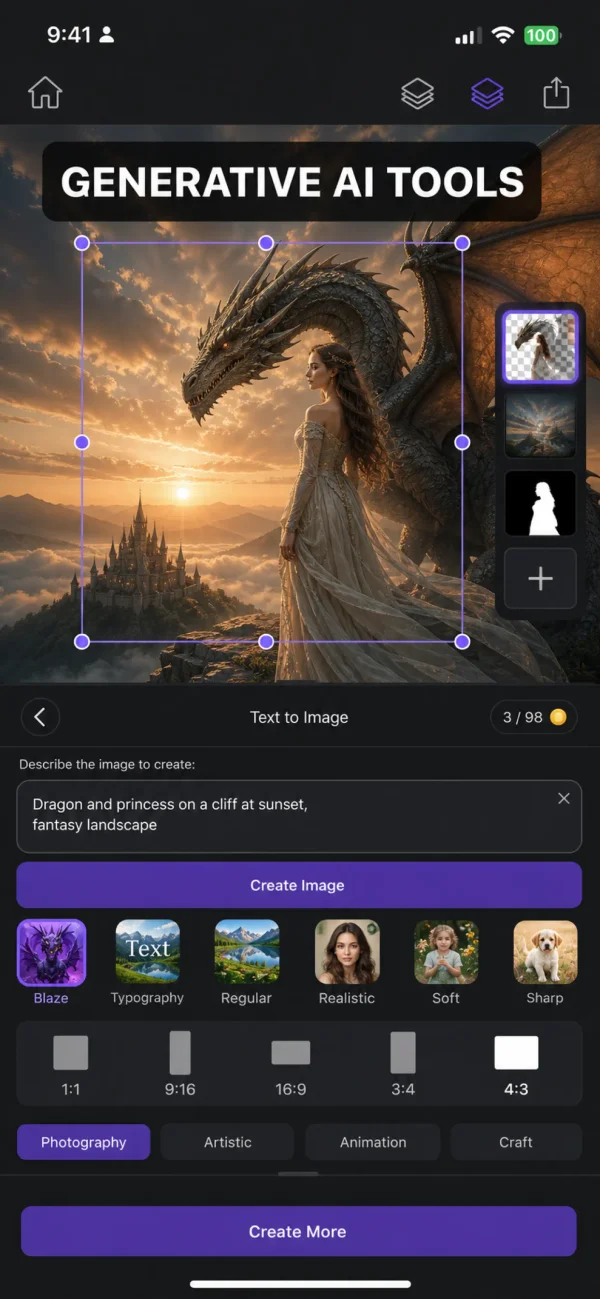
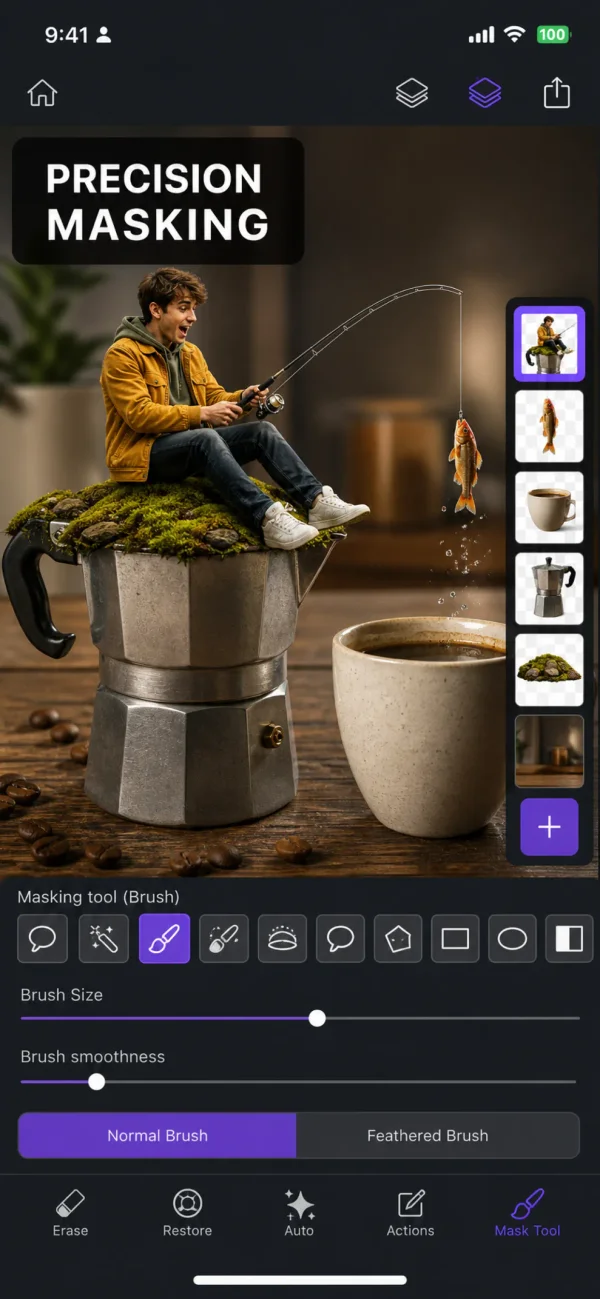
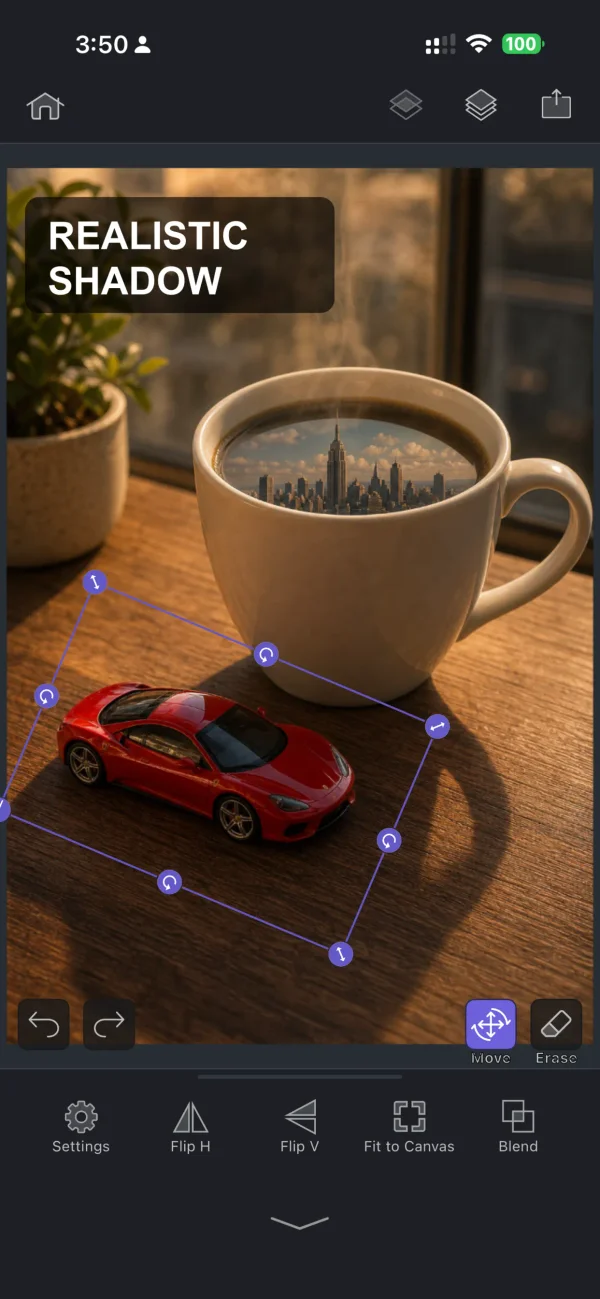
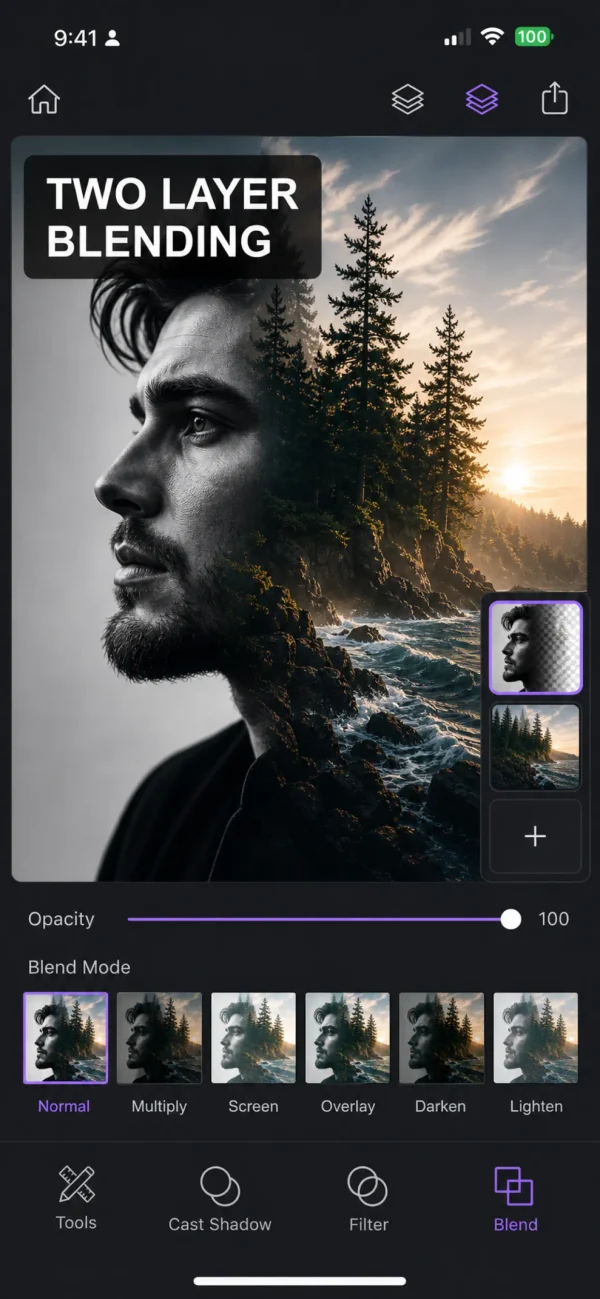
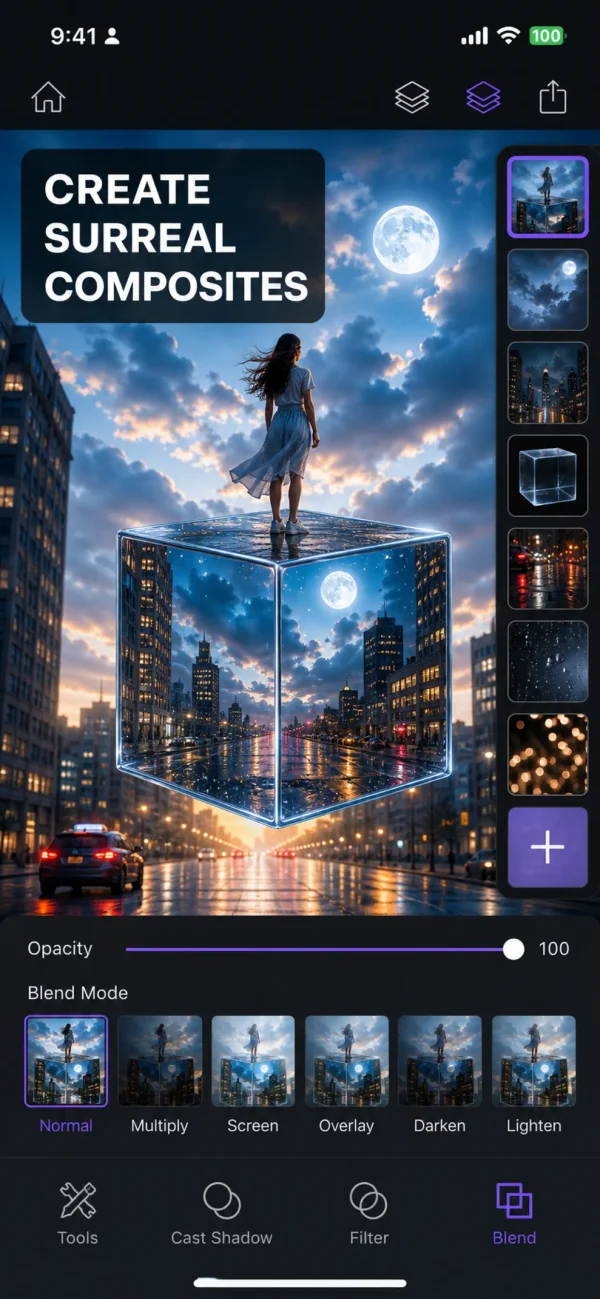
Build complex edits by hand with layers, masks, blend modes, brushes, effects, adjustments, shadows, text, blur, warp and perspective tools. Cut out people and objects, combine several images, paint masks, adjust colours, add depth and shadows, and refine every detail. When you want faster results, use AI to generate images from text, edit and repair photos, replace backgrounds, expand a picture beyond its edges, enhance details, relight a scene, create headshots, swap faces, turn a sketch into finished art, or animate a still photo into a short video.
And it is not only about photos any more. A true multi-track video editor is built in, so one project can carry you from a single image to a finished video without ever leaving the app.
PHOTO EDITING AND COMPOSITING
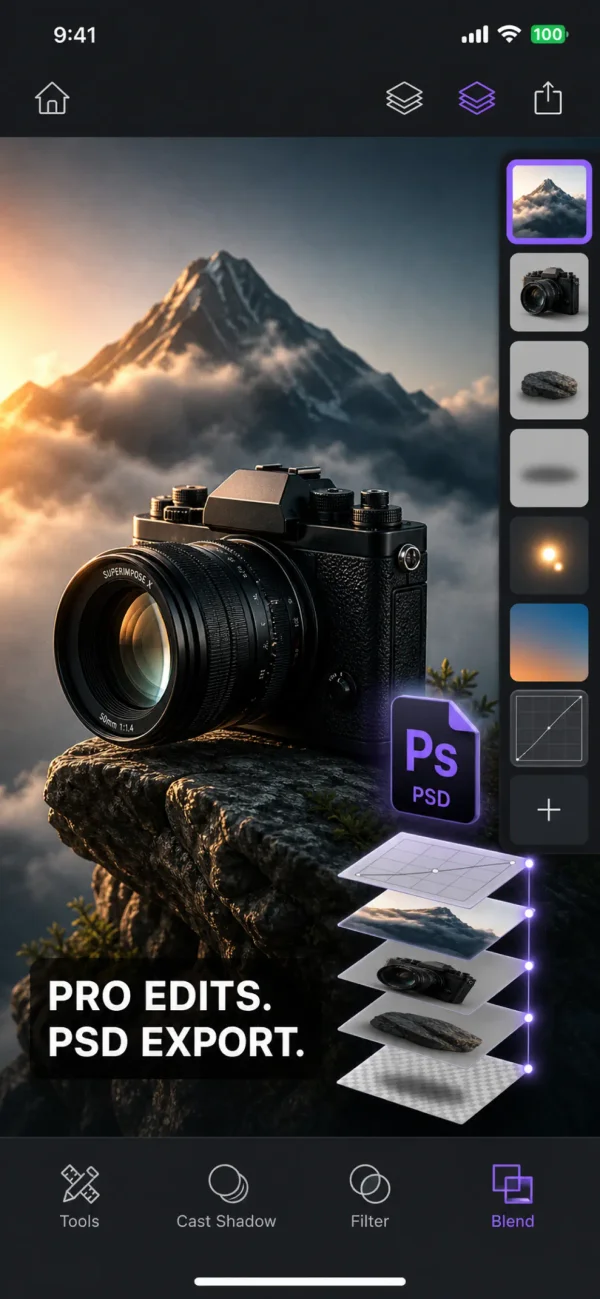
• Layer-based editing with up to 24 layers
• Advanced masking, including Magic Wand, Magic Lasso, brush masks and shape masks
• 18 blend modes and 16 adjustment layers
• Non-destructive layer blur and adjustments
• 63 photo effects, plus clarity, colour, tone and detail controls
• Text and curved text tools
• Motion Blur, Zoom Blur, Spin Blur, Lens Blur, Selective Blur and Gradient tools
• Warp, perspective transform and distortion tools
• Paint, smudge, clone stamp and effect brushes
• Built-in shadow and Light Wrap tools
• Camera fill with real-time masks and blend modes
• Masking Library for reusable cutouts and stickers
• Session Library that saves your projects automatically
• PSD export with layers
• More than a million royalty-free stock photos
VIDEO EDITING
• Multi-track timeline for video, images, audio and text
• Split, trim, rotate and freeze clips with ease
• Speed control, including speed ramps
• Keyframe animation with adjustable curves
• Transitions between clips
• Stack effects and animations on any track for unique results
• Use masks for precise editing, including green screen and more
• Audio from your device, voiceovers and royalty-free music
• Stickers and animated GIFs
• Royalty-free stock video and photos
• Export in the format and resolution you choose
AI TOOLS
• AI people masking
• AI image generation from text
• AI image editing and inpainting
• AI background creation and replacement
• AI outpainting and image expansion
• AI image enhancement
• AI relighting
• AI sketch-to-image creation
• AI headshot generation
• AI face swap
• AI image-to-image transformation
• AI image-to-video generation
Whether you are making social posts, thumbnails, designs, artwork, product images, profile photos, memes, edits or professional composites, Superimpose X gives you manual precision and AI speed in one app. Start with an idea, a photo, a sketch, a video or a blank canvas.
Superimpose gives you the freedom to create by hand, the speed of AI when you need it, and the control to make every result your own.
Terms of use: https://www.superimposeapp.com/terms-of-use--superimpose-classic-.html
Privacy Policy: https://www.superimposeapp.com/privacy2.html
Yenilikler
Sürüm 11.5.0 · 17.11.2026
50+ new effects in the photo editor: Outline & Glow, Kaleidoscope, Halftone, Neon Glow, RGB Split, Stained Glass, Tiles, Light Bloom, Waves, Chroma Zoom and many more blurs, patterns and distortions. Find them at the end of Adjust, Tools, Distort and Effects. Where an effect has a centre, size or direction, set it right on the picture: drag the dot, pinch the circle or turn the arrow.
Uygulama gizliliği
Bu uygulamanın verileri nasıl işlediği hakkında Pankaj Goswami tarafından App Store üzerinde yapılan beyan.
-
Sizinle ilişkilendirilmeyen veriler
Toplanabilir ancak kimliğinizle ilişkilendirilmez.
- Tanılama
Gizlilik uygulamaları, örneğin kullandığınız özelliklere veya yaşınıza göre değişiklik gösterebilir.
Bilgiler
- Satıcı
- Pankaj Goswami
- Kategori
- Fotoğraf ve Video
- Sürüm
- 11.5.0
- Güncellendi
- 17.11.2026
- Yayın tarihi
- 10.11.2026
- Boyut
- 386,5 MB
- Gereksinim
- iOS 15.0 veya sonrası
- Yaş sınırı
- 4+
- Fiyat
- Ücretsiz
- Uygulama içi satın alma
- Evet
- Diller
- İngilizce, Fransızca, Almanca, İtalyanca, Japonca, Portekizce, Basitleştirilmiş Çince, İspanyolca, Geleneksel Çince
- Telif hakkı
- © Pankaj Goswami
Bunları da beğenebilirsiniz
-
 Superimpose+:Background EraserFotoğraf ve Video
-
 Blend: Çift Pozlama ve KolajKatmanlı Fotoğraf Düzenleyici
-
 PhotoLayersFotoğraf ve Video
-
 Overlay: AI Photo DesignFotoğraf ve Video
-
 Fotoğraf Karıştırıcısı BlenderMix,Overlay & Blend Resimleri
-
 Phonto - Text on PhotosFotoğraf ve Video
-
 Slow Shutter CamFotoğraf ve Video
-
 BrushstrokeFotoğrafı resme dönüştürün
-
 Encollage - fotoğraf kolajresim düzenleme
-
 Glitché Foto Video DüzenleyiciGlitch Efektleri AI Filtreleri