
Sync with OneDrive
Backup photos to OneDrive
iPhone için tasarlandı
Ücretsiz · Uygulama içi satın alma
- Yaş sınırı4+
- KategoriÜretkenlik
- GeliştiriciPixegram, LLC
- Dillerİngilizce
- Boyut46,8 MB
Resmi App Store sayfasına bağlanır
Download.org, Sync with OneDrive için hiçbir dosya barındırmaz. Düğme, uygulamanın App Store üzerindeki sayfasını açar; uygulamayı orada Pixegram, LLC yayınlar. Sayfanın son kontrolü: 21.11.2026.
Ekran görüntüleri
Hakkında
Geliştirici bu metni dilinizde sunmamış.
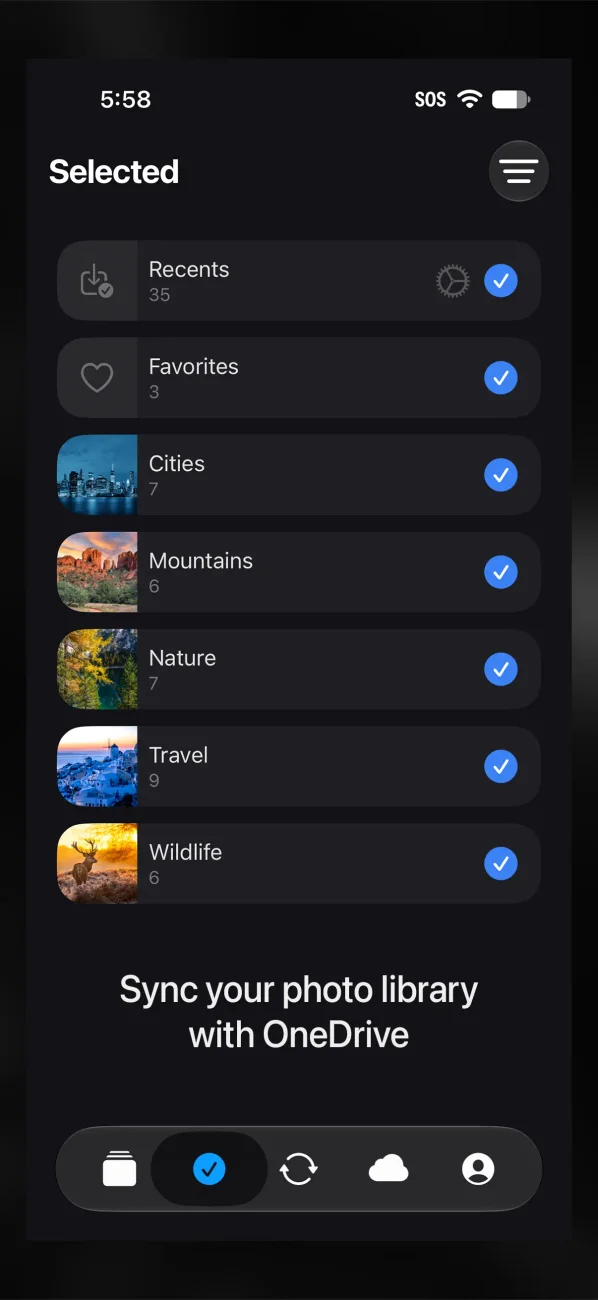
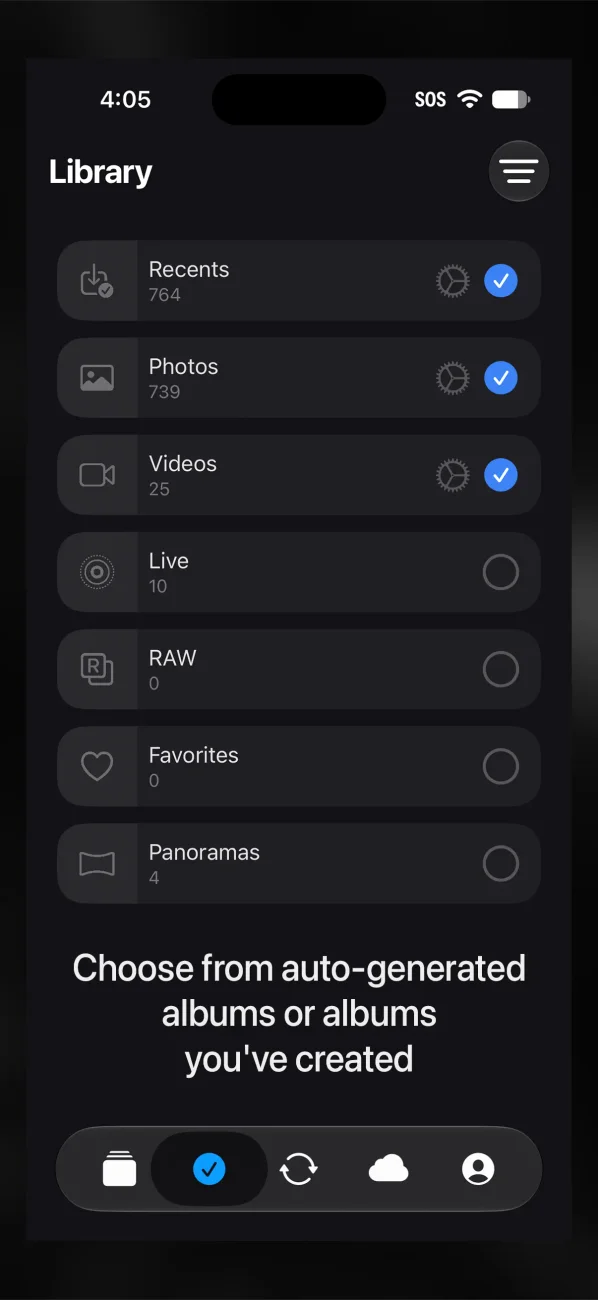
Sync for OneDrive synchronizes your phone’s photo library, including the album and folder hierarchy, to OneDrive.
For users who like to organize their photos into folders and albums, Sync offers many advantages to the camera backup feature of the native OneDrive app. Unlike the native OneDrive app, Sync will also
- Sync automatically creates folders and albums you may have created in your phone’s photo library on OneDrive.
- Uploads the video component for Live Photos.
- Uploads the edited versions of photos and videos.
- Mirror or backup your photo library.
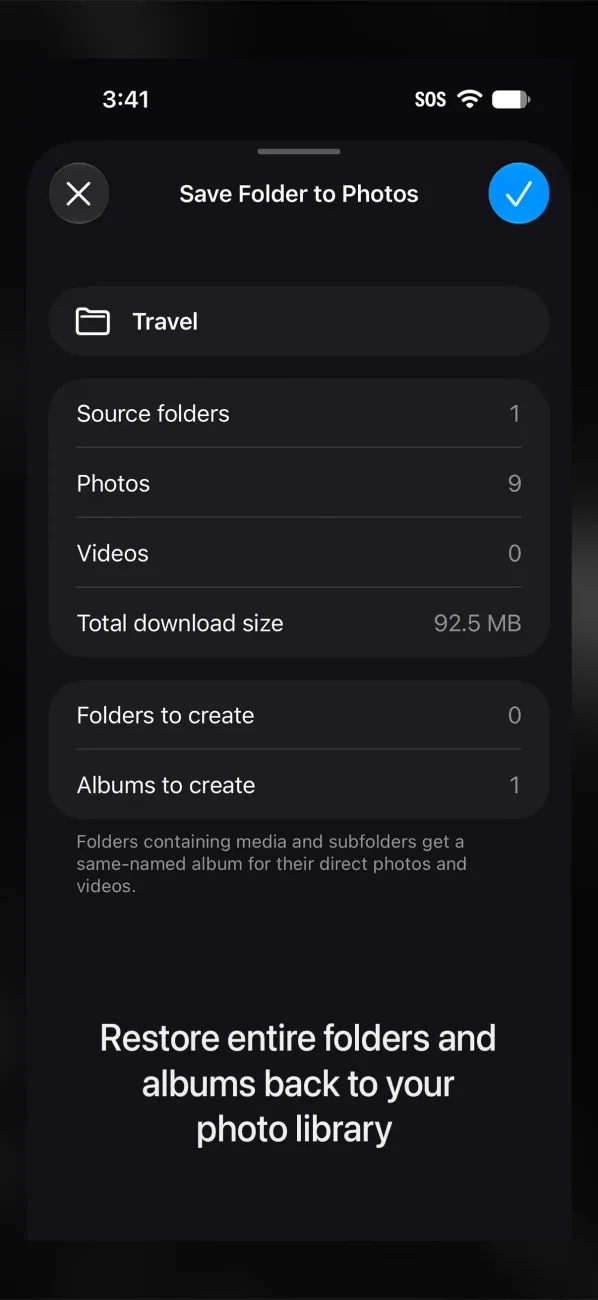
- Restore photos and videos from OneDrive back to your phone’s photo library.
- Synchronize your entire photo library or only certain folders and albums.
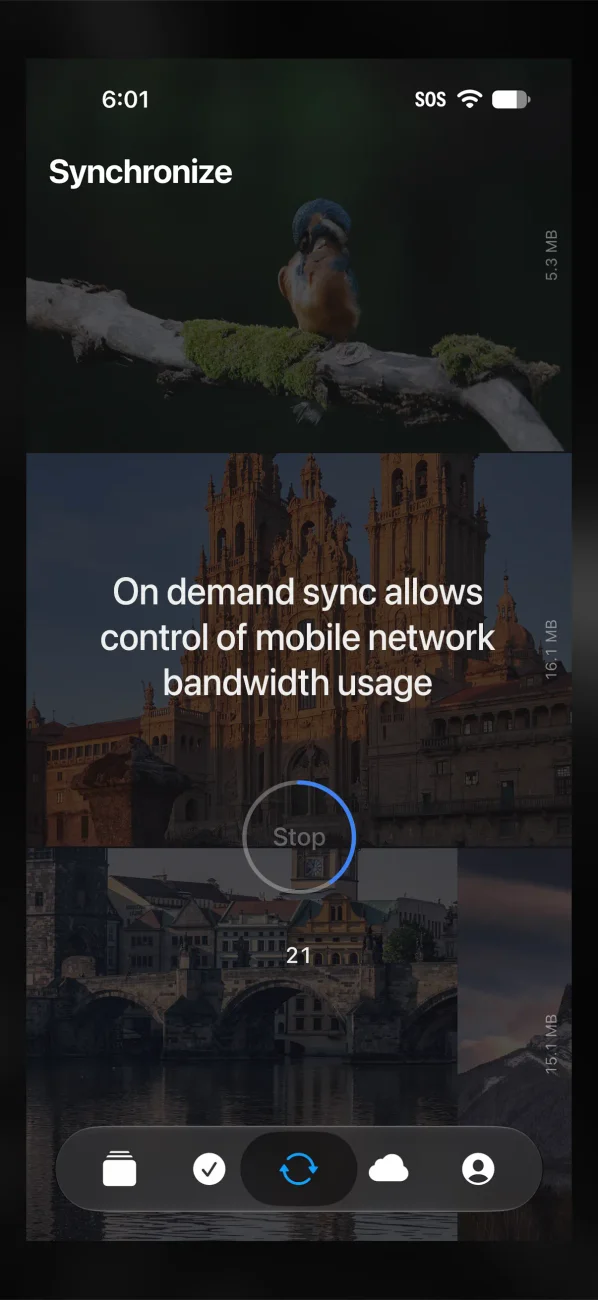
In summary, each time you run Sync, it will make sure any changes to your phone’s photo library are updated on OneDrive, overwriting, renaming, uploading, and moving items to OneDrive trash if needed.
Sync will also NEVER delete any photos from your phone. Sync performs a ONE-WAY sync only, making a folder in your OneDrive account match your phone’s photo library. Any changes made on OneDrive will not be synced to your phone, rather, the changes on OneDrive will simply be overwritten the next time you run a Sync.
Free Plan
The free plan is limited to syncing up to 3 top-level folders and albums and up to 200 photos.
Premium Plan
Our affordable premium plan removes all restrictions and unlocks access to all future features.
Subscription Pricing and Terms
- Annual or monthly subscription billing will start immediately after you subscribe and will auto-renew each year or month.
- Subscriptions will automatically renew unless canceled at least one day before the renewal date within 24 hours before the end of the current period. Payment will be charged to your Apple ID account at the confirmation of purchase. You can manage and cancel your subscription by going to your account settings in the App Store.
- Subscriptions are non-refundable, so please choose this option carefully.
- Please refer to the In-App Purchases section for pricing.
Terms of Use —
https://www.apple.com/legal/internet-services/itunes/dev/stdeula
Privacy Policy —
https://sync.photosplus.app/privacy.php
Yenilikler
Sürüm 1.9 · 19.11.2026
Faster Uploads: Photos and videos are now uploaded in parallel, with file verification performed in the background. Together, these improvements deliver 3–5 times faster overall upload performance compared to previous versions.
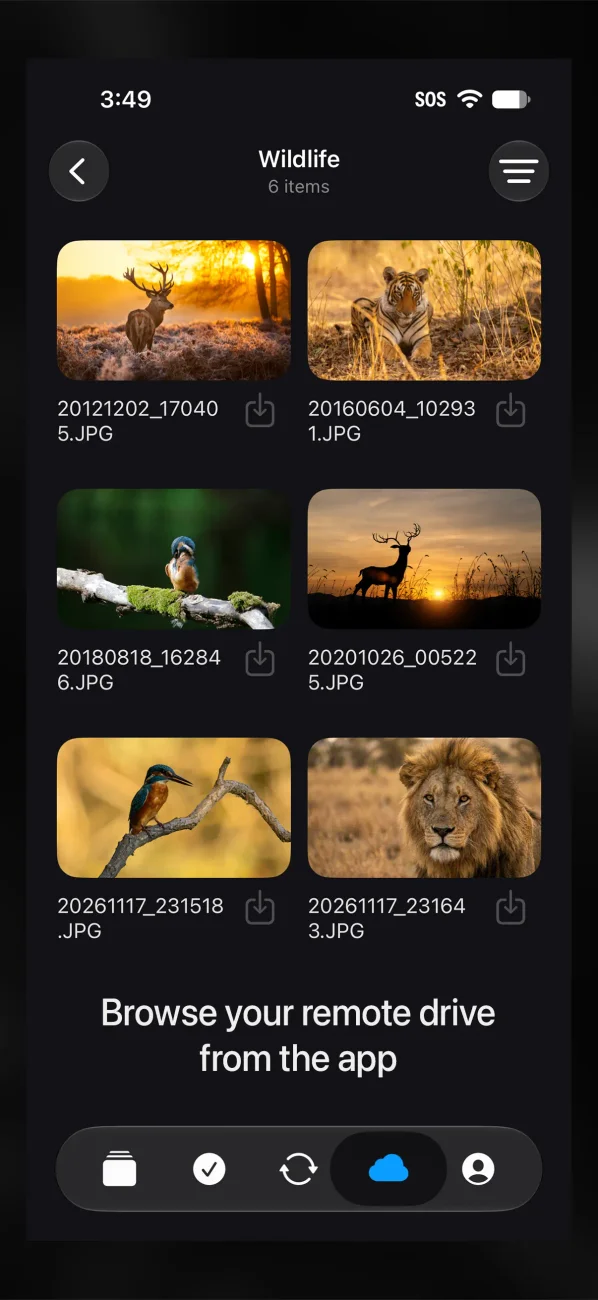
Restore Photos & Videos: You can now restore photos and videos from OneDrive directly back to your phone's photo library.
iOS 27 Support: Updated for compatibility with iOS 27.
Uygulama gizliliği
Bu uygulamanın verileri nasıl işlediği hakkında Pixegram, LLC tarafından App Store üzerinde yapılan beyan.
-
Veri toplanmıyor
Geliştirici bu uygulamadan hiçbir veri toplamıyor.
Gizlilik uygulamaları, örneğin kullandığınız özelliklere veya yaşınıza göre değişiklik gösterebilir.
Bilgiler
- Satıcı
- Pixegram, LLC
- Kategori
- Üretkenlik
- Sürüm
- 1.9
- Güncellendi
- 19.11.2026
- Yayın tarihi
- 23.03.2024
- Boyut
- 46,8 MB
- Gereksinim
- iOS 27.0 veya sonrası
- Yaş sınırı
- 4+
- Fiyat
- Ücretsiz
- Uygulama içi satın alma
- Evet
- Diller
- İngilizce
- Telif hakkı
- © Pixegram, LLC
Bunları da beğenebilirsiniz
-
 Docu Boss for OneDriveÜretkenlik
-
 Sync: Dosya YedeklemeDosyaları yedekle ve paylaş
-
 SharePlus for Office 365Üretkenlik
-
 OneSync - File ShareÜretkenlik
-
 Photo Boss for Google DriveÜretkenlik
-
 TotalSync - sync without cloudÜretkenlik
-
 Passwords CloudÜretkenlik
-
 Camera Scan to OneDriveÜretkenlik
-
 G Cloud BackupÜretkenlik
-
 DriveHQ File ManagerÜretkenlik