Voice Teleprompter for Video
Speak and your script scrolls
iPhone için tasarlandı
Ücretsiz · Uygulama içi satın alma
- Yaş sınırı4+
- KategoriFotoğraf ve Video
- GeliştiriciEvgeniya Yastrebova
- Dillerİngilizce+ 5 dil daha
- Boyut51,2 MB
Resmi App Store sayfasına bağlanır
Download.org, Voice Teleprompter for Video için hiçbir dosya barındırmaz. Düğme, uygulamanın App Store üzerindeki sayfasını açar; uygulamayı orada Evgeniya Yastrebova yayınlar. Sayfanın son kontrolü: 23.11.2026.
Ekran görüntüleri
Hakkında
Geliştirici bu metni dilinizde sunmamış.
Keep your eyes on the camera — your words are already there.
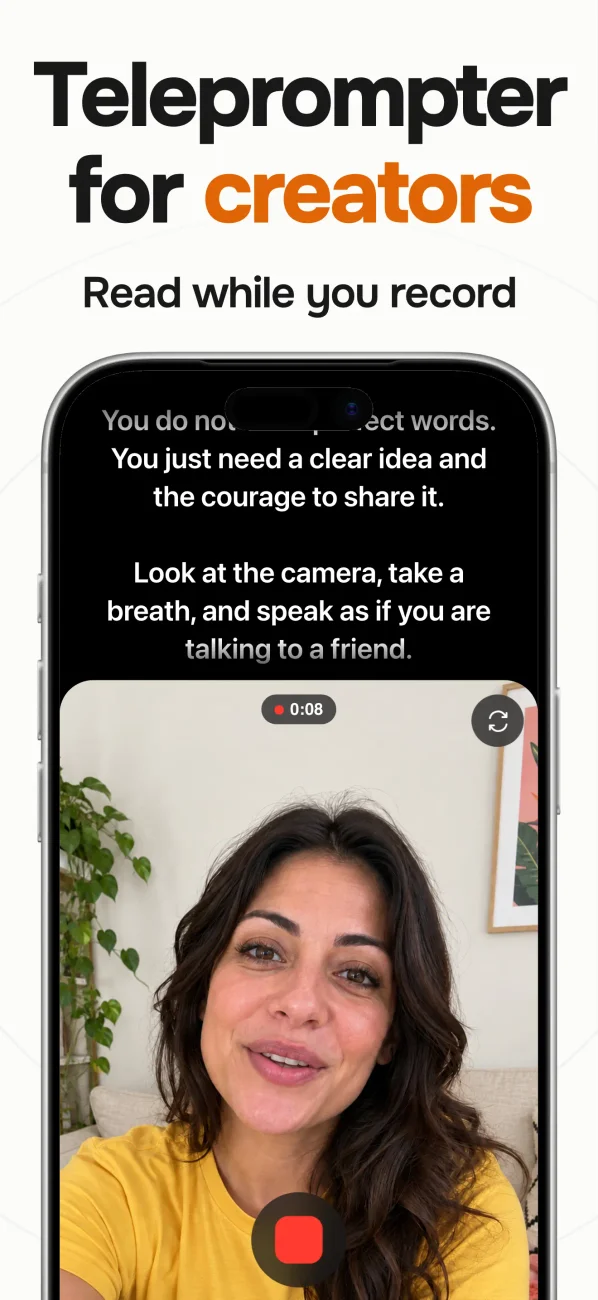
Prompter turns your iPhone or iPad into a simple, powerful video teleprompter and autocue script reader. Your script scrolls while you record, helping you speak naturally, maintain eye contact and deliver your message without memorizing every line.
YOUR SCRIPT, RIGHT BY THE LENS
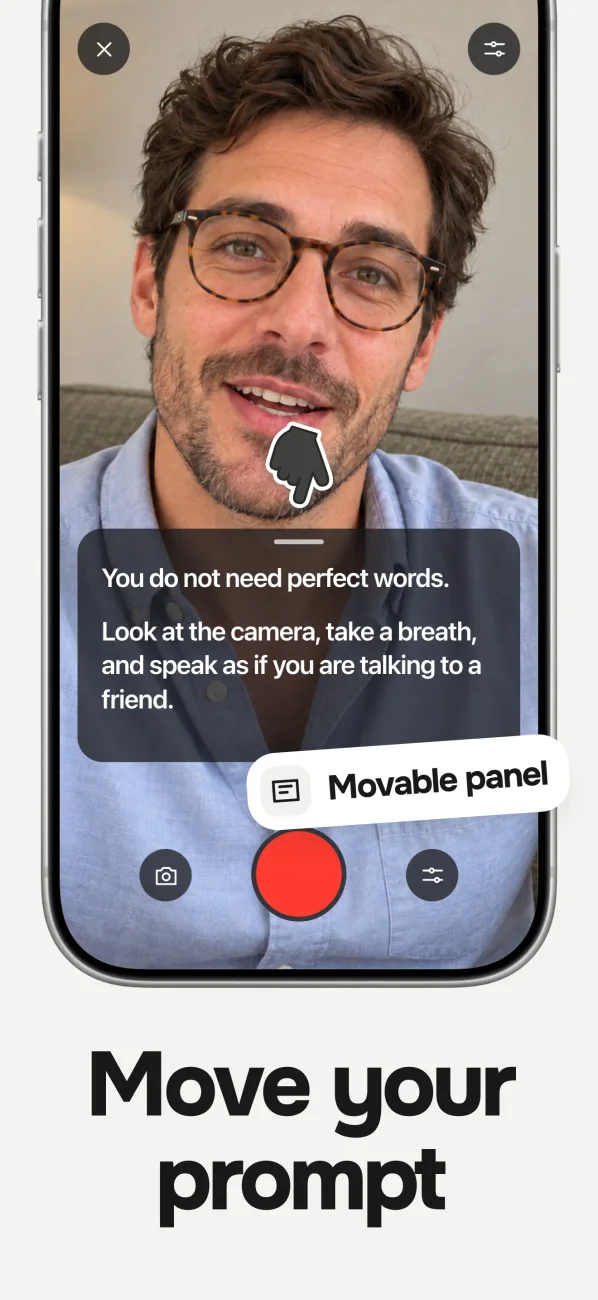
Use the new lens-first teleprompter mode to place your script directly above the camera. Because your eyes stay close to the lens, your delivery feels more personal and confident. Adjust the visible script area to give the text more or less room. Prefer a different setup? Switch to the movable script panel and position or resize it over the camera preview.
CREATE AND ORGANIZE SCRIPTS
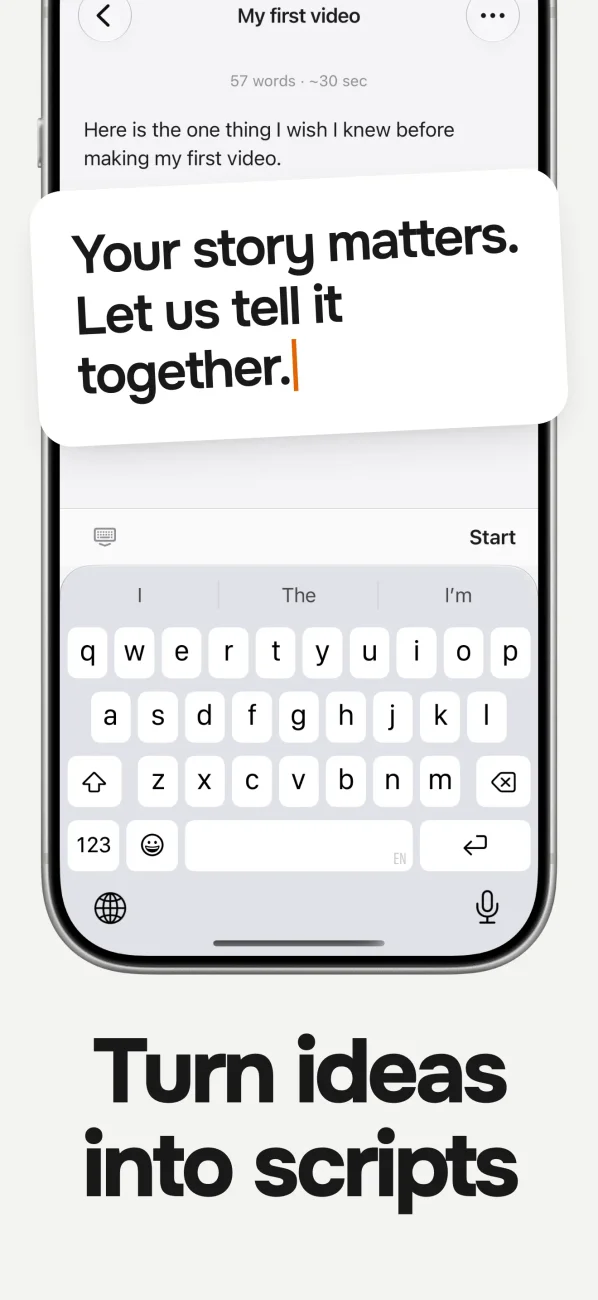
Write in the app, paste text from anywhere or share text into Prompter. A live word count and estimated reading time help you plan the length of your video before recording. Search your library, rename a script or duplicate it when you want to create another version without starting over.
READ AT YOUR OWN PACE
Make the teleprompter comfortable for your voice and your setup:
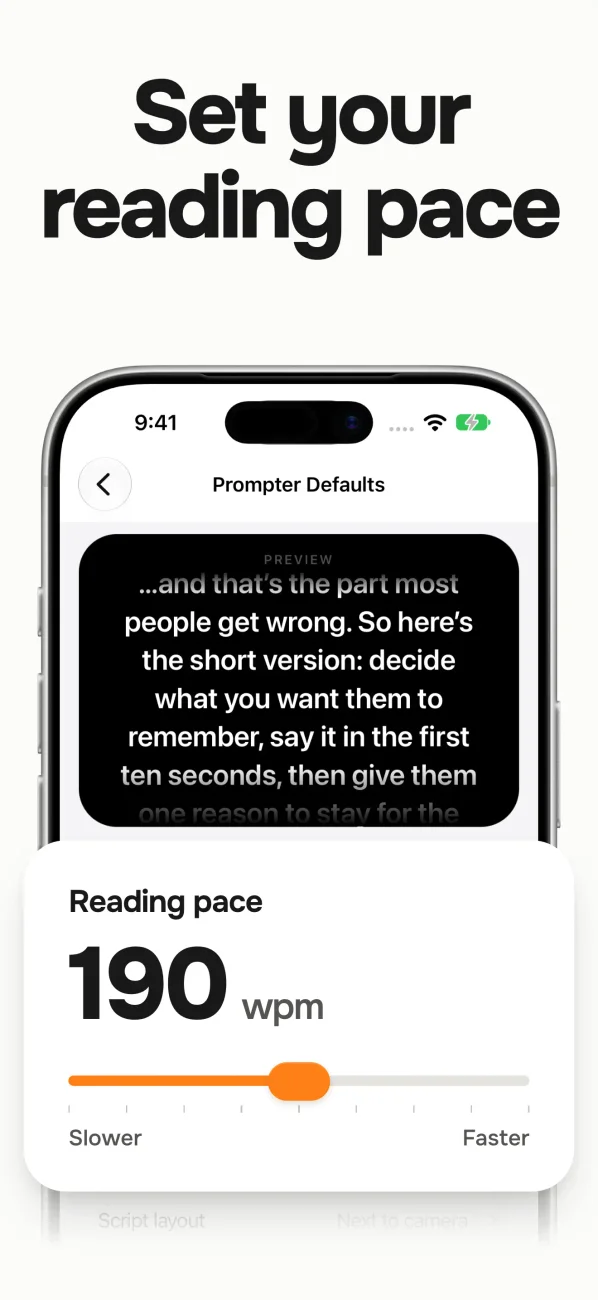
• Set a natural scrolling pace and adjust it while preparing your take
• Tap the script to pause and resume whenever you need a breath
• Swipe back if the text moves ahead of you
• Choose your text size and a typeface that is easy to read
• Pick a high-contrast theme and adjust the text background over the camera
• Start immediately or use a countdown to get ready
RECORD OR REHEARSE
Record video with the front or back camera while your script scrolls on screen. Want to practice first? Rehearse without the camera: no video is recorded or saved. You can learn the rhythm of your script, refine your delivery and begin the real take when you feel ready.
REVIEW EVERY TAKE
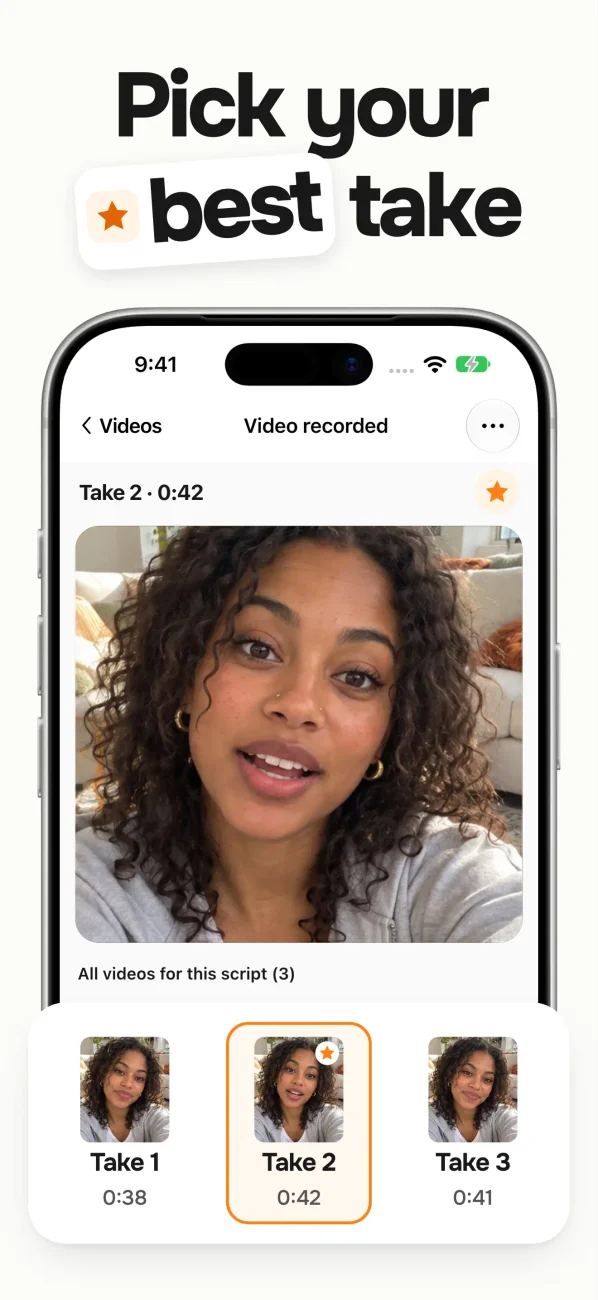
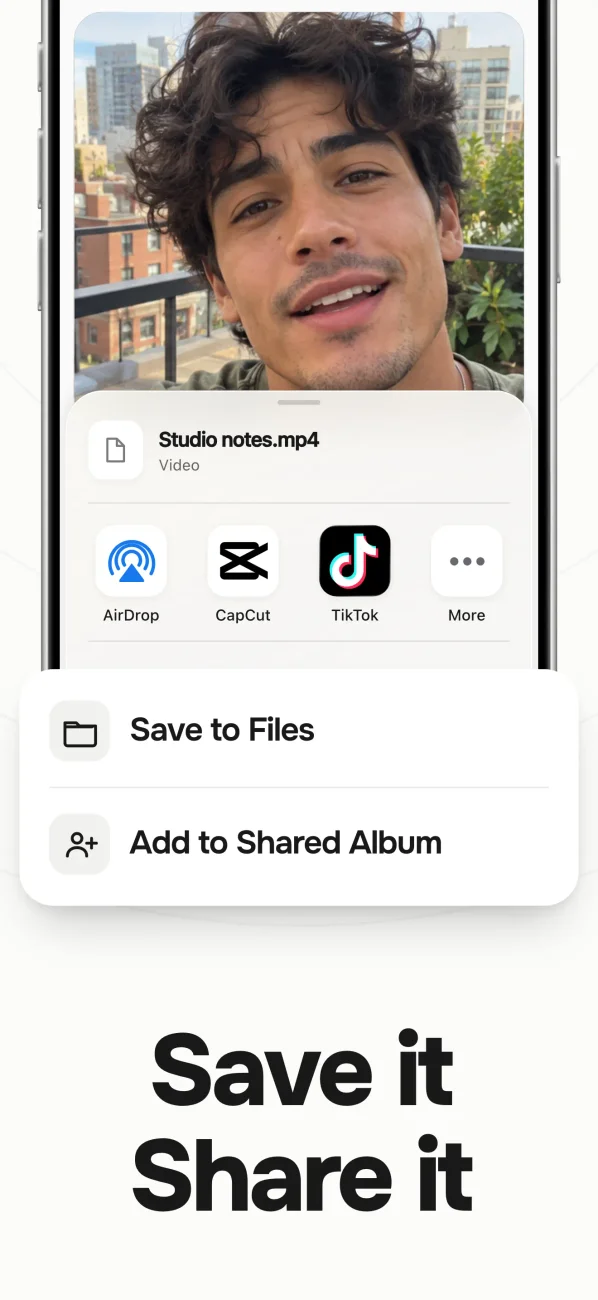
Record another take without losing the previous one. Preview your takes, move through the video and choose the version you want to keep. Save recordings to Photos manually or automatically, share them to the apps where you publish, and return to your on-device recording library whenever you need them. Recordings are organized by script, making it easy to find the right video later.
MADE FOR
• YouTube videos, Reels, Shorts, TikTok and social content
• Vlogs, product demos, tutorials and creator updates
• Webinars, online courses, lessons and educational videos
• Interviews, podcasts, presentations, pitches and public speaking
• Speeches, sermons, readings, auditions and monologues
• Announcements, internal updates and professional video messages
PRIVATE BY DESIGN
Your scripts and video recordings stay on your device. They are not uploaded to a cloud account, and you do not need to create an account to start writing, rehearsing or recording.
FREE TO START. UPGRADE WHEN YOU NEED MORE.
The free version includes up to 2 scripts and adds a small Prompter watermark to exported videos. Prompter Pro unlocks:
• Unlimited scripts
• Clean video exports without the Prompter watermark
—
Subscription details
Prompter Pro is an auto-renewing subscription. Available options and the price for your region are shown in the app before you confirm your purchase.
• Payment is charged to your Apple Account when you confirm the purchase.
• The subscription renews automatically unless auto-renew is turned off at least 24 hours before the end of the current period.
• Your Apple Account is charged for renewal within 24 hours before the end of the current period, at the price shown for your selected plan.
• You can manage the subscription and turn off auto-renew in your Apple Account settings after purchase.
• If a free trial is offered, any unused portion is forfeited when you purchase a subscription.
Privacy Policy: https://promp.app/privacy
Terms of Use: https://promp.app/terms
Support: support@promp.app
Website: https://promp.app
Yenilikler
Sürüm 1.7.8 · 21.11.2026
Bug fixes and an even easier-to-use interface. Try it out with your next video!
Added support for iPhone Duo.
Uygulama gizliliği
Bu uygulamanın verileri nasıl işlediği hakkında Evgeniya Yastrebova tarafından App Store üzerinde yapılan beyan.
-
Sizinle ilişkilendirilmeyen veriler
Toplanabilir ancak kimliğinizle ilişkilendirilmez.
- Tanımlayıcılar
- Kullanım verileri
- Tanılama
Gizlilik uygulamaları, örneğin kullandığınız özelliklere veya yaşınıza göre değişiklik gösterebilir.
Bilgiler
- Satıcı
- Evgeniya Yastrebova
- Kategori
- Fotoğraf ve Video
- Sürüm
- 1.7.8
- Güncellendi
- 21.11.2026
- Yayın tarihi
- 13.02.2022
- Boyut
- 51,2 MB
- Gereksinim
- iOS 16.4 veya sonrası
- Yaş sınırı
- 4+
- Fiyat
- Ücretsiz
- Uygulama içi satın alma
- Evet
- Diller
- İngilizce, Fransızca, Almanca, Endonezce, Portekizce, İspanyolca
- Telif hakkı
- © Pomum
Bunları da beğenebilirsiniz
-
 Teleprompter™Fotoğraf ve Video
-
 Teleprompter TeletotoFotoğraf ve Video
-
 Teleprompter for Video & VlogFotoğraf ve Video
-
 Teleprompter for Video: ScriptFotoğraf ve Video
-
 Teleprompter with VideoFotoğraf ve Video
-
 Teleprompter-Read scriptFotoğraf ve Video
-
 eZy TeleprompterFotoğraf ve Video
-
 Teleprompter-Float Above AppsYüzen Video Teleprompter
-
 Teleprompter & Editör – SufleYZ altyazı, sesle kayan yazı
-
 Teleprompter - AI PrompterVideo Record, Altyazı&Caption