Timeline Calendar
The new way to view your time
iPhone, iPad, iPod touch için tasarlandı
Ücretsiz · Uygulama içi satın alma
- Yaş sınırı4+
- KategoriYardımcılar
- GeliştiriciNir Tsook
- Dillerİngilizce
- Boyut145,1 MB
Resmi App Store sayfasına bağlanır
Download.org, Timeline Calendar için hiçbir dosya barındırmaz. Düğme, uygulamanın App Store üzerindeki sayfasını açar; uygulamayı orada Nir Tsook yayınlar. Sayfanın son kontrolü: 15.11.2026.
Ekran görüntüleri

Hakkında
Geliştirici bu metni dilinizde sunmamış.
Timeline Calendar - Feel Your Time, Not Just See a List
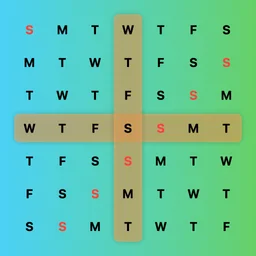
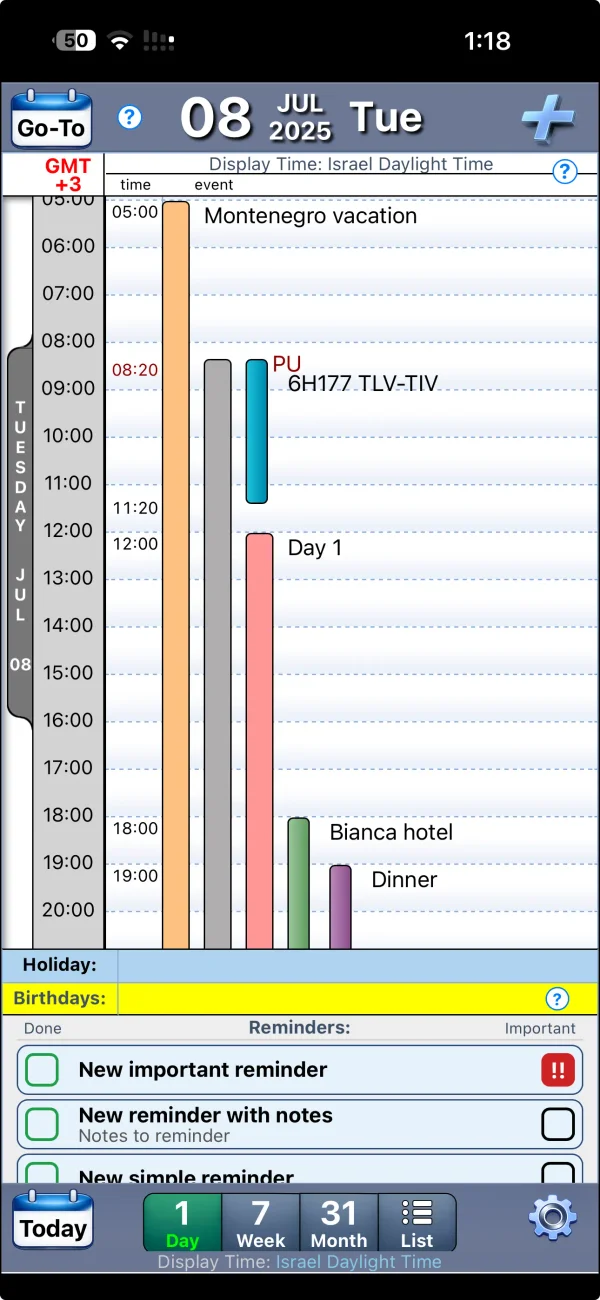
Experience your schedule on a unified timeline. Unlike standard calendars, Timeline Calendar lets you sense time flow and patterns—perfect for managing complex, recurring schedules. Once you get used to it, there's no going back.
Key Features:
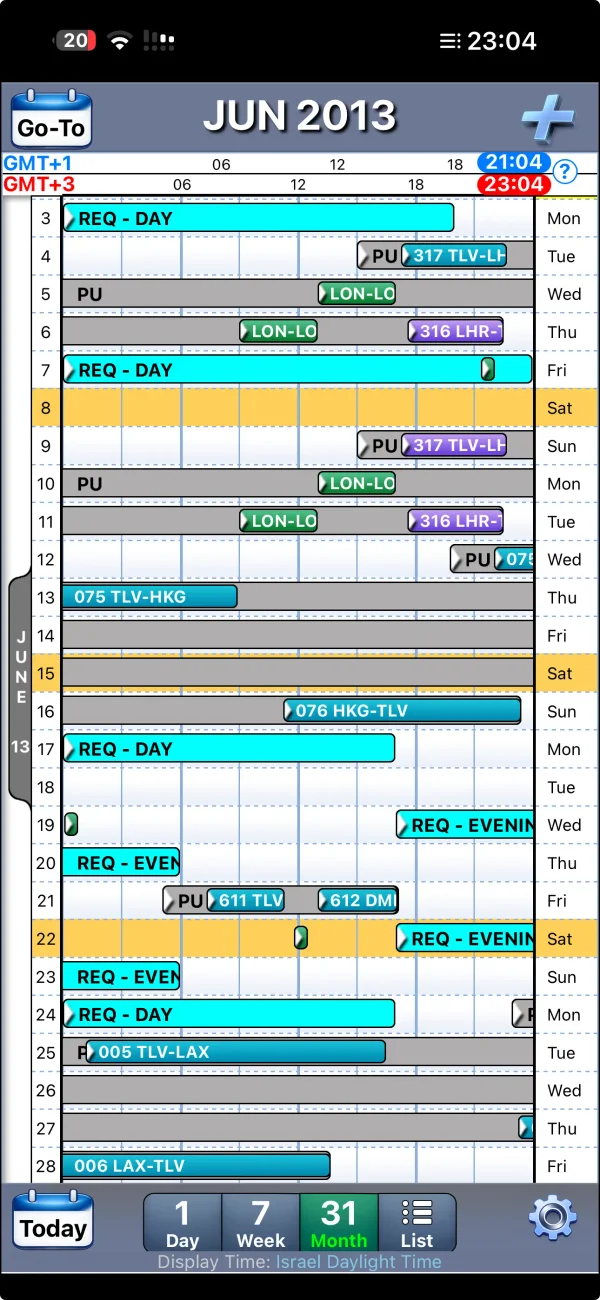
• Unified Timeline View - All events on one consistent axis across all views
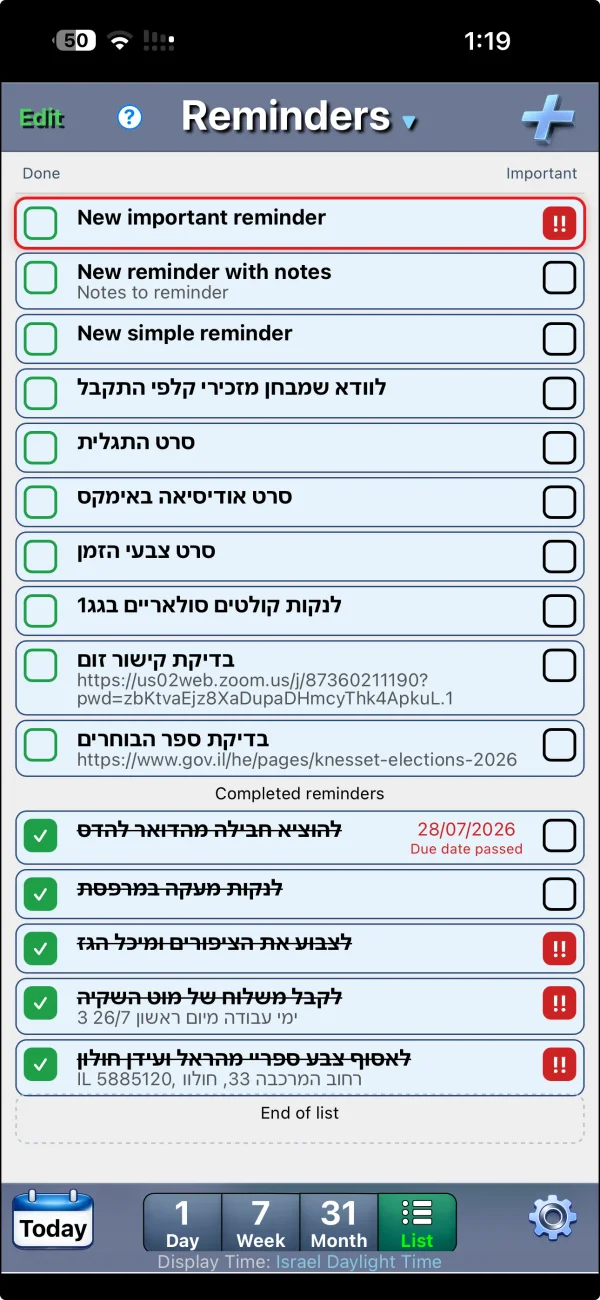
• Reminders - Simple, intuitive reminders alongside your events; a line of text is enough, or add importance, a due date, and notes
• Smart Color Bar Rules - Auto-group similar events by color for instant recognition
• Pattern Recognition - Spot routines, gaps, and conflicts at a glance
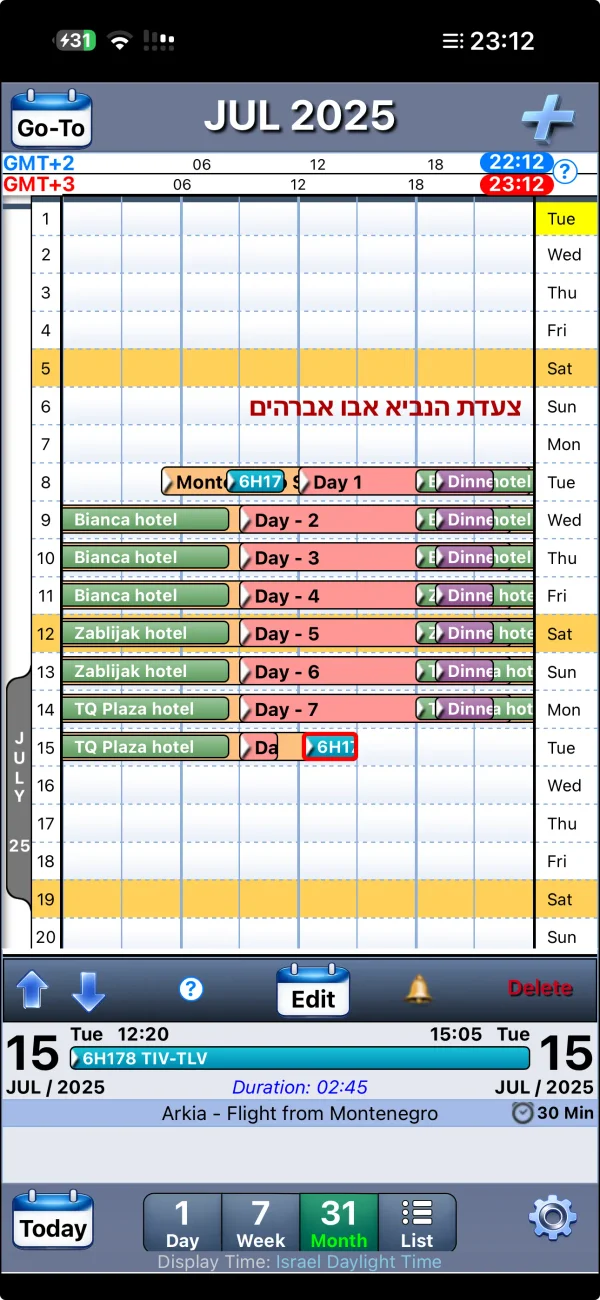
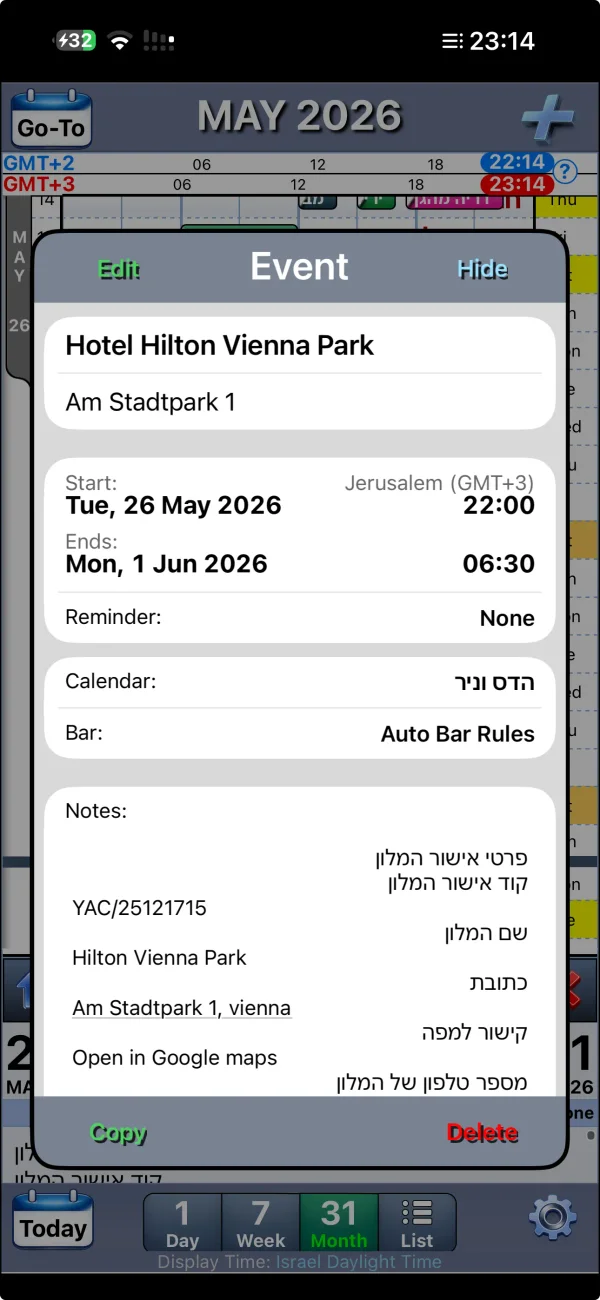
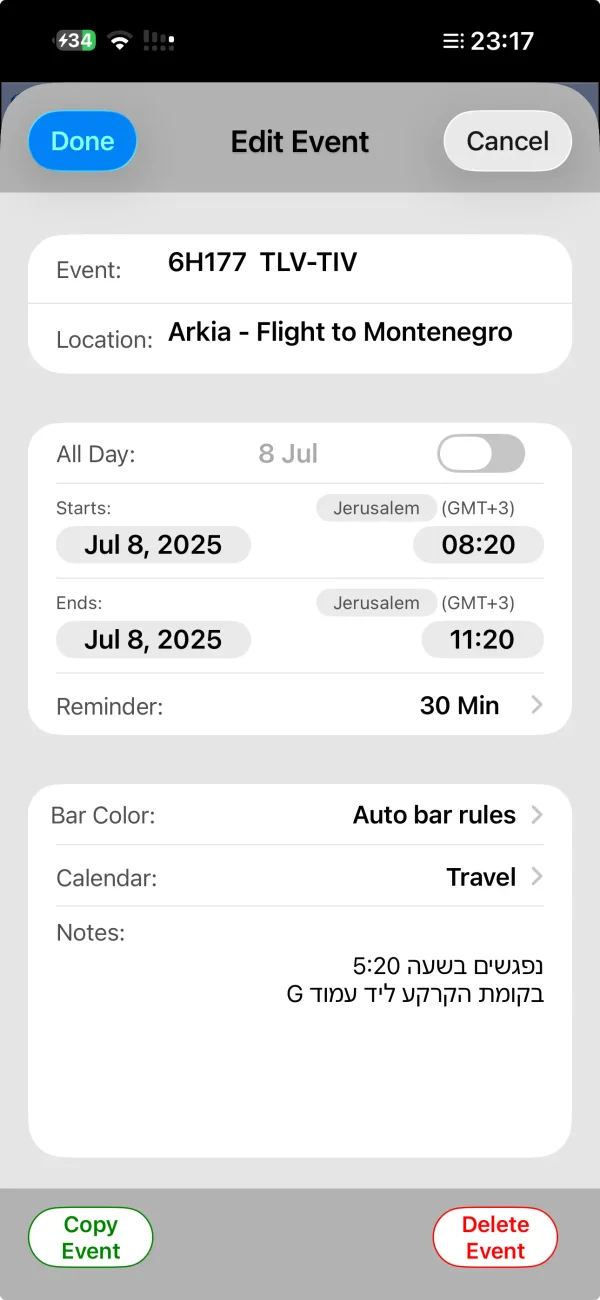
• Two Time Zones per Event - Independent zones for an event's start and end—perfect for flights and travel
• Zoom - Pinch to zoom in the Week and Day views
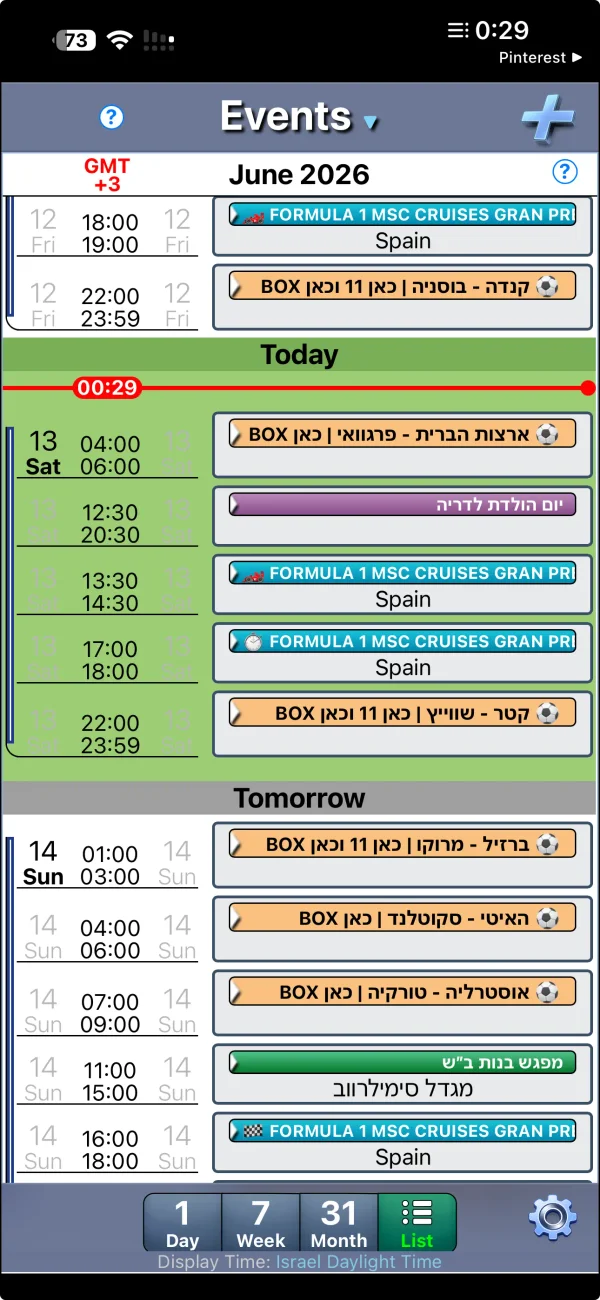
• Month, Week, Day & List Views - Switch seamlessly between layouts
• Personal Week Photo - Add your own photo to the Week view, then pinch and drag to place it exactly the way you want
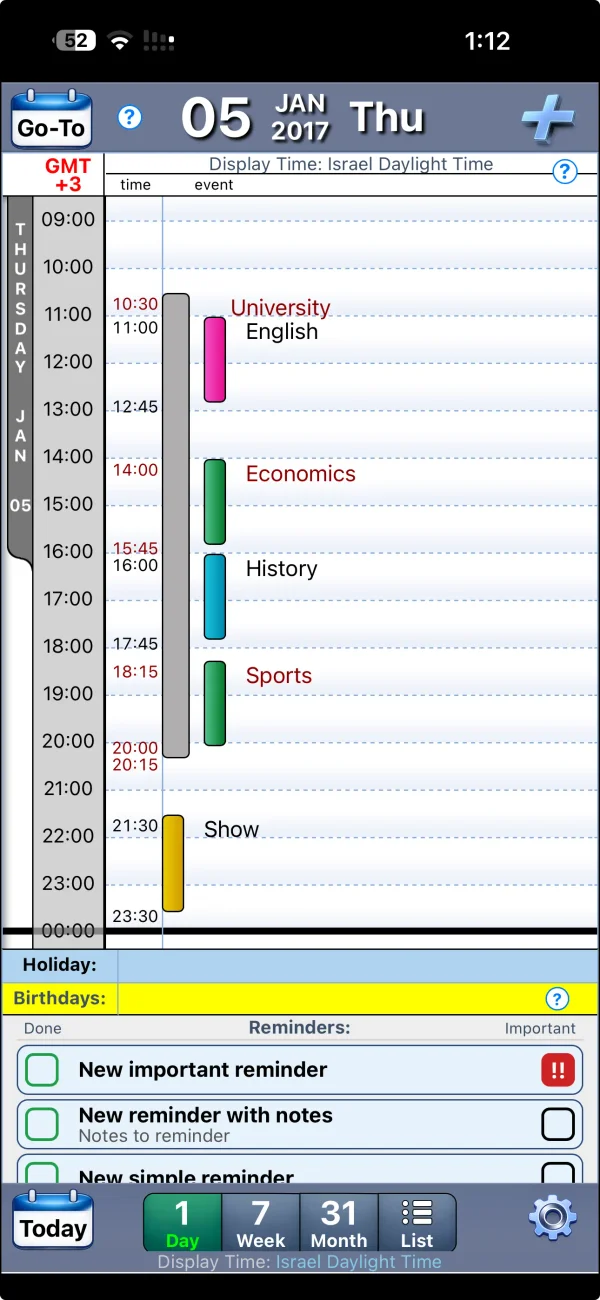
• Dedicated Holidays, Birthdays & Reminders - See each in its own list, and together at the bottom of the Day view—so they're never buried among your events
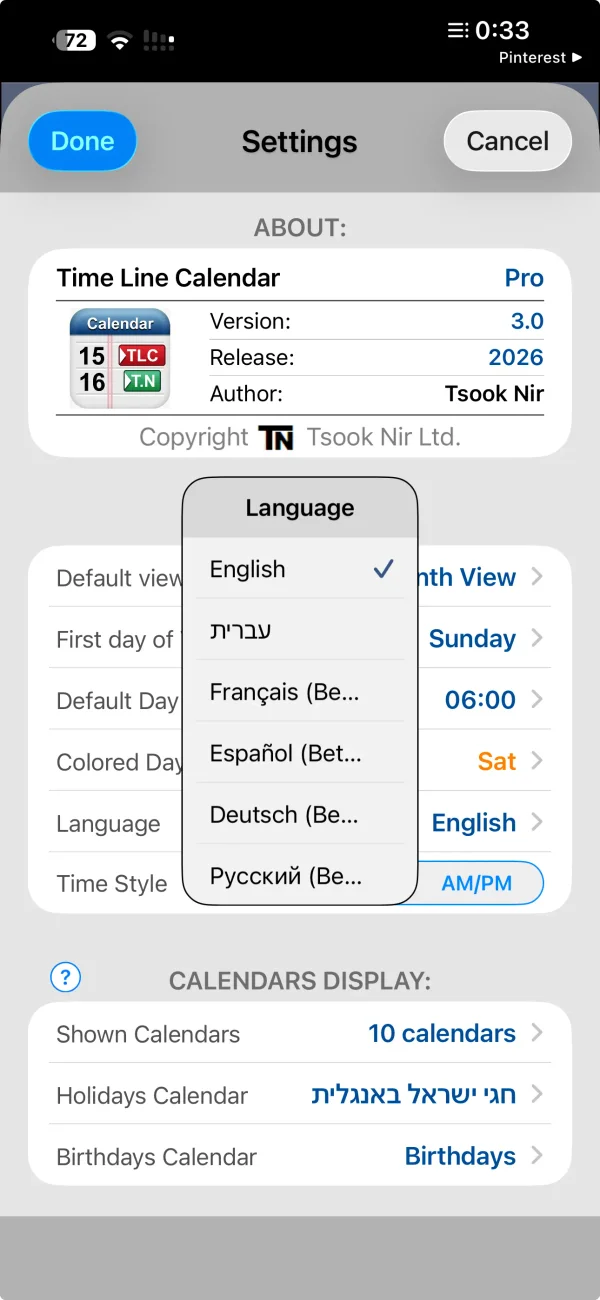
• Multiple Languages - Hebrew (full right-to-left) and English, plus French, Spanish, German, and Russian in beta
Perfect For:
• Students - Visualize class schedules and study time
• Transportation Crews - Pilots, sailors, drivers managing shifts
• Travel Agencies - Present tour itineraries and vacation plans
• Anyone managing long, recurring activities
Timeline Calendar brings Gantt-chart clarity to your personal calendar.
See your time as a story, not just a list.
Timeline Calendar is optimized for iPhone. It runs on iPad too—a layout tailored to the iPad's larger screen is on the way.
Yenilikler
Sürüm 3.50 · 30.08.2026
Timeline Calendar 3.50— refinements and fixes.
• New swipe gestures throughout — open/close/show/hide the event and reminders windows, the second time zone, and the reminders panel, all responding instantly.
• Clearer, enhanced event-duration display.
• A new Delete button in the event window.
• Built-in help for the Add/Edit event & reminder screen.
• Various bug fixes and refinements.
Timeline Calendar 3.41 — refinements and fixes.
• Widget: tap an event to open it in the app.
• Widget: honors your 12/24-hour setting.
• All-day events: fixed the switch shifting dates.
• Declined events are marked with a line through the name.
• Day view: fixed overlapping times and names.
• Minor bug fixes.
Timeline Calendar 3.40 — all about the user experience.
• Gentle haptic feedback on selections, switches, and long-presses.
• More fluid animations — windows grow from the spot you tap.
• Collapsible reminders in the Day view.
• Second time zone — toggle it from the top scale, no reload.
• Clearer Day view when events share a start time.
• Tap a date in Week or Month to preview it, then open the Day view.
• More accurate header as you scroll.
• Minor bug fixes.
Timeline Calendar 3.30
• New: Widget! Shows today's or tomorrow's events.
• Minor bug fixes.
Timeline Calendar 3.20
• New: Reminders! A single line of text is all it takes — or add importance, a due date, notes, or mark it done.
• Right where you need them: at the bottom of the Day view, in a dedicated Reminders window, and as a list in the List view.
• A few examples help you get started.
• Expanded in-context Help — long-press the "?" on more screens, in all supported languages.
• Minor bug fixes.
Timeline Calendar 3.11
• Better holidays in Month view — a marker on the weekday name flags days with a holiday, even when all-day events hide it. Long-press the name to reveal it.
• Calmer event selection — the clear red frame and soft glow, without the busy dashed border.
• Faster, fuller List view — loads the full range and opens on today.
• Minor bug fixes.
Timeline Calendar 3.1
• Long-press Month, Week, or Day to create an event at that date and time.
• In Month view, long-press a date or day name to bring an obscured holiday to the front.
• Tap a selected event again to deselect it.
• The selected event is easier to spot — a highlighted, pulsing frame.
• Minor bug fixes.
Timeline Calendar 3.0 — rebuilt from the ground up.
Our biggest release ever: the entire app rebuilt for a smoother, faster experience across Day, Week, Month, and List.
• Much smoother performance in every view.
• Zoom in Week and Day.
• Week view: a month overview and your own photo.
• Full Hebrew with right-to-left support (French, Spanish, German, Russian in beta).
• A redesigned, clearer Event view.
• Smarter Event Bars, better automatic rules, and a Rules Library.
• A cleaner second time zone, a live current-time marker, and two time zones per event.
• A redesigned List view with separate Events, Holidays, and Birthdays lists.
• Long-press actions everywhere.
• Accept or decline invitations, and open addresses in your maps app.
Uygulama gizliliği
Bu uygulamanın verileri nasıl işlediği hakkında Nir Tsook tarafından App Store üzerinde yapılan beyan.
-
Veri toplanmıyor
Geliştirici bu uygulamadan hiçbir veri toplamıyor.
Gizlilik uygulamaları, örneğin kullandığınız özelliklere veya yaşınıza göre değişiklik gösterebilir.
Bilgiler
- Satıcı
- Nir Tsook
- Kategori
- Yardımcılar
- Sürüm
- 3.50
- Güncellendi
- 30.08.2026
- Yayın tarihi
- 20.02.2013
- Boyut
- 145,1 MB
- Gereksinim
- iOS 15.6 veya sonrası
- Yaş sınırı
- 4+
- Fiyat
- Ücretsiz
- Uygulama içi satın alma
- Evet
- Diller
- İngilizce
- Telif hakkı
- © Tsook Nir LTD