
Trakeit Field
Jobs, timesheets & site forms
iPhone için tasarlandı
Ücretsiz
- Yaş sınırı4+
- Kategoriİş
- GeliştiriciChristopher Chataika
- Dillerİngilizce
- Boyut43,6 MB
Resmi App Store sayfasına bağlanır
Download.org, Trakeit Field için hiçbir dosya barındırmaz. Düğme, uygulamanın App Store üzerindeki sayfasını açar; uygulamayı orada Christopher Chataika yayınlar. Sayfanın son kontrolü: 13.11.2026.
Ekran görüntüleri

Hakkında
Geliştirici bu metni dilinizde sunmamış.
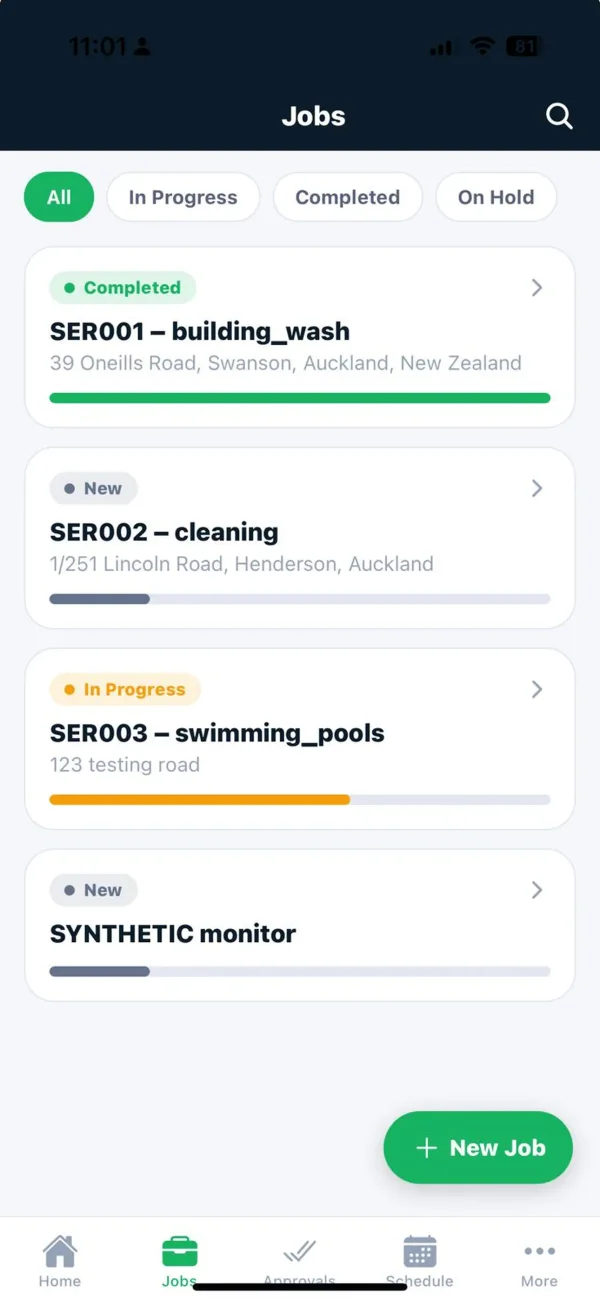
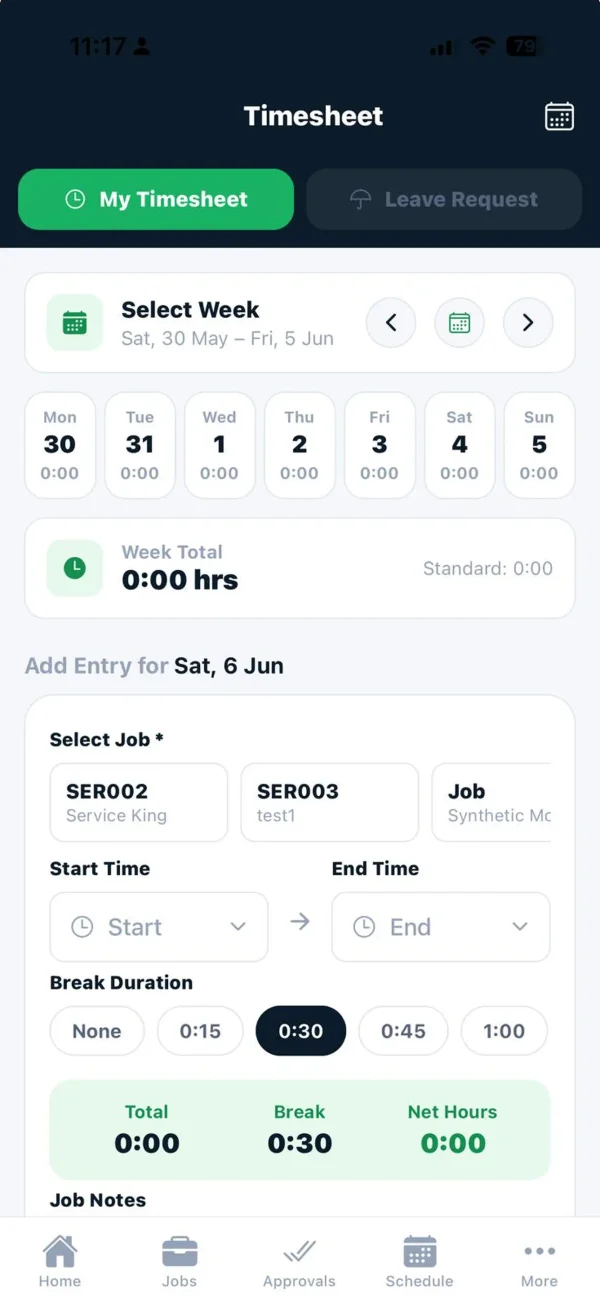
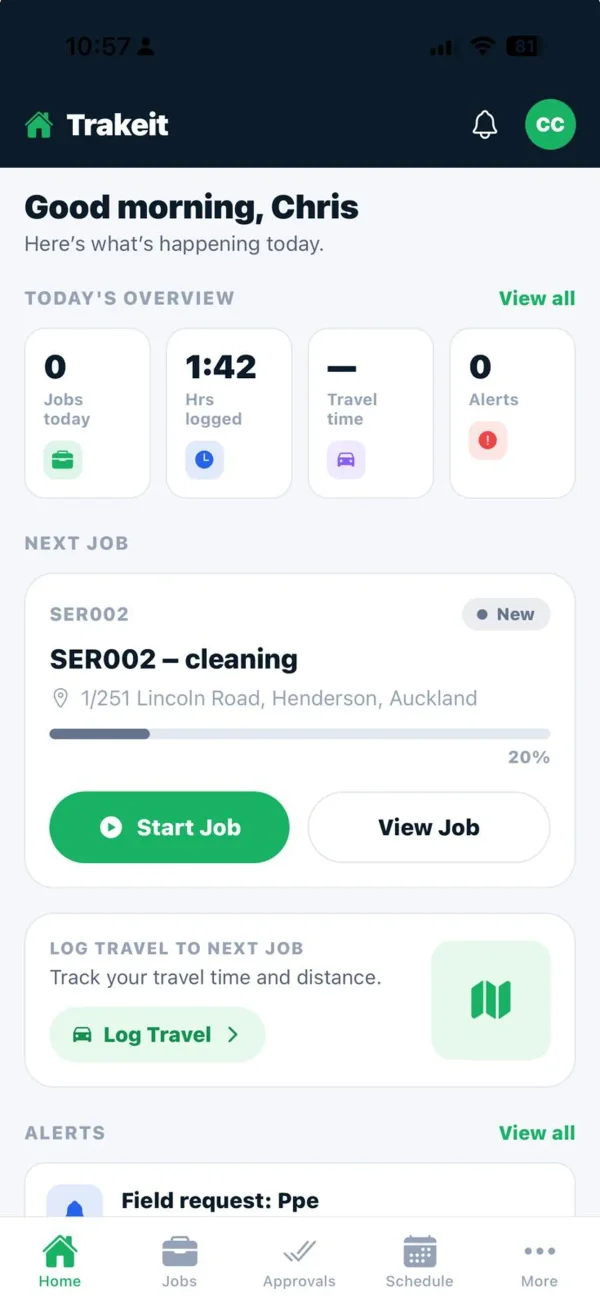
Trakeit Field is the mobile companion to Trakeit for technicians, inspectors, supervisors and subcontractors. Run your day from site: see your assigned jobs, clock on and off with breaks and travel, complete compliance forms (SWMS, JSA, inspections, site audits), capture and annotate site photos, check in and out with GPS, get a customer sign-off, and raise site requests for equipment, materials and deliveries — all linked to the right job. Works offline on poor-signal sites and syncs automatically when you're back online.
Features:
• Today's jobs, schedule and job details
• One-tap timesheets — clock in/out, breaks, travel, cost codes
• Schema-driven forms: SWMS, JSA, inspections, vehicle pre-start, hazard reports, site audits
• Photos with captions, attached to jobs
• GPS site check-in / check-out
• Customer sign-off with a drawn signature
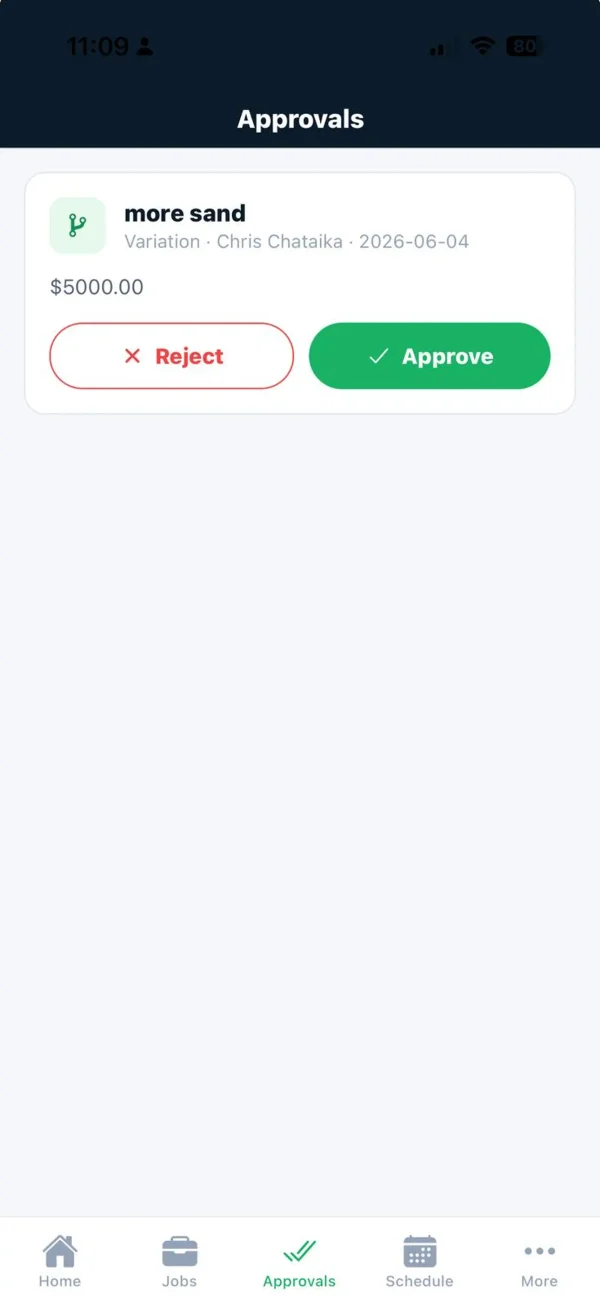
• Site requests (equipment/hire, materials, deliveries) routed to approvals
• Push notifications and an in-app inbox
• Offline mode with automatic sync
Requires a Trakeit account. Talk to your administrator or visit trakeit.com.
Yenilikler
Sürüm 1.1.25 · 15.10.2026
Job and schedule chat: tapping a push notification about a job or schedule entry opens that chat with its earlier messages, even if the app was closed. You can reply in a back-and-forth thread, and new replies show up within about 10 seconds.
It's a private group: only the people on the job, anyone who has posted, and whoever created the entry.
A bar at the top shows who's in the group; managers can add or remove people there.
Ways in: the notification, the Notifications list, a chat icon with message count on each schedule card, and a chat icon at the top of a job page.
Purchase orders:
Raise a PO from the job (Purchases & H&S tab), or from More → Purchase Orders.
Pick a supplier or type a shop name, add items with qty and price, choose incl/excl GST, attach a receipt photo (saved to the job's photos), and mark it received.
The job's tab lists its POs with a running total.
- Job documents upload feature
- Email compose
- Timesheet approvals
Uygulama gizliliği
Bu uygulamanın verileri nasıl işlediği hakkında Christopher Chataika tarafından App Store üzerinde yapılan beyan.
-
Sizinle ilişkilendirilen veriler
Toplanabilir ve kimliğinizle ilişkilendirilebilir.
- Konum
- İletişim bilgileri
- Kullanıcı içeriği
- Tanımlayıcılar
Gizlilik uygulamaları, örneğin kullandığınız özelliklere veya yaşınıza göre değişiklik gösterebilir.
Bilgiler
- Satıcı
- Christopher Chataika
- Kategori
- İş
- Sürüm
- 1.1.25
- Güncellendi
- 15.10.2026
- Yayın tarihi
- 16.06.2026
- Boyut
- 43,6 MB
- Gereksinim
- iOS 16.4 veya sonrası
- Yaş sınırı
- 4+
- Fiyat
- Ücretsiz
- Diller
- İngilizce
- Telif hakkı
- © CHN Automation
Bunları da beğenebilirsiniz
-
 Cart It Merchantİş
-
 Field Report: Job Reportsİş
-
 A-Checkİş
-
 JobPhotoLog: İş RaporlarıŞantiye fotoğrafları ve PDF
-
 ProjectCam: Şantiye FotoğrafıGörevler, notlar, PDF raporlar
-
 Snapvero: Photo Reportsİş
-
 WorkProof: Job Photo Reportsİş
-
 ConstruLog –AI ile BelgelendirFotoğraf, ses ve PDF 30 saniye
-
 GX Work ReportTemizlik fotoğraf ve raporları
-
 Site Reports – Saha RaporuFotoğraftan PDF saha raporu