
- Yaş sınırı17+
- KategoriSosyal Ağ
- GeliştiriciUUDO BRASIL TECNOLOGIA LTDA
- Dillerİngilizce
- Boyut38,6 MB
Resmi App Store sayfasına bağlanır
Download.org, UUDO için hiçbir dosya barındırmaz. Düğme, uygulamanın App Store üzerindeki sayfasını açar; uygulamayı orada UUDO BRASIL TECNOLOGIA LTDA yayınlar. Sayfanın son kontrolü: 13.11.2026.
Ekran görüntüleri
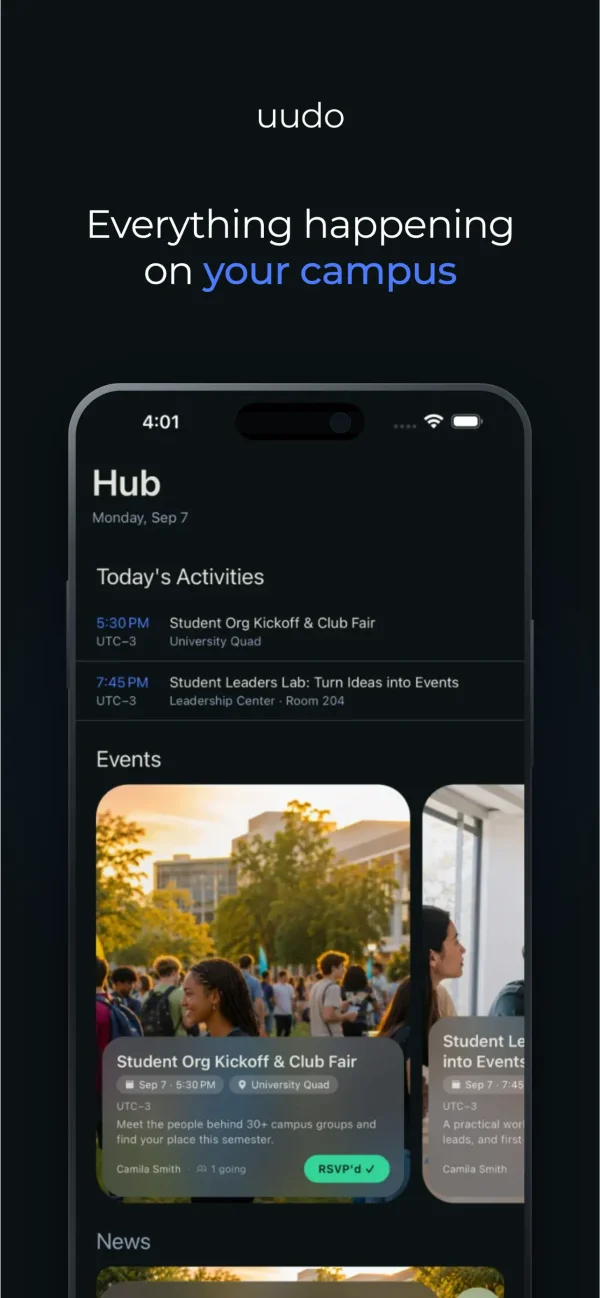
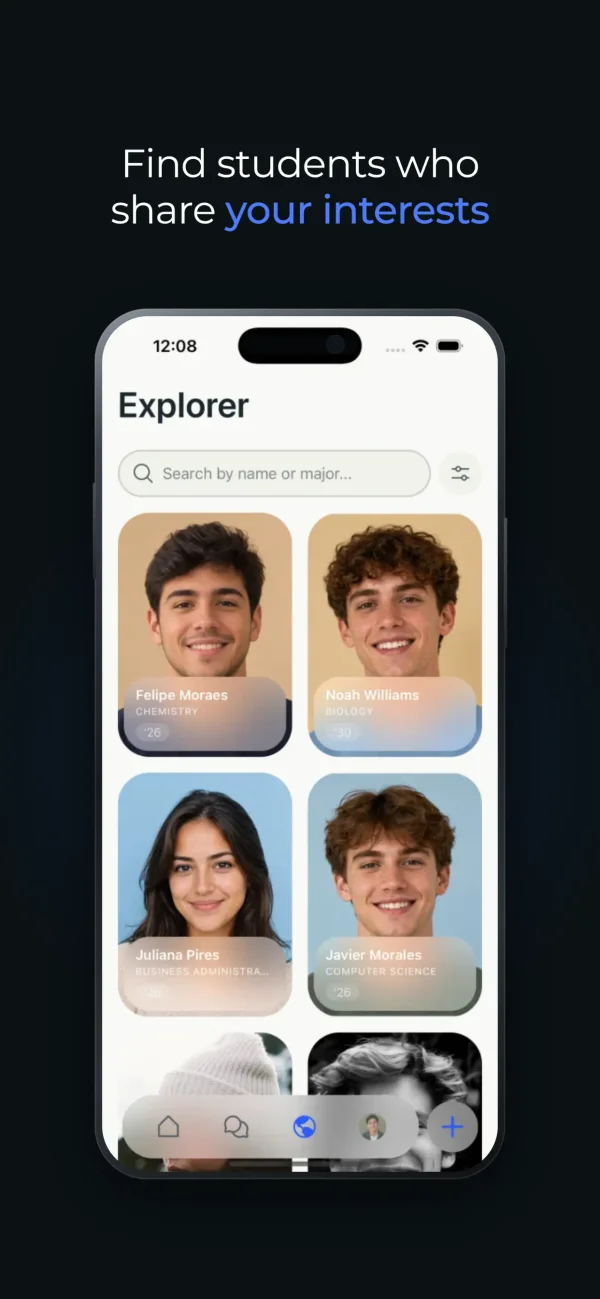
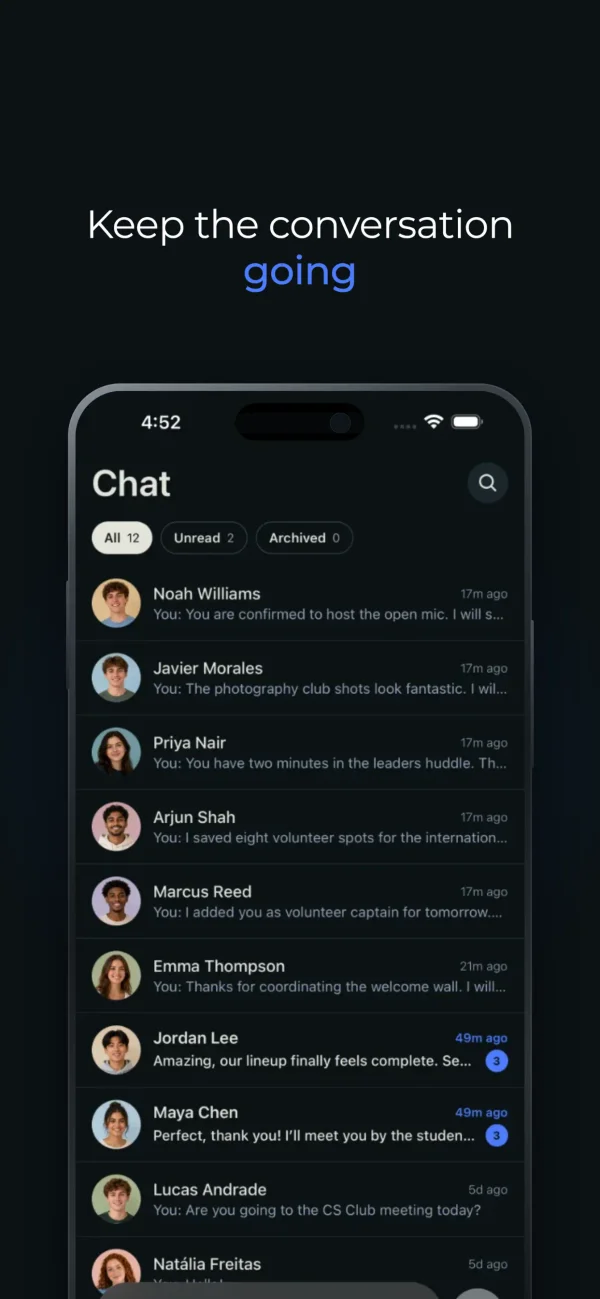
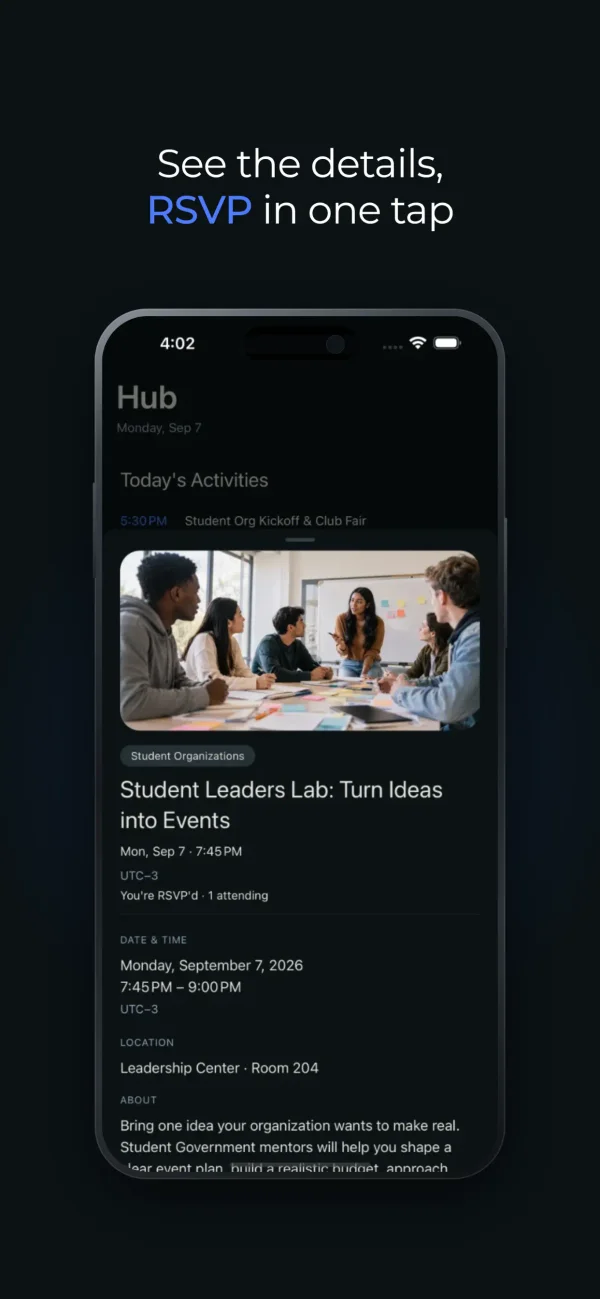
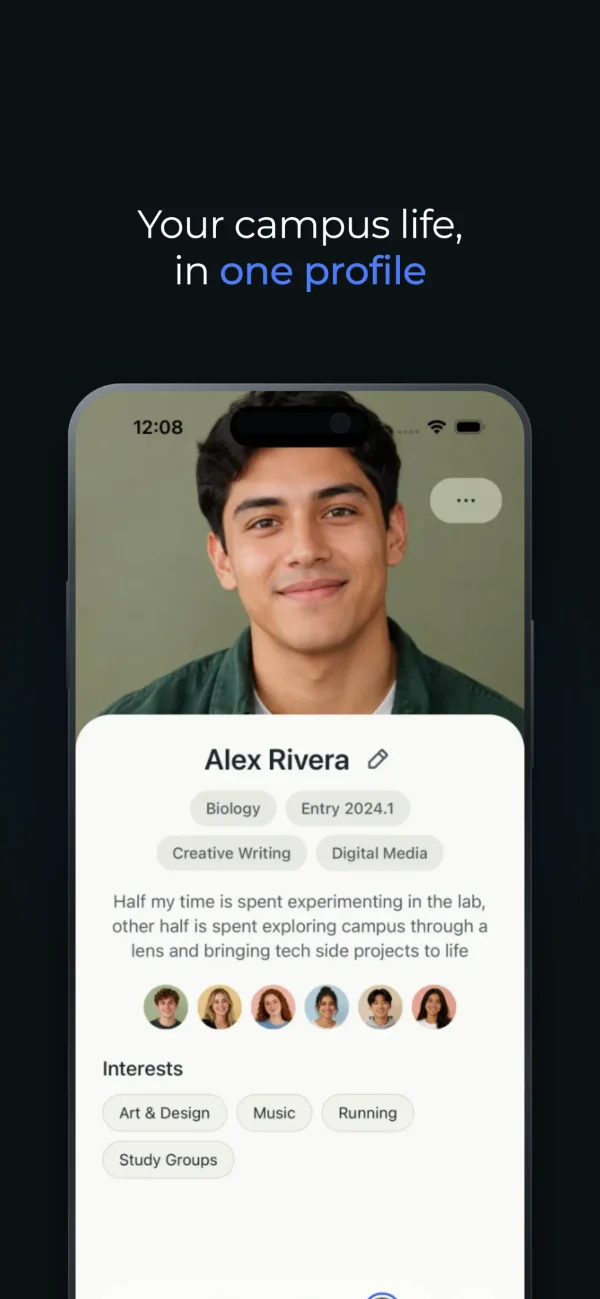
Hakkında
Geliştirici bu metni dilinizde sunmamış.
Campus life, in one place. Not another feed to scroll.
UUDO is the community app for students at your university. Sign in with your university email to join the community at your school, and only your school.
For students
• Explore student clubs and organizations, filtered by interest and category
• Find and connect with verified students who share your interests
• Build bonds and chat with the people you know
• Save the events and stories you want to remember
For student organizations
• Start an organization through a request your student government can review
• Run your roster in one place: approve join requests and assign leadership positions
Whether you are new to campus or already part of everything, UUDO helps you find your people.
You Build. You Become.
Yenilikler
Sürüm 1.11.120 · 04.11.2026
What is new since 1.11.23
Organizations
- Explorer has two tabs: Students and Organizations. It opens on Students.
- Organization profiles have a new layout. It shows the photo, your membership, the member and event counts, the next event, the latest news, and the leaders.
- Tap Join on an organization. It shows Requested, then Member after a leader approves.
- Members can see the member list. Tap a person to open their profile.
- Report an organization from its profile menu. Report a post from its "..." menu.
- My organizations lists your requests and their status. Start a request from Settings.
- Leaders get the Manage console, the join requests queue, the member roster, leadership changes, profile editing, and Transfer ownership (President only).
- Approving or declining a request, and changing a reviewer seat, asks for Face ID, fingerprint or passcode.
- Requesting an organization can include a logo. The photo permission text now mentions logos.
Hub and events
- The event sheet has a new design. Join, Calendar and Share stay at the bottom while you scroll.
- Events show the organization as publisher, with its logo.
- News shows the last 14 days. A Retry button appears when news fails to load.
- Add to Calendar works from a chat card.
- A post you can no longer open shows "This post is no longer available".
Blocking and reporting
- Blocking shows a consequence sheet. From a profile, you stay on the profile, with Undo.
- Unblocking shows a consequence sheet. Blocked people has search after three blocks.
- The report sheet explains each reason and what "Also block" does.
Settings, chat and navigation
- Settings opens as a full screen. Its back arrow returns you to your profile.
- The Settings footer shows the real version number.
- Activity shows takedown notices and organization request decisions.
- A new chat shows a first-message prompt.
Accessibility
- At the largest text size, many screens no longer split words or clip menus.
- Voice Control understands "Preview" on the Manage page.
Please check
1. Switch Explorer between Students and Organizations. Search the organizations.
2. Open an organization profile. Tap Join. Check the Requested and Member states.
3. Block a person from their profile. Check the sheet and the Undo button.
4. Unblock a person. Check the sheet and the Undo button.
5. Open an event. Join it, then leave it. Check the messages and the bottom buttons.
6. Set the largest text size. Open Settings, the Manage page, an event and an organization profile.
7. Open Settings and tap back. Check that it returns to your profile.
8. Open Settings and check the version footer.
9. Request an organization. Add a logo and check the photo permission prompt.
Not visible in this build
- Leaders cannot post events or news yet.
- The notice about bonds seeing your events does not show.
- Organization requests may show "not open at your university". The server controls this.
Uygulama gizliliği
Bu uygulamanın verileri nasıl işlediği hakkında UUDO BRASIL TECNOLOGIA LTDA tarafından App Store üzerinde yapılan beyan.
-
Sizinle ilişkilendirilen veriler
Toplanabilir ve kimliğinizle ilişkilendirilebilir.
- Konum
- İletişim bilgileri
- Kullanıcı içeriği
- Tanımlayıcılar
- Kullanım verileri
- Diğer veriler
Gizlilik uygulamaları, örneğin kullandığınız özelliklere veya yaşınıza göre değişiklik gösterebilir.
Bilgiler
- Satıcı
- UUDO BRASIL TECNOLOGIA LTDA
- Kategori
- Sosyal Ağ
- Sürüm
- 1.11.120
- Güncellendi
- 04.11.2026
- Yayın tarihi
- 01.09.2026
- Boyut
- 38,6 MB
- Gereksinim
- iOS 15.1 veya sonrası
- Yaş sınırı
- 17+
- Fiyat
- Ücretsiz
- Diller
- İngilizce
- Telif hakkı
- © UUDO Brasil Tecnologia LTDA