
Video Compressor - HD
reduce size & compress videos
iPhone, iPad, iPod touch için tasarlandı
₺99,99
- Yaş sınırı4+
- KategoriFotoğraf ve Video
- GeliştiriciFrancis Bonnin
- Dillerİngilizce+ 6 dil daha
- Boyut68,2 MB
Resmi App Store sayfasına bağlanır
Download.org, Video Compressor - HD için hiçbir dosya barındırmaz. Düğme, uygulamanın App Store üzerindeki sayfasını açar; uygulamayı orada Francis Bonnin yayınlar. Sayfanın son kontrolü: 17.11.2026.
Ekran görüntüleri
Hakkında
Geliştirici bu metni dilinizde sunmamış.
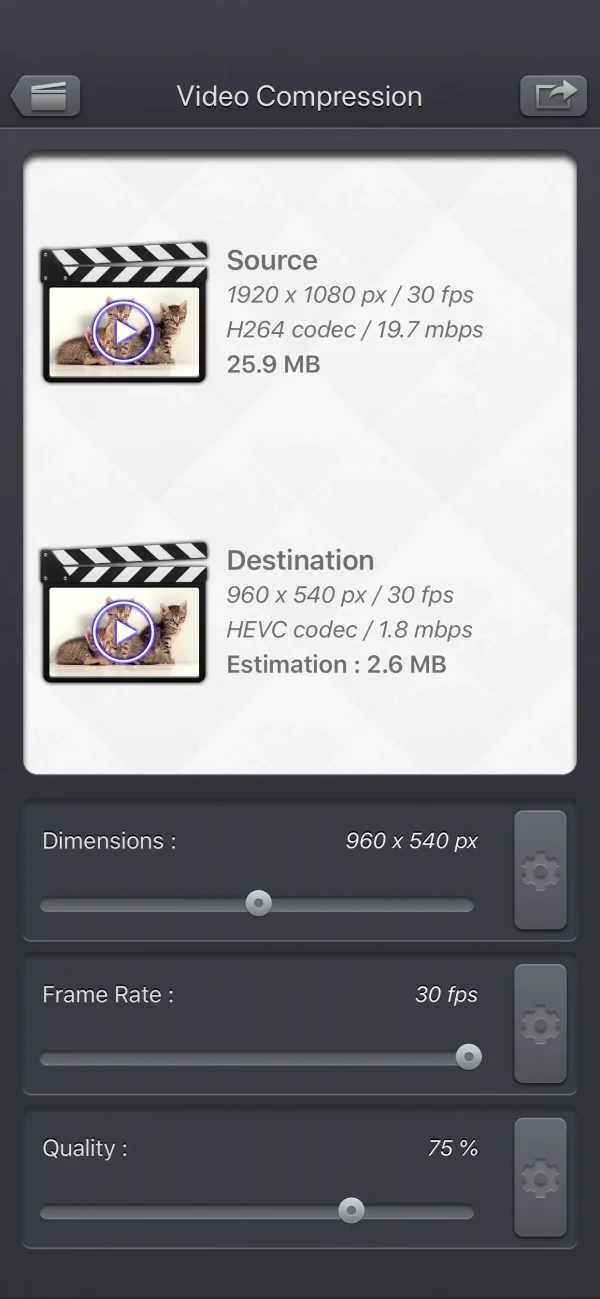
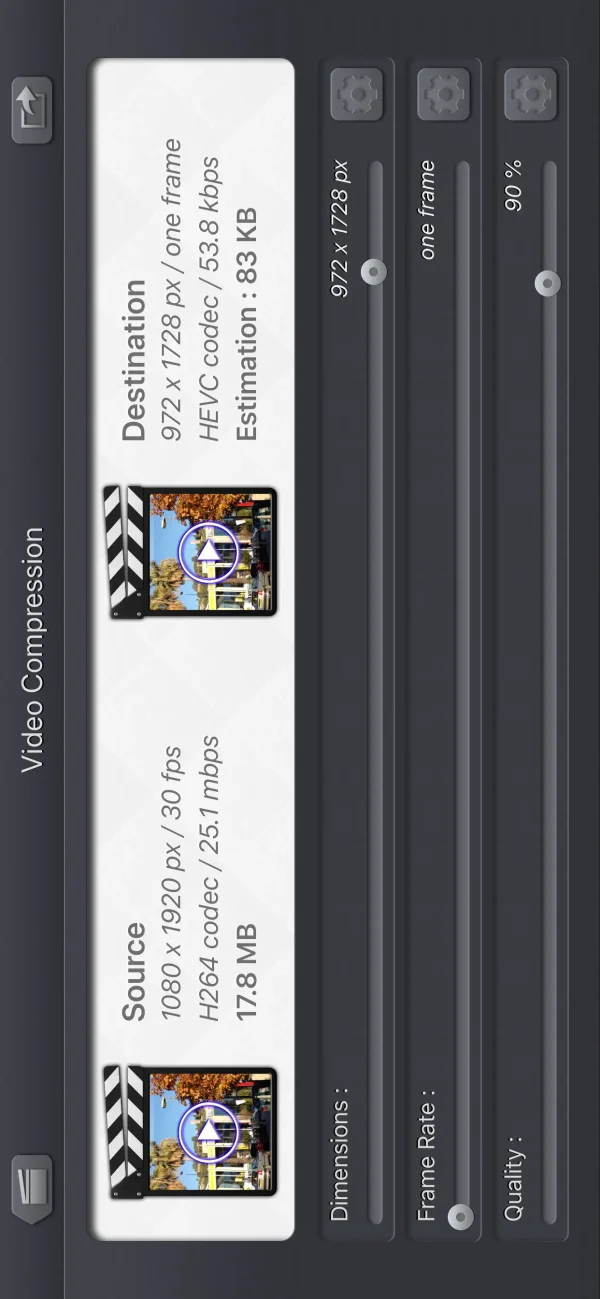
Use Video Compressor - HD, to compress your videos and reduce their file size.
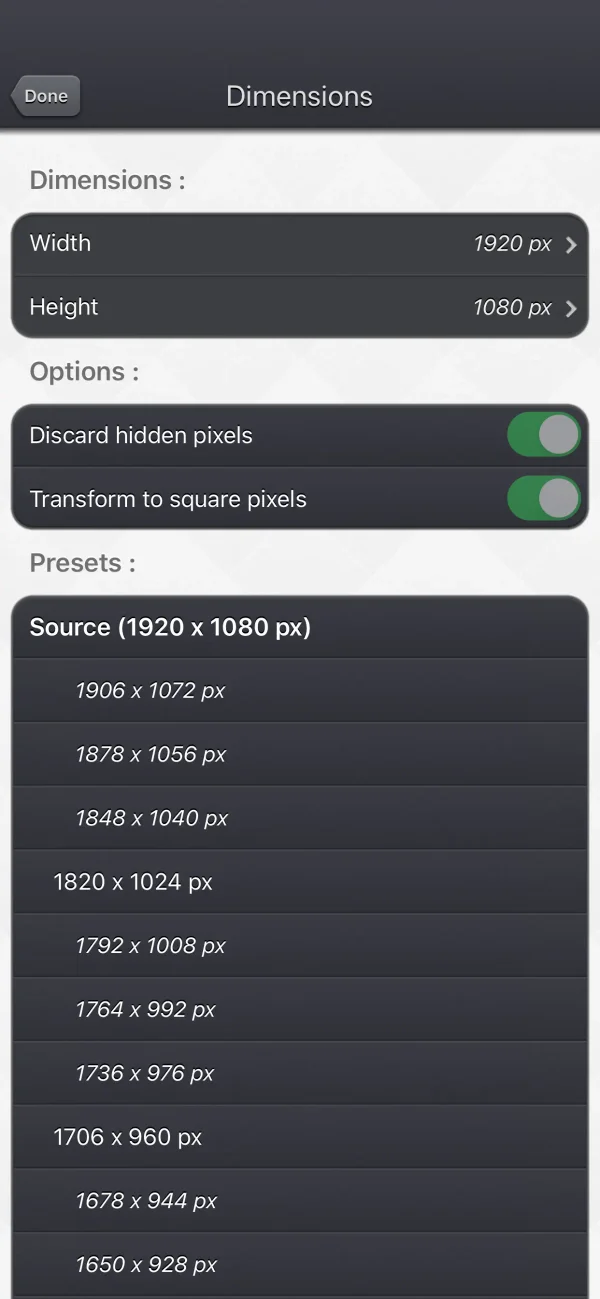
Precisely control the dimensions, frame rate and quality to achieve the perfect result.
The key points of the application:
• Reduce the size to a minimum before sending the video online or sharing it by email.
• Real-time estimation of the file size of the destination video, with the ability to preview the result.
• Simply use the sliders, or access more options if necessary.
• Delete hidden pixels if your video contains them ( "Clean Aperture" information).
• Impose a square pixel format to get a smaller video.
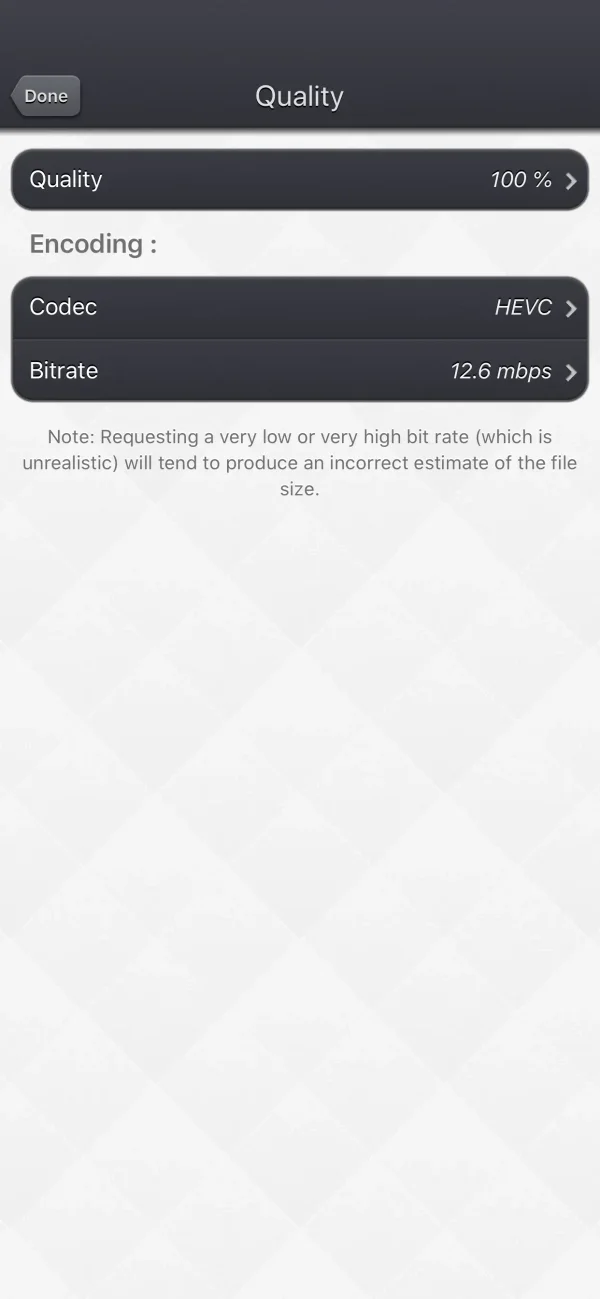
• If your device supports it, choose to re-encode your video in HEVC format taking half as much space as H264 format.
• Choose a specific bitrate if necessary.
• Reduce the dimensions, but also increase them if necessary.
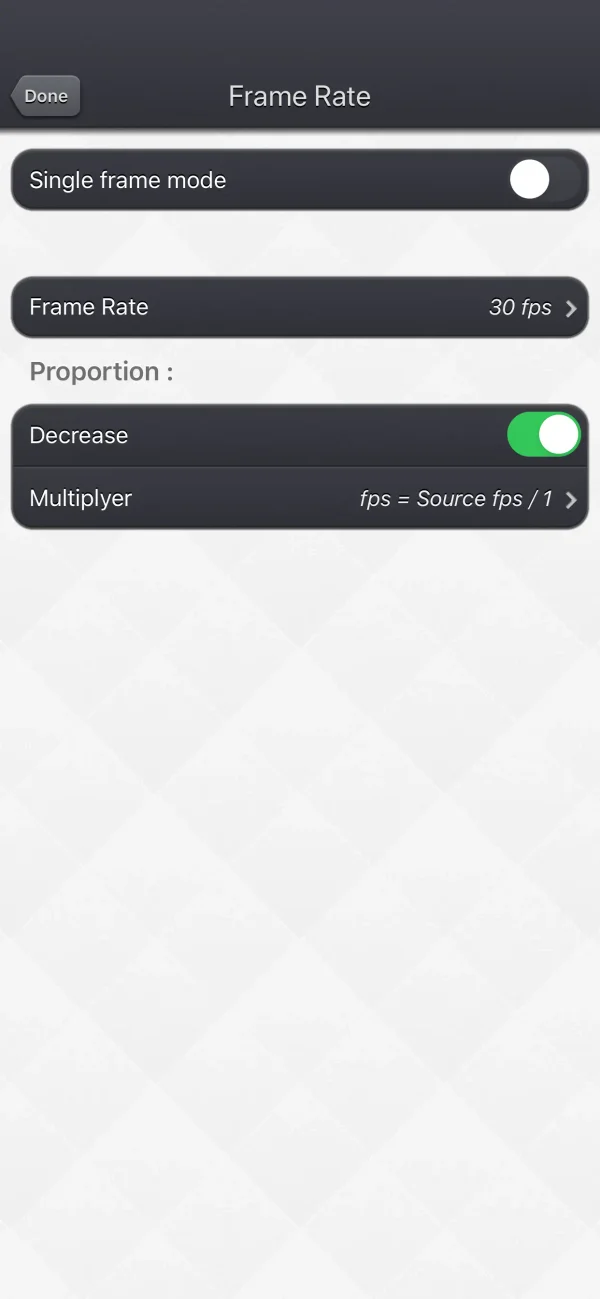
• Reduce the frame rate, but also increase it if necessary.
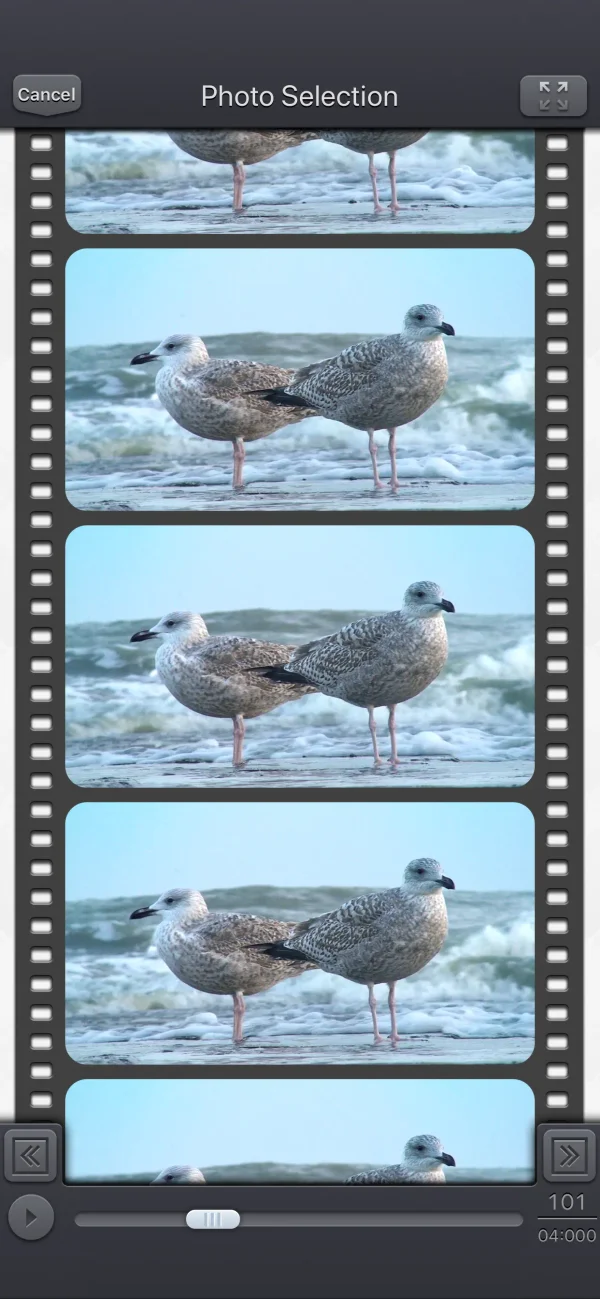
• Exclusive functionality of a single frame mode to display only one frame in the video.
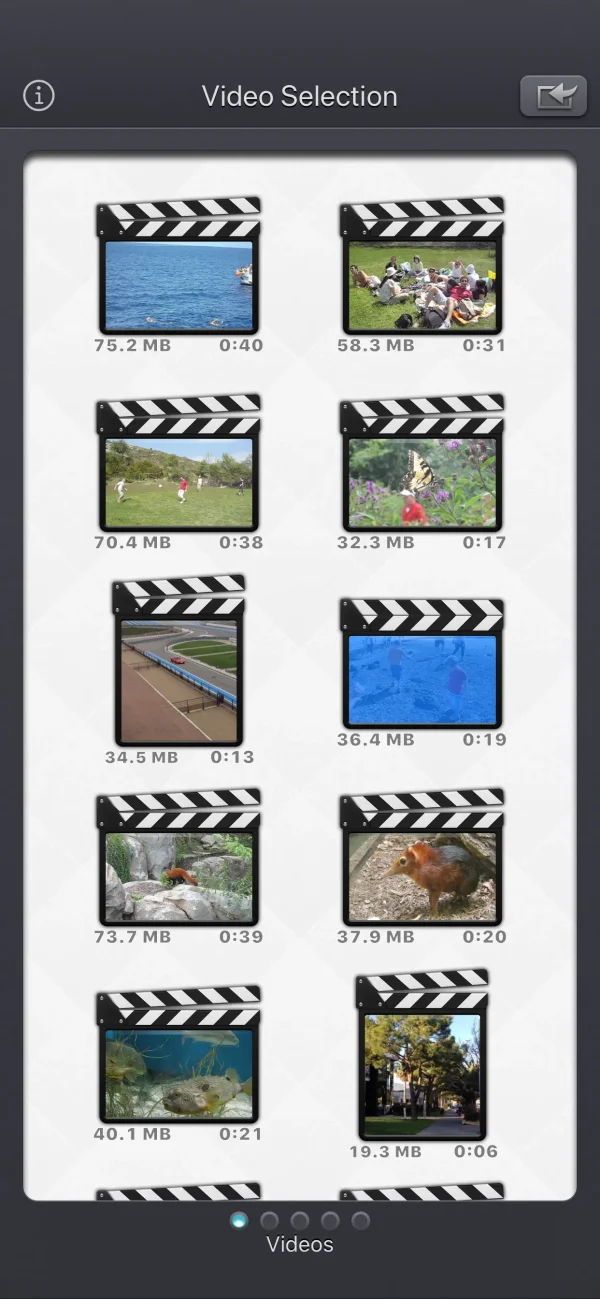
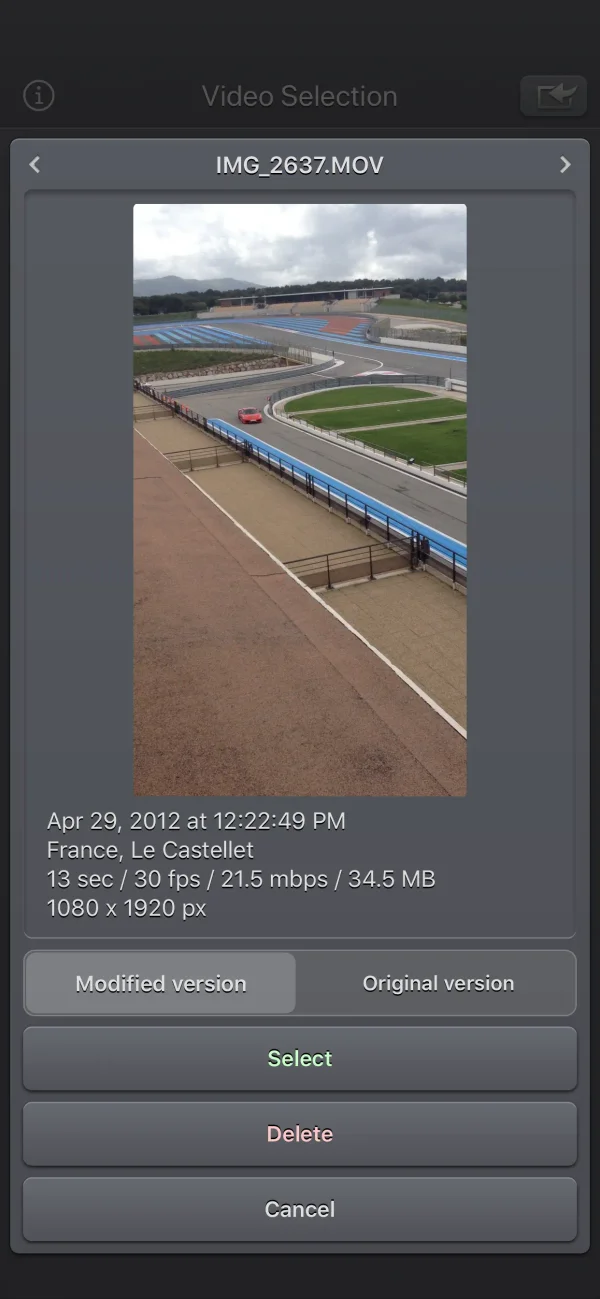
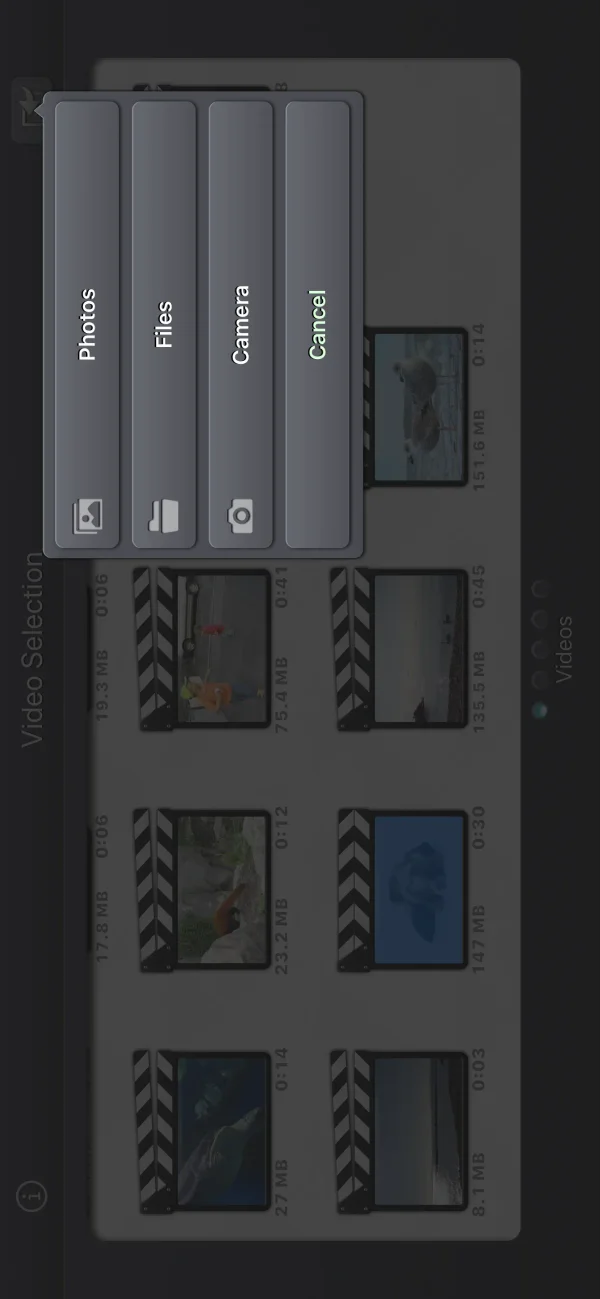
The Input video can be imported from your device in several ways.
The modified version (if there is one) or the original version of the video are both available.
The camera can be used directly to record a video if needed.
You can also connect your device to your computer in order to drag and drop specific videos (Files feature).
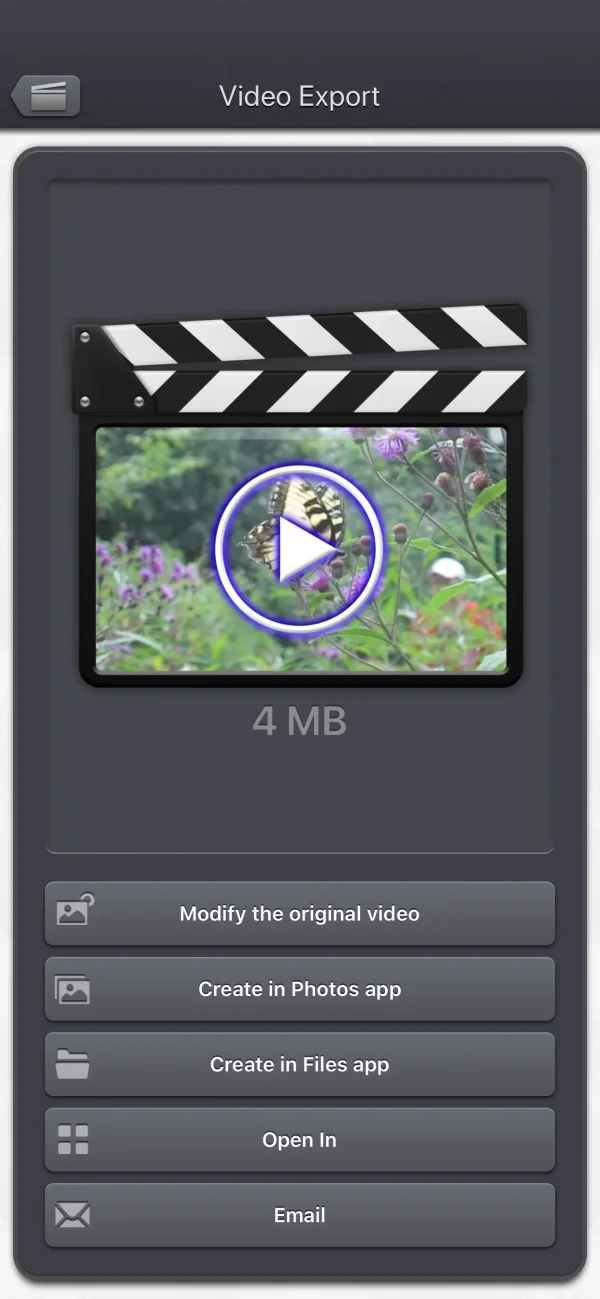
The output video can be exported in several ways.
Create a new video in the Photo app or in the Files app.
Directly modify the input video by adding an edited version.
Share the video to another application.
This application can run, on your iPhone and your iPad, as a standalone application, a Photo Extension, or as an Action Extension (from the compatible applications like the Photo app).
Portrait and Landscape orientations are supported in all screens.
Dark mode of iOS13 is supported.
You will find the original and intuitive user interface, common to all our videos applications.
These applications have been featured many times by Apple and various websites.
Yenilikler
Sürüm 5.7 · 23.07.2026
• Improved support for HDR videos.
• Fixed Live Photo imports from the system media picker on the video selection screen.
• You can now adjust the selected photos and videos when full Photos access has not been granted.
Uygulama gizliliği
Bu uygulamanın verileri nasıl işlediği hakkında Francis Bonnin tarafından App Store üzerinde yapılan beyan.
-
Veri toplanmıyor
Geliştirici bu uygulamadan hiçbir veri toplamıyor.
Gizlilik uygulamaları, örneğin kullandığınız özelliklere veya yaşınıza göre değişiklik gösterebilir.
Bilgiler
- Satıcı
- Francis Bonnin
- Kategori
- Fotoğraf ve Video
- Sürüm
- 5.7
- Güncellendi
- 23.07.2026
- Yayın tarihi
- 02.05.2019
- Boyut
- 68,2 MB
- Gereksinim
- iOS 11.0 veya sonrası
- Yaş sınırı
- 4+
- Fiyat
- ₺99,99
- Diller
- İngilizce, Fransızca, Almanca, İtalyanca, Japonca, Basitleştirilmiş Çince, İspanyolca
- Telif hakkı
- © 2019 Pacolabs
Bunları da beğenebilirsiniz
-
 Unsqueeze: AI Video UpscalerFotoğraf ve Video
-
 Video Compressor & ResizerBenim basit video sıkıştırıcım
-
 Video dönüştürücü ve kompresörVideo boyut, video sıkıştırma
-
 LumaFusionProfesyonel video düzenleme
-
 Video Dönüştürme & SıkıştırmaSes Birleştir, Küçült, 4K
-
 Video Compressor-Shrink videosFotoğraf ve Video
-
 Video Compressor - HQ CompressFotoğraf ve Video
-
 Compress Videos & Resize VideoFotoğraf ve Video
-
 Video Compress - Shrink VideosFotoğraf ve Video
-
 Video Sıkıştırıcı - KüçültVideo boyutunu küçült