
- Yaş sınırı4+
- KategoriFotoğraf ve Video
- GeliştiriciFLASH-INTEGRO LLC
- Dillerİngilizce+ 9 dil daha
- Boyut252,3 MB
Resmi App Store sayfasına bağlanır
Download.org, VSDC için hiçbir dosya barındırmaz. Düğme, uygulamanın App Store üzerindeki sayfasını açar; uygulamayı orada FLASH-INTEGRO LLC yayınlar. Sayfanın son kontrolü: 23.11.2026.
Ekran görüntüleri


Hakkında
Geliştirici bu metni dilinizde sunmamış.
Create captions for Reels, Shorts, and other videos with VSDC, a free video editor for iPhone. Edit offline, add music, filters, and effects.
VIDEO EDITING TOOLS
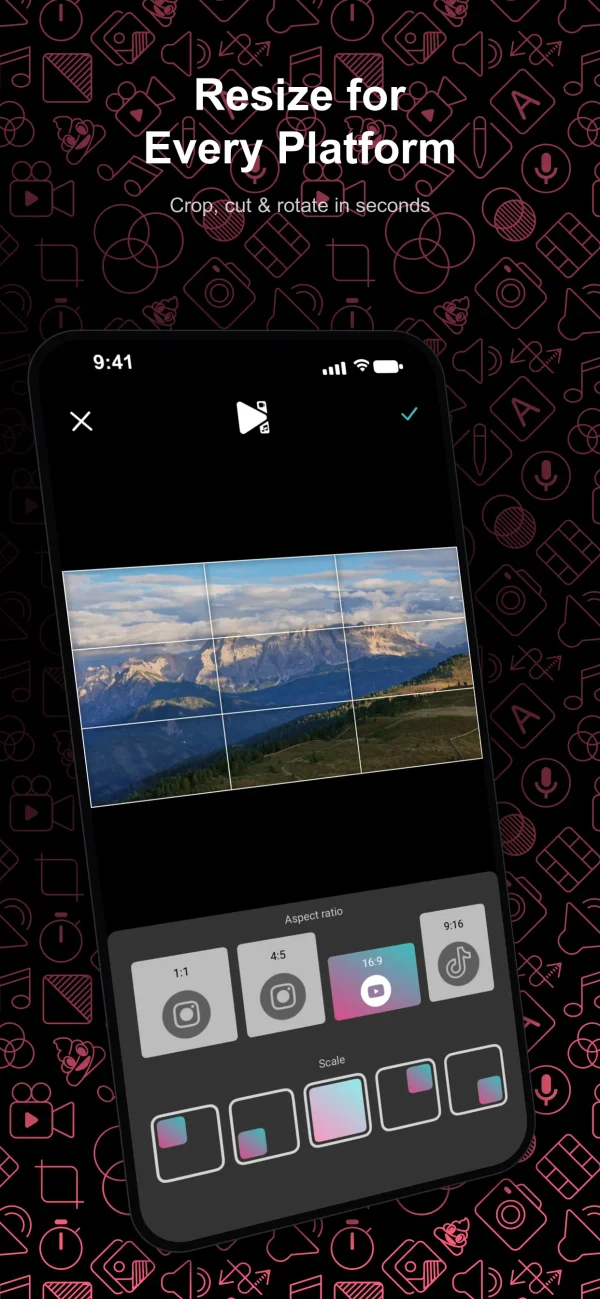
• Essential Editing. Trim, split, and merge clips on the timeline. Crop and rotate videos, and choose the right aspect ratio for Reels, Shorts, and other platforms.
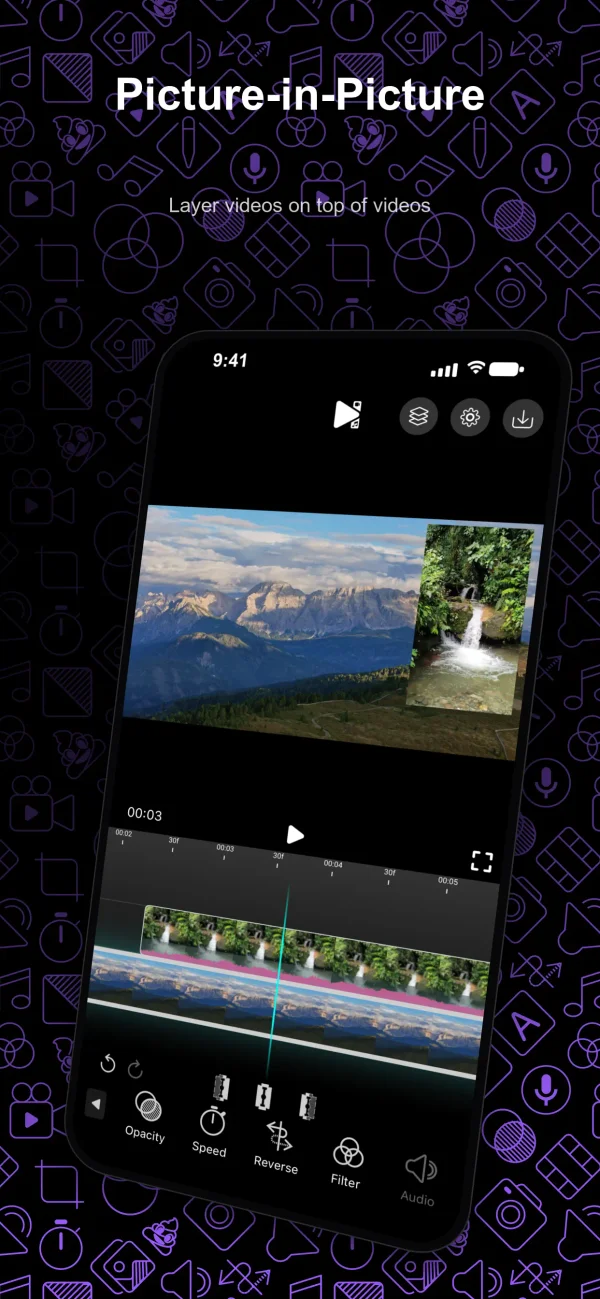
• Multitrack Editing. Work with two video tracks, create picture-in-picture effects, or display two videos on the screen at the same time.
• Captions and Text. Generate automatic captions, add custom text, choose fonts, and adjust text styles. Use animated letters to create unique titles and on-screen text.
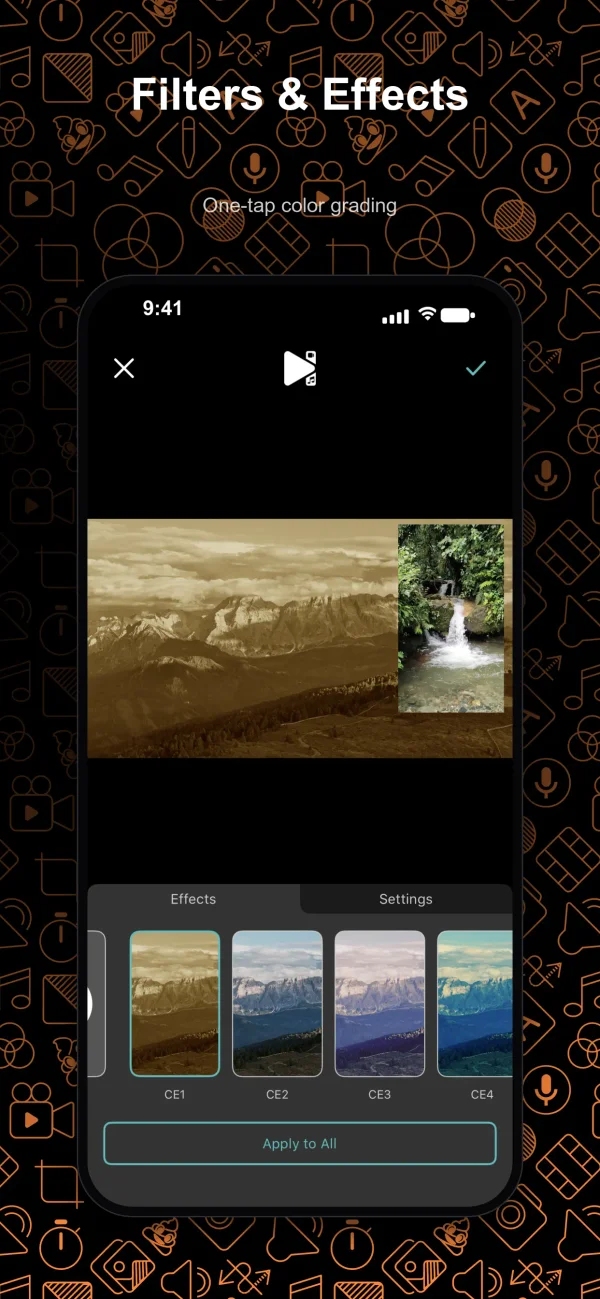
• Transitions and Effects. Add dynamic transitions between clips, and apply filters and video effects. The full collection of 60+ transitions and additional filters is available with VSDC Premium.
• Music and Voiceovers. Import music from your own files or use VSDC's built-in audio library. Record voiceovers and adjust audio volume.
• Speed and Reverse. Speed up or slow down your videos, or play clips in reverse.
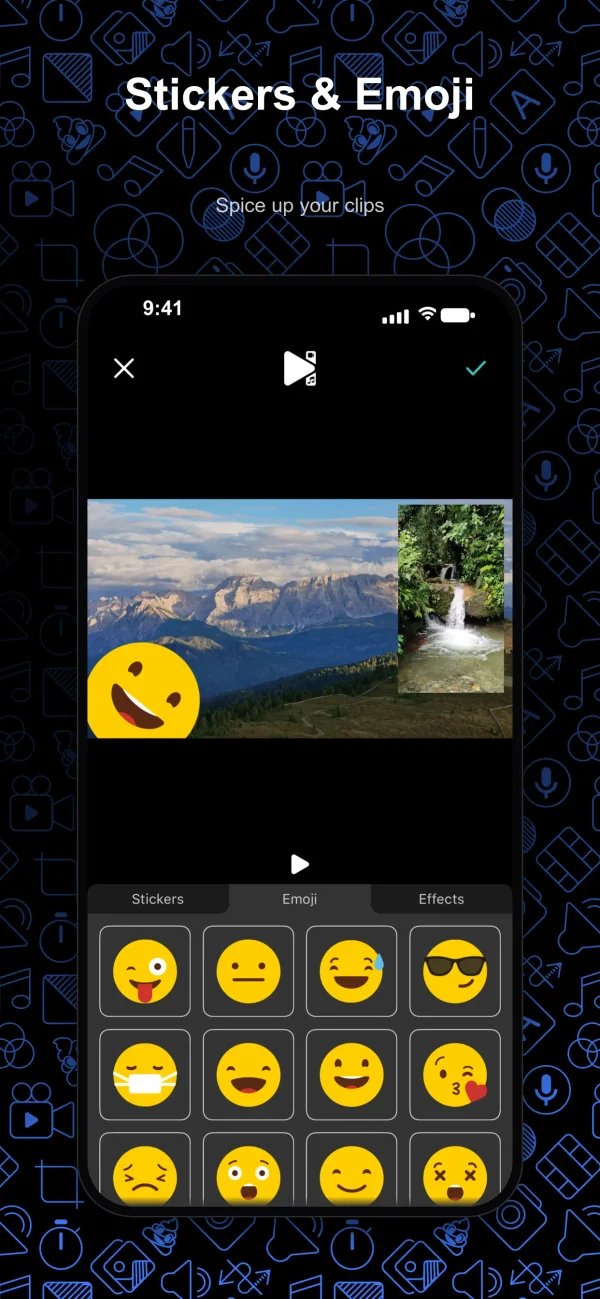
• Stickers, Emojis, and Images. Add emojis, stickers, and images to your videos. Attached elements stay in place relative to their clips when you move, trim, change playback speed, or reverse footage.
• Offline Editing. Edit videos directly on your iPhone without uploading your original files to the cloud. Some features, including automatic captions, purchases, and additional content downloads, may require an internet connection.
START FOR FREE
Edit videos in VSDC without a subscription. Captions and essential editing tools are available for free.
Have a question or suggestion? Contact us at support@videosoftdev.com. We review every message.
VSDC PREMIUM
• 4K Export Without a Watermark. Save your videos in up to 4K resolution at 60 fps, without the VSDC watermark.
• Transitions. Unlock the full collection of video transitions.
• Filters and Effects. Access additional tools to customize your videos.
• Music and Sounds. Use built-in music tracks and sound effects.
SUBSCRIPTIONS AND PURCHASES
VSDC Premium is available through monthly and annual subscriptions, as well as a one-time purchase for lifetime access.
A 7-day free trial is available to eligible subscribers. After the trial ends, Apple will charge the price of the selected subscription unless it has been canceled. Subscriptions renew automatically until canceled.
You can manage or cancel your subscription in your Apple Account settings under Subscriptions. Lifetime purchases do not renew automatically.
Privacy Policy: https://www.videosoftdev.com/privacy-policy
Terms of Use: https://www.videosoftdev.com/terms-and-conditions
Yenilikler
Sürüm 1.2.0 · 21.11.2026
What's New:
- VSDC can now generate subtitles from speech in a clip. The text, timing and style can be edited before export.
- PageTurn, CrossZoom, Pixelize, and FadeUp are now free and appear first in the transition list. A subscription is now required to export in 4K, enable reverse playback for video or audio, or add items from the Effects tab.
Improvements:
- Buttons on the bottom toolbar now adjust to the length of their labels.
- The title editor now includes iOS system fonts and sliders for font size and background opacity.
- A clip’s original audio can now be restored from the bottom toolbar.
Fixes:
- Fixed preview flicker when starting playback or editing an overlay.
- Splitting or replacing a text or image layer no longer brings it in front of other layers.
- Fixed a bug that reset the clip volume to 100% when its original audio was restored after extraction.
- Extracting audio to a separate track now hides the waveform on the video clip. Restoring the clip’s audio shows it again.
- Adding a transition no longer removes the transition at the previous cut.
- Fixed a bug that could start a voice recording after Stop was pressed.
Uygulama gizliliği
Bu uygulamanın verileri nasıl işlediği hakkında FLASH-INTEGRO LLC tarafından App Store üzerinde yapılan beyan.
-
Veri toplanmıyor
Geliştirici bu uygulamadan hiçbir veri toplamıyor.
Gizlilik uygulamaları, örneğin kullandığınız özelliklere veya yaşınıza göre değişiklik gösterebilir.
Bilgiler
- Satıcı
- FLASH-INTEGRO LLC
- Kategori
- Fotoğraf ve Video
- Sürüm
- 1.2.0
- Güncellendi
- 21.11.2026
- Yayın tarihi
- 11.05.2022
- Boyut
- 252,3 MB
- Gereksinim
- iOS 16.0 veya sonrası
- Yaş sınırı
- 4+
- Fiyat
- Ücretsiz
- Uygulama içi satın alma
- Evet
- Diller
- İngilizce, Fransızca, Almanca, İtalyanca, Japonca, Portekizce, Rusça, Basitleştirilmiş Çince, İspanyolca, Türkçe
- Telif hakkı
- © FLASH-INTEGRO LLC
Bunları da beğenebilirsiniz
-
 NexCut: AI Video EditorFotoğraf ve Video
-
 VideoPad - Video EditorFotoğraf ve Video
-
 Video Background RemoverFotoğraf ve Video
-
 VidMix Video EditorFotoğraf ve Video
-
 Fotoğraf Sıkıştırıcı: SıkıştırGörselleri küçült, azalt boyut
-
 ReShoot 360Fotoğraf ve Video
-
 Image Eraser - Inpaint & healFotoğraf ve Video
-
 SnapCut - Video & Photo EditorFotoğraf ve Video
-
 BgRem: AI background removerFotoğraf ve Video
-
 Video Editor : Video Maker,CutMovie Maker, video crop, Clips