Acrobat Reader: PDF Converter
AdobeChứa quảng cáo · Mua hàng trong ứng dụng
- 3 tuổi trở lênĐộ tuổi
- Năng suấtDanh mục
- 18/11/2026Cập nhật
- Miễn phíGiá
Dẫn đến trang Google Play chính thức của com.adobe.reader. Kiểm tra lần cuối: 21/11/2026.
Ảnh chụp màn hình
Thông tin về ứng dụng này
Nhà phát triển chưa cung cấp nội dung này bằng ngôn ngữ của bạn.
Edit and sign your PDFs quickly. Do it all in one app.
Adobe Acrobat Reader is the free PDF reader for opening, reading, filling in, signing and commenting on PDFs on your Android phone or tablet. It’s the world’s most trusted PDF reader, PDF editor and PDF maker, with more than 635 million installs.
You also don’t need a subscription to read, fill in or sign PDFs.
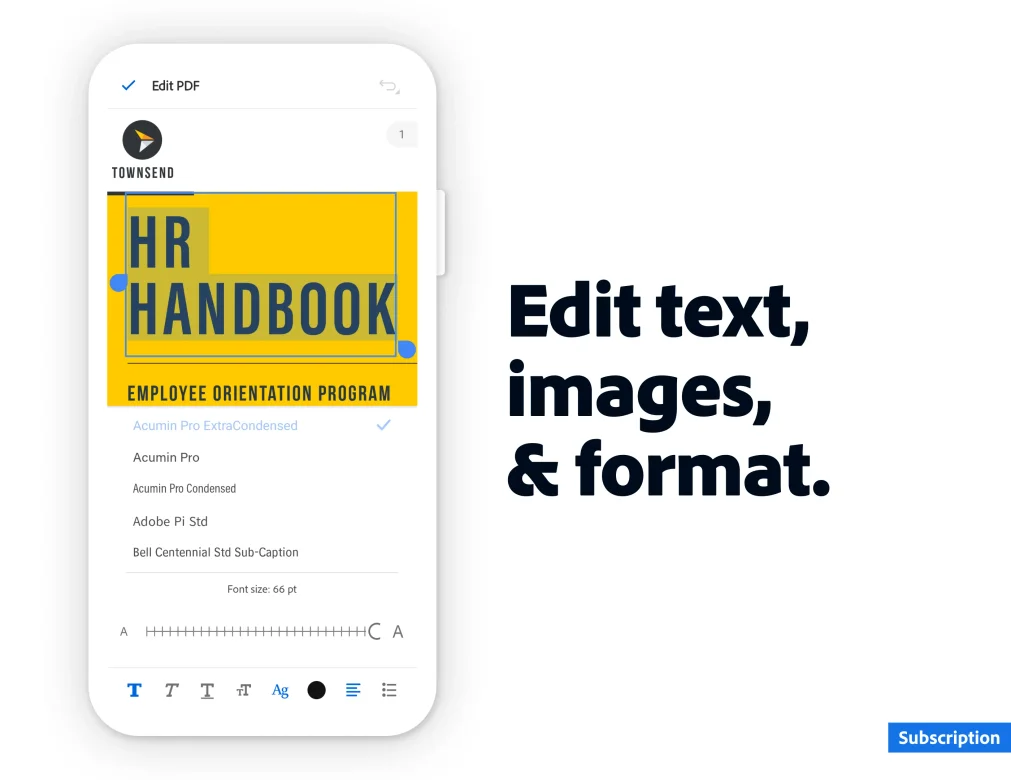
Need to do more? With Acrobat Premium, you can edit text, create PDFs from photos and files, convert PDFs to Word, Excel or PowerPoint, combine PDFs into one file and reorder pages.
PDF viewer and PDF signer
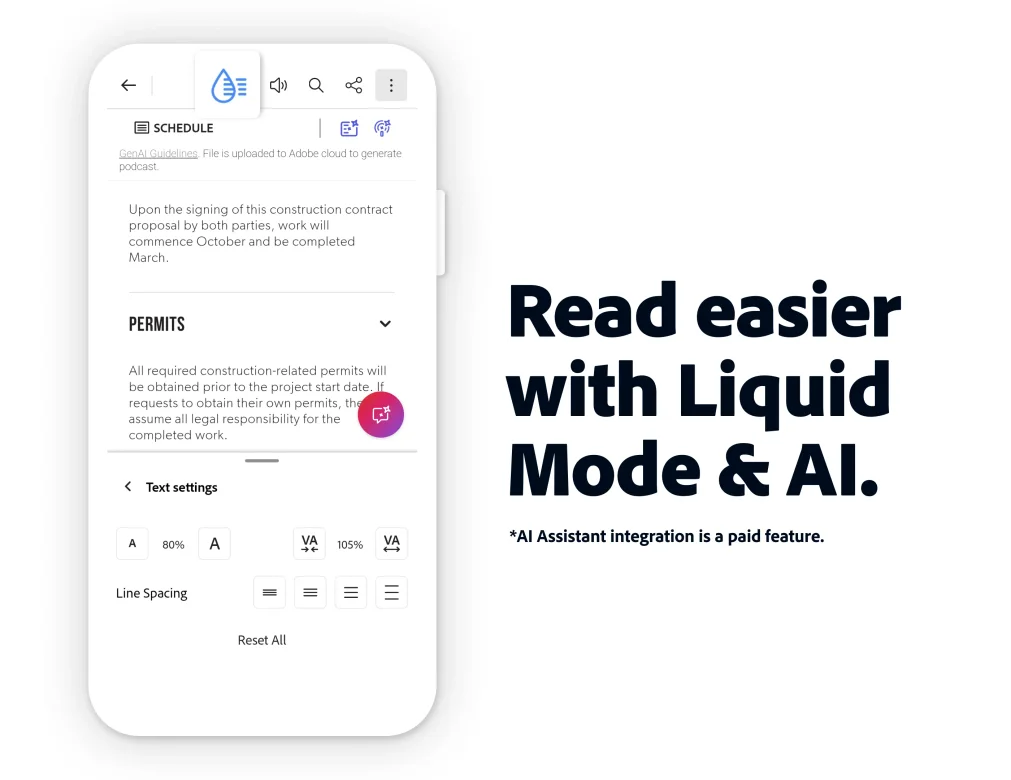
• Open and read any PDF, and use Liquid Mode to fit the text to your screen
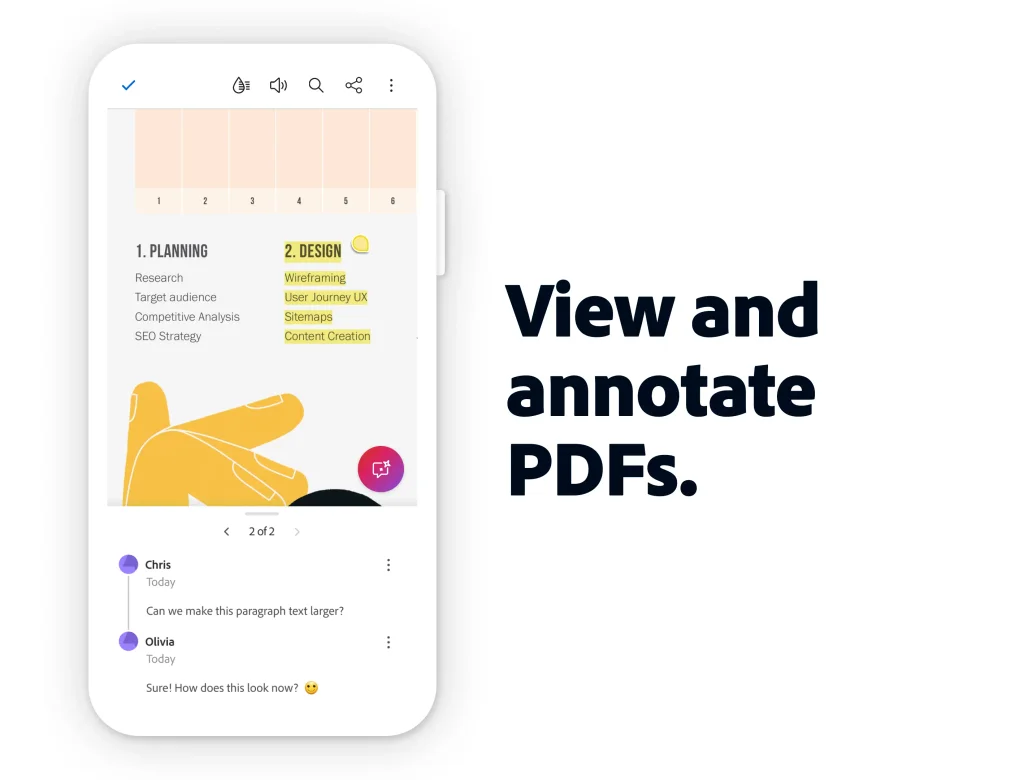
• Highlight text and add comments and sticky notes to your PDF
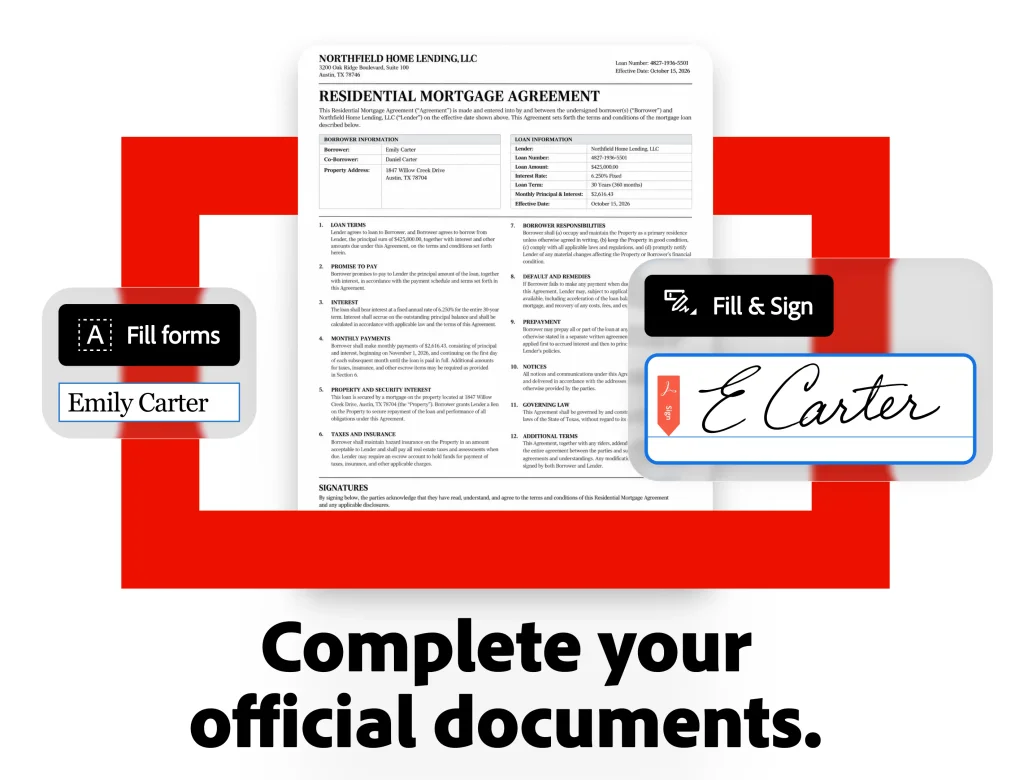
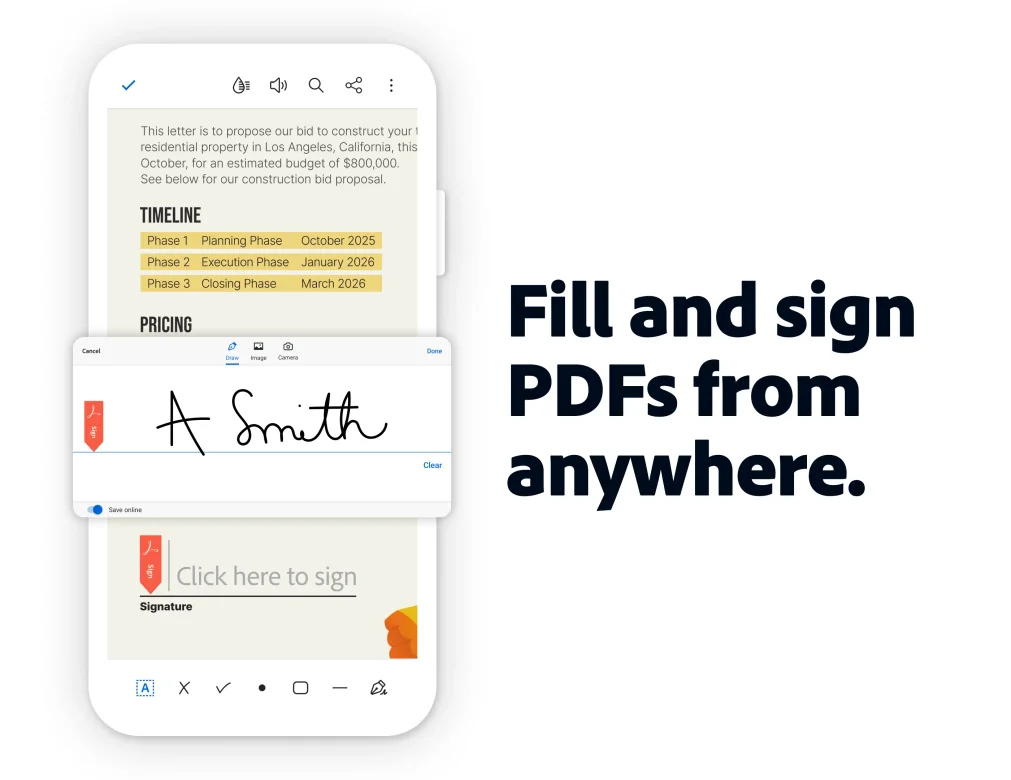
• Fill in PDF forms and sign them with your finger using Fill & Sign
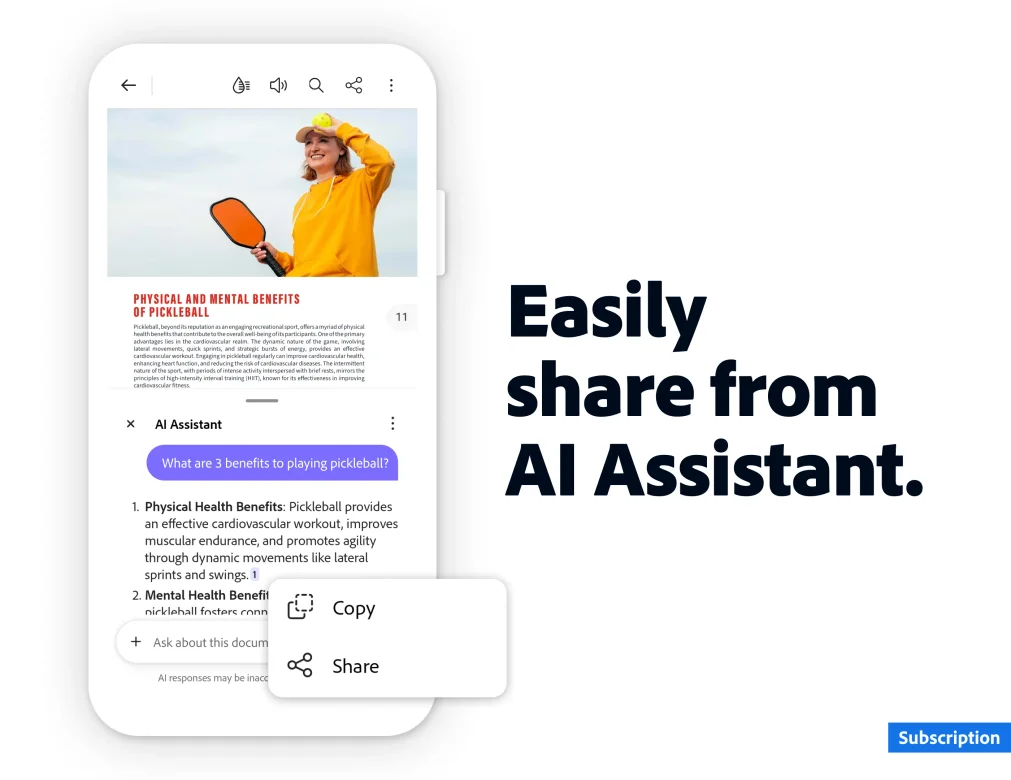
• Share PDFs straight from the app
• Open files and PDFs from your phone, email, Google Drive, OneDrive or Dropbox
• Store and manage files, and star important docs for quick access
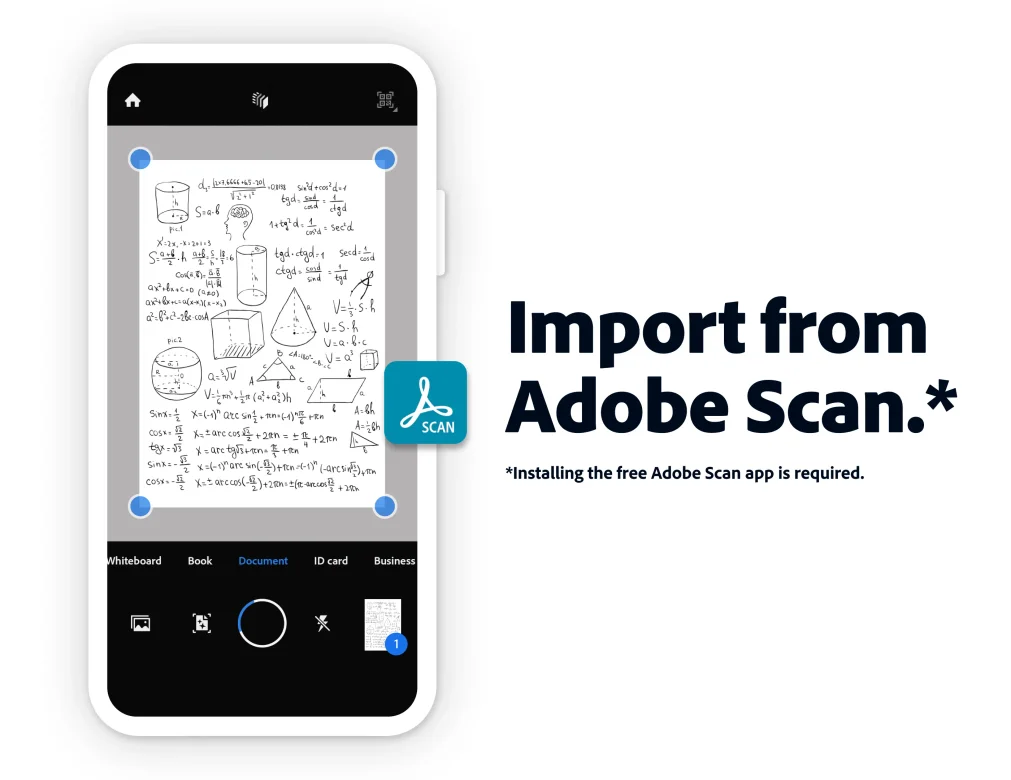
• Open scans from the free Adobe Scan app to fill in, sign, and share
Start with a 7-day free trial.
• Edit text and images, fix typos, and add paragraphs
• Create a PDF from photos, Microsoft Office files, Google Docs or web pages
• Convert PDFs to Word, Excel, PowerPoint or image files, keeping fonts and formatting
• Merge or combine PDFs into one file, like a resume and cover letter for a job application
• Make a PDF smaller so it fits an email or upload limit
• Insert, reorder, rotate, delete, extract or crop pages, or split a PDF into several files
• Turn scanned docs into searchable, editable text with OCR
• Password-protect PDFs
• Edit, compress and export files and PDFs from Google Drive
• Listen with higher-quality read-aloud voices
• Students: merge notes into one file, highlight and comment on PDFs, listen to notes, and chat with AI Assistant
• Mobile pros: open contracts and forms from email, fill and sign them, and send them back
• Small businesses: create PDF invoices, sign contracts, convert PDFs to Word files, create PDF Spaces for projects
• Android users: open PDFs from email, your browser or files on your phone, and set Acrobat Reader as your default PDF app. Plus, listen to PDFs through Android Auto for hands-free reading on the road
Paid feature*, free for a limited time.
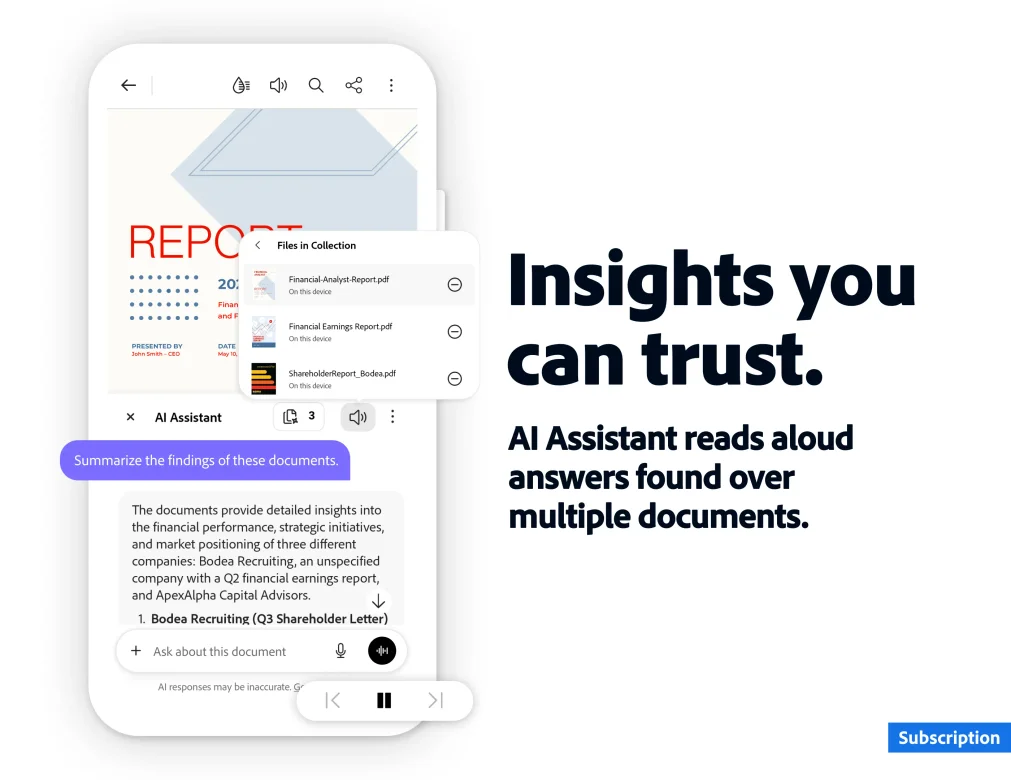
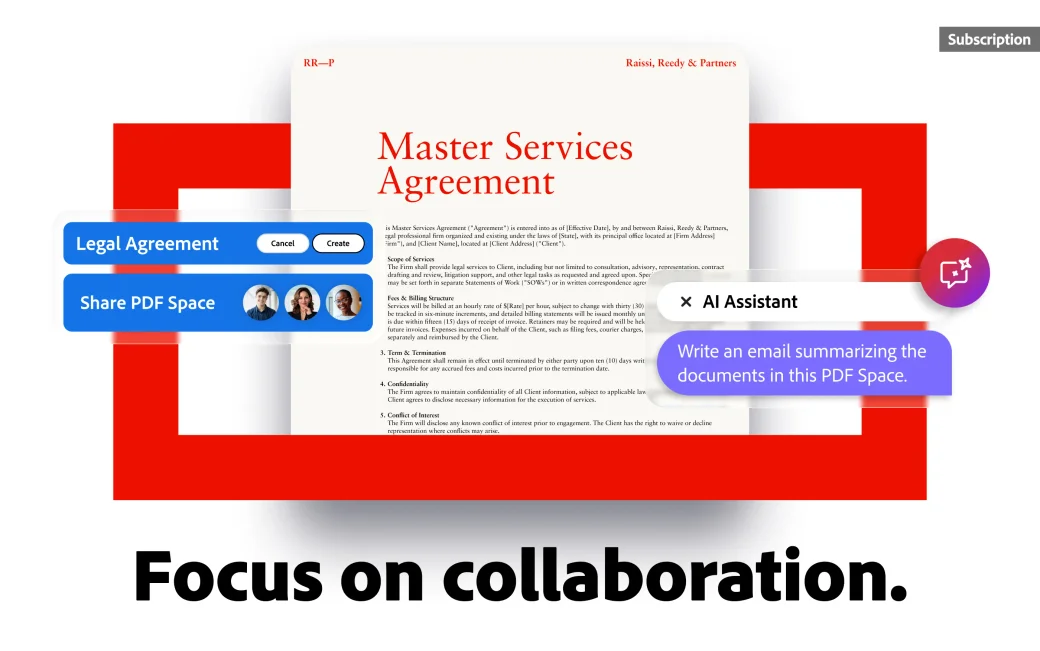
• Work across multiple files in one place with PDF Spaces. Collaborate, store and use AI Assistant across files
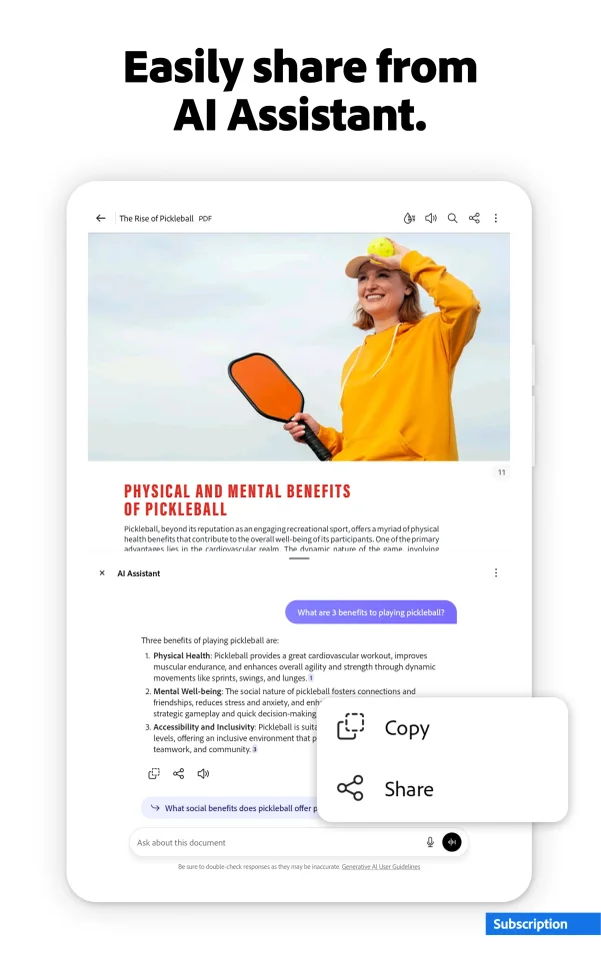
• Use voice or text prompts with AI Assistant chatbot and have answers read aloud
• Ask questions and get cited answers about info in your PDF docs, including charts, graphs and tables
• Instantly generate summaries from your PDFs
• Get content for emails, text, study notes, blogs and more
Collaborate and share files in PDF Spaces, turn your doc summaries into podcast-style audio, and create standout content in Acrobat Reader with design and editor tools powered by Adobe Express
Is Acrobat Reader free?
Yes. You can open, read, fill in and sign PDFs for free
Do I need an Adobe account?
No. You can read PDFs without one. Sign in with a free Adobe account to store files in Adobe Document Cloud storage, access them across devices and use more tools.
Can I turn off AI features?
Yes. AI Assistant features are optional, and you can turn them off in Preferences
The Acrobat Reader mobile app is designed to work with customers who have Enterprise Mobility Management (EMM) enabled.
*An Adobe Acrobat AI Assistant add-on plan is available to Acrobat Individual customers.
Terms & Conditions: Your use of this application is governed by the Adobe General Terms of Use http://www.adobe.com/go/terms_en and the Adobe Privacy Policy http://www.adobe.com/go/privacy_policy_en Do not sell or share my personal information www.adobe.com/go/ca-rights
You also don’t need a subscription to read, fill in or sign PDFs.
Need to do more? With Acrobat Premium, you can edit text, create PDFs from photos and files, convert PDFs to Word, Excel or PowerPoint, combine PDFs into one file and reorder pages.
Free in Acrobat Reader
PDF viewer and PDF signer
• Open and read any PDF, and use Liquid Mode to fit the text to your screen
• Highlight text and add comments and sticky notes to your PDF
• Fill in PDF forms and sign them with your finger using Fill & Sign
• Share PDFs straight from the app
• Open files and PDFs from your phone, email, Google Drive, OneDrive or Dropbox
• Store and manage files, and star important docs for quick access
• Open scans from the free Adobe Scan app to fill in, sign, and share
With Acrobat Premium
PDF editor and PDF converterStart with a 7-day free trial.
• Edit text and images, fix typos, and add paragraphs
• Create a PDF from photos, Microsoft Office files, Google Docs or web pages
• Convert PDFs to Word, Excel, PowerPoint or image files, keeping fonts and formatting
• Merge or combine PDFs into one file, like a resume and cover letter for a job application
• Make a PDF smaller so it fits an email or upload limit
• Insert, reorder, rotate, delete, extract or crop pages, or split a PDF into several files
• Turn scanned docs into searchable, editable text with OCR
• Password-protect PDFs
• Edit, compress and export files and PDFs from Google Drive
• Listen with higher-quality read-aloud voices
Who Acrobat Reader is made for
• Students: merge notes into one file, highlight and comment on PDFs, listen to notes, and chat with AI Assistant
• Mobile pros: open contracts and forms from email, fill and sign them, and send them back
• Small businesses: create PDF invoices, sign contracts, convert PDFs to Word files, create PDF Spaces for projects
• Android users: open PDFs from email, your browser or files on your phone, and set Acrobat Reader as your default PDF app. Plus, listen to PDFs through Android Auto for hands-free reading on the road
Adobe Acrobat AI Assistant
Paid feature*, free for a limited time.
• Work across multiple files in one place with PDF Spaces. Collaborate, store and use AI Assistant across files
• Use voice or text prompts with AI Assistant chatbot and have answers read aloud
• Ask questions and get cited answers about info in your PDF docs, including charts, graphs and tables
• Instantly generate summaries from your PDFs
• Get content for emails, text, study notes, blogs and more
What’s new in Acrobat Reader
Collaborate and share files in PDF Spaces, turn your doc summaries into podcast-style audio, and create standout content in Acrobat Reader with design and editor tools powered by Adobe Express
Frequently asked questions
Is Acrobat Reader free?
Yes. You can open, read, fill in and sign PDFs for free
Do I need an Adobe account?
No. You can read PDFs without one. Sign in with a free Adobe account to store files in Adobe Document Cloud storage, access them across devices and use more tools.
Can I turn off AI features?
Yes. AI Assistant features are optional, and you can turn them off in Preferences
The Acrobat Reader mobile app is designed to work with customers who have Enterprise Mobility Management (EMM) enabled.
*An Adobe Acrobat AI Assistant add-on plan is available to Acrobat Individual customers.
Terms & Conditions: Your use of this application is governed by the Adobe General Terms of Use http://www.adobe.com/go/terms_en and the Adobe Privacy Policy http://www.adobe.com/go/privacy_policy_en Do not sell or share my personal information www.adobe.com/go/ca-rights
An toàn dữ liệu
Những gì Adobe khai báo trên Google Play về dữ liệu mà ứng dụng này thu thập và chia sẻ.
- Ứng dụng này có thể chia sẻ những loại dữ liệu sau đây với bên thứ baHoạt động trong ứng dụng, Thông tin và hiệu suất của ứng dụng và Mã nhận dạng thiết bị hoặc mã nhận dạng khác
- Ứng dụng này có thể thu thập những loại dữ liệu sau đâyThông tin cá nhân, Ảnh và video và 6 loại dữ liệu khác
- Dữ liệu được mã hóa trong khi chuyển
- Bạn có thể yêu cầu xóa dữ liệu
Liên hệ nhà phát triển
- Trang webhelpx.adobe.com
- E-mailacrobat-android-support@adobe.com
- Chính sách quyền riêng tưadobe.com
- Địa chỉ345 Park Ave San Jose, CA 95110 United States
Thông tin
- Cung cấp bởi
- Adobe
- Danh mục
- Năng suất
- Cập nhật
- 18/11/2026
- Phát hành
- 24/05/2010
- Độ tuổi
- 3 tuổi trở lên
- Giá
- Miễn phí
- Mua hàng trong ứng dụng
- 26.000 ₫ - 7.850.000 ₫ mỗi mặt hàng
- Tên gói
- com.adobe.reader
Ứng dụng tương tự
-
 WhatsApp Messenger
Liên lạc
-
 Netflix
Giải trí
-
 Pinterest
Lối sống
-
 Canva: AI Photo & Video Editor
Nghệ thuật và thiết kế
-
 Photoroom: Ảnh & Video AI
Nhiếp ảnh
-
 Microsoft Outlook
Năng suất
-
 Zoom Workplace
Doanh nghiệp
-
 ChatGPT
Năng suất
-
 Duolingo: Ngoại ngữ & Cờ vua
Giáo dục
-
 Adobe Express: AI Photo, Video
Nghệ thuật và thiết kế
-
 Google Tài liệu
Năng suất
-
 Microsoft OneDrive
Năng suất