DeskIn Remote Desktop
ZULER TECHNOLOGY PTE. LTD.Mua hàng trong ứng dụng
- 3 tuổi trở lênĐộ tuổi
- Năng suấtDanh mục
- 18/11/2026Cập nhật
- Miễn phíGiá
Dẫn đến trang Google Play chính thức của com.zuler.deskin. Kiểm tra lần cuối: 21/11/2026.
Ảnh chụp màn hình


Thông tin về ứng dụng này
Bản dịch tự động của Google. Ngôn ngữ gốc: Tiếng Anh (Hoa Kỳ).
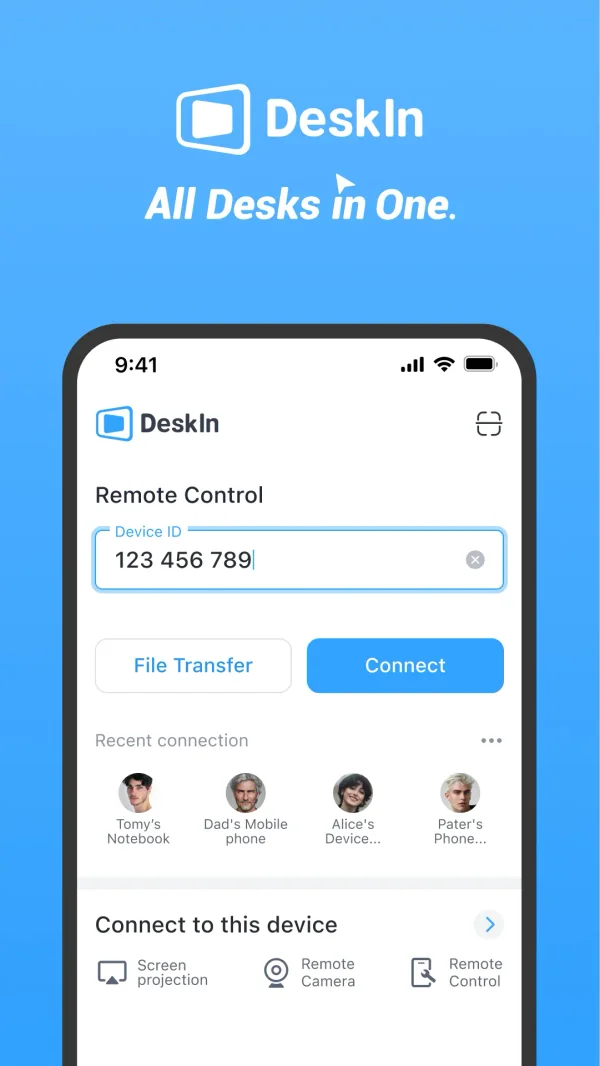
Điều khiển từ xa hệ thống chéo PC & Điện thoại. Truyền tệp, chia sẻ màn hình và hỗ trợ CNTT
DeskIn là ứng dụng máy tính từ xa miễn phí cung cấp dịch vụ truy cập từ xa nhanh chóng, an toàn và ổn định cho mục đích sử dụng cá nhân. Bạn có thể điều khiển một hoặc nhiều thiết bị từ xa từ iPad hoặc iPhone của mình bằng kết nối an toàn và ổn định. Cho dù bạn đang làm việc từ xa, hỗ trợ CNTT, thiết kế, học tập hay hỗ trợ gia đình và bạn bè, DeskIn đều giúp bạn trở nên hiệu quả và năng suất hơn.
Tại sao nên dùng DeskIn?
1. Nhiều tính năng: Truy cập từ xa, truyền tệp, phản chiếu màn hình, trò chuyện bằng giọng nói theo thời gian thực, chơi game từ xa, điều khiển thiết bị di động—hoàn hảo cho công việc và giải trí!
2. Hiệu suất tuyệt vời: 4K60FPS/2K144FPS siêu HD, độ trễ gần bằng không <40ms
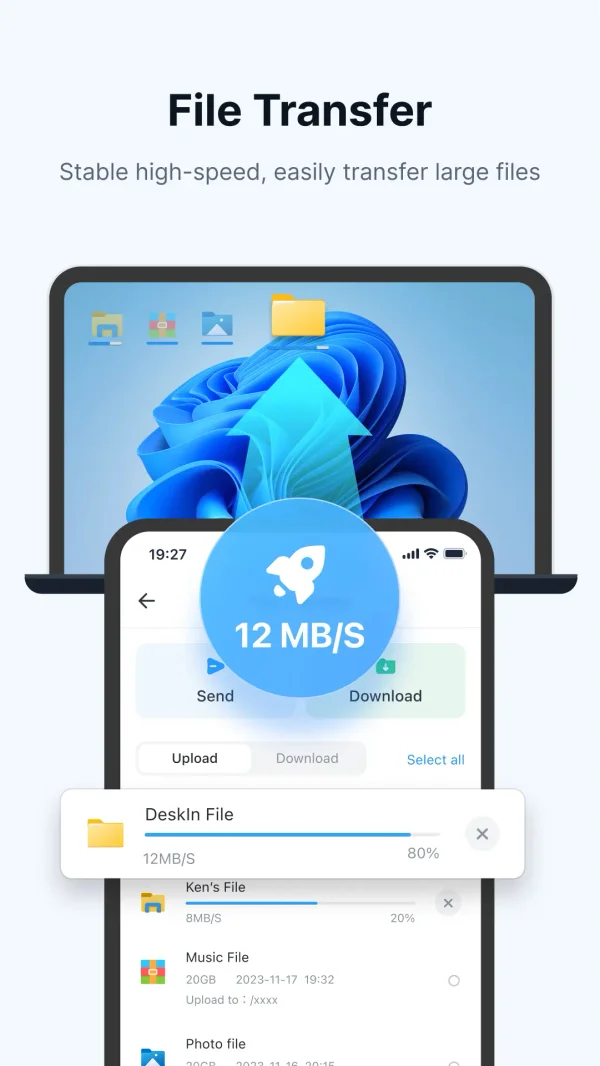
3. Nhanh & Ổn định: Kết nối tốc độ cao không bị rớt, tốc độ truyền tệp 12MB/giây
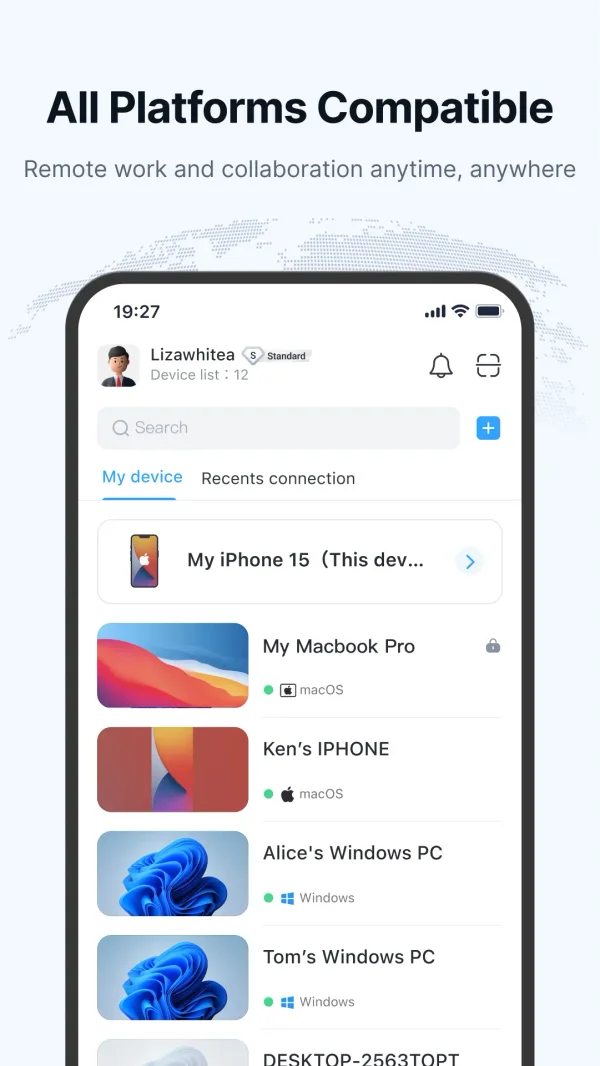
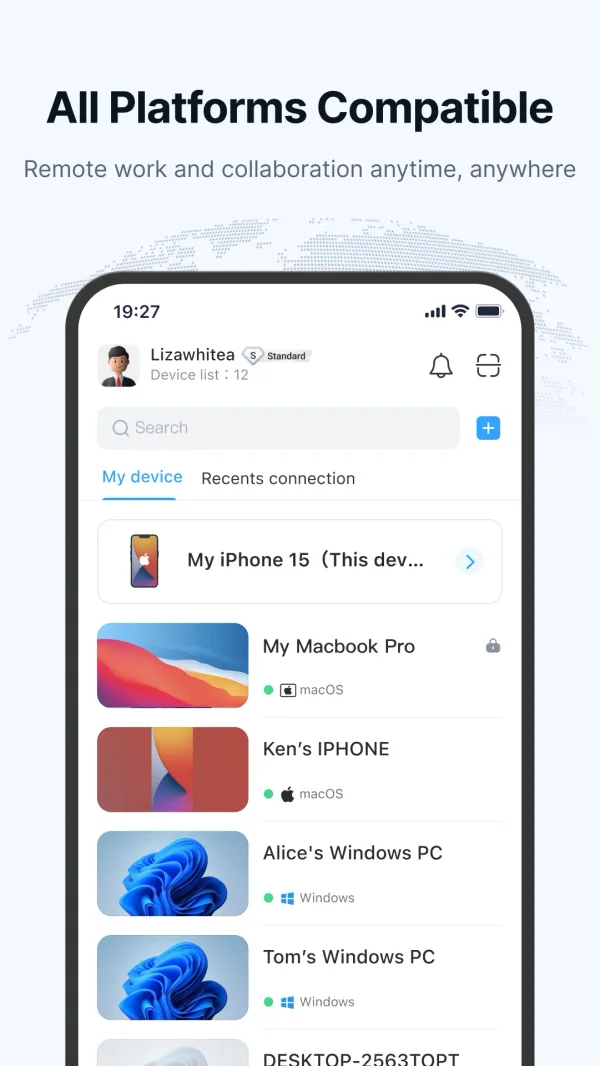
4. Đa nền tảng: Tương thích với tất cả các hệ điều hành và thiết bị chính—kết nối liền mạch
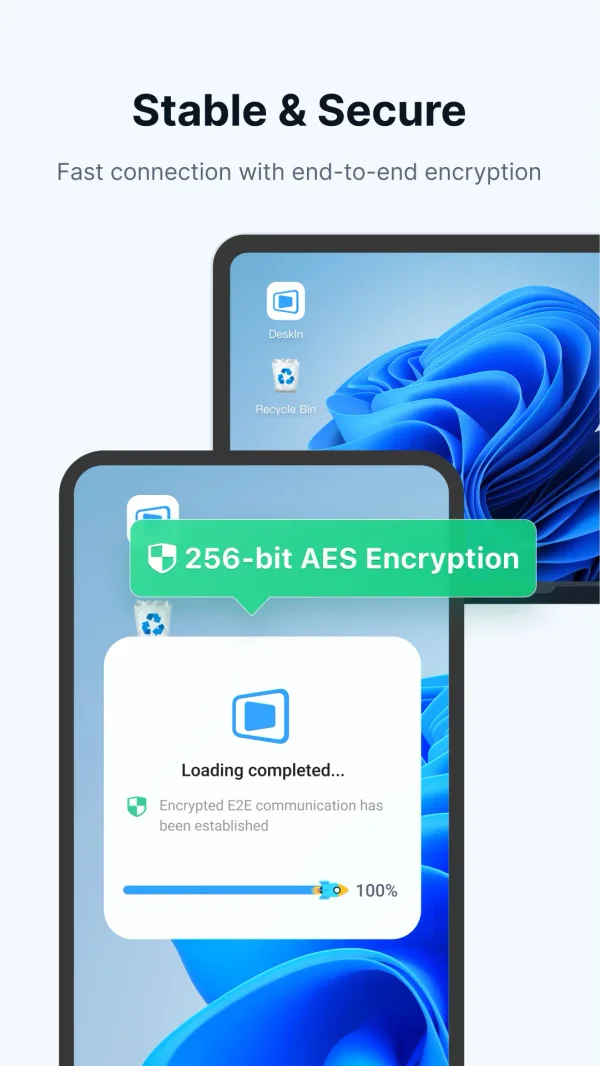
5. An toàn & Linh hoạt: Mã hóa E2E cấp ngân hàng, xác thực hai yếu tố, danh sách cho phép/chặn và mật khẩu tùy chỉnh để truy cập không cần giám sát
Bạn có thể làm gì với DeskIn?
► Truy cập từ xa đa nền tảng
Truy cập và điều khiển từ xa máy tính (Windows 10/11, Mac) và thiết bị di động (iPhone, Android) từ điện thoại. Chạy ứng dụng Windows/Mac trên Andorid hoặc xem màn hình Android của bạn từ PC - phần mềm truy cập từ xa tốt nhất cho điện thoại Android.
► Truy cập không cần giám sát an toàn
Đặt mật khẩu bảo mật để truy cập từ xa không cần giám sát - không cần phê duyệt thủ công. Bật chế độ riêng tư để ẩn màn hình từ xa để tăng cường bảo mật.
► Truyền tệp
Truyền tệp giữa điện thoại và PC ngay lập tức. Truyền ảnh, video và tài liệu giữa điện thoại Android và PC mà không giới hạn định dạng/kích thước. In tệp từ xa cục bộ.
► Hỗ trợ CNTT từ xa
Khởi động, tắt hoặc đánh thức PC từ xa; gửi lệnh CMD. Sửa máy tính từ xa và giao tiếp theo thời gian thực - công cụ hỗ trợ CNTT từ xa tối ưu.
► Làm việc và cộng tác từ xa
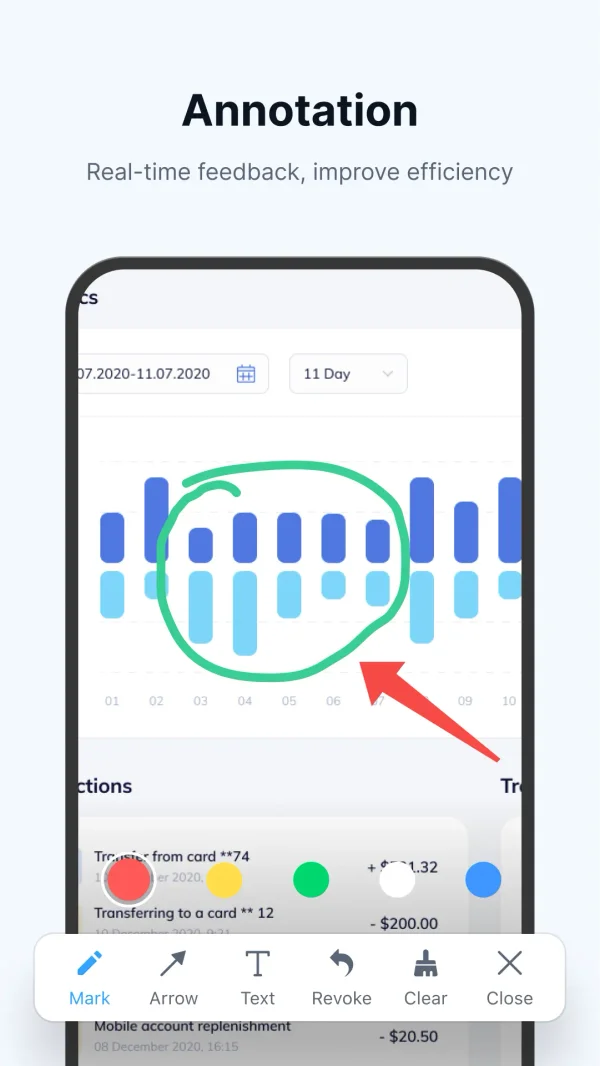
Làm việc từ mọi nơi bằng điện thoại của bạn. Chia sẻ bảng tạm, chú thích màn hình và giao tiếp liền mạch trong các phiên làm việc từ xa - phần mềm làm việc từ xa hoàn hảo.
► Phản chiếu màn hình
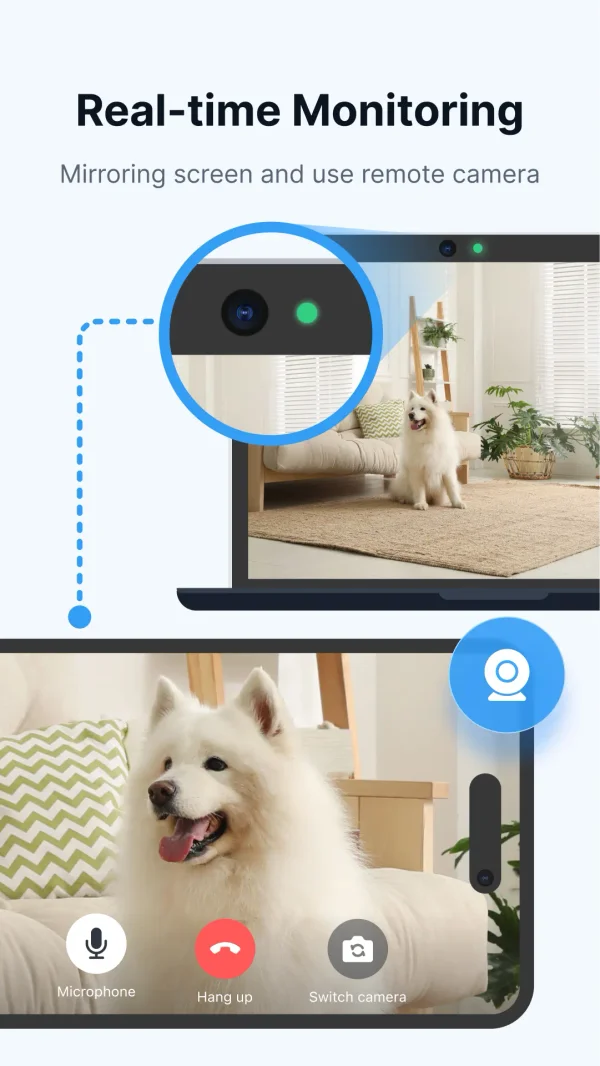
Truyền màn hình điện thoại sang PC không dây - phản chiếu màn hình Điện thoại của bạn sang Mac, PC Windows, máy tính bảng hoặc TV - không yêu cầu cùng mạng. Phần mềm phản chiếu màn hình Android tốt nhất để trình bày và chia sẻ phương tiện.
► Mở rộng màn hình
Sử dụng điện thoại/máy tính bảng làm màn hình thứ hai cho Mac/Windows - tăng năng suất với tiện ích mở rộng màn hình đa nền tảng miễn phí.
► Điều khiển di động
Ứng dụng điều khiển từ xa tốt nhất cho điện thoại Android - điều khiển thiết bị Android của bạn từ bất kỳ máy tính nào.
► Chơi game từ xa
Chơi trò chơi Steam trên điện thoại và trò chơi PC trên máy Mac với hỗ trợ gamepad, bàn phím tùy chỉnh và chuyển đổi chế độ xem 3D - chơi trò chơi mượt mà, không bị trễ.
► Thiết kế từ xa
Màn hình 4:4:4 màu thực, được tối ưu hóa cho phần mềm thiết kế và máy tính bảng vẽ kỹ thuật số.
► Màn hình ảo
Tạo và quản lý nhiều màn hình ảo từ các thiết bị từ xa - phá vỡ giới hạn phần cứng và tối đa hóa hiệu quả.
DeskIn là phần mềm máy tính để bàn từ xa miễn phí tốt nhất cho Android. Với công nghệ hàng đầu trong ngành và hiệu suất cao, DeskIn sẽ mang đến cho bạn trải nghiệm truy cập từ xa tốt nhất, trở thành giải pháp thay thế tốt nhất cho Microsoft Remote Desktop, AnyDesk, TeamViewer, Awesun, Chrome Remote Desktop và Splashtop! Hãy dùng thử ngay!
Hướng dẫn bắt đầu nhanh:
1. Cài đặt DeskIn trên thiết bị của bạn.
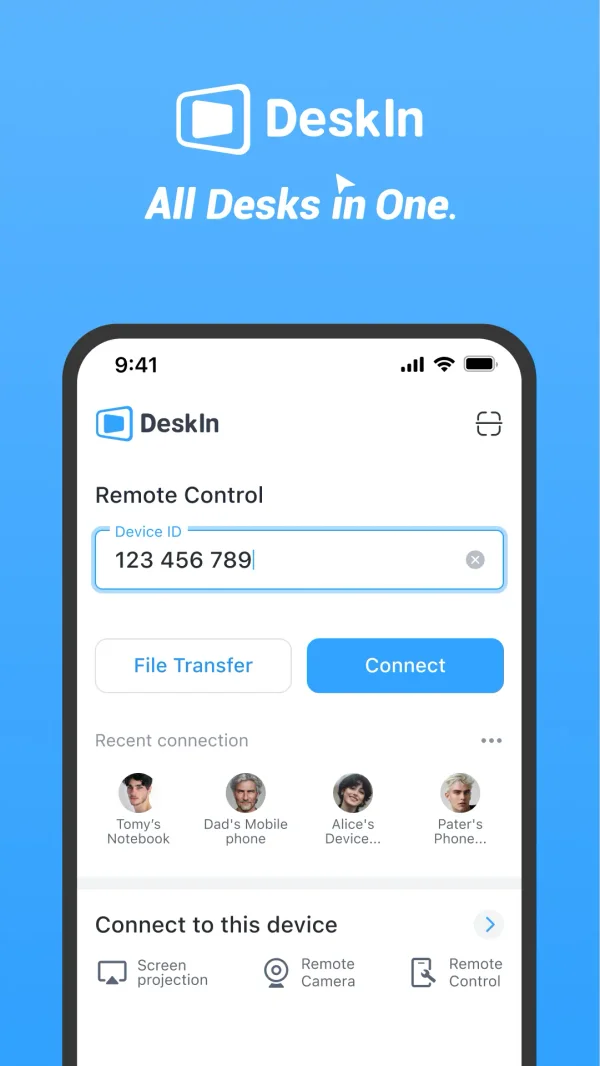
2. Đăng nhập và nhập ID và mật khẩu của thiết bị từ xa.
3. Xong! Bây giờ bạn có thể điều khiển thiết bị từ xa của mình.
DeskIn miễn phí cho mục đích sử dụng cá nhân và thương mại, chúng tôi cũng cung cấp Phiên bản doanh nghiệp mạnh mẽ, hãy truy cập deskin.io để biết thêm thông tin.
*Ứng dụng này sử dụng API AccessibilityService để cho phép điều khiển từ xa an toàn và theo thời gian thực các thiết bị Android.
Nếu bạn có bất kỳ câu hỏi hoặc đề xuất nào, hãy liên hệ với chúng tôi qua support@deskin.io.
Hiện văn bản gốc
DeskIn is a free remote desktop app providing fast, secure and stable remote access service for personal use. You can control one or multiple remote devices from your iPad or iPhone with a secure and stable connection. Whether you are in remote-working, IT support, designing, studying, or assisting your families and friends, DeskIn helps you become more efficient and productive.
Why DeskIn?
1. Feature-Rich: Remote access, file transfer, screen mirroring, real-time voice chat, remote gaming, mobile control—perfect for work and play!
2. Excellent performance: 4K60FPS/2K144FPS ultra-HD, <40ms near-zero latency
3. Fast & Stable: High-speed connection with no drops, 12MB/s file transfer speed
4. Cross-Platform: Compatible with all major OS and devices—seamless connectivity
5. Secure & Flexible: Bank-grade E2E encryption, two-factor auth, allow/block lists, and custom passwords for unattended access
What you could do with DeskIn?
► Cross-Platform Remote Access
Remotely access and control computers (Windows 10/11, Mac) and mobile devices (iPhone, Android) from phone. Run Windows/Mac apps on your Andorid or view your Android screen from a PC - the best remote access software for Android phone.
► Secure Unattended Access
Set a security password for unattended remote access - no manual approval needed. Enable privacy mode to hide the remote screen for added security.
► File Transfer
Transfer files between phone and PC instantly. Transfer photos, videos, and documents between Android phone and PC with no format/size limits. Print remote files locally.
► Remote IT Support
Start, shut down, or wake remote PCs; send CMD commands. Fix computer remotely and communicate in real time - the ultimate remote IT support tools.
► Remote Work & Collaboration
Work from anywhere with your phone. Share clipboards, annotate screens, and communicate seamlessly during remote sessions - perfect remote work software.
► Screen Mirroring
Cast screen phone to PC wirelessly - mirror your Phone screen to Mac, Windows PC, tablets or TVs - no same-network required. The best Android screen mirroring software for presentations and media sharing.
► Screen Extension
Use phone/tablet as second monitor for Mac/Windows - boost productivity with free cross-platform screen extension.
► Mobile Control
The best remote control android phone app - control your Android device from any computer.
► Remote Gaming
Play Steam games on phone and PC games on Mac with gamepad support, customizable keyboards, and 3D view switching - smooth, lag-free gameplay.
► Remote Design
True-color 4:4:4 display, optimized for design software and digital drawing tablets.
► Virtual Screens
Create and manage multiple virtual screens from remote devices - break hardware limits and maximize efficiency.
DeskIn is the best free remote desktop software for Android. With industrial leading technology and high-performance, DeskIn will give you the best remote access experience, making it the best alternative to Microsoft Remote Desktop, AnyDesk, TeamViewer, Awesun, Chrome Remote Desktop, and Splashtop! Try it now!
Quick start guide:
1. Install DeskIn on your devices.
2. Sign in and enter ID and password of remote device.
3. Done! Now you can control your remote device.
DeskIn is free for personal and commercial use, we also provide powerful Enterprise Edition, visit deskin.io for more information.
*This app uses the AccessibilityService API to enable secure and real-time remote control of Android devices.
If you have any questions or suggestion, contact us by support@deskin.io.
An toàn dữ liệu
Những gì ZULER TECHNOLOGY PTE. LTD. khai báo trên Google Play về dữ liệu mà ứng dụng này thu thập và chia sẻ.
- Ứng dụng này có thể chia sẻ những loại dữ liệu sau đây với bên thứ baĐịa chỉ
- Ứng dụng này có thể thu thập những loại dữ liệu sau đâyNhật ký tìm kiếm trong ứng dụng
- Dữ liệu được mã hóa trong khi chuyển
- Bạn có thể yêu cầu xóa dữ liệu
Có gì mới
Phiên bản 3.3.5.2 · 18/11/2026
∙ Fixed several known issues
Liên hệ nhà phát triển
- Trang webdeskin.io
- E-mailsupport@deskin.io
- Chính sách quyền riêng tưdeskin.io
- Địa chỉ991D alexandra road, #2-17 Singapore 119972
Thông tin
- Cung cấp bởi
- ZULER TECHNOLOGY PTE. LTD.
- Danh mục
- Năng suất
- Phiên bản
- 3.3.5.2
- Cập nhật
- 18/11/2026
- Phát hành
- 01/07/2022
- Yêu cầu
- Android 6.0 trở lên
- Độ tuổi
- 3 tuổi trở lên
- Giá
- Miễn phí
- Mua hàng trong ứng dụng
- 210.000 ₫ - 7.650.000 ₫ mỗi mặt hàng
- Tên gói
- com.zuler.deskin