Epson Spectrometer
Seiko Epson Corporation- 3 tuổi trở lênĐộ tuổi
- Công cụDanh mục
- 10/06/2026Cập nhật
- Miễn phíGiá
Dẫn đến trang Google Play chính thức của com.epson.spectrometer. Kiểm tra lần cuối: 27/11/2026.
Ảnh chụp màn hình
Thông tin về ứng dụng này
Bản dịch tự động của Google. Ngôn ngữ gốc: Tiếng Anh (Hoa Kỳ).
Đây là một ứng dụng dành riêng cho máy quang phổ SD-10 của Epson.
Đây là một ứng dụng dành riêng cho máy quang phổ Epson SD-10.
[Đặc trưng]
- SD-10 di động, nhỏ gọn và dễ sử dụng hợp tác với ứng dụng này cho phép bạn không chỉ đo màu của các tài liệu in trong nhà và Bộ sưu tập màu mà còn đo các biển báo và bảng thông báo ngoài trời.
- Bạn có thể nhập dữ liệu đo vào ứng dụng mà không cần kết nối cáp phức tạp.
- Bạn có thể quản lý các màu được nhập vào ứng dụng của mình dưới dạng màu tham chiếu, kiểm tra chúng bằng cách so sánh với Bộ sưu tập màu và kiểm tra xem máy in bạn đang sử dụng có thể tái tạo các màu đó hay không.
[Những đặc điểm chính]
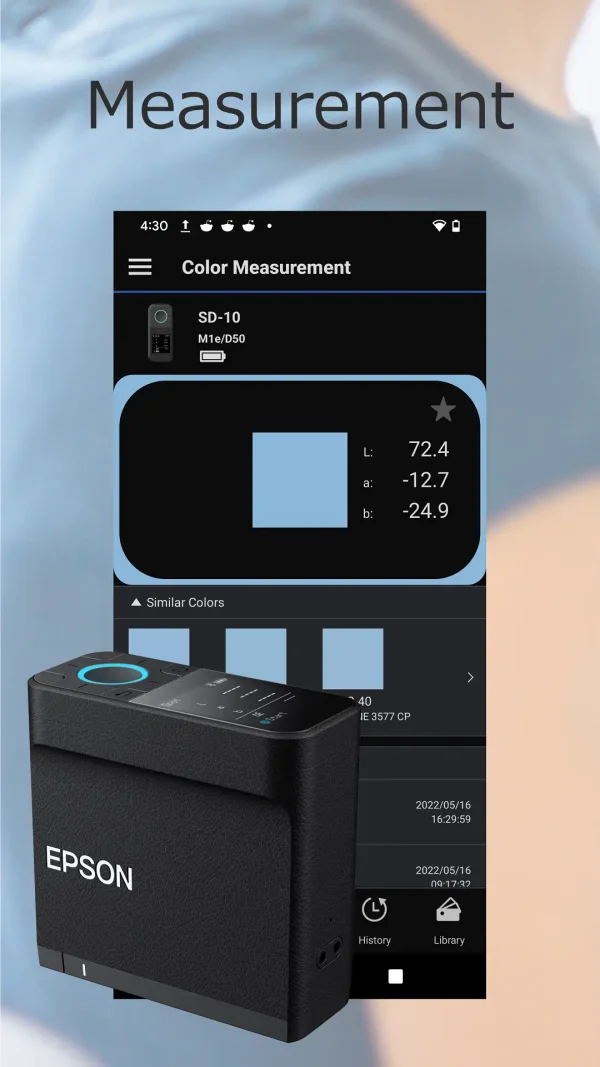
Đo màu:
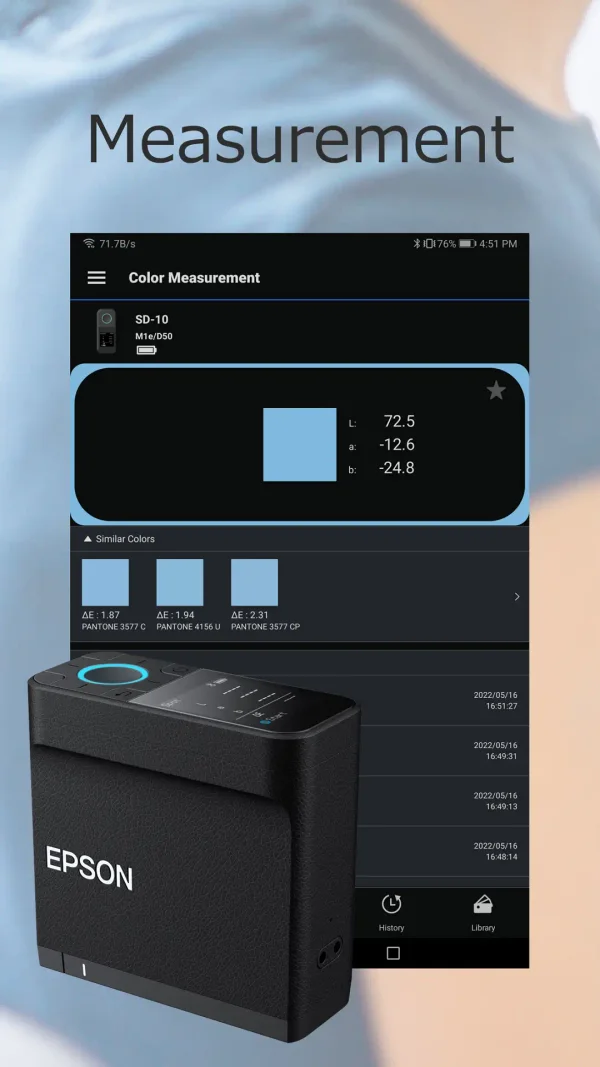
- Công nghệ cảm biến nguyên bản của Epson thực hiện phép đo màu có độ chính xác cao chỉ bằng một cú chạm trong ứng dụng này.
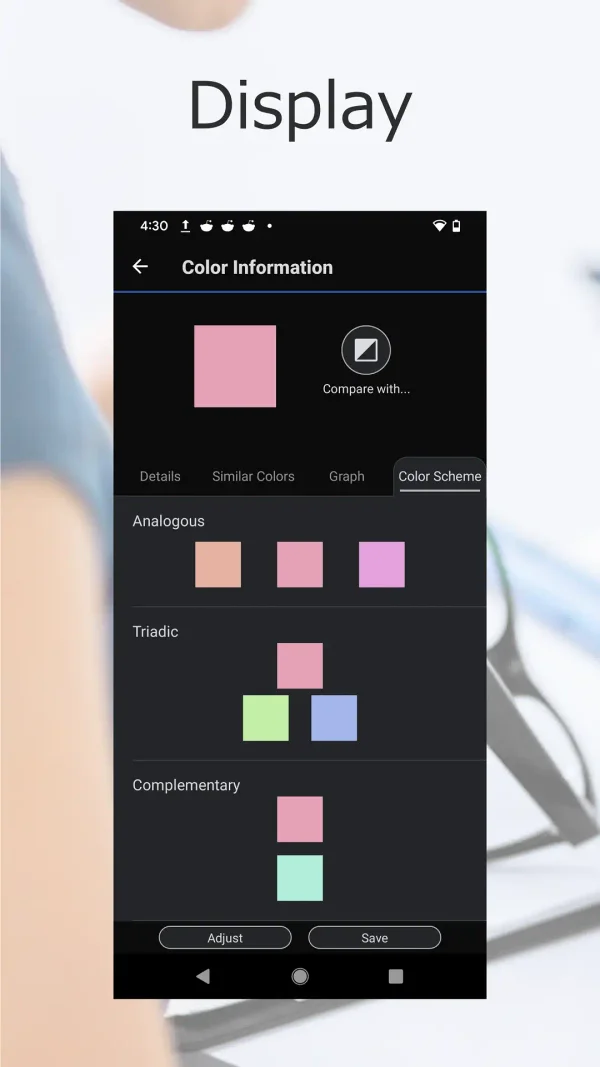
Trưng bày:
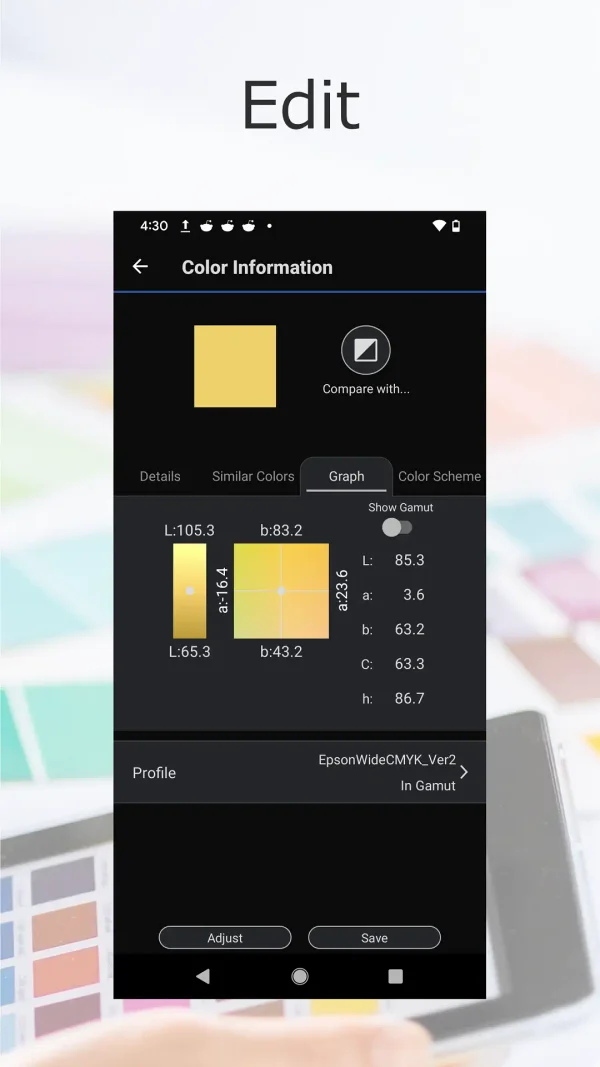
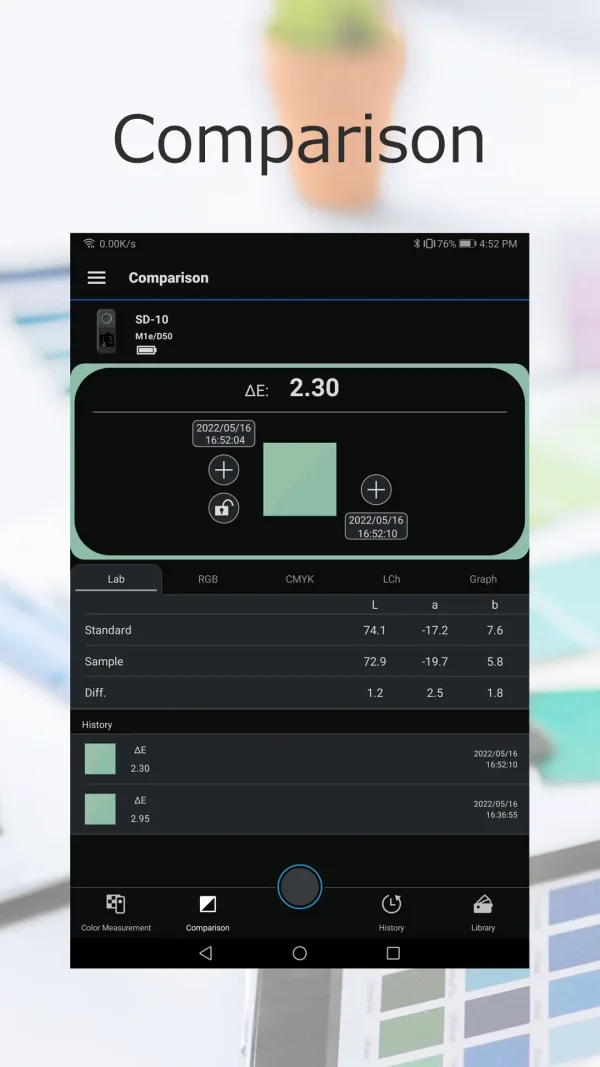
- Hiển thị màu sắc đo được trong nhiều không gian màu khác nhau (Lab, LCh, RGB, CMYK và LRV).
- Tìm kiếm và hiển thị các màu gần đúng từ Bộ sưu tập màu PANTONE® được cung cấp cùng với ứng dụng này.
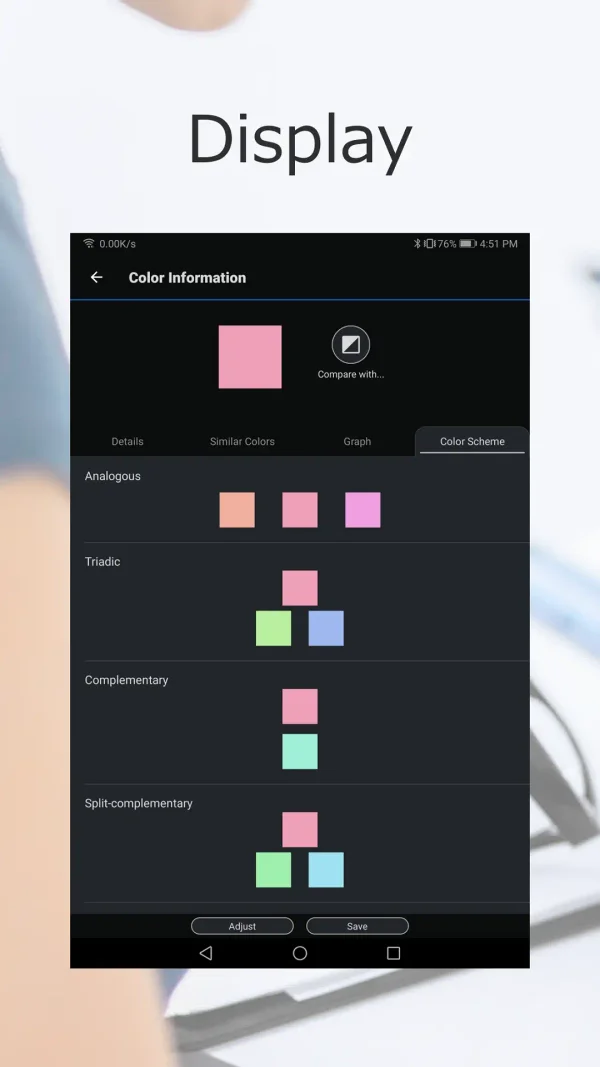
- Gợi ý màu sắc hài hòa với màu đo.
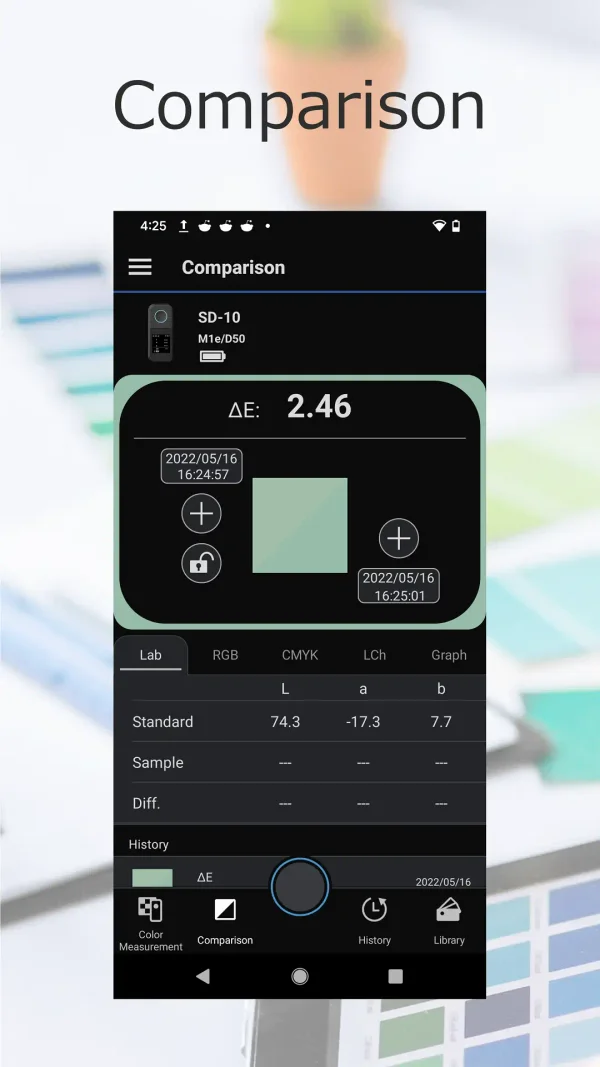
So sánh:
- So sánh các màu được đo với Bộ sưu tập màu để xác định sự khác biệt về màu sắc.
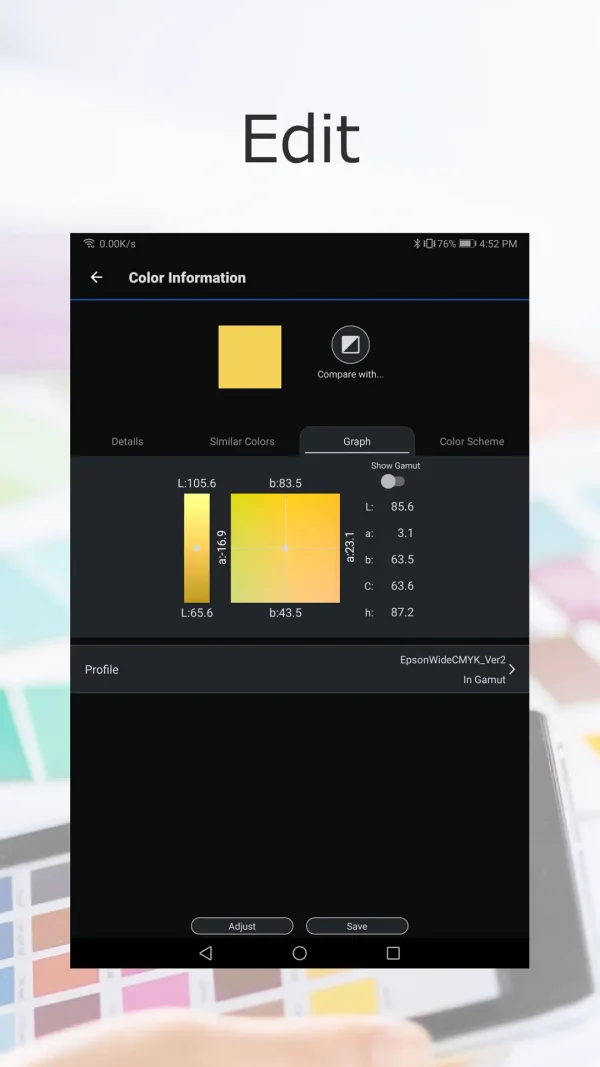
- Xác định xem màu đo được có thể được tái tạo bằng máy in bạn đang sử dụng hay không.
Điều chỉnh:
- Điều chỉnh số đo màu để tạo ra màu khác.
Quản lý:
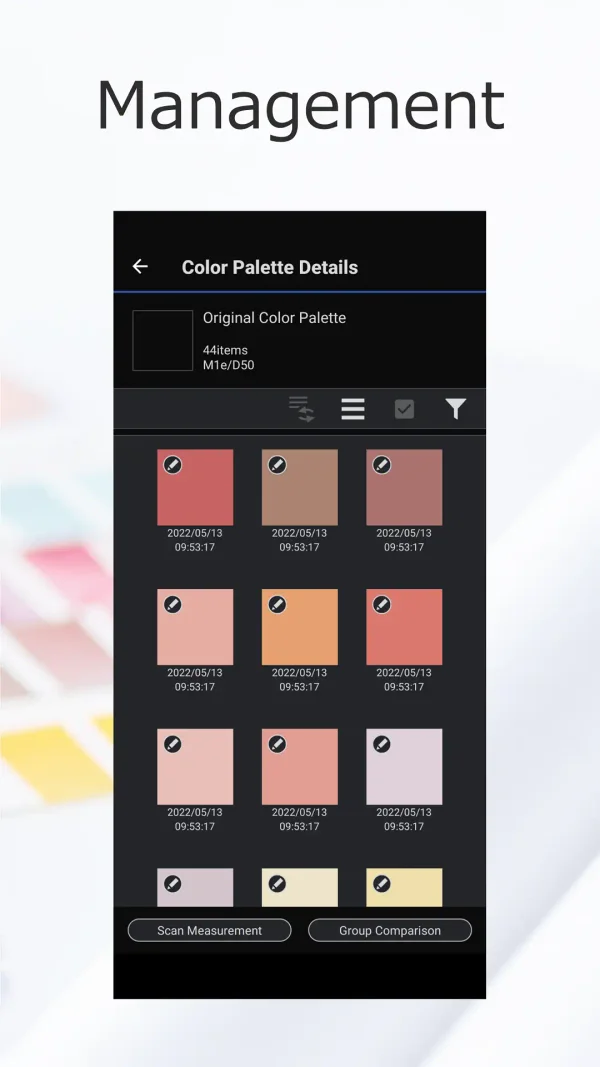
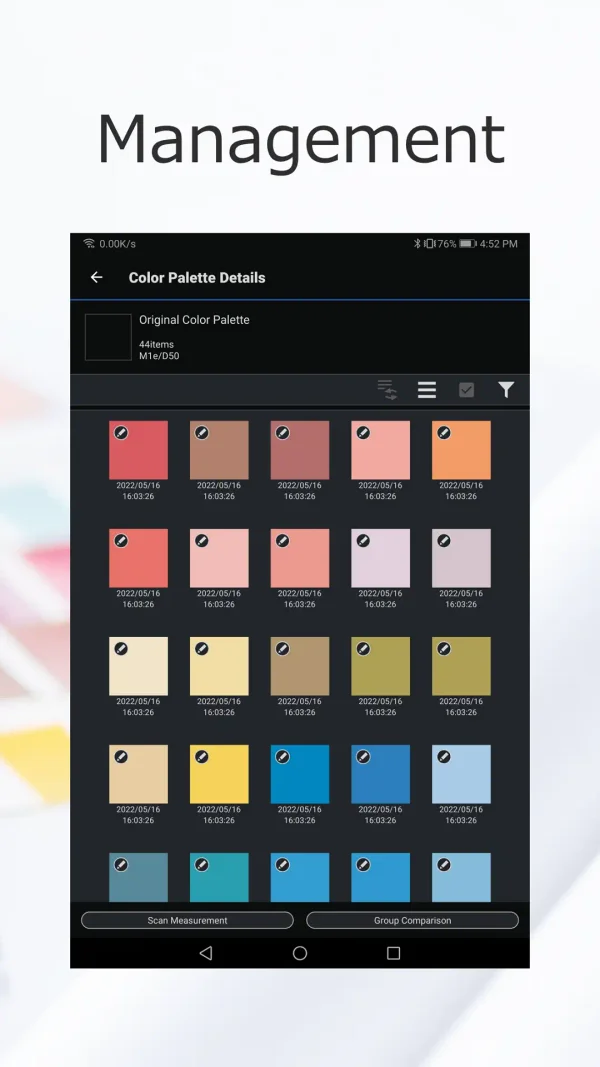
- Thêm nhiều thông tin (yêu thích, vị trí, ảnh và ghi chú) vào màu sắc được đo.
- Tạo Bộ sưu tập màu (Bảng màu) phù hợp với nhu cầu của bạn.
Tính năng liên kết:
- Tạo các tệp Color Swatch và Color Book có thể được nhập vào Adobe® Illustrator® và Photoshop®.
[Ghi chú]
- Cần có máy quang phổ Epson SD-10 để sử dụng ứng dụng này.
- Ứng dụng này kết nối với SD-10 bằng Bluetooth®.
- Những email như "Gửi email cho nhà phát triển" sẽ được sử dụng để cải thiện dịch vụ trong tương lai. Thật không may, chúng tôi không thể trả lời các câu hỏi cá nhân.
Hãy truy cập trang web sau để kiểm tra thỏa thuận cấp phép liên quan đến việc sử dụng ứng dụng này.
https://support.epson.net/terms/lfp/swinfo.php?id=7090
Hiện văn bản gốc
This is a dedicated app for the Epson SD-10 spectrophotometer.
[Features]
- The portable, compact, and easy to use SD-10 partnered with this app allows you to not only measure the color of indoor printed materials and Color Collections, but also measure outdoor signs and bulletin boards.
- You can import measurement data to the app without complicated cable connections.
- You can manage the colors imported to your app as reference colors, inspect them by comparing with a Color Collection, and check if the colors can be reproduced by the printer you are using.
[Main Features]
Color measurement:
- Epson's original sensing technology realizes high-precision color measurement with a single tap in this app.
Display:
- Displays the measured colors in a variety of color spaces (Lab, LCh, RGB, CMYK, and LRV).
- Searches and displays approximate colors from the PANTONE® Color Collection provided with this app.
- Suggests colors that harmonize with the measured color.
Comparison:
- Compares measured colors to a Color Collection to determine the color difference.
- Determines if the measured color can be reproduced by the printer you are using.
Adjust:
- Adjust color measurements to create a different color.
Manage:
- Add a variety of information (favorites, location, photos, and notes) to measured colors.
- Create Color Collections (Color Palettes) to suit your needs.
Linking features:
- Create Color Swatch and Color Book files that can be imported into Adobe® Illustrator® and Photoshop®.
[Notes]
- The Epson SD-10 spectrophotometer is required to use this app.
- This app connects to the SD-10 by Bluetooth®.
- Emails such as "Send emails to developers" will be used for future service improvements. Unfortunately, we cannot reply to individual inquiries.
Visit the following website to check the license agreement regarding the use of this application.
https://support.epson.net/terms/lfp/swinfo.php?id=7090
An toàn dữ liệu
Những gì Seiko Epson Corporation khai báo trên Google Play về dữ liệu mà ứng dụng này thu thập và chia sẻ.
- Ứng dụng này có thể chia sẻ những loại dữ liệu sau đây với bên thứ baMã nhận dạng thiết bị hoặc mã nhận dạng khác
- Ứng dụng này có thể thu thập những loại dữ liệu sau đâyVị trí và Ảnh và video
- Dữ liệu được mã hóa trong khi chuyển
- Không thể xóa dữ liệu
Có gì mới
Phiên bản 1.12.0 · 10/06/2026
This release brings some improvements to make the app more stable.
Liên hệ nhà phát triển
- E-mailFeedback-AndroidAppsPrn@exc.epson.co.jp
- Chính sách quyền riêng tưsupport.epson.net
- Địa chỉ日本 〒160-0022 東京都SHINJUKU-KU 4-1-6, SHINJUKU JR SHINJUKU MIRAI TOWER 29F
Thông tin
- Cung cấp bởi
- Seiko Epson Corporation
- Danh mục
- Công cụ
- Phiên bản
- 1.12.0
- Cập nhật
- 10/06/2026
- Phát hành
- 25/06/2021
- Yêu cầu
- Android 11 trở lên
- Độ tuổi
- 3 tuổi trở lên
- Giá
- Miễn phí
- Tên gói
- com.epson.spectrometer