MobiPDF: PDF Editor & Scanner
MobiSystemsChứa quảng cáo · Mua hàng trong ứng dụng
- 3 tuổi trở lênĐộ tuổi
- Năng suấtDanh mục
- 16/11/2026Cập nhật
- Miễn phíGiá
Dẫn đến trang Google Play chính thức của com.mobisystems.mobiscanner. Kiểm tra lần cuối: 26/11/2026.
Ảnh chụp màn hình

Thông tin về ứng dụng này
Nhà phát triển chưa cung cấp nội dung này bằng ngôn ngữ của bạn.
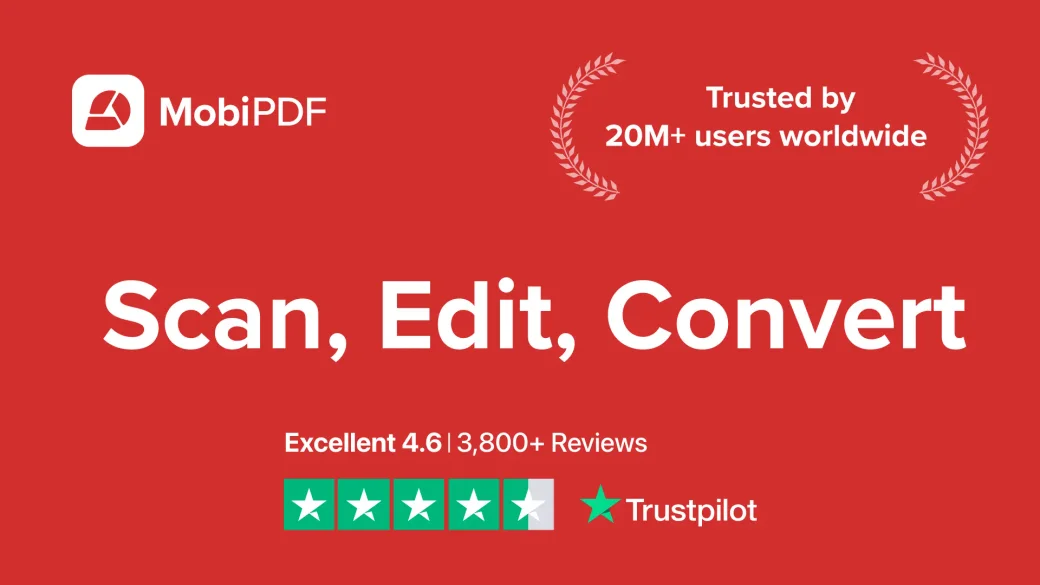
Read, scan, edit & sign PDFs, OCR, convert PDF to Word, annotate & merge PDFs
MobiPDF Editor and Scanner gives you a powerful collection of expert tools to quickly and easily view, review, edit, create, and secure PDFs on your phone, wherever you are.
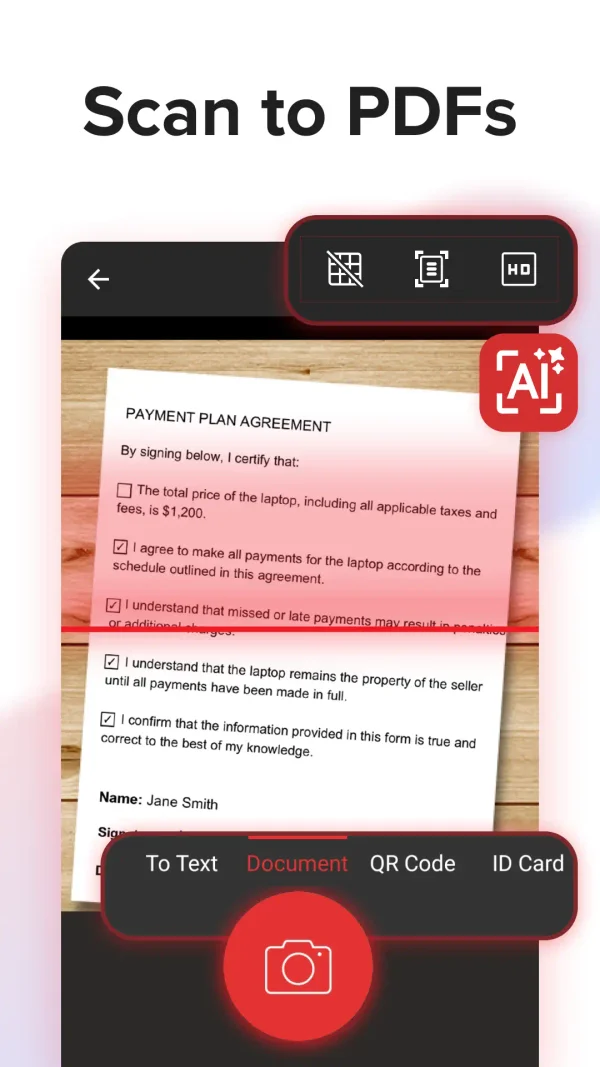
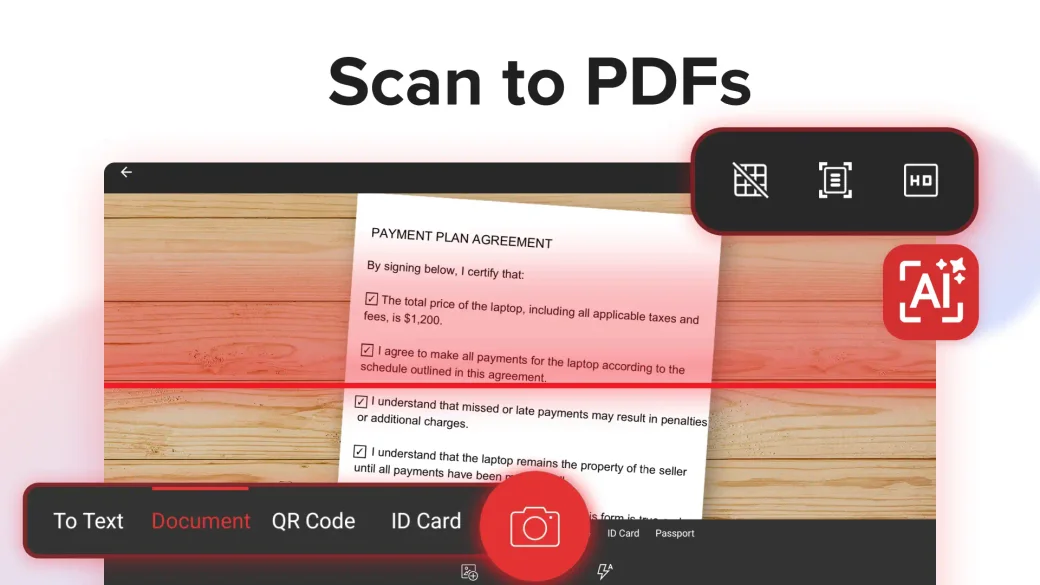
📃 AI-Powered Scan to PDF
Experience AI-powered scanning with enhanced edge detection and capture clear scans of your paper documents to convert them into editable PDF files. From receipts and contracts to invoices, notes, certificates, reports, IDs, and passports, MobiPDF delivers fast and reliable scanning.
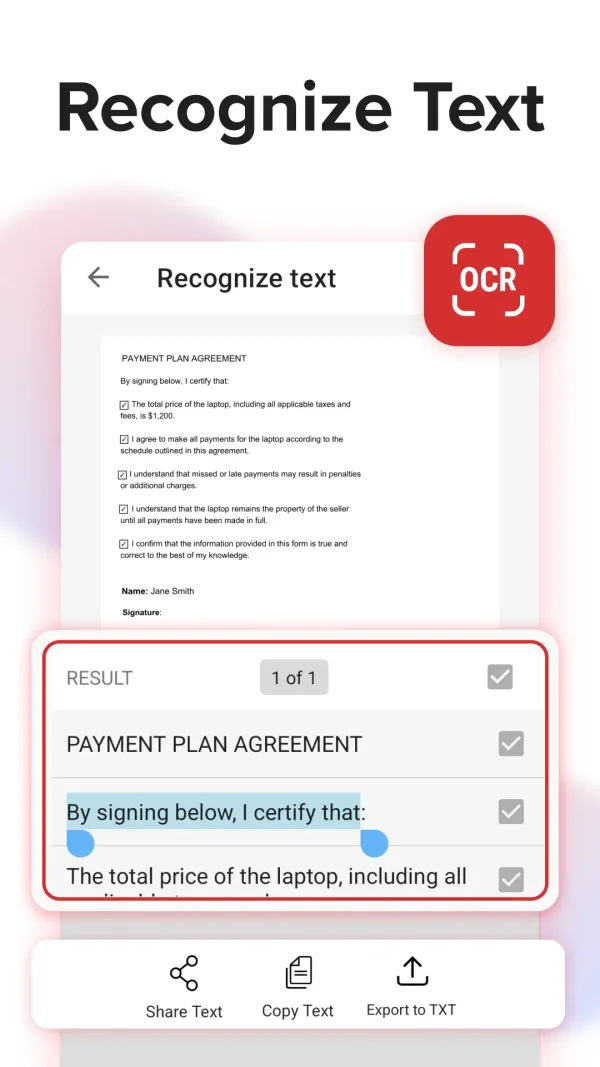
👁️ Recognize text (OCR)
Utilize OCR technology to recognize text from scans and images and easily share the recognized text by email, messaging apps, or upload it to the cloud.
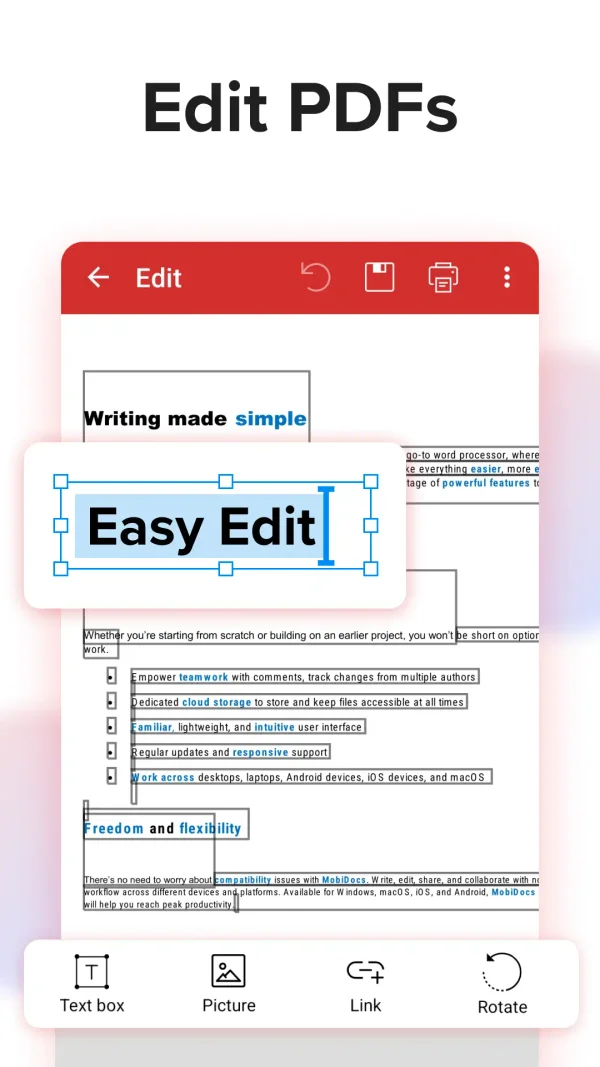
✏️ Edit PDF files
Access one of the most advanced mobile PDF editors on the market and edit PDFs, create blank PDFs, and insert, remove, or modify various document aspects including text, pictures, signatures, comments, drawings, certificates, and more.
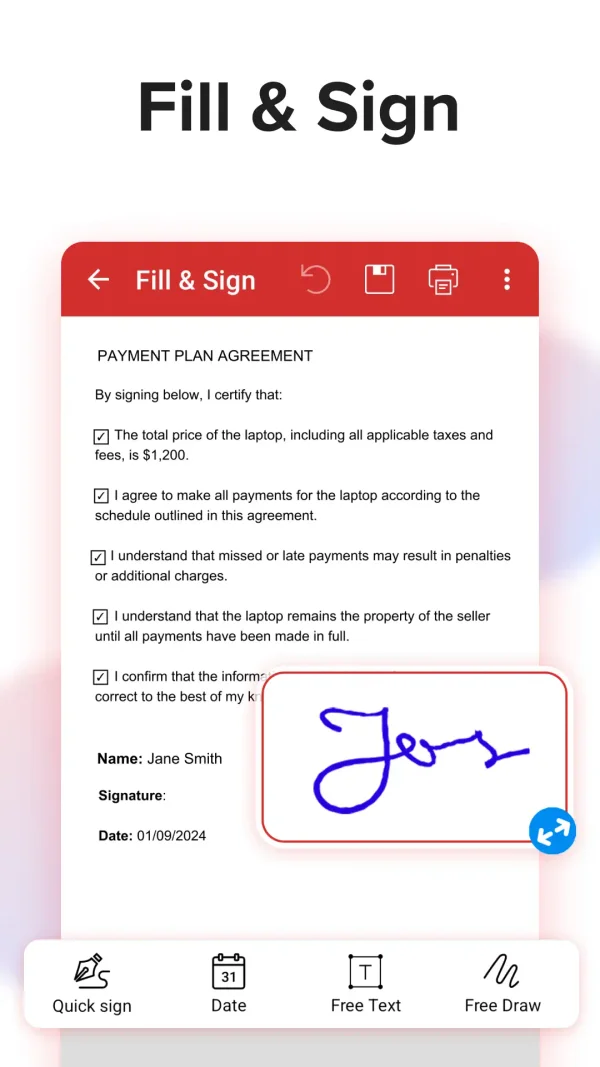
✒️ Fill and Sign
Fill out and share forms and sign documents on the go with advanced support for fillable PDFs, enabling you to draw your signature directly on documents or reuse saved electronic signatures while making all the changes you need.
🖨️ Print PDFs
Print PDF documents wirelessly straight from your phone.
➕ Convert PDFs
Convert PDFs to Word, Excel, PowerPoint, or ePub formats while preserving the original layout and formatting, and save Word, Excel, PowerPoint, and ePub files as PDFs for easy sharing. Enjoy reliable conversion of PNG and JPEG images into editable PDF files or use the free PNG and JPEG converter within MobiPDF to easily turn PDF documents into images.
🔐 Protect PDFs
Protect your sensitive documents with passwords to lock, encrypt, and restrict user access and utilize digital certificates for authenticity validation.
☁️ Back-up your scans and PDFs
Log into your account to access 5GB of free cloud storage on MobiDrive. Upgrade to MobiPDF Premium for an additional 50GB of storage.
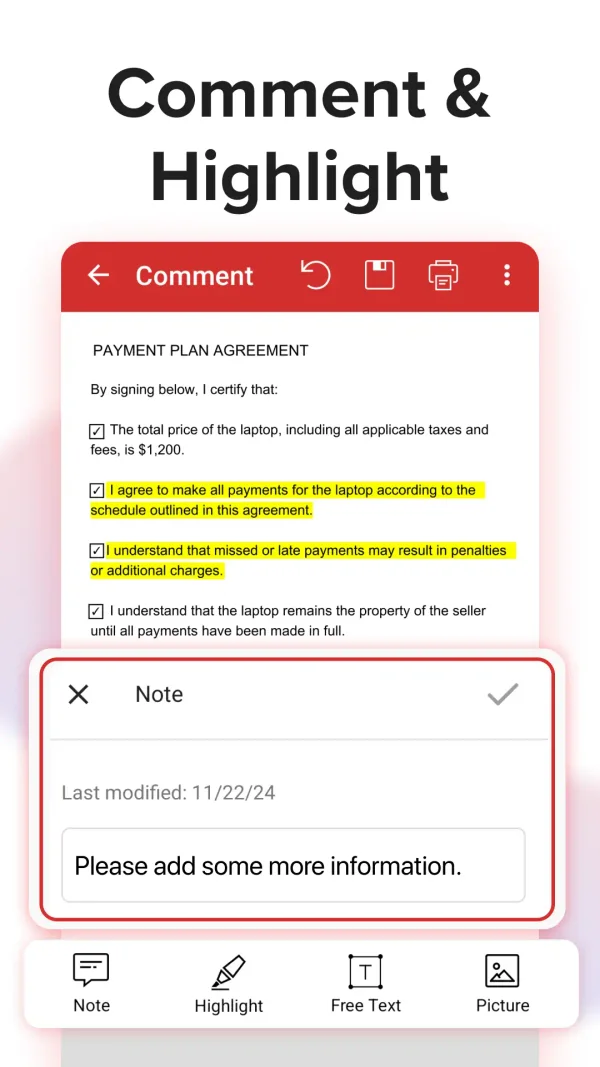
🗨️ View and Comment
Enhance your reading experience with MobiPDF's advanced PDF viewer and easily switch different page modes or enable Read More for distraction-free reading. Easily add comments, use drawing tools, highlight and markup text, insert stamps, or attach files to your PDF.
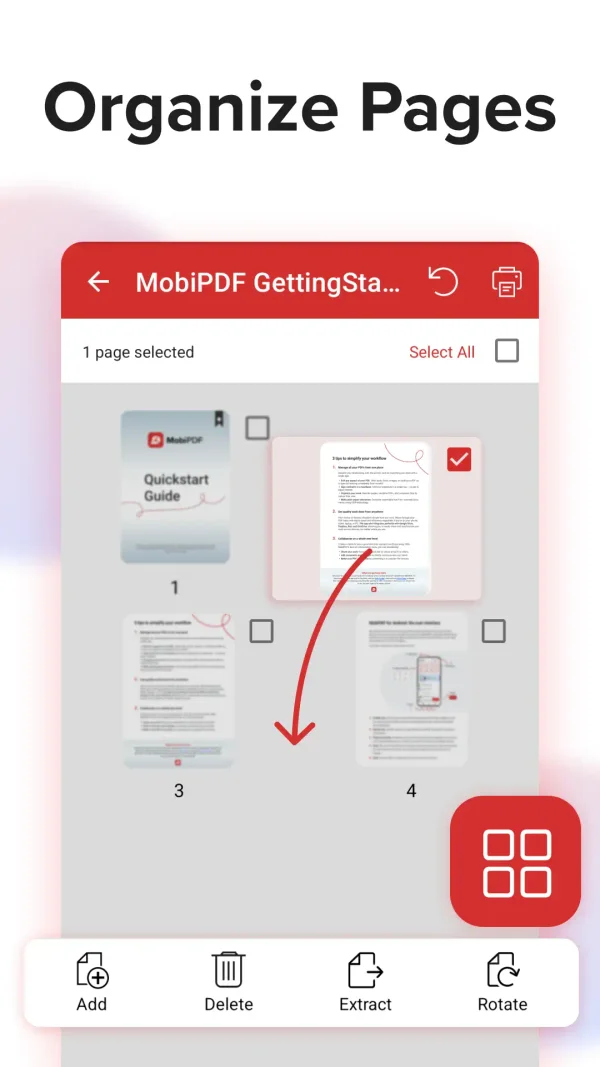
📚 Organize pages in PDFs
Enjoy full control over your PDF documents: view, rearrange, insert, delete, extract, duplicate, and rotate pages or merge PDFs into one to create your perfectly organized PDF layout.
Use In-App Purchases to unlock the best mobile scanner and editor experience. Please note:
• All payments are charged by Google Play Store after you confirm the purchase.
• Unless you cancel at least 24 hours before the end of the current period, your account will be automatically charged for renewal.
• You can manage your subscriptions by going to your Google Play Account Settings.
Need more? Check out our free MobiPDF version for Windows desktop - https://mobisystems.com/en-us/mobipdf
Help Center: https://support.mobisystems.com/hc/en-us/sections/20794400214045-Android
Privacy Policy: https://mobisystems.com/en-us/privacy-policy
Terms of Use: https://mobisystems.com/en-us/terms-of-use
An toàn dữ liệu
Những gì MobiSystems khai báo trên Google Play về dữ liệu mà ứng dụng này thu thập và chia sẻ.
- Ứng dụng này có thể chia sẻ những loại dữ liệu sau đây với bên thứ baThông tin cá nhân, Thông tin tài chính và 4 loại dữ liệu khác
- Ứng dụng này có thể thu thập những loại dữ liệu sau đâyThông tin cá nhân, Thông tin tài chính và 3 loại dữ liệu khác
- Dữ liệu được mã hóa trong khi chuyển
- Bạn có thể yêu cầu xóa dữ liệu
Có gì mới
Phiên bản 11.18.270981 · 16/11/2026
Give your eyes a break and listen to your PDFs. Catch up on documents while you’re on the go or getting things done.
Liên hệ nhà phát triển
- Trang webmobisystems.com
- E-mailmobipdf-android@mobisystems.com
- Chính sách quyền riêng tưmobisystems.com
- Địa chỉ4501 Mission Bay Dr Ste 3A San Diego, CA 92109 United States
Thông tin
- Cung cấp bởi
- MobiSystems
- Danh mục
- Năng suất
- Phiên bản
- 11.18.270981
- Cập nhật
- 16/11/2026
- Phát hành
- 16/08/2013
- Yêu cầu
- Android 8.0 trở lên
- Độ tuổi
- 3 tuổi trở lên
- Giá
- Miễn phí
- Mua hàng trong ứng dụng
- 105.274 ₫ - 3.500.000 ₫ mỗi mặt hàng
- Tên gói
- com.mobisystems.mobiscanner
Ứng dụng tương tự
-
 AI Resume Builder CV Maker PDF
Doanh nghiệp
-
 WPS Office Lite
Năng suất
-
 DOCX Editor: PDF, DOC, XLSX
Năng suất
-
 Clear Scan - PDF Scanner App
Doanh nghiệp
-
 PDF Editor – Chỉnh mọi thứ!
Công cụ
-
 Trình đọc tất cả tài liệu
Công cụ
-
 PDF Merge: Scan, Sign & Edit
Năng suất
-
 Máy Quét PDF - Quét Văn Bản
Năng suất
-
 PDF Scanner App: Document Scan
Công cụ
-
 Fill, Sign and Edit Documents
Doanh nghiệp
-
 MobiDrive Cloud Storage & Sync
Năng suất
-
 PDFelement: PDF Editor & Scan
Năng suất