Opera: Private Web Browser
OperaChứa quảng cáo · Mua hàng trong ứng dụng
- 3 tuổi trở lênĐộ tuổi
- Liên lạcDanh mục
- 17/11/2026Cập nhật
- Miễn phíGiá
Dẫn đến trang Google Play chính thức của com.opera.browser. Kiểm tra lần cuối: 19/11/2026.

Ảnh chụp màn hình
Thông tin về ứng dụng này
Nhà phát triển chưa cung cấp nội dung này bằng ngôn ngữ của bạn.
Fast AI browser with free VPN and built-in ad blocker for private browsing
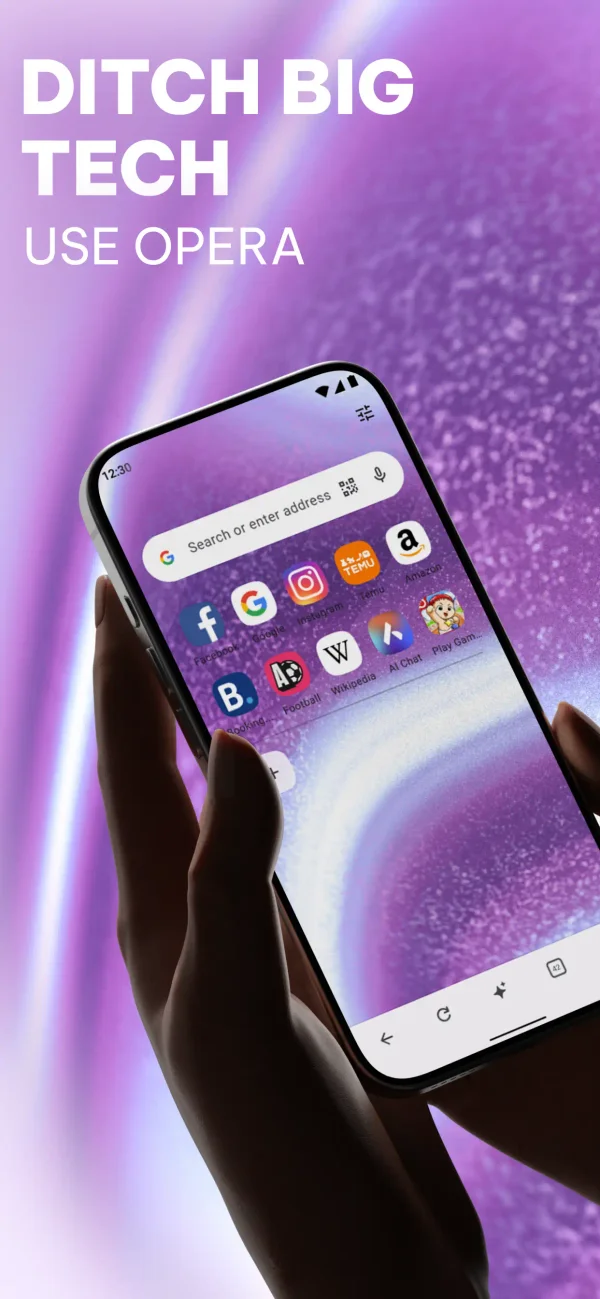
Ditch the default and switch to a browser that works as hard as you do. Opera combines high-performance browsing with a built-in VPN, an advanced Ad Blocker, and a cutting-edge AI assistant. Experience a cleaner, faster, and more private web, no extensions required.
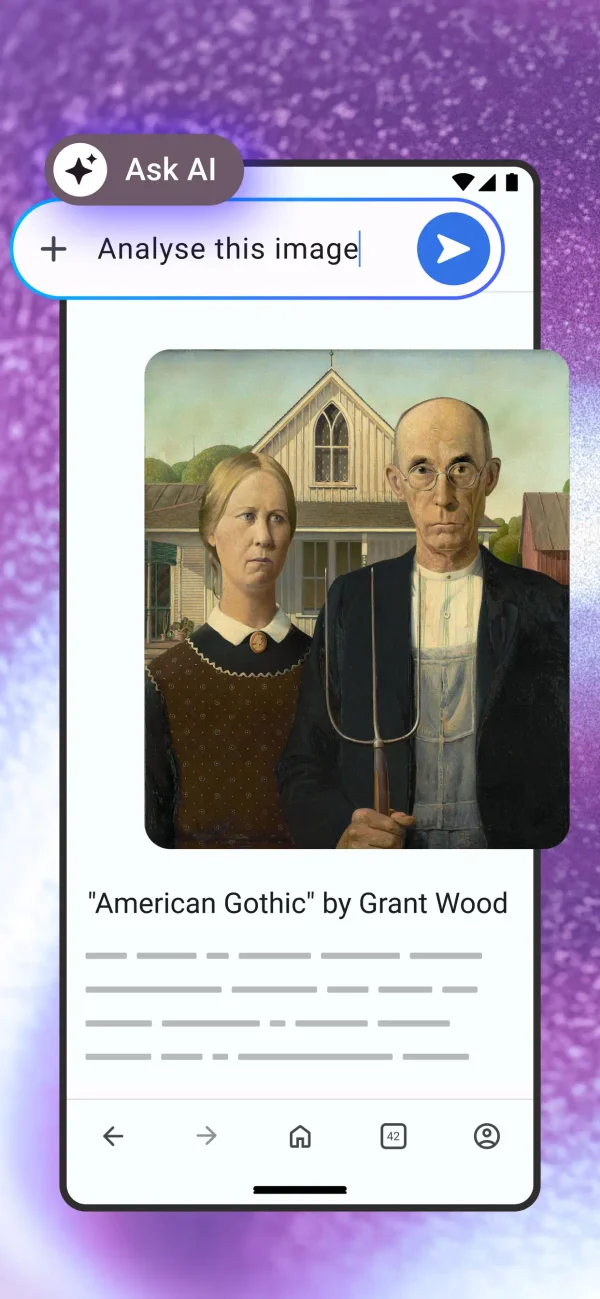
✓ Smart Browsing with AI
✓ Built-in Ad Blocker
✓ Free Built-in VPN
✓ Live scores & Sports alerts
✓ Smart Download manager
✓ Data savings mode
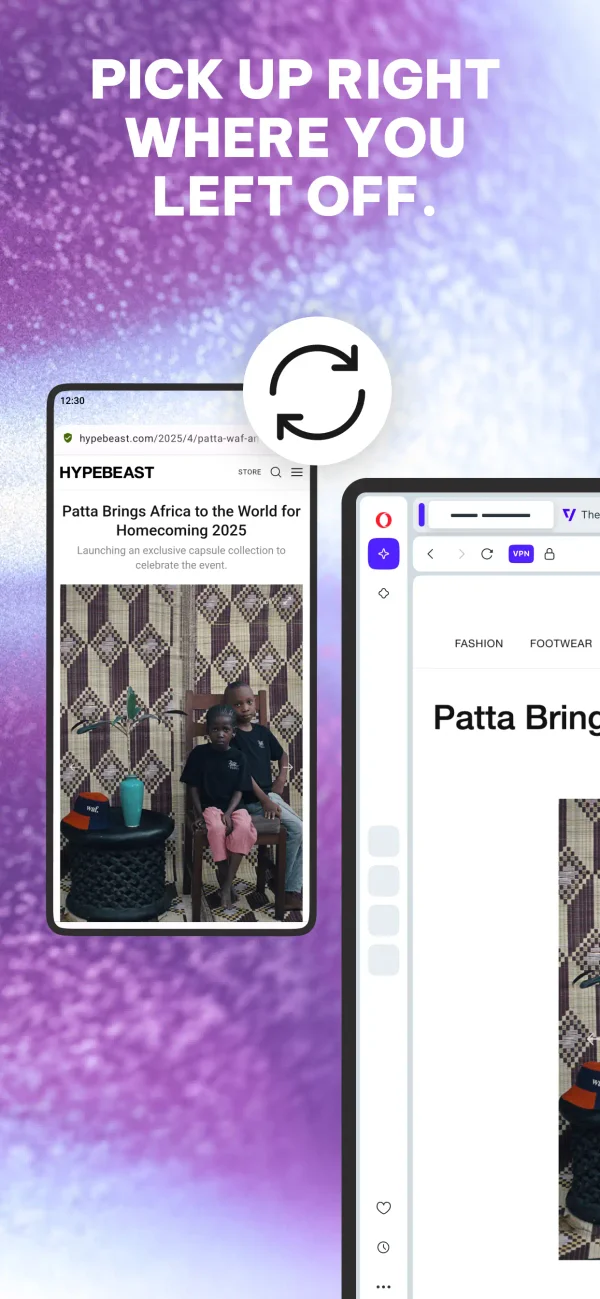
✓ Seamless Sync & Flow
✓ Fully Personalized Browser
• Smart Browsing with AI & Creativity
Upgrade your browsing with integrated AI. Chat with our native assistant to get instant answers, summarize long articles, or brainstorm ideas. Feeling creative? Use our built-in AI Image Generator to turn your words into stunning visuals in seconds. Create custom wallpapers, unique social posts, or images for work, all without leaving your browser.
• Ad Blocker
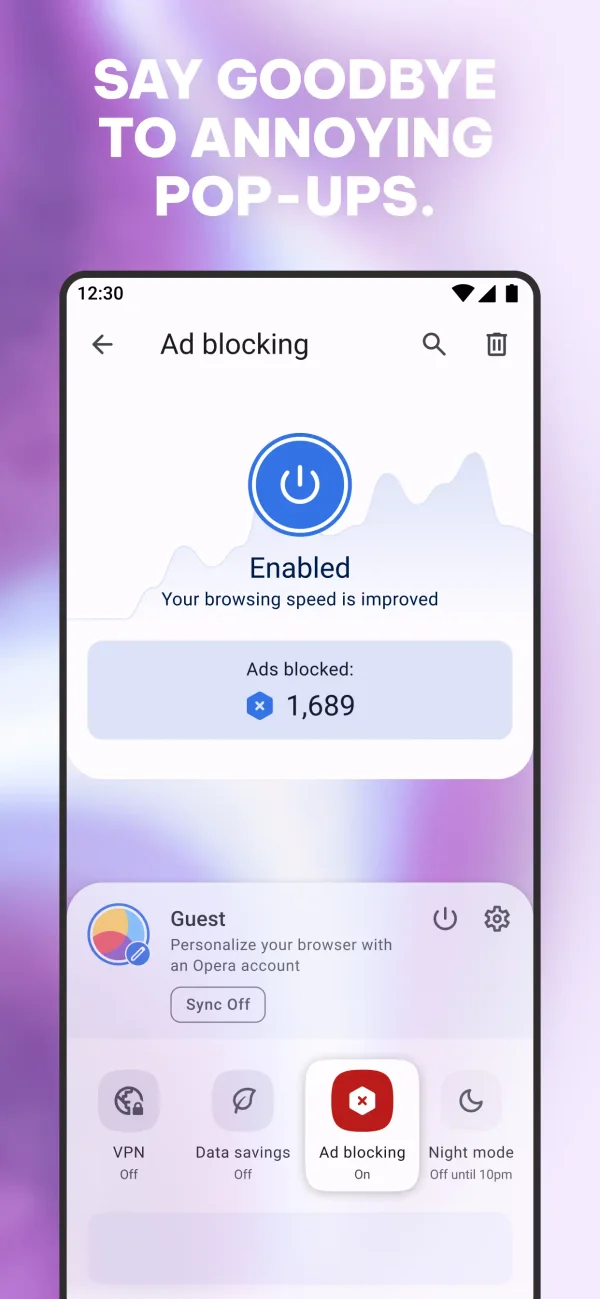
Opera’s built-in Ad Blocker ensures pages load faster and your battery lasts longer. Experience the web with fewer interruptions, watch videos with fewer ads, and block intrusive pop-ups. You can also manage cookie and privacy dialogs directly in your Settings for a cleaner, smoother experience.
• Built-in Free VPN
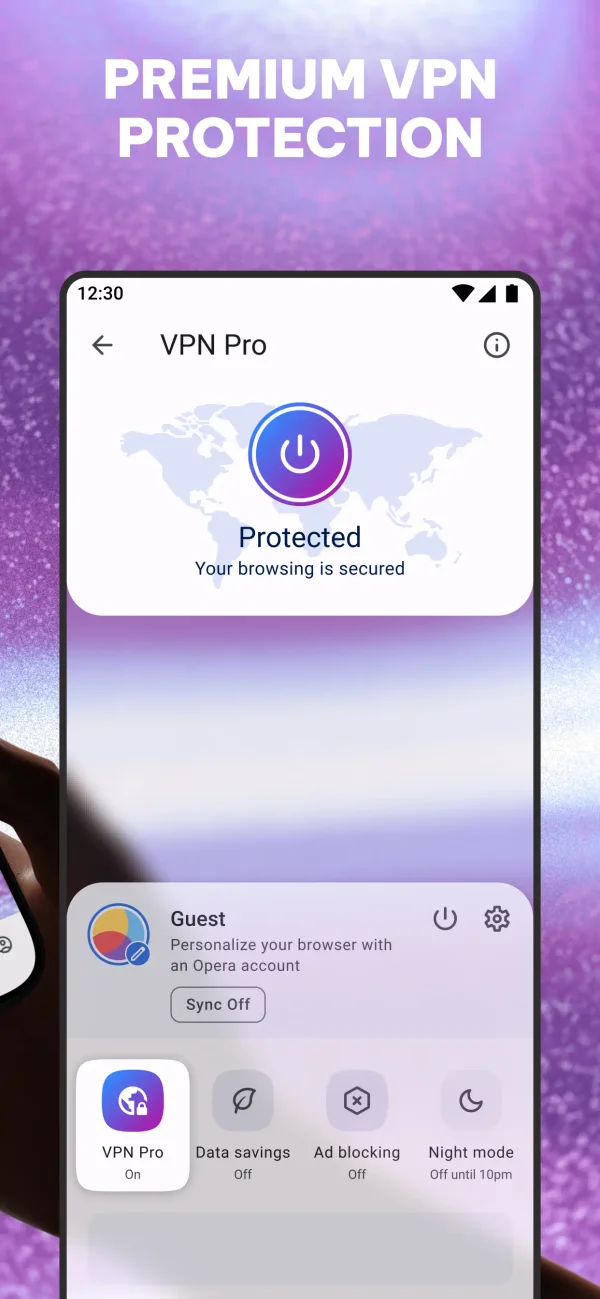
Opera includes a Free VPN to keep your browsing private. The VPN encrypts your internet connection, helping you stay incognito and protecting your personal details. Choose from three virtual locations with no subscription or login needed.
• Powerful Downloader & Offline Pages
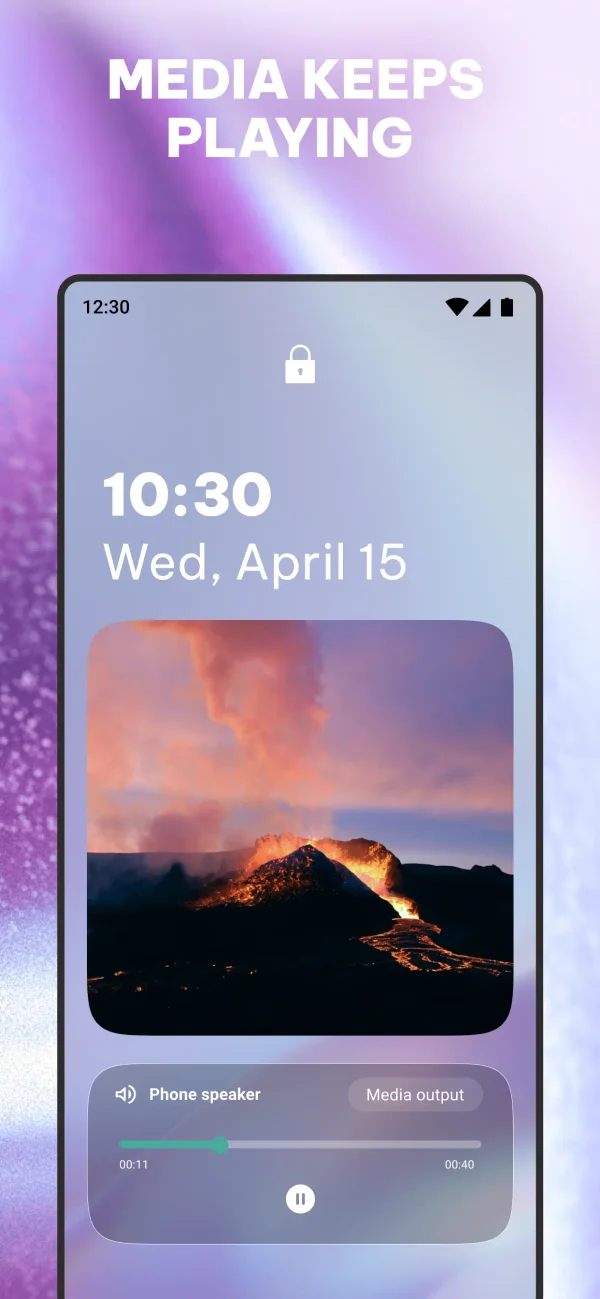
Stop worrying about patchy internet. Opera’s downloader lets you grab videos and music whenever they’re available. Downloads happen in the background and automatically resume if the connection drops. Traveling? Save any page to your Offline Pages to access it later without a signal. Use the "Save as PDF" feature to instantly convert pages for easy offline reading.
• Data Savings
Don’t let high data costs limit your browsing. Opera’s Data-saving mode uses smart compression to significantly reduce the weight of every page you visit. It’s the most efficient way to browse more while using less data, ensuring a reliable connection even on weak networks.
• Private Browser
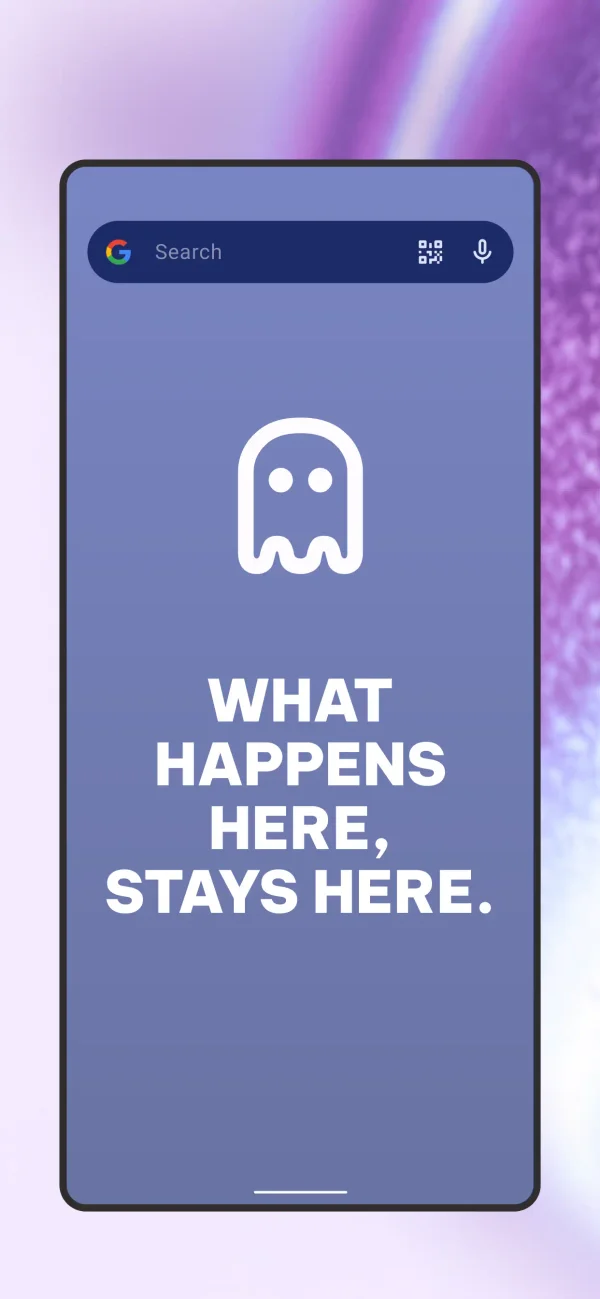
Enhance your web privacy with a built-in Free VPN and Ad Blocker. Use private search and incognito tabs to browse the web without leaving a trace. When you close your tabs, your browsing tracks are cleared automatically.
• Flow & Seamless Sync
Pick up where you left off on any device. Share files, links, and notes across all your devices instantly with Flow. Your history and bookmarks stay synced across mobile and desktop—all you need is one Opera Account.
• Custom Newsfeed
Follow the topics you care about in a fully customizable newsfeed. Not interested in certain topics? Just deselect the noise to tailor your feed. You can also download articles to read later while offline to stay up to date anywhere.
• Personalized Browser
Make the browser your own. Customize your settings to fit your preferences: homepage, search engine, wallpaper, and more. Use Night Mode to dim the screen and protect your eyes during late-night browsing.
An toàn dữ liệu
Những gì Opera khai báo trên Google Play về dữ liệu mà ứng dụng này thu thập và chia sẻ.
- Ứng dụng này có thể chia sẻ những loại dữ liệu sau đây với bên thứ baĐịa chỉ
- Ứng dụng này có thể thu thập những loại dữ liệu sau đâyVị trí, Thông tin cá nhân và 4 loại dữ liệu khác
- Dữ liệu được mã hóa trong khi chuyển
- Bạn có thể yêu cầu xóa dữ liệu
- Bài đánh giá độc lập về tính bảo mật
Có gì mới
Phiên bản 104.1.5262.91393 · 17/11/2026
Thanks for choosing Opera! This version introduces a visual refresh of the product, rolling out in stages to ensure the design works well before reaching everyone. If you’re seeing the new look, we’d love to hear your thoughts!
More changes/additions:
- Chromium 156
- Appearance settings: New font setting allowing custom system fonts
- Live score improvements
Liên hệ nhà phát triển
- Trang webopera.com
- E-mailopera-for-android@support.opera.com
- Chính sách quyền riêng tưopera.com
- Địa chỉVitaminveien 4 0483 OSLO Norway
Thông tin
- Cung cấp bởi
- Opera
- Danh mục
- Liên lạc
- Phiên bản
- 104.1.5262.91393
- Cập nhật
- 17/11/2026
- Phát hành
- 09/11/2010
- Độ tuổi
- 3 tuổi trở lên
- Giá
- Miễn phí
- Mua hàng trong ứng dụng
- 147.000 ₫ - 1.035.621 ₫ mỗi mặt hàng
- Tên gói
- com.opera.browser
Ứng dụng tương tự
-
 Firefox Trình duyệt Riêng tư
Liên lạc
-
 Phoenix - Fast & Safe
Liên lạc
-
 Google Go
Công cụ
-
 Trình duyệt web cá nhân Brave
Liên lạc
-
 Samsung Browser
Liên lạc
-
 Trình duyệt Opera beta
Liên lạc
-
 DuckDuckGo, optional Duck.ai
Năng suất
-
 Proton VPN: Nhanh & An Toàn
Công cụ
-
 Microsoft Edge: Trình duyệt AI
Liên lạc
-
 Aloha VPN - Private Browser
Năng suất
-
 Firefox Beta for Testers
Liên lạc
-
 Secure VPN-Safer Internet
Công cụ