Universal Control
Fender Musical Instruments Corporation- 3 tuổi trở lênĐộ tuổi
- Nhạc và Âm thanhDanh mục
- 08/07/2026Cập nhật
- Miễn phíGiá
Dẫn đến trang Google Play chính thức của com.presonus.ucremote. Kiểm tra lần cuối: 27/11/2026.
Ảnh chụp màn hình

Thông tin về ứng dụng này
Bản dịch tự động của Google. Ngôn ngữ gốc: Tiếng Anh (Hoa Kỳ).
Điều khiển các bộ trộn, giao diện và micro USB của PreSonus bằng Universal Control!
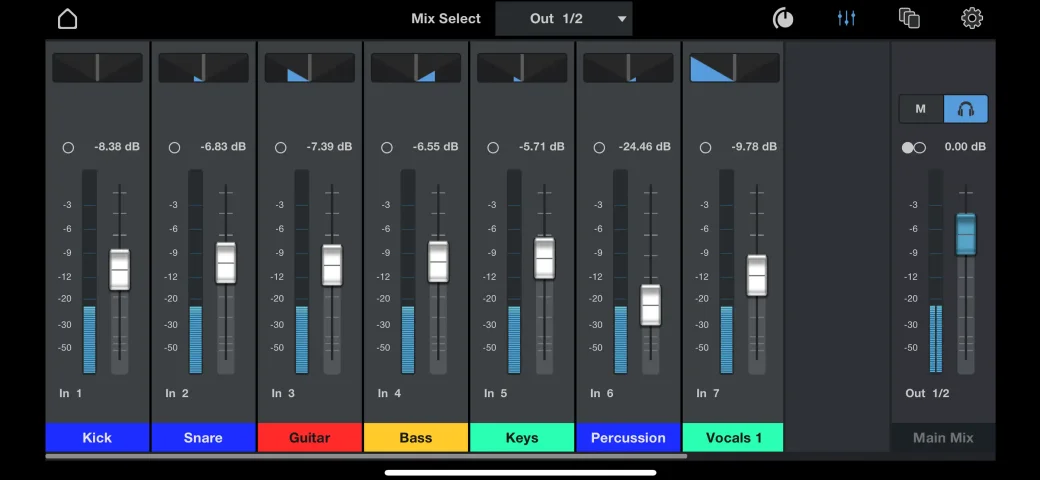
Tận dụng tối đa các sản phẩm giao diện âm thanh và trộn âm của Fender và PreSonus. Fender Universal Control cho phép bạn mở khóa một số tính năng mạnh mẽ nhất của sản phẩm được hỗ trợ. Cho dù bạn đang tinh chỉnh bản phối âm thanh kiểm âm cho giao diện âm thanh Fender Quantum HD hoặc LT hay điều khiển từ xa bộ trộn PreSonus StudioLive từ bất cứ đâu trong địa điểm biểu diễn, Fender Universal Control đều mang đến cho bạn khả năng trộn âm linh hoạt và các tính năng xử lý tín hiệu số (DSP).
Phần cứng tương thích bao gồm:
● Giao diện dòng Fender Quantum LT và HD
● Bộ trộn console và rack PreSonus StudioLive Series III
● Giao diện âm thanh PreSonus đời cũ (Quantum ES, Revelator, dòng Studio)
Là một giải pháp tất cả trong một, các tùy chọn điều khiển phần cứng của Universal Control khác nhau tùy theo sản phẩm. Khám phá những gì nó có thể làm cho thiết bị Fender và PreSonus được hỗ trợ của bạn.
Giao diện dòng Fender Quantum
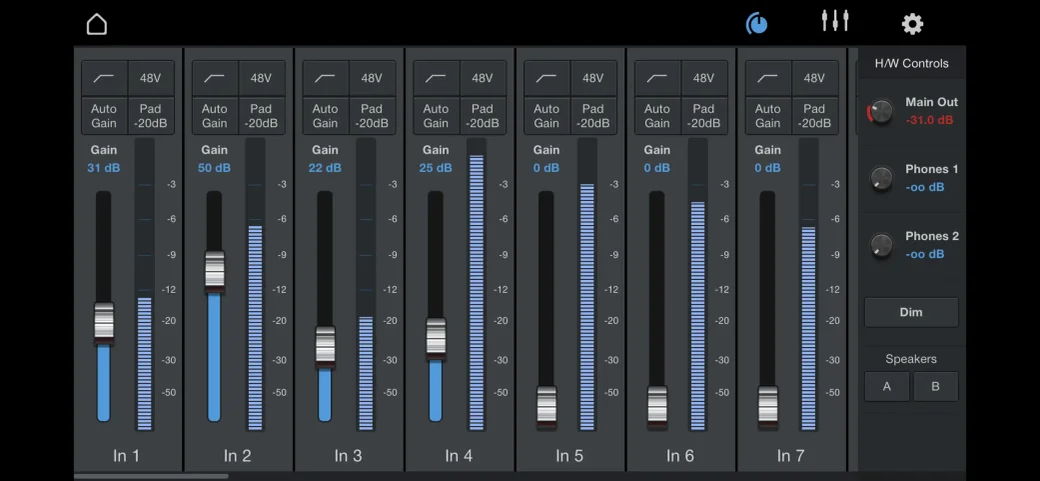
Đối với chủ sở hữu giao diện dòng Quantum, Universal Control cho phép bạn tạo bản phối âm thanh kiểm âm và điều khiển luồng vòng lặp. Đối với giao diện Quantum HD, bạn cũng có thể điều khiển từ xa mức tiền khuếch đại và chuyển đổi loa. Để sử dụng ứng dụng Universal Control, bạn cần kết nối giao diện âm thanh của mình với máy tính chạy Universal Control cho macOS hoặc Windows và kết nối thiết bị iOS của bạn với cùng mạng không dây với máy tính.
Bộ trộn StudioLive Series III
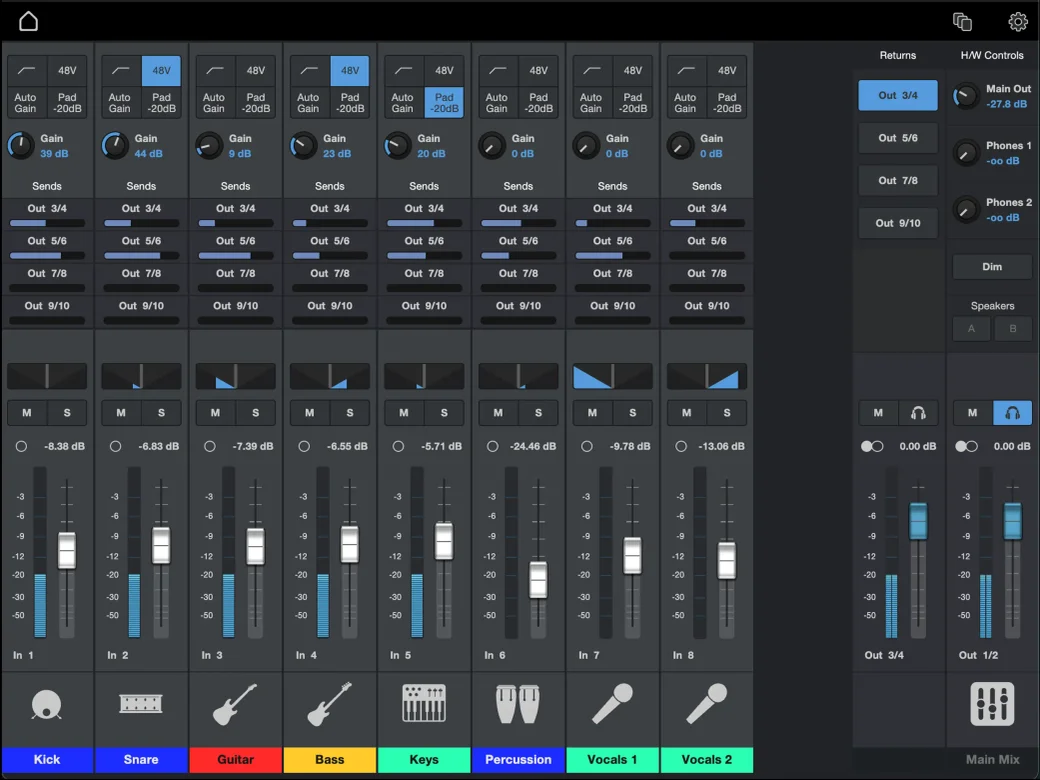
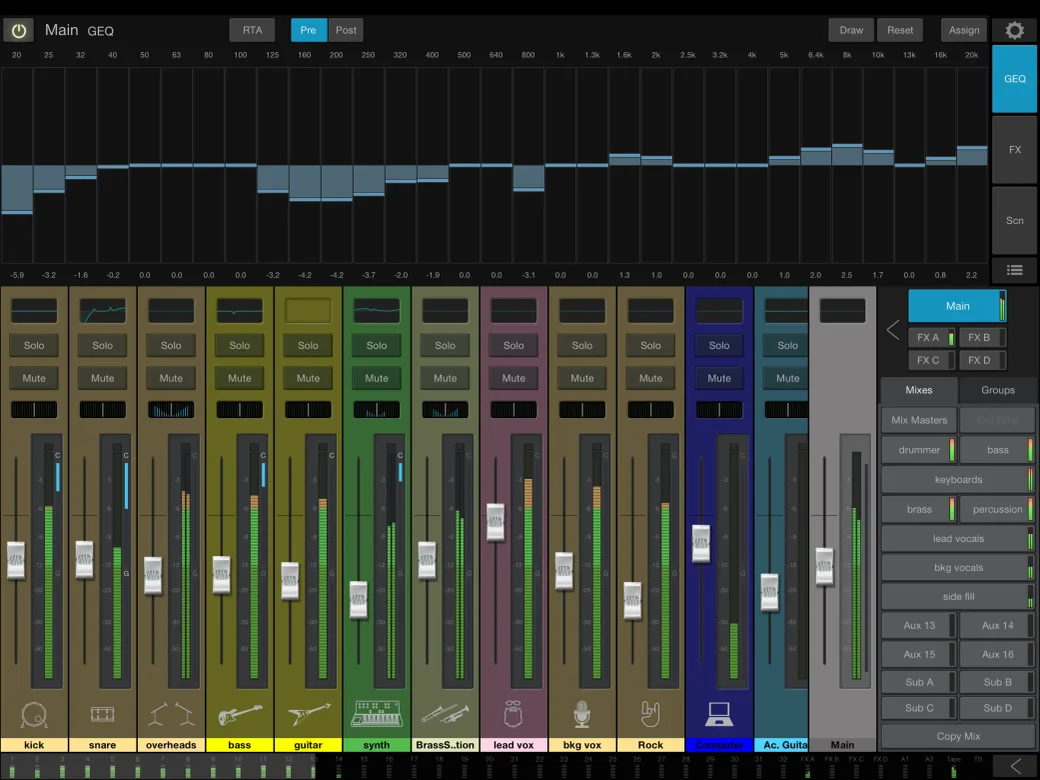
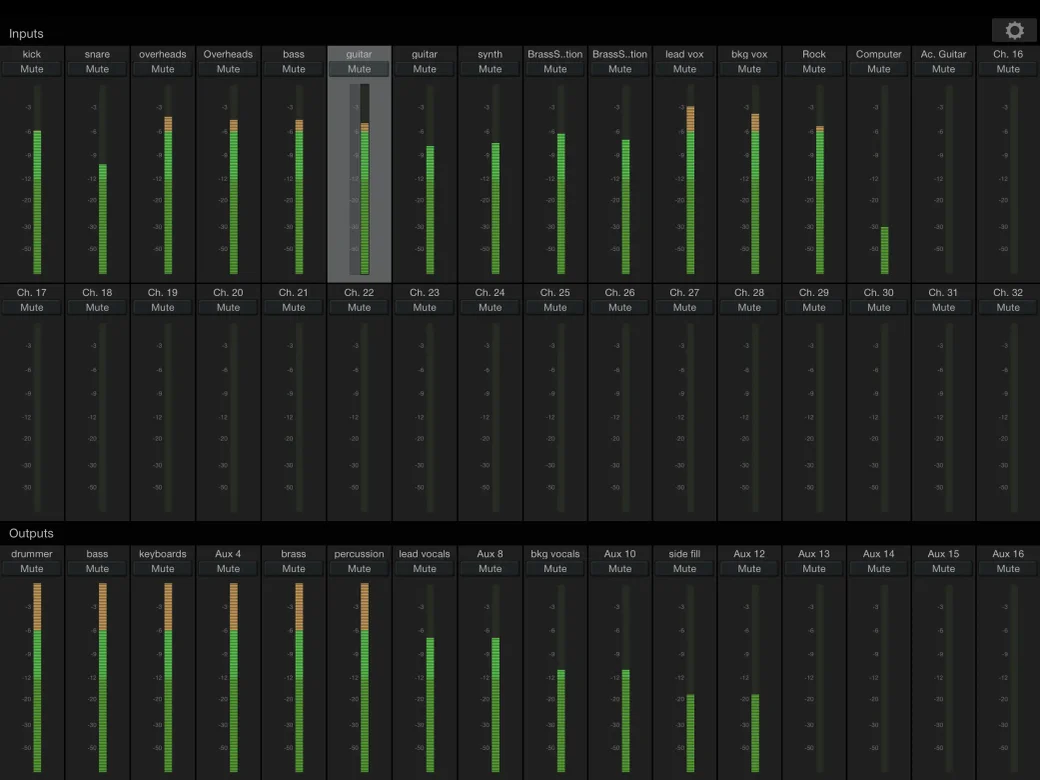
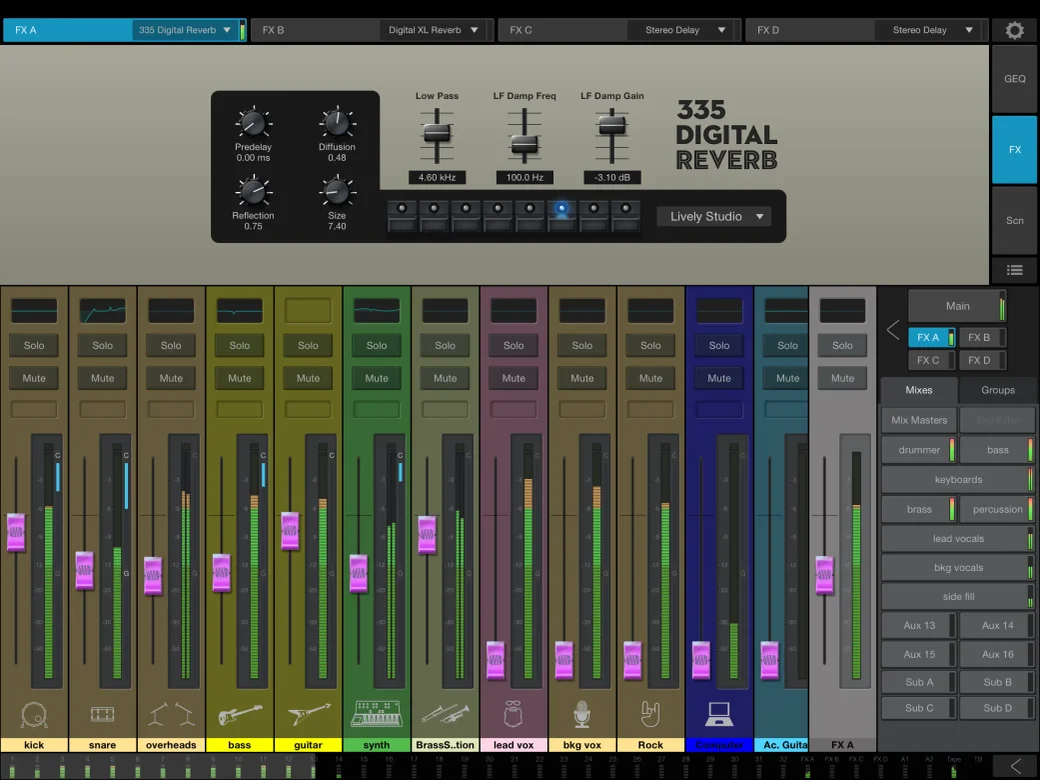
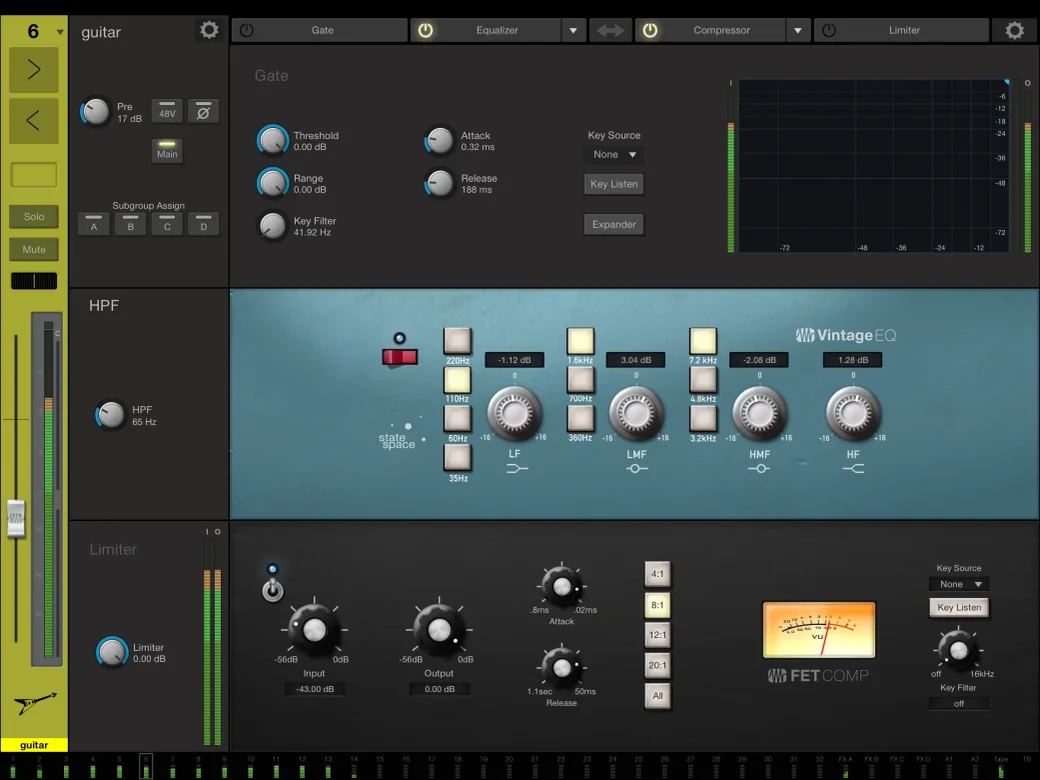
Universal Control cung cấp khả năng điều khiển cảm ứng toàn bộ bản phối của bạn, cùng với các chức năng như điều chỉnh động lực học, EQ, hiệu ứng, bản phối âm thanh kiểm âm, nhóm DCA, và thậm chí cả mạng và định tuyến AVB. Bạn cũng có thể điều khiển các tính năng nâng cao hơn như Scenes, Projects và kiểm soát quyền chi tiết—bao gồm cả giới hạn mức đầu ra tối đa.
Kiểm soát bản phối StudioLive Series III của bạn từ góc nhìn của khán giả, nơi mà điều đó quan trọng nhất. Để sử dụng ứng dụng Universal Control, bạn cần kết nối thiết bị iOS của mình với cùng mạng không dây với bộ trộn StudioLive. Lưu ý: Universal Control dành cho StudioLive được tối ưu hóa cho việc sử dụng trên iPad. Một ứng dụng riêng biệt, ứng dụng QMix-UC, được tối ưu hóa cho kích thước màn hình iPhone.
Giao diện âm thanh PreSonus đời cũ
Đối với các giao diện âm thanh PreSonus đời cũ (Quantum ES, Revelator, dòng Studio), Universal Control Surface cung cấp khả năng điều khiển màn hình dựa trên phần cứng mạnh mẽ với độ trễ bằng không—mọi thứ bạn cần để tạo ra các bản phối màn hình chất lượng cao và hơn thế nữa. Để sử dụng ứng dụng Universal Control, bạn phải kết nối giao diện âm thanh của mình với máy tính chạy Universal Control cho macOS hoặc Windows và kết nối thiết bị iOS của bạn với cùng mạng không dây với máy tính.
Yêu cầu hệ thống
● Điều khiển các bộ trộn được hỗ trợ yêu cầu thiết bị di động phải được kết nối với cùng mạng không dây với bộ trộn StudioLive Series III.
● Điều khiển các giao diện âm thanh Fender và PreSonus được hỗ trợ yêu cầu thiết bị di động phải được kết nối với cùng mạng không dây với máy tính chạy Universal Control cho macOS và Windows, với giao diện âm thanh được kết nối với máy tính.
Hiện văn bản gốc
Get the most from your Fender and PreSonus audio interface and mixing products. Fender Universal Control lets you unlock some of your supported product’s most powerful features. Whether you’re dialing in a monitor mix for your Fender Quantum HD or LT audio interface or remotely controlling your PreSonus StudioLive mixer from anywhere in the venue, Fender Universal Control puts flexible mixing and DSP features at your fingertips.
Compatible hardware includes:
● Fender Quantum LT and HD-series interfaces
● PreSonus StudioLive Series III console and rack mixers
● Legacy PreSonus audio interfaces (Quantum ES, Revelator, Studio-series)
As an all-in-one solution, Universal Control’s hardware control options vary by product. Discover what it can do for your supported Fender and PreSonus gear.
Fender Quantum-series interfaces
For Quantum-series interface owners, Universal Control lets you create monitor mixes and control loopback streams. For Quantum HD interfaces, you can also remotely control preamp levels and speaker switching. To use the Universal Control app, you must connect your audio interface to a computer running Universal Control for macOS or Windows and connect your iOS device to the same network as your computer.
StudioLive Series III mixers
Universal Control provides touch-control of your complete mix, plus dynamics, EQ control, effects, monitor mixes, DCA groups, and even AVB networking and routing. You also get control of deeper features like Scenes, Projects, and granular permission control—including max output level limit.
Take control of your StudioLive Series III mix from the audience’s perspective, where it matters most. To use the Universal Control app, you must connect your iOS device to the same wireless network as your StudioLive mixer. Note: Universal Control for StudioLive is optimized for iPad use. A separate app, QMix-UC app, is optimized for iPhone screen sizes.
Legacy PreSonus audio interfaces
For legacy PreSonus audio interfaces (Quantum ES, Revelator, Studio-series), Universal Control Surface offers powerful zero-latency hardware-based monitor control—everything you need to create high-quality monitor mixes and more. To use the Universal Control app, you must connect your audio interface to a computer running Universal Control for macOS or Windows and connect your iOS device to the same network as your computer.
System Requirements
● Control of supported mixers requires that the mobile device be connected to the same wireless network as a StudioLive Series III mixer.
● Control of supported Fender and PreSonus audio interfaces requires that the mobile device be connected to the same wireless network as a computer running Universal Control for macOS and Windows, with the audio interface connected to the computer.
An toàn dữ liệu
Những gì Fender Musical Instruments Corporation khai báo trên Google Play về dữ liệu mà ứng dụng này thu thập và chia sẻ.
- Không chia sẻ dữ liệu với bên thứ baTìm hiểu thêm về cách nhà phát triển khai báo thông tin về hoạt động chia sẻ dữ liệu
- Không thu thập dữ liệu nàoTìm hiểu thêm về cách nhà phát triển khai báo thông tin về hoạt động thu thập dữ liệu
Có gì mới
Phiên bản 5.1.0.112930 · 08/07/2026
Bug Fixes
Liên hệ nhà phát triển
- Trang webpresonus.com
- E-mailsupport@presonus.com
- Chính sách quyền riêng tưpresonus.com
- Địa chỉ17600 N Perimeter Dr Ste 100 Scottsdale, AZ 85255 United States
Thông tin
- Cung cấp bởi
- Fender Musical Instruments Corporation
- Danh mục
- Nhạc và Âm thanh
- Phiên bản
- 5.1.0.112930
- Cập nhật
- 08/07/2026
- Phát hành
- 27/06/2017
- Yêu cầu
- Android 8.0 trở lên
- Độ tuổi
- 3 tuổi trở lên
- Giá
- Miễn phí
- Tên gói
- com.presonus.ucremote
Ứng dụng tương tự
-
 Lense: Disposable Event Camera
Sự kiện
-
 Cardly AI: Sports Card Scanner
Công cụ
-
 RealVNC Viewer: Remote Desktop
Năng suất
-
 Songsterr Guitar Tabs & Chords
Nhạc và Âm thanh
-
 CuboAi Smart Baby Monitor
Nuôi dạy con
-
 Shiny: TCG Card Scanner
Công cụ
-
 Thingiverse MakerWorld | 3Drop
Công cụ
-
 Sea Trials: USCG License Exam
Giáo dục
-
 Ultrahuman
Sức khỏe và Thể hình
-
 Máy Đếm Nhịp của Soundbrenner
Nhạc và Âm thanh
-
 Philips Hue
Lối sống
-
 Moultrie
Thể thao