Active Recalling: Write It Out
Recall on a blank page
Được thiết kế cho iPad
Miễn phí · Mua hàng trong ứng dụng
- Độ tuổi4+
- Danh mụcGiáo Dục
- Nhà phát triểnjunto yanai
- Ngôn ngữTiếng Anh+ 1 ngôn ngữ khác
- Kích thước7,5 MB
Liên kết đến trang App Store chính thức
Download.org không lưu trữ tệp nào của Active Recalling: Write It Out. Nút này mở trang ứng dụng trên App Store, nơi junto yanai phát hành ứng dụng. Trang được kiểm tra lần cuối: 23/11/2026.
Ảnh chụp màn hình
Giới thiệu
Nhà phát triển chưa cung cấp nội dung này bằng ngôn ngữ của bạn.
An iPad app for learning by active recall. Look at what you want to remember, then write down everything you can recall on a blank page with Apple Pencil. Writing from memory on a page with no choices and no hints sticks far better than rereading.
WRITE IT OUT FROM MEMORY
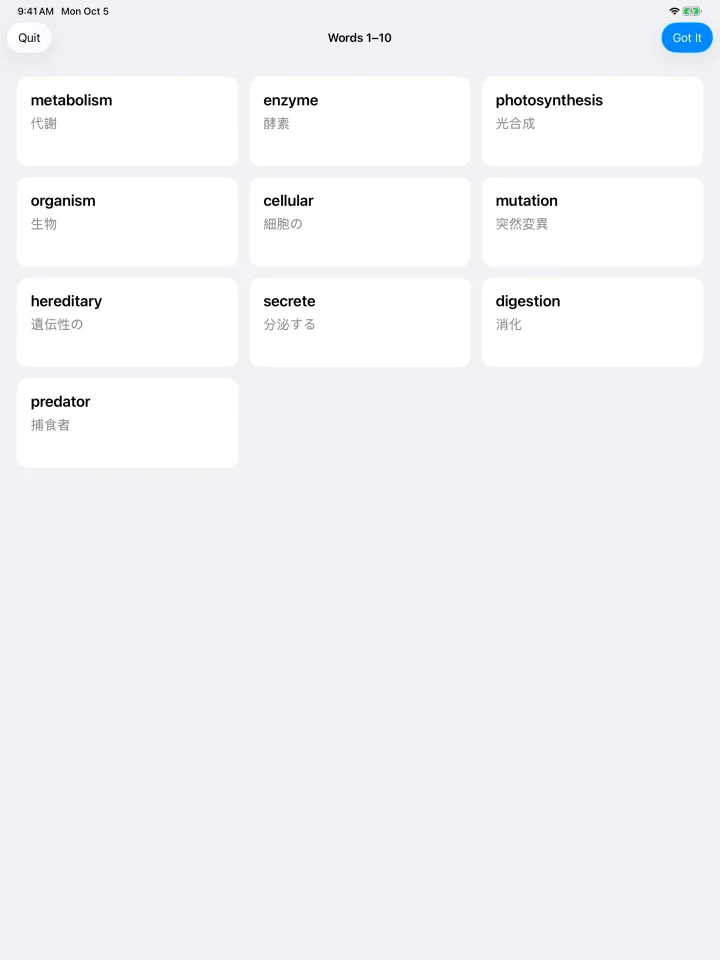
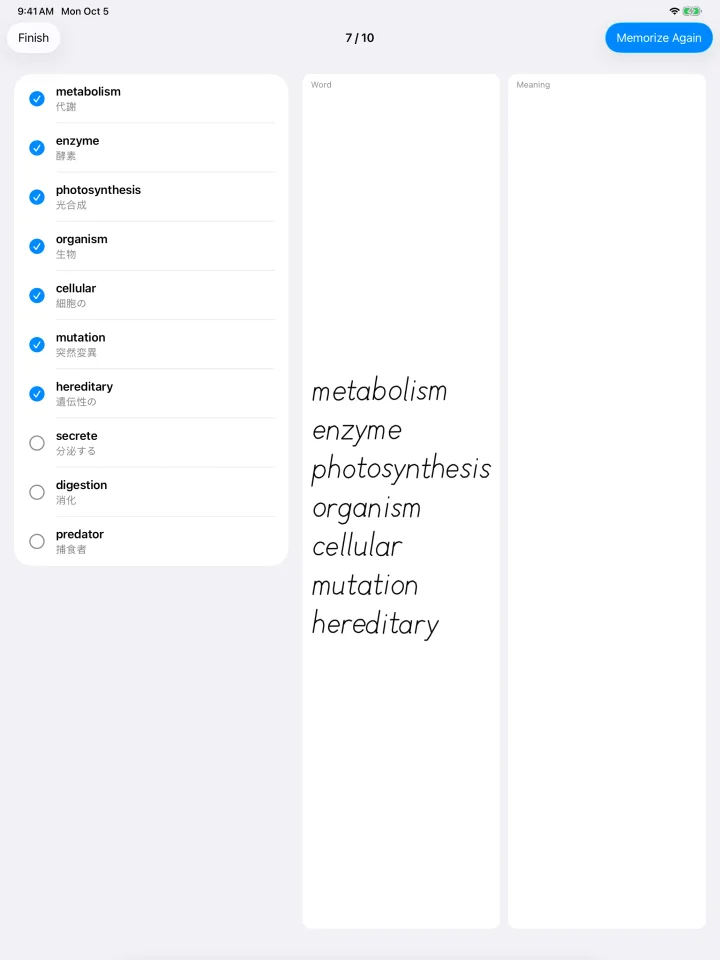
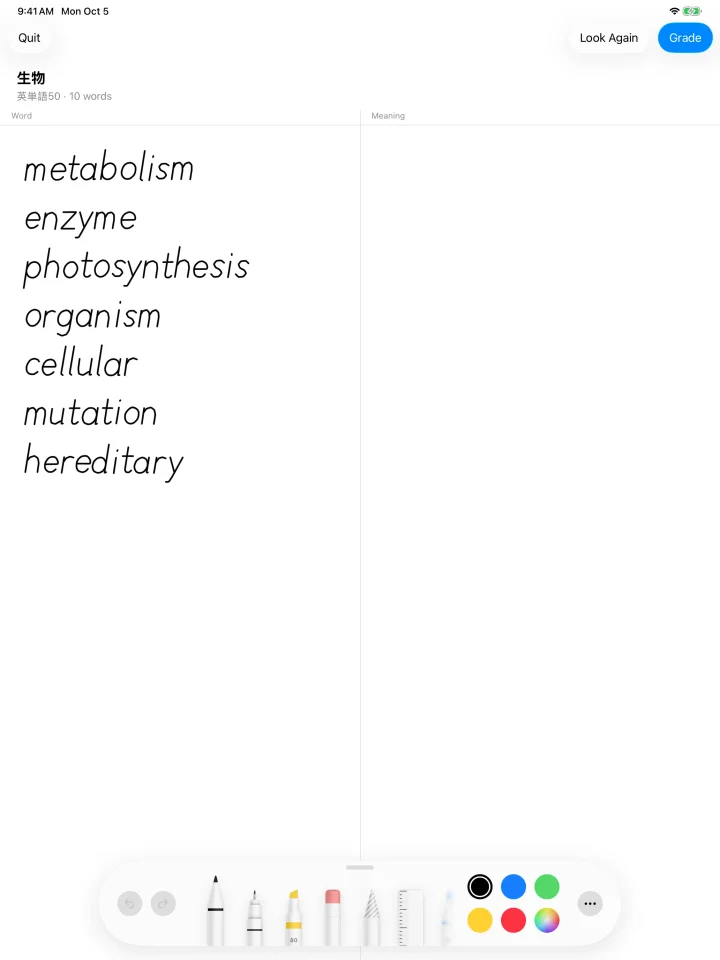
- Look at the words, write them on a blank page, then check. Repeat as many rounds as you need
- The page shows no questions and no hints. Write anywhere, in any order
- Handwriting recognition drafts the grading. It is never perfect, so you can always tap to correct a result
MANY WAYS TO LEARN
- Words: pairs of foreign words and their meanings. Type them in, or keep them in your own handwriting (you compare and grade those yourself)
- Materials: split a text into key points and check which ones you recalled
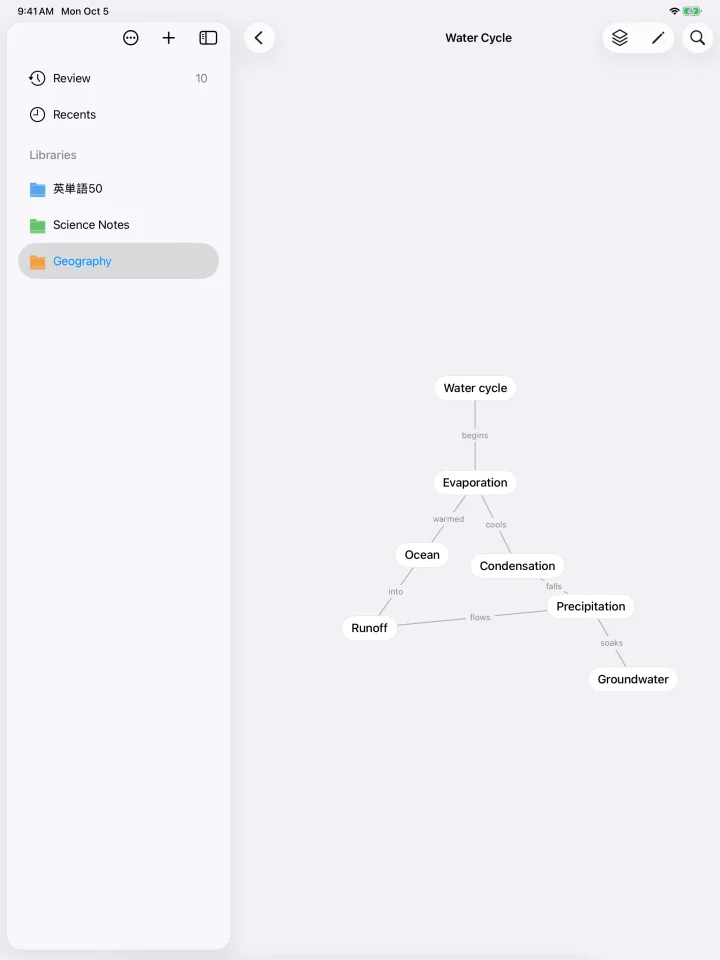
- Concept maps: redraw the connections between terms from memory
- Diagrams: write names onto a blank map or figure with the labels erased
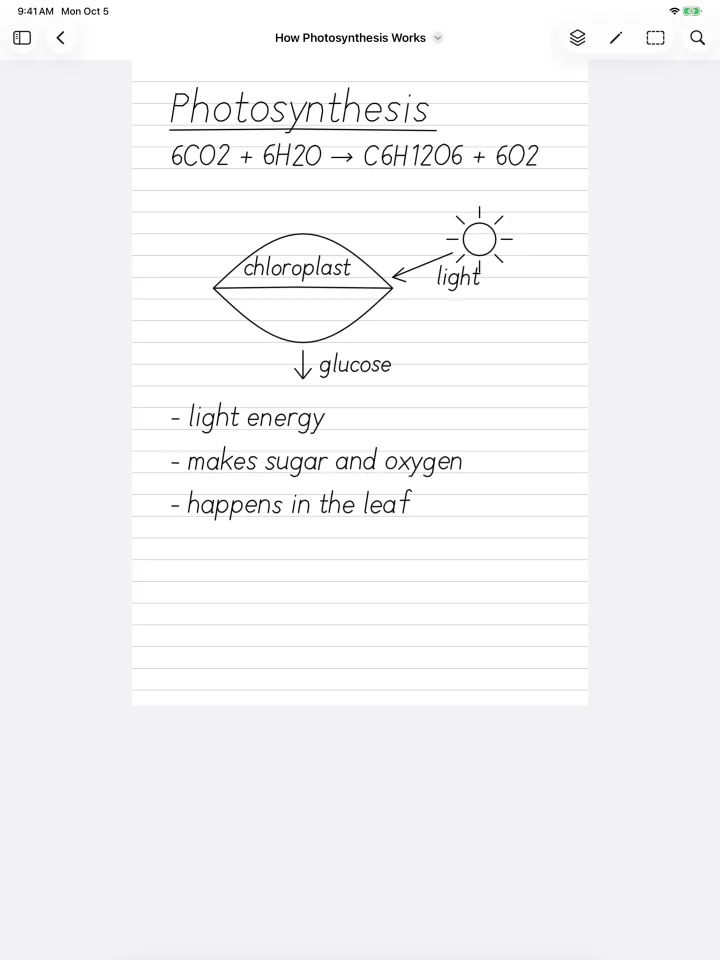
- Notes and whiteboards: recall what you wrote yourself on a blank page, then compare and grade it yourself
REVIEWS AT JUST THE RIGHT TIME
- Spaced repetition (FSRS-6) decides when you should review each item next
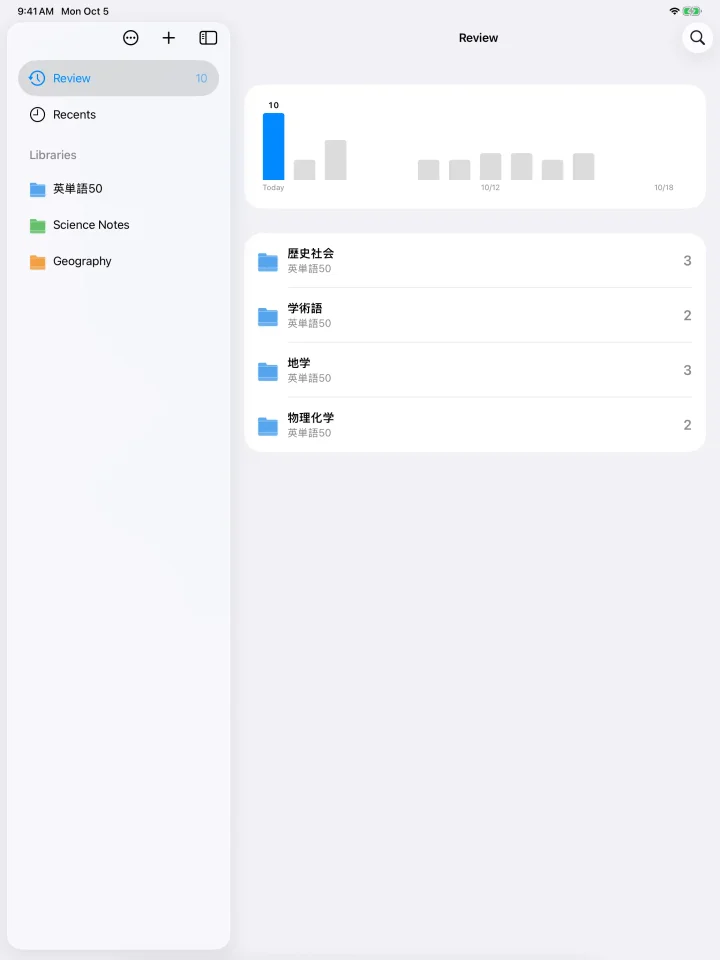
- The Review screen shows today's count and starts right away. Reviews begin from a blank page, before you see the answer
- A review reminder (for example at 8 p.m.) is scheduled entirely on your iPad
- For experts, the review timing (intervals, target retention, weights) is fully adjustable
GETTING MATERIAL IN
- Type, paste, take a photo, or import from Photos, image files (such as iPhone HEIC), PDF, CSV or a text file (.txt, .md). Text inside a figure is turned into blanks automatically
- On-device models draft the words and key points from a text you paste (iPads with Apple Intelligence; a simpler draft is used on others). Nothing leaves your iPad
- Organize as Library > Folder > Words, like the Files app
- Reorder the libraries in the sidebar and the materials in a folder by dragging
- Tap the play button on a card to hear the foreign word read aloud (with the iPad's speech voices)
NOTES AND WHITEBOARDS
- Notes are tall pages like a paper notebook; whiteboards are one big sheet. Pan with your fingers and pinch to zoom in and out
- Choose in the tool palette whether fingers draw or only Apple Pencil does
- Turn ruled lines on and off
- The parts of a note that you grade can be split automatically by the gaps in your writing, left unsplit, or chosen by circling them (iPadOS 27 or later)
CHOOSE YOUR PAPER COLOR
- In Settings, Paper Color lets the paper follow your screen, or always be light (black ink on white) or dark (white ink on black)
ALL CORE FEATURES ARE FREE
- No feature is behind a paywall. A free study material is included from the start
- Study materials can be bought from the Catalog as one-time purchases (word books for Spanish, French, German, Italian, Portuguese, Russian, Chinese, Japanese, Korean and English, including books for English speakers, in units of 100 words). Buying volumes together costs a little less than buying them one by one
- No sign-up, no ads. Your data stays on your iPad, where neither the developer nor third parties can see it
- A setting lets you choose whether to keep what you write during study, for viewing later
- Japanese and English (follows your device language). Dark Mode
REQUIREMENTS
iPad only (iPadOS 26.5 or later). Works with Apple Pencil.
Có gì mới
Phiên bản 1.6 · 18/11/2026
- You can now import image files such as iPhone HEIC photos from the Files app. For words, the page is split into word and meaning as with a photo; for materials, the text is read and added
- You can now reorder the libraries in the sidebar by dragging
- Review reminders and the badge now show the number of materials to review (for example, "3 materials to review") instead of the number of words, so the number stays small
- Old review reminders no longer pile up when you do not open the app for several days
Quyền riêng tư của ứng dụng
Những gì junto yanai khai báo trên App Store về cách ứng dụng này xử lý dữ liệu.
-
Dữ liệu không được thu thập
Nhà phát triển không thu thập bất kỳ dữ liệu nào từ ứng dụng này.
Phương thức đảm bảo quyền riêng tư có thể khác nhau, chẳng hạn như tuỳ theo các tính năng bạn sử dụng hoặc độ tuổi của bạn.
Thông tin
- Người bán
- junto yanai
- Danh mục
- Giáo Dục
- Phiên bản
- 1.6
- Cập nhật
- 18/11/2026
- Phát hành
- 06/10/2026
- Kích thước
- 7,5 MB
- Yêu cầu
- iOS 26.5 trở lên
- Độ tuổi
- 4+
- Giá
- Miễn phí
- Mua hàng trong ứng dụng
- Có
- Ngôn ngữ
- Tiếng Anh, Tiếng Nhật
- Bản quyền
- © 2026activerecall
Có thể bạn cũng thích
-
 ドリルますたーGiáo Dục
-
 AccelStudyGiáo Dục
-
 Spaced Repetition - FlashcardsGiáo Dục
-
 A320 FMS Trainer PROGiáo Dục
-
 Flashcards Deluxe LiteGiáo Dục
-
 Flight IFR Nav TrainerGiáo Dục
-
 Neuroflip NEET PG flashcardsGiáo Dục
-
 Medsynapse By Dr.NikitaGiáo Dục
-
 Reflex - NEET PG PreparationGiáo Dục
-
 BigBean: Học từ vựng tiếng AnhMở rộng vốn từ vựng tiếng Anh