All Document Reader & Scanner
File Reader & PDF Converter
Được thiết kế cho iPhone, iPad, iPod touch
Miễn phí · Mua hàng trong ứng dụng
- Độ tuổi4+
- Danh mụcHiệu Suất
- Nhà phát triểnAppHolic
- Ngôn ngữTiếng Anh
- Kích thước92,6 MB
Liên kết đến trang App Store chính thức
Download.org không lưu trữ tệp nào của All Document Reader & Scanner. Nút này mở trang ứng dụng trên App Store, nơi AppHolic phát hành ứng dụng. Trang được kiểm tra lần cuối: 14/11/2026.
Ảnh chụp màn hình

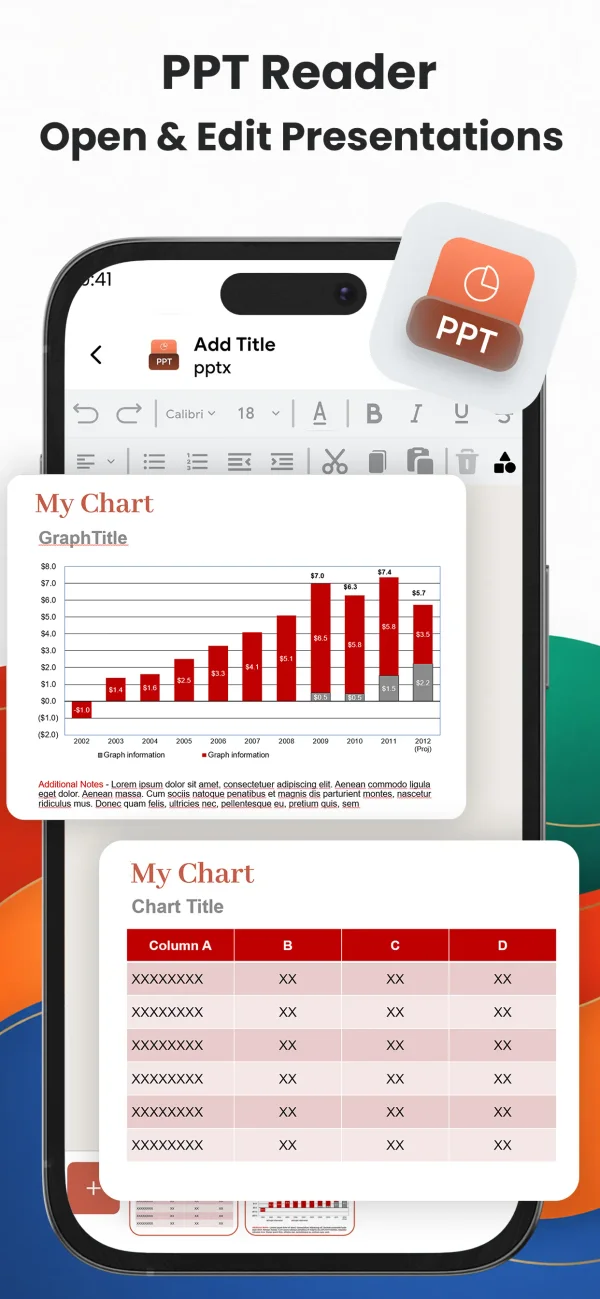


Giới thiệu
Nhà phát triển chưa cung cấp nội dung này bằng ngôn ngữ của bạn.
From PDFs and presentations to spreadsheets and scanned documents, All Document Reader & Scanner helps you access, organize, edit, and create files from one place.
Whether you're reviewing work documents, studying course materials, managing personal files, or preparing presentations, All Document Reader & Scanner provides practical tools for everyday document management. With support for multiple file formats, document editing features, scanning tools, and file organization options, it helps keep your documents accessible and organized.
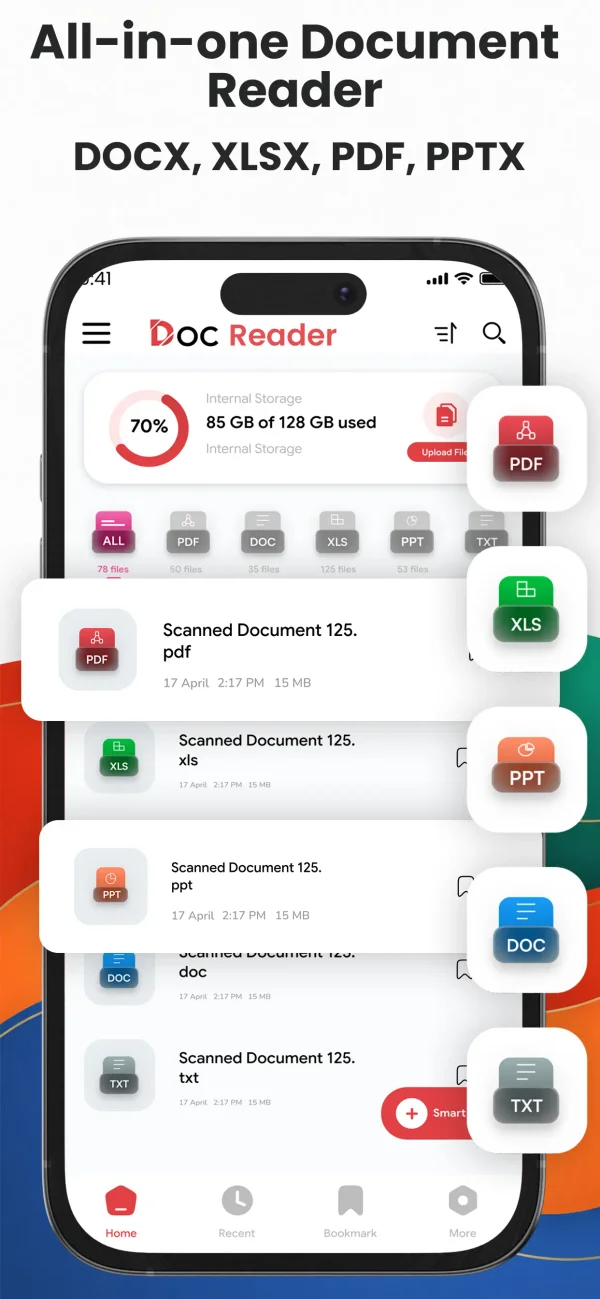
ALL-IN-ONE DOCUMENT READER
– Open and view a wide range of document formats
– Read PDFs, DOC files, TXT documents, presentations, spreadsheets, and more
– Access and manage files from a single location
– Use the app in multiple languages for a more personalized experience
FILE ORGANIZATION TOOLS
– Sort files by name, date, size, or type
– Rename files and view document details
– Bookmark important documents for quick access
– Keep files organized and easy to locate
– Upload and manage documents whenever needed
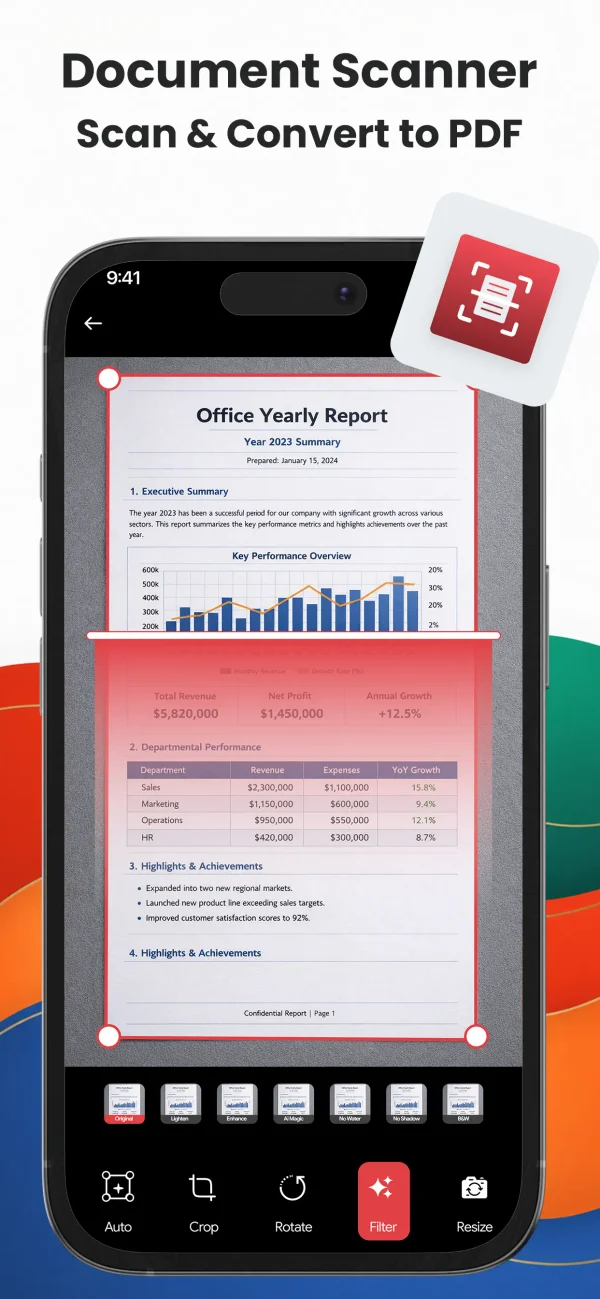
DOCUMENT SCANNER & PDF TOOLS
– Scan paper documents and save digital copies
– Convert images into PDF files for sharing and storage
– Store notes, receipts, forms, and other documents digitally
– Manage scanned files alongside your existing documents
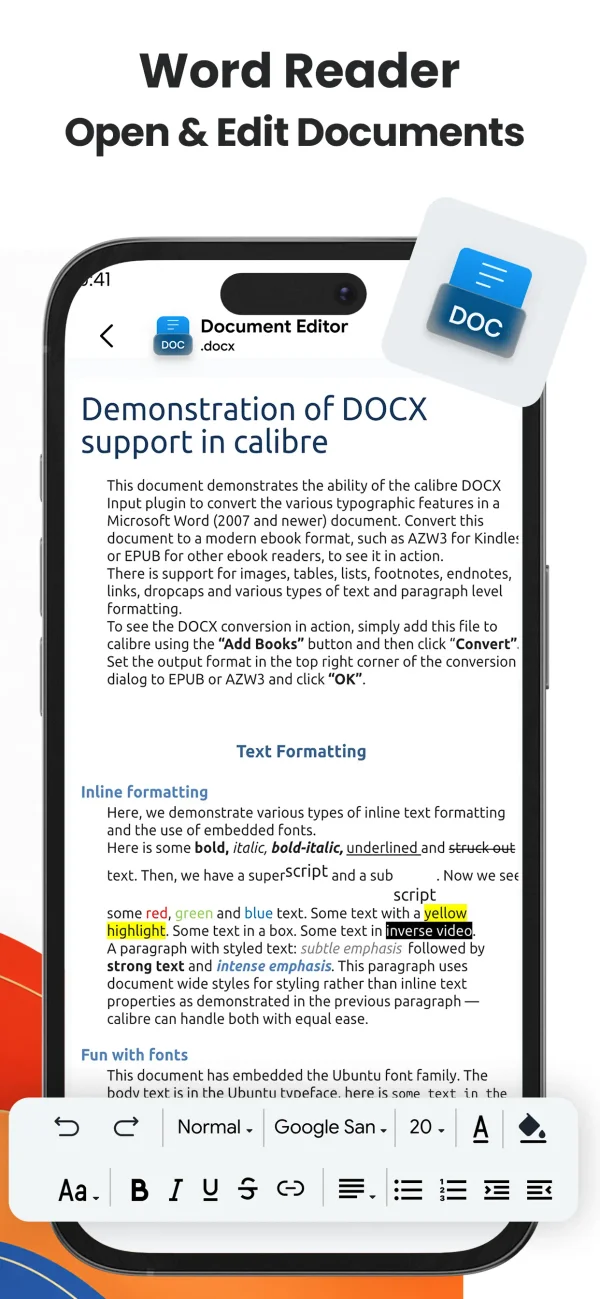
DOCUMENT EDITING TOOLS
– Edit and adjust documents directly within the app
– Crop, rotate, resize, and enhance document pages
– Apply filters to improve document visibility and appearance
– Make document updates without switching between different apps
CREATE AND EDIT FILES
– Create new documents for work, school, or personal use
– Create, edit, and review presentations
– Manage spreadsheets for planning, calculations, and records
– Create memos for notes, reminders, and important information
– Work with different document types from one app
DESIGNED FOR DAILY DOCUMENT TASKS
Whether you need to read documents, review presentations, organize files, edit spreadsheets, scan paperwork, or create new content, All Document Reader & Scanner brings essential document tools together in a single application.
Download All Document Reader & Scanner to read files, edit documents, scan paperwork, create presentations and spreadsheets, convert images to PDF, and manage your documents with ease.
By using this app, you agree to our:
Privacy Policy: https://sites.google.com/view/appholic/all-document-reader/privacy-policy
Terms of Use: https://sites.google.com/view/appholic/all-document-reader/terms-of-use
Có gì mới
Phiên bản 1.0.2 · 10/07/2026
Bug Fixes & Improvements
Quyền riêng tư của ứng dụng
Những gì AppHolic khai báo trên App Store về cách ứng dụng này xử lý dữ liệu.
-
Dữ liệu được sử dụng để theo dõi bạn
Có thể được sử dụng để theo dõi bạn trên các ứng dụng và trang web do công ty khác sở hữu.
- Dữ liệu sử dụng
-
Dữ liệu không liên kết với bạn
Có thể được thu thập nhưng không liên kết với danh tính của bạn.
- Dữ liệu sử dụng
- Chẩn đoán
Phương thức đảm bảo quyền riêng tư có thể khác nhau, chẳng hạn như tuỳ theo các tính năng bạn sử dụng hoặc độ tuổi của bạn.
Thông tin
- Người bán
- Incube Technologies LLC
- Danh mục
- Hiệu Suất
- Phiên bản
- 1.0.2
- Cập nhật
- 10/07/2026
- Phát hành
- 26/06/2026
- Kích thước
- 92,6 MB
- Yêu cầu
- iOS 15.6 trở lên
- Độ tuổi
- 4+
- Giá
- Miễn phí
- Mua hàng trong ứng dụng
- Có
- Ngôn ngữ
- Tiếng Anh
- Bản quyền
- © 2026 AppHolic
Có thể bạn cũng thích
-
 FileMaster: Offline ScannerHiệu Suất
-
 PDFfiled: PDF Editor-ScannerHiệu Suất
-
 PDFix: Sửa, Ký & Chuyển PDFQuét tài liệu, ghép và nén tệp
-
 MCBackup Pro - Contacts BackupHiệu Suất
-
 PatchDoc:File & Code EditorHiệu Suất
-
 EdgeAI: Local AI GalleryHiệu Suất
-
 SparkPDF: Quét, Ký & ĐiềnQuét tài liệu, ký & điền PDF
-
 Token: Local AI & Code StudioHiệu Suất
-
 PDF Trích xuất: ảnh & OCRNgoại tuyến, bảng, Markdown
-
 QershnatHiệu Suất