AR Measure + Notes
AR measurements with snapshots
Được thiết kế cho iPhone, iPad
Miễn phí · Mua hàng trong ứng dụng
- Độ tuổi4+
- Danh mụcTiện Ích
- Nhà phát triểnJun Yamabe
- Ngôn ngữTiếng Anh+ 7 ngôn ngữ khác
- Kích thước5,3 MB
Liên kết đến trang App Store chính thức
Download.org không lưu trữ tệp nào của AR Measure + Notes. Nút này mở trang ứng dụng trên App Store, nơi Jun Yamabe phát hành ứng dụng. Trang được kiểm tra lần cuối: 17/11/2026.
Ảnh chụp màn hình
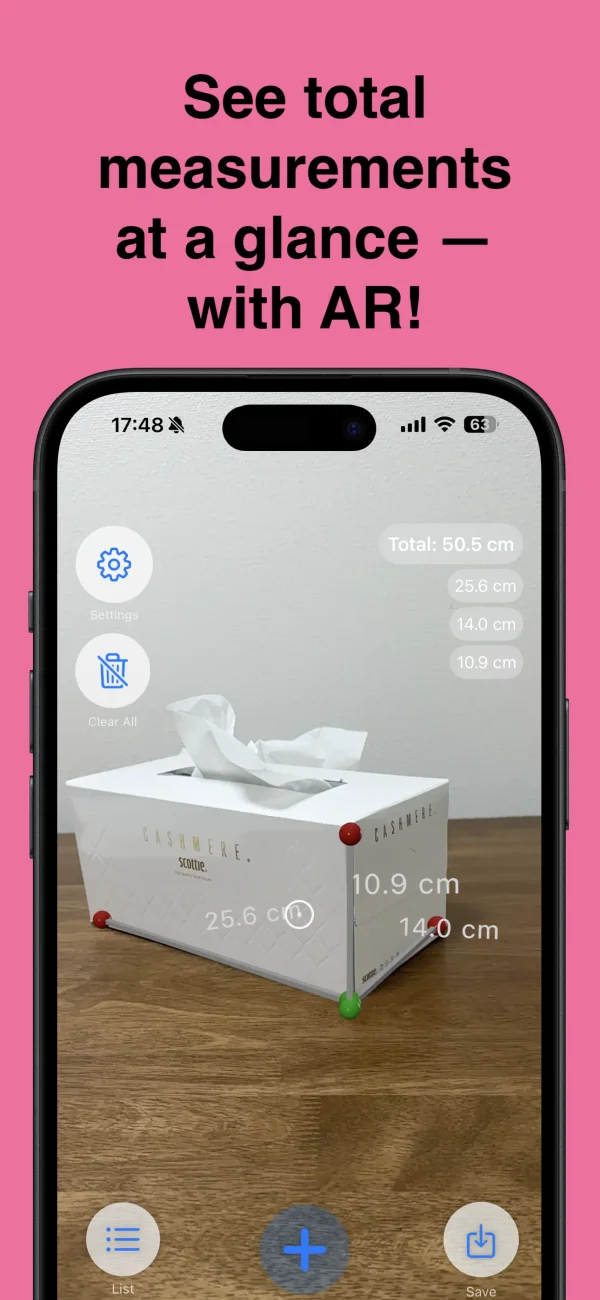
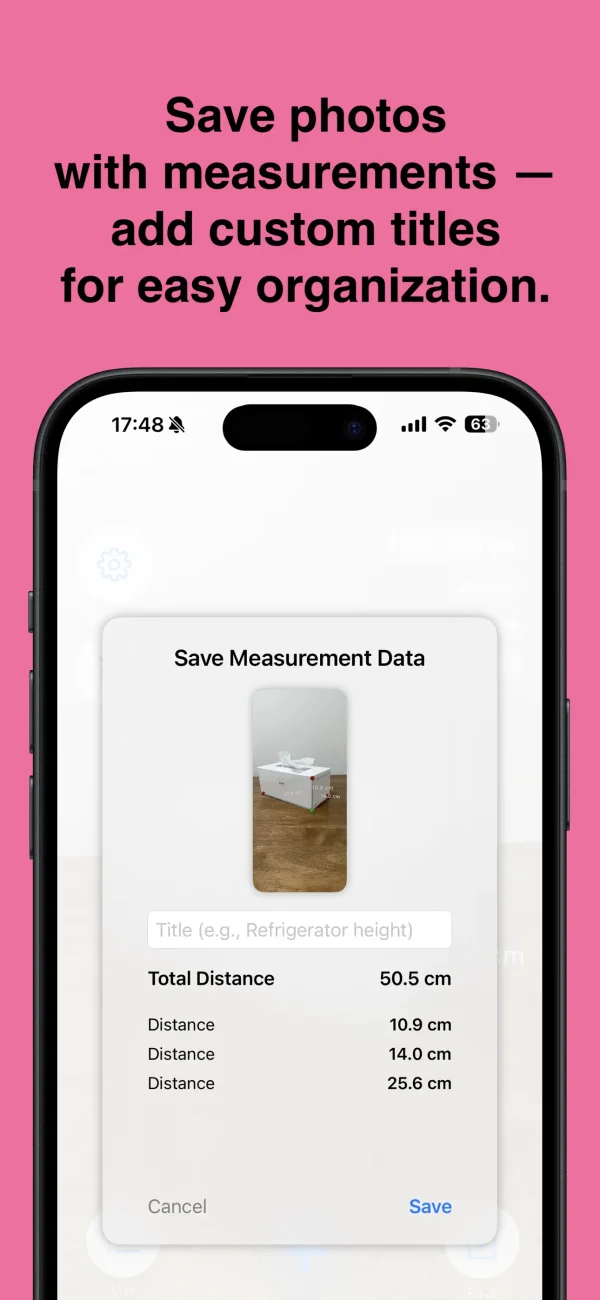
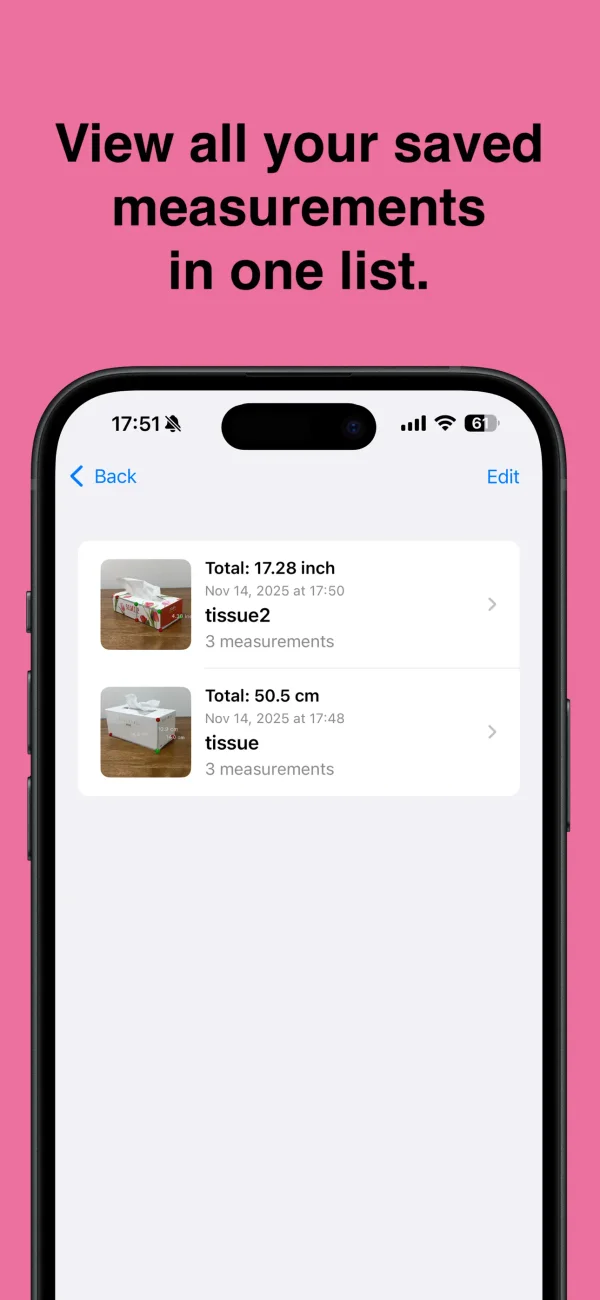
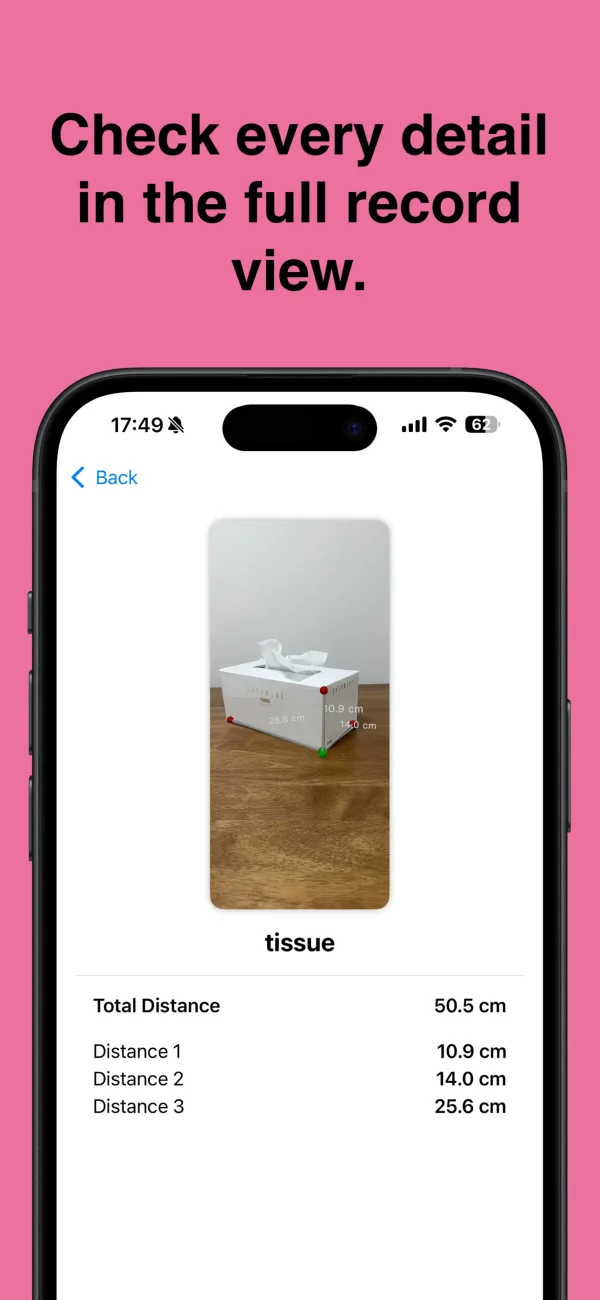
Giới thiệu
Nhà phát triển chưa cung cấp nội dung này bằng ngôn ngữ của bạn.
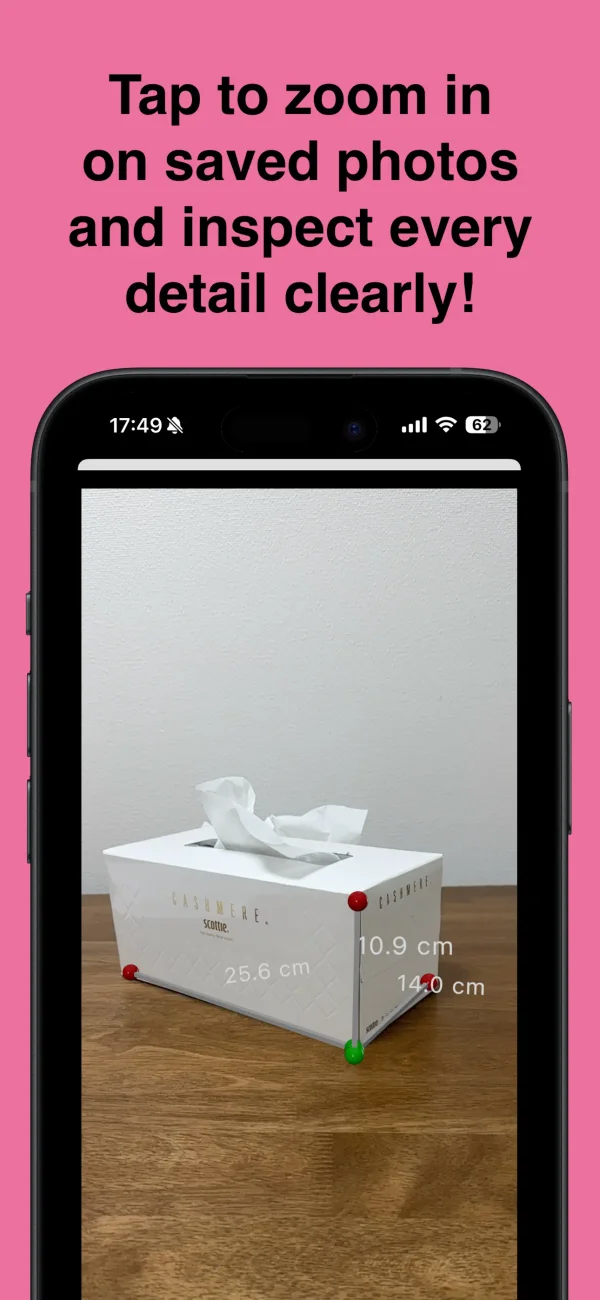
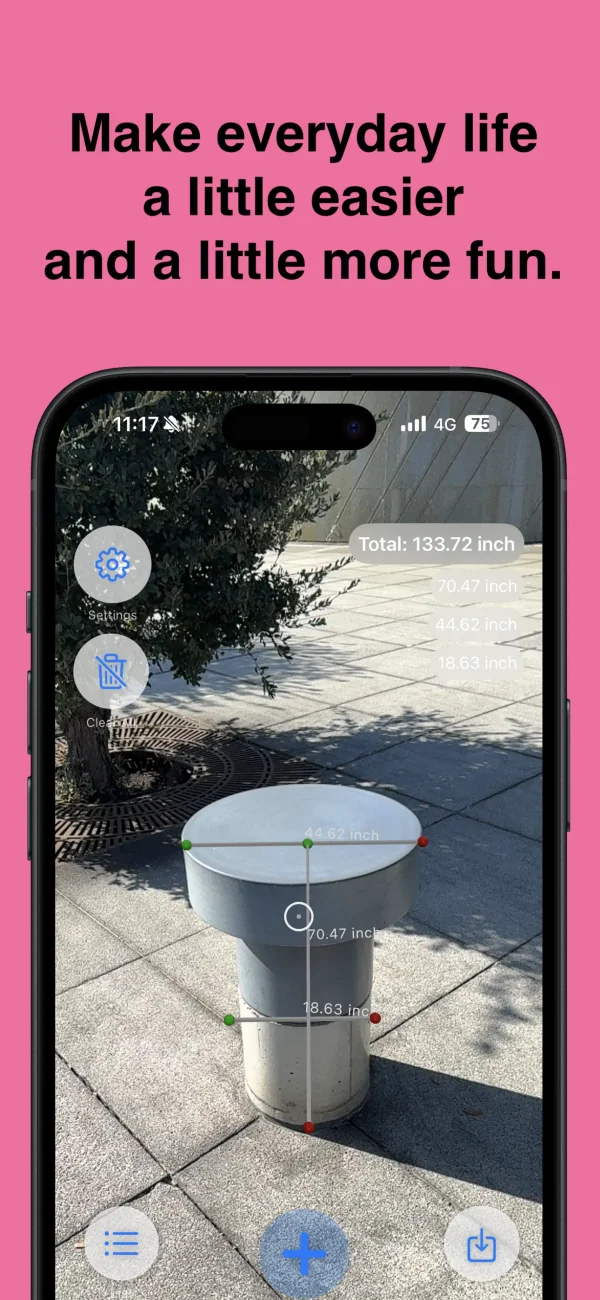
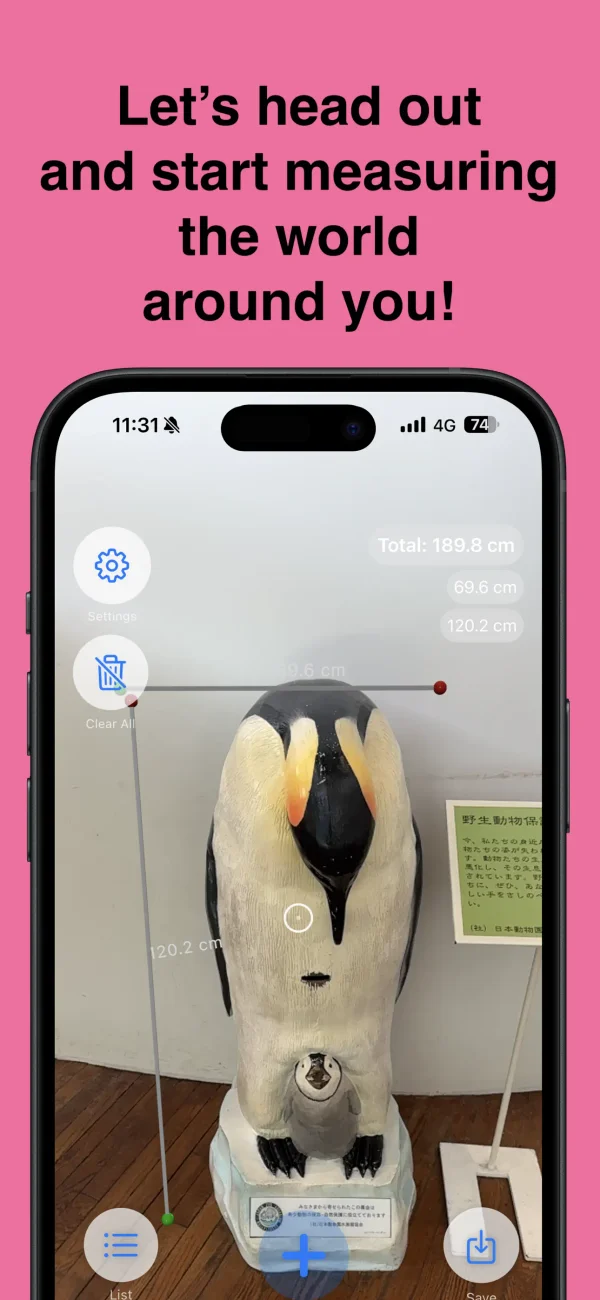
Measure real-world objects quickly and accurately using your iPhone’s camera and AR technology. Capture distances, save snapshots with measurements, add notes, and review past records — perfect for everyday tasks, DIY projects, furniture planning, package checking, and more.
* Features
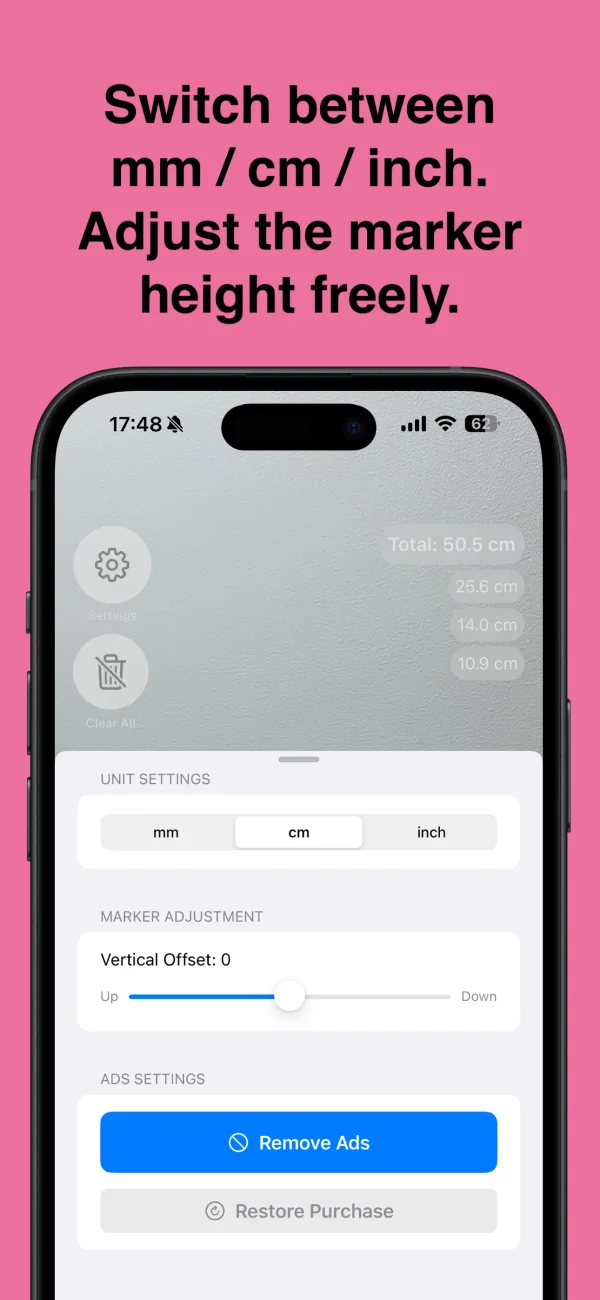
• AR Distance Measurement — Point your camera and measure instantly in cm, mm, or inches.
• Snapshot Saving — Save photos with all distances included, plus automatic total distance calculation.
• Organized Notes — Add titles like “Bookshelf height” and keep your measurements neatly stored.
• History View — Browse past measurements with images, totals, and individual values.
• Works Offline — Measurement and history viewing work without an internet connection.
* FAQ
Is the app free?
Yes. The app is free to download and use. A small banner ad is shown at the bottom, and you can remove ads with a one-time purchase.
How do I save measurements?
After taking a measurement, tap the save button to add a title and store it with a snapshot.
Which units can I use?
You can switch between millimeters, centimeters, and inches in the settings.
Can I edit past records?
Saved measurements can be viewed or deleted at any time from the history screen.
Who is this app for?
Anyone who needs quick, simple, and accurate measurements — including homeowners, DIY users, students, movers, and shoppers.
Quyền riêng tư của ứng dụng
Những gì Jun Yamabe khai báo trên App Store về cách ứng dụng này xử lý dữ liệu.
-
Dữ liệu không được thu thập
Nhà phát triển không thu thập bất kỳ dữ liệu nào từ ứng dụng này.
Phương thức đảm bảo quyền riêng tư có thể khác nhau, chẳng hạn như tuỳ theo các tính năng bạn sử dụng hoặc độ tuổi của bạn.
Thông tin
- Người bán
- Jun Yamabe
- Danh mục
- Tiện Ích
- Phiên bản
- 1.0.0
- Cập nhật
- 19/11/2025
- Phát hành
- 19/11/2025
- Kích thước
- 5,3 MB
- Yêu cầu
- iOS 18.4 trở lên
- Độ tuổi
- 4+
- Giá
- Miễn phí
- Mua hàng trong ứng dụng
- Có
- Ngôn ngữ
- Tiếng Anh, Tiếng Pháp, Tiếng Đức, Tiếng Nhật, Tiếng Hàn, Tiếng Bồ Đào Nha, Tiếng Trung Giản thể, Tiếng Tây Ban Nha
- Bản quyền
- Copyright © 2025 Jun Yamabe. All rights reserved.