
Authenticator App - 2FA PRO
Authenticator App - 2FA PRO
Được thiết kế cho iPhone, iPod touch
Miễn phí · Mua hàng trong ứng dụng
- Độ tuổi17+
- Danh mụcHiệu Suất
- Nhà phát triểnDenis Vithani
- Ngôn ngữTiếng Anh
- Kích thước58,7 MB
Liên kết đến trang App Store chính thức
Download.org không lưu trữ tệp nào của Authenticator App - 2FA PRO. Nút này mở trang ứng dụng trên App Store, nơi Denis Vithani phát hành ứng dụng. Trang được kiểm tra lần cuối: 12/11/2026.
Ảnh chụp màn hình

Giới thiệu
Nhà phát triển chưa cung cấp nội dung này bằng ngôn ngữ của bạn.
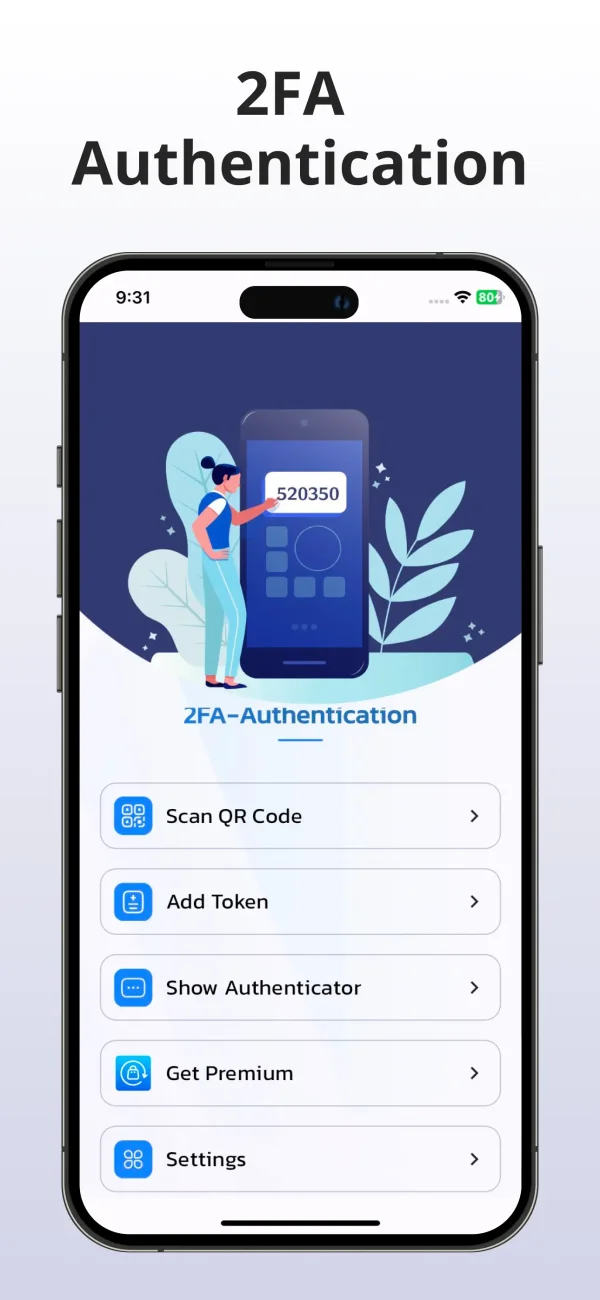
"The 2FA Authenticator App is a free software that provides two-factor authentication by creating time-based one-time passwords (TOTP) and push authentication. By implementing TOTP on websites, it helps maintain the security of your online accounts with an extra layer of protection.
With the 2FA Authenticator App, the generated one-time tokens add an additional degree of security to your online accounts. By simply scanning a QR code, your account is secured. Using this 2FA Authenticator app on websites that accept TOTP helps keep your online accounts safe from hackers.
Moreover, to further protect your one-time tokens, you can use password protection. Once your account is set up for TOTP authentication using the Mobile Authenticator, all you have to do is copy and paste the code into your account to use the 2FA Authenticator. It’s that easy!
The 2FA Authentication app is a reliable Two Factor Authentication tool that generates Time-based One-time token passwords (TOTP) to keep your online accounts secure on supporting TOTP websites. With 2-Step Verification, you’ll need a second step of verification, such as a code generated by the Authenticator app on your phone, in addition to your password to access your online account. The generated codes provide an additional layer of security by acting as one-time tokens that safeguard your online accounts. Simply scan a QR code and your account is secure. The 2FA Authenticator app is a trusted tool to help you maintain the security of your online accounts on supporting TOTP websites.
> Two Factor Authentication
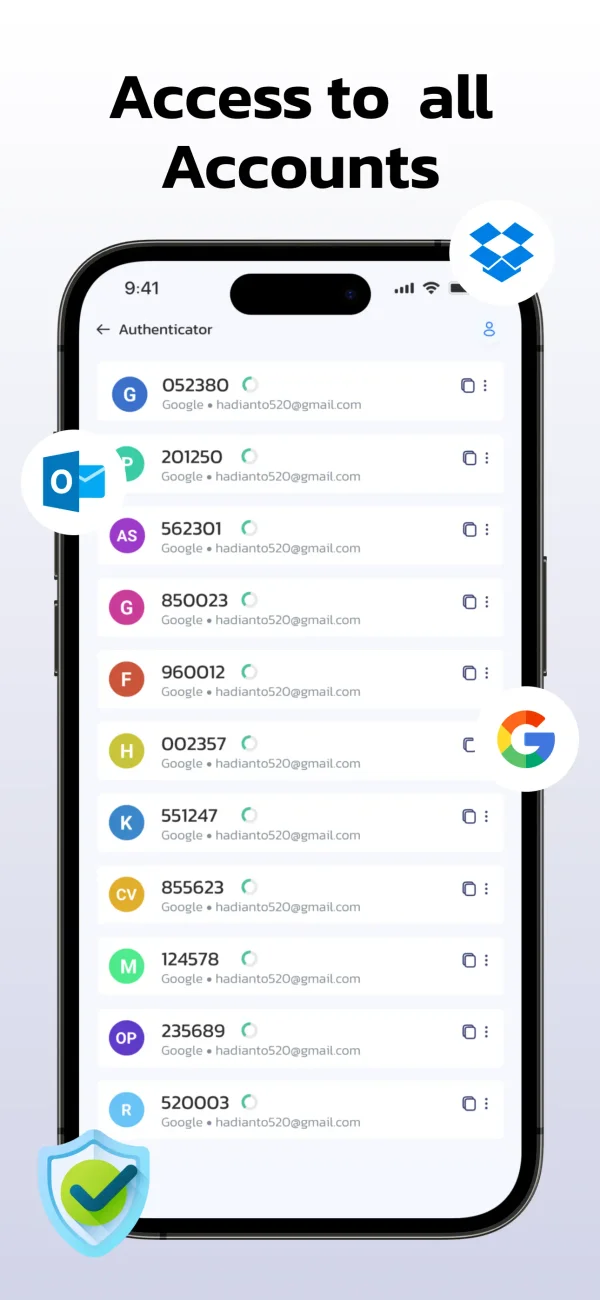
TOTP & HOTP Tokens Generator
Generate 30 & 60 seconds Tokens
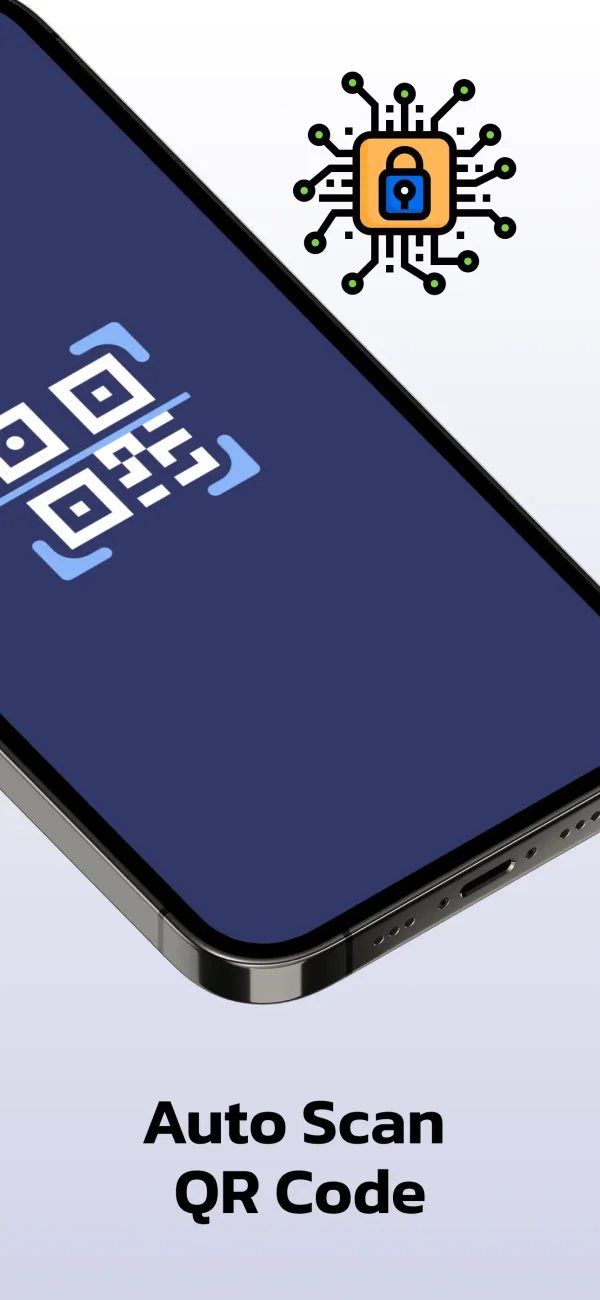
QR Code Scanner for Adding Tokens
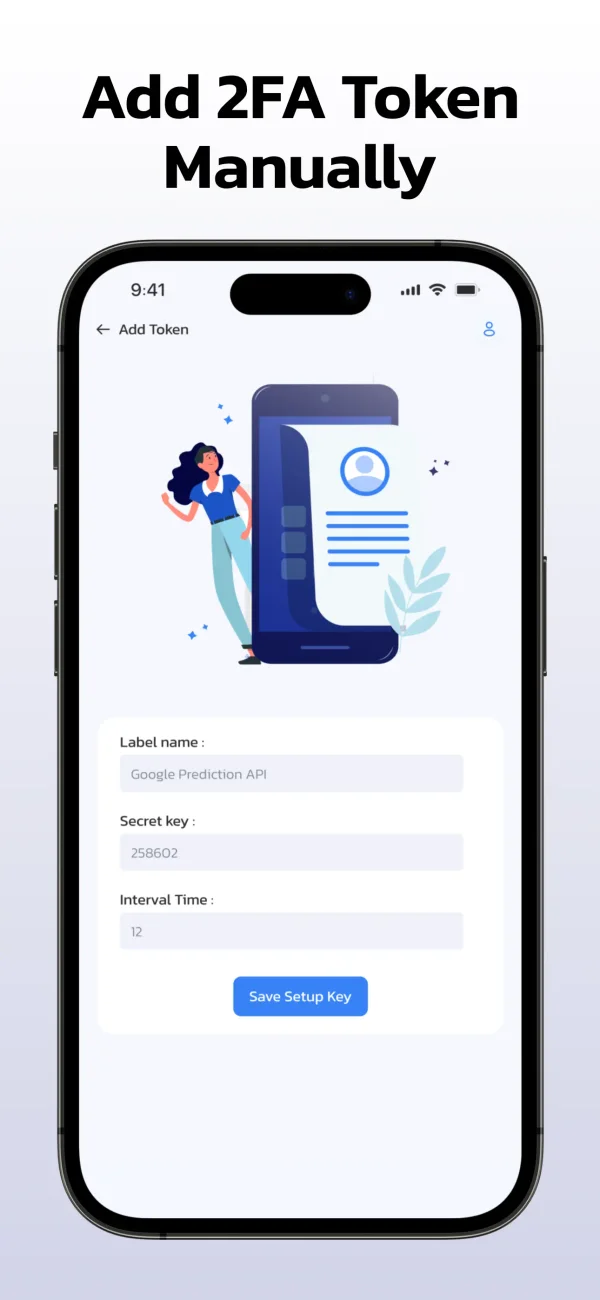
User Manual or How to use
Advanced Security for Screenshot Capturing( Do not allow Screenshot capture in 2FA Authenticator app)
Get the all new 2FA Authentication app for FREE!!!
This app creates unique codes that provide an additional layer of security for your online accounts. After scanning a QR code, your account is safeguarded. The 2FA Authenticator aids in securing your accounts on TOTP-supported websites. By using the Mobile Authenticator, your account is registered for TOTP Authentication, and you simply have to copy and paste the code to complete the process.
Similar to other well-known authenticator apps (which shall remain unnamed), this 2FA Authenticator app generates one-time password codes that work with numerous online accounts and even function without an internet connection. However, it includes several improvements, including the ability to backup your accounts to your preferred cloud service, transfer them seamlessly to a new device, or even share them with others.
The Mobile (2FA Authenticator) app generates Time-based One-time Passwords (TOTP) and PUSH authentication. These one-time tokens are produced on your device and used in combination with your password to protect your accounts from hackers, providing an unbreachable level of security. By enabling two-factor authentication in your account settings, scanning the QR code provided, and pasting the code, you can ensure that your online accounts are fully secured.
• Easily identify accounts by their corresponding 2FA Authenticator app icons
• Conveniently copy one-time passcodes to your clipboard
• Safely back-up and restore your accounts
• Seamlessly share your accounts by scanning a QR code
• Add an extra layer of security by authorizing with your fingerprint before sharing or creating back-ups
• Keep your accounts secure with encrypted storage
• Trustworthy security measures: this app does not require internet permission and cannot secretly transmit your information to untrusted servers."
Terms of use : https://intuitive.studio/minimalist/terms/
Terms of Use (EULA) : https://www.apple.com/legal/internet-services/itunes/dev/stdeula/
Có gì mới
Phiên bản 2.0.3 · 04/12/2024
enjoy bug fixes and performance improvements for a smoother experience. Update now!
Quyền riêng tư của ứng dụng
Những gì Denis Vithani khai báo trên App Store về cách ứng dụng này xử lý dữ liệu.
-
Dữ liệu không được thu thập
Nhà phát triển không thu thập bất kỳ dữ liệu nào từ ứng dụng này.
Phương thức đảm bảo quyền riêng tư có thể khác nhau, chẳng hạn như tuỳ theo các tính năng bạn sử dụng hoặc độ tuổi của bạn.
Thông tin
- Người bán
- Denis Vithani
- Danh mục
- Hiệu Suất
- Phiên bản
- 2.0.3
- Cập nhật
- 04/12/2024
- Phát hành
- 01/05/2023
- Kích thước
- 58,7 MB
- Yêu cầu
- iOS 13.0 trở lên
- Độ tuổi
- 17+
- Giá
- Miễn phí
- Mua hàng trong ứng dụng
- Có
- Ngôn ngữ
- Tiếng Anh
- Bản quyền
- © 2023 DenisVithani
Có thể bạn cũng thích
-
 MoarMoneyHiệu Suất
-
 Codes: 2FA AuthenticatorHiệu Suất
-
 Password Manager - VaultHiệu Suất
-
 Authenticator App: 2FA OTPHiệu Suất
-
 TalkText: Giọng nói thành chữGhi âm, biên bản họp, offline
-
 Facephi AuthenticationHiệu Suất
-
 PDF Scanner - ProHiệu Suất
-
 Evidian AuthenticatorHiệu Suất
-
 PDF Converter - Maker & EditorConvert Photos & Docs to PDF