
Auto Scroll Plus
Auto scroll for browser
Được thiết kế cho iPhone, iPad, Mac
59.000đ
- Độ tuổi4+
- Danh mụcTiện Ích
- Nhà phát triểnLuan Cu Xuan
- Ngôn ngữTiếng Anh
- Kích thước1,5 MB
Liên kết đến trang App Store chính thức
Download.org không lưu trữ tệp nào của Auto Scroll Plus. Nút này mở trang ứng dụng trên App Store, nơi Luan Cu Xuan phát hành ứng dụng. Trang được kiểm tra lần cuối: 17/11/2026.
Ảnh chụp màn hình

Giới thiệu
Nhà phát triển chưa cung cấp nội dung này bằng ngôn ngữ của bạn.
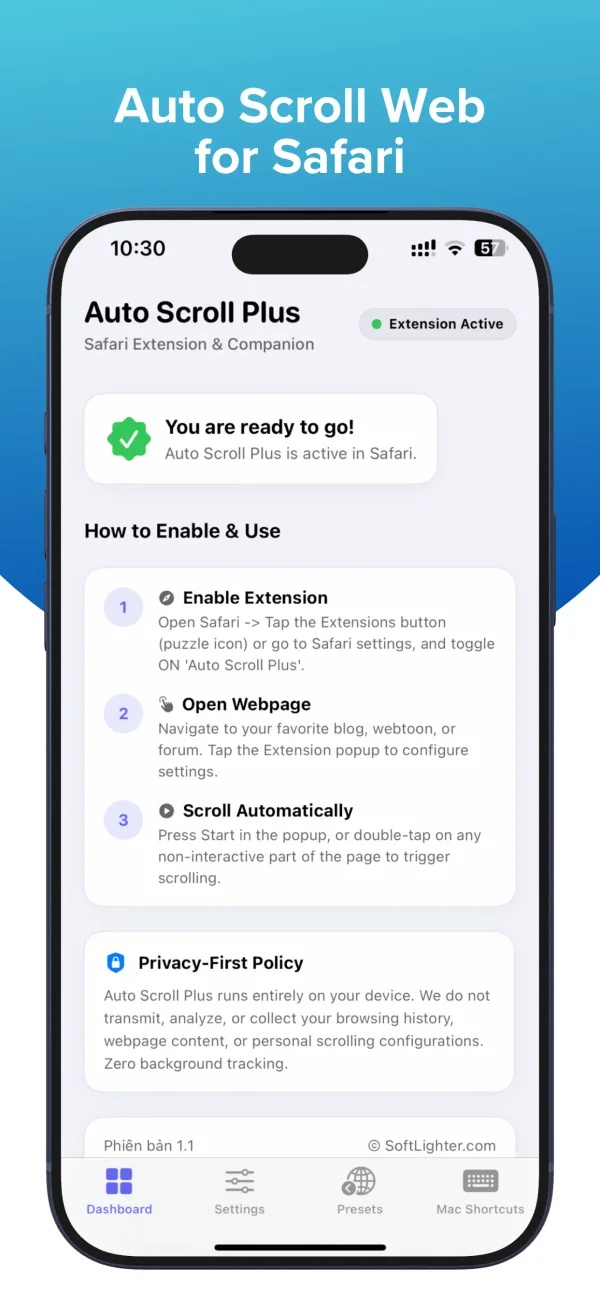
Auto Scroll Plus is a Safari extension that scrolls webpages for you, so you can read and browse more comfortably without constant swiping. It’s great for news, blogs, forums, articles, webtoons, and other long pages in Safari.
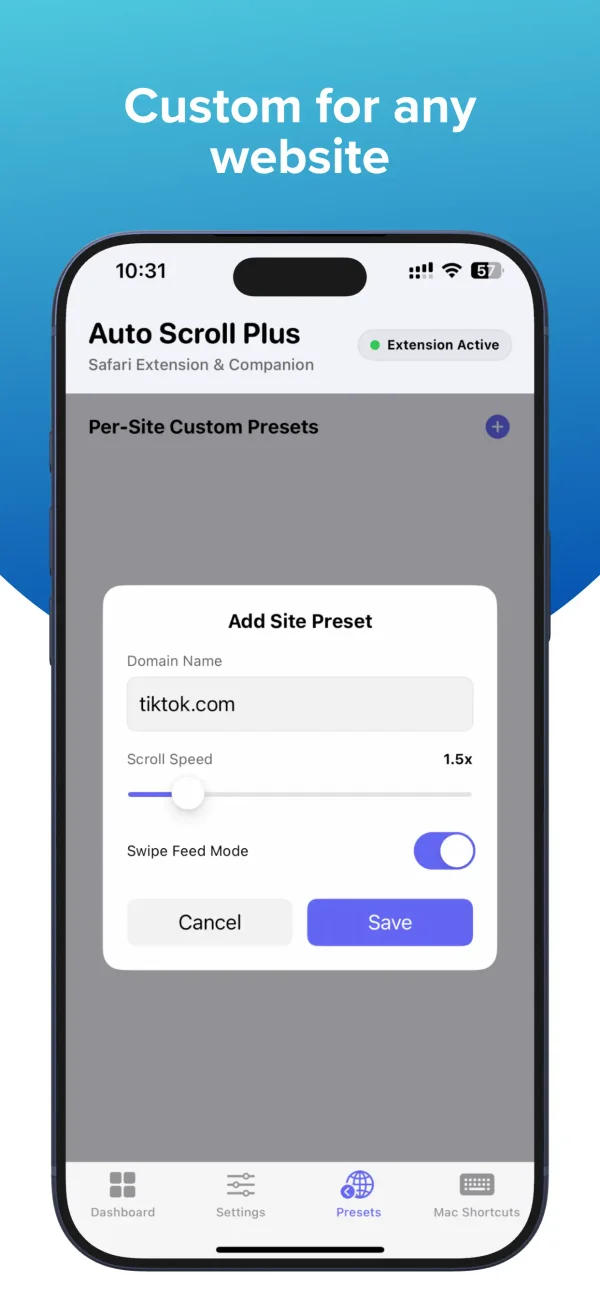
With Swipe Mode, Auto Scroll Plus can also help you move through supported vertical feeds more comfortably. The app is designed to reduce hand fatigue, stay lightweight, and keep the experience simple.
Included Features
Auto Scroll for Safari.
Swipe Mode for supported vertical feeds.
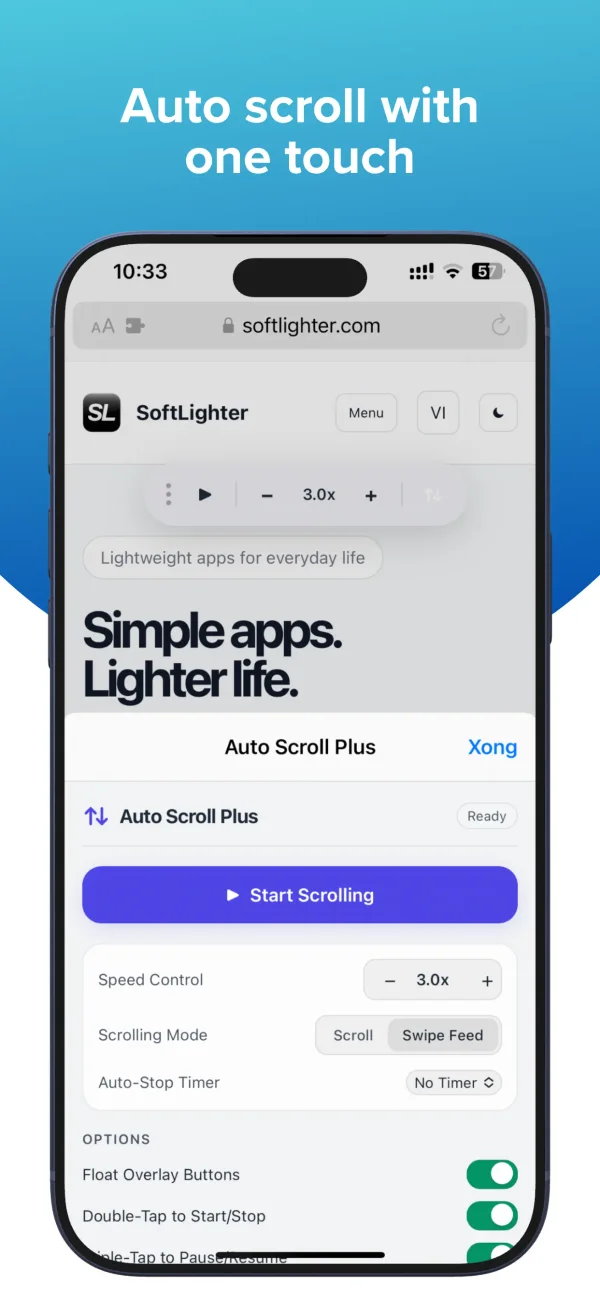
Adjustable scroll speed.
Timer control.
Pause and resume anytime.
Double-tap to start or stop on iPhone and iPad.
Optional + / - speed buttons in the extension popup.
Lightweight operation with no unnecessary background activity.
Privacy
100% local operation.
No browsing history is collected or transmitted.
No usage history is collected or transmitted.
Device Support
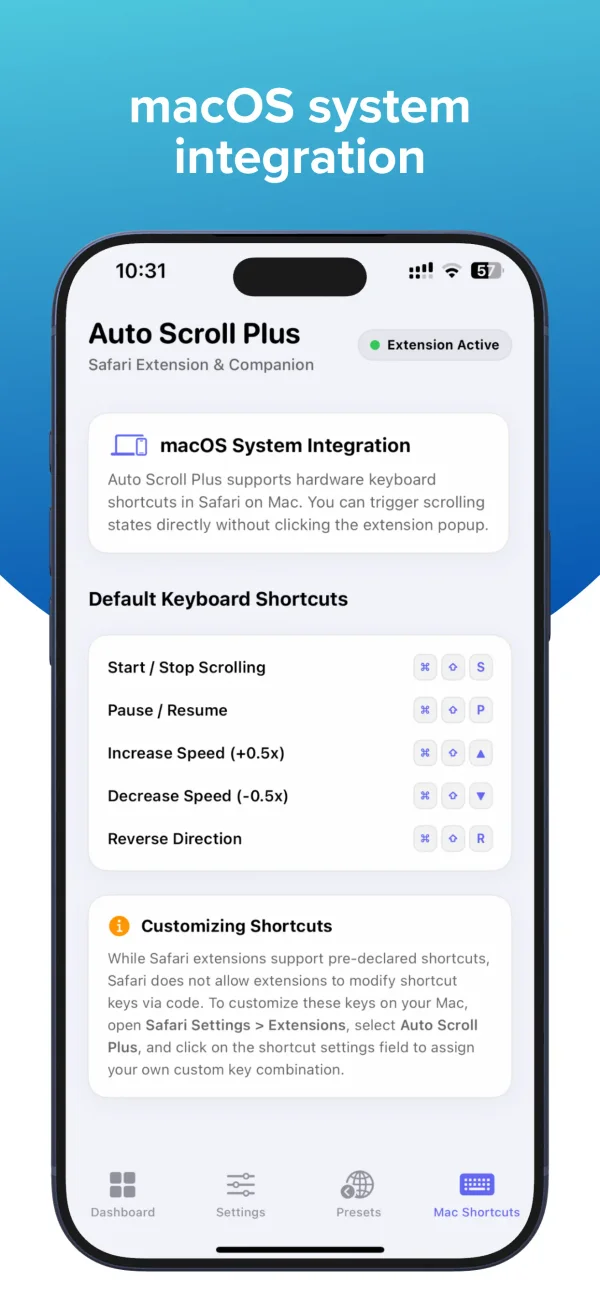
Works with Safari on iPhone, iPad, and Mac.
Some gesture-based controls are available only on iPhone and iPad. Safari extensions are supported across Mac, iPhone, and iPad, and users enable them in Safari settings on each platform.
How to Enable the Extension
On iPhone and iPad: Go to Settings, open Safari, tap Extensions, select Auto Scroll Plus, and turn on Allow Extension.
On Mac: Open Safari, go to Safari > Settings, click Extensions, and enable Auto Scroll Plus.
Notes
On some websites, or depending on Safari system behavior, scrolling or swiping may stop or not work as expected. If that happens, fully quit Safari and relaunch it.
Privacy Policy: softlighter.com/auto-scroll-plus/privacy
Quyền riêng tư của ứng dụng
Những gì Luan Cu Xuan khai báo trên App Store về cách ứng dụng này xử lý dữ liệu.
-
Dữ liệu không được thu thập
Nhà phát triển không thu thập bất kỳ dữ liệu nào từ ứng dụng này.
Phương thức đảm bảo quyền riêng tư có thể khác nhau, chẳng hạn như tuỳ theo các tính năng bạn sử dụng hoặc độ tuổi của bạn.
Thông tin
- Người bán
- Luan Cu Xuan
- Danh mục
- Tiện Ích
- Phiên bản
- 1.0
- Cập nhật
- 17/06/2026
- Phát hành
- 17/06/2026
- Kích thước
- 1,5 MB
- Yêu cầu
- iOS 16.0 trở lên
- Độ tuổi
- 4+
- Giá
- 59.000đ
- Ngôn ngữ
- Tiếng Anh
- Bản quyền
- © SoftLighter.com
Có thể bạn cũng thích
-
 ZeroExif - Photo PrivacyTiện Ích
-
 GoosiTiện Ích
-
 Pocket AI: Offline ScannerTiện Ích
-
 Text Parser ProTiện Ích
-
 KeepProof: Receipt OrganizerTiện Ích
-
 SnapFrame - On-device AITiện Ích
-
 dB Meter: Decibel SPL SpectrumTiện Ích
-
 MeCode: Quét mã QR & mã vạchTạo mã, đọc mã từ ảnh và PDF
-
 FlowClock - Standby ClockTiện Ích
-
 TwoCameraTiện Ích