
Be Native: Learn Swift
SwiftUI Courses for iOS & Mac
Được thiết kế cho iPhone, iPad, Mac
Miễn phí · Mua hàng trong ứng dụng
- Độ tuổi4+
- Danh mụcGiáo Dục
- Nhà phát triểnBN Coding
- Ngôn ngữTiếng Anh+ 1 ngôn ngữ khác
- Kích thước48,5 MB
Liên kết đến trang App Store chính thức
Download.org không lưu trữ tệp nào của Be Native: Learn Swift. Nút này mở trang ứng dụng trên App Store, nơi BN Coding phát hành ứng dụng. Trang được kiểm tra lần cuối: 16/11/2026.
Ảnh chụp màn hình
Giới thiệu
Nhà phát triển chưa cung cấp nội dung này bằng ngôn ngữ của bạn.
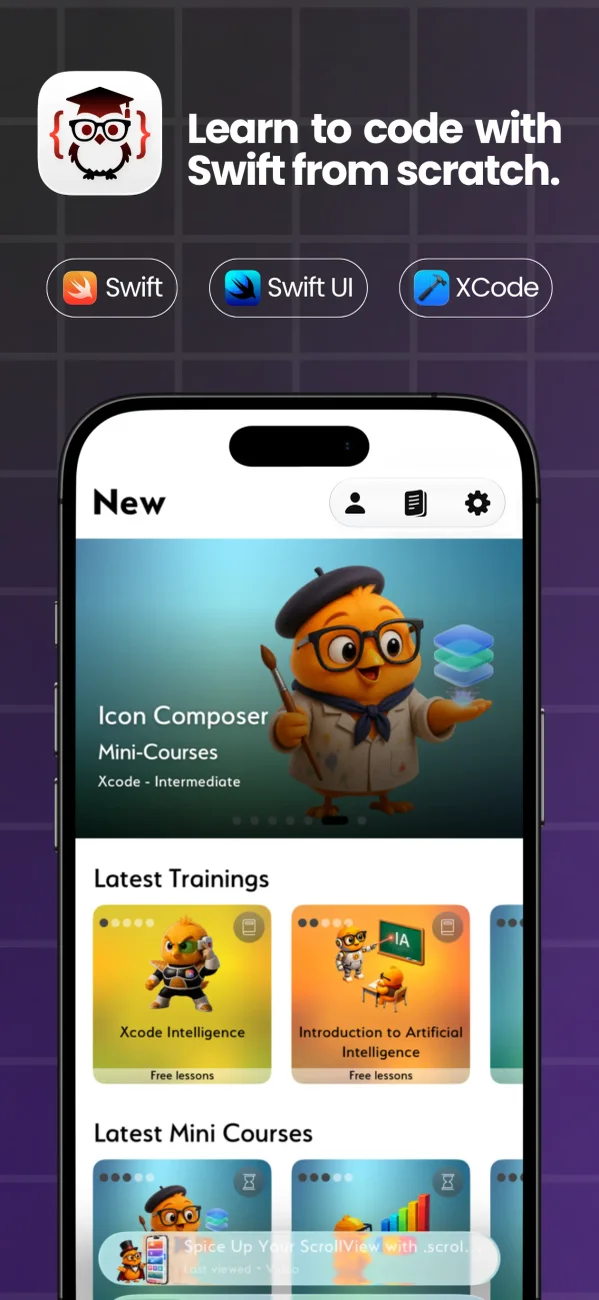
Learn Swift, SwiftUI, and native development for Apple platforms with instructors who have more than 10 years of experience and have taught thousands of students.
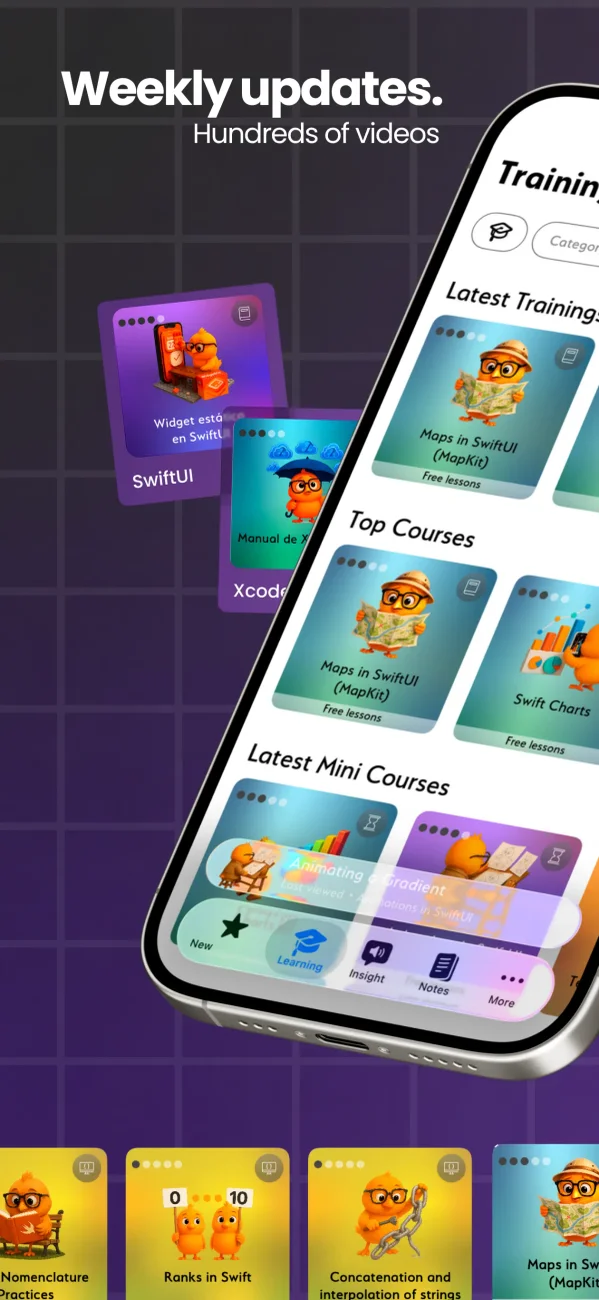
Be Native combines structured training, guided projects, and continuously updated practical content. Explore sample lessons from many courses and mini-courses to experience the teaching method before choosing a Junior or Senior subscription.
Be Native runs natively on iPhone Duo, with layouts for every pose. Fold it to keep video above its information without interrupting playback, read articles like a book across the hinge, or use bedside mode for full-screen video and large podcast controls.
BILINGUAL TRAINING
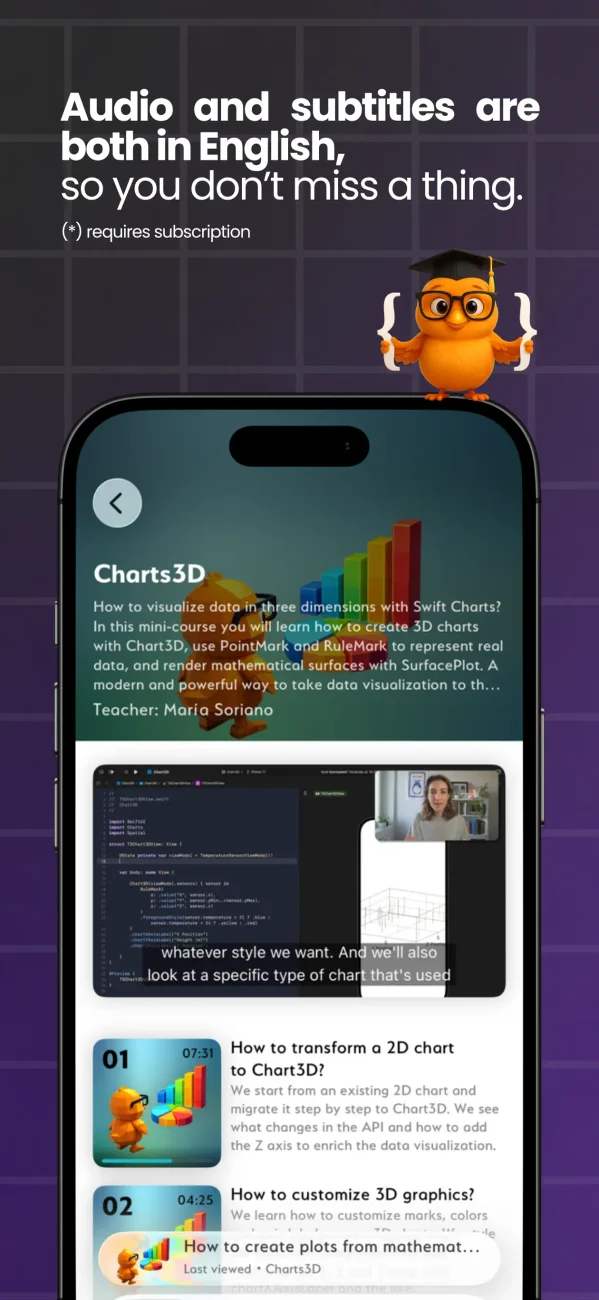
New training content includes Spanish and English audio tracks, professional subtitles in both languages, and full transcripts. Dual audio is being extended across the historical catalog. All source code used in the videos is included so you can study, run, and adapt it.
FOUR WAYS TO LEARN
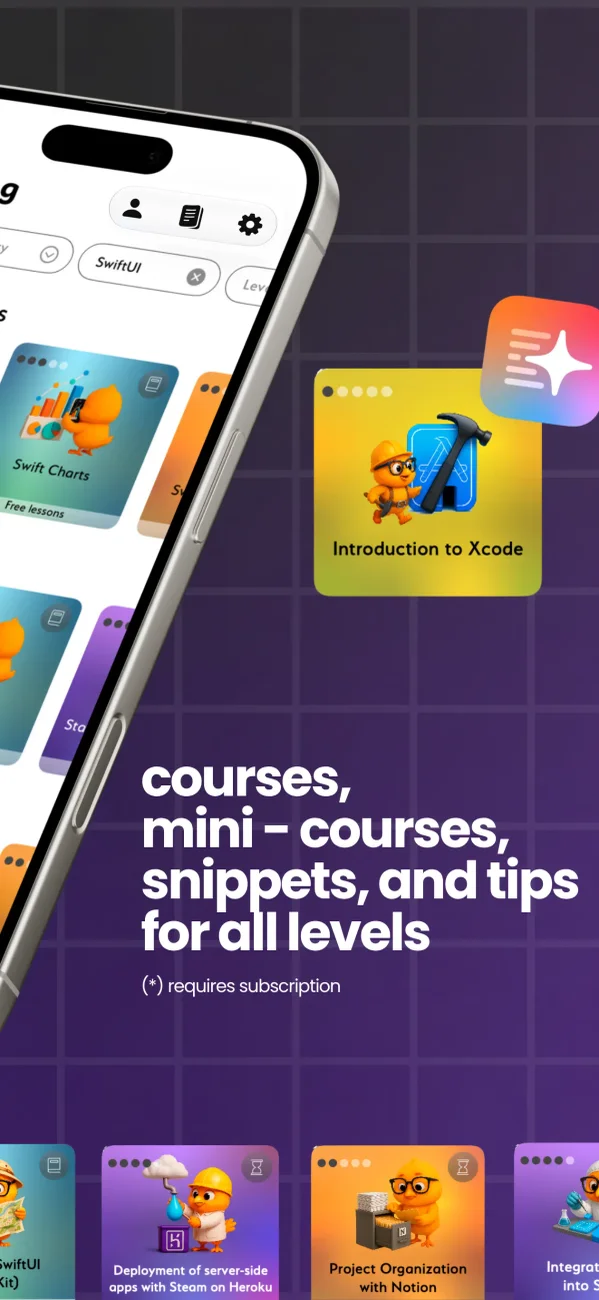
- Full courses with progressive learning paths and guided projects
- Mini-courses focused on specific frameworks, tools, and goals
- Quick tips that solve everyday development problems
- Practical, reusable code snippets explained with context
- Swift, SwiftUI, UIKit, SwiftData, architecture, Xcode, GitHub, and AI-assisted development
- Weekly content aligned with the latest iOS, Swift, and WWDC updates
CODE NOTES AND EXPLANATIONS
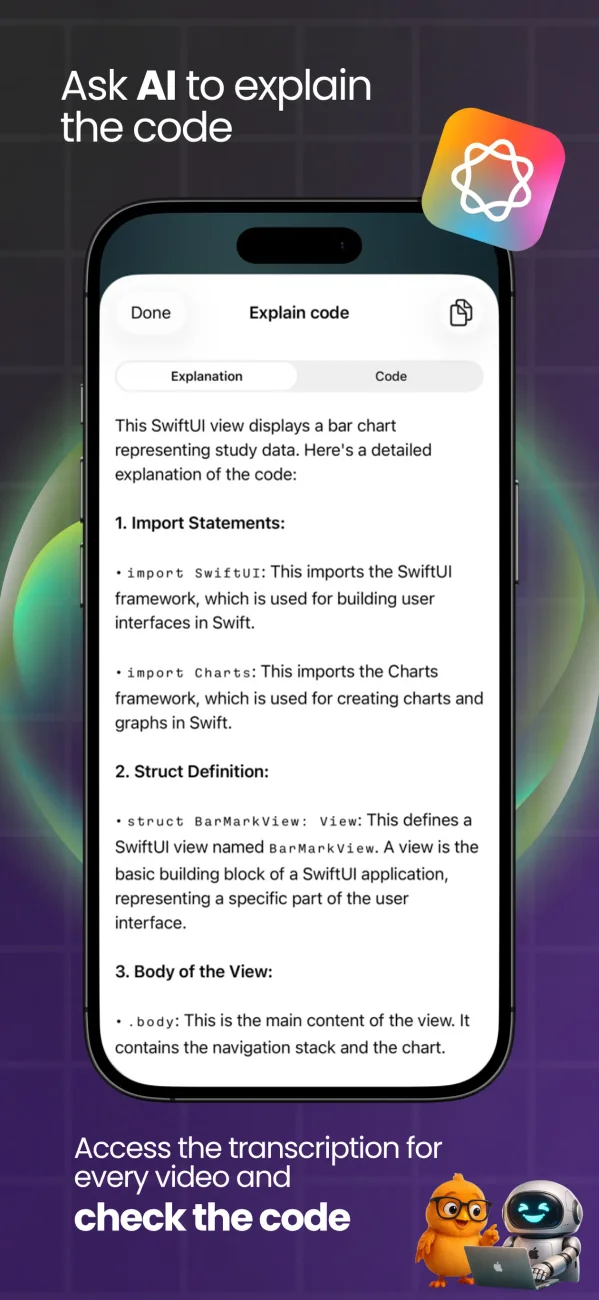
Save snippets, development tips, programming notes, and ideas from any lesson or article in the new Notes module. On compatible devices where Apple Intelligence is available, you can also ask the system to explain the code in lesson examples.
EXPLORE THE PLATFORM
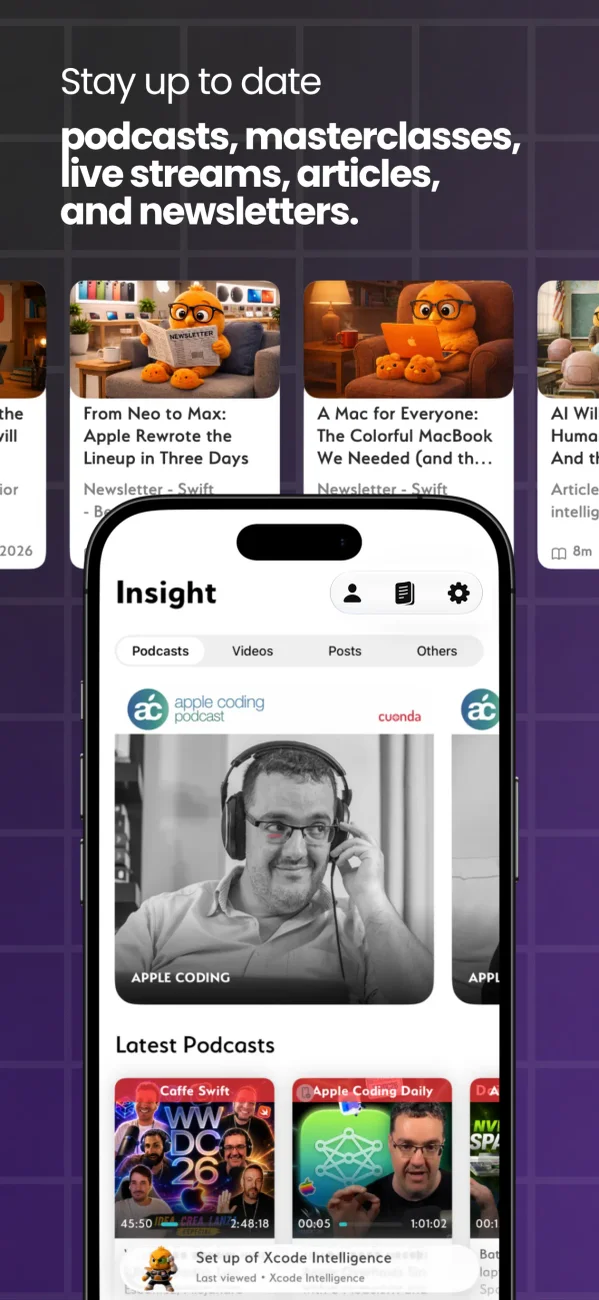
Explore articles, videos, newsletters, live sessions, and original Spanish-language podcasts covering the Apple ecosystem. Save favorites, build topic notebooks, and find the right lesson with private on-device semantic search.
A PATH FOR EVERY LEVEL
Junior unlocks beginner and junior training. Senior unlocks the full path: beginner, junior, intermediate, senior, and expert. Build solid foundations first and move forward when you are ready.
TOOLS THAT SUPPORT REAL LEARNING
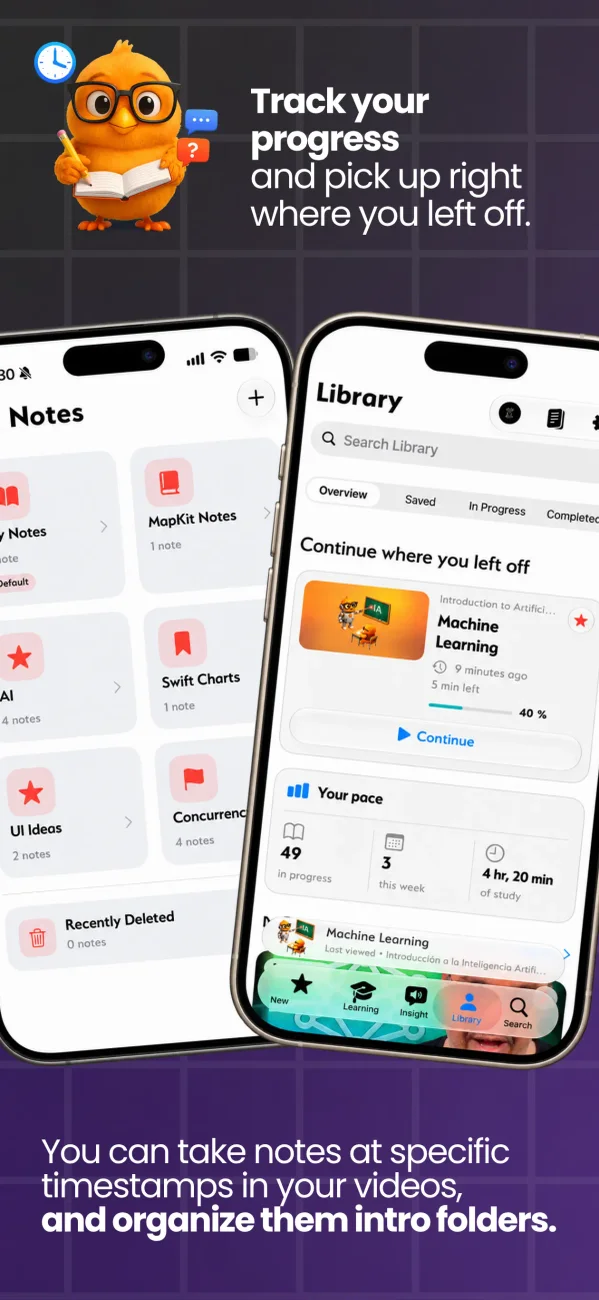
- Digital notebooks and topic-based notes
- Timestamp markers inside every video
- Favorites, progress tracking, and notifications
- VoiceOver, Dynamic Type, and reduced-motion support
- One subscription for iPhone, iPad, and Mac
- A Mac experience built from scratch for macOS, with multi-window workflows
Be Native also introduces a more modern design, renewed with ideas and feedback from the community.
Be Native does not promise shortcuts. It gives you a clear path to understand code, practice with purpose, and become the developer you would hire.
Understand the code. Change the world.
ASK, FIND AND KEEP LEARNING
Ask Be Native answers questions using your courses, lessons, podcasts, articles and transcripts, on device. Spotlight helps you find lessons by idea, not just by matching words. SiriAI can find lessons, create and manage notes, and play podcasts. These features require iOS 27, Apple Intelligence and SiriAI (beta). SiriAI currently speaks English only. More languages are coming soon.
Your Library groups saved, in-progress and completed content, with search, sorting and filters. Organize notes in notebooks and folders, recover them from Recently Deleted, and build your own lists. Article read-aloud remembers your place across devices. On iPad, read articles in a two-page landscape layout. Add Shortcuts to resume a course, reopen recent content or open notes.
Có gì mới
Phiên bản 1.16 · 11/11/2026
Faster, safer and easier to follow.
• Faster and smoother: a new way of handling images keeps each one at just the size it needs, so the app loads sooner and scrolls more smoothly.
• Quicker from the first second: content loads much faster when you open the app, with security improvements under the hood.
• Your progress at a glance: course and lesson cards in Learning, Search and Saved now show a progress ring.
• Your history only adds up: progress syncs across your devices and never goes backwards, so nothing you've watched or finished gets lost.
• Search keeps your place: come back from a result and your text and results are still there, in Search and in Library. Tapping the featured result always opens it.
• Read like a book: book mode now fills the whole screen. The controls step aside while you read and come back with a tap.
• A brand-new podcast player: the artwork up front, glass controls, and progress and volume bars that grow as you drag them, with speed, audio output and your favorites close at hand.
• Tweaks and fixes in the podcast player.
• Siri plays your podcasts without getting stuck.
• The bar at the bottom only shows up when there's a podcast to play.
• Subscribed? Your courses unlock right away.
• Redesigned articles: a new header with the cover and the title. On iPad, text uses the full width and images are centered.
• Photo captions in italics, smaller and right by their image, also in book mode.
• A refreshed profile: your initials if you have no photo, buttons to choose a photo or create one with AI, and a clearer way to sign in with a passkey.
• Tweaks to cards, carousels and banners.
• Fixed an issue that could stop smart search results from appearing.
• Fixed an issue that could stop you from signing in with your passkey if the connection dropped for a moment.
• Fixed an issue on iPad that could close the app when you made its window narrower or freeze it when you went back to full screen.
• Search and Library now scroll from anywhere on the screen, header included.
• In Search, topics and full lists open right there, with a way back.
• Saved shows every favorite in each list, and you can manage your lists from there.
• A long swipe on a lesson, a note or a podcast download no longer triggers an action by itself.
• Explain code no longer stops on short code asking you to try something shorter.
• Code snippets you save from a video no longer fill the note with a link to the video.
Other bug fixes and improvements.
Quyền riêng tư của ứng dụng
Những gì BN Coding khai báo trên App Store về cách ứng dụng này xử lý dữ liệu.
-
Dữ liệu không liên kết với bạn
Có thể được thu thập nhưng không liên kết với danh tính của bạn.
- Thông tin liên hệ
- Nội dung của người dùng
- Lịch sử tìm kiếm
- Mã định danh
- Dữ liệu sử dụng
- Chẩn đoán
Phương thức đảm bảo quyền riêng tư có thể khác nhau, chẳng hạn như tuỳ theo các tính năng bạn sử dụng hoặc độ tuổi của bạn.
Thông tin
- Người bán
- BN CODING SL
- Danh mục
- Giáo Dục
- Phiên bản
- 1.16
- Cập nhật
- 11/11/2026
- Phát hành
- 11/11/2025
- Kích thước
- 48,5 MB
- Yêu cầu
- iOS 18.4 trở lên
- Độ tuổi
- 4+
- Giá
- Miễn phí
- Mua hàng trong ứng dụng
- Có
- Ngôn ngữ
- Tiếng Anh, Tiếng Tây Ban Nha
- Bản quyền
- © 2026 BN Coding SL
Có thể bạn cũng thích
-
 Learn Swift: Build iOS AppsGiáo Dục
-
 SwiftHub: Learn, Build & HireDiscover more about Swift!
-
 Flutter QuestGiáo Dục
-
 Palabros: Từ điểnTiếng Anh & Tây Ban Nha
-
 Flutter Conf Latam AppGiáo Dục
-
 Código FacilitoGiáo Dục
-
 Hacktivate: Capture the FlagGiáo Dục
-
 9:41Tham Khảo
-
 Sedona - Compile Swift ProgramGiáo Dục
-
 Flutter TipsGiáo Dục