BE WAVE
App for BE WAVE system
Được thiết kế cho iPhone, iPad, iPod touch
Miễn phí
- Độ tuổi4+
- Danh mụcTiện Ích
- Nhà phát triểnSatel sp. z o.o.
- Ngôn ngữTiếng Anh+ 1 ngôn ngữ khác
- Kích thước149,6 MB
Liên kết đến trang App Store chính thức
Download.org không lưu trữ tệp nào của BE WAVE. Nút này mở trang ứng dụng trên App Store, nơi Satel sp. z o.o. phát hành ứng dụng. Trang được kiểm tra lần cuối: 12/11/2026.
Ảnh chụp màn hình

Giới thiệu
Nhà phát triển chưa cung cấp nội dung này bằng ngôn ngữ của bạn.
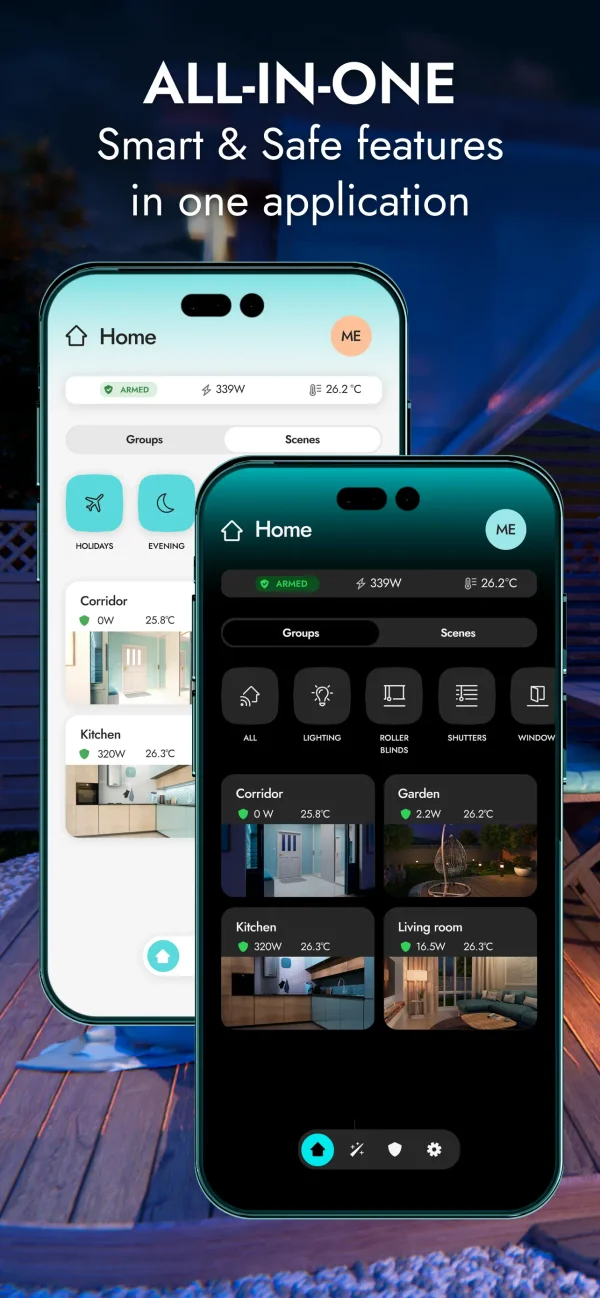
All-in-one – smart & safe functions in one application
The application is used to both configure and operate your BE WAVE system. With its help, you can manage the comfort and protection functions of your home or office, even when you are on the other side of the world. Creating the system and configuring it is quick and very intuitive.
Quick system startup
Easily create an object. Then add devices and configure them according to your requirements. Give them names, assign them to rooms and groups - so that system management is transparent and intuitive. You can also conveniently add additional objects.
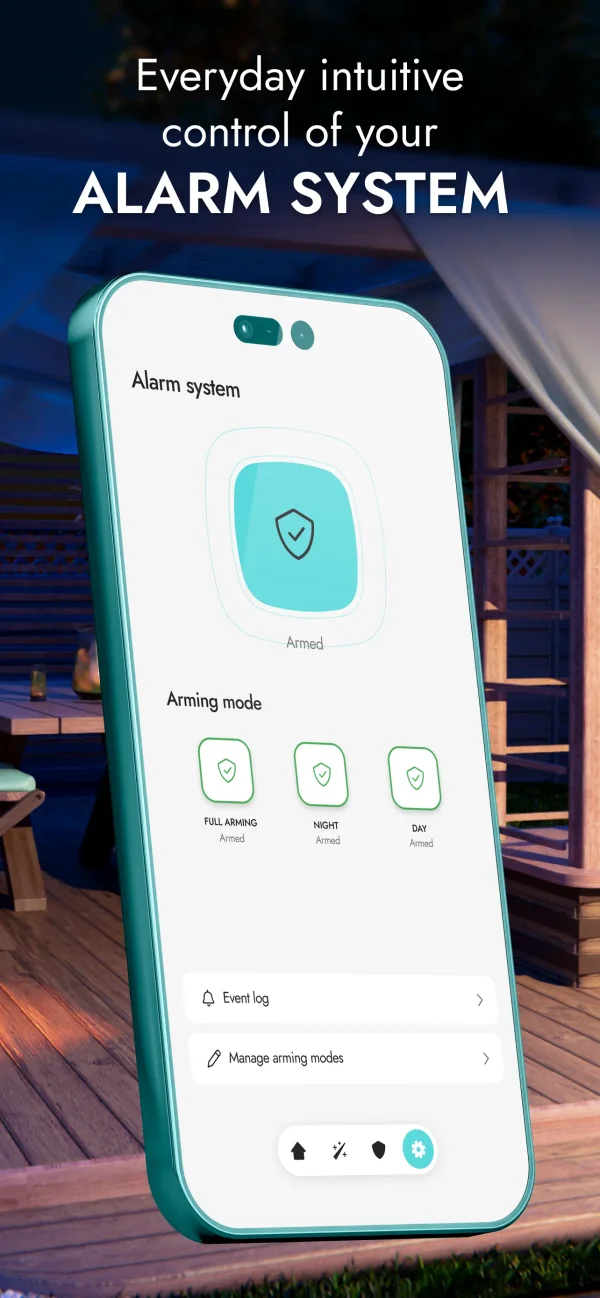
Intuitive daily protection management
For your convenience, BE WAVE allows you to create different standby modes, e.g. night, day, etc. You can have up to 9 of them to choose the one that works best in a given situation. On the dashboard you can quickly check the current status of the system and its protection.
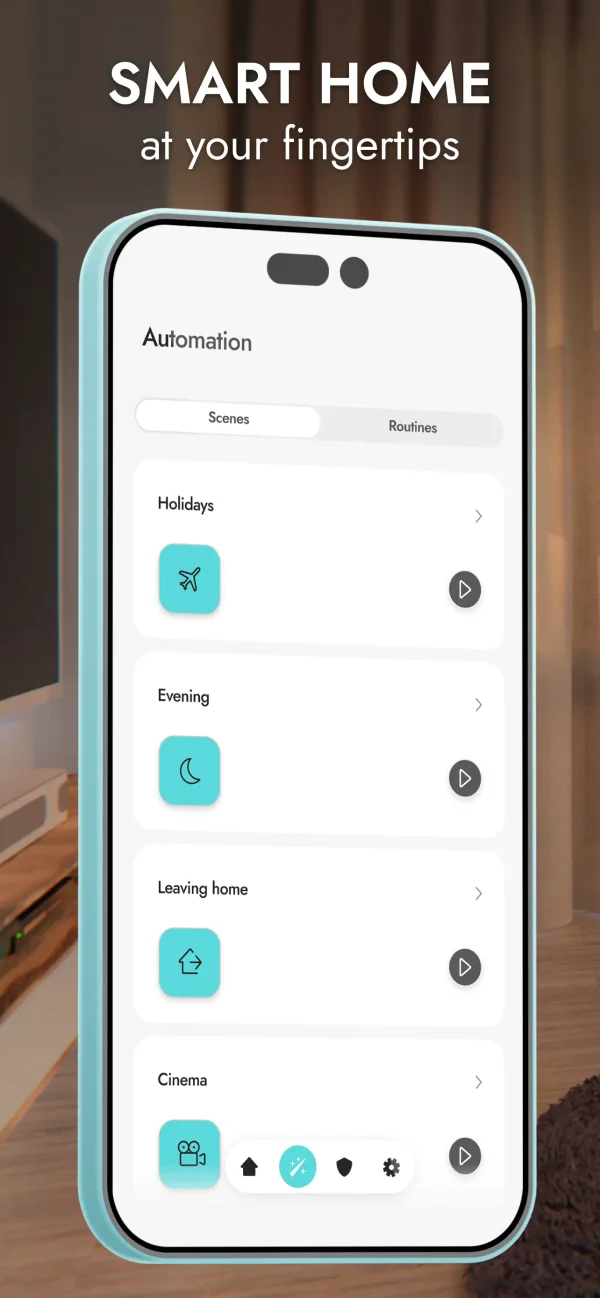
Smart Home in your hands
In BE WAVE, you immediately get the ability to control selected devices and whole groups. You can also create tailor-made scenes and routines involving selected installations in your home. Configuring automation is easier than ever.
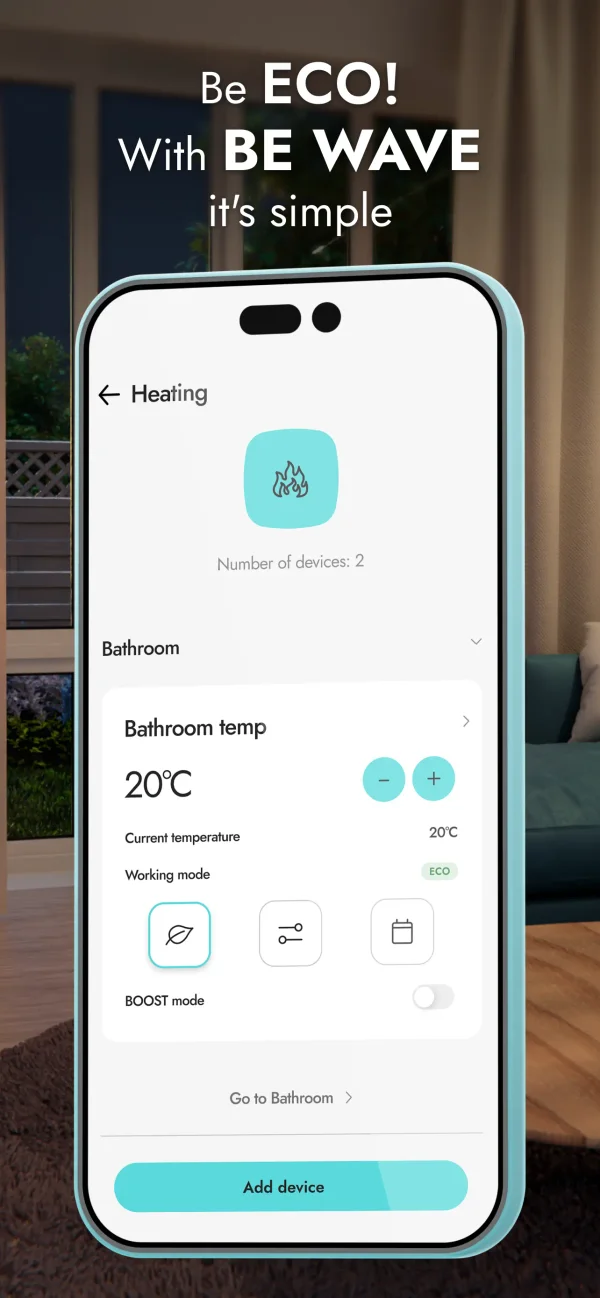
Be ECO - it's easy with BE WAVE automation
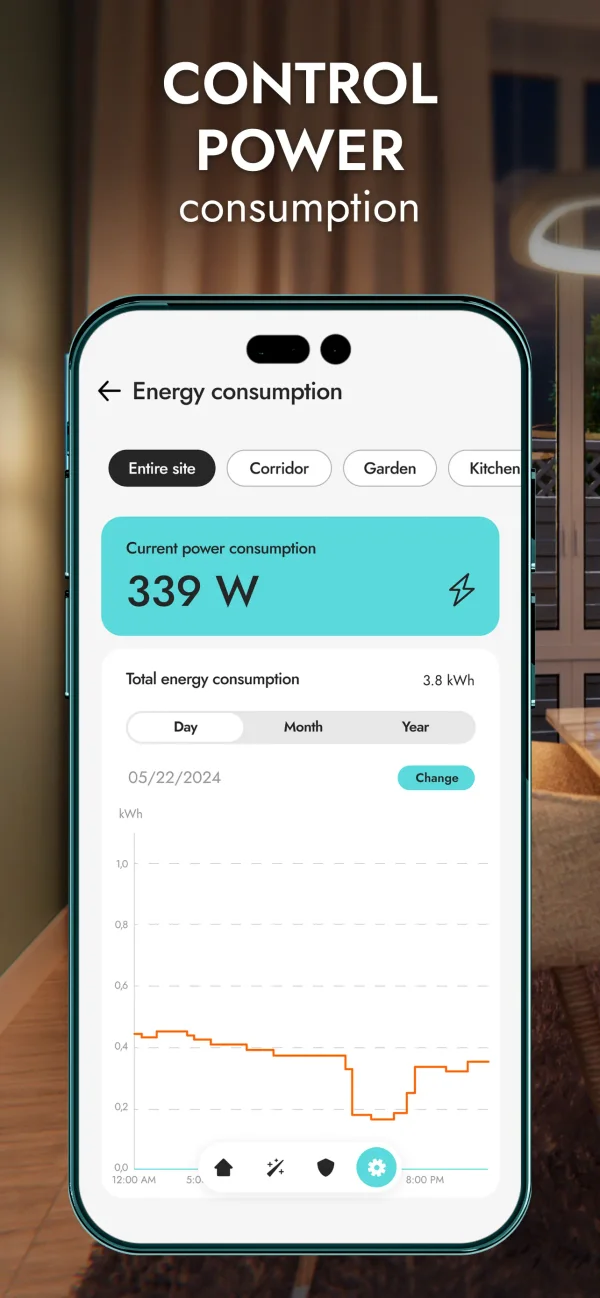
Manage energy efficiency with the BE WAVE application - adjust the system's operation to turn off unnecessary electrical devices. Also check the current power consumption of connected devices and analyze archived data in charts – this will help to reduce energy consumption. View the current temperature in the rooms. See also how it has changed over time, and adjust the heating to your needs for optimal heat management.
Temperature, humidity, pressure - air quality
Monitor air parameters in your home - in the BE WAVE application you can check measurement results and view charts including daily, monthly and annual statistics.
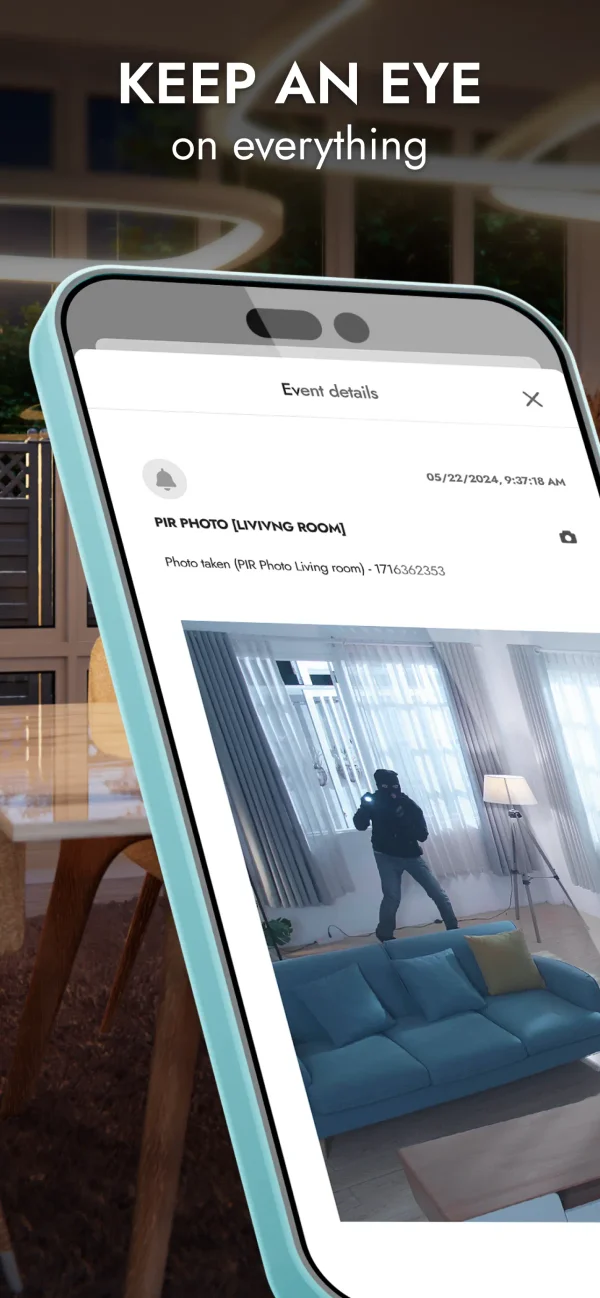
Keep an eye on everything
View images from cameras and photos from Motion Detector Cam sensors. You can see what is happening in your home and its surroundings at any time. If an alarm occurs, make sure whether it was actually triggered after detecting an intruder, or whether the system reacted to a curious animal.
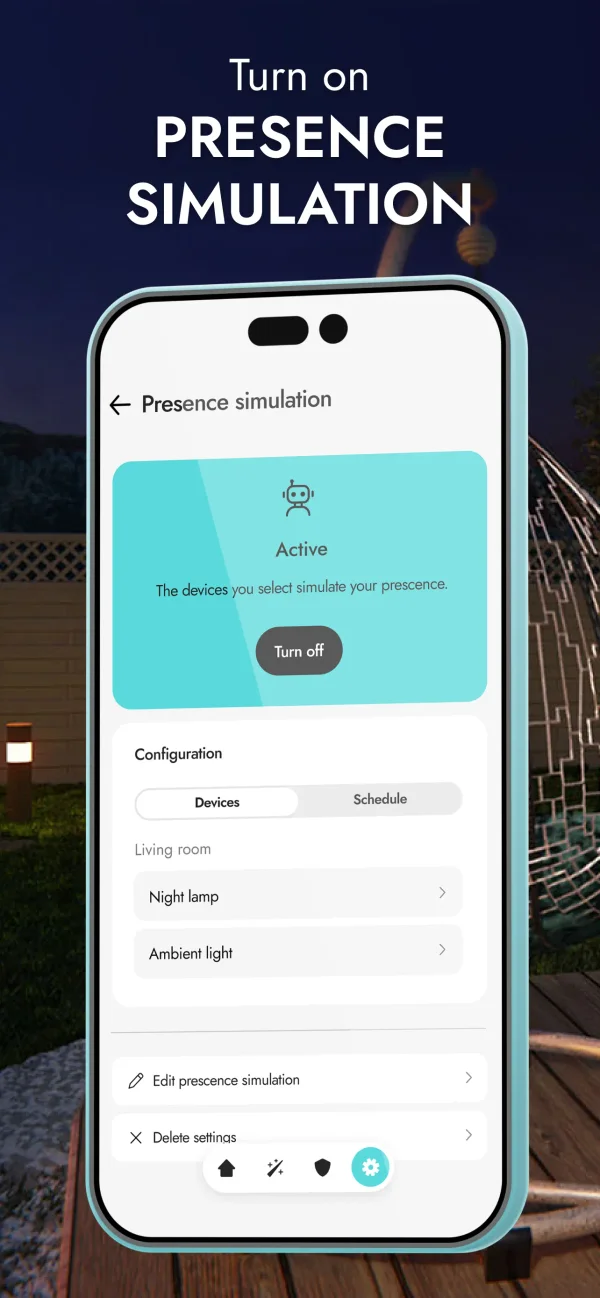
Intelligent presence simulation
In the application, you will configure and enable the presence simulation function, which will randomly turn on and off selected home installations in a given time period. These may include, among others: lights, sprinklers, electronics as well as blinds and curtains. By creating the illusion of the presence of household members, your home will be safe even when you are not there.
Monitoring – under the watchful eye of the patrol
You can connect the BE WAVE system with a chosen security agency that will receive selected events reporting about what is happening in the system. Ask your installer to configure the monitoring settings in the app. The quick response of services to dangerous events minimizes possible damage.
Set up the BE WAVE app as you wish
On the dashboard, you can rearrange rooms and groups to quickly find the functions you mostly use. Each household member can individually set the appearance of the main screen. You can also assign your own photo to individual rooms. You will receive push notifications immediately after an event occurs in your system or after starting automation tasks. It's up to you what information you receive. Set everything according to your preferences and stay on track. In the event log, you can filter the list by event type, which will allow you to quickly find the data you are looking for.
Quickly switch between different systems
Are there several Smart HUB devices added in your application, e.g. the one at home, at a summer estate or in your office? You don't have to log out of one and register in the other - just a few clicks and you can control another system.
Có gì mới
Phiên bản 1.4.1 · 08/10/2026
shortcuts for quick access to selected functions without opening the app, also via Siri
support for Apple CarPlay
new integration options using the MQTT protocol, HTTP requests and the public API for the Tedee powered by GERDA smart lock
enhanced camera and snapshot support, plus new Motion Detector Cam (APCAM-200) settings
event, scene and routine search, plus new automation options
app stability and usability improvements
Quyền riêng tư của ứng dụng
Những gì Satel sp. z o.o. khai báo trên App Store về cách ứng dụng này xử lý dữ liệu.
-
Dữ liệu không được thu thập
Nhà phát triển không thu thập bất kỳ dữ liệu nào từ ứng dụng này.
Phương thức đảm bảo quyền riêng tư có thể khác nhau, chẳng hạn như tuỳ theo các tính năng bạn sử dụng hoặc độ tuổi của bạn.
Thông tin
- Người bán
- Satel sp. z. o.o
- Danh mục
- Tiện Ích
- Phiên bản
- 1.4.1
- Cập nhật
- 08/10/2026
- Phát hành
- 07/06/2024
- Kích thước
- 149,6 MB
- Yêu cầu
- iOS 15.1 trở lên
- Độ tuổi
- 4+
- Giá
- Miễn phí
- Ngôn ngữ
- Tiếng Anh, Tiếng Ba Lan
- Bản quyền
- © SATEL sp. z o.o.