
BIMKK
Mobile BIM Viewer
Được thiết kế cho iPhone, iPod touch
Miễn phí · Mua hàng trong ứng dụng
- Độ tuổi4+
- Danh mụcTiện Ích
- Nhà phát triển北京乘今科技有限公司
- Ngôn ngữTiếng Anh+ 1 ngôn ngữ khác
- Kích thước31,6 MB
Liên kết đến trang App Store chính thức
Download.org không lưu trữ tệp nào của BIMKK. Nút này mở trang ứng dụng trên App Store, nơi 北京乘今科技有限公司 phát hành ứng dụng. Trang được kiểm tra lần cuối: 12/11/2026.
Ảnh chụp màn hình
Giới thiệu
Nhà phát triển chưa cung cấp nội dung này bằng ngôn ngữ của bạn.
【Introduction】
BIMKK is a BIM application software platform that requires no plugins. It integrates functions such as viewing BIM models and CAD drawings, annotating models and drawings, and managing various project files. Designed for individuals or teams, it serves as both a BIM viewer and a shared network drive for members. The basic version is free and ad-free.
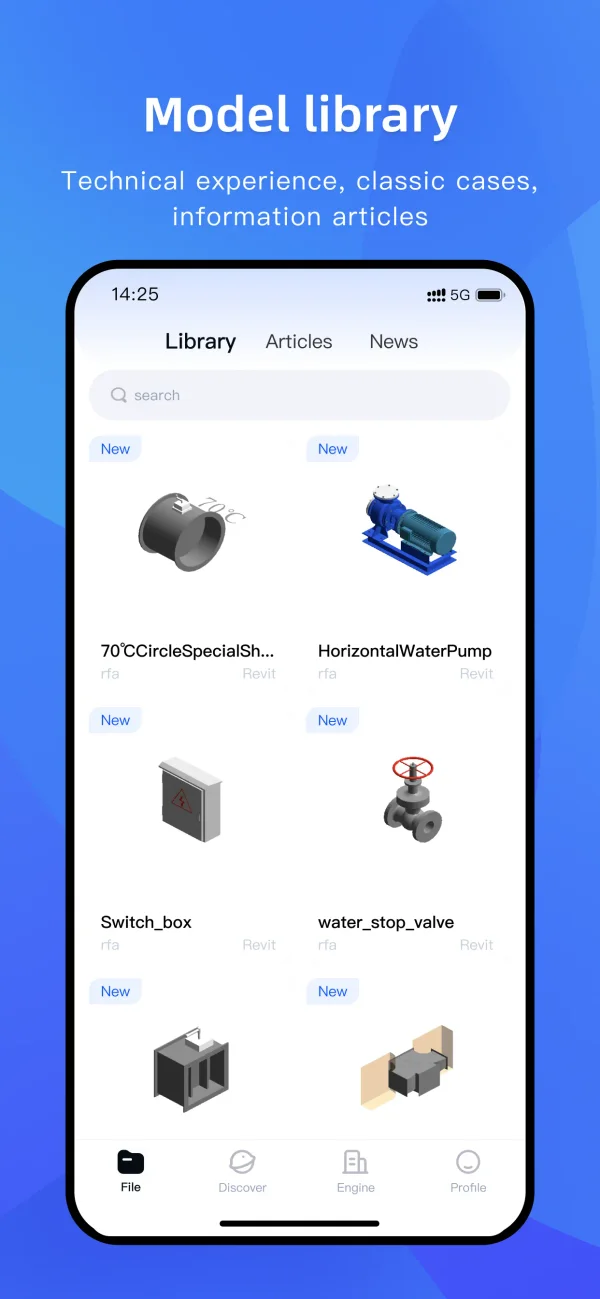
BIMKK is the “Office” of the construction industry, enabling both professionals and non-professionals to conveniently store, view, and use BIM models and CAD drawings in formats such as RVT, IFC, DWG, and DXF. BIMKK supports multiple application terminals, including PC clients, mobile apps, WeChat Mini Programs, and web browsers. It supports over 100 file types, including BIM, CAD, Office, PDF, mind maps, flowcharts, images, and audio/video. The BIMKK cloud drive places no limit on the number of projects you can create, allowing corporate or project team members to easily collaborate using BIM and related files. It can be applied to various stages of engineering projects, such as design, construction, decoration, and operations & maintenance, and is suitable for multiple disciplines, including architecture, structure, interior decoration, water supply & drainage, HVAC, electrical engineering, roads and bridges, landscaping, and municipal engineering.
【Key Features】
1. File Viewing
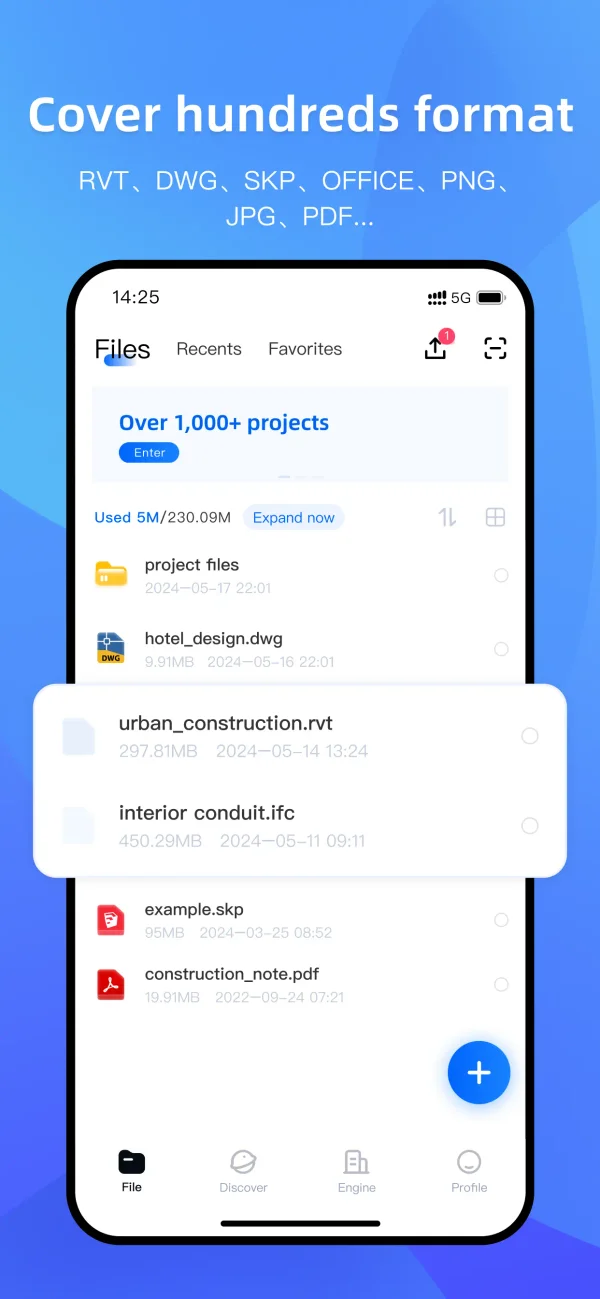
BIMKK supports online viewing of various BIM models, CAD drawings, and engineering files. Through BIMKK, you can directly open and view drawings received via WeChat, DingTalk, or WeCom, as well as models, drawings, and engineering files of different versions stored locally on your phone or computer.
2. Browsing & Interaction
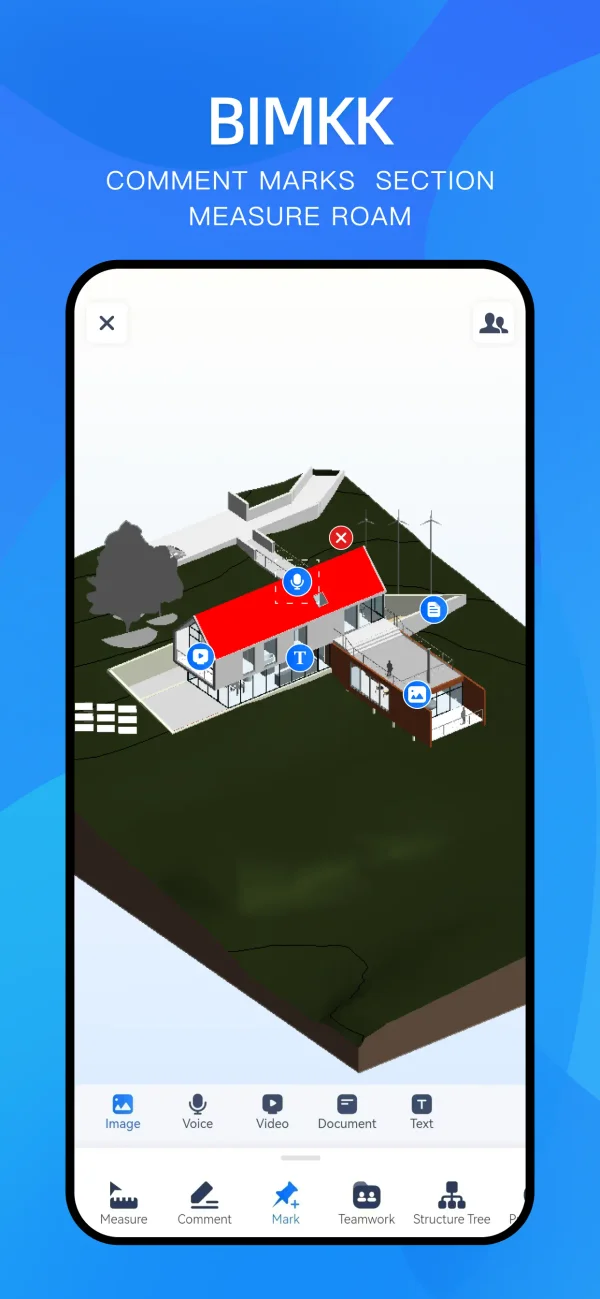
It provides powerful browsing and interaction functions for BIM models and CAD drawings. You can view the external and internal structures of models from multiple angles and in an all-around way. It allows you to view various BIM model properties, such as attribute information, material colors, measured dimensions, bounding boxes, area, volume, and weight. It offers a variety of interactive viewing functions, including view control, sectioning, structure tree, measurement, dragging, panning, zooming, rotating, and roaming.
3. Model Annotation
You can add annotations and comments to BIM models and CAD drawings. It supports multiple annotation methods, including photos, documents, voice, video, and text, which can be shared with friends for collaborative work.
4. Drawing & Model Management
You can upload files to the cloud and categorize uploaded BIM models, CAD drawings, and various engineering files using folders. This enables file backup, sharing, lightweight conversion, and anytime/anywhere previewing across different devices.
5. Collaborative Viewing
Supports multi-person online communication with real-time synchronization of models and drawings, achieving instant communication and shared management based on BIM models and CAD drawings to improve communication efficiency.
6. Cloud Sync
One-click cloud synchronization storage for BIM models and CAD drawings. Sync your work progress anytime, anywhere on your mobile phone, tablet, or computer.
7. Easy Sharing
Files can be easily shared with configurable permissions. It supports social tools like WeChat and QQ, removing barriers to work communication.
8. Cloud Drive Space
Supports creating multiple projects in the space, expanding project storage, and adding personnel. It supports adding project members, tracking upload logs, and controlling member usage permissions.
9. 100+ File Formats
Supports previewing common files like Office/PDF, making it convenient and practical. Supported preview formats also include:
* Documents: doc/docx/ppt/pptx/csv/wps/pdf
* Spreadsheets: xls/xlsx/xlsm
* Images: jpg/jpeg/png/gif/bmp/ico/jfif/webp
* Audio/Video: mp3/wav/mp4/flv
* Archives: zip/rar/jar/tar
* Mind Maps: Xmind, etc.
【Contact Us】
Email: contact@tcbim.com
Có gì mới
Phiên bản 1.4.5 · 06/08/2026
Supports a brand‑new DWG file viewer.
Quyền riêng tư của ứng dụng
Những gì 北京乘今科技有限公司 khai báo trên App Store về cách ứng dụng này xử lý dữ liệu.
-
Dữ liệu được sử dụng để theo dõi bạn
Có thể được sử dụng để theo dõi bạn trên các ứng dụng và trang web do công ty khác sở hữu.
- Mã định danh
-
Dữ liệu liên kết với bạn
Có thể được thu thập và liên kết với danh tính của bạn.
- Thông tin liên hệ
- Nội dung của người dùng
- Mã định danh
Phương thức đảm bảo quyền riêng tư có thể khác nhau, chẳng hạn như tuỳ theo các tính năng bạn sử dụng hoặc độ tuổi của bạn.
Thông tin
- Người bán
- Beijing Chengjin Technology Co., Ltd
- Danh mục
- Tiện Ích
- Phiên bản
- 1.4.5
- Cập nhật
- 06/08/2026
- Phát hành
- 15/03/2026
- Kích thước
- 31,6 MB
- Yêu cầu
- iOS 13.0 trở lên
- Độ tuổi
- 4+
- Giá
- Miễn phí
- Mua hàng trong ứng dụng
- Có
- Ngôn ngữ
- Tiếng Anh, Tiếng Trung Giản thể
- Bản quyền
- © 2026 Tcbim Inc.