
BlockMaker 3D: Pixel Building
3D Builds, Houses & Maps
Được thiết kế cho iPhone, iPad, iPod touch
Miễn phí · Mua hàng trong ứng dụng
- Độ tuổi4+
- Danh mụcGiải Trí
- Nhà phát triểnYu Liu
- Ngôn ngữTiếng Anh+ 17 ngôn ngữ khác
- Kích thước369,9 MB
Liên kết đến trang App Store chính thức
Download.org không lưu trữ tệp nào của BlockMaker 3D: Pixel Building. Nút này mở trang ứng dụng trên App Store, nơi Yu Liu phát hành ứng dụng. Trang được kiểm tra lần cuối: 25/11/2026.
Ảnh chụp màn hình

Giới thiệu
Nhà phát triển chưa cung cấp nội dung này bằng ngôn ngữ của bạn.
BlockMaker 3D brings building search, 3D previews and placement, draft creation and world editing together. You can: You can also turn photos into pixel buildings and generate houses automatically.
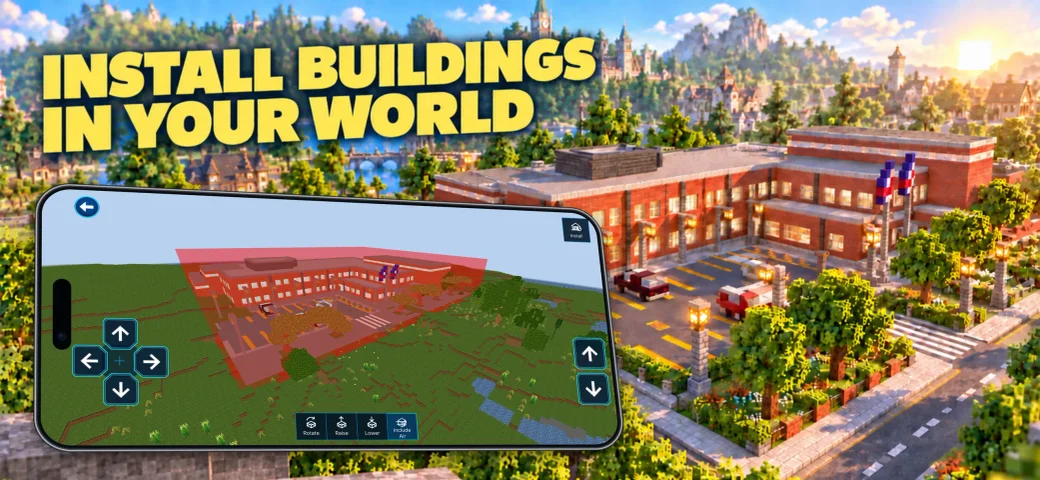
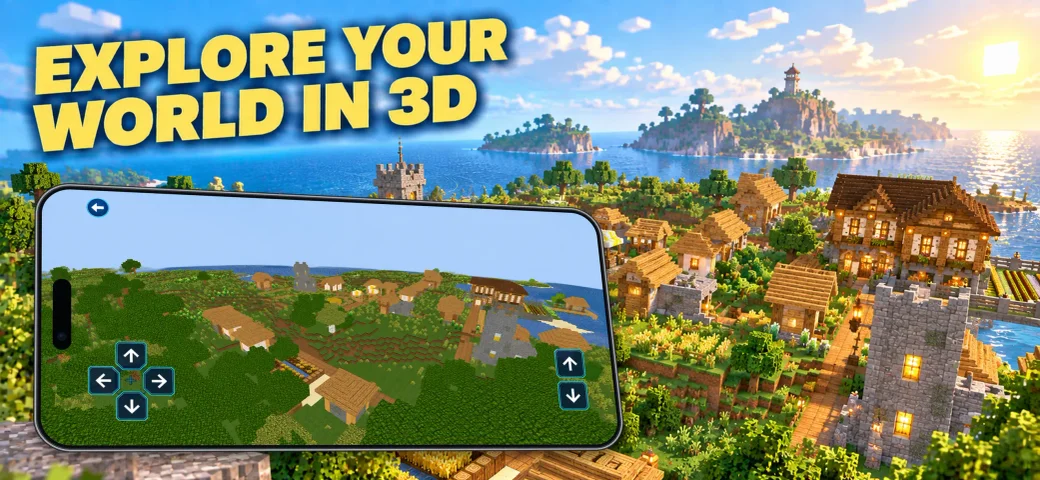
• Inspect buildings and worlds in 3D, then adjust position, rotation and height before installation.
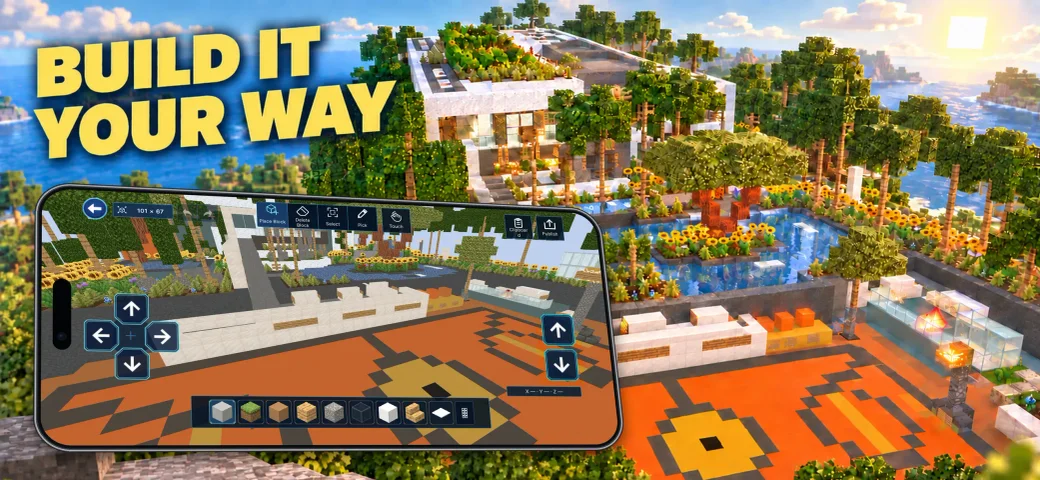
• Create an empty draft or copy an existing building into a draft and keep editing.
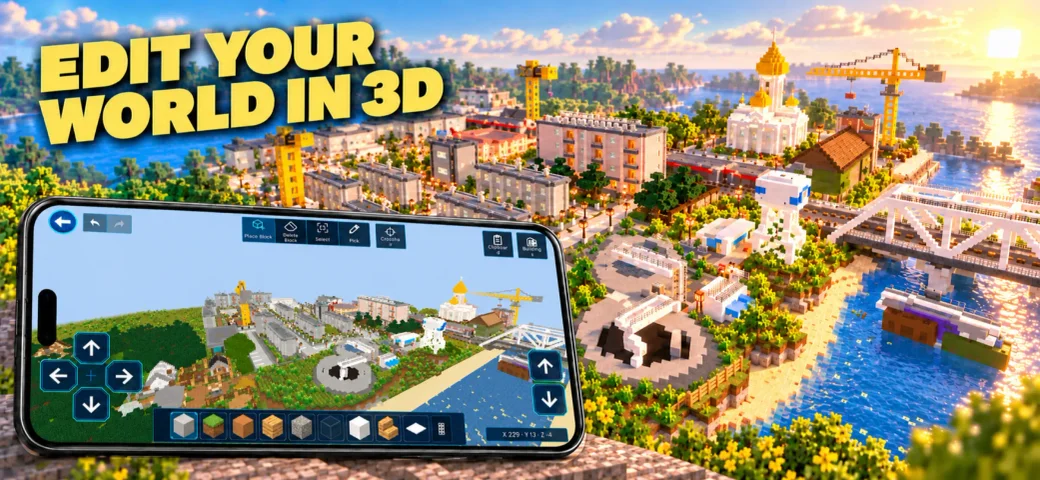
• Edit Minecraft worlds directly: place or remove blocks, move, copy and paste selections, and add buildings.
• Export buildings from a world, save them as drafts or local creations and reuse them across worlds.
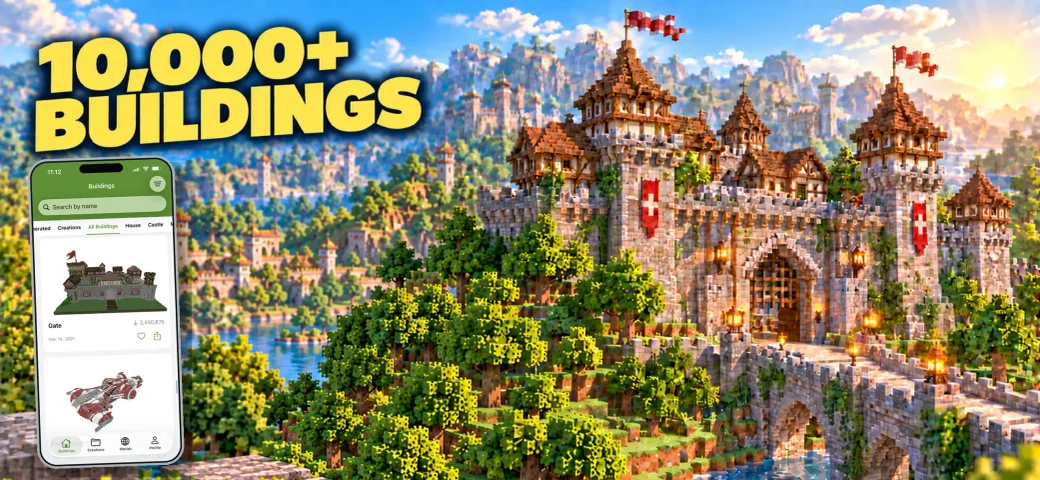
Find houses and building ideas
Search the online library for Minecraft houses, villas, mansions, cottages, treehouses, castles, towers, temples, villages, farms and survival bases. Explore ideas for pixel art, statues and redstone-themed builds too. Available creations depend on the current library: search for a design, check its details and download one you want to use or adapt. Save favorites and revisit downloaded buildings.
Preview in 3D before you install
Look around roofs, entrances, materials and overall size instead of choosing from a cover image alone. Open a world preview to see the terrain and nearby structures. Move and rotate your building, adjust its height and confirm its position before installing it in a Minecraft world.
Create a draft or copy a building to edit
Copy an existing building into a draft and use the 3D editor to place or erase blocks, replace materials and reshape roofs and walls. Or start an empty draft to design a modern house, mountain cabin, medieval fortress or survival base. Save drafts to continue editing later; finished creations can be previewed and installed in Minecraft worlds.
Edit Minecraft worlds directly
Open a world and explore and edit it in 3D. Place or remove blocks, select areas for bulk edits, move, copy and paste existing content, or choose a building to place in the world. Rotate, mirror and adjust its position to fit the terrain, roads and surrounding buildings.
Export a build from your world
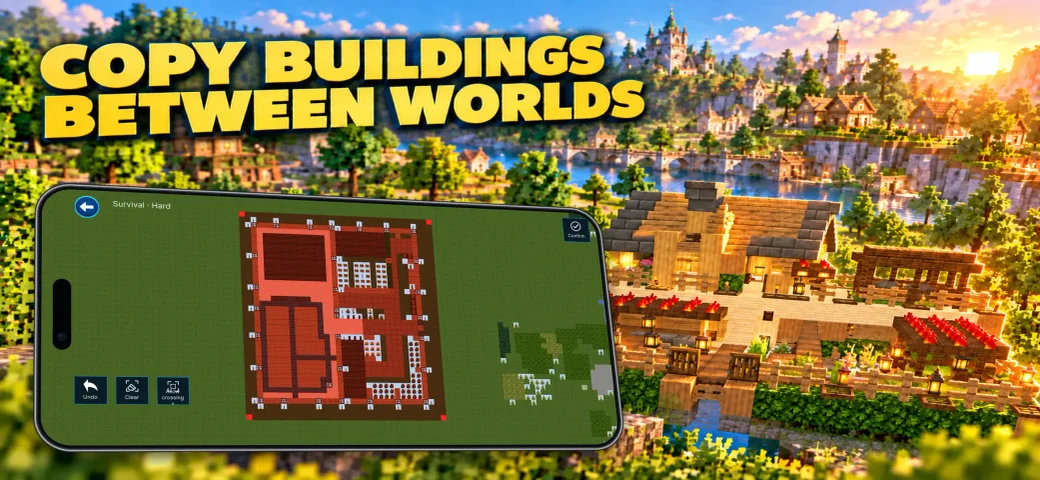
Keep a house or base you already made. Select its area on the map, adjust the height range and review the result in 3D. Save it as an editable draft or a local building; you can also choose to publish your creation. Reuse a building across worlds without rebuilding it from the beginning.
Turn a photo into pixel art.
Take a picture or choose one from your library. Set the block count along its longest edge, then preview the result before you install it, save it as a draft or publish it.
Generate a house.
Choose from a range of house styles and adjust the generation options. Preview the result, install it, keep working on it in a draft or share it.
Manage worlds and share creations
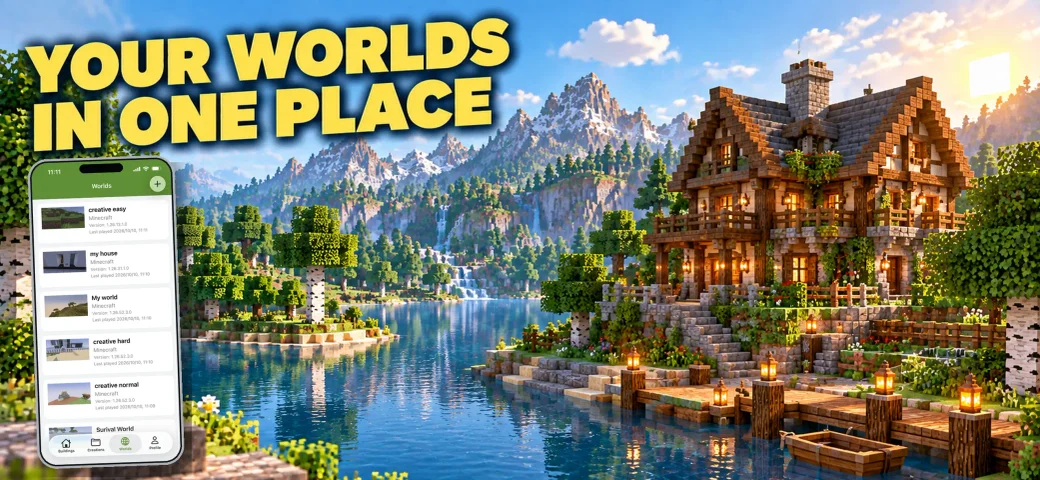
Create or import worlds, browse maps and organize drafts, local creations, favorites and downloads. Capture a cover for your own building. Once published, share a link to your creation.
Requires Minecraft. Intended for supported Minecraft Bedrock / PE / MCPE worlds. Back up important worlds before changing them. This is an unofficial app and is not affiliated with Mojang or Microsoft. Minecraft names, brands and assets belong to their respective owners.
Có gì mới
Phiên bản 4.1.3 · 24/11/2026
1. Improved world preview and editing stability; fixed crashes on some devices.
2. Better support for older worlds; fixed content display, move and paste issues.
3. Improved block compatibility when importing and placing buildings.
4. Fixed normal block placement overwriting existing content.
5. Fixed exporting again after returning from the world export save screen.
6. Image and house-generator drafts now have consistent canvas heights, with more room to build upward.
Quyền riêng tư của ứng dụng
Những gì Yu Liu khai báo trên App Store về cách ứng dụng này xử lý dữ liệu.
-
Dữ liệu được sử dụng để theo dõi bạn
Có thể được sử dụng để theo dõi bạn trên các ứng dụng và trang web do công ty khác sở hữu.
- Mã định danh
-
Dữ liệu không liên kết với bạn
Có thể được thu thập nhưng không liên kết với danh tính của bạn.
- Mã định danh
- Chẩn đoán
Phương thức đảm bảo quyền riêng tư có thể khác nhau, chẳng hạn như tuỳ theo các tính năng bạn sử dụng hoặc độ tuổi của bạn.
Thông tin
- Người bán
- Yu Liu
- Danh mục
- Giải Trí
- Phiên bản
- 4.1.3
- Cập nhật
- 24/11/2026
- Phát hành
- 17/07/2022
- Kích thước
- 369,9 MB
- Yêu cầu
- iOS 15.0 trở lên
- Độ tuổi
- 4+
- Giá
- Miễn phí
- Mua hàng trong ứng dụng
- Có
- Ngôn ngữ
- Tiếng Anh, Tiếng Ả Rập, Tiếng Pháp, Tiếng Đức, Hindi, Tiếng Indonesia, Tiếng Ý, Tiếng Nhật, Tiếng Hàn, Persian, Tiếng Bồ Đào Nha, Tiếng Nga + 6 ngôn ngữ khác
- Bản quyền
- © 2026 Amy
Có thể bạn cũng thích
-
 Building Mod for Minecraft MapGiải Trí
-
 Maps For Minecraft - PEGiải Trí
-
 Buildings for MinecraftXây dựng & nhà tùy chỉnh
-
 Hướng Dẫn Xây MinecraftHướng dẫn từng bước
-
 Minecraft Addons, ModsGiải Trí
-
 Cộng đồng mod cho Minecraft PEAddons, Bản đồ & Da cho MCPE
-
 Mods, Maps Skins for MinecraftGiải Trí
-
 House Shelters for MinecraftGiải Trí
-
 Skins, Maps & Shader PacksGiải Trí
-
 Addons cho Minecraft Add-onsMod, Bản đồ, Skin, Nội thất