BSelf Camera
True Beauty Camera & Filters
Được thiết kế cho iPhone, iPad
Miễn phí
- Độ tuổi4+
- Danh mụcẢnh & Video
- Nhà phát triển俊杰 王
- Ngôn ngữTiếng Anh+ 2 ngôn ngữ khác
- Kích thước10,1 MB
Liên kết đến trang App Store chính thức
Download.org không lưu trữ tệp nào của BSelf Camera. Nút này mở trang ứng dụng trên App Store, nơi 俊杰 王 phát hành ứng dụng. Trang được kiểm tra lần cuối: 12/11/2026.
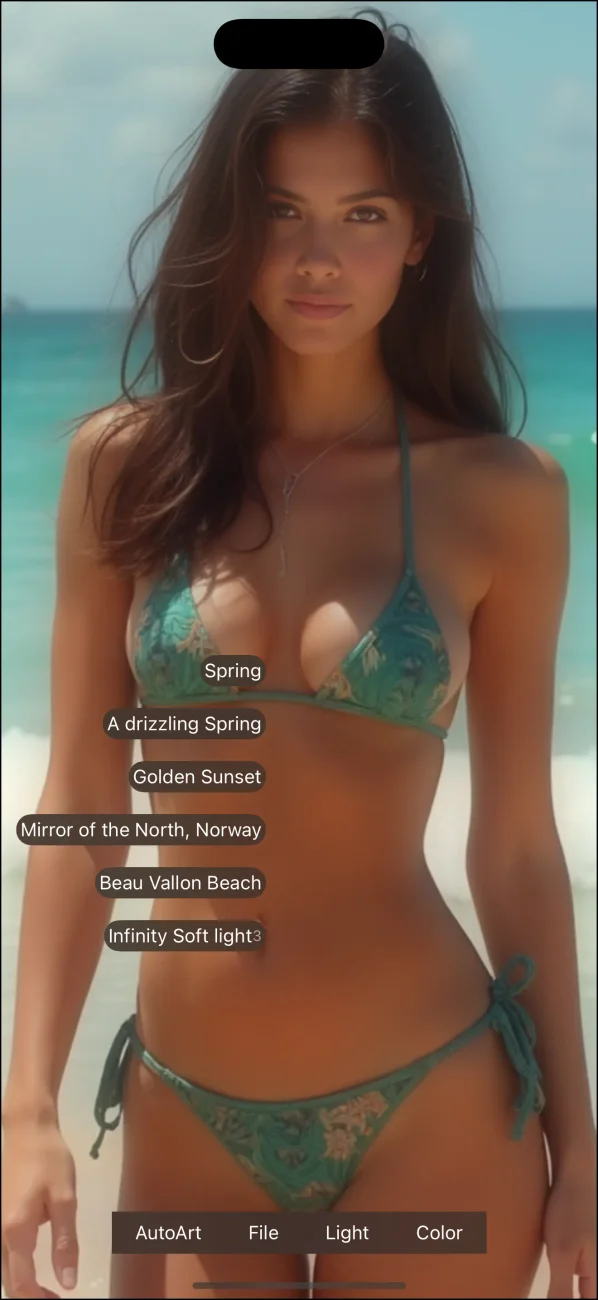
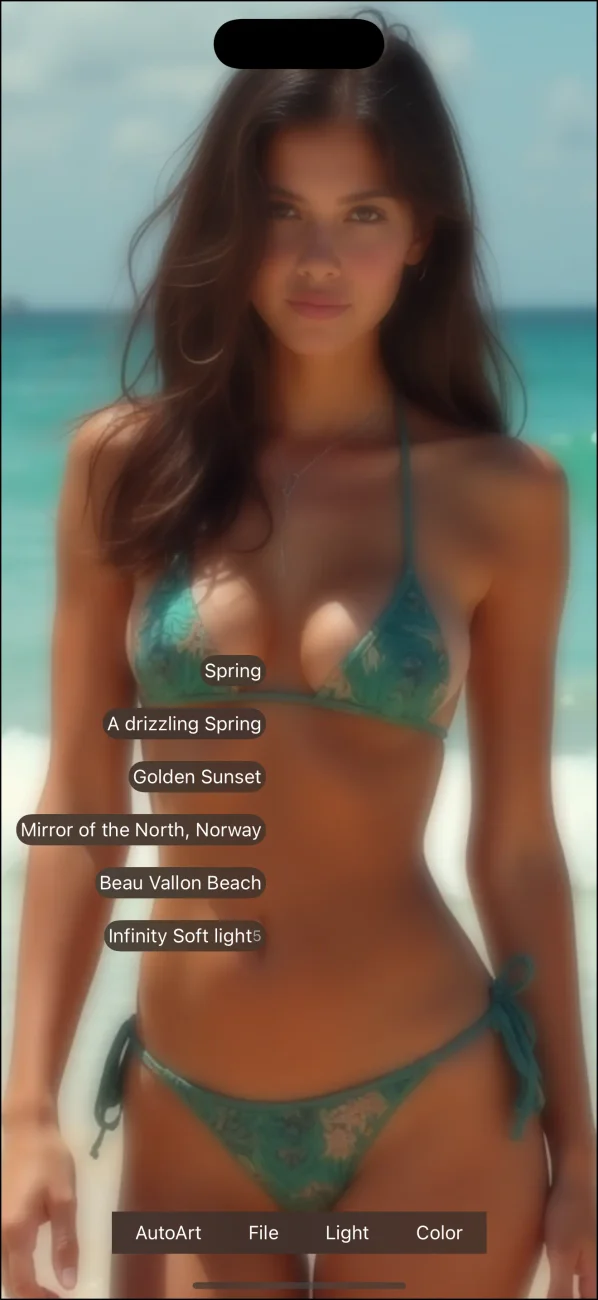
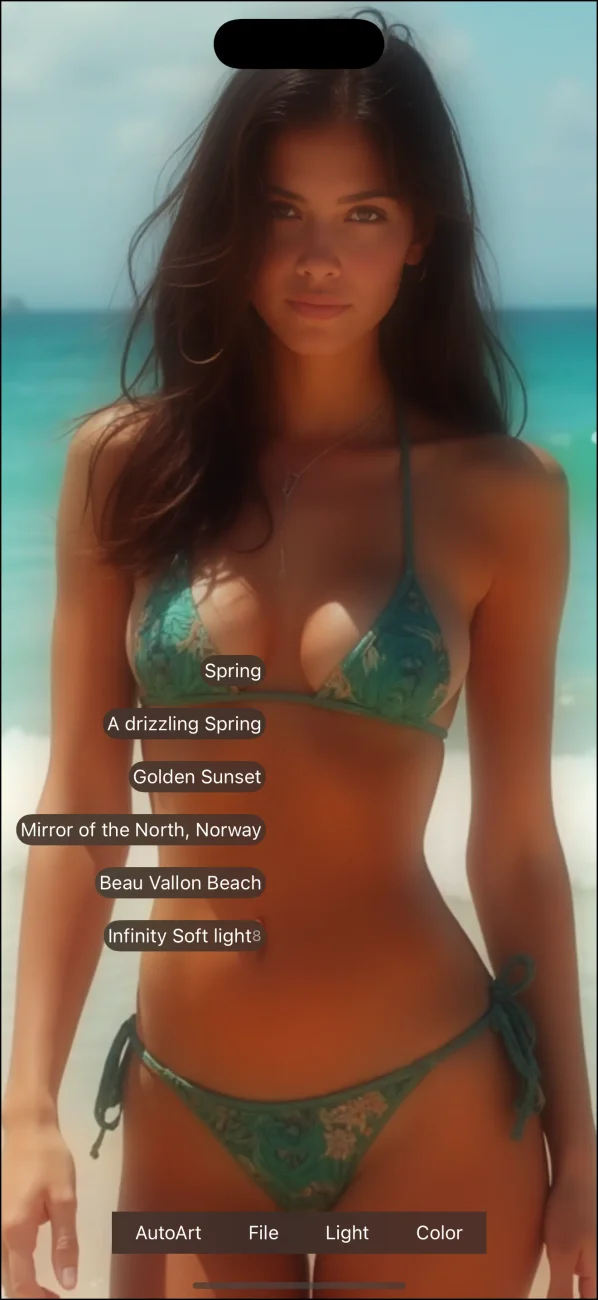
Ảnh chụp màn hình

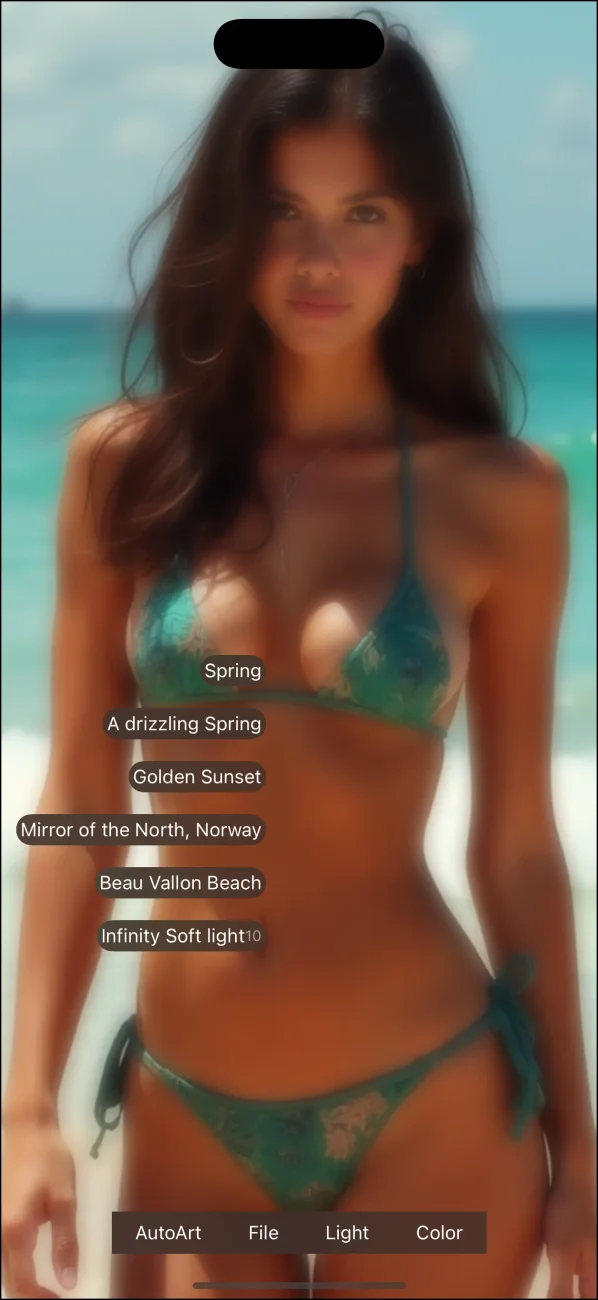


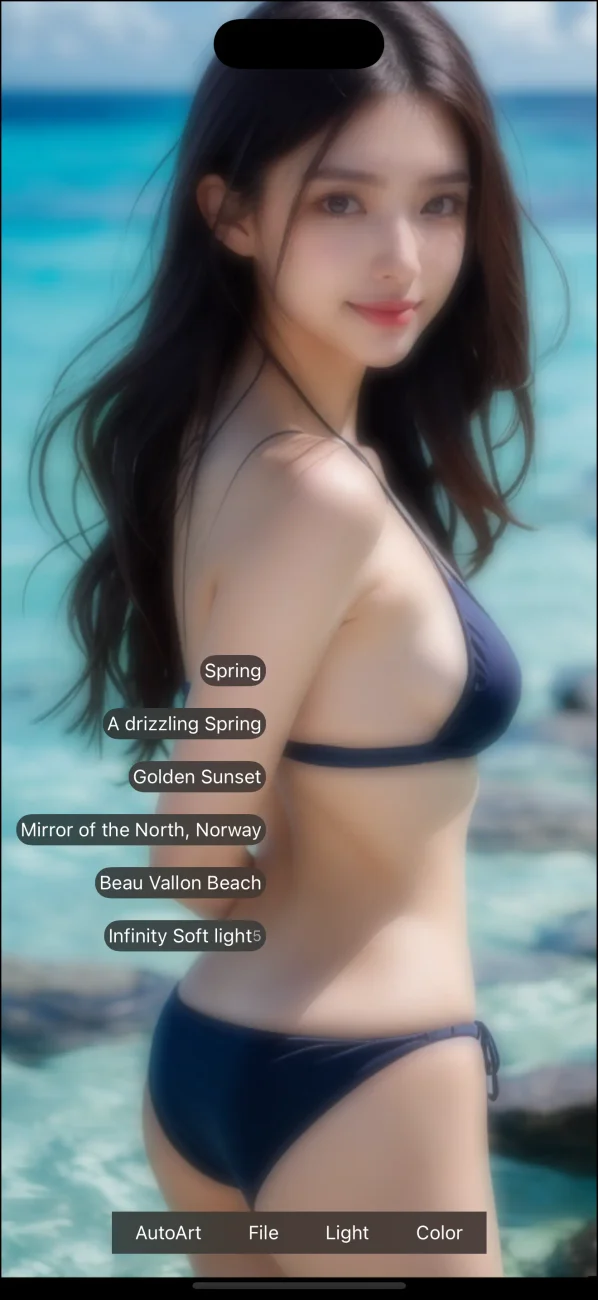
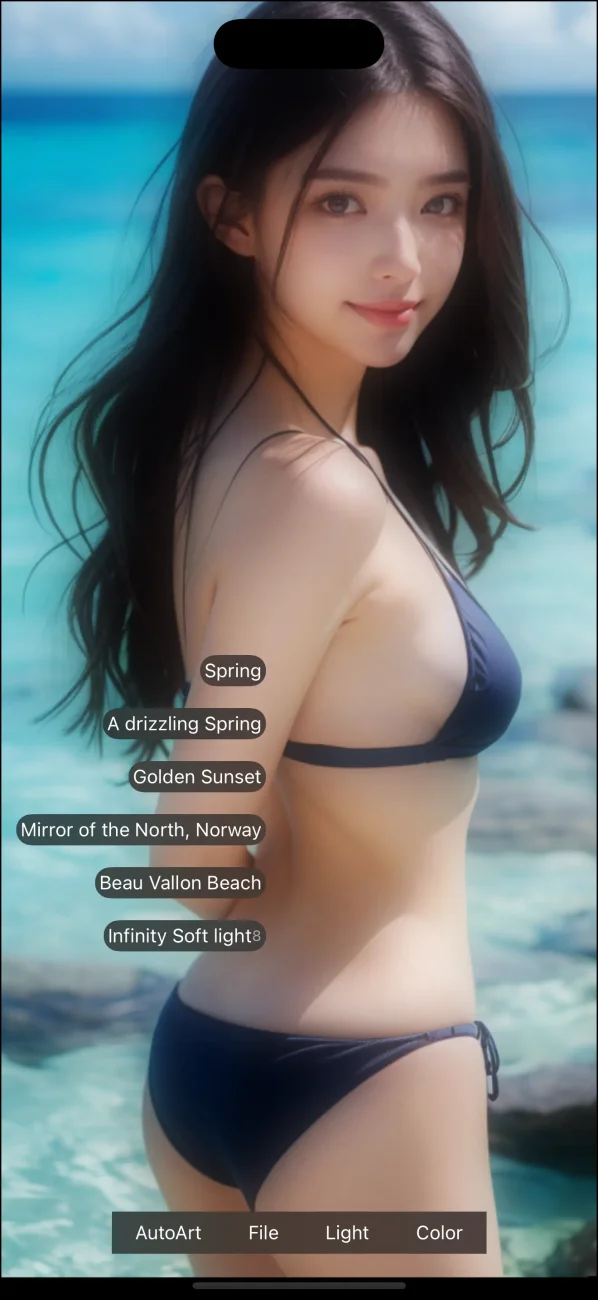

Giới thiệu
Nhà phát triển chưa cung cấp nội dung này bằng ngôn ngữ của bạn.
Comparison of the photo before and after applying filters: http://hvacol.com/forum.php?mod=viewthread&tid=1266
Three Key Unique Features:
1. Real beautification when taking photos
When using the camera icon button in this app to take a photo, the photo are automatically enhanced with a realistic portrait imaging style through multiple unique technologies, just like professional photography equipment. From the first version on July 9, 2024, to the 15th version update in March 2026, all technological breakthroughs have been completed, fully and deeply tested, making it mature and practical.
This is what makes the app unique and particularly valuable: you look great in just one shot - naturally and effortlessly. This is the biggest difference from AI-generated images, which often feel mechanical and stiff.
There is a 0.x second delay when taking a photo, but when shooting a single image, it’s completely negligible.
2. Automatic Photo Color Optimization.
Click the Color button, and select the 'Automatic' option from the menu (this menu will automatically pop up when you finish taking a photo or load an photo from the album). It has a strong effect in correcting some messy parts of the photo.
It's recommended to try this feature at the very beginning of your photo adjustment process (it usually has an 80%~90% chance of producing excellent results, but there's also about a 10% to 20% chance it could make things worse, which is why it's not integrated into live photo beautification. If it turns out badly: click the Restore button in the top left corner to revert the photo to its original state).
3. 27 art filters covering common areas: portraits, travel, seasons, Japanese style(JStyle), food...
27 Art Filters - Simplifying 27 complex photo-editing methods from software like Photoshop into just 27 buttons: press a button, and you've completed a process that would normally be complicated in Photoshop-like software, involving tedious steps and constant extra learning (because you’ll forget things—not just how to use the software, but even the settings themselves…).
Among them, Portrait Art1 and Portrait Art2 – two different levels of detailed enhancement for facial skin, precise adjustments that don't affect facial features, and two different levels of background blur. Thoroughly and deeply tested: making people look more realistically beautiful.
Filters like [ Spring Drizzle ] involve more scientific calculations, but the delay is completely negligible.
Fine-tuning Filters
[ Light ] and [ Color ] menu items: Make real-time fine-tuning to any image currently on the screen.
Super easy to use:
Click the photo to toggle the menu on and off.
Double-click the photo to switch the photo between full-screen fit and full fill modes. You can also use pinch gestures and other actions to freely zoom and pan the image, with a super large zoom ratio to check out photo details.
Key logic:
Whenever the filter sliding menu pops up, the current state of the photo becomes the initial state for all filters. You can directly compare the effects of different filters just by clicking them one after another (as long as you don't switch to adjustments or other functions in between). All filters don't affect each other. Once you switch to the Light or Color menu and make adjustments, the current state of the photo changes. The next time you open the filter sliding menu, the latest state of the photo will serve as the new initial state for all filters.
At any time, the [ Restore ] button in the top left corner is used to quickly restore the photo to the state it was in right after the photo was taken or when the photo file was first loaded.
Absolute privacy: runs entirely on iPhone locally
In the AI era, a photographer sticking to their craft
Có gì mới
Phiên bản 17.0 · 20/10/2026
1. Based on user feedback: 'It would be perfect if the buttons on the interface didn't block the screen,' we made layout adjustments: filter menus and other elements have been moved to the bottom of the screen. The swipe direction is horizontal, left to right.
2. A more transparent and artistically appealing liquid glass effect.
3. Optimization of screen menu hiding: simply tap the image, and the screen menu hides regardless of which menu level it's on (all process data is saved during hiding). At the same time, during pinch-to-zoom and pan gestures on the image, the menu automatically hides, leaving a pure button-free image display, making the app very convenient to use.
4. Three languages correspond to three different app names (instead of the original unified English name).
Quyền riêng tư của ứng dụng
Những gì 俊杰 王 khai báo trên App Store về cách ứng dụng này xử lý dữ liệu.
-
Dữ liệu không được thu thập
Nhà phát triển không thu thập bất kỳ dữ liệu nào từ ứng dụng này.
Phương thức đảm bảo quyền riêng tư có thể khác nhau, chẳng hạn như tuỳ theo các tính năng bạn sử dụng hoặc độ tuổi của bạn.
Thông tin
- Người bán
- 俊杰 王
- Danh mục
- Ảnh & Video
- Phiên bản
- 17.0
- Cập nhật
- 20/10/2026
- Phát hành
- 10/07/2024
- Kích thước
- 10,1 MB
- Yêu cầu
- iOS 26.0 trở lên
- Độ tuổi
- 4+
- Giá
- Miễn phí
- Ngôn ngữ
- Tiếng Anh, Tiếng Trung Giản thể, Tiếng Trung Phồn thể
- Bản quyền
- © 2024 HVACOL
Có thể bạn cũng thích
-
 FaculaẢnh & Video
-
 MonoSnap - B&W Art CamẢnh & Video
-
 Ditto Cam-复刻相机Ảnh & Video
-
 Cat Camera - Efiko Pet PhotosẢnh & Video
-
 Realtime FilterẢnh & Video
-
 PolaCam+Ảnh & Video
-
 FoTime: Dọn Ảnh Thông MinhXóa trùng, sống lại kỷ niệm
-
 BatchMark: Batch WatermarkẢnh & Video
-
 Distorted CameraẢnh & Video
-
 Batch Image Resizer - PixomaCompress, Convert & Crop Photo