Calendaric
Control your time!
Được thiết kế cho iPhone, iPad, Mac, iPod touch
Miễn phí
- Độ tuổi4+
- Danh mụcHiệu Suất
- Nhà phát triểnTime Lord
- Ngôn ngữTiếng Anh+ 6 ngôn ngữ khác
- Kích thước77,0 MB
Liên kết đến trang App Store chính thức
Download.org không lưu trữ tệp nào của Calendaric. Nút này mở trang ứng dụng trên App Store, nơi Time Lord phát hành ứng dụng. Trang được kiểm tra lần cuối: 14/11/2026.
Ảnh chụp màn hình

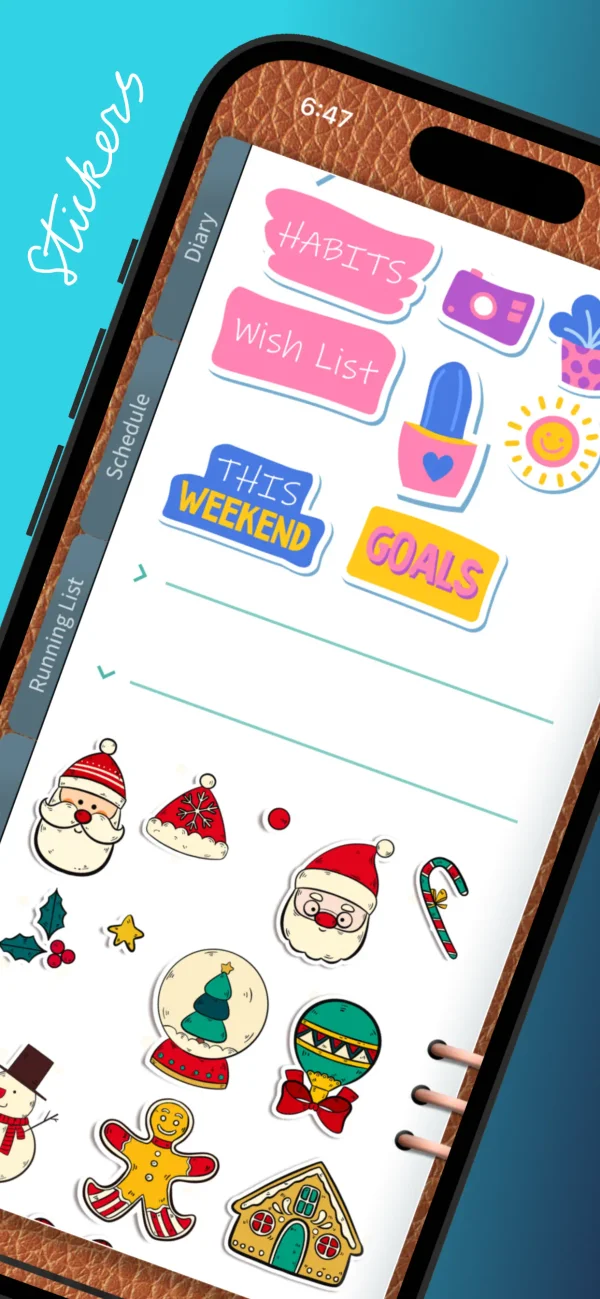

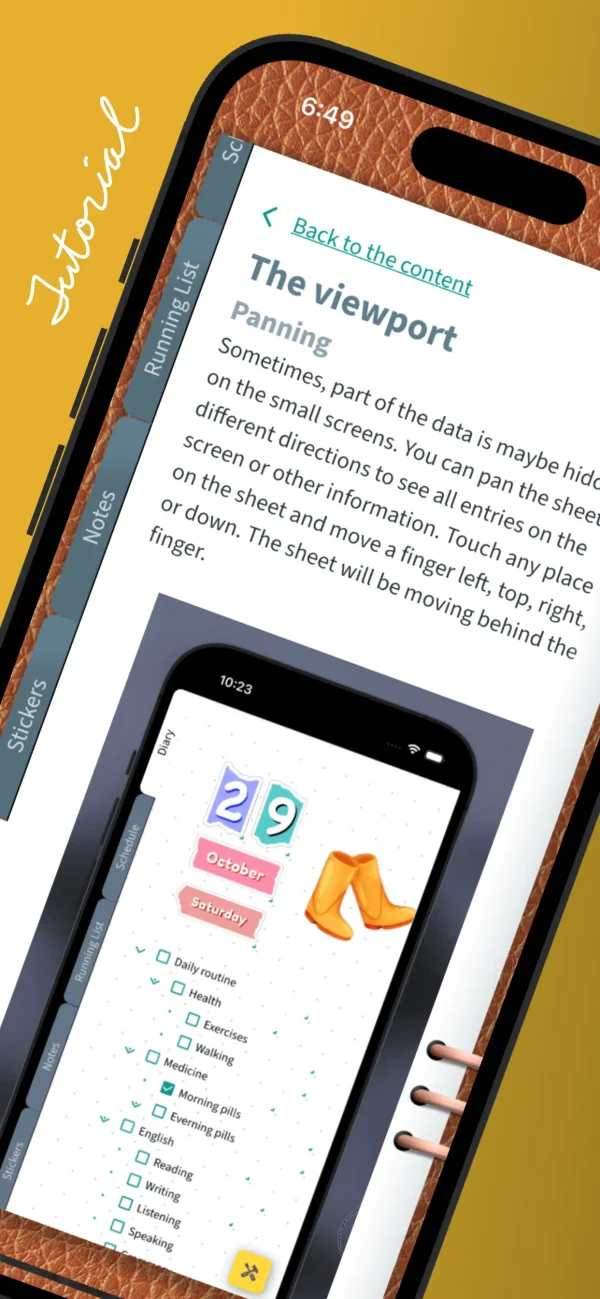


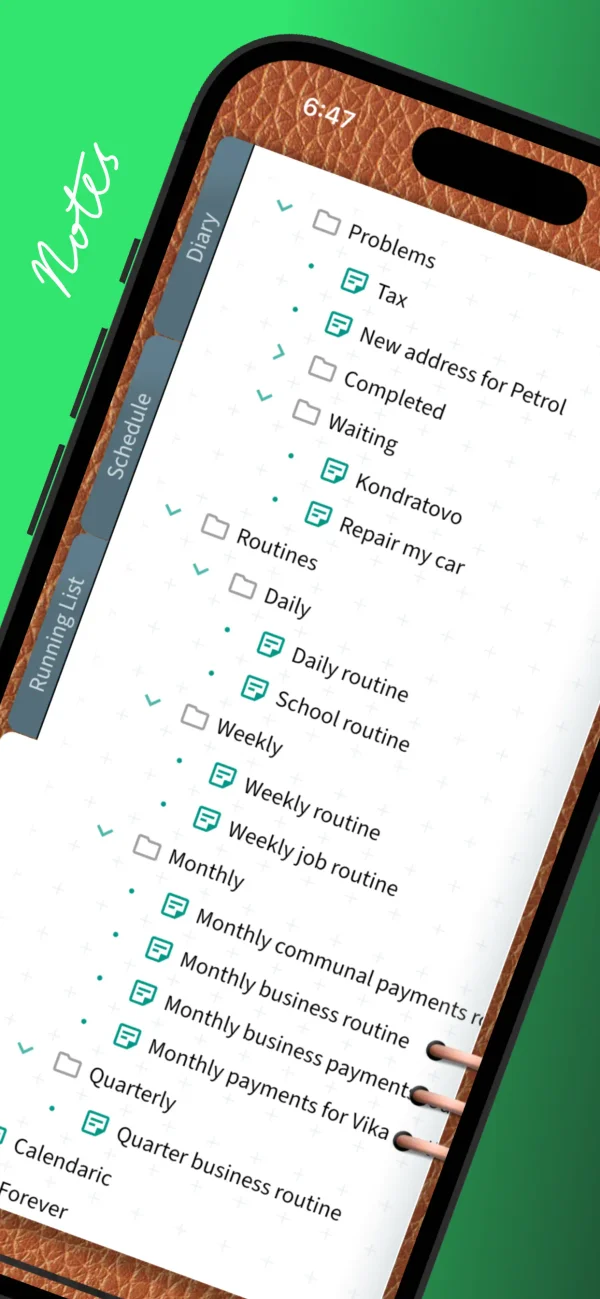
Giới thiệu
Nhà phát triển chưa cung cấp nội dung này bằng ngôn ngữ của bạn.
"I forgot!". How often do you pronounce this phrase? Once a week? Once a day? Each hour? There is no such person on earth who never forgets anything. This is how our brain works. So we think. It is only necessary to distract our attention, and we have already forgotten about something significant that we should do.
What did you have to pay for your forgetfulness? Sometimes the consequences are not so serious, but it often happens that it completely changes our lives. For example, financial losses if you suddenly forgot to pay off a loan or extend insurance. Grievances of relatives and friends, if you forgot to congratulate them on the anniversary. A spoiled vacation if you mixed up time and your plane flew away without you.
A lot of events are happening around us. For many of them, we must make decisions. Do not keep everything in mind! Do not rely on your memory! Do not keep in mind a list of planned tasks! Just fix your thought, even if it will be a simple piece of paper at your fingertips.
Of course, in the modern world, a person will likely have a smartphone at hand rather than a scrap of paper with a pen. Today's gadgets are a kind of extender of the human brain into which you can store and store a large amount of information in them.
So, do not keep your mind in mind! Save them in our application on your smartphone, tablet, or computer in a web browser if you are currently using a computer. To do this, open the application or go to our website. Our application works on all available platforms and browsers.
Here comes the time. You save tasks in the to-do list. The list is growing. Some tasks need to be done tomorrow. Some in a year. Gradually, there are so many such tasks that you are no longer able to cover everything at once. You have to re-read the huge to-do list over and over again to see what else needs to be done today. It is very uncomfortable. How to be There is a solution. You can group tasks by their application segments.
Our life is impossible without the world around us. What is around us affects us and requires us to take some action. The objects surrounding us can be divided into segments: things, money, family, education, and health. These segments, in turn, can be divided into several more features. For example, parts of a thing can be divided into a house, a cottage, a car, or a snowmobile. Each such element has its list of tasks that must be completed. For example, repair a door in a home, extend insurance for a car, and plant dill in a country house.
Thus, a massive list of tasks you can quickly scatter into folders-segments and thereby restore order in your records. Each segment has its own set of features. It is configured individually for each person based on his needs.
So, the to-do list is compiled and segmented. But he is still huge. It contains tasks that need to be done shortly, which will be in a year, expired tasks, and tasks that do not have a specified deadline. How to shorten the list and select only those tasks that are currently of interest? A powerful filter system in the application will help you with this, allowing you to accomplish this.
With the application, you can look into the future. Set the current date to the calendar, for example, the day after tomorrow, and you will see from this point in time which tasks you must complete on this day and which will be overdue.
We approached the most important thing. There is a list of tasks, but when to perform them? The schedule planner will help you with this. Open the schedule for the current day in the second panel and drag what you want to do from the task tree into the schedule timeline. Thus, you can plan your day and any other day.
LICENSED APPLICATION END USER LICENSE AGREEMENT
https://www.apple.com/legal/internet-services/itunes/dev/stdeula/
Có gì mới
Phiên bản 4.1.7 · 13/03/2024
The previous icons have been restored.
Quyền riêng tư của ứng dụng
Những gì Time Lord khai báo trên App Store về cách ứng dụng này xử lý dữ liệu.
-
Dữ liệu không được thu thập
Nhà phát triển không thu thập bất kỳ dữ liệu nào từ ứng dụng này.
Phương thức đảm bảo quyền riêng tư có thể khác nhau, chẳng hạn như tuỳ theo các tính năng bạn sử dụng hoặc độ tuổi của bạn.
Thông tin
- Người bán
- TAIM LORD, TOO
- Danh mục
- Hiệu Suất
- Phiên bản
- 4.1.7
- Cập nhật
- 13/03/2024
- Phát hành
- 03/09/2022
- Kích thước
- 77,0 MB
- Yêu cầu
- iOS 12.0 trở lên
- Độ tuổi
- 4+
- Giá
- Miễn phí
- Ngôn ngữ
- Tiếng Anh, Tiếng Pháp, Tiếng Đức, Hindi, Tiếng Bồ Đào Nha, Tiếng Nga, Tiếng Tây Ban Nha
- Bản quyền
- © 2022 Time Lord LLP
Có thể bạn cũng thích
-
 Shift Plan ReminderHiệu Suất
-
 Stopwatch 4 Time StudyHiệu Suất
-
 Ultra Note ProHiệu Suất
-
 TimeCatcherHiệu Suất
-
 Sticky Notes - BrainstormingHiệu Suất
-
 WhisperMemo Voice DiaryHiệu Suất
-
 Kioku: private second brainHiệu Suất
-
 Reclaim Scroll DetoxHiệu Suất
-
 AllSwipe: Swipe Photo CleanerHiệu Suất
-
 Remote CaféHiệu Suất