
Cardman
Business card management app
Được thiết kế cho iPhone, iPad, Mac
Miễn phí · Mua hàng trong ứng dụng
- Độ tuổi4+
- Danh mụcKinh Doanh
- Nhà phát triểnKauriLab
- Ngôn ngữTiếng Anh+ 2 ngôn ngữ khác
- Kích thước4,3 MB
Liên kết đến trang App Store chính thức
Download.org không lưu trữ tệp nào của Cardman. Nút này mở trang ứng dụng trên App Store, nơi KauriLab phát hành ứng dụng. Trang được kiểm tra lần cuối: 20/11/2026.
Ảnh chụp màn hình
Giới thiệu
Nhà phát triển chưa cung cấp nội dung này bằng ngôn ngữ của bạn.
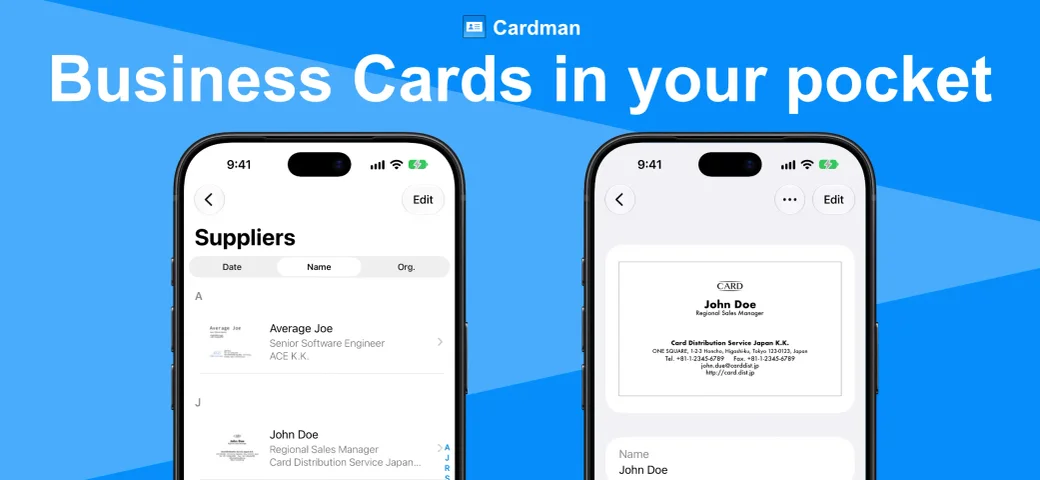
Cardman is a powerful and secure business card management app that scans cards with high accuracy, and stores and syncs data with iCloud.
■Cardman features
- High Accuracy Card Scanning
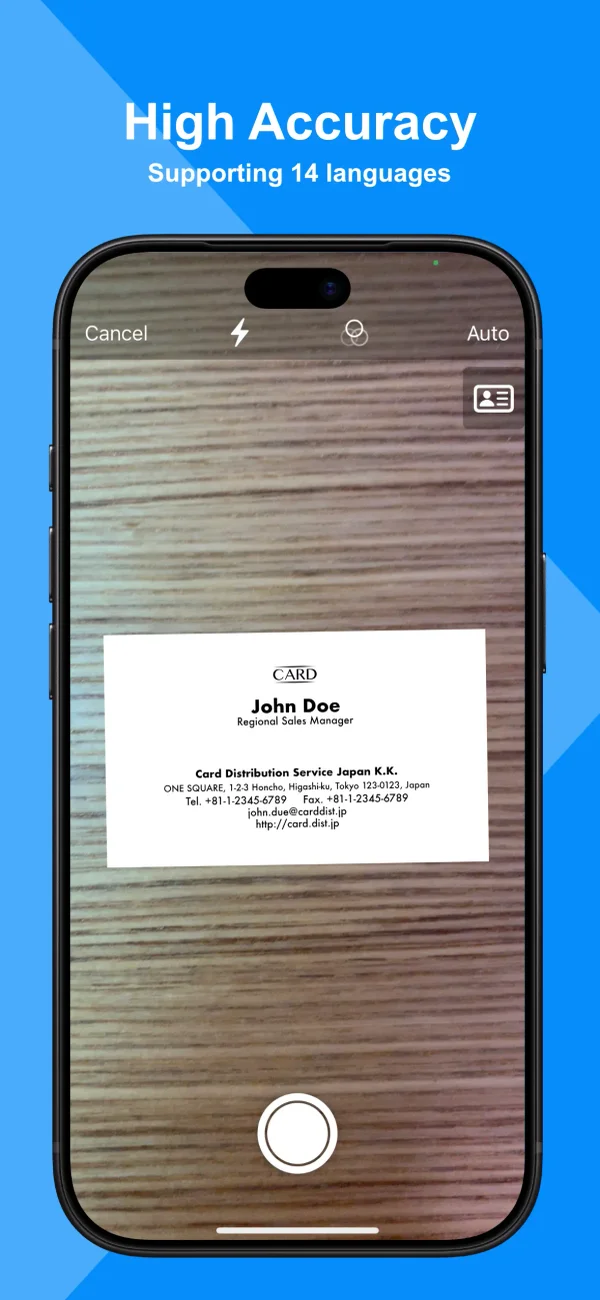
Cardman can scan business cards from cameras, photos, image files, and PDF files at high speed and with high accuracy.
* Mac app only supports scan from photos and files.
- Secure
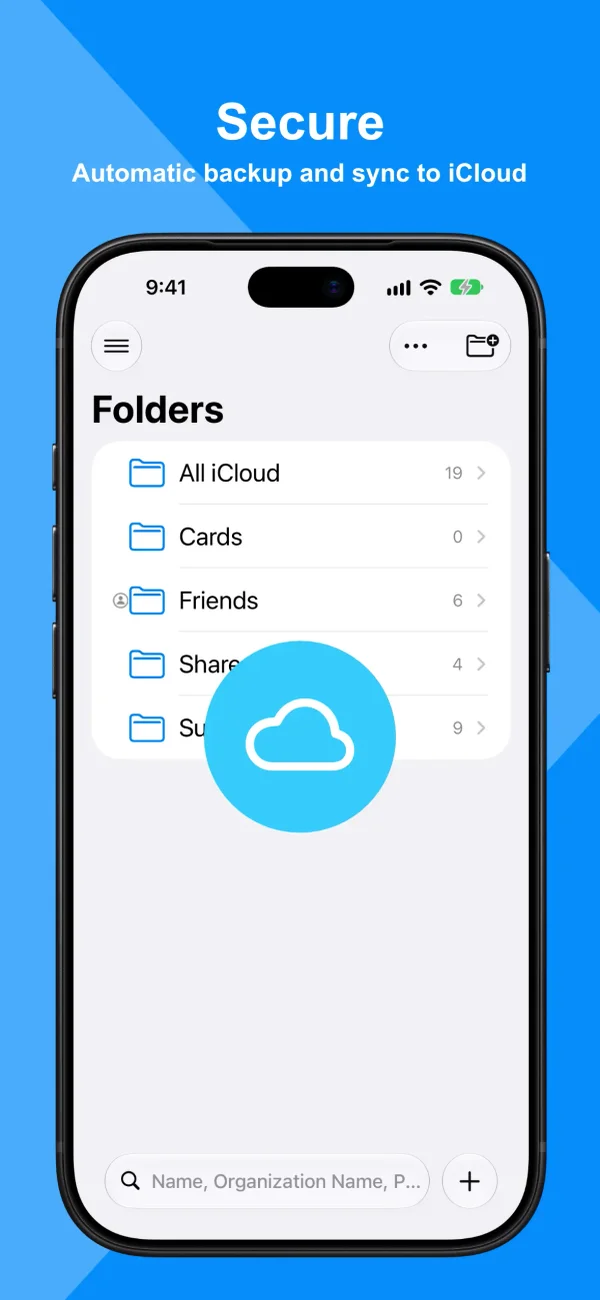
Cardman automatically backs up data in your iCloud storage, and never store in other storage services without your permission.
- Automatic Sync
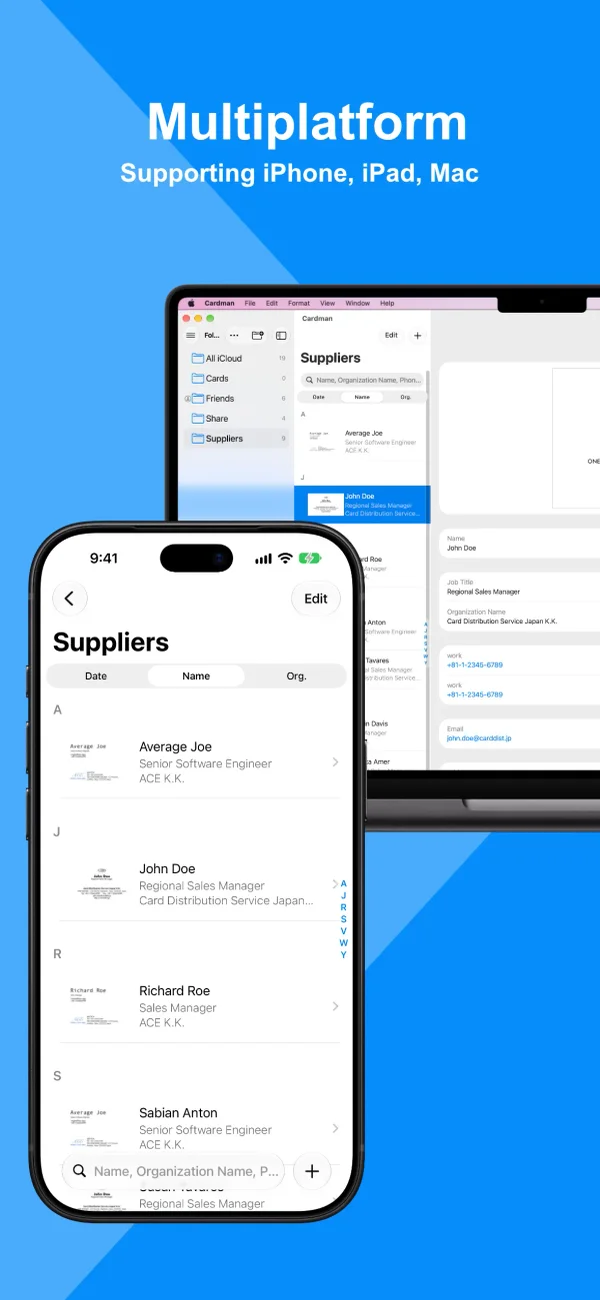
Cardman automatically syncs data between your Apple devices. For example, the data scanned on your iPhone can be seen on your iPad or Mac.
- Charactor Recognition in 14 Languages
Cardman supports OCR in fourteen languages: English, Japanese, French, Italian, German, Spanish, Portuguese, Simplified Chinese, Traditional Chinese, Simplified Cantonese, Traditional Cantonese, Korean, Russian, and Ukrainian.
* Cantonese, Korean, Russian, Ukrainian are supported only on iOS 16 devices or later.
- Folder Sharing (Pro)
Cardman supports sharing data to other users through folders.
* Mac app doesn't support initiating folder sharing, but can access to cards in the folders shared with iPhone or iPad app.
- Unlimited Cards (Pro)
You can store data as long as your iCloud storage capacity allows. (Basic users can store up to 10 cards.)
- Multiple Card Input (Pro)
You can input multiple business cards in a row from cameras and photos. (Basic users can input cards in a row until the number of stored cards is reached to 10.)
* Mac app only supports scan from photos and files.
- Export & Import (Pro)
You can export your business card data in Excel or CSV format, and import them in CSV format or other services' format.
- Cardman Pro
Cardman Pro is available with three purchase options: a monthly subscription, a yearly subscription, or one-time purchase.
As for the subscription options, Cardman Pro automatically renews as a paid subscription, unless cancelled at least 24 hours before the date of renewal. The payment will be charged to Apple ID Account at confirmation of purchase. Your account will be charged for renewal within 24-hours prior to the end of the current period. You can cancel subscription anytime by turning off auto-renewal through your account settings. This must be done 24 hours before the end of subscription period to avoid being charged. The cancellation will take effect the day after the last day of the current subscription period, and you will be downgraded to the basic service.
We value the opinions of our users. We welcome your feedback.
- Privacy Policy: https://kaurilab.com/cardman/privacy-policy
- Terms of Use: https://kaurilab.com/cardman/terms-of-use
Có gì mới
Phiên bản 4.8.0 · 18/11/2026
- Added iOS 27.2 support and optimized the layout for iPhone Duo.
- Ended support for iOS 16.
ver. 4.7
- Added iOS 27 support.
- Improved further accuracy.
ver. 4.6
- Improved UIs
- Ended support for iOS 15.
ver. 4.5
- Fixed a minor issue with the organization index.
ver. 4.4
- Improved recognition accuracy for Japanese organization names and job titles.
ver. 4.3
- Improved recognition accuracy for Japanese and Chinese names.
ver. 4.2
- Added iOS 26 support.
ver. 4.1
- Improved stability
ver. 4.0
- Pro users can now import business card data from CSV and other service formats.
- App instructions have been added to help users understand how to use the app.
ver. 3.9
- Improved recognition accuracy for Japanese names.
ver. 3.8
- Cards folder can now be hidden.
- A creation date column has been added when exporting files.
ver. 3.6, 3.7
- Improved stability
ver. 3.5
- Displaying suggestions when entering phonetic names or company name is now supported.
- Improved UIs and stability
ver. 3.4
- Rotating saved images by 90 degrees is now supported.
- Improved UIs and stability
ver. 3.3
- It is now possible to read and edit the last name and first name separately.
- It is now possible to save the last name and first name to contacts and export them to a file.
ver. 3.2
- You can now lock the app, and unlock it with Face ID/Touch ID.
ver. 3.1
- Improved UIs and stability
ver. 3.0
- Reading cards from image files and PDF files is now supported.
- Improved accuracy of Japanese OCR on iOS 17 devices.
ver. 2.9
- Improved further accuracy.
- You can now select multiple business cards and duplicate, move, or delete them.
ver. 2.8
- Improved further accuracy.
ver. 2.7
- Replacing the front image of cards is now supported.
- Optimized the image size of cards
ver. 2.4-2.6
- Improved UIs and stability
ver. 2.3
- Scanning both sides of cards now adds information from the back side to fill in missing data on the front side.
- The order of folders and company names has now been updated to the Finder-like order.
- It is now easier to share business card data via email or messaging apps (by tapping the icon in the top right corner of the business card details screen and selecting "Send Copy").
ver. 2.2
- Improved further accuracy and stability
ver. 2.1
- You can now choose which map app to open when you tap an address
ver. 2.0
- The business card list screen and search field have been redesigned to make it easier to find business cards.
ver. 1.7-1.9
- Improved further accuracy and stability
ver. 1.6
- Scanning the front and back of cards is now supported.
- Recognition and input of job titles and deparment names are now supported.
ver. 1.5
- Recognition and input of phone number types (mobile, fax, etc.) are now supported.
ver. 1.4
- Simplified Chinese UI is now supported.
ver. 1.3
- Organization names are now displayed with names on the card list screen.
- Folder names can now be renamed.
- Business card data can now be exported in Excel or CSV format for Pro users.
ver. 1.2
- Significantly Improved accuracy and speed of Japanese OCR on iOS 16 devices.
- Supported OCR in Cantonese, Korean, Russian, and Ukrainian on iOS 16 devices.
Quyền riêng tư của ứng dụng
Những gì KauriLab khai báo trên App Store về cách ứng dụng này xử lý dữ liệu.
-
Dữ liệu không được thu thập
Nhà phát triển không thu thập bất kỳ dữ liệu nào từ ứng dụng này.
Phương thức đảm bảo quyền riêng tư có thể khác nhau, chẳng hạn như tuỳ theo các tính năng bạn sử dụng hoặc độ tuổi của bạn.
Thông tin
- Người bán
- KauriLab
- Danh mục
- Kinh Doanh
- Phiên bản
- 4.8.0
- Cập nhật
- 18/11/2026
- Phát hành
- 18/04/2022
- Kích thước
- 4,3 MB
- Yêu cầu
- iOS 17.0 trở lên
- Độ tuổi
- 4+
- Giá
- Miễn phí
- Mua hàng trong ứng dụng
- Có
- Ngôn ngữ
- Tiếng Anh, Tiếng Nhật, Tiếng Trung Giản thể
- Bản quyền
- © 2022 KauriLab
Có thể bạn cũng thích
-
 名刺ソナーKinh Doanh
-
 Eight: Business Card ManagerKinh Doanh
-
 名片之星-名片扫描和电子名片设计制作Kinh Doanh
-
 samcard- business card scannerKinh Doanh
-
 Quét danh thiếp - Máy quétLưu trữ và chia sẻ danh bạ
-
 CamCard BusinessKinh Doanh
-
 Visty - Quét Danh Thiếp AIQuét Card Visit, Lưu Danh Bạ
-
 Business Card Scanner - vCardKinh Doanh
-
 BusinessCards by snapAddyKinh Doanh
-
 Address Book : Business CardKinh Doanh