- Độ tuổi4+
- Danh mụcTiện Ích
- Nhà phát triểnEivind Osbak
- Ngôn ngữTiếng Anh+ 1 ngôn ngữ khác
- Kích thước1,0 MB
Liên kết đến trang App Store chính thức
Download.org không lưu trữ tệp nào của CerFlomey. Nút này mở trang ứng dụng trên App Store, nơi Eivind Osbak phát hành ứng dụng. Trang được kiểm tra lần cuối: 23/11/2026.
Ảnh chụp màn hình
Giới thiệu
Nhà phát triển chưa cung cấp nội dung này bằng ngôn ngữ của bạn.
CerFlomey brings your Homey smart home Flows and devices to CarPlay, your iPhone's Home Screen, and Siri -- so the things you do at the start and end of every drive are one tap away instead of a detour through your phone.
The two everyday examples that inspired CerFlomey:
- Pull up to the house and open the garage door before you've even parked.
- Pull away in the morning and set the house to "away" mode -- lights off, heating down -- without breaking your route to reach for your phone.
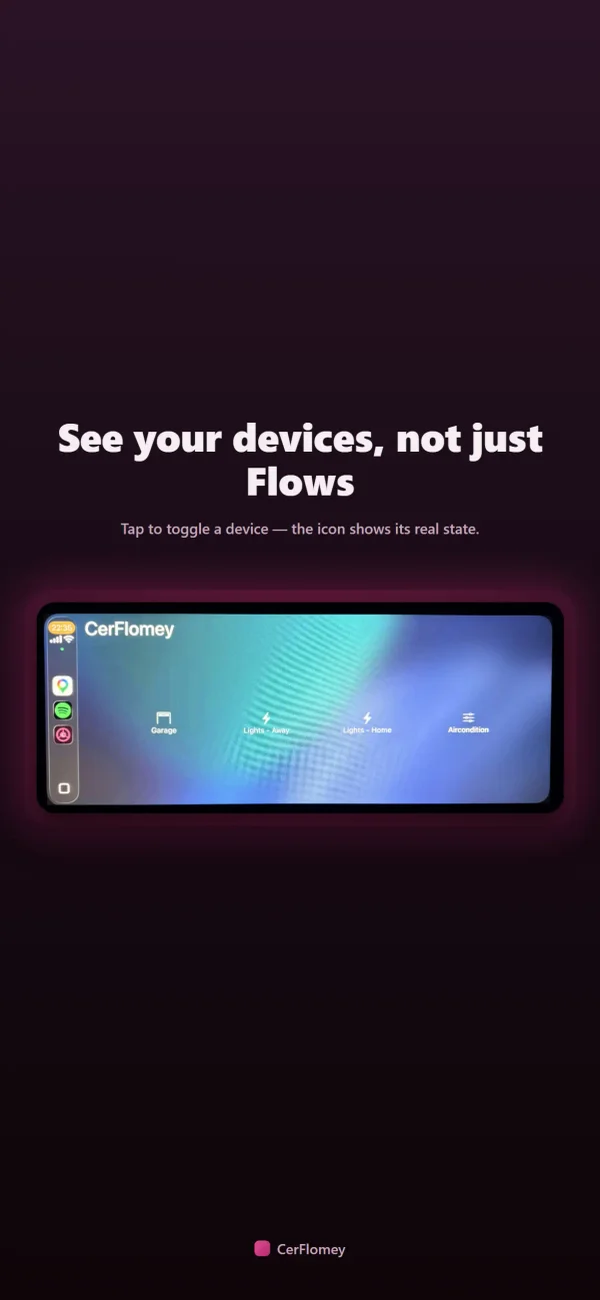
Anything you've already built as a Flow in Homey works the same way: lights, locks, climate, scenes -- CerFlomey just gives your favorites a dedicated, glanceable place to live while you're driving. Prefer controlling a device directly instead of a Flow? Add it the same way -- CerFlomey shows its live status and lets you toggle it with a tap, right from the tile's icon.
FOR CARPLAY
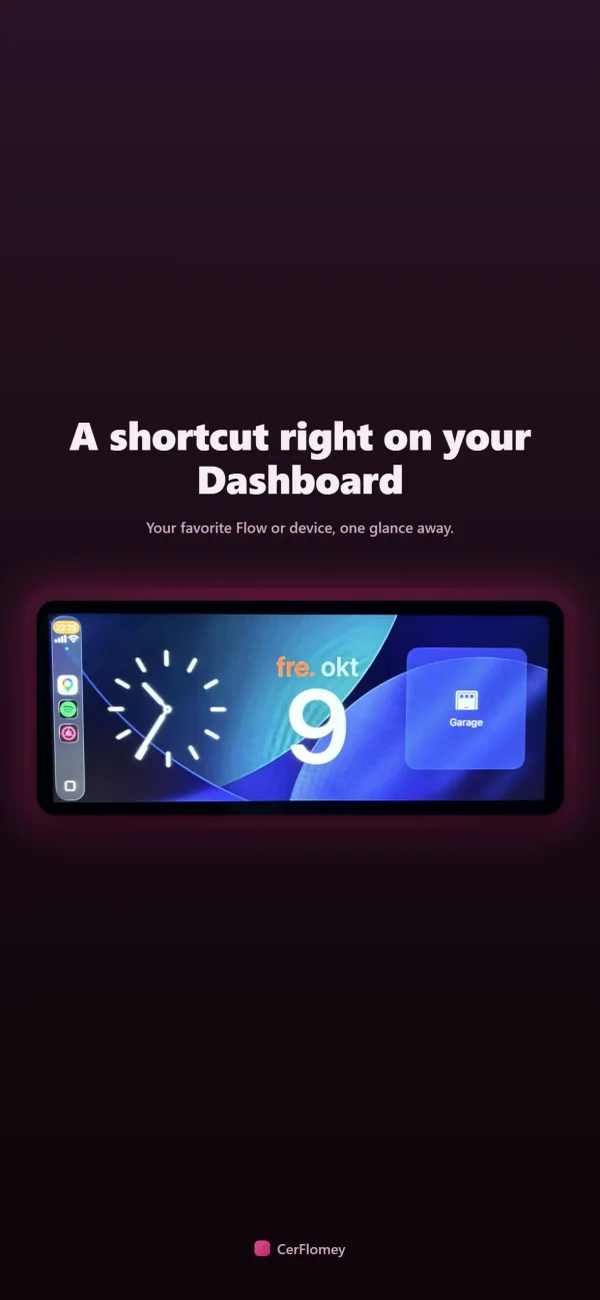
Pick up to six of your favorite Flows and devices in the app -- eight on iOS 26 or later, your choice in Settings -- and they show up as a simple tap-to-run tile grid right on your CarPlay screen, no need to touch your phone while driving. A device's icon shows its current state and briefly flashes while it's changing. A small widget can also sit next to your CarPlay Dashboard, showing the one Flow or device you use most, like your garage door.
FOR YOUR HOME SCREEN
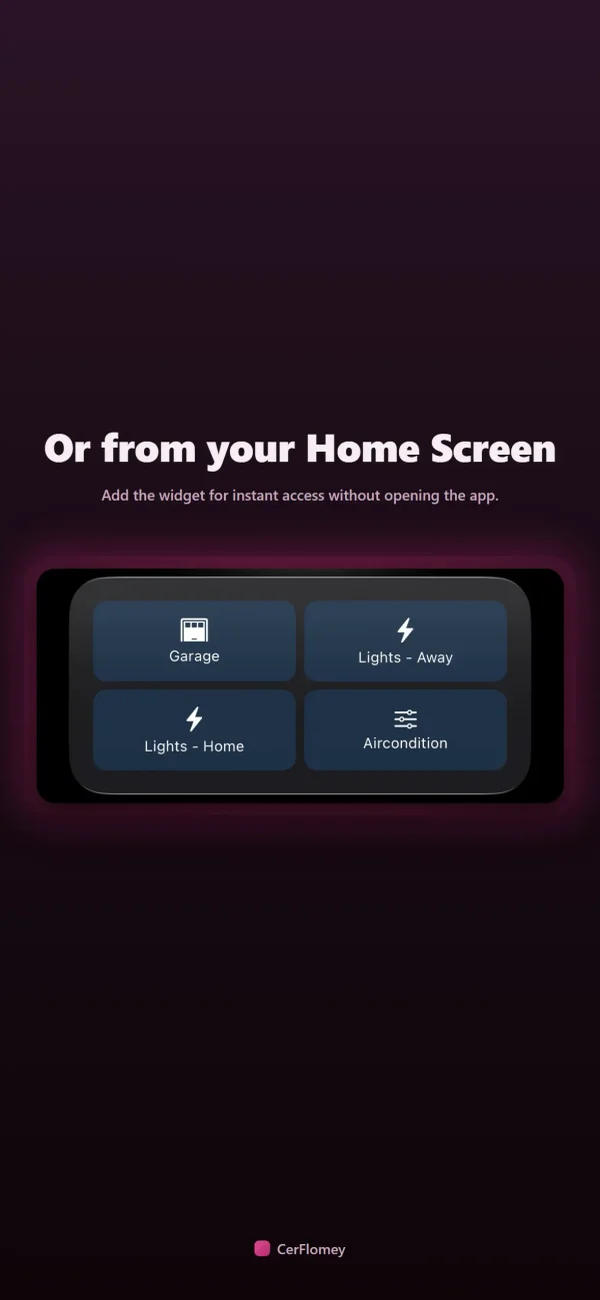
Add the CerFlomey widget to your iPhone's Home Screen for instant access to your chosen Flows and devices, without opening the app -- it matches whichever grid size you picked for CarPlay. A widget refreshes on Apple's own schedule, not a fixed interval CerFlomey controls, so it can occasionally lag behind reality -- the app and CarPlay always show your Homey's real-time status.
FOR SIRI
Say "Hey Siri, run CerFlomey" and pick the Flow you want from the list Siri shows -- works in any language, since it's the app name that triggers it, not a fixed phrase. Or set up a one-word Shortcut for instant, single-command access to your favorite, which works the same way in any language too. (Devices aren't available through Siri yet, only Flows.)
HOW IT WORKS
CerFlomey connects directly to your own Homey using a personal API Key you create in the Homey app (Settings -> API Keys). Your credentials and selections stay on your device -- CerFlomey has no server of its own and never sees your Homey data.
REQUIREMENTS
- A Homey Pro hub with at least one Flow or controllable device set up
- A Homey API Key with "View/Start your Flows" and "View/Control your devices" permissions
- CarPlay features require a compatible vehicle or aftermarket head unit
CerFlomey is an independent app and is not affiliated with or endorsed by Athom B.V. (Homey) or Apple Inc.
Có gì mới
Phiên bản 1.0.4 · 10/11/2026
CarPlay can now show up to 8 tiles instead of 6, if you're on iOS 26 or later -- choose your grid size in Settings -> CarPlay -> Layout. Your Home Screen widget automatically matches whichever you pick. Still defaults to 6 for compatibility with older iOS.
Quyền riêng tư của ứng dụng
Những gì Eivind Osbak khai báo trên App Store về cách ứng dụng này xử lý dữ liệu.
-
Dữ liệu không được thu thập
Nhà phát triển không thu thập bất kỳ dữ liệu nào từ ứng dụng này.
Phương thức đảm bảo quyền riêng tư có thể khác nhau, chẳng hạn như tuỳ theo các tính năng bạn sử dụng hoặc độ tuổi của bạn.
Thông tin
- Người bán
- Eivind Osbak
- Danh mục
- Tiện Ích
- Phiên bản
- 1.0.4
- Cập nhật
- 10/11/2026
- Phát hành
- 13/10/2026
- Kích thước
- 1,0 MB
- Yêu cầu
- iOS 17.0 trở lên
- Độ tuổi
- 4+
- Giá
- 119.000đ
- Ngôn ngữ
- Tiếng Anh, Tiếng Bokmål Na Uy
- Bản quyền
- © 2026 Eivind Osbak