Chart Maker - Graph Creator
Pie, Bar, Line Charts and More
Được thiết kế cho iPhone, iPad
Miễn phí · Mua hàng trong ứng dụng
- Độ tuổi4+
- Danh mụcTiện Ích
- Nhà phát triểnSebastin Michael
- Ngôn ngữTiếng Anh
- Kích thước5,5 MB
Liên kết đến trang App Store chính thức
Download.org không lưu trữ tệp nào của Chart Maker - Graph Creator. Nút này mở trang ứng dụng trên App Store, nơi Sebastin Michael phát hành ứng dụng. Trang được kiểm tra lần cuối: 17/11/2026.
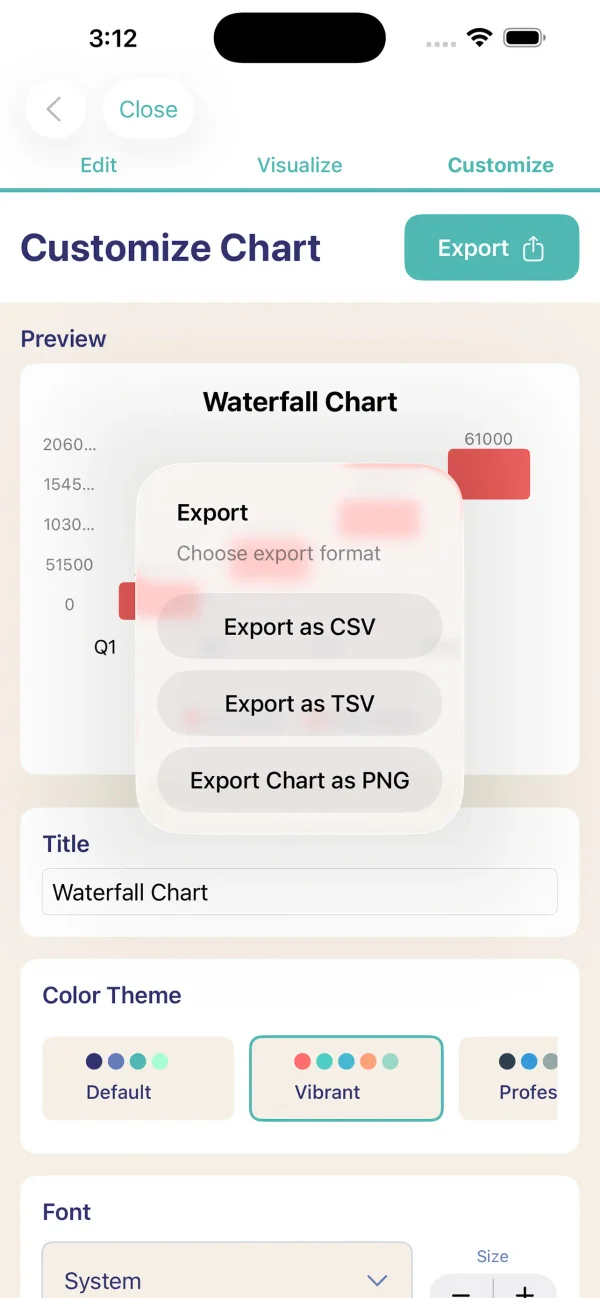
Ảnh chụp màn hình

Giới thiệu
Nhà phát triển chưa cung cấp nội dung này bằng ngôn ngữ của bạn.
Chart Maker is your all-in-one solution for creating professional charts and graphs on your iPhone and iPad. Whether you need a simple pie chart for a school project or detailed data visualizations for business presentations, this app makes it easy to transform your data into stunning visuals.
POWERFUL CHART TYPES
Create 14 different chart styles to match any data visualization need:
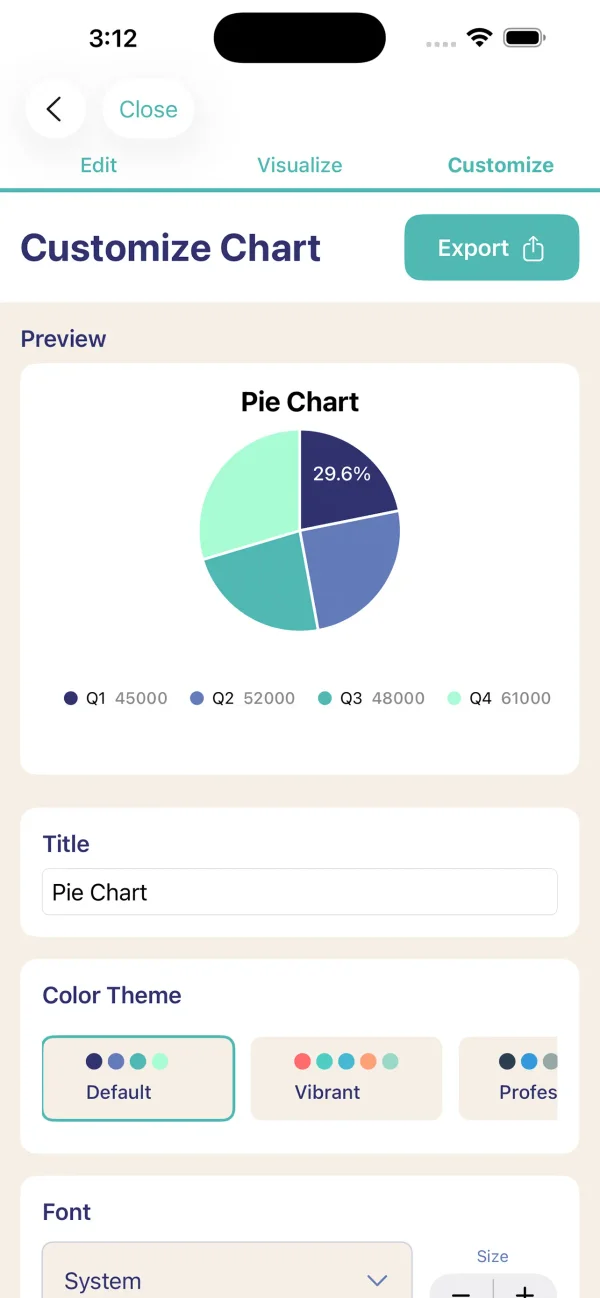
Pie Chart - Perfect for showing proportions and percentages
Donut Chart - Modern alternative to traditional pie charts
Bar Chart - Compare values across different categories
Column Chart - Vertical bars for trend analysis
Line Chart - Track changes and patterns over time
Area Chart - Visualize cumulative totals and trends
Scatter Plot - Show relationships between variables
Radar Chart - Compare multiple variables simultaneously
Stacked Bar Chart - Show composition within categories
Stacked Column Chart - Vertical stacked comparisons
Bubble Chart - Add a third dimension to your data
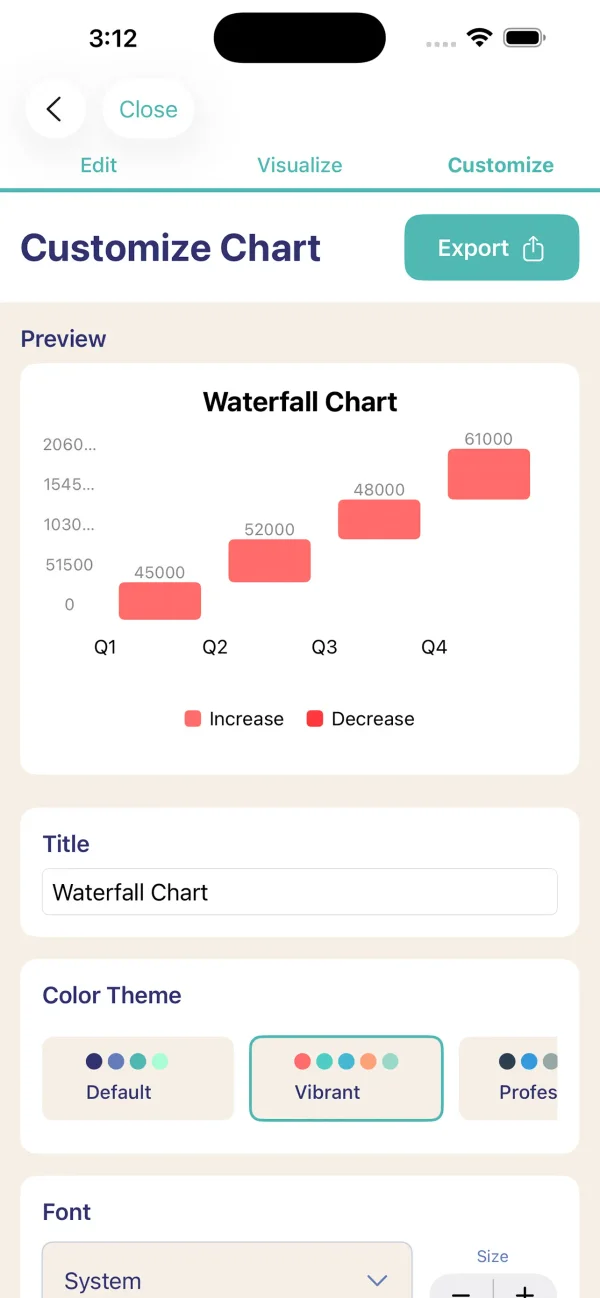
Waterfall Chart - Understand cumulative effects
Funnel Chart - Visualize stages in a process
Heat Map - Identify patterns in large datasets
EASY DATA ENTRY
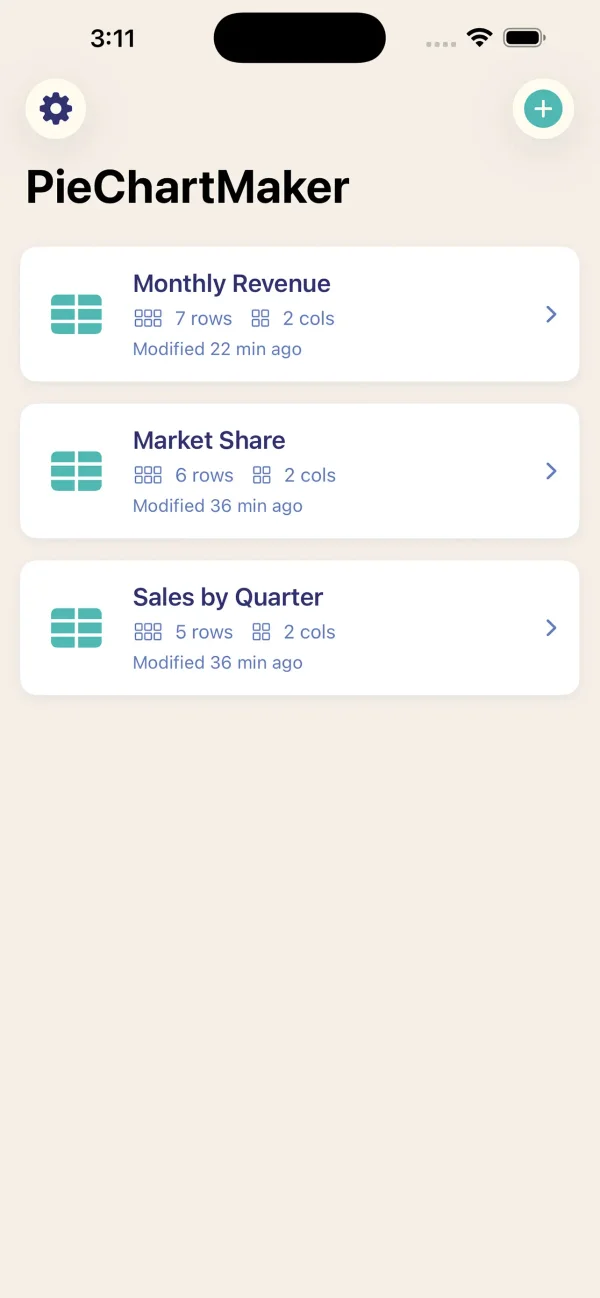
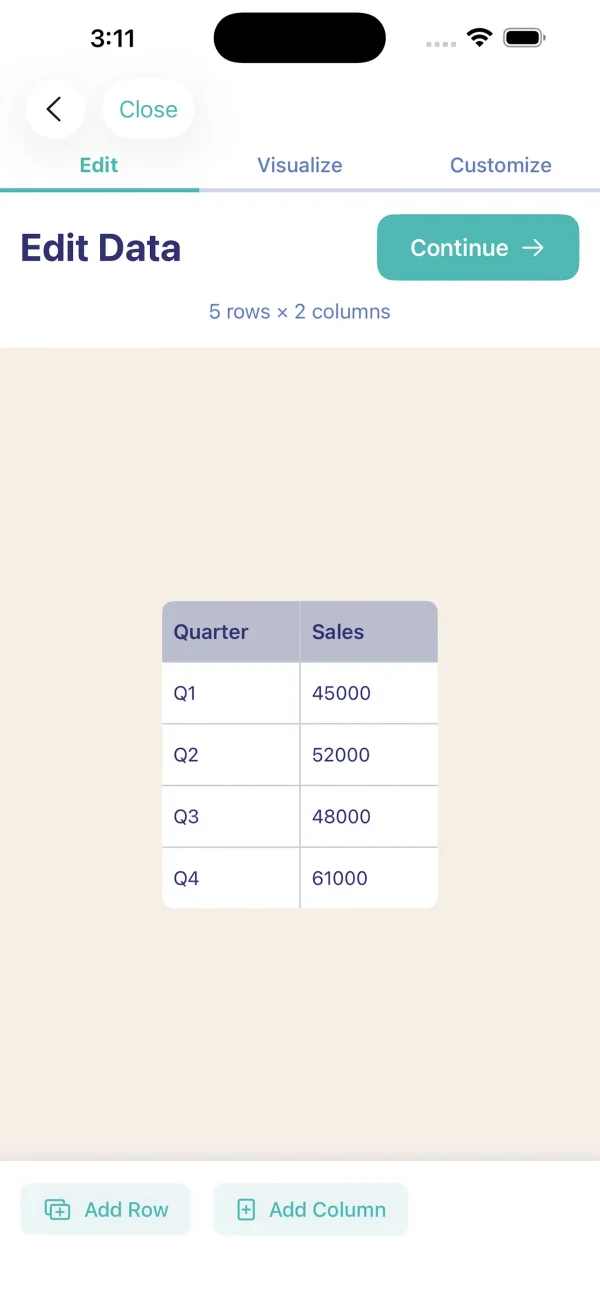
The built-in spreadsheet editor makes data entry simple and intuitive:
- Enter data directly with familiar spreadsheet controls
- Add and remove rows and columns with a single tap
- Edit any cell inline for quick updates
- Your data automatically saves as you work
IMPORT YOUR DATA
Already have your data in a spreadsheet? Import it directly:
- Open CSV files from your device or cloud storage
- Import TSV tab-separated files
- Automatic parsing creates charts instantly
- Save hours of manual data entry
BEAUTIFUL CUSTOMIZATION
Make every chart uniquely yours:
- Choose from 12 professionally designed color themes
- Select from multiple font styles and sizes
- Toggle legends, labels, and axes visibility
- Add custom titles and styling
- Preview changes in real-time
EXPORT AND SHARE
Get your charts where they need to go:
- Save as high-resolution PNG images
- Export data as CSV or TSV files
- Share directly to email, messages, or social media
- Perfect quality for printing and presentations
WHO USES CHART MAKER
Students and Educators
Create graphs for homework, research papers, science projects, and classroom presentations. Visualize statistical data, survey results, and experimental findings with professional quality.
Business Professionals
Build charts for quarterly reports, sales presentations, marketing analysis, and stakeholder meetings. Import data from existing spreadsheets and create polished visualizations in minutes.
Researchers and Analysts
Transform complex datasets into clear visual representations. Compare trends, identify patterns, and communicate findings effectively to any audience.
Personal Projects
Track fitness goals, manage household budgets, plan events, or visualize any personal data. Make better decisions with clear visual insights.
WHY CHOOSE CHART MAKER
- Works completely offline with no internet required
- No account creation or sign-up needed
- Clean, intuitive interface optimized for touch
- Fast performance with datasets of any size
- Regular updates add new features and improvements
- Privacy focused with all data stored locally on your device
- No data collection or tracking of your information
PREMIUM FEATURES
Upgrade to unlock the full power of Chart Maker:
- Access all 14 chart types
- Unlimited dataset storage
- 9 additional premium color themes
- Ad-free experience
Download Chart Maker today and start transforming your data into professional visualizations. Join thousands of users who trust this app for all their charting needs.
Terms of Service: https://www.apple.com/legal/internet-services/itunes/dev/stdeula/
Quyền riêng tư của ứng dụng
Những gì Sebastin Michael khai báo trên App Store về cách ứng dụng này xử lý dữ liệu.
-
Dữ liệu được sử dụng để theo dõi bạn
Có thể được sử dụng để theo dõi bạn trên các ứng dụng và trang web do công ty khác sở hữu.
- Dữ liệu sử dụng
-
Dữ liệu liên kết với bạn
Có thể được thu thập và liên kết với danh tính của bạn.
- Vị trí
- Mã định danh
- Dữ liệu sử dụng
- Chẩn đoán
Phương thức đảm bảo quyền riêng tư có thể khác nhau, chẳng hạn như tuỳ theo các tính năng bạn sử dụng hoặc độ tuổi của bạn.
Thông tin
- Người bán
- Sebastin Michael
- Danh mục
- Tiện Ích
- Phiên bản
- 1.0.0
- Cập nhật
- 28/11/2025
- Phát hành
- 28/11/2025
- Kích thước
- 5,5 MB
- Yêu cầu
- iOS 16.6 trở lên
- Độ tuổi
- 4+
- Giá
- Miễn phí
- Mua hàng trong ứng dụng
- Có
- Ngôn ngữ
- Tiếng Anh
- Bản quyền
- © Sebastin Michael