
- Độ tuổi17+
- Danh mụcTiện Ích
- Nhà phát triểnDavid Picknell
- Ngôn ngữTiếng Anh
- Kích thước26,4 MB
Liên kết đến trang App Store chính thức
Download.org không lưu trữ tệp nào của Chat LLM. Nút này mở trang ứng dụng trên App Store, nơi David Picknell phát hành ứng dụng. Trang được kiểm tra lần cuối: 12/11/2026.
Ảnh chụp màn hình

Giới thiệu
Nhà phát triển chưa cung cấp nội dung này bằng ngôn ngữ của bạn.
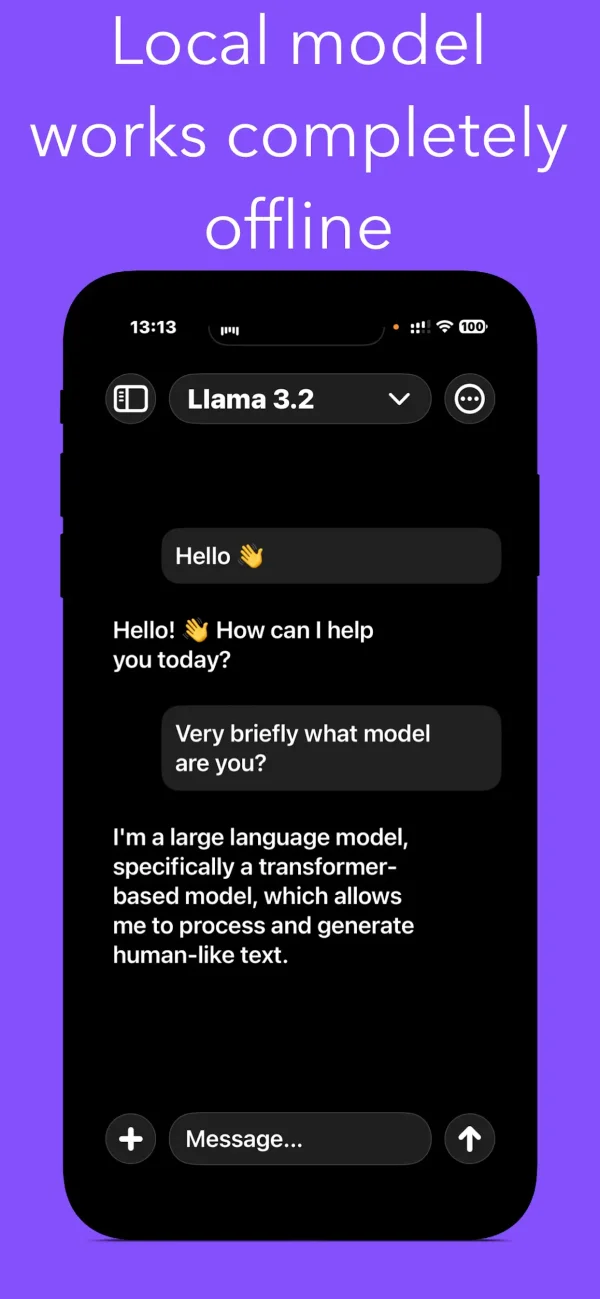
Private AI chat that works offline. Free, no account needed. Plus 300+ cloud models, real-time Grok and Gemini voice, and your computer's models via LM Studio.
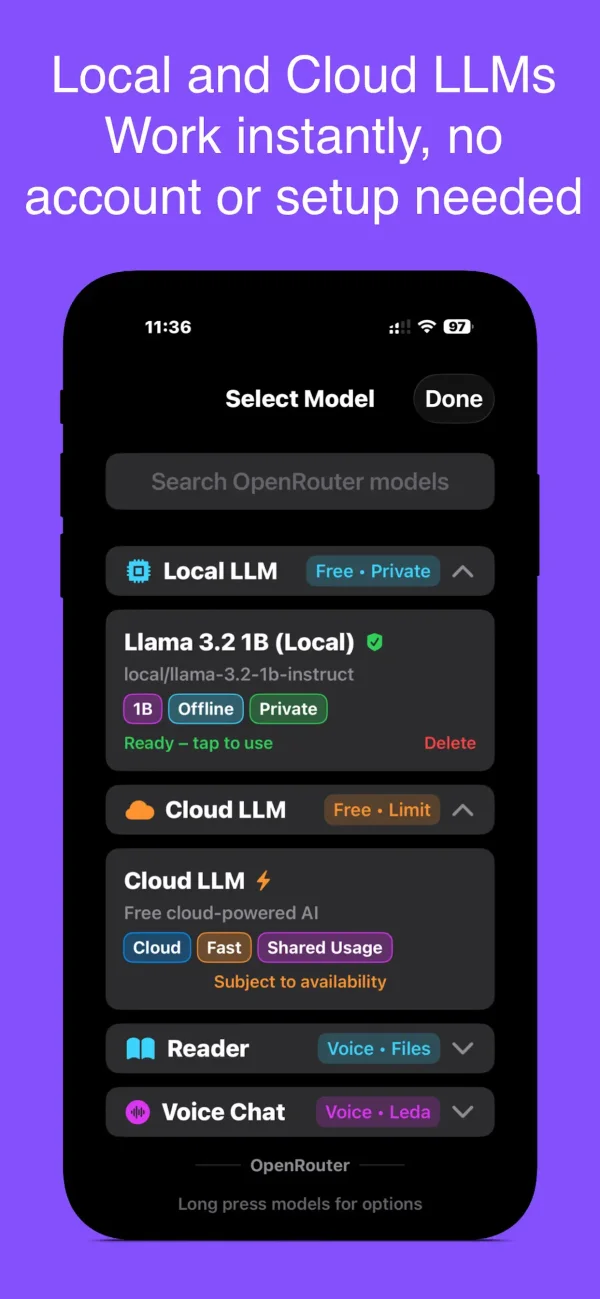
On-device AI for private offline chat The on-device Llama model is an optional one-tap download from the model picker. The app installs under 10 MB without it.
Free cloud chat, no account needed Cloud LLM is powered by Groq and works out of the box. No signup, no key required.
300+ models via OpenRouter Connect your OpenRouter key and chat with over 300 models. A web search toggle lets any OpenRouter model pull live information — current events, prices, weather — charged to your own OpenRouter credits.
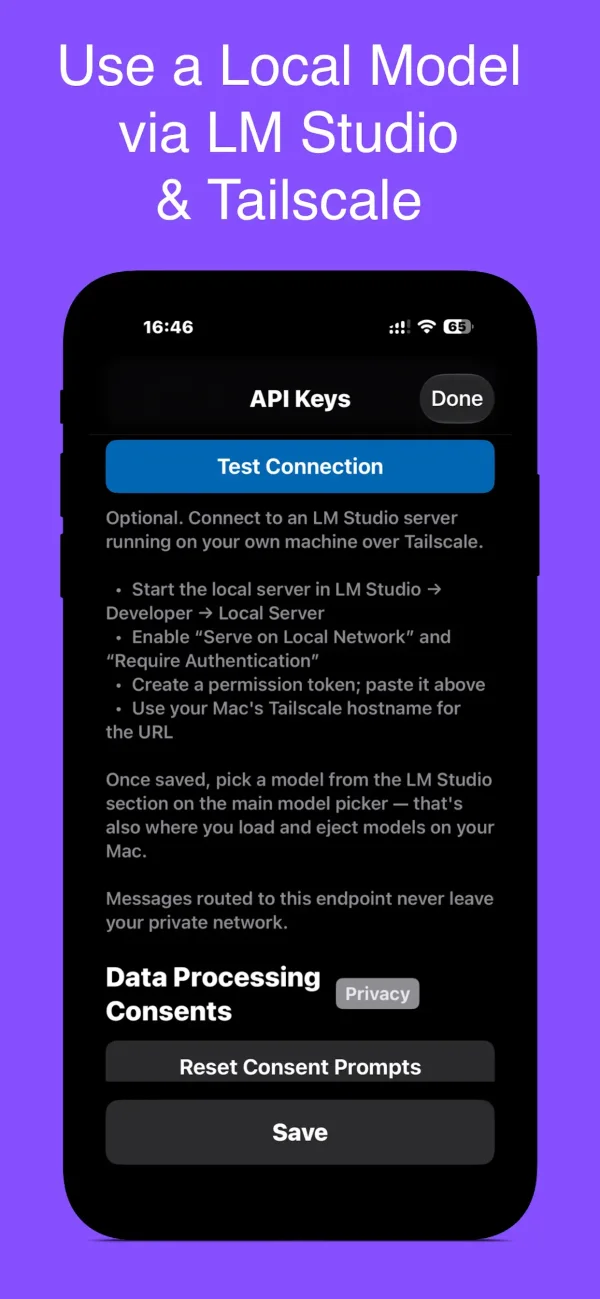
Your computer's models with LM Studio Run open models in LM Studio on any Mac, Windows or Linux machine and use them from Chat LLM over a private Tailscale connection. Browse, load and unload models from the app, and connect LM Studio's MCP tool servers. No per-message credits, no content restrictions.
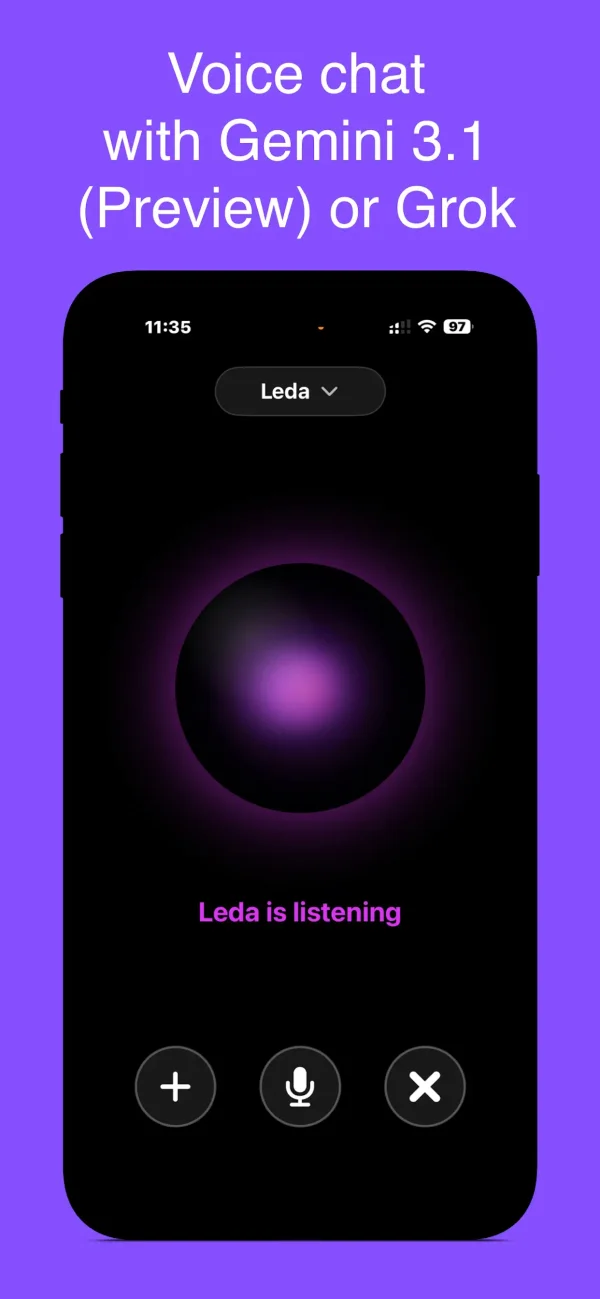
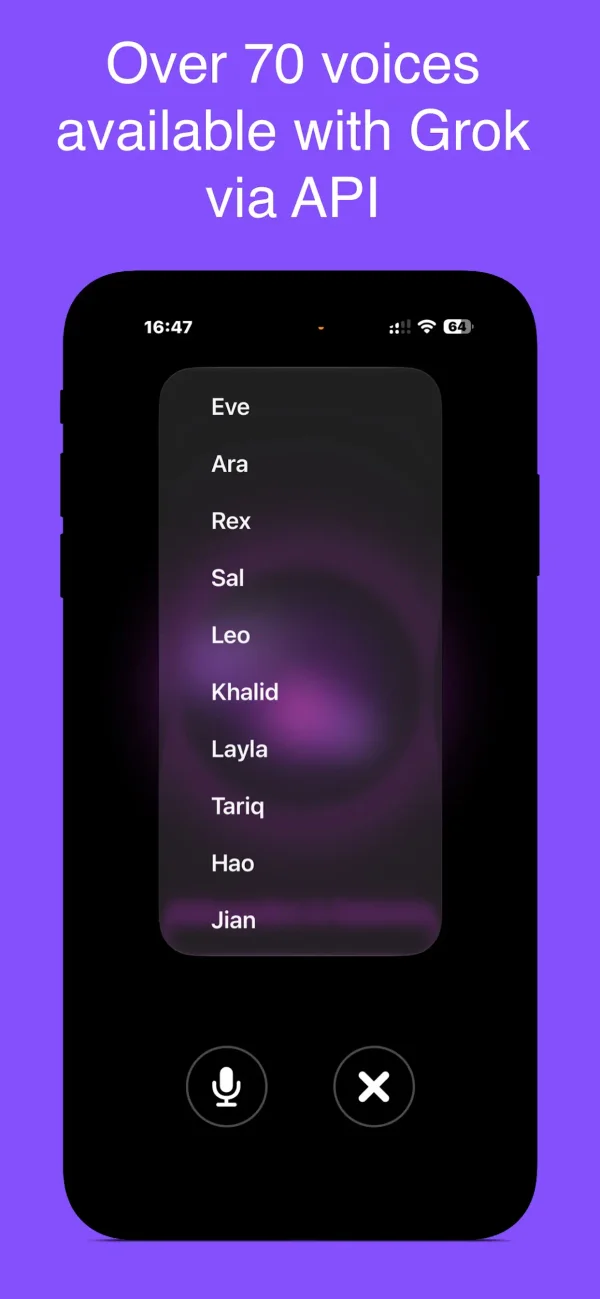
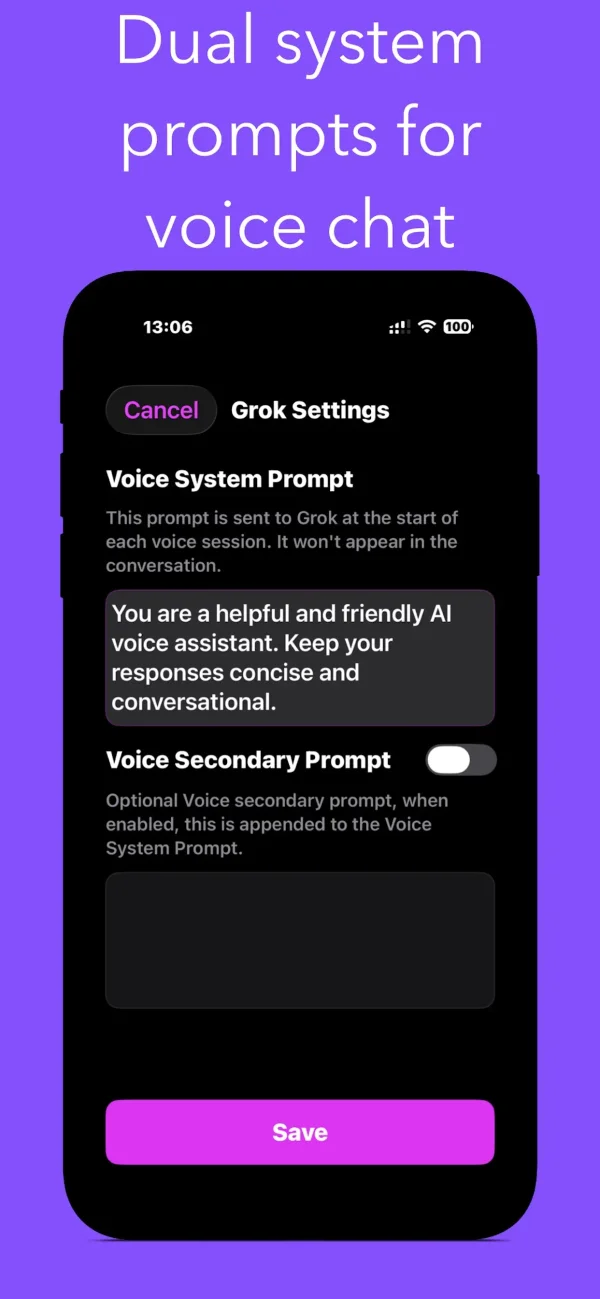
Voice chat with Gemini Live and Grok Have natural real-time voice conversations through two backends. Google Gemini Live brings a choice of voices, Google Search grounding, and photo sharing mid-conversation. xAI Grok, now updated to Grok 3.0 real-time speech, adds a large, auto-updated voice library — use an API key or simply sign in with your xAI account. Each backend has its own system prompt and live tuning controls.
Image and video generation Generate images and videos inside a conversation with OpenRouter and Grok media models. Prices show on the model cards before you generate, and generation keeps running in the background — you'll get a notification when your result lands, even if you've left the app.
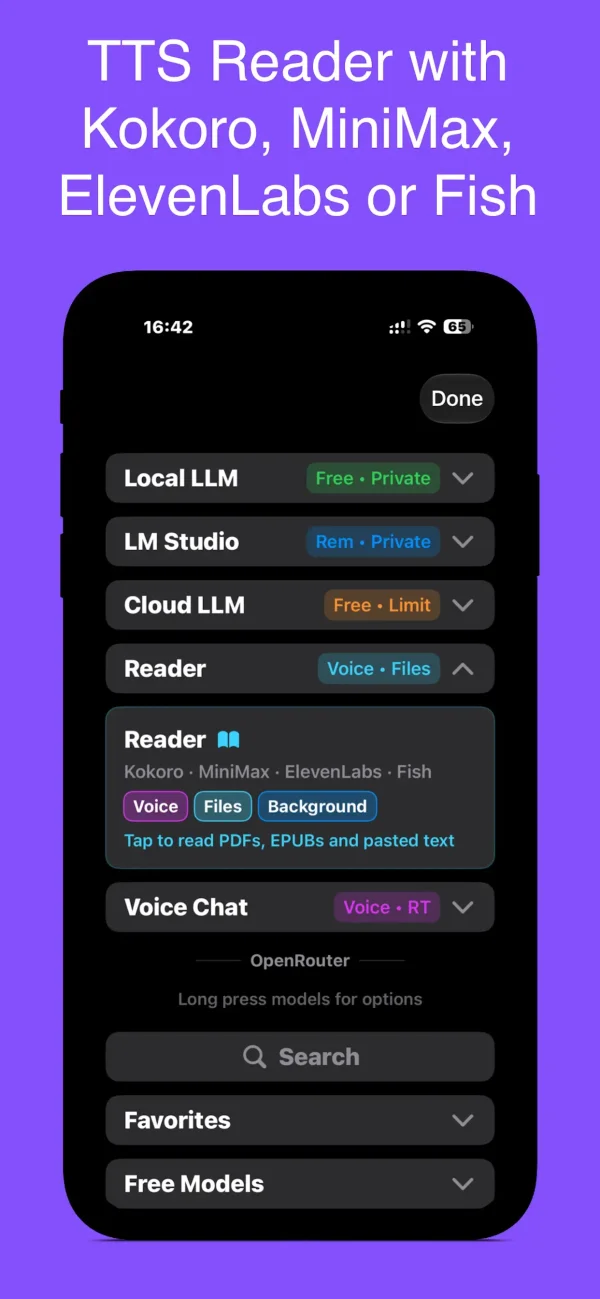
Reader — listen to documents and text Reader turns Chat LLM into an audiobook player for your own content. Import a .pdf, .epub, .docx or .txt file, paste text, or share any webpage or document from the iOS share sheet and Reader speaks it paragraph by paragraph. Tap any paragraph to jump to it; your position is saved automatically.
Choose your voice per document from five providers: OpenRouter Kokoro for pennies, MiniMax for high quality at great value, ElevenLabs for expressive narration with your own cloned voices, Fish Audio for a vast library of community and custom voices, or xAI Grok — just sign in with your Grok account. Account voices sync automatically and can be searched and favourited.
Export any document to a single audio file on your device. Pause an export any time and resume from the exact sentence — generated audio is never paid for twice. Exported files play offline with no credits used, can be shared or found in Files under Chat LLM, and keep sentence highlighting and tap-to-seek.
iCloud sync Your settings, system prompts, conversations, and Reader library back up to your own private iCloud automatically and restore across your devices and after a reinstall. If you're signed out of iCloud, everything still works and stays on your device.
Other features
Image and document uploads in text chat (supported models)
Independent system prompts per provider
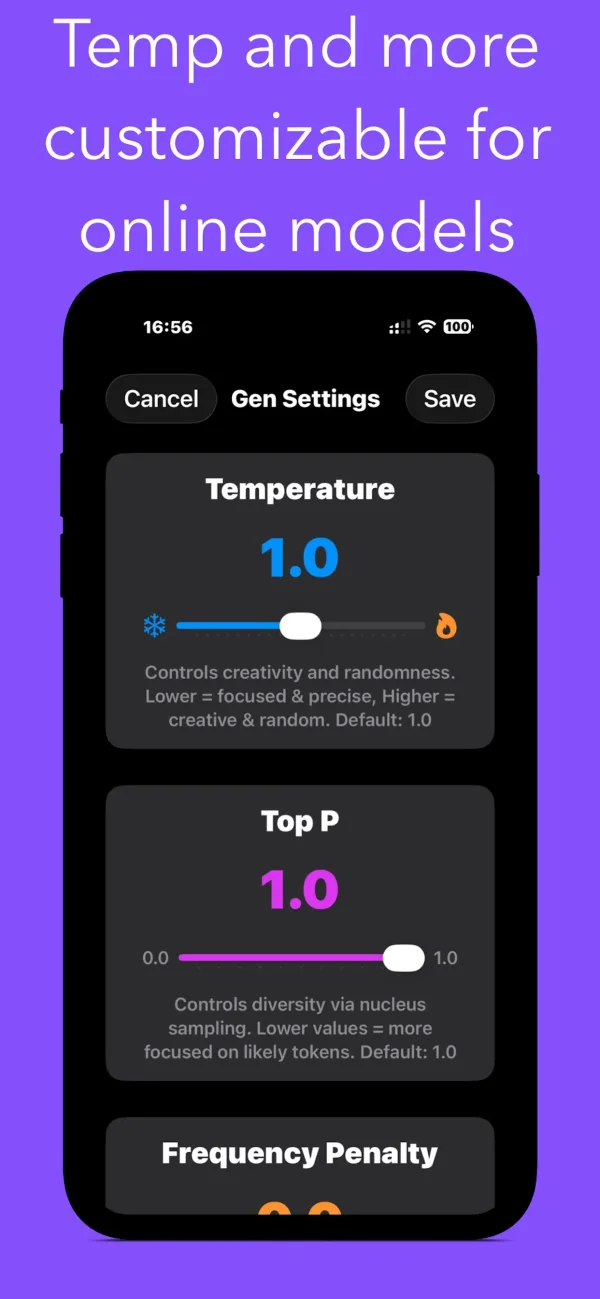
Advanced generation controls: temperature, top-p, and more
Conversation history with model identification
Vision, reasoning, and parameter-count tags on OpenRouter models
Privacy Chat LLM does not require a user account. API keys are stored securely in the iOS Keychain. Your conversations and Reader library sync through your own private iCloud, tied to your Apple ID — they are never stored on our servers, and we have no access to them. When you use a third-party provider, your prompts and inputs are sent to that provider to generate a response; their own privacy and retention policies apply.
Free to download. No subscription, no paywall. Optional provider usage is billed directly by the provider you choose.
Terms of Use (EULA): https://www.apple.com/legal/internet-services/itunes/dev/stdeula/
https://ferrraridave-coder.github.io/chat-llm-support/privacy-policy.html
Có gì mới
Phiên bản 4.0.3 · 17/10/2026
XAI Grok. Real-time speech updated to version 3.0.
Quyền riêng tư của ứng dụng
Những gì David Picknell khai báo trên App Store về cách ứng dụng này xử lý dữ liệu.
-
Dữ liệu không được thu thập
Nhà phát triển không thu thập bất kỳ dữ liệu nào từ ứng dụng này.
Phương thức đảm bảo quyền riêng tư có thể khác nhau, chẳng hạn như tuỳ theo các tính năng bạn sử dụng hoặc độ tuổi của bạn.
Thông tin
- Người bán
- David Picknell
- Danh mục
- Tiện Ích
- Phiên bản
- 4.0.3
- Cập nhật
- 17/10/2026
- Phát hành
- 26/12/2025
- Kích thước
- 26,4 MB
- Yêu cầu
- iOS 18.6 trở lên
- Độ tuổi
- 17+
- Giá
- Miễn phí
- Ngôn ngữ
- Tiếng Anh
- Bản quyền
- © 2025 David Picknell
Có thể bạn cũng thích
-
 Private AI ModelsChat AI riêng tư, ngoại tuyến
-
 LocalMind: Ollama & LM StudioTiện Ích
-
 Silo - Private AI AssistantTiện Ích
-
 Chat AI ngoại tuyến: PinkuTrợ lý riêng tư không cần mạng
-
 Typeless Keyboard: Mẫu trả lờiPhản hồi, clipboard & AI
-
 LM Station - Chạy AI offlineNền tảng AI cục bộ & đám mây
-
 Haplo AI: AI offline riêng tưChatbot LLM & tạo hình ảnh
-
 AI Cleaner: Xóa Ảnh Trùng LặpDọn dẹp, giải phóng dung lượng
-
 Đồng Hồ Widget · HD TimeFloating Clock & Countdown
-
 WAV to MP3Tiện Ích