ClaroSpeak Plus
Dyslexia Friendly App
Được thiết kế cho iPhone, iPad, iPod touch
299.000đ · Mua hàng trong ứng dụng
- Độ tuổi4+
- Danh mụcGiáo Dục
- Nhà phát triểnClaro Software Limited
- Ngôn ngữTiếng Anh+ 11 ngôn ngữ khác
- Kích thước722,8 MB
Liên kết đến trang App Store chính thức
Download.org không lưu trữ tệp nào của ClaroSpeak Plus. Nút này mở trang ứng dụng trên App Store, nơi Claro Software Limited phát hành ứng dụng. Trang được kiểm tra lần cuối: 17/11/2026.
Ảnh chụp màn hình



Giới thiệu
Nhà phát triển chưa cung cấp nội dung này bằng ngôn ngữ của bạn.
ClaroSpeak is a reading and writing app with high-quality text-to-speech, formatting controls, a wide range of fonts and styles and cloud storage integration.
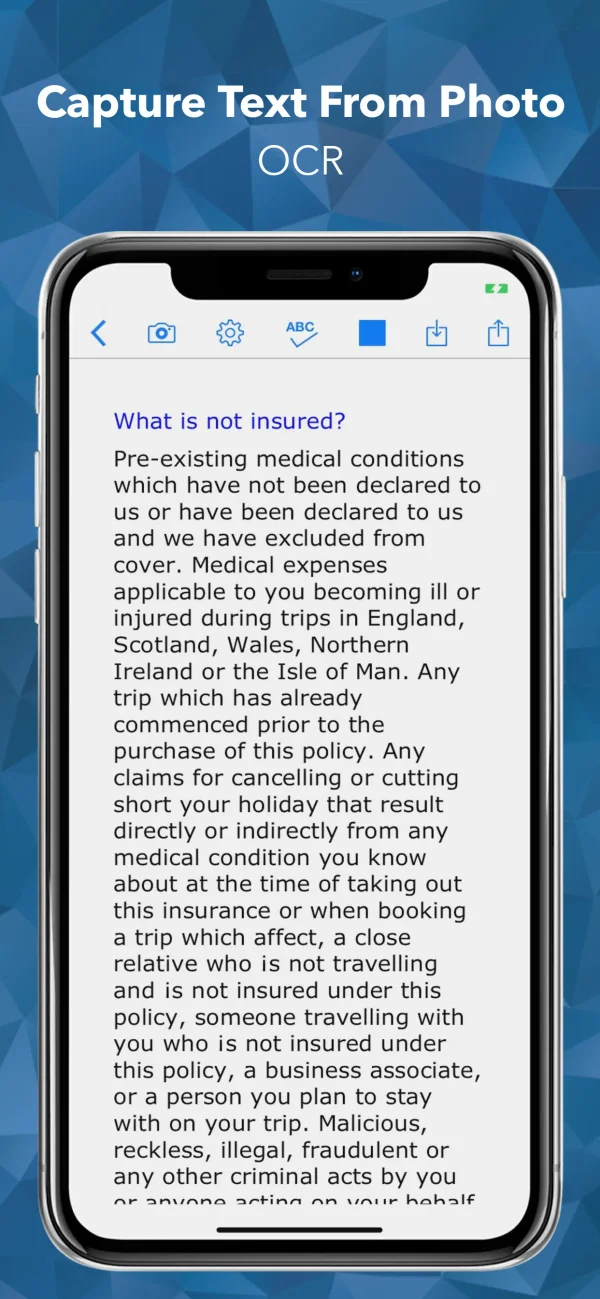
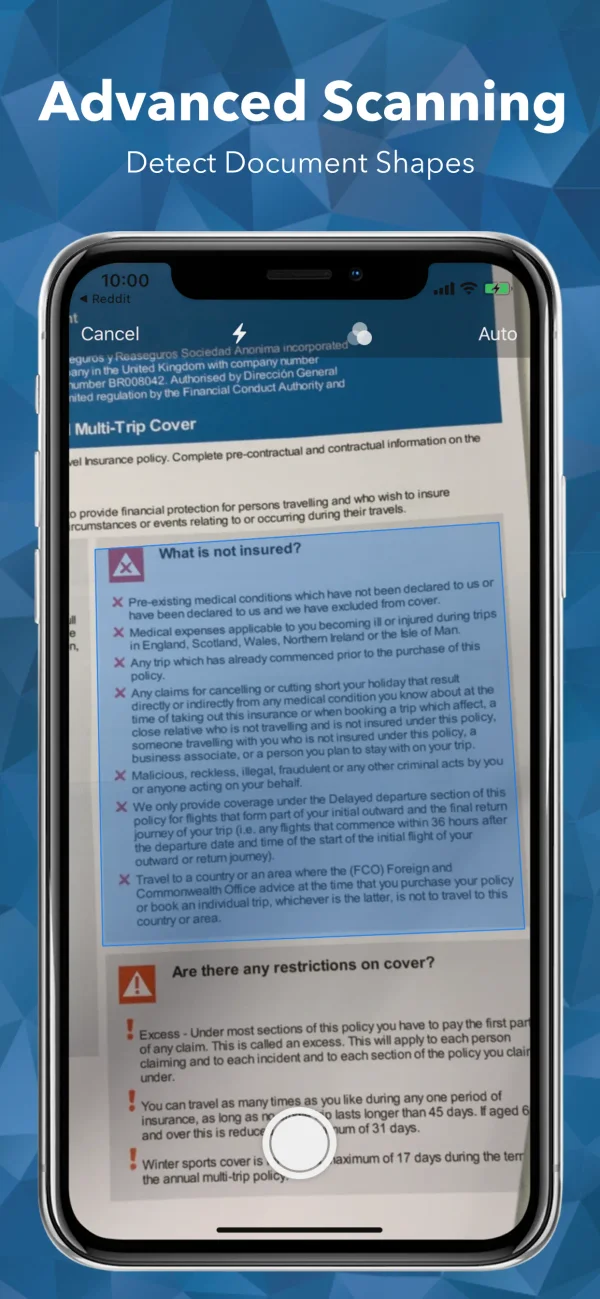
ClaroSpeak Plus also includes our "Capture Text from Photo" feature with high quality Optical Character Recognition (powered by ABBYY).
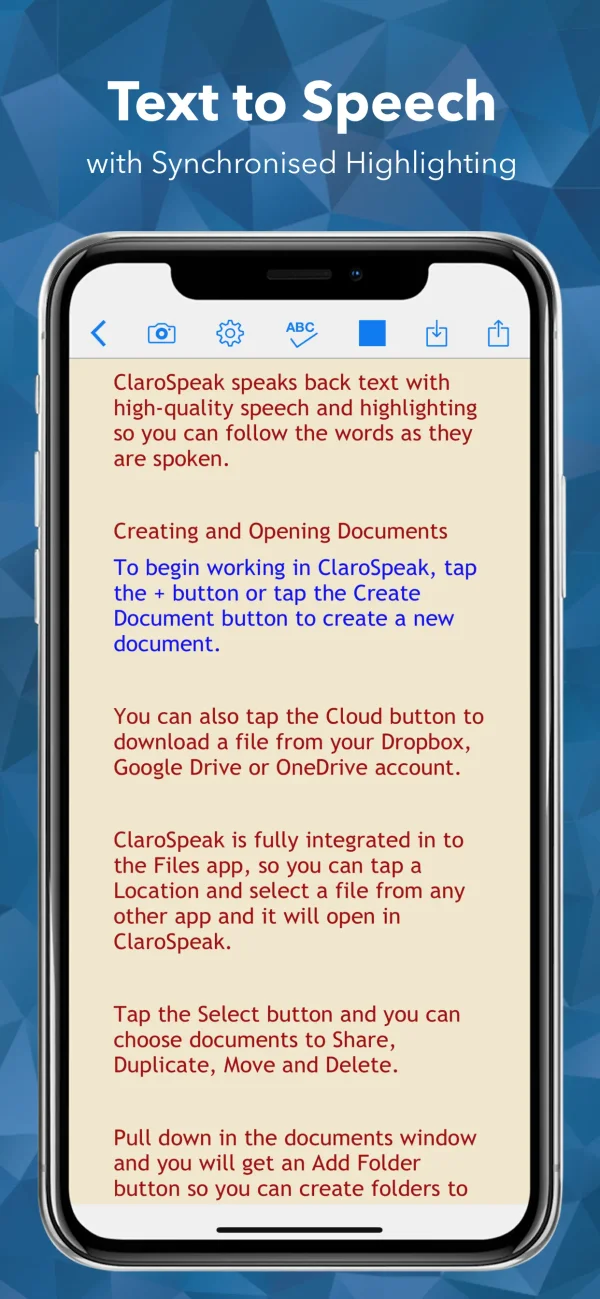
ClaroSpeak provides visual highlighting in-sync with spoken words, a great range of color and font settings to allow for optimum reading, and word prediction to help with writing. ClaroSpeak is a quality app for proofreading text through listening, helping with reading and literacy development, and creating audio files from any text.
PRODUCT FEATURES
• Text-to-Speech
- Type into ClaroSpeak and have the text read back to you. You can check text and proofread it quickly and easily.
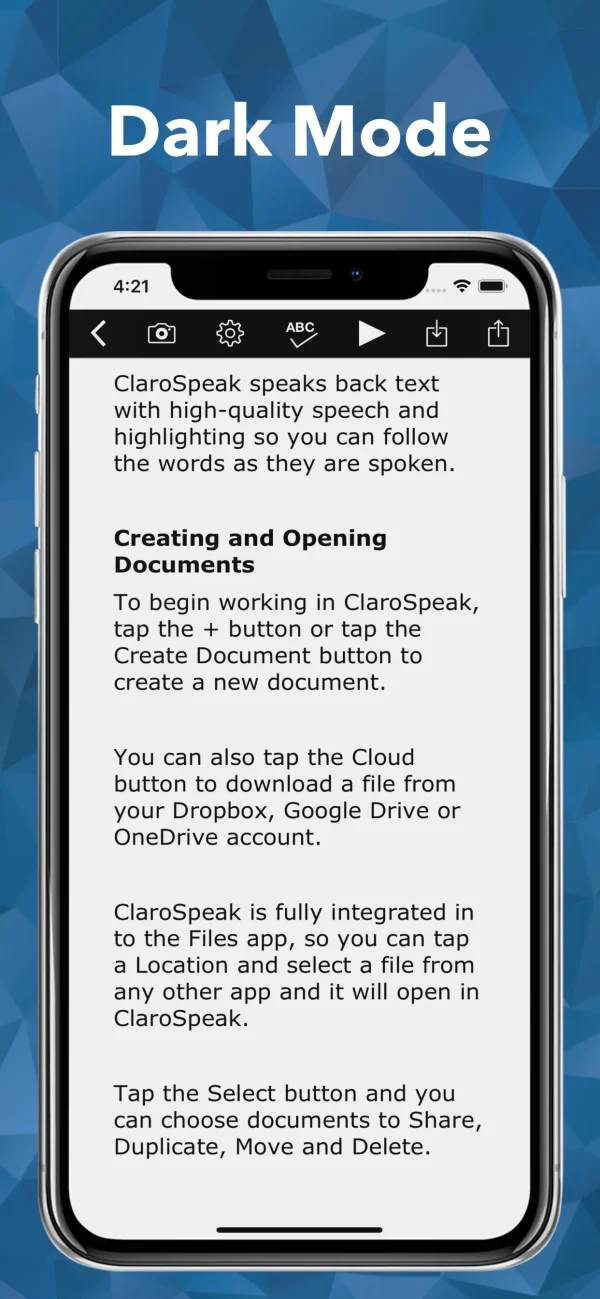
- You can import documents into ClaroSpeak from apps such as Mail, or import directly from Dropbox or Google Drive using ClaroSpeak's integration. ClaroSpeak can open a range of document formats including Word doc, PDF and epub.
- Text from any app can be copied and pasted into ClaroSpeak ready to be read back.
- Apple's speech recognition can be used to dictate text directly into ClaroSpeak, and can be listened back to ensure it is right.
- The Apple spell check works in ClaroSpeak too, further helping accuracy.
- You can save the text as an audio file using the same high-quality voice.
• High-Quality Voices
4 high-quality Nuance Vocalizer voices are available as free downloads, with the language of your choice.
The voice can be made to speak faster or slower. The voices are installed within ClaroSpeak, so they work when not online and do not use up any data allowance.
Additional Nuance & Acapela voices in 30+ languages and even more accents are available through in-app purchase in ClaroSpeak.
• Capture text from photo
This feature lets you select a photo from your library or take a new one with your camera. Your chosen image will be scanned for text, using high-quality OCR (powered by ABBYY), and the text in the image will be inserted into ClaroSpeak.
***Minimum camera spec: 2MP***
• Word Prediction & Autocorrection
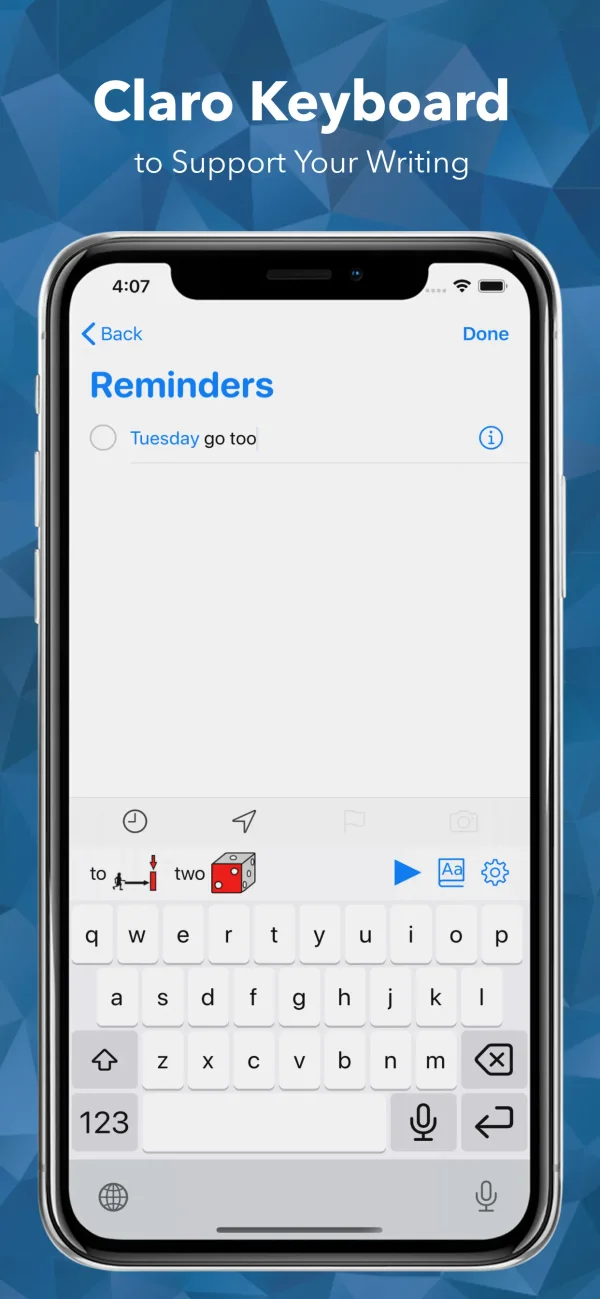
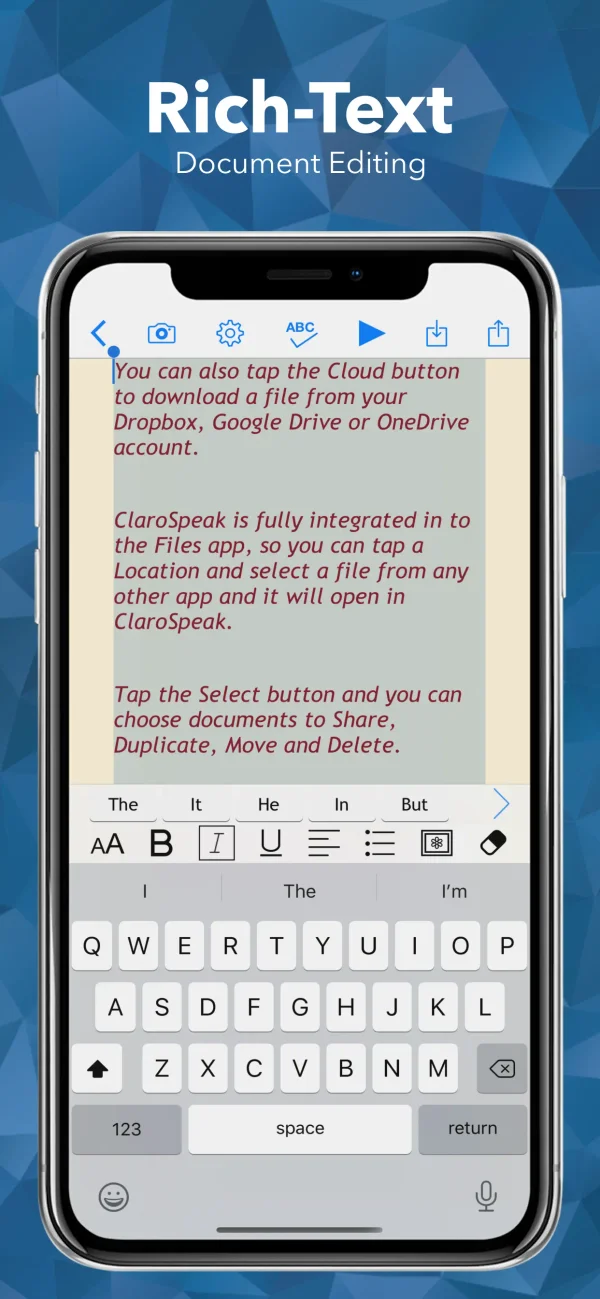
Word prediction helps with writing more quickly and accurately. Train dictionaries from the current text so the best suggestions come up first. Enable Claro autocorrect and ClaroSpeak will use our specifically designed correction list to automatically correct misspelt words as they are typed.
• Visual Highlighting
Text is highlighted as the text is read back. Highlighting allows you to coordinate reading and listening. ClaroSpeak lets you pick the color and style of highlighting required.
There are four highlighting modes to choose from: none, word by word, word trail, or sentence by sentence highlighting.
• Font & Layout
Change the font type, size or color to suit your needs. Layout the text for easier reading by adjusting the character, line and paragraph spacing and adjusting the page margins. Text can be formatted bold, italic and underlined to emphasize. Images can be inserted into the text from the camera or your library.
• Save to Audio
Convert any text into an audio file using any of the high-quality voices. This is quick and easy, allowing text to be listened to on the move. Great for proofreading on the go.
• Sharing your text
Text created within ClaroSpeak can be emailed, messaged, printed, opened in another app, or copied and pasted into another app, like Safari. Sending the text to Facebook and Twitter lets you join in with social media.
• Read webpages
You can now read webpages in Safari and other browsers, using the "Read with ClaroSpeak" extension from the share menu.
• Dropbox and Google Drive Integration
Open documents stored in Dropbox or Google Drive directly in ClaroSpeak. Save text and audio files directly back to Dropbox or Google Drive. Great for transferring files between devices and keeping files in the cloud.
For the latest news, tips and advice follow @ClaroSpeak on Twitter.
Có gì mới
Phiên bản 7.7.11 · 07/05/2024
Fixes an issue where changing some settings in the Claro Keyboard app could cause a crash.
Improves readability of some UI elements in dark mode.
Quyền riêng tư của ứng dụng
Những gì Claro Software Limited khai báo trên App Store về cách ứng dụng này xử lý dữ liệu.
-
Dữ liệu không được thu thập
Nhà phát triển không thu thập bất kỳ dữ liệu nào từ ứng dụng này.
Phương thức đảm bảo quyền riêng tư có thể khác nhau, chẳng hạn như tuỳ theo các tính năng bạn sử dụng hoặc độ tuổi của bạn.
Thông tin
- Người bán
- Claro Software Limited
- Danh mục
- Giáo Dục
- Phiên bản
- 7.7.11
- Cập nhật
- 07/05/2024
- Phát hành
- 13/05/2014
- Kích thước
- 722,8 MB
- Yêu cầu
- iOS 13.0 trở lên
- Độ tuổi
- 4+
- Giá
- 299.000đ
- Mua hàng trong ứng dụng
- Có
- Ngôn ngữ
- Tiếng Anh, Tiếng Ả Rập, Tiếng Đan Mạch, Tiếng Hà Lan, Tiếng Pháp, Tiếng Đức, Tiếng Ý, Tiếng Bokmål Na Uy, Tiếng Ba Lan, Tiếng Bồ Đào Nha, Tiếng Tây Ban Nha, Tiếng Thụy Điển
- Bản quyền
- © 2012 Claro Software Ltd
Có thể bạn cũng thích
-
 Lehrer Lämpel: FractionsGiáo Dục
-
 Lexico Verstehen 1 (CH) ProGiáo Dục
-
 Kwiiz SuccessGiáo Dục
-
 Spelling ExpertGiáo Dục
-
 Piano Scale CoachGiáo Dục
-
 iSpeakBible: Record & ListenTham Khảo
-
 BUDENBERG DaZ - learn GermanGiáo Dục
-
 iLake quiz about Swiss lakesGiáo Dục
-
 Black Sheep Press NarrativeGiáo Dục
-
Spelling Expert LightGiáo Dục